3d warehouse collection only showing 16 items
-
Whan I view this collection in Internet Explorer, I only see 16 items:

3D Warehouse
3D Warehouse is a website of searchable, pre-made 3D models that works seamlessly with SketchUp.
(3dwarehouse.sketchup.com)
Am I dreaming?
Or should I just abandon the 3D warehouse?
Al Hart

IRender nXt from Render Plus -
I see more than 16.
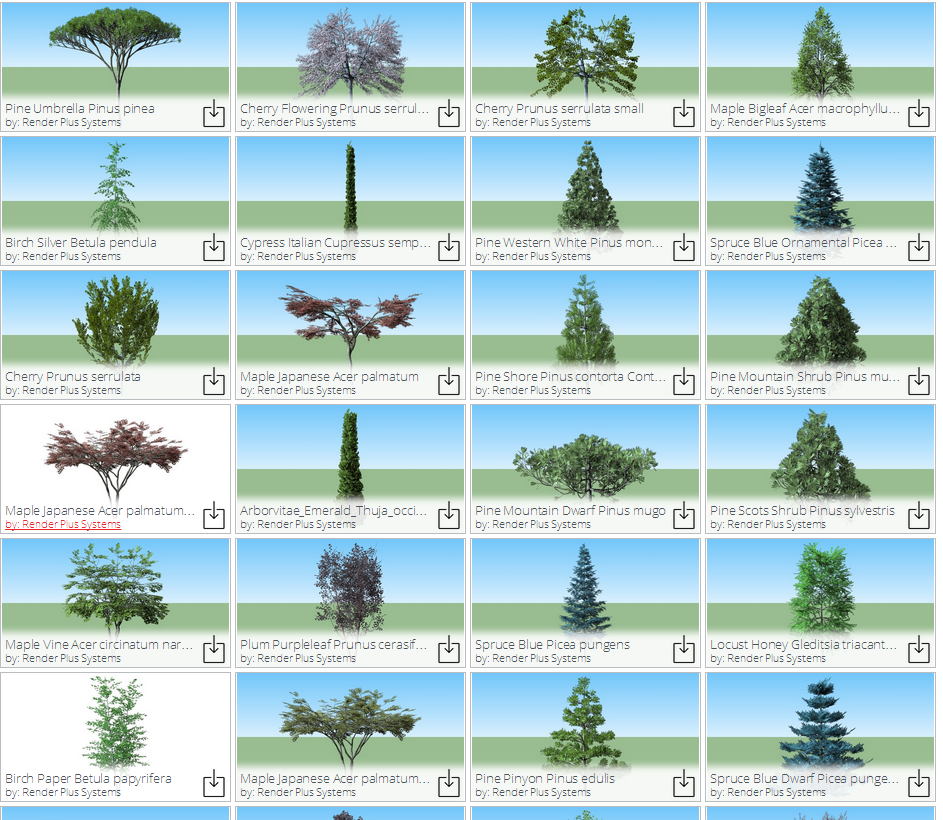
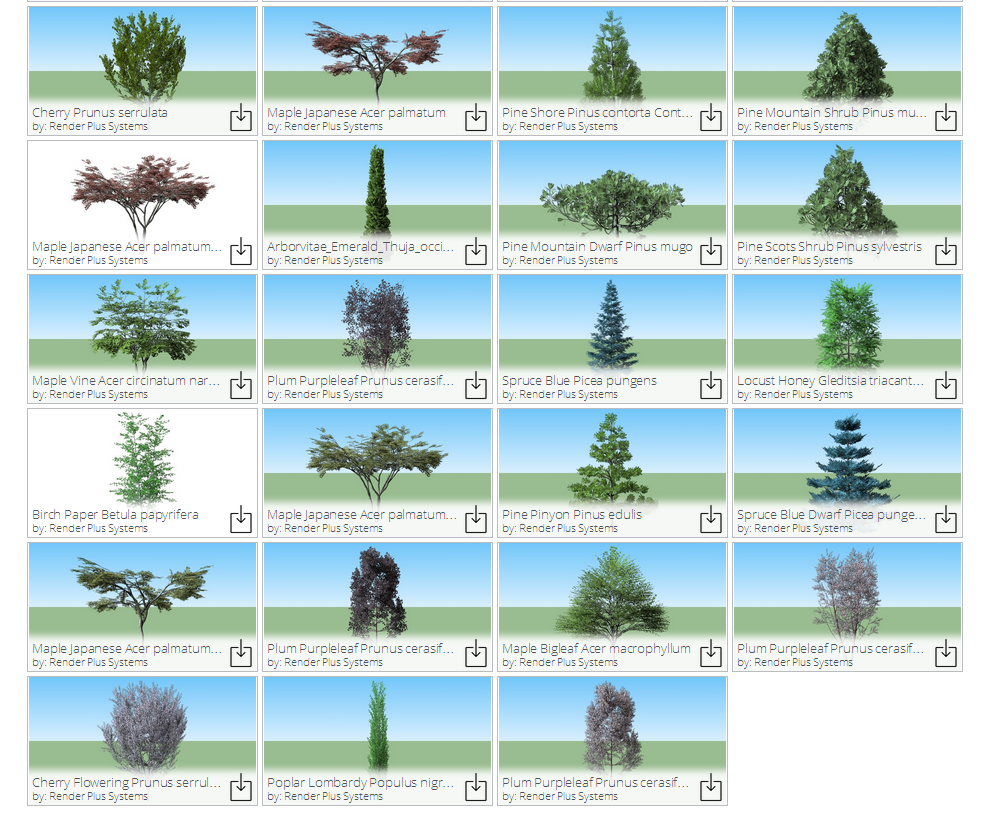
-
Looks good Dave.
I went back to IE and cleared my cache, added a &t=1 parameter (to force a reload), and still no luck.
Can someone else try it.
Al Hart
IRender nXt from Render Plus -
Using Windows 8.1 I see 31.
-
Using Chrome I see 16.
Using IE I see 31I dont understand why this is.
In Chrome I have to hit the link to 'Render Plus Systems' to get the full collection of 109 models and there I can see all the trees. Or go to the collections tab and click on trees and still only 16 models displayed. As before I dont know why I can only see 16 with the first link, very odd!
-
FWIW, my screenshots were done in Chrome.
-
Just tried this on the laptop with Chrome and all 31 models show up.
Back on main PC that shows only 16 models, Using Chrome, If I right click and select 'inspect elements'. from the context menu, which brings up a coding window at the bottom of the screen, all models show up. I have to do this every time to get all models to show up. Perhaps this is linked at an extension in Chrome!!
-
Windows7_64bit.....IE9.08112
I see 31
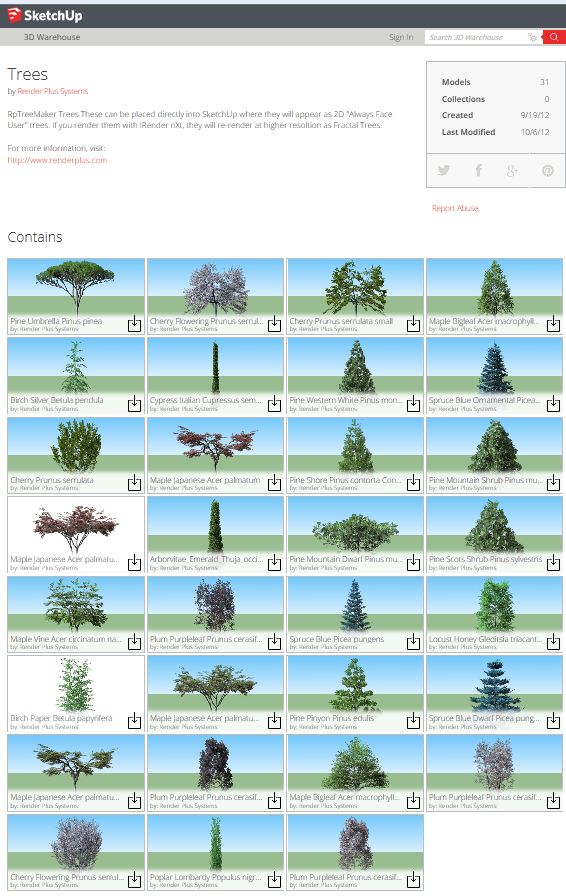
-
Win7 64bit:
IE-11
Firefox-30
Chrome-37All the same - show 31.




Hello! It looks like you're interested in this conversation, but you don't have an account yet.
Getting fed up of having to scroll through the same posts each visit? When you register for an account, you'll always come back to exactly where you were before, and choose to be notified of new replies (either via email, or push notification). You'll also be able to save bookmarks and upvote posts to show your appreciation to other community members.
With your input, this post could be even better 💗
Register Login


Advertisement