sketchucation logo sketchucation
    • 登入
    Oops, your profile's looking a bit empty! To help us tailor your experience, please fill in key details like your SketchUp version, skill level, operating system, and more. Update and save your info on your profile page today!
    🔌 Smart Spline | Fluid way to handle splines for furniture design and complex structures. Download

    MSPhysics 1.0.3 (16 October 2017)

    已排程 已置頂 已鎖定 已移動 Plugins
    926 貼文 171 Posters 963.6k 瀏覽 172 Watching
    正在載入更多貼文
    • 從舊到新
    • 從新到舊
    • 最多點贊
    回覆
    • 在新貼文中回覆
    登入後回覆
    此主題已被刪除。只有擁有主題管理權限的使用者可以查看。
    • F 離線
      faust07
      最後由 編輯

      @ Malaise: there is an object (with the name "echantillon") in your model on z = -5580 m. It is connected to a slider. In my tests it courses the model running out of the viewport. It could be the reason for the export problem.

      1 條回覆 最後回覆 回覆 引用 0
      • MALAISEM 離線
        MALAISE
        最後由 編輯

        Hi Faust07

        I effectively saw some strange behavior without finding the origine. Many thanks
        

        having answered. For your, It's a part of an Diffractometer linked with automation process. (Echantillon means sample)

        Cheers.
        

        Pierre

        La Connaissance n'a de valeur que partagée

        1 條回覆 最後回覆 回覆 引用 0
        • MALAISEM 離線
          MALAISE
          最後由 編輯

          Hallo Guys

          Good to know ( on SketchUp2015 or 2016 /windows 32 bit), It seems that only the 60 first
          pictures are exported. Perhaps, it's matter of Windows Version.

          Pierre

          La Connaissance n'a de valeur que partagée

          1 條回覆 最後回覆 回覆 引用 0
          • F 離線
            faust07
            最後由 編輯

            Here the little corrected model. Works flawlessly. The original animation comprises approximately 950 individual images.
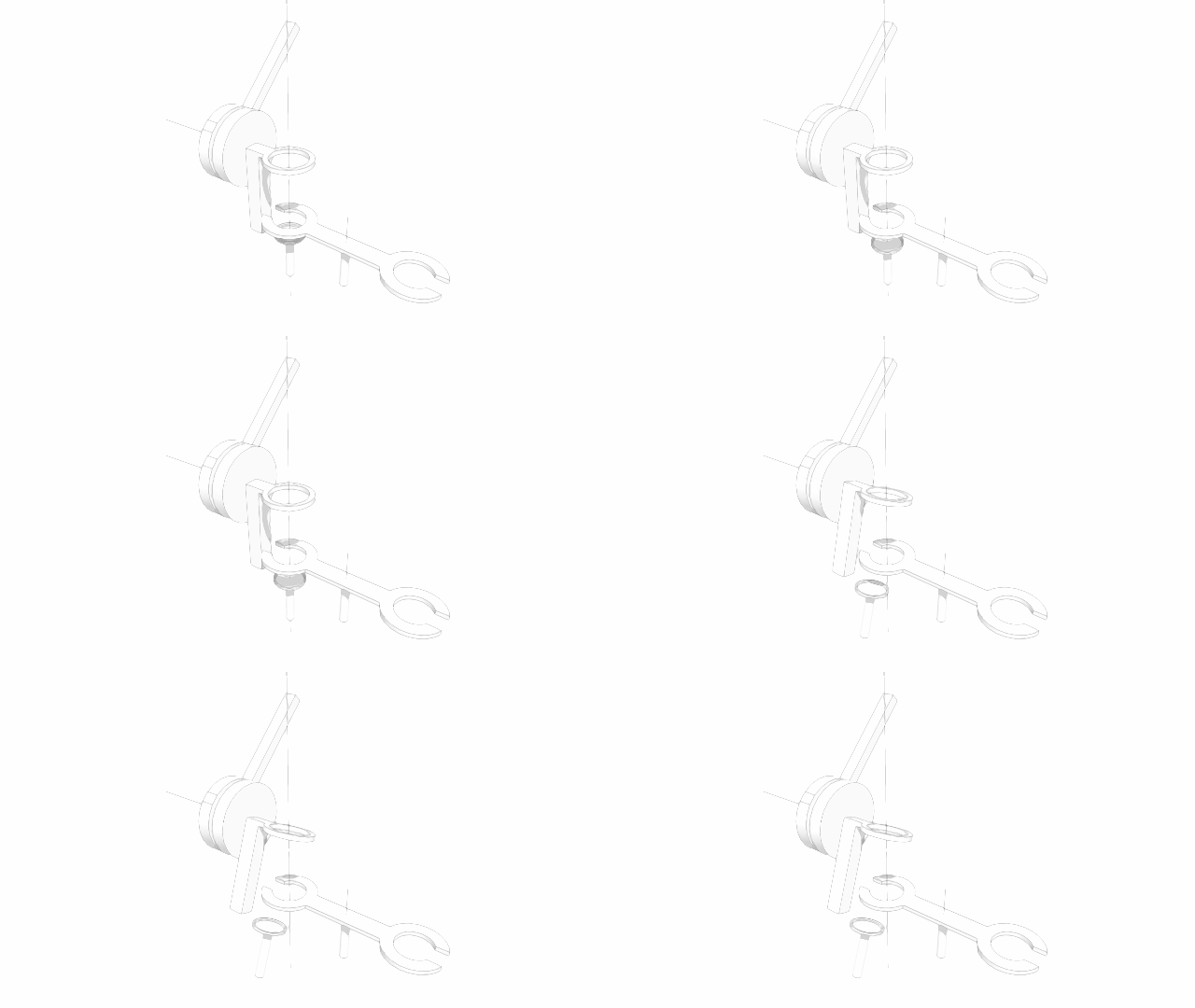

            Cine_DB_01.gif


            cinématique D4 B_2.skp

            1 條回覆 最後回覆 回覆 引用 0
            • S 離線
              SynSuka3D
              最後由 編輯

              fr: je voudrais faire pivoté un solide dans un groupe please !
              eng: I would like to rotate a body found in a compossent !!

              1 條回覆 最後回覆 回覆 引用 0
              • A 離線
                Anton_S
                最後由 編輯

                You can't rotate body inside components. You can however make the body to rotate with respect to the parent component using joints. This can be done by creating s joint inside s component. Then use the joint connection tool to connect the parent component to the other components.

                1 條回覆 最後回覆 回覆 引用 0
                • S 離線
                  SynSuka3D
                  最後由 編輯

                  thanks Anton_S. I would like to select a body which is in a group !!
                  and implement action (rotated, hide, change color ....)

                  1 條回覆 最後回覆 回覆 引用 0
                  • A 離線
                    Anton_S
                    最後由 編輯

                    You can do this with MSPhysics but fredoa animation tool would be a lot more suitable for your purpose.

                    1 條回覆 最後回覆 回覆 引用 0
                    • S 離線
                      SynSuka3D
                      最後由 編輯

                      I did it! Here is my model

                      1 條回覆 最後回覆 回覆 引用 0
                      • B 離線
                        bambutec
                        最後由 編輯

                        Hey Guys,

                        just dowloaded MSPhysics. Using a model like ray_test_0.9.skp , for me any change of properties like friction coefficients resp. change of materials do not reflect in how body´s behave. What could be the reason ?

                        My platform is a mac on OS X 10.11.4 with SketchUp Pro 2016 16.0.19913.

                        My intend is to simulate slide configurations and other attractions in Play and Leisure applications. Close to reality behavior is essential.

                        Would be so great if this works, it is very promising !!

                        Regards

                        Uli

                        1 條回覆 最後回覆 回覆 引用 0
                        • R 離線
                          realkim0123
                          最後由 編輯

                          There is the only install program for Window environments.
                          How can I install MSPhysics in Mac OS X?

                          1 條回覆 最後回覆 回覆 引用 0
                          • C 離線
                            cristyan
                            最後由 編輯

                            Hello !! Can someone tell me if an object can change his density if touched by another object ?? as in this file from metal to wood and from wood to metal ..


                            1.skp

                            1 條回覆 最後回覆 回覆 引用 0
                            • andreyshellA 離線
                              andreyshell
                              最後由 編輯

                              Hi Anton!
                              Thank you for your work! It helps me start doing things, I never did before!

                              Testing plugin I repeat chain, like this one.
                              https://youtu.be/AewFaqurPgc
                              I know, it's a SkethcyPhisics, I follow an approach.

                              But my chain brakes! I use different material, no result. Could you help me, what's wrong?


                              Chain brakes in MSPhysics - wrong parameters (?)

                              1 條回覆 最後回覆 回覆 引用 0
                              • C 離線
                                cristyan
                                最後由 編輯

                                Hello !! andreyshell - Simulation > Update Timestep > set to x 1/6 (1/360) or more if is needed... hope that will help you .

                                1 條回覆 最後回覆 回覆 引用 0
                                • F 離線
                                  faust07
                                  最後由 編輯

                                  The Twilight renderer (Free) now supports MSPhysics simulations. However, there seems to be a conflict if you have installed both Physics plugins (MSPhysics and Sketchy Physics). Sketchy Physics replay data will be ignored.
                                  During the rendering of frames of the MSPhysics simulation there also seems to be a conflict with the simultaneously running scene animation in the background.
                                  This should be possible to turn off in the preferences, if the MSPhysics camera is used.

                                  1 條回覆 最後回覆 回覆 引用 0
                                  • N 離線
                                    NikolayTheM
                                    最後由 編輯

                                    How to make hole into a gear?

                                    https://s16.postimg.org/d06n06dat/Screenshot_9.png

                                    Here is problem with shape.

                                    1 條回覆 最後回覆 回覆 引用 0
                                    • andreyshellA 離線
                                      andreyshell
                                      最後由 編輯

                                      @cristyan said:

                                      Hello !! andreyshell - Simulation > Update Timestep > set to x 1/6 (1/360) or more if is needed... hope that will help you .

                                      Wow! Great, it, works!
                                      How to interpreter this parameter? How to understand it and use in modeling?

                                      1 條回覆 最後回覆 回覆 引用 0
                                      • C 離線
                                        count_olaf
                                        最後由 編輯

                                        @anton_s said:

                                        TIG, yes, the error occurred while loaded main.rb, which occurs during registration, and I was able to fix it through trial and error.

                                        ... I will upload it soon. Once again thanks for reporting.

                                        Anton

                                        Hi Anton

                                        I have tried installing MSPhysics 0.9.3 in Sketchup Pro 2015 64 bit and get the same errors as reported in this string before your response. Is a fix for this still in the pipeline or is it in release 0.9.3? If the latter, I'm afraid error persists, for me.

                                        1 條回覆 最後回覆 回覆 引用 0
                                        • S 離線
                                          surfmike
                                          最後由 編輯

                                          Hi!

                                          An absolutely amazing plugin!!! 😄

                                          However my groups are falling in the static surface when "toggle play". See attached pics and file.
                                          How do I do to avoid this?

                                          Thanks
                                          //Mikael

                                          original as in SU.png

                                          toggle play.png

                                          1 條回覆 最後回覆 回覆 引用 0
                                          • chrisjmitchellC 離線
                                            chrisjmitchell
                                            最後由 編輯

                                            Hi All,

                                            I just installed MS Physics from the Extension Warehouse and when I run the simulation nothing happens. The only thing that does happen is the right click context menu stops working. I tried this with two cubes hinged. Any suggestions? This is running on Sketchup 2016 Win10 64.

                                            Thanks!

                                            Also forgot to mention starting a new file from the current Sketchup session does not fix it. I have to actually close it and restart Sketchup.


                                            1 條回覆 最後回覆 回覆 引用 0
                                            • 1
                                            • 2
                                            • 3
                                            • 4
                                            • 5
                                            • 6
                                            • 7
                                            • 8
                                            • 46
                                            • 47
                                            • 6 / 47
                                            • 第一個貼文
                                              最後的貼文
                                            Buy SketchPlus
                                            Buy SUbD
                                            Buy WrapR
                                            Buy eBook
                                            Buy Modelur
                                            Buy Vertex Tools
                                            Buy SketchCuisine
                                            Buy FormFonts

                                            Advertisement