sketchucation logo sketchucation
    • 登入
    Oops, your profile's looking a bit empty! To help us tailor your experience, please fill in key details like your SketchUp version, skill level, operating system, and more. Update and save your info on your profile page today!
    🔌 Smart Spline | Fluid way to handle splines for furniture design and complex structures. Download

    Large Terrain Mesh

    已排程 已置頂 已鎖定 已移動 SketchUp Discussions
    sketchup
    105 貼文 11 Posters 15.9k 瀏覽 11 Watching
    正在載入更多貼文
    • 從舊到新
    • 從新到舊
    • 最多點贊
    回覆
    • 在新貼文中回覆
    登入後回覆
    此主題已被刪除。只有擁有主題管理權限的使用者可以查看。
    • TIGT 離線
      TIG Moderator
      最後由 編輯

      Try 'NOT preserving the origin' of the imported data - it's probably zillions of meters away from [0,0,0]...
      Then when it's loaded zoom extents ?

      TIG

      1 條回覆 最後回覆 回覆 引用 0
      • charly2008C 離線
        charly2008
        最後由 編輯

        Dear specialists,

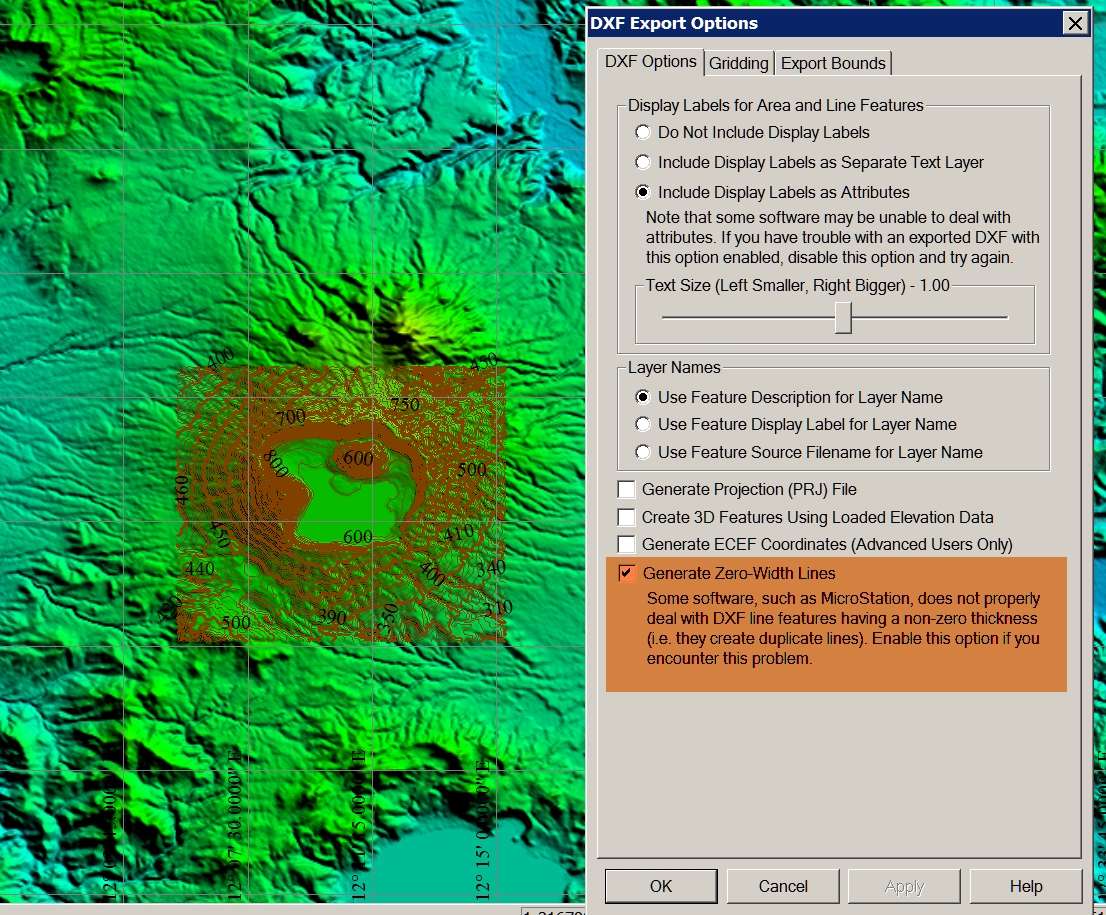
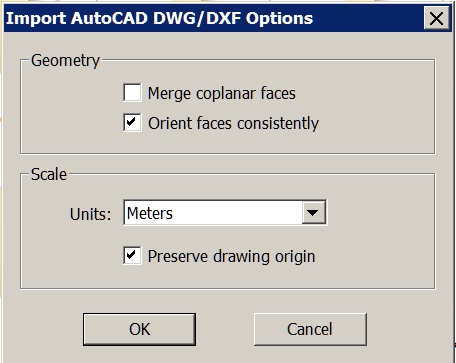
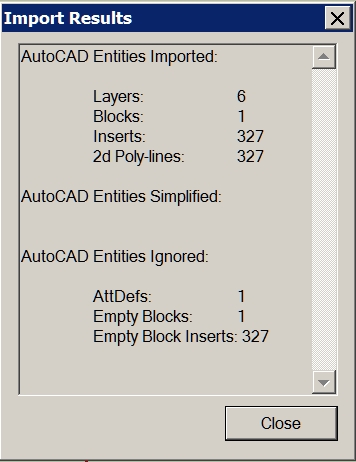
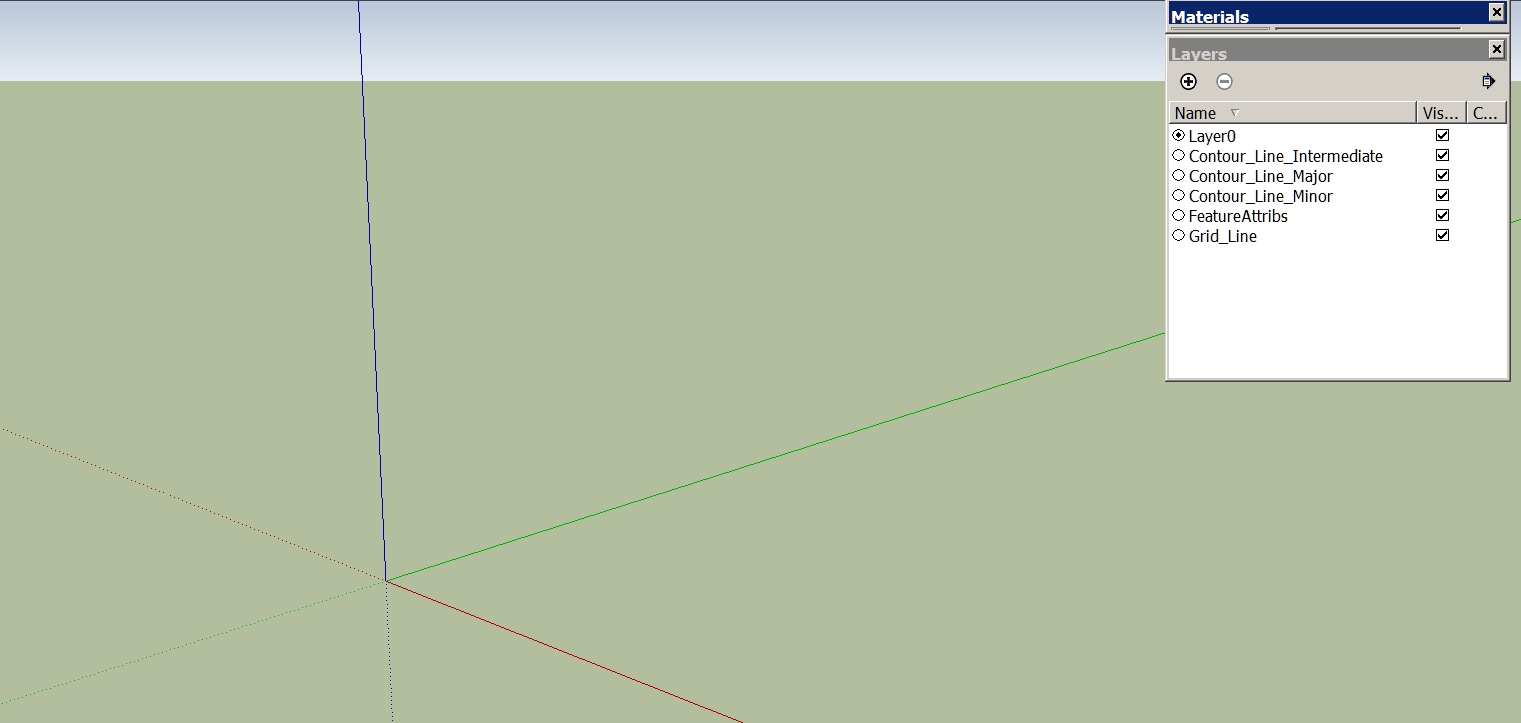
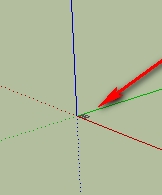
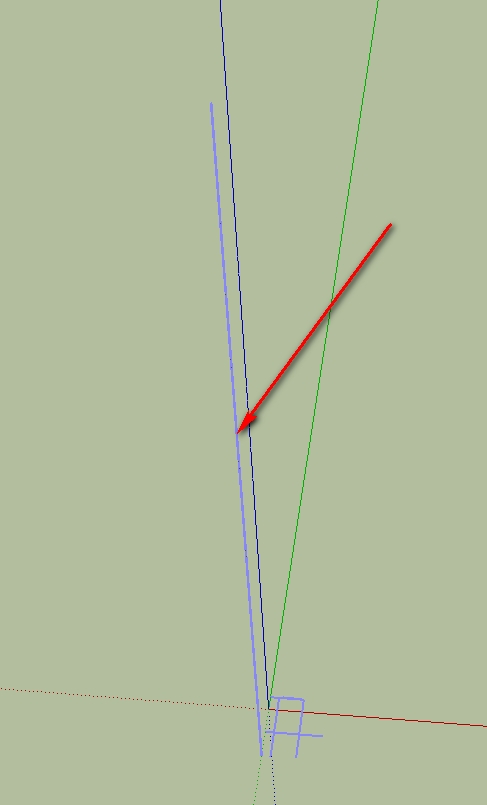
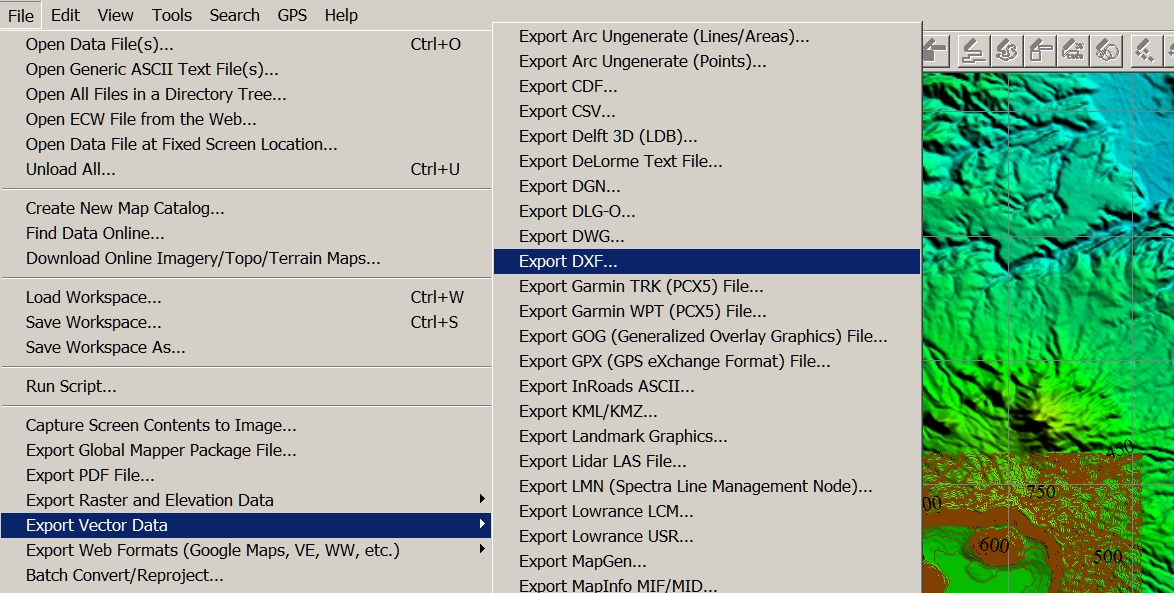
        I have a question again. I have created in Global Mapper contour lines. Then I export the vector data as a DXF. When I import it into SketchUp, the layer are displayed, but the model is not visible. What am I doing wrong? I thank you in advance for your help.

        Charly

        11.jpg


        2.jpg


        12.jpg


        4.jpg


        1.jpg

        He who makes no mistakes, makes nothing

        1 條回覆 最後回覆 回覆 引用 0
        • charly2008C 離線
          charly2008
          最後由 編輯

          Hi TIG,

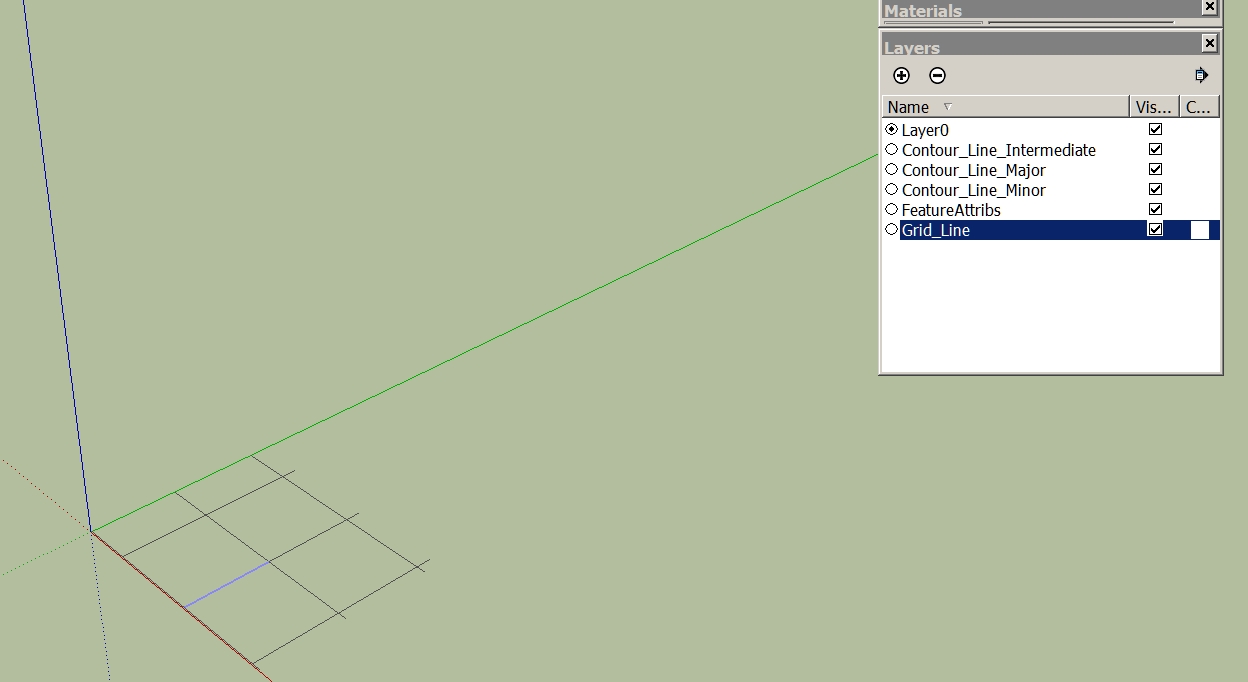
          then I see a very small piece. Only when I scale it I see it is only a grid. Now what I've discovered! The problem I had once before. I can not remember the solution.

          Charly

          5.jpg


          6.jpg


          6.jpg

          He who makes no mistakes, makes nothing

          1 條回覆 最後回覆 回覆 引用 0
          • GaieusG 離線
            Gaieus
            最後由 編輯

            Could it be a scaling issue? Is the import scale and the original scale the same? If it is very tiny, it would explain the missing faces.

            Gai...

            1 條回覆 最後回覆 回覆 引用 0
            • charly2008C 離線
              charly2008
              最後由 編輯

              Hi Gaieus,

              If I knew that! I only know that I yesterday tried it with the contour lines (same Options in Global Mapper) of the Vesuv and it worked.

              Charly

              He who makes no mistakes, makes nothing

              1 條回覆 最後回覆 回覆 引用 0
              • charly2008C 離線
                charly2008
                最後由 編輯

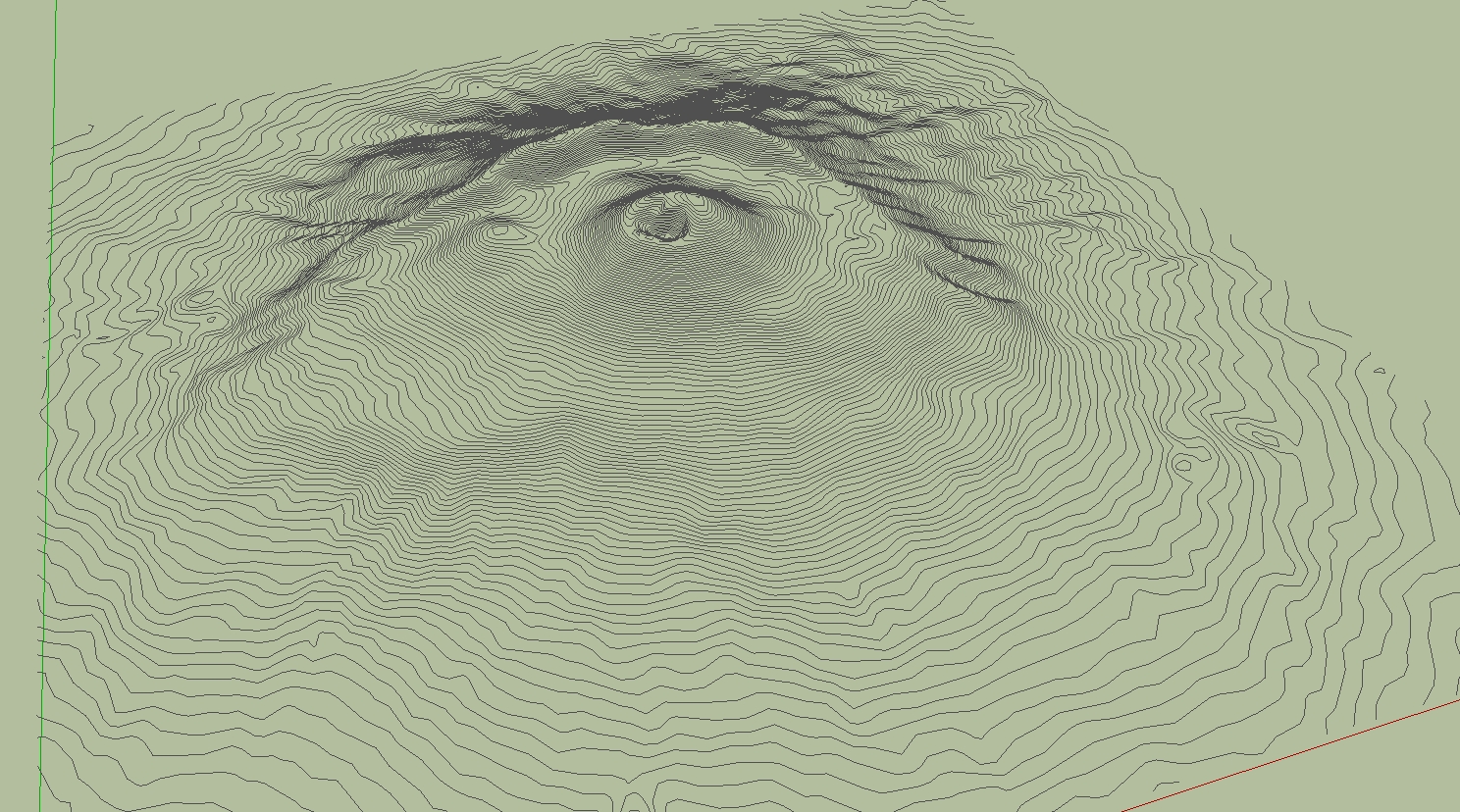
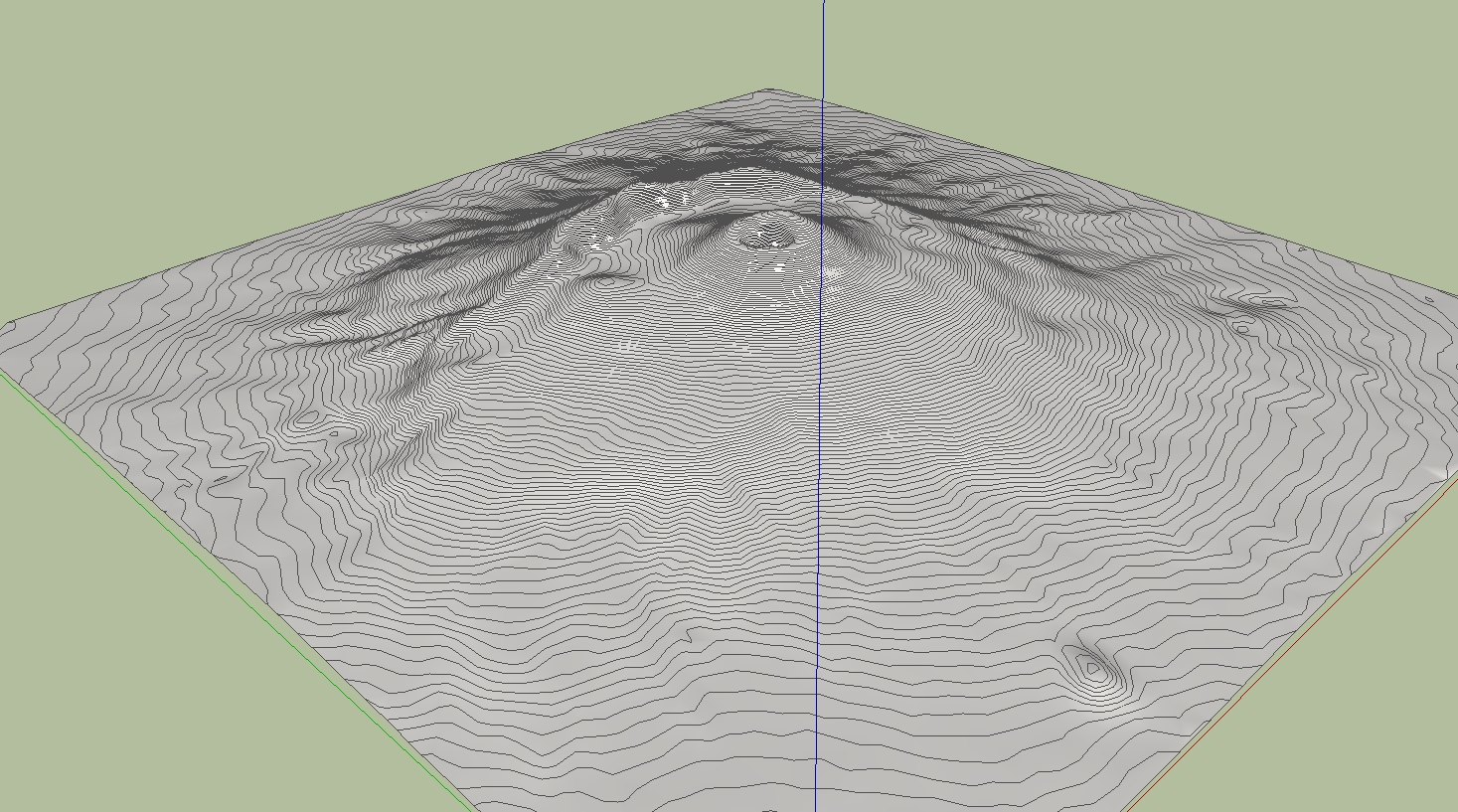
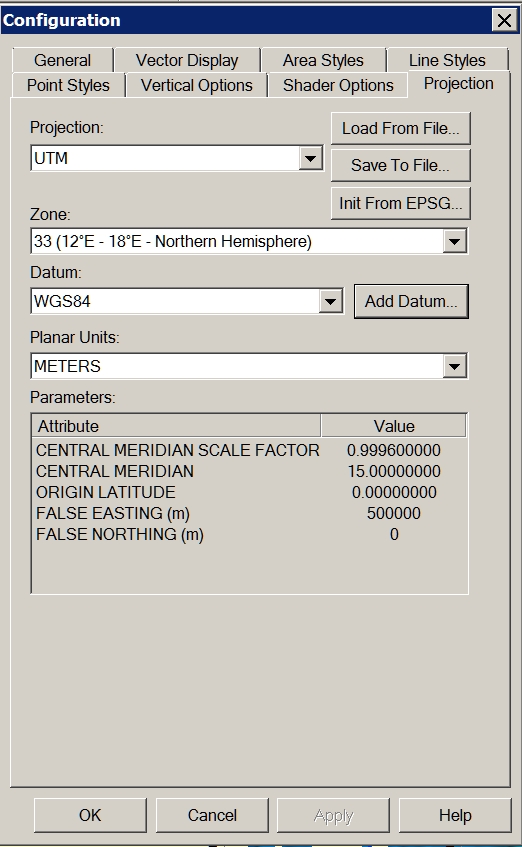
                Problem solved! I forgot to change the projection to UTM Datum WGS84.

                Charly

                1.jpg


                2.jpg


                3.jpg

                He who makes no mistakes, makes nothing

                1 條回覆 最後回覆 回覆 引用 0
                • GaieusG 離線
                  Gaieus
                  最後由 編輯

                  Cool. And now let's see some nice eruption!
                  😄

                  Gai...

                  1 條回覆 最後回覆 回覆 引用 0
                  • D 離線
                    dbwv69
                    最後由 編輯

                    Through some experimentation and the help of someone who has a newer version of DE, I was able to determine that the problem I was having is related to the way the DE reduces files of different types.

                    Solo was importing the DXF file into Sketchup and saving it as Sketchup version 6 prior to reducing the mesh in DE. I was unable to import the DXF file into Sketchup due to it's size so I was opening the DXF file directly with DE.

                    After sending a sample DXF file to a friend with a newer version of DE and hearing that he was seeing the same problem, I began to suspect that it must have something to do with the file type so I tried converting the DXF file to another type, OBJ I think, then opened that with DE and reduced the terrain mesh. After doing this, I was finally able to obtain acceptable results at 90% reduction.

                    1 條回覆 最後回覆 回覆 引用 0
                    • charly2008C 離線
                      charly2008
                      最後由 編輯

                      Hi,

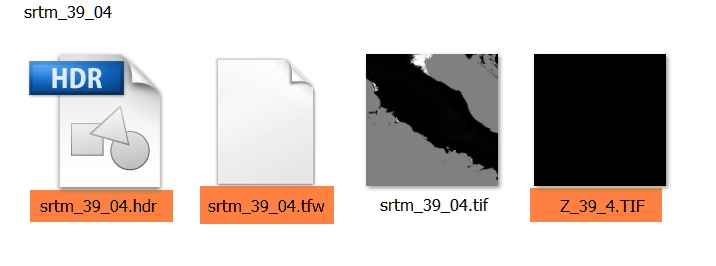
                      I have a additional question to the downloaded SRTM. For what purpose is served by the tagged files. Thanks in advance.

                      Charly

                      2011-05-16_201330.jpg

                      He who makes no mistakes, makes nothing

                      1 條回覆 最後回覆 回覆 引用 0
                      • nokluN 離線
                        noklu
                        最後由 編輯

                        I have used Global Mapper quite a bit to generate contours for import to SU. The largest I have done was about 2000 acres. You may want to play with the contour interval to speed up SU. I generated a terrain model with 2' contours on 2000 ac. SU ran all night. When It was complete, I had to zoom WAY back (really far). Good Luck, sounds like a cool project.


                        1 條回覆 最後回覆 回覆 引用 0
                        • 1
                        • 2
                        • 3
                        • 4
                        • 5
                        • 6
                        • 3 / 6
                        • 第一個貼文
                          最後的貼文
                        Buy SketchPlus
                        Buy SUbD
                        Buy WrapR
                        Buy eBook
                        Buy Modelur
                        Buy Vertex Tools
                        Buy SketchCuisine
                        Buy FormFonts

                        Advertisement