Large Terrain Mesh
-
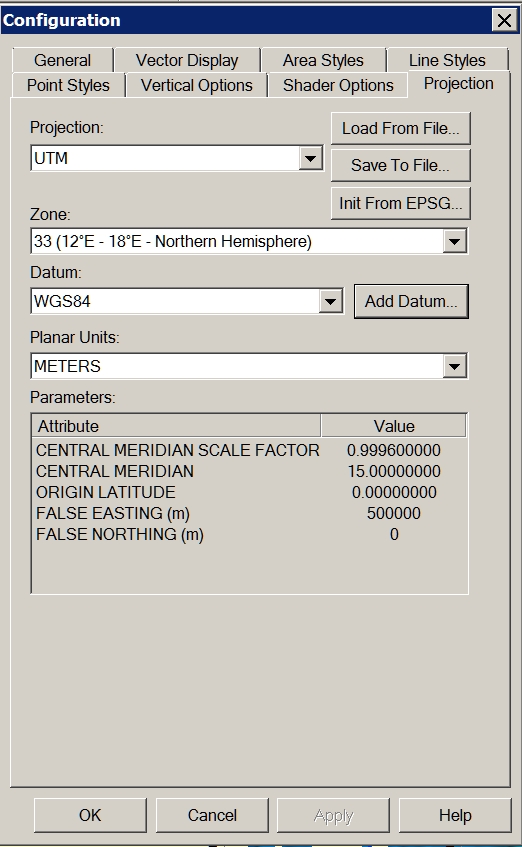
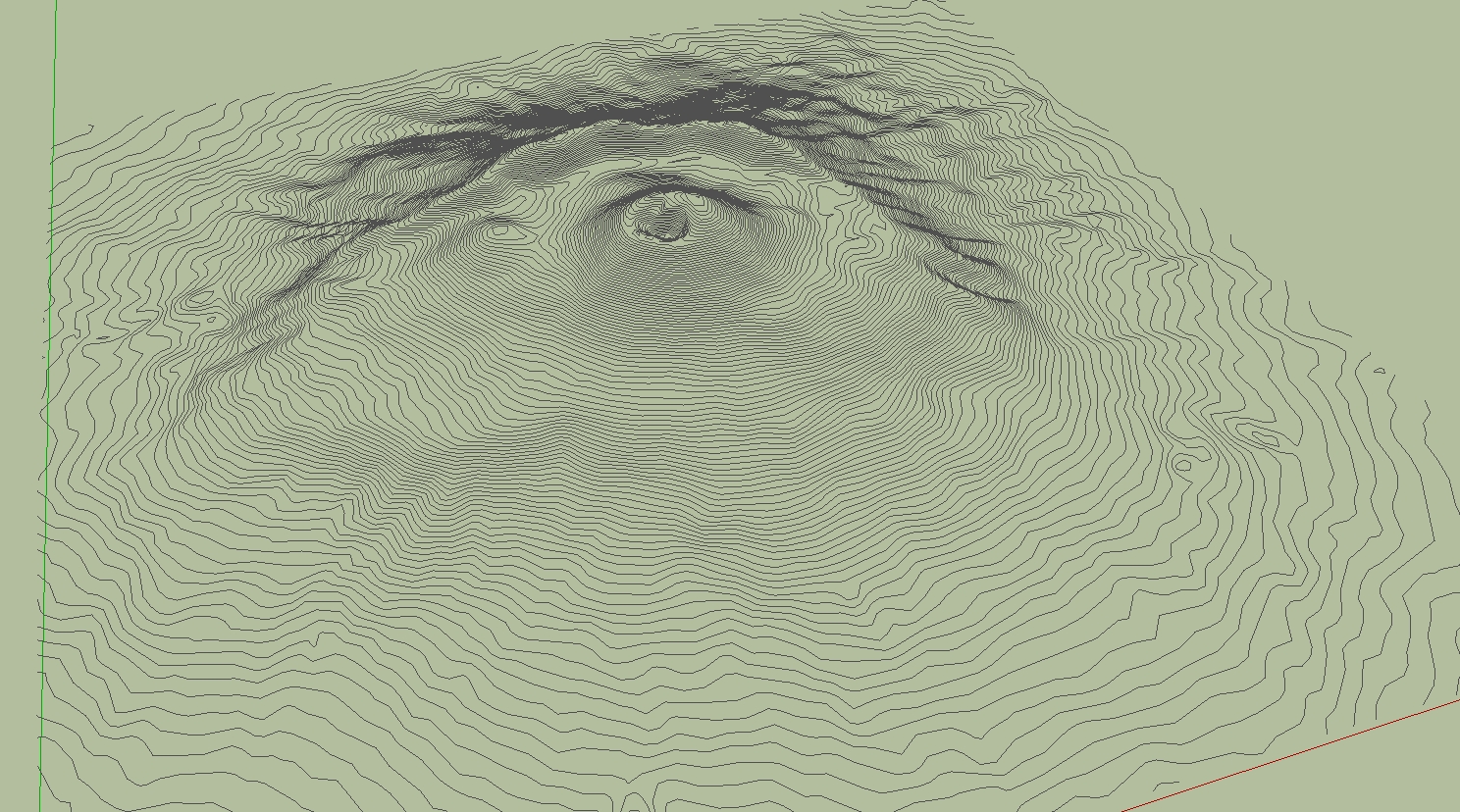
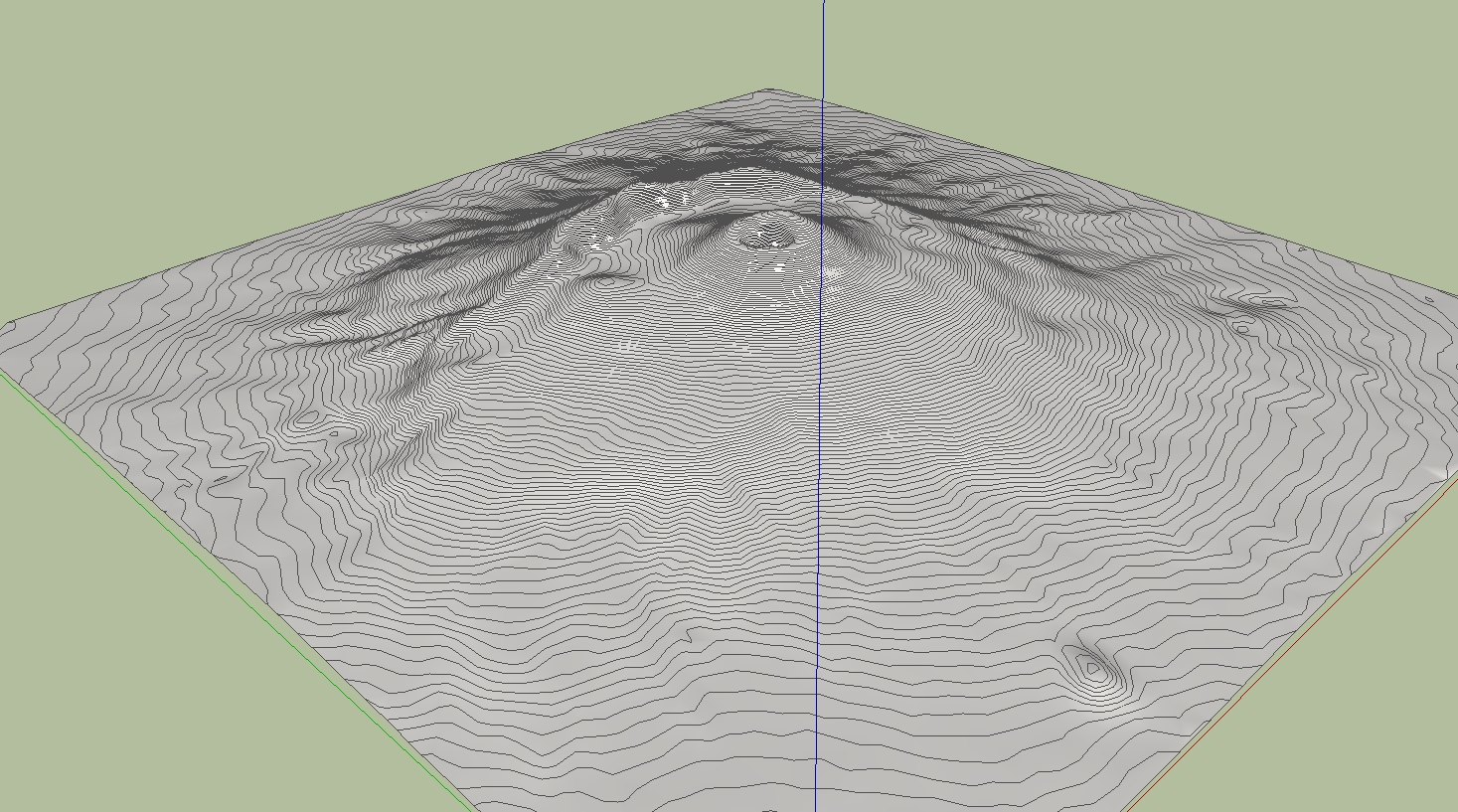
Problem solved! I forgot to change the projection to UTM Datum WGS84.
Charly
-
Cool. And now let's see some nice eruption!

-
Through some experimentation and the help of someone who has a newer version of DE, I was able to determine that the problem I was having is related to the way the DE reduces files of different types.
Solo was importing the DXF file into Sketchup and saving it as Sketchup version 6 prior to reducing the mesh in DE. I was unable to import the DXF file into Sketchup due to it's size so I was opening the DXF file directly with DE.
After sending a sample DXF file to a friend with a newer version of DE and hearing that he was seeing the same problem, I began to suspect that it must have something to do with the file type so I tried converting the DXF file to another type, OBJ I think, then opened that with DE and reduced the terrain mesh. After doing this, I was finally able to obtain acceptable results at 90% reduction.
-
Hi,
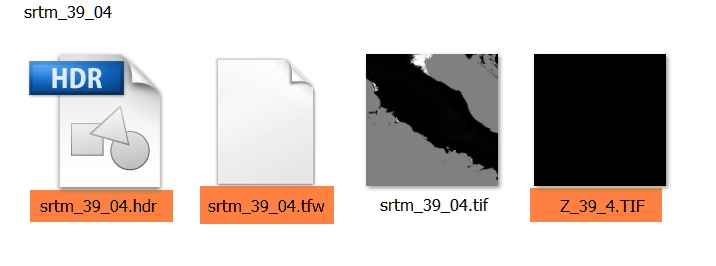
I have a additional question to the downloaded SRTM. For what purpose is served by the tagged files. Thanks in advance.
Charly
-
I have used Global Mapper quite a bit to generate contours for import to SU. The largest I have done was about 2000 acres. You may want to play with the contour interval to speed up SU. I generated a terrain model with 2' contours on 2000 ac. SU ran all night. When It was complete, I had to zoom WAY back (really far). Good Luck, sounds like a cool project.



Hello! It looks like you're interested in this conversation, but you don't have an account yet.
Getting fed up of having to scroll through the same posts each visit? When you register for an account, you'll always come back to exactly where you were before, and choose to be notified of new replies (either via email, or push notification). You'll also be able to save bookmarks and upvote posts to show your appreciation to other community members.
With your input, this post could be even better 💗
Register Login


Advertisement