[Tutorial > Texturing] Texturing an arch - #2
-
Get me to do it then. I am an archaeologist, too.

-
Ok, Gai, I'll take your word.

When I became profficient enough in SU to do the job, I'll call you. I have to work hard in SU. Then they have to let me take photographies and measurements of the Villa. I think there will be no problem, because I am in very good relations with the Villa's provincial managers. -
Thanks guys! Thanks for the tutorial and the tools!
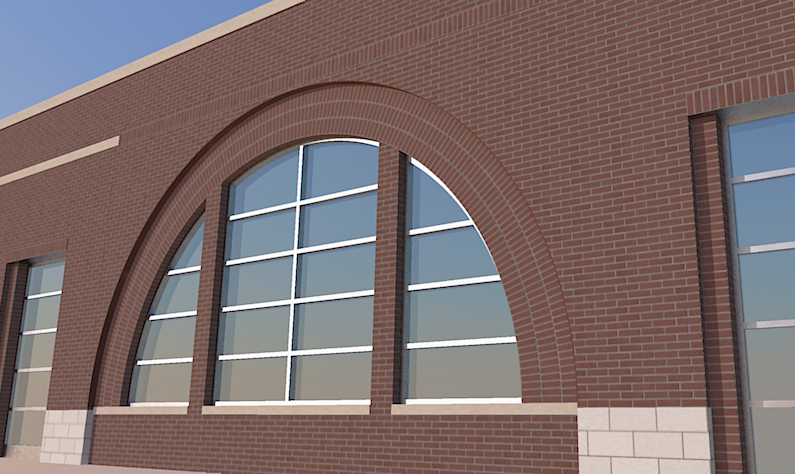
Just saved me with this huge arch for an addition, which matches a design done 10 years ago on the same building.BTW - I didn't read past the initial steps since I didn't have any issues, but if you are matching an opening - make the height of the flat column of brick equal to the length of outer arc of the assembly. Did that make sense?
-
Nice arch!

Of course, now we have Whaat's SketchUV Plugin (with tube mapping) which save even more time and head-ache...
@marvins_dad said:
BTW - I didn't read past the initial steps since I didn't have any issues, but if you are matching an opening - make the height of the flat column of brick equal to the length of outer arc of the assembly. Did that make sense?
I guess it all depends where you grab that column (inner or outer side) with Fredoscale.
-
Is there a way to do this without the FredoScale plugin? I'm making a gothic arch like the one mentioned in the previous thread:

I assume this was modeled with the follow me tool, which is what I did do model it.
-
This wasn't made with FredoScale nor the Follow me tool.
I drew the outline, then offset to make the inner hole. Then another offset to create the line in the middle. After that I selected the edges of the inner hole and moved it inwards.
hm... this is probably better suited with screenshots....
-
-
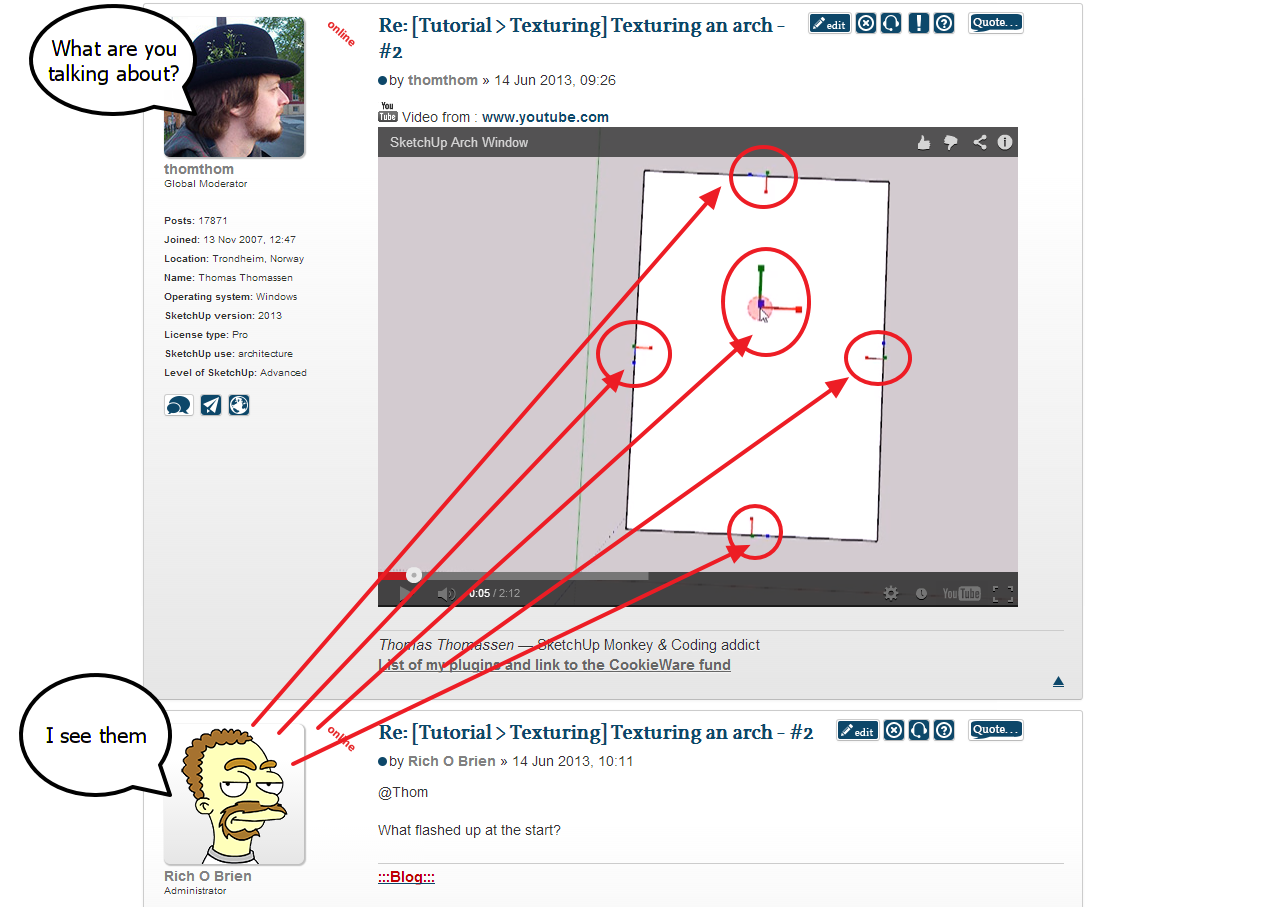
What flashed up at the start?
-
-
-
ah - I use shortcuts of often I don't even notice it. That's my tool to inspect face and edge normals: http://sketchucation.com/forums/viewtopic.php?t=21472#p180592
-
Thanks thomthom! But I'm still not sure how to use the arcs as a perpendicular path for the textures like you did.
-
It's time to make some new tutorials based on newer plugins (or newer versions of plugins). I might put together something during the week-end.
-
That would be great! looking forward to it.






Hello! It looks like you're interested in this conversation, but you don't have an account yet.
Getting fed up of having to scroll through the same posts each visit? When you register for an account, you'll always come back to exactly where you were before, and choose to be notified of new replies (either via email, or push notification). You'll also be able to save bookmarks and upvote posts to show your appreciation to other community members.
With your input, this post could be even better 💗
Register Login


Advertisement