Reed-texture
-
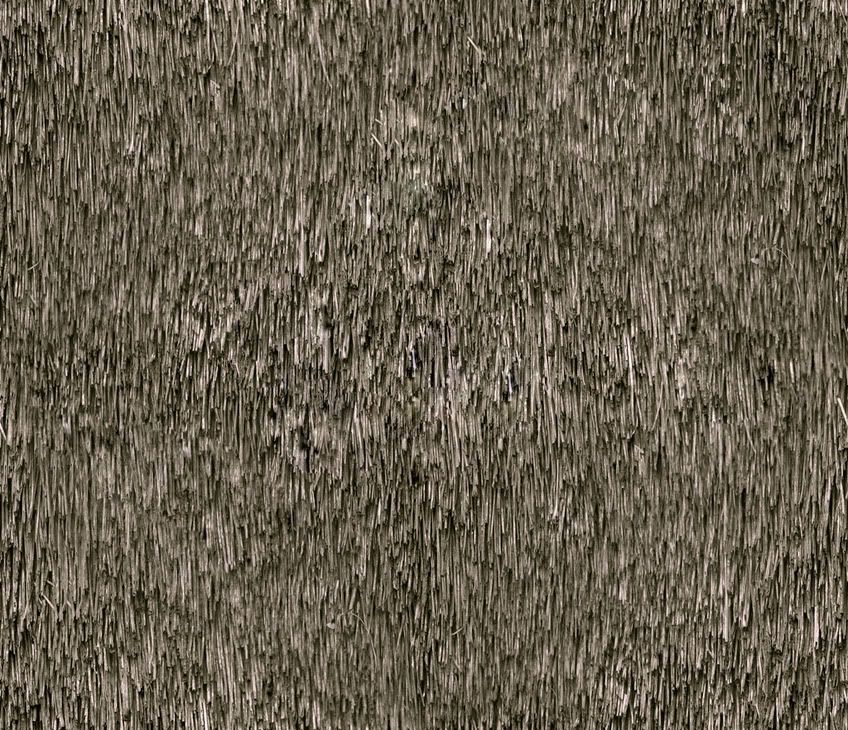
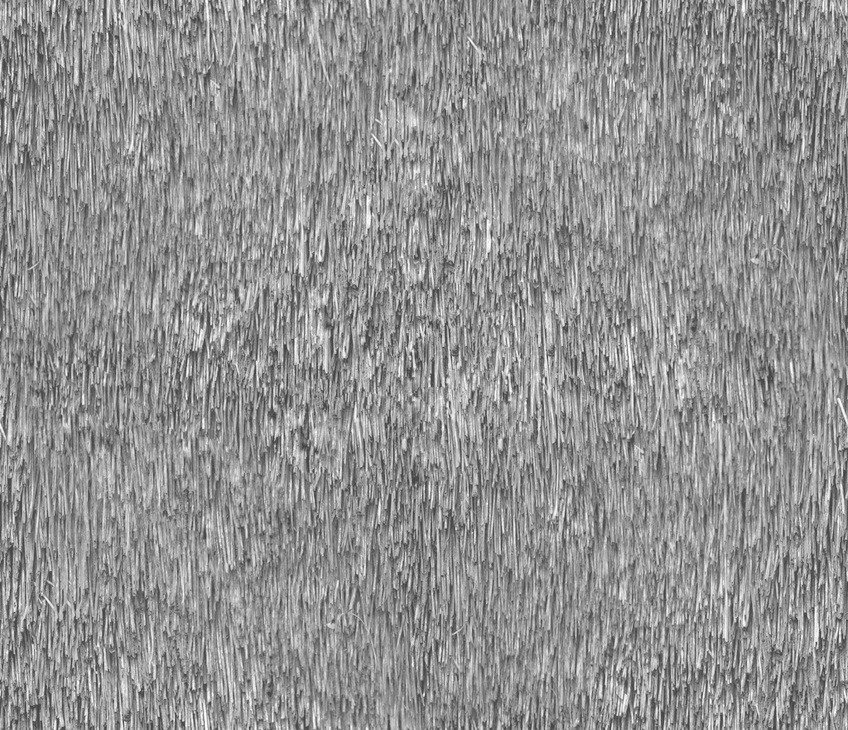
I made this reed texture I want to use in my renders (vray for su) and share with you guys.
I got it from cgtextures.com but I made it tileable.
The Second thing is I don't have a displacement map for it and I'm not really good with it.
It would be nice if anyone can create it and put it here aswell as I don't know how I would create one for this texture.here it is:
cheers
remon_v -
Hi Remon,
I can try to make a displacement map (or would a normal map also work in Vray?).
Is the texture (the original) royalty free however?
-
Hope this helps.
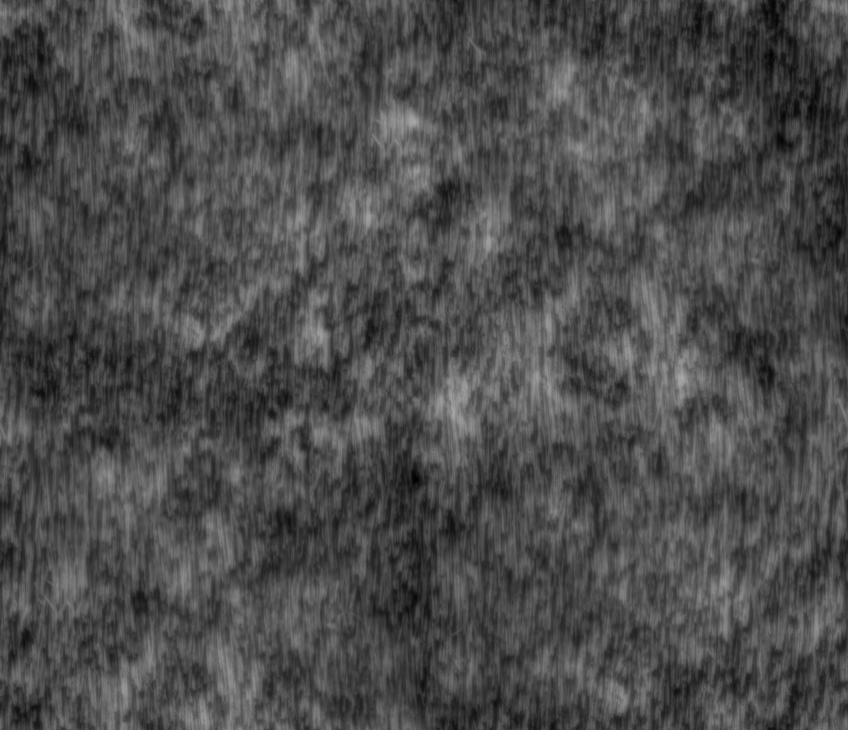
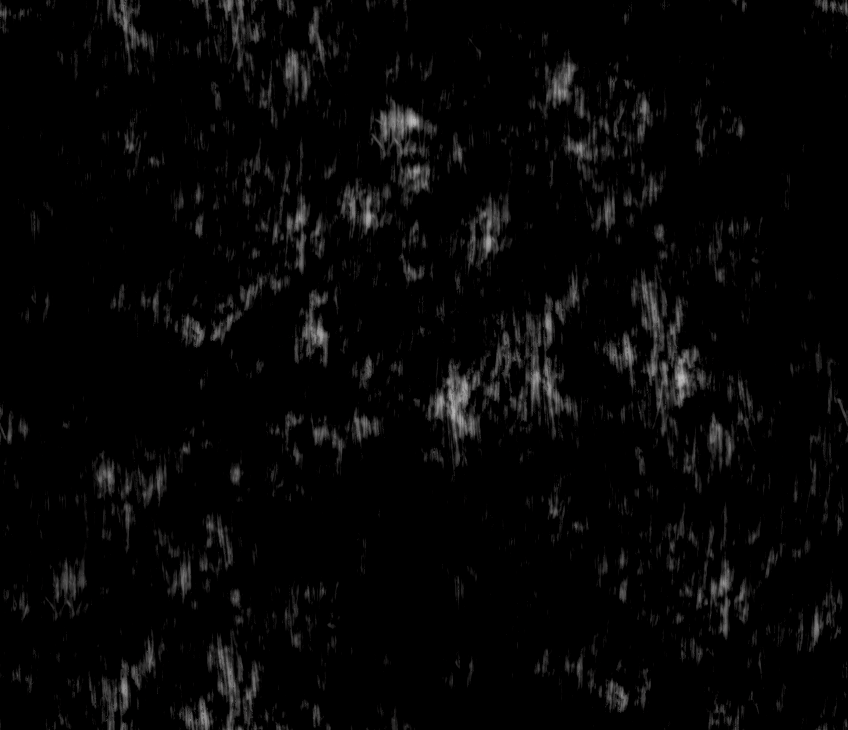
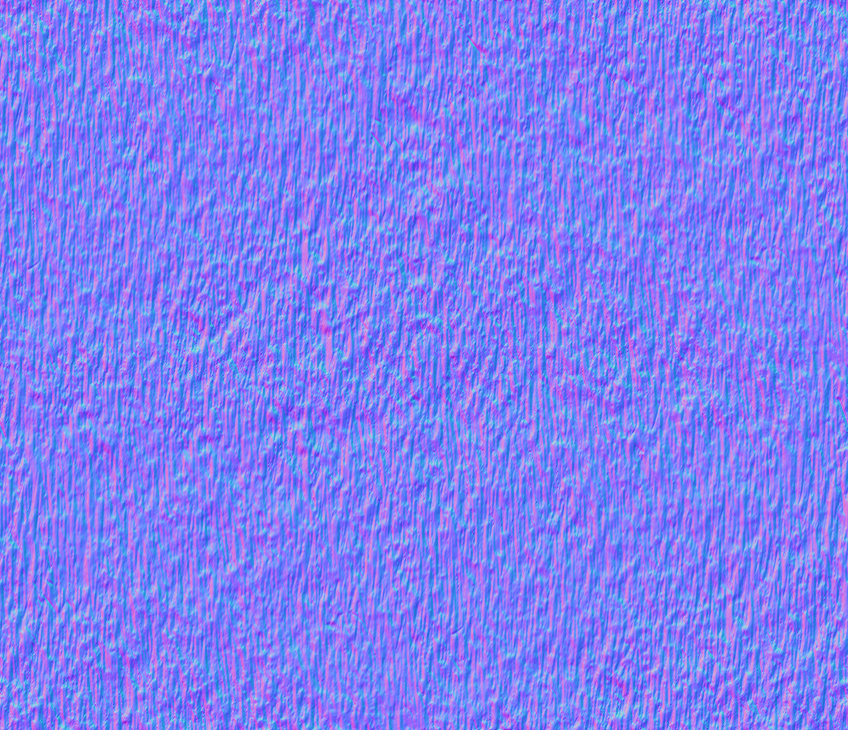
-
hey very nice! I downloaded the texture from cgtextures.com for free. Only it wasn't tileable and the lighting wasn't correct so I corrected it. Dunno if that's what's you're asking. I'm going to try the texture now and I'll show you the result. Only where should I put the normal map?
remon_v
-
You either use the displacement map or the normal map. Not sure where it should go in V-ray though...
-
the displacement is working but not like I want it to work.... but that can be me though because I'm only using vfsu for a few months now. I'll try to create one myself. Oh and vfsu doesn't support normal maps (Jackson told me).
remon_v
-
oke with this texture blurred displacement maps don't really work I thing. I did some test and I got the best result (so far) with this map:
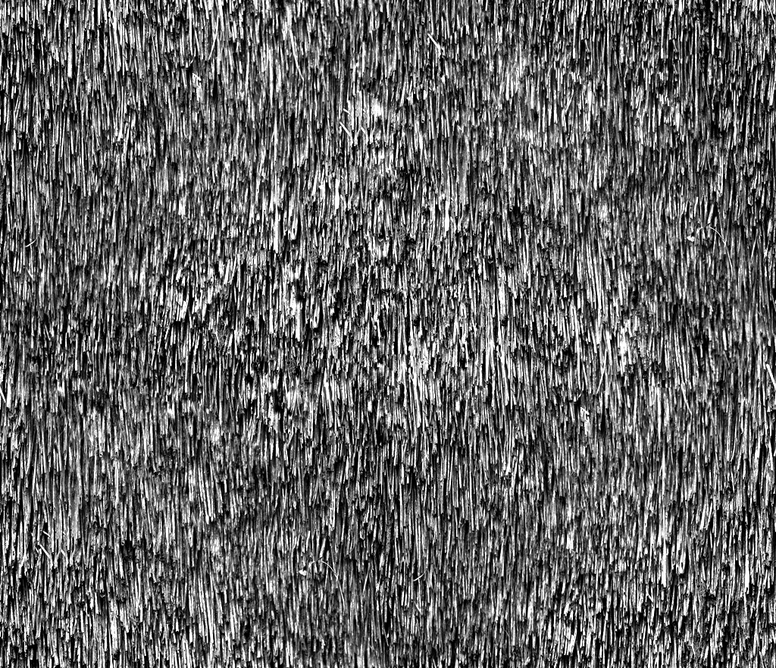
this is the result:
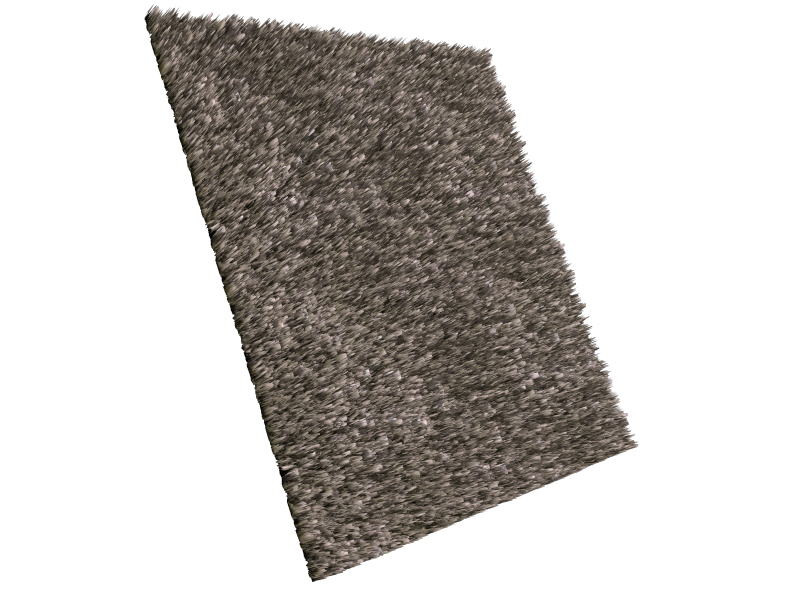
any suggestions to improve it??
remon_v
-
Looks like a great Coir mat now.
-
I used solo's displacement map to bump it.... maybe that's a better sollution

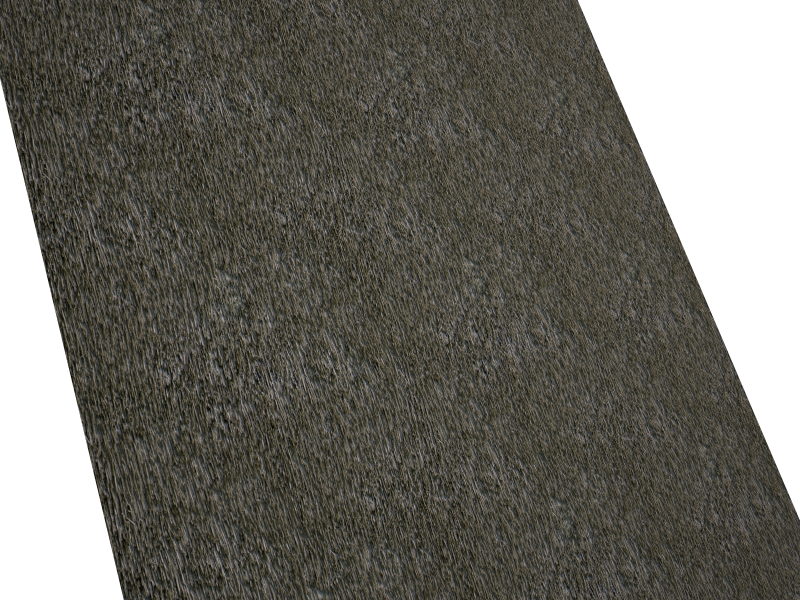
-
@solo said:
Looks like a great Coir mat now.
yeah but Jackson told me it can only displace in that direction. As I would like to see it more to overlay each other.
-
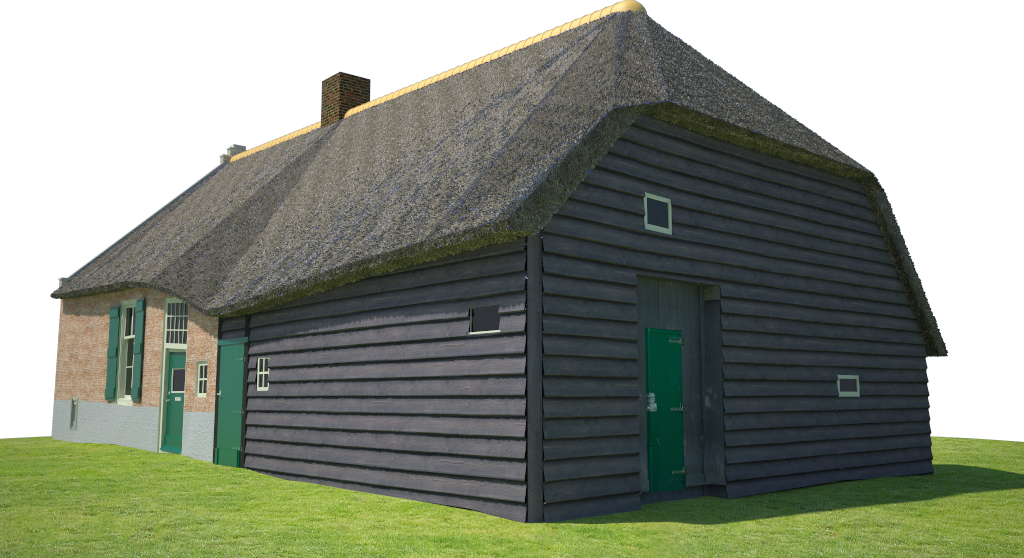
made some renders from my WIP where I had to use the reed texture for.
It gives a strange effect of displacement at some points. The roof is smoothed and when I click it is "1 face" now. Maybe that's the problem and I should subdivide the face into smaller faces? And is it possible to subdivide after smoothing?remon_v
-
I'm not an expert about displacement, but as far as I know, smoothing is only a shading technique, so you have the same amount of faces, but they look smooth. I think the renderer creates geometry from the displacement map, so the subsequent smoothing will have no effect. Try to subdivide.
-
yeah I guess your right... thnx I will do some experimenting tomorrow when I'm at the office.
remon_v
-
Hi remon_v,
Here is my try to help you to solve the displacement problem that you have.
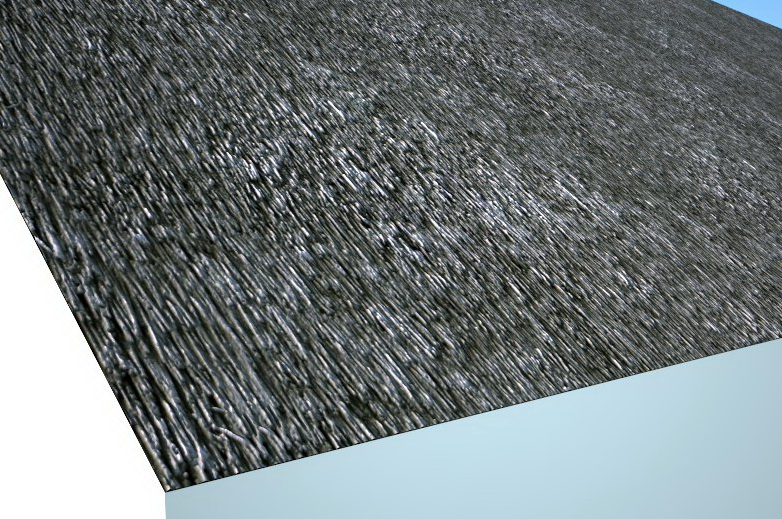
For this kind of texture, I would prefer to use a displacement map like attached here.you can see the result:
- Use this map for the displacement at 0.15 in the material setting
- And in the render option, change the EDGE LENGTH PIX parameter from 4 to 2.5.
I hope that this try help you, Cheers Fred.
-
hey fymoro,
Really apreciate your help.
I know about the edge lenght... I think I even put it at 1.
Nice render... I will give it a try.cheers
remon_v -
The image of the barn is looking fantastic.
It's a really nice model and rendering
-
To me, it rather looks like the triangulation of the (non planar) roof seems through. When smoothing extreme angles (like 120 degrees or less for instance), the smoothing will always look surrealistic.
-
thnx Dylan.... it's still a WIP so I'll post some new renders when I'm done.
I already undid the smoothing. I'll experiment with the roof when I got some free time.


Hello! It looks like you're interested in this conversation, but you don't have an account yet.
Getting fed up of having to scroll through the same posts each visit? When you register for an account, you'll always come back to exactly where you were before, and choose to be notified of new replies (either via email, or push notification). You'll also be able to save bookmarks and upvote posts to show your appreciation to other community members.
With your input, this post could be even better 💗
Register Login


Advertisement