Rayscaper New Releases
-
It's flawless—not my 3D work, but the program itself.
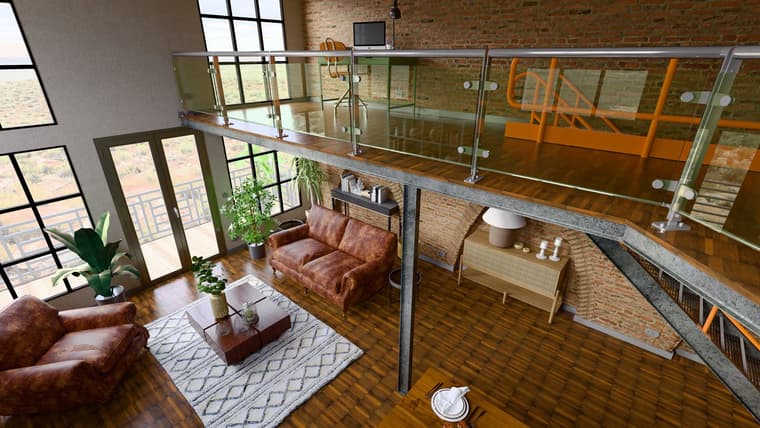
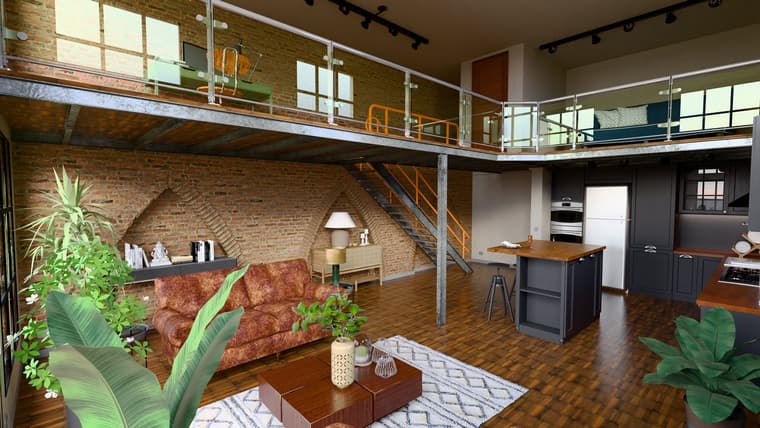
-
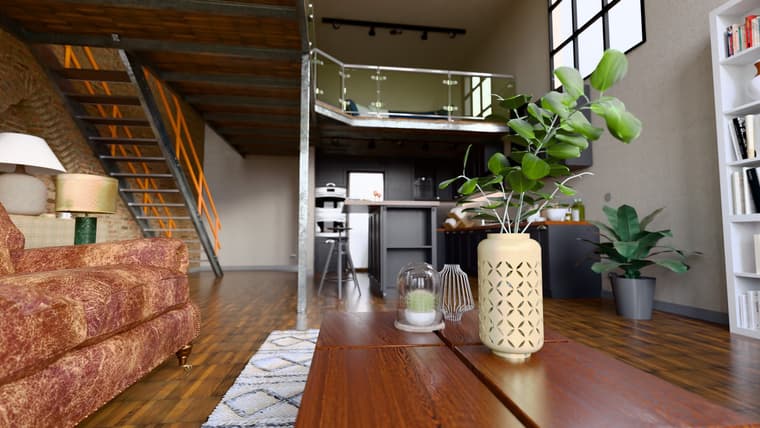
-
Hey, Rayscaper users!
Rayscaper 0.9.99 Beta is available. It's a big one: scatter, a material library, a new sky and a simpler editor, and one of the last steps before Rayscaper 1.0. You can get it via:
- The SketchUcation store.
- Direct download: Rayscaper_Win_0.9.99_Beta.rbz.
I recommend upgrading to the latest version.
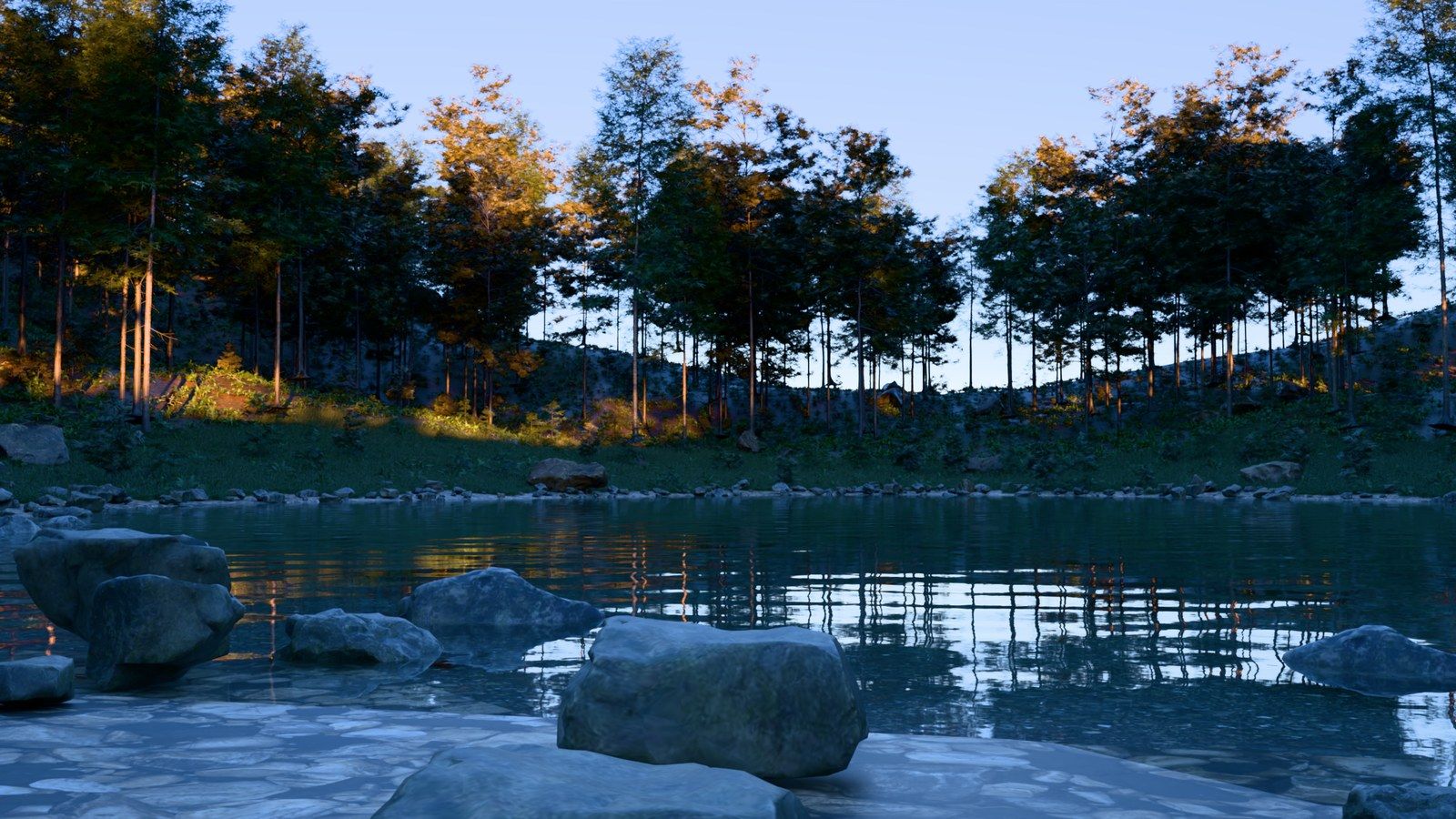
Scatter
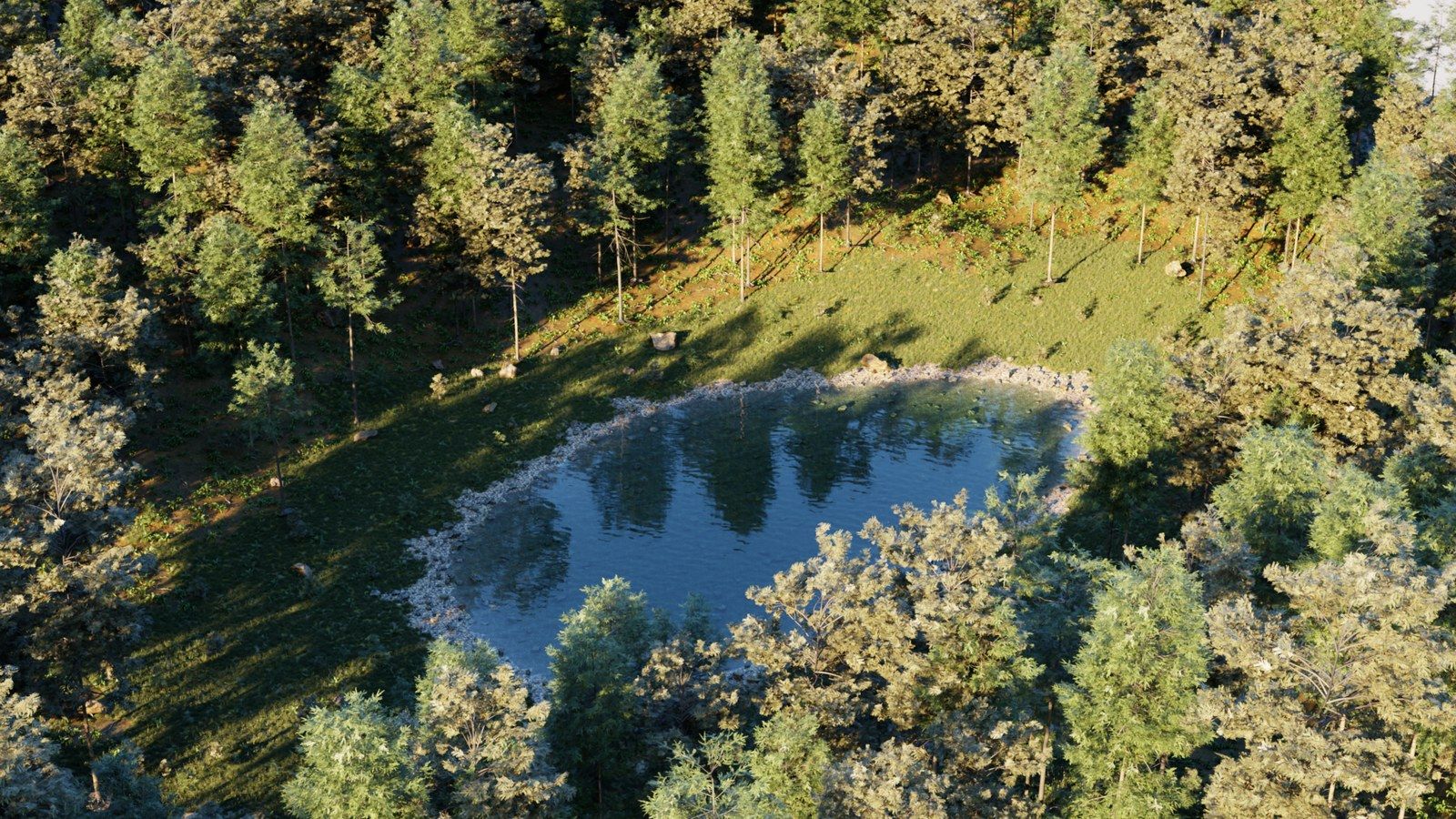
Fill a terrain with trees, plants, rocks or grass straight from SketchUp. Pick the surfaces and the components to scatter, and Rayscaper renders thousands of instances with a preview in the SketchUp viewport. Material filters and a Weight control decide where things grow, and the Projection and Wrap modes place objects on curved surfaces and walls. The render stays responsive while you drag sliders, even with a lawn of 170,000 instances.
Rayscaper Material Library
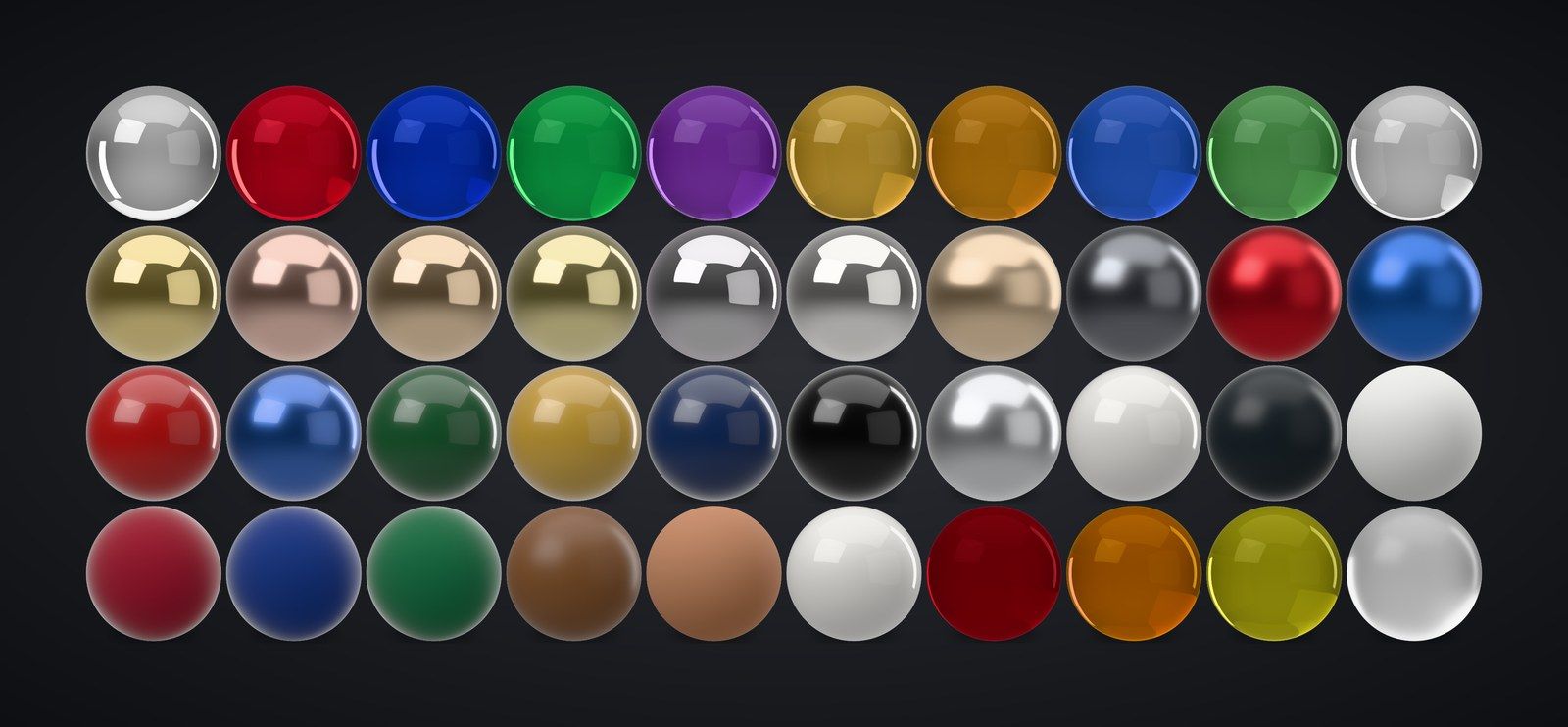
The asset library now has about 80 ready-made Rayscaper materials: glass, gems, metals, car paints, lacquers, ceramics, plastics, fabrics, leathers, liquids, water and lights.
A Simpler Material Editor
The material editor has four types: Standard, Glass, Metal and Water. Standard gets a Finish preset (Matte, Satin, Glossy, Lacquered, Fabric, Mirror), Metal offers ten real metals with a Tint, and the settings most people never touch move into the presets. Older Coated, Diffuse, Mirror and Plastic materials open as Standard materials.
A New Sky
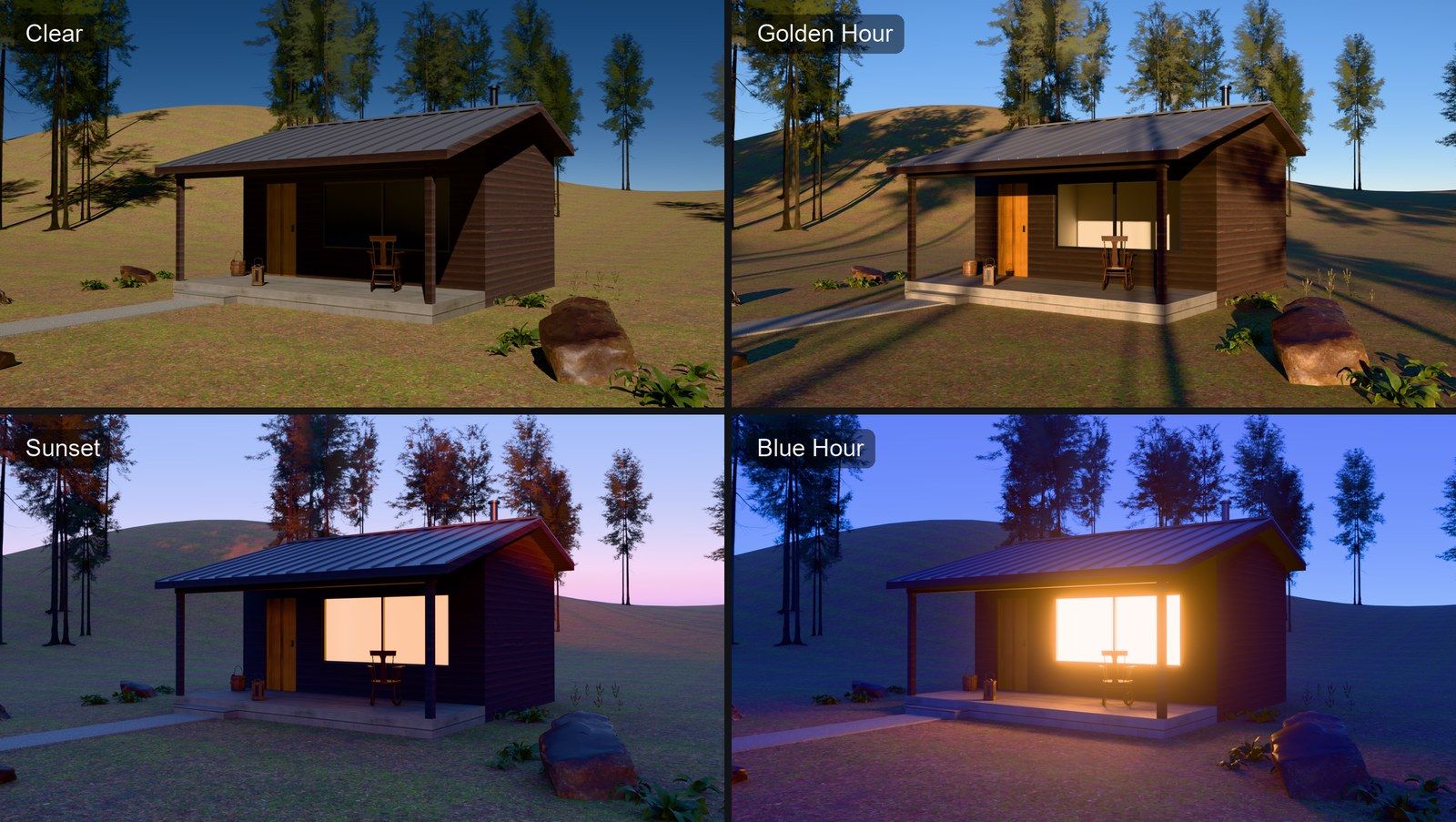
The Sky is one physically based sky now: a clear blue sky with a pale horizon, and a ground that's lit the same way. Pick a preset (Clear, Hazy, Overcast, Soft Light, Golden Hour, Sunset or Blue Hour) and tune it with a single Haze slider. Older skies open as the new one.
Quality Presets and Simpler Render Settings
Choose Draft, Preview, Final or High instead of tuning bounces and clamps, and set the resolution with Aspect Ratio and Size presets. Rayscaper now renders on the GPU by default and falls back to the CPU when the GPU fails. Bloom and glare look the same in every scene, so lamps glow instead of washing out the image.
Textured Emission
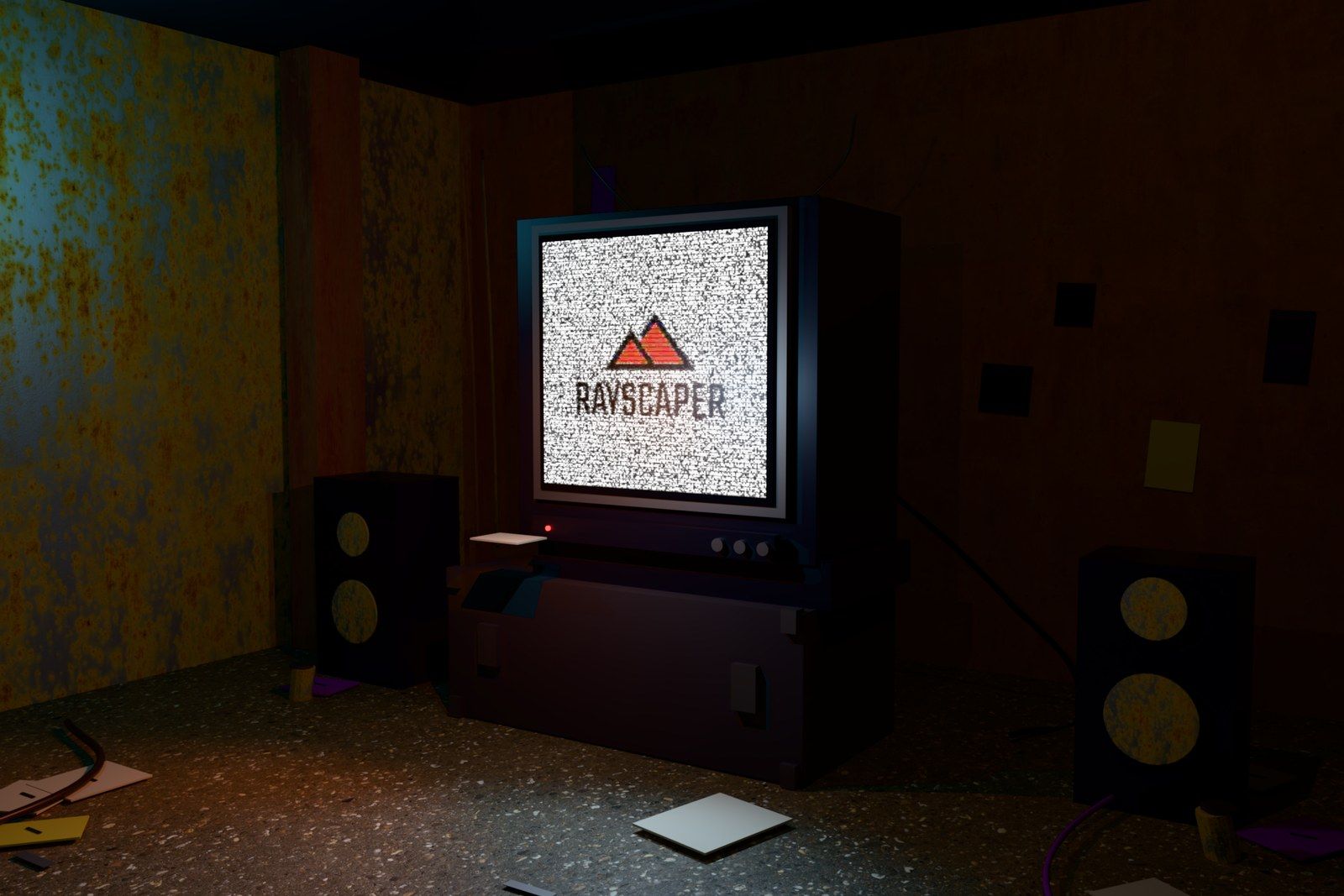
Light-emitting materials can use a texture, for screens and signs.
Also New
- A review and repair window for image files that are missing when a scene loads.
Bug Fixes
- Fix the render no longer following orbiting and scene changes in SketchUp after the first start.
- Fix Start Render doing nothing on models with stored Rayscaper settings.
- Fix animation frames saving before denoising finishes.
- Fix a bright flash at the start of renders with auto exposure.
- Fix crashes when the scene changes during rendering and when a render finishes right before the engine stops.
- Fix mouse position offsets on desktops with display scaling.
- Fix normal map rotation, and keep normal maps and emission when changing the material type.
- Fix scatter orientation and height offsets on the underside of spheres and thin surfaces.
- Remove stale instances from emptied Skatter compositions.
Full release notes: rayscaper.com/manual/release-notes
On the Way to 1.0
This is the last stretch of the beta. Rayscaper will leave the beta soon, and the next big milestone is the first 1.0 release. The simplified editor, the material library and scatter in this version are a big step towards it. If anything still bothers you, now is the best time to let me know.
About the Free Version
Rayscaper remains free to try, with a few more limits than before:
- Renders inside SketchUp, including saved images and animation frames, are limited to 1280 pixels on the longest edge.
- Renders carry a watermark, now with a faint logo pattern over the whole image.
- Free renders can't be used commercially.
Scene editing and animation stay fully available, and your scenes keep the resolution you set, so a license ($99, once) restores full size right away.
Help Me Build the Community

If you like Rayscaper, please share your renders (final or work-in-progress, it doesn't matter)! This is motivating and helps me showcase its capabilities to new users.
Follow me on X.
Happy Rendering!
Thomas -
Looks killer!
Download the free D'oh Book for SketchUp 📖
-
@Rich-O-Brien That's because I spent a shit ton of time on this release post. It's all marketing and window dressing
 Just kidding, I hope this release brings some much needed features.
Cheers,
Thomas -
@pixelcruncher This looks like some really good updates. I wish I could afford SketchUp so I could try this new release, but they have/are pricing me out of the market.
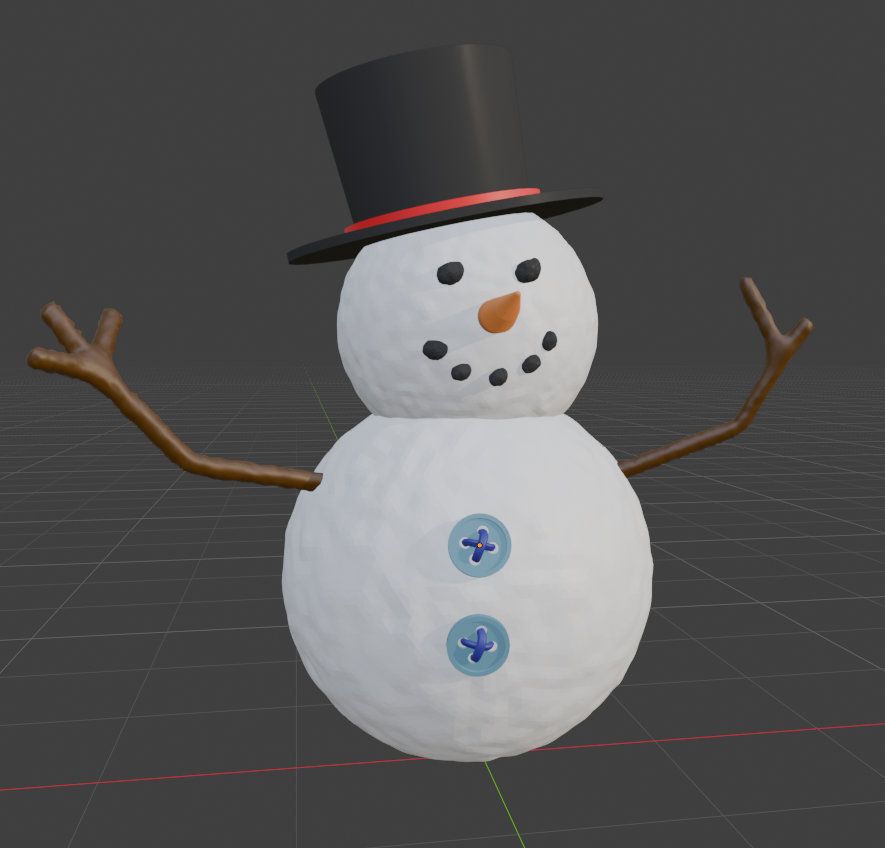
There is one item that I would like to see you also add/consider for a future release. It is something I have seen/used in Blender. If you look at the image below (the snowman) your will see that they also have the ability to make materials very "rough". I think it is a very neat feature (especially for something like the snowman). If you take a close look at the snowballs that form the body, you will see how rough the texture is. It also plays a role in the arms for the snowman and the pieces of coal that are used for the eyes and mouth. Again, just something you might want to consider for your product (which as I said before), I think is a great rendering tool.
-
C'est extra, bravo!
Right now, I'm learning how to work with Scatter. You have to remember to restart SketchUp sometimes after moving the hierarchy, groups, and so on. However, I can't get RS to recognize my texture changes when I edit them using the "edit in graphic editor" tool—it's as if a cached version is taking precedence...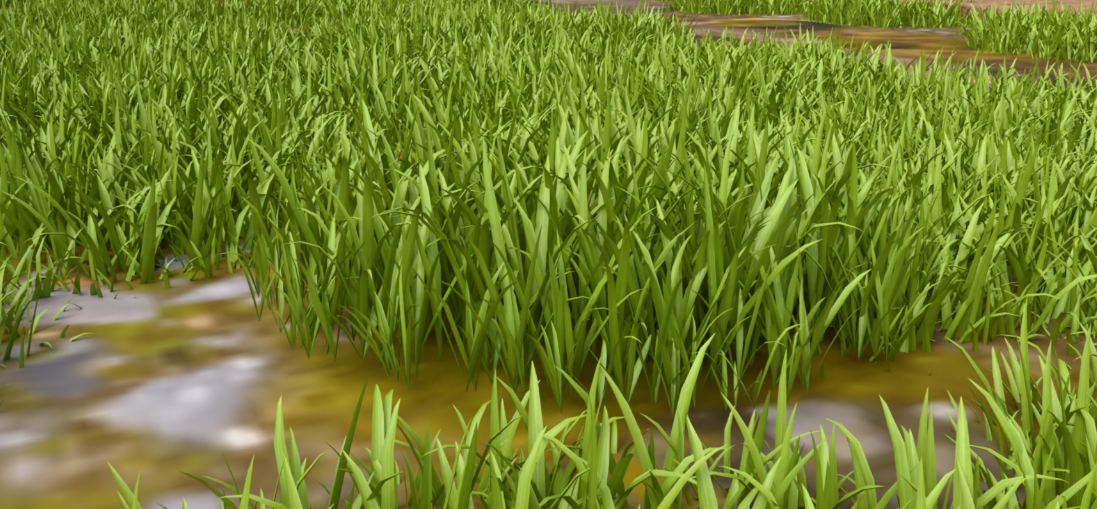
-
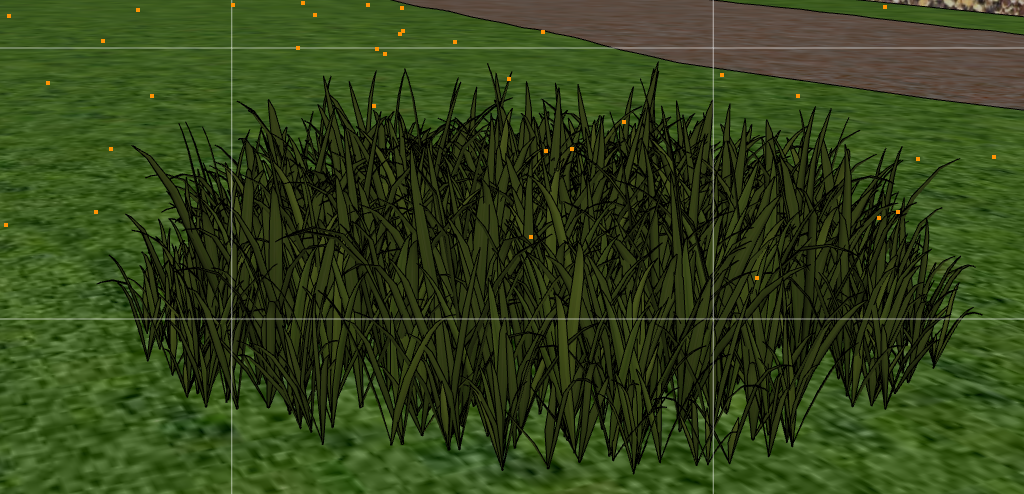
I can trim my lawn down to the last blade of grass.
Now I need color variations. -
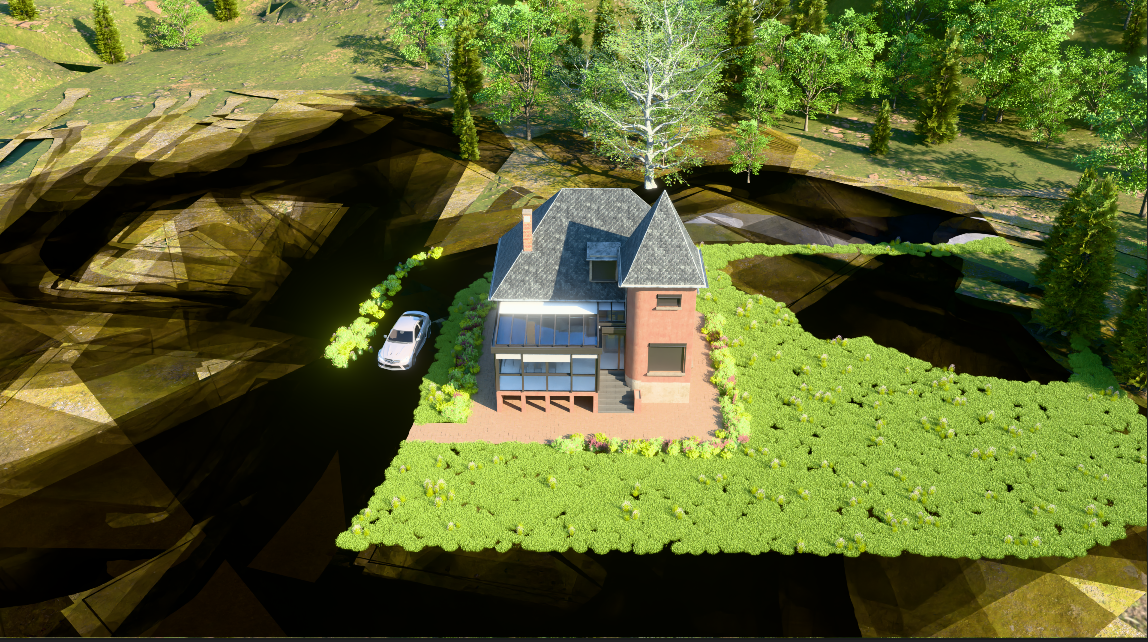
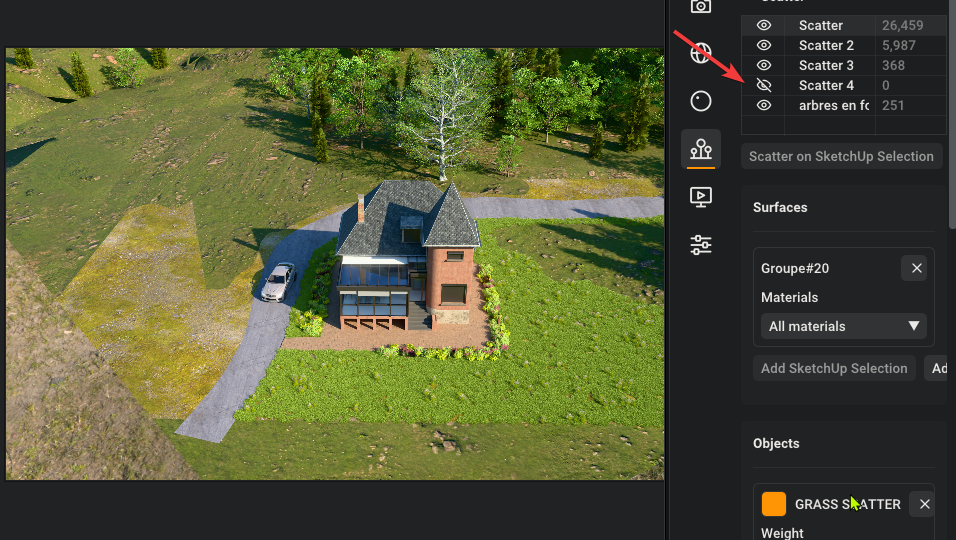
I've reached the limits of my graphics card, but I have a more powerful laptop—I'm going to test it out.
-
no, it's not my graphic card. On the RTX laptop 4090? issue is still there
-
if i hide the last scatter It's returning to normal.
-
It's really good. It would be interesting to see how many polygons a project can handle. D5 Render stops rendering scattered objects at a certain distance to ease the load on the graphics card; I wonder how it works here?
I struggled a bit with the green saturation of my lawn—I hadn't actually touched the texture itself. I just applied some desaturation and sharpening in Photoshop. Still, I’m blown away and really impressed.
Aside from having an endless array of mind-blowing features, V-Ray feels clunky by comparison...
A used ACES Filmic tonemap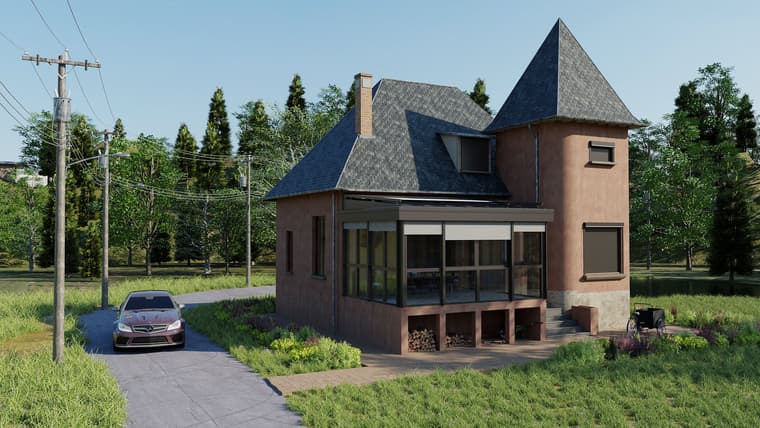
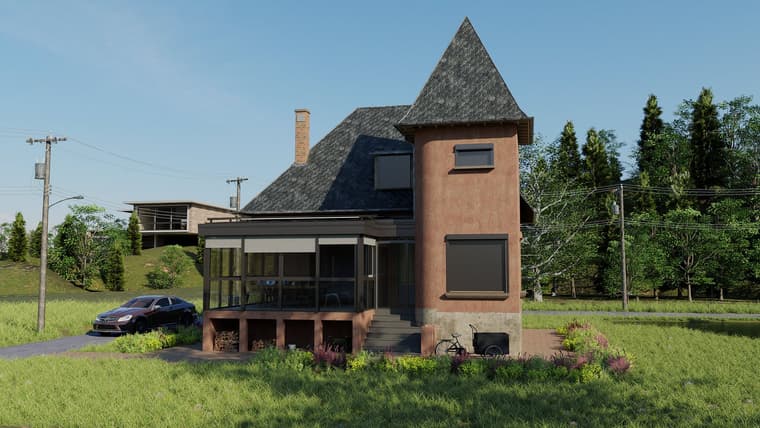
A tip (I don't think there's a batch render function yet): to render my two scenes and go to bed, I set up an animation render with the minimum frame rate and minimum duration. I ended up with just my two images—it was perfect.
-
@Krass Thanks for the feedback! The final render looks very impressive.
Scatter renders huge dark flat shapes over the terrain.
Can you send me the scene so I can have a proper look?
Texture edits made with "Edit in graphic editor" aren't picked up. I filed this as a bug.
Will have a look, the other caching bug you reported should have been fixed.
Scatter needs a SketchUp restart after moving groups or changing the hierarchy.
Do you have something to reproduce this or a screen capture?
Save and load presets of the settings.
Planned
Color variation for scattered instances.
On the list.
Polygon limits and distant instances.
Rayscaper keeps every instance in the render and lets the GPU handle it, there's no distance cutoff or other tricks like in D5. Instances share their geometry, so the memory goes mostly to the components themselves, not the instance count. I'd like to hear where it breaks for you.
Cheers,
Thomas -
Hello,
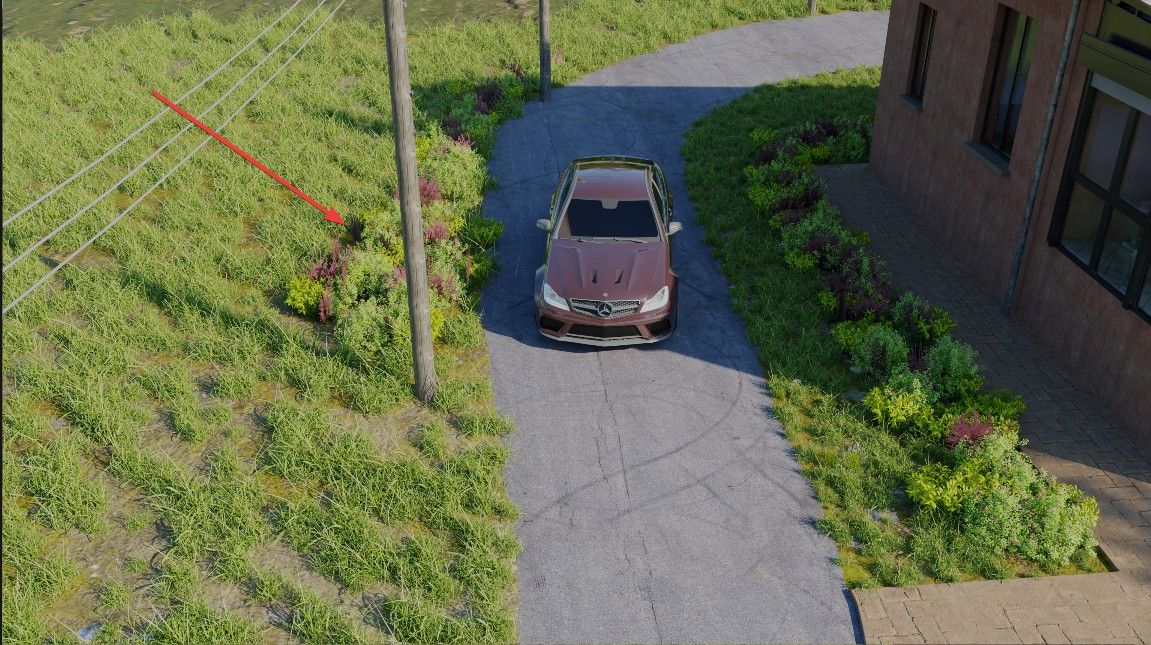
I am not certain that the bug—with the artifacts that appeared consistently—stems from the graphics card memory, because I was subsequently able to add a large, fairly resource-intensive grassy area without any issues. I am going to try to recreate the flowerbed that caused the problem. -
this time, in he morning opening fresh model, it worked!. Mystery.
-
do you want the file anyway?
-
Hello,
There’s something that bothers me: the material rotation setting: you can no longer simply enter a value in degrees (unless I’m mistaken)—the slider is active. I find it hard to enter a precise value, especially 180... -
-
This post is deleted! -
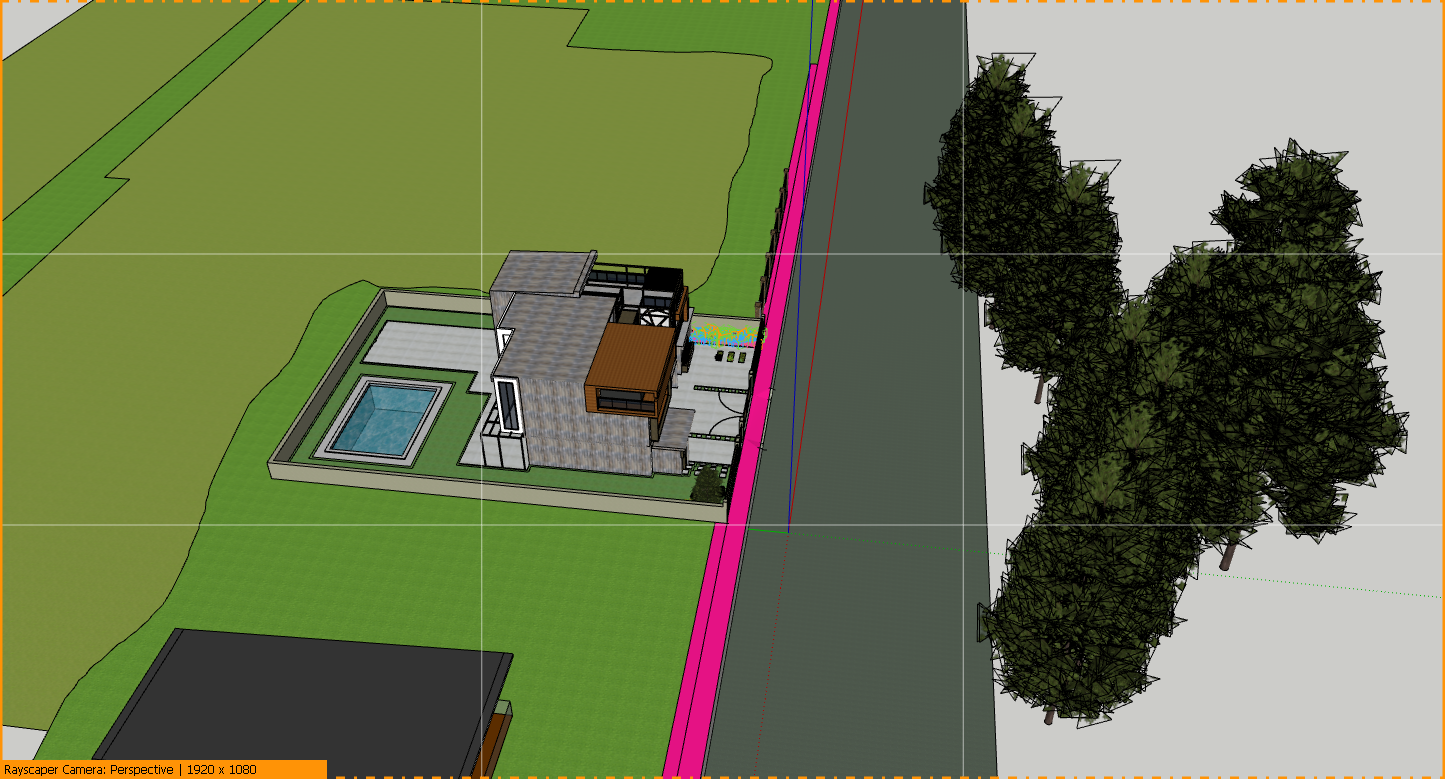
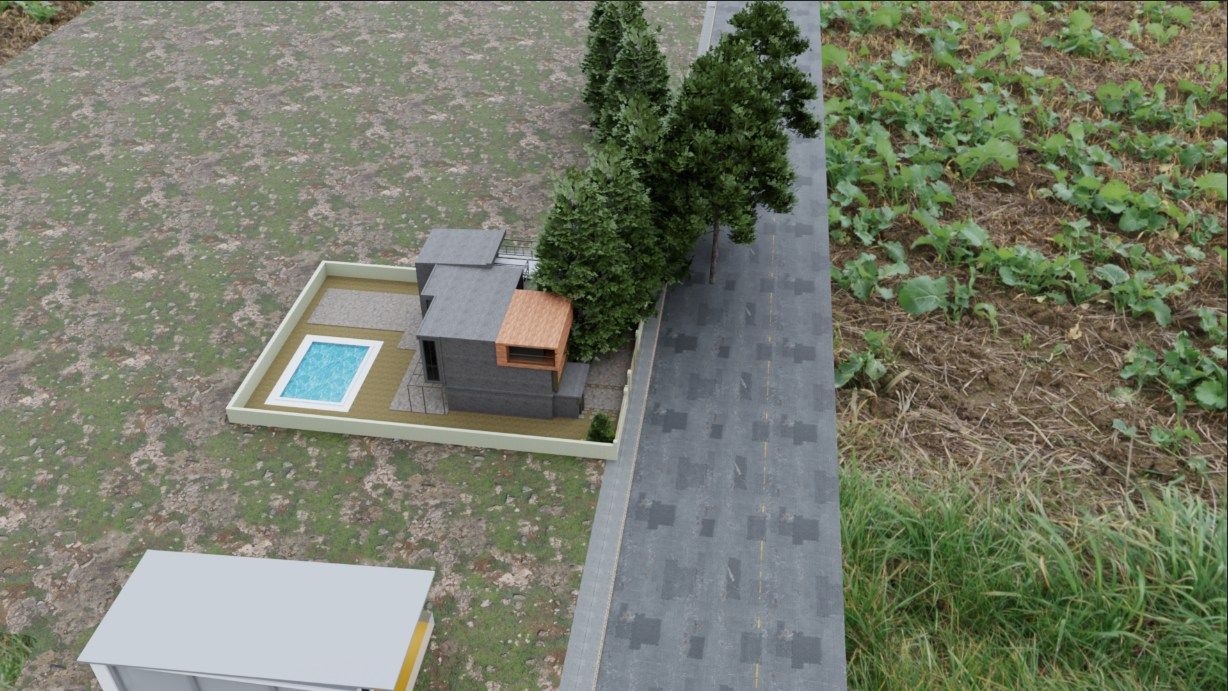
here, a strange behaviour : these trees are not scattered. Thir pivot point and they appear 10 meters further on.




Hello! It looks like you're interested in this conversation, but you don't have an account yet.
Getting fed up of having to scroll through the same posts each visit? When you register for an account, you'll always come back to exactly where you were before, and choose to be notified of new replies (either via email, or push notification). You'll also be able to save bookmarks and upvote posts to show your appreciation to other community members.
With your input, this post could be even better 💗
Register Login


Advertisement