Modlumi - Easy 3D modelling



-
@majid Thanks man! Love to get your feedback.
-
Update: what's new in the browser version

A big thank-you to @krass, @majid and @rich-o-brien for their feedback. Your bug reports and suggestions shaped almost everything below. Here's what changed this week:
Modelling
- Selecting edges is much easier. Before, the face under the cursor usually won over a nearby edge. Now visible edges near the cursor get picked first.
- Push/pull works in more places. You can now push/pull next to overhanging faces, pull up from an attached overhang, and push/pull where two volumes touch along an edge.
- Typed push/pull distances follow the cursor, like in SketchUp. Drag into a wall, type
0.3, and it pushes in instead of out. Typed values also no longer pick up tiny rounding errors. - Explode for groups and components.
- Zoom Extents with
Shift+Z. - Snapping works better on edges seen in perspective, and to the point where a locked axis crosses an edge.
- Fixed several geometry bugs: holes lost when tracing roof boundaries, nested faces, faces flipping when you draw edges on them, and arcs split by crossing lines.
Files
- Save and open Modlumi projects (
.modl). You get Save, Save As, a marker for unsaved changes and a "save before leaving?" prompt. - SketchUp files open with their saved scene camera, so you see the model the way it was saved.
- Save to Image downloads a PNG of your view.
Look and feel
- Lighting now comes from the camera, as in SketchUp, so walls facing you are no longer a dull grey.
- Shortcuts work on AZERTY and QWERTZ keyboards. Letter shortcuts now match the letter printed on your key.
- Menus release the keyboard as soon as you choose an item.
Feedback
- You can attach your SketchUp file to a feedback report, which makes geometry bugs much easier for me to reproduce. The feedback button is also easier to find now.
Coming up
- A native desktop version. It's the same Modlumi, running as a full app on your computer.
- A Python scripting API. You'll be able to automate modelling tasks and build your own tools with Python scripts.
Try it at https://modlumi.com. Please keep the reports coming!

I'm the developer of Rayscaper: https://rayscaper.com/ - Fast and easy rendering for SketchUp.
-
Shared some more ideas...
-
Keep them coming, more than a bit of a one stop shop imho.
Shaping up very nicely, Sir. -
You remake SketchUp ?
 What is yours Ai Coding tools ?
Seems there is a problem after an Offset
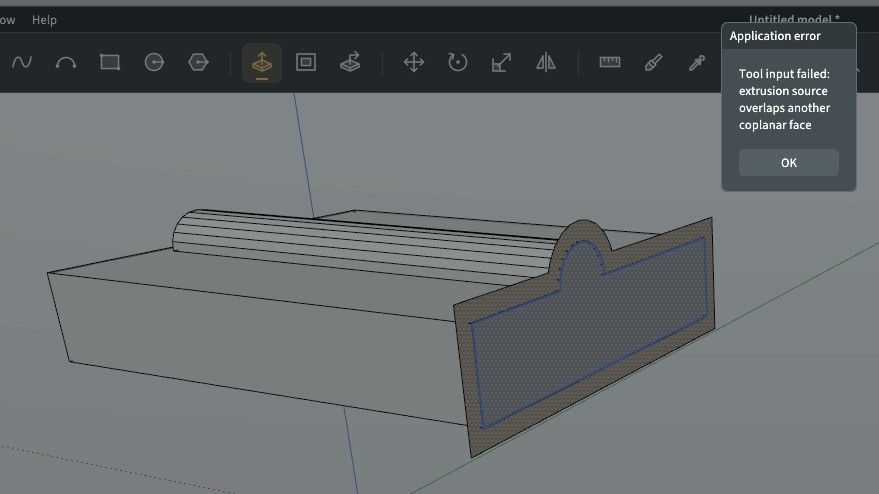
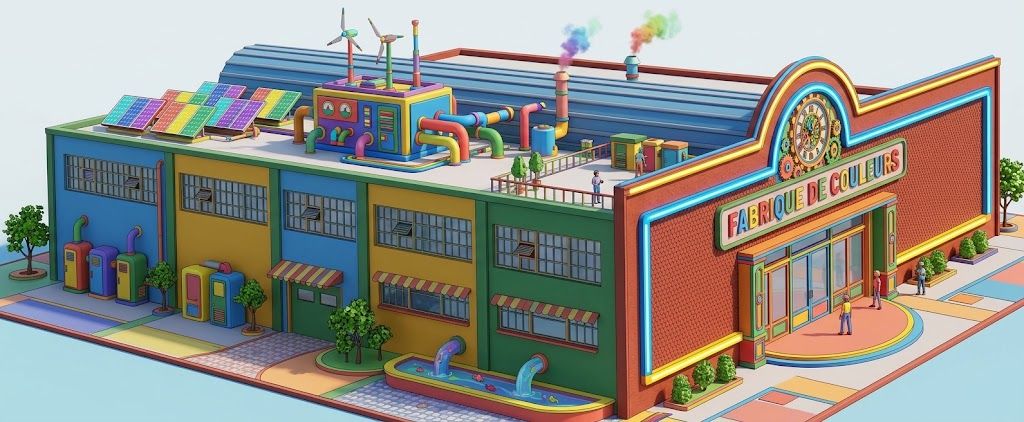
-
I'm a software engineer by trade, so I'm not coming at this as a complete newbie. But right now, I have been using GPT-6 Sol as my coding buddy.
Thanks for the bug report!
-
No drawing Rectangle By 2 Points in 3D Space ?
There is multiple selection but not Multiple Extrude ?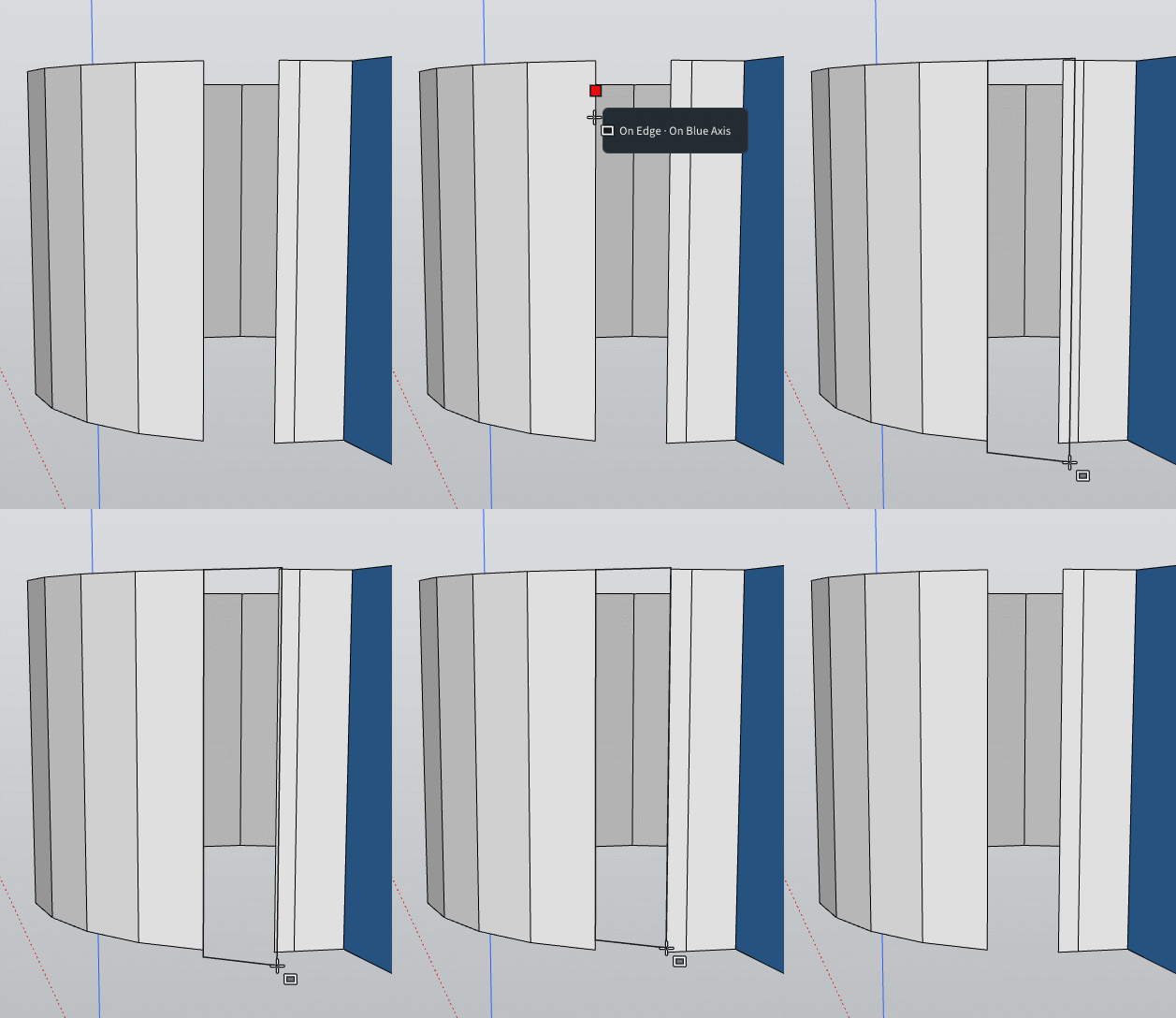
-
Else very very pleasant to use!
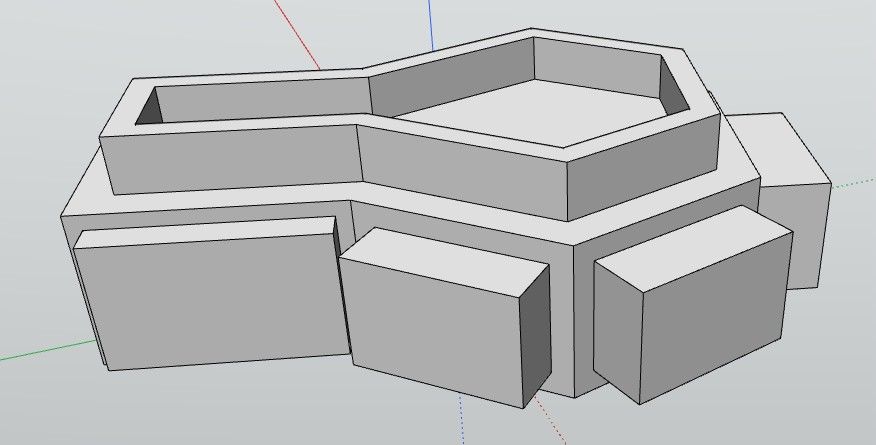
-
-
@pixelcruncher Did you receive any shared file, Sir?
-
Thanks! Can you try this again? This should be fixed now:
Keep those bugs flowing!
-
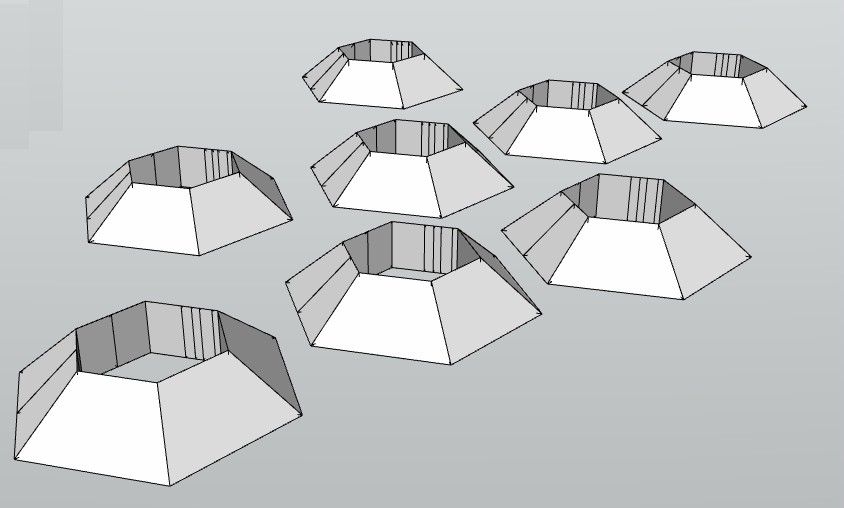
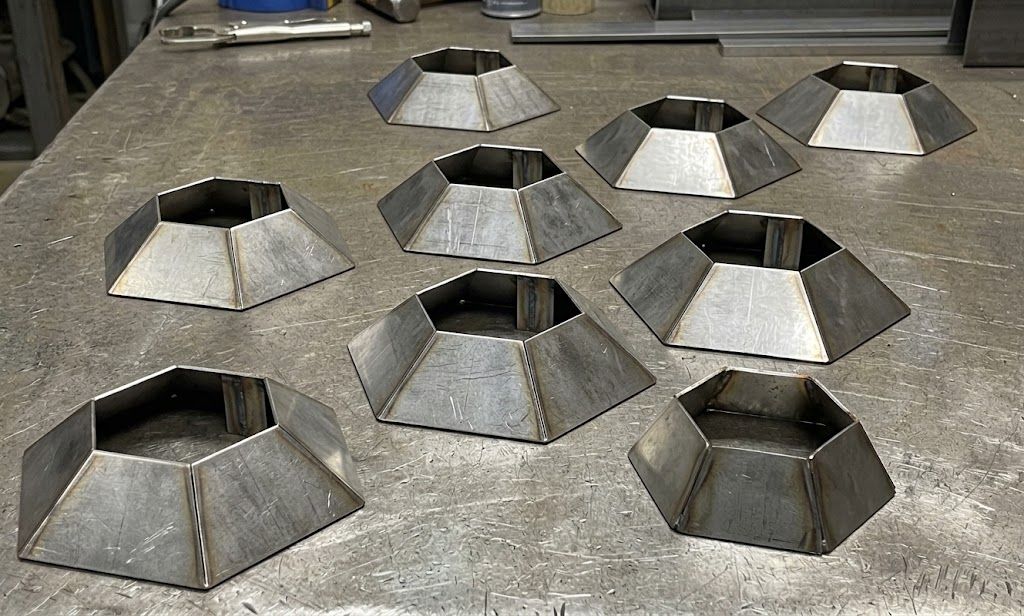
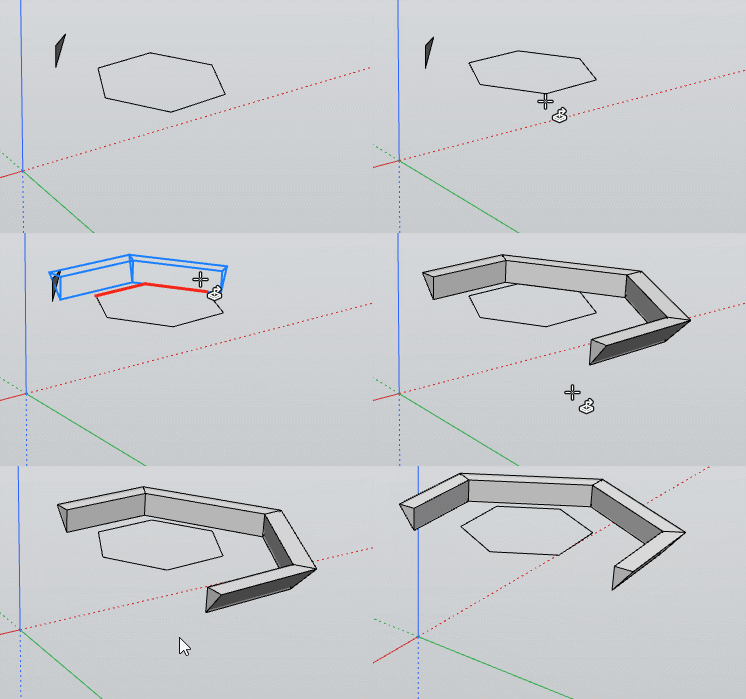
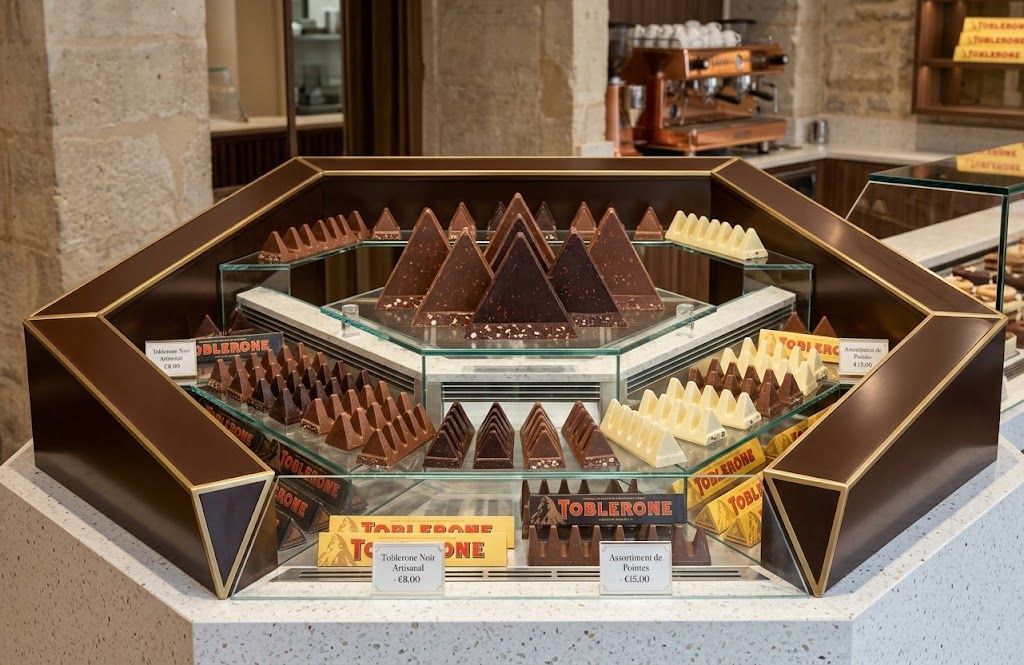
That is perfect ! Works in closed or not total path!
Even Section profil is not perpendicular to something!
And not on the path!
Very cool function!
Frenchy Pilou
Is beautiful that please without concept!
My Little site :) -
OK guys, I am feeling really stupid. I have tried the browser version, but I am not getting things right. How do I create a rectangle and give it the size? I tried to enter the dimensions, but it did not work. What am I not understanding?.
-
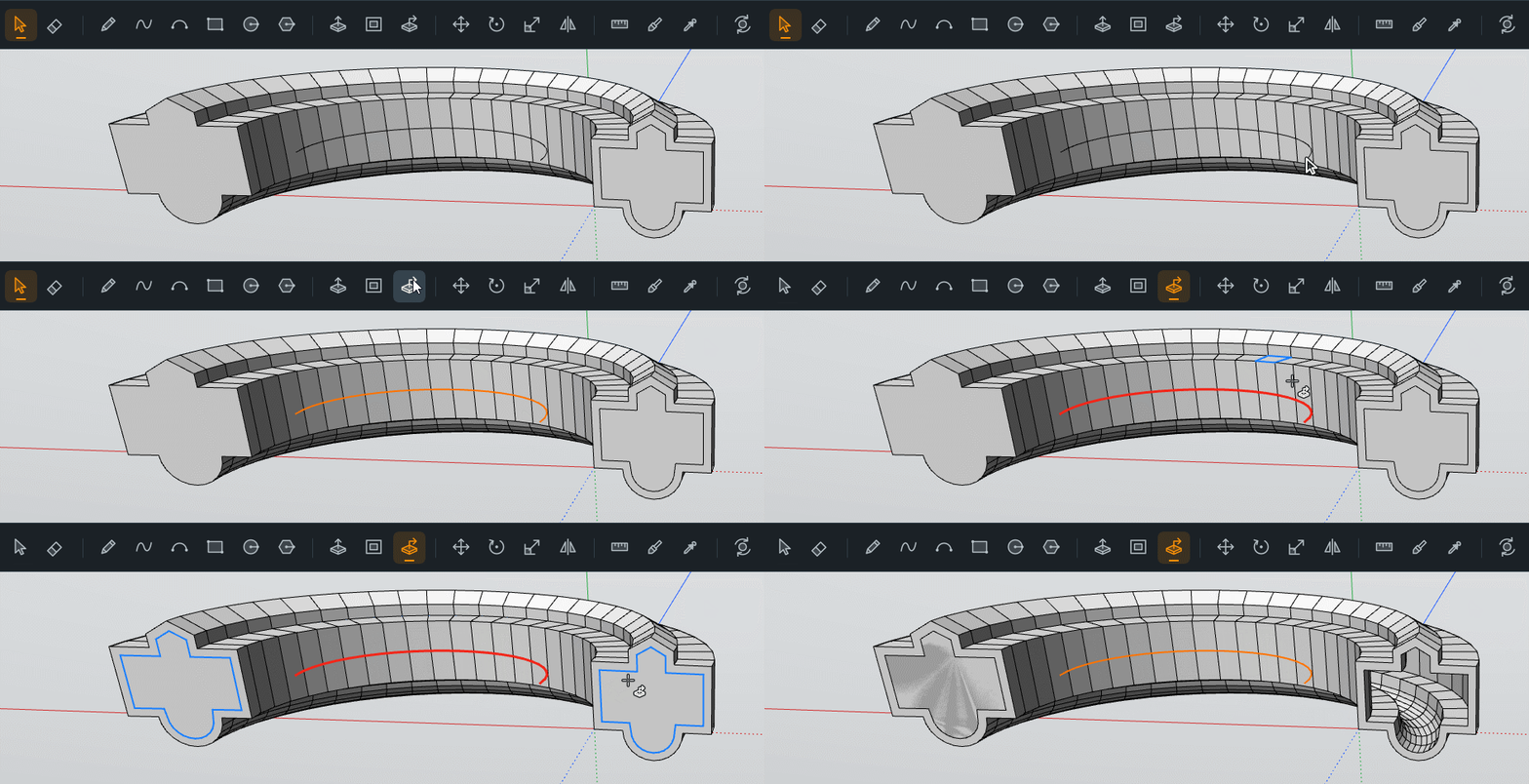
I believe there is a little bug somewhere!
There is just the last faces who are yet in place!
I have verified in hide them !
Very cool that you have keept original " */ " of the copy functions !
Frenchy Pilou
Is beautiful that please without concept!
My Little site :) -
@ Ntx Dave
Just Left DoubleClick for have the drawing of the Rectangle, then write 1,2 for a rectangle or 2,2 for a square Enter ! etc..Or Just Press R , Left Click and Drag for see the Blue Rect , write 2,2, Enter for a square etc...
It's quasi the same than SketchUp!
Frenchy Pilou
Is beautiful that please without concept!
My Little site :) -
You have not: Inverse Selection ?
There is no Snap in 3D Space of the second click of the Arc Circle ?
Frenchy Pilou
Is beautiful that please without concept!
My Little site :) -
@pilou OK, I finally got it to work; I am having some user problems but will continue to learn how to use the tool.
I would like to have some more options for entering the information when in the drawing mode.\
-
I believe there is a little bug somewhere!
There is just the last faces who are yet in place!
I have verified in hide them ! ;)f
Very cool that you have keept original " */ " of the copy functions !
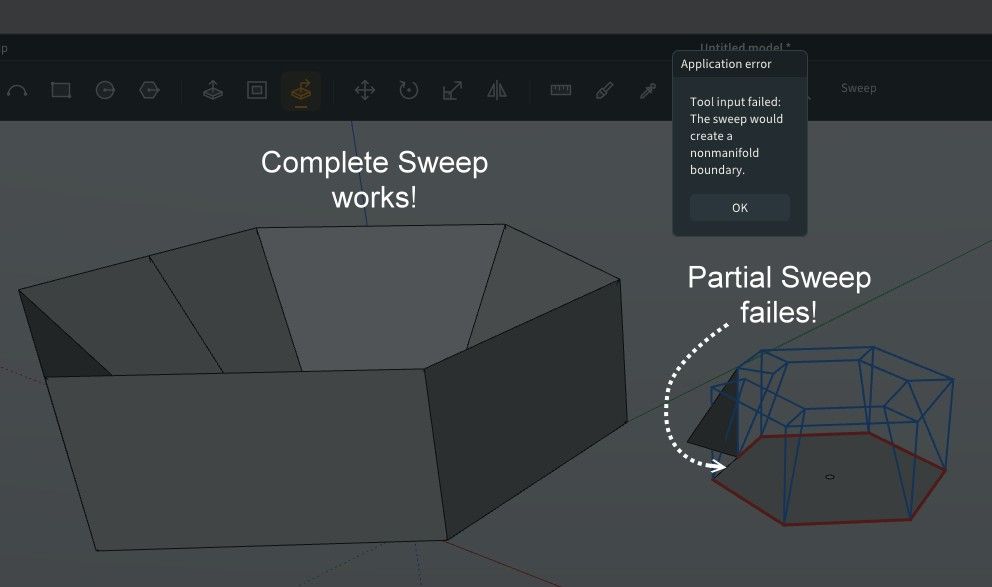
@pilou You were right; that was a bug! Sweeping a face along the bar's own path now cuts a clean tunnel: the far end opens up instead of keeping that last face in place.
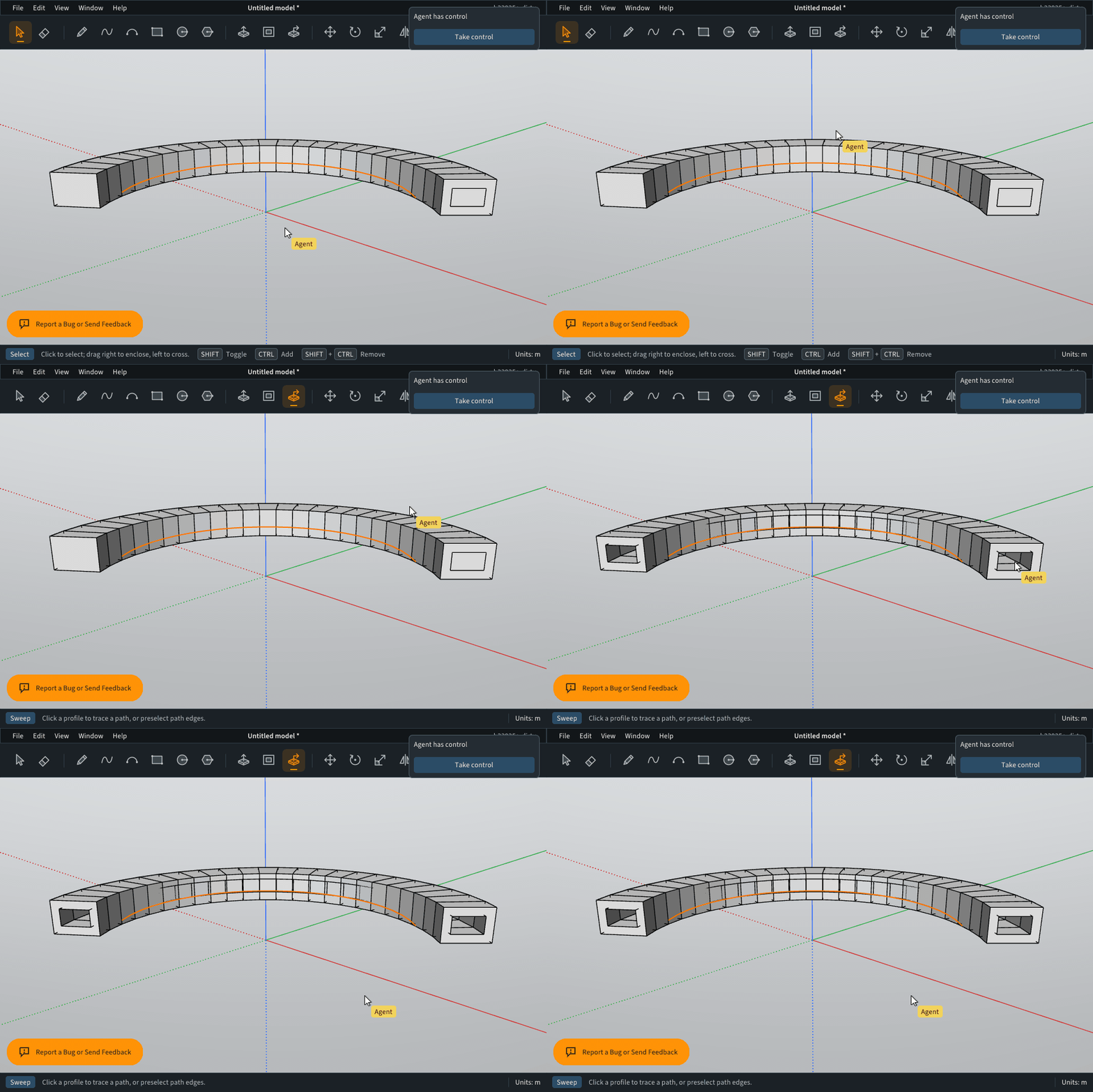
A sweep that stops inside the solid still gives you a recess. Can you try it again on your model? Keep those bugs flowing. I'm drinking from the firehose.
Cheers!
ThomasI'm the developer of Rayscaper: https://rayscaper.com/ - Fast and easy rendering for SketchUp.
-
@pixelcruncher How the heck do you draw something like this. I am currently feeling really stupid and am not doing well. The object in the model looks kind of neat but I cannot understand how you drew it.
Press F1...thank me later
-
How the heck do you draw something like this? So far, I am not doing very well when trying to draw objects that are not all that complicated. Is there some place I can go to learn how to use the drawing tools better?







Hello! It looks like you're interested in this conversation, but you don't have an account yet.
Getting fed up of having to scroll through the same posts each visit? When you register for an account, you'll always come back to exactly where you were before, and choose to be notified of new replies (either via email, or push notification). You'll also be able to save bookmarks and upvote posts to show your appreciation to other community members.
With your input, this post could be even better 💗
Register Login


Advertisement