Sketchucation Tools 5.0...
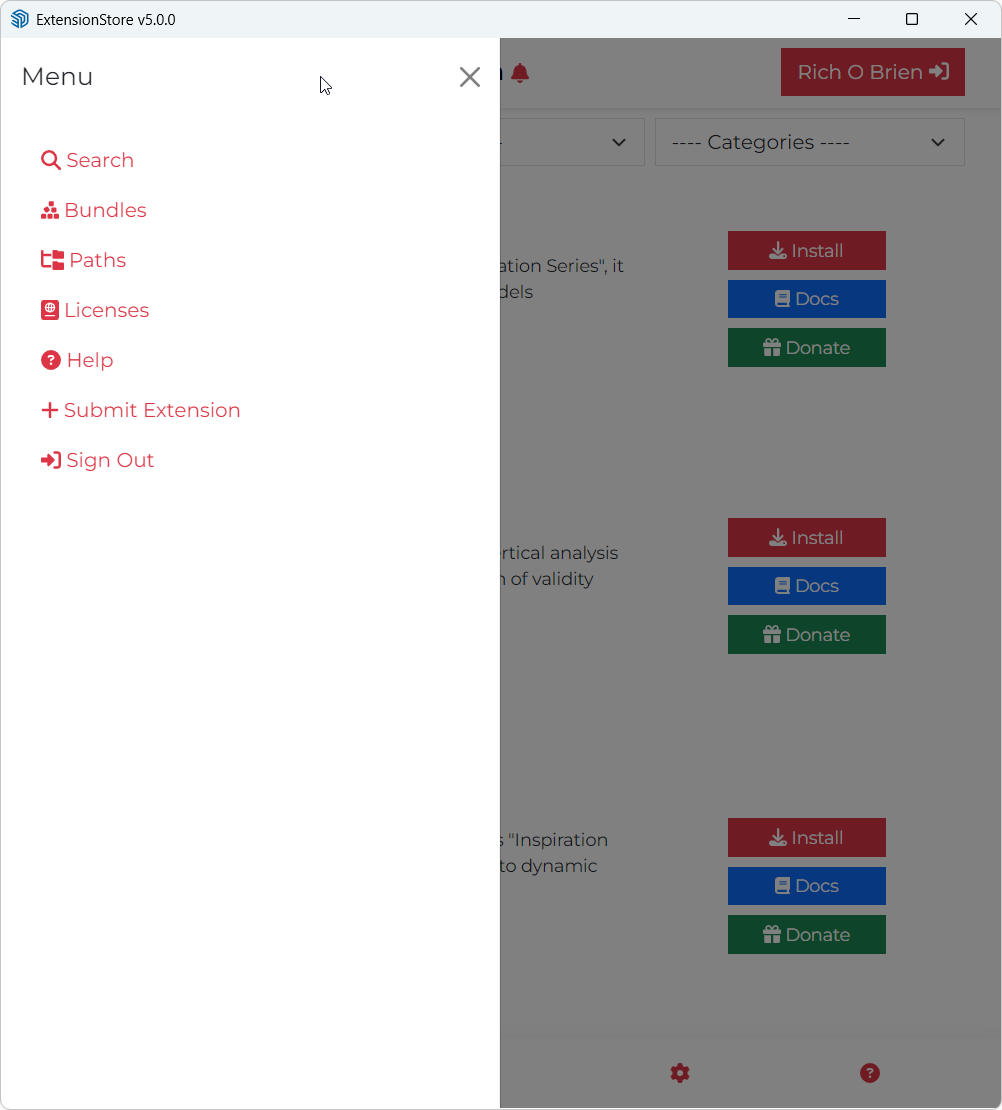
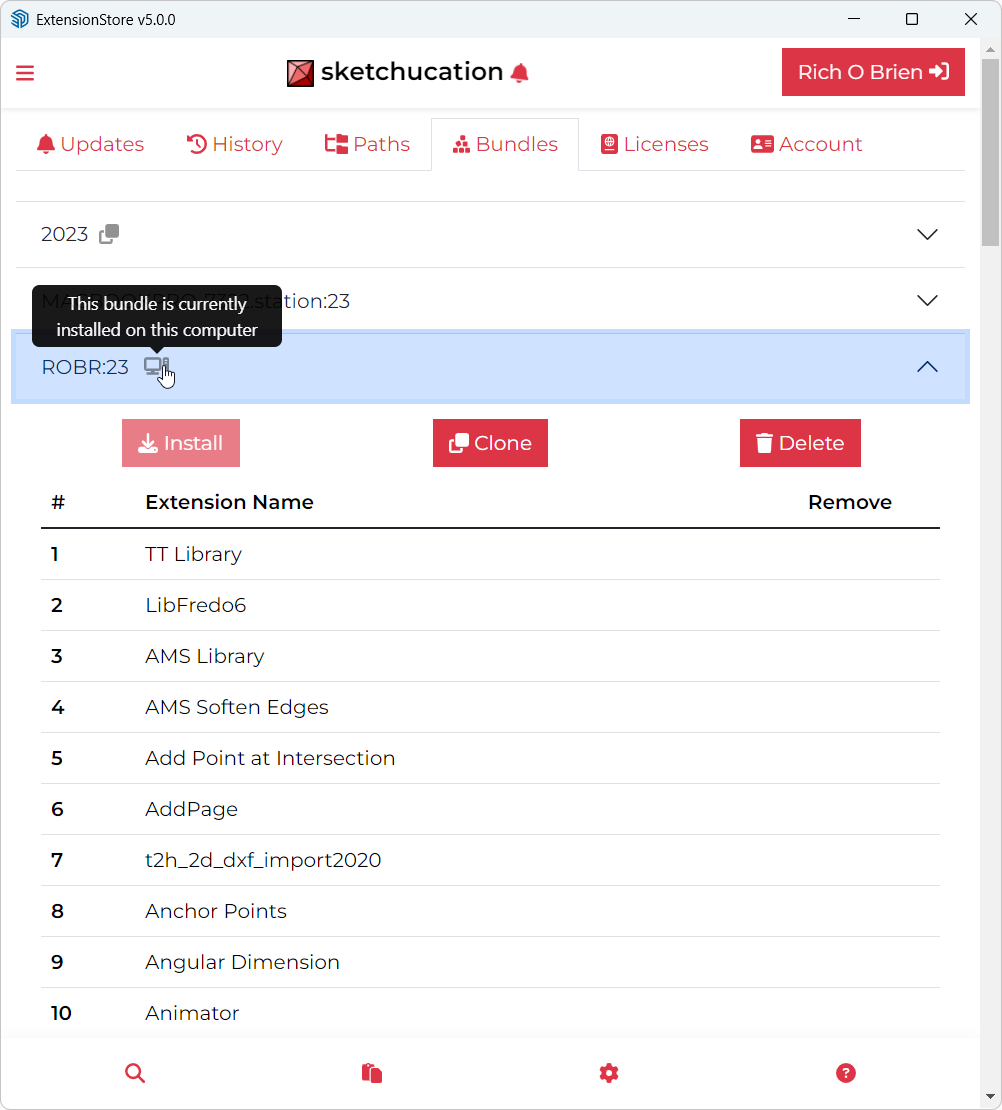
-
Thanks so very much (it's good to know that I'm still somewhat vaguely sane)
-
v5.0.7 released.
- Improvement to licensing system to handle networked devices
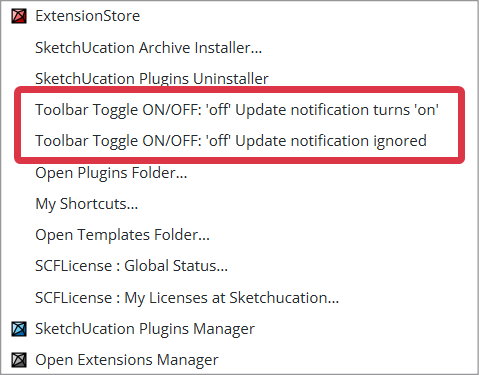
- Improvement to toolbar handling
- Minor bugfixes
Download the free D'oh Book for SketchUp 📖
-
This is likely a problem resulting from working for a large, risk averse corporation with an IT department locking things down.
I am running the latest shipping version of Sketchup on the latest version of MacOS.
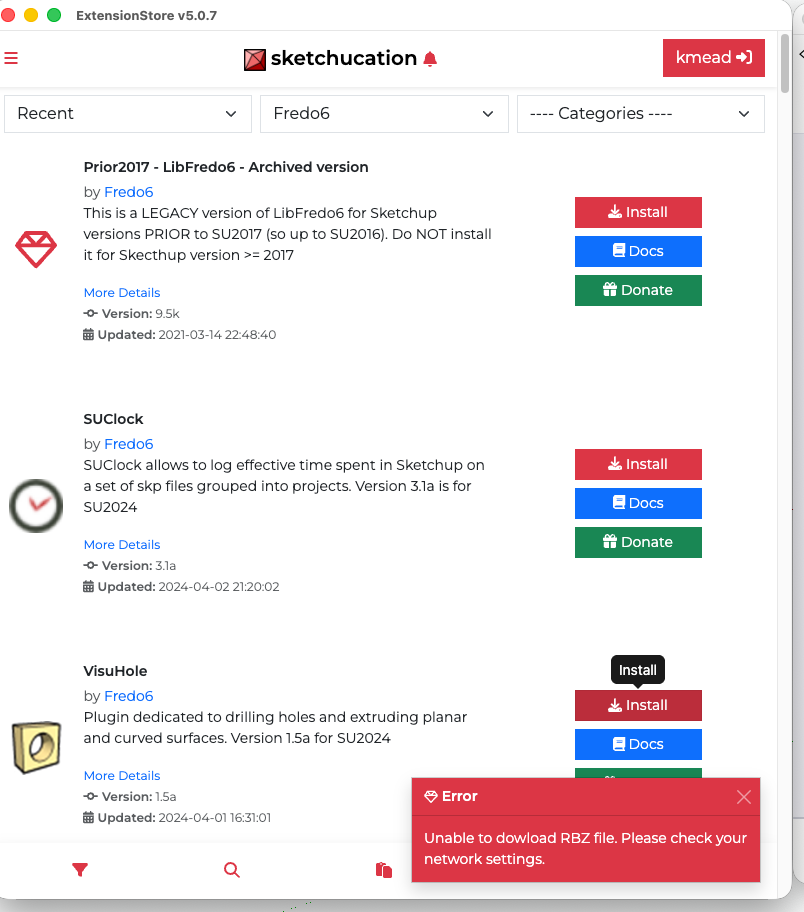
When I use SKTools to access the SK plugins store to download plugins, I get an error message. I can't find a place on MacOS to allow Sketchup/Sketchucation to be able to do so and the Sketchup Plugins Manager doesn't download plugins from Sketchucation. All around it is painful where prior to ver 5 of the Sketchucation plugin I basically ignored the Sketchup Plugin Manager.
Any tips on how to get 5.07 to download and install plugins like it once did?
Many thanks.
I created Dilbertville, sorry about that...
-
I'm sure @rich-o-brien and @gábor will chip in with more detailed advice - but in the meantime, your IT guys need to add sketchucation.com etc to their firewall white list etc ?
Remember you can always make a note of the extension in the ExtensionStore and download the very same one's RBZ from the PluginStore, then manually install it using either the native Extensions Manager > Install-Extension method, or the Extensions > SketchUcation submenu item Archive Installer... [which also installs ZIP as well as RBZ]. -
@kmead
Looks like an overzealous security policy. Hard to say for sure.It’s a holiday here today but I’ll chat with Gabor about it tomorrow.
-
@kmead Does your Ruby console show any error messages when you try to install?
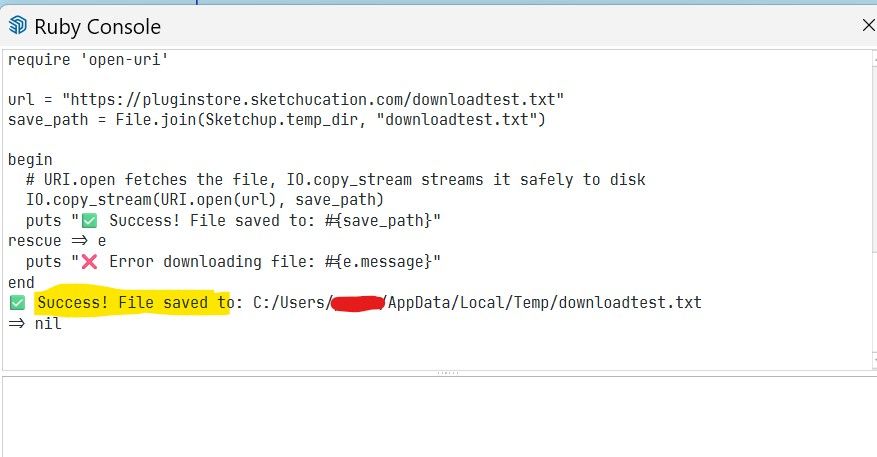
Could you try to Copy/Paste this script into your Ruby Console and press enter?
require 'open-uri'

url = "https://pluginstore.sketchucation.com/downloadtest.txt"
save_path = File.join(Sketchup.temp_dir, "downloadtest.txt")

begin
  # URI.open fetches the file, IO.copy_stream streams it safely to disk
  IO.copy_stream(URI.open(url), save_path)
  puts "✅ Success! File saved to: #{save_path}"
rescue => e
  puts "❌ Error downloading file: #{e.message}"
end
Do you get Success or Error result?
-
@Gábor Thank you for the response, I am continuing to have an error and IT is not owning up to having anything to do with it.
When I paste in your script, this is what I get returned as an error:
Error downloading file: SSL_connect returned=1 errno=0 peeraddr=178.63.47.155:443 state=error: certificate verify failed (self-signed certificate in certificate chain)
=> nil -
@Gábor needs to comment but I just ran the test and got 'Success ! ...', so it worked for me.
This suggests that your IT set up is somehow wrongly dealing with the certificate verification ?? -
@kmead Thank you for the test result. It makes it probable that your MAC/ SketchUp or Firewall or any other "middleware" is considering our SSL certificate invalid.
To narrow down the problem, could you please run the following script?
require 'open-uri'
require 'openssl'

url = "https://pluginstore.sketchucation.com/downloadtest.txt"
save_path = File.join(Sketchup.temp_dir, "downloadtest.txt")

begin
  # Bypassing SSL verification for diagnostic purposes
  IO.copy_stream(URI.open(url, ssl_verify_mode: OpenSSL::SSL::VERIFY_NONE), save_path)
  puts "✅ Success! File saved to: #{save_path}"
rescue => e
  puts "❌ Error downloading file: #{e.message}"
end
This script skips the SSL cert test. If it downloads the test file without any problems then it is very likely that the the problem is with the corporate firewall or with some other kind of middleware.
If we know the result, we can try to create a possible solution which we can integrate into the next version of the tools.
-
Thank you, my apologies I have been submerged in project work. Thank you for your time.
I ran this and the result is:
 Success! File saved to: /var/folders/32/_b6xvp2s35zdb8ct2gnhsx78c99cvq/T/com.sketchup.SketchUp.2026.kmead/downloadtest.txt
=> nil -
@kmead Thank you very much for testing. We will discuss if we can provide a fix for it on our side. TBH disabling the cert test is not an elegant solution, so if we fix it, we need to find a solution where it is disabled only for the affected users...
-
Thank you. From my side, what verbiage should I use with my IT department to ask for adjustments to the corporate firewall? Is our issue peculiar to my IT set up or are others seeing something like this? I greatly appreciate you all looking at this. Have a great day.
-
v5.0.8 released.
- License file location fixes
- Device name fixes
- Global License Status improvements
- Server improvements
- 2027 compatibility
-
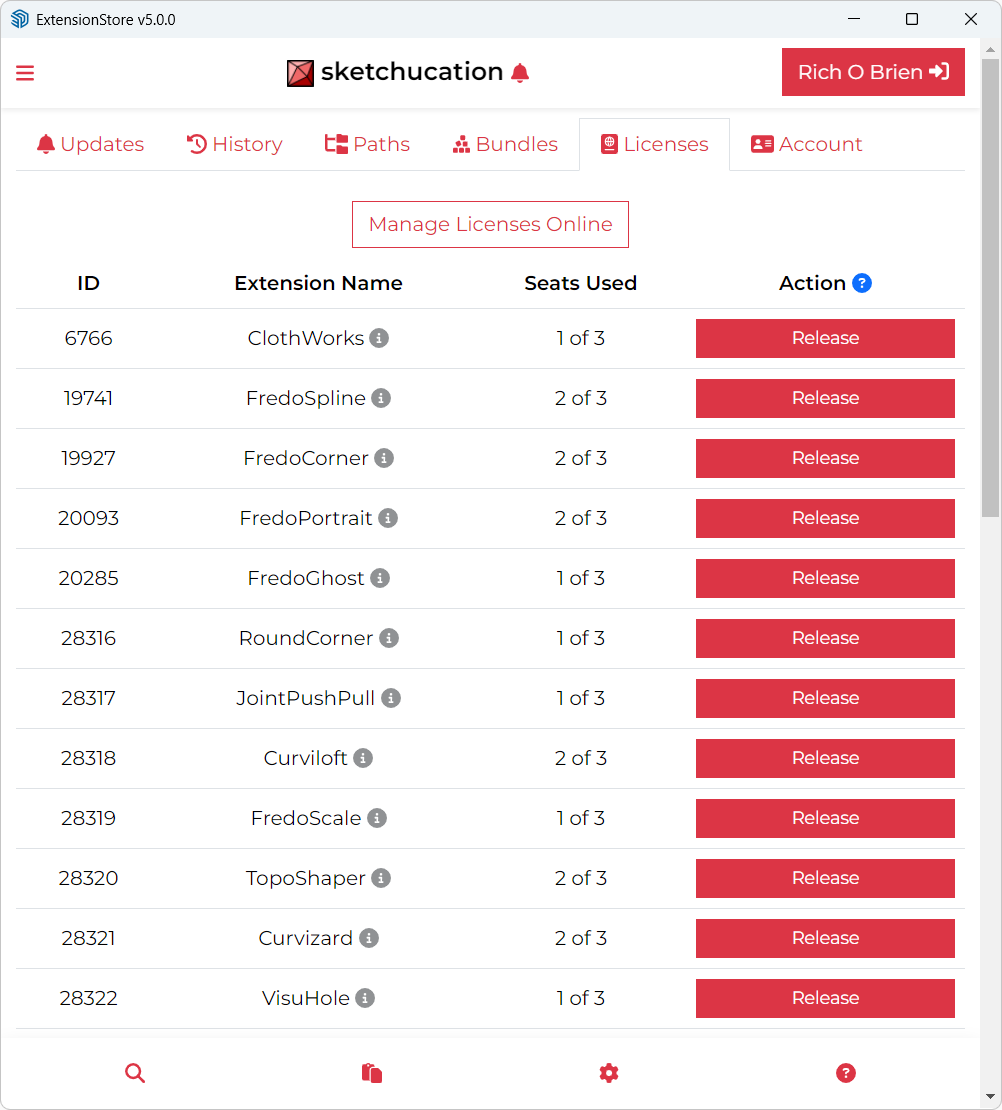
Helo, probably this topic was already discussed before. I have some Fredo extension purchased long ago. The online license manager doesn't allow me to remove old seats from outdated computers.

How can I do it? The old seats were installed in old computers from my company replaced with newer models. Havin only one seat available is painful anytime I need to work at home in the company laptop.
Thank you! -
I released the 2 seats of 2022 and 2025
-
I am using SketchUp 2017 Make and I am trying to install extensions from Sketchucation using the extension store V5.0.8 but all I get is the white screen which says loading and to click the green continue button if page does not refresh. I do that, but nothing changes. I am using Windows 11. Any sugestions would be appreciated.





Hello! It looks like you're interested in this conversation, but you don't have an account yet.
Getting fed up of having to scroll through the same posts each visit? When you register for an account, you'll always come back to exactly where you were before, and choose to be notified of new replies (either via email, or push notification). You'll also be able to save bookmarks and upvote posts to show your appreciation to other community members.
With your input, this post could be even better 💗
Register Login


Advertisement