Sketchucation Tools 5.0...
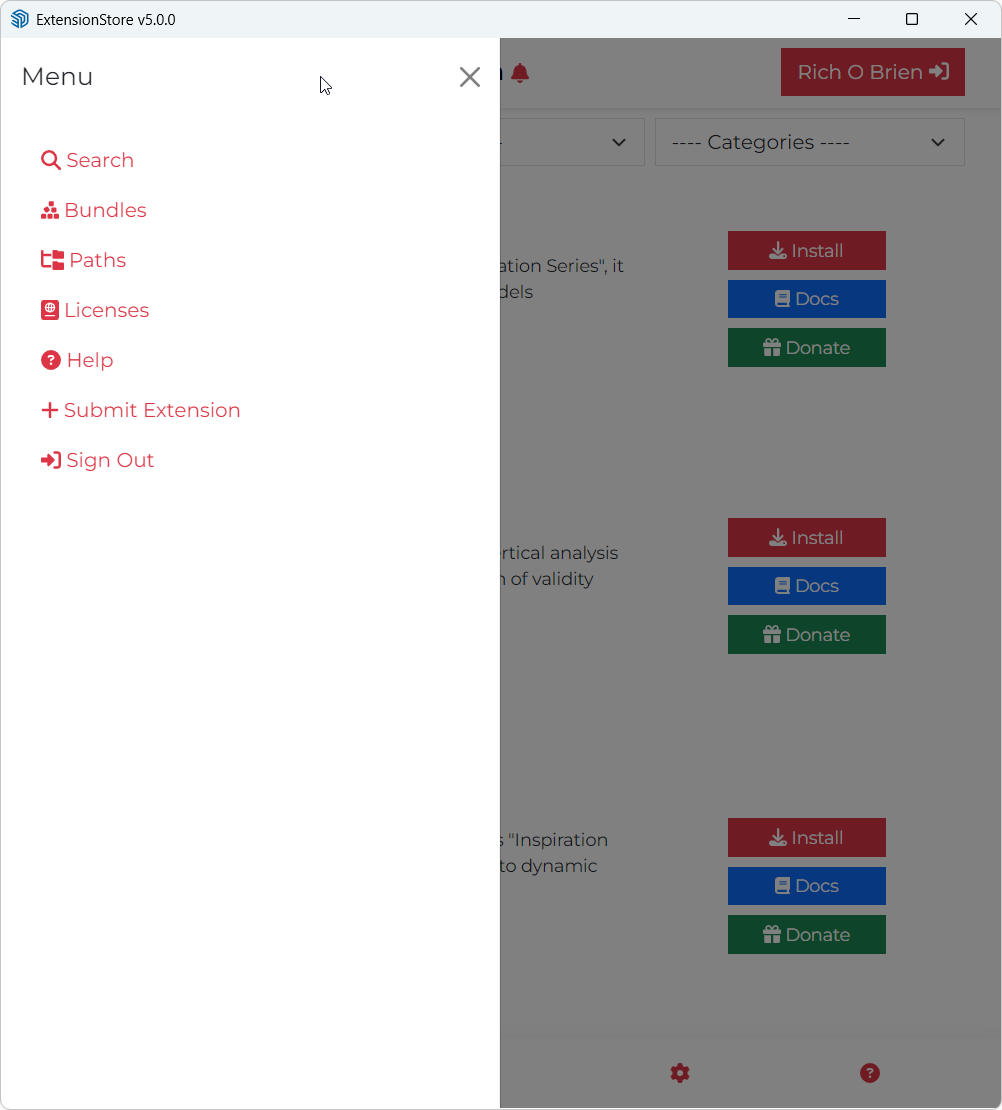
-
@kmead Thank you for the test result. It makes it probable that your MAC/ SketchUp or Firewall or any other "middleware" is considering our SSL certificate invalid.
To narrow down the problem, could you please run the following script?
require 'open-uri'
require 'openssl'

url = "https://pluginstore.sketchucation.com/downloadtest.txt"
save_path = File.join(Sketchup.temp_dir, "downloadtest.txt")

begin
  # Bypassing SSL verification for diagnostic purposes
  IO.copy_stream(URI.open(url, ssl_verify_mode: OpenSSL::SSL::VERIFY_NONE), save_path)
  puts "✅ Success! File saved to: #{save_path}"
rescue => e
  puts "❌ Error downloading file: #{e.message}"
end
This script skips the SSL cert test. If it downloads the test file without any problems then it is very likely that the the problem is with the corporate firewall or with some other kind of middleware.
If we know the result, we can try to create a possible solution which we can integrate into the next version of the tools.
-
Thank you, my apologies I have been submerged in project work. Thank you for your time.
I ran this and the result is:
 Success! File saved to: /var/folders/32/_b6xvp2s35zdb8ct2gnhsx78c99cvq/T/com.sketchup.SketchUp.2026.kmead/downloadtest.txt
=> nil -
@kmead Thank you very much for testing. We will discuss if we can provide a fix for it on our side. TBH disabling the cert test is not an elegant solution, so if we fix it, we need to find a solution where it is disabled only for the affected users...
-
Thank you. From my side, what verbiage should I use with my IT department to ask for adjustments to the corporate firewall? Is our issue peculiar to my IT set up or are others seeing something like this? I greatly appreciate you all looking at this. Have a great day.
-
v5.0.8 released.
- License file location fixes
- Device name fixes
- Global License Status improvements
- Server improvements
- 2027 compatibility
-
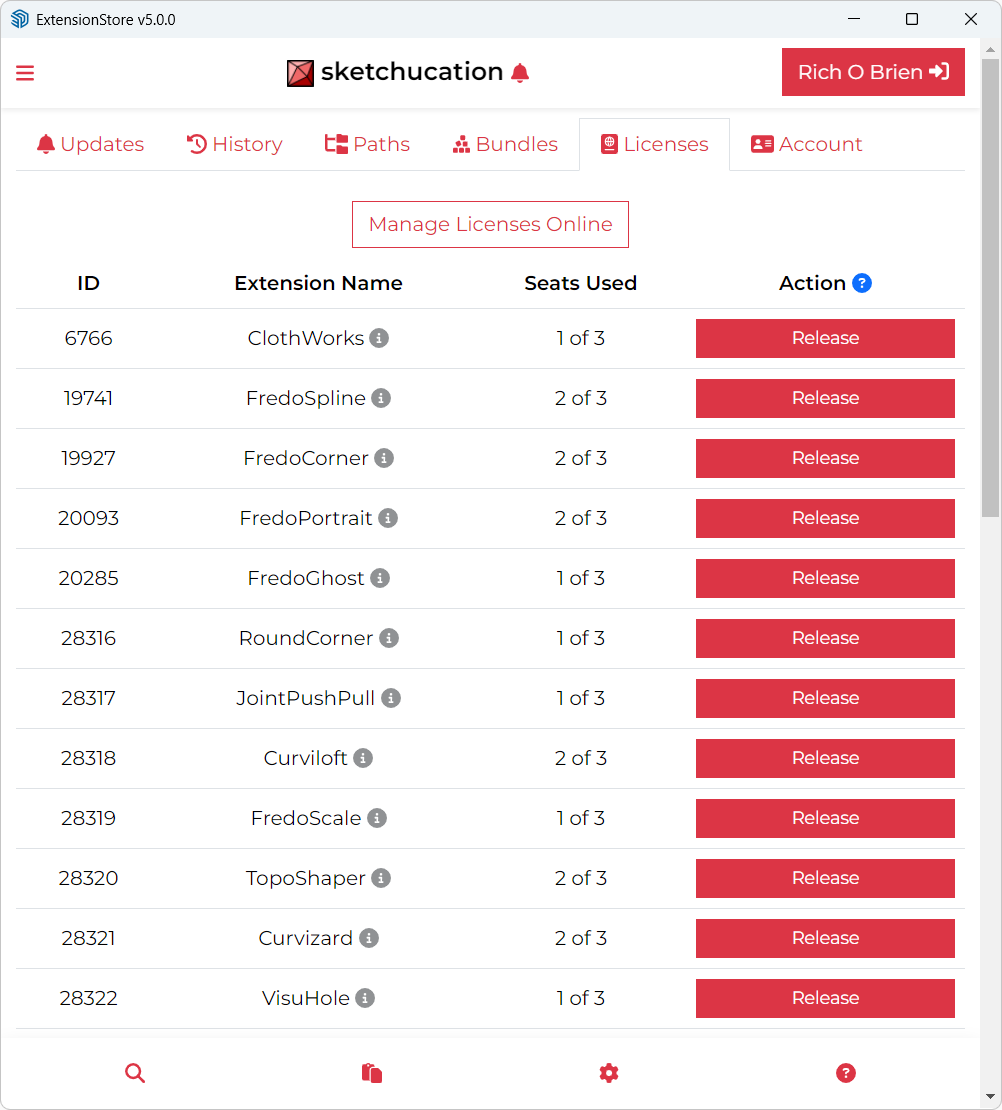
Helo, probably this topic was already discussed before. I have some Fredo extension purchased long ago. The online license manager doesn't allow me to remove old seats from outdated computers.

How can I do it? The old seats were installed in old computers from my company replaced with newer models. Havin only one seat available is painful anytime I need to work at home in the company laptop.
Thank you! -
I released the 2 seats of 2022 and 2025
-
I am using SketchUp 2017 Make and I am trying to install extensions from Sketchucation using the extension store V5.0.8 but all I get is the white screen which says loading and to click the green continue button if page does not refresh. I do that, but nothing changes. I am using Windows 11. Any sugestions would be appreciated.
-
I am using SketchUp 2017 Make and I am trying to install extensions from Sketchucation using the extension store V5.0.8 but all I get is the white screen which says loading and to click the green continue button if page does not refresh. I do that, but nothing changes. I am using Windows 11. Any sugestions would be appreciated.
Unfortunately maintaining a complex extension like Sketchucation Tools to work across 10 yrs of versioning is not feasible. You end up fire fighting many issues.
More recent version of SketchUp use webdialogs no longer compatible with older versions,
-
You can still install the latest SketchUcation toolset.
But in very old SketchUp versions the dialogs will most likely fail to work properly.
The toolset manages SCF licenses - like those needed by many of Fredo's extensions, so you still need it...
However, the license-management tools within it might not work well and you'll need to do that through this forums pages...
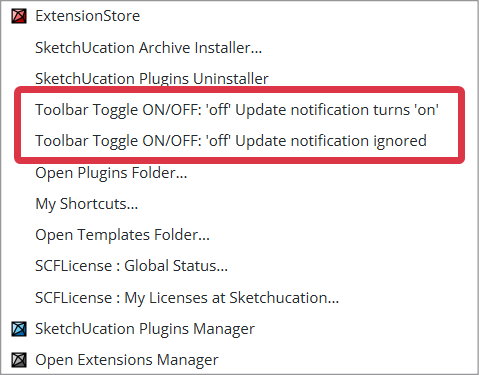
To avoid confusion turn off its Toolbar - and perhaps change its menu item NOT to show update available update reminders -
although having those notifications could be useful to prompt you to go the PluginStore and look through your extensions' entries for any version updates...
Also keeping abreast of changes by regularly reading forum posts will help you spot when an update is available.
Unfortunately, over time fewer and fewer extensions will be compatible with such old version of SketchUp, as annually good extensions get updated to suit the newer versions of SketchUp and their changed Ruby usage - this is a task for the developer each year, without them having to make backwardly compatible code. Deprecated Ruby methods can be a pain to trap for when updating your plugin's code too...




Hello! It looks like you're interested in this conversation, but you don't have an account yet.
Getting fed up of having to scroll through the same posts each visit? When you register for an account, you'll always come back to exactly where you were before, and choose to be notified of new replies (either via email, or push notification). You'll also be able to save bookmarks and upvote posts to show your appreciation to other community members.
With your input, this post could be even better 💗
Register Login


Advertisement