how do I take seats off my license I only have two machines and it says ive exceeded my three seats
Oops, your profile's looking a bit empty! To help us tailor your experience, please fill in key details like your SketchUp version, skill level, operating system, and more. Update and save your info on your profile page today!
Sketchucation Tools 5.0.7 | Licensing improvements and bug fixes Learn More
W
Offline
Posts
-
RE: SCFLicense: Extension Licensing on Sketchucation
-
Become a SketchUp and LayOut master today
Hi,
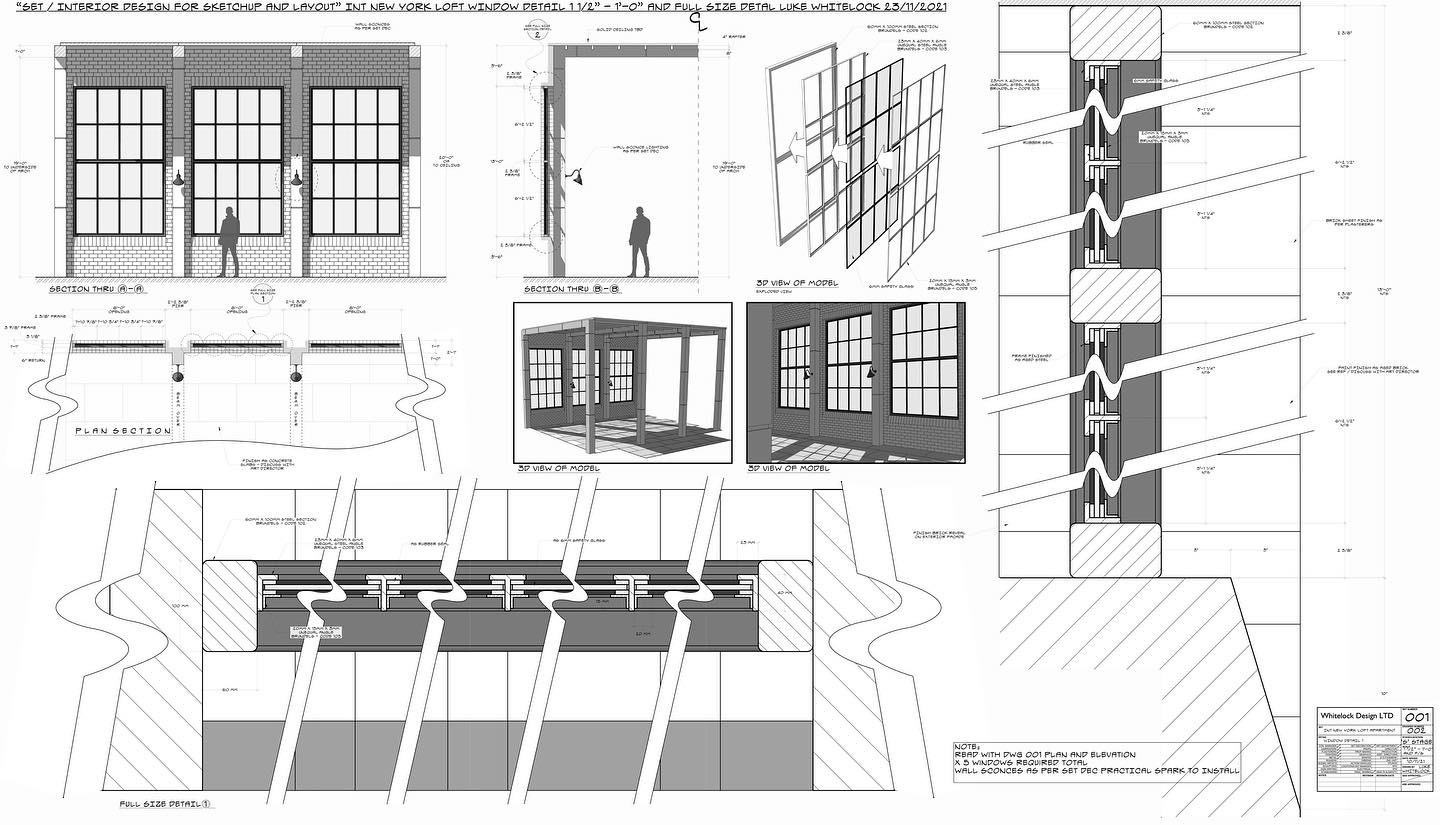
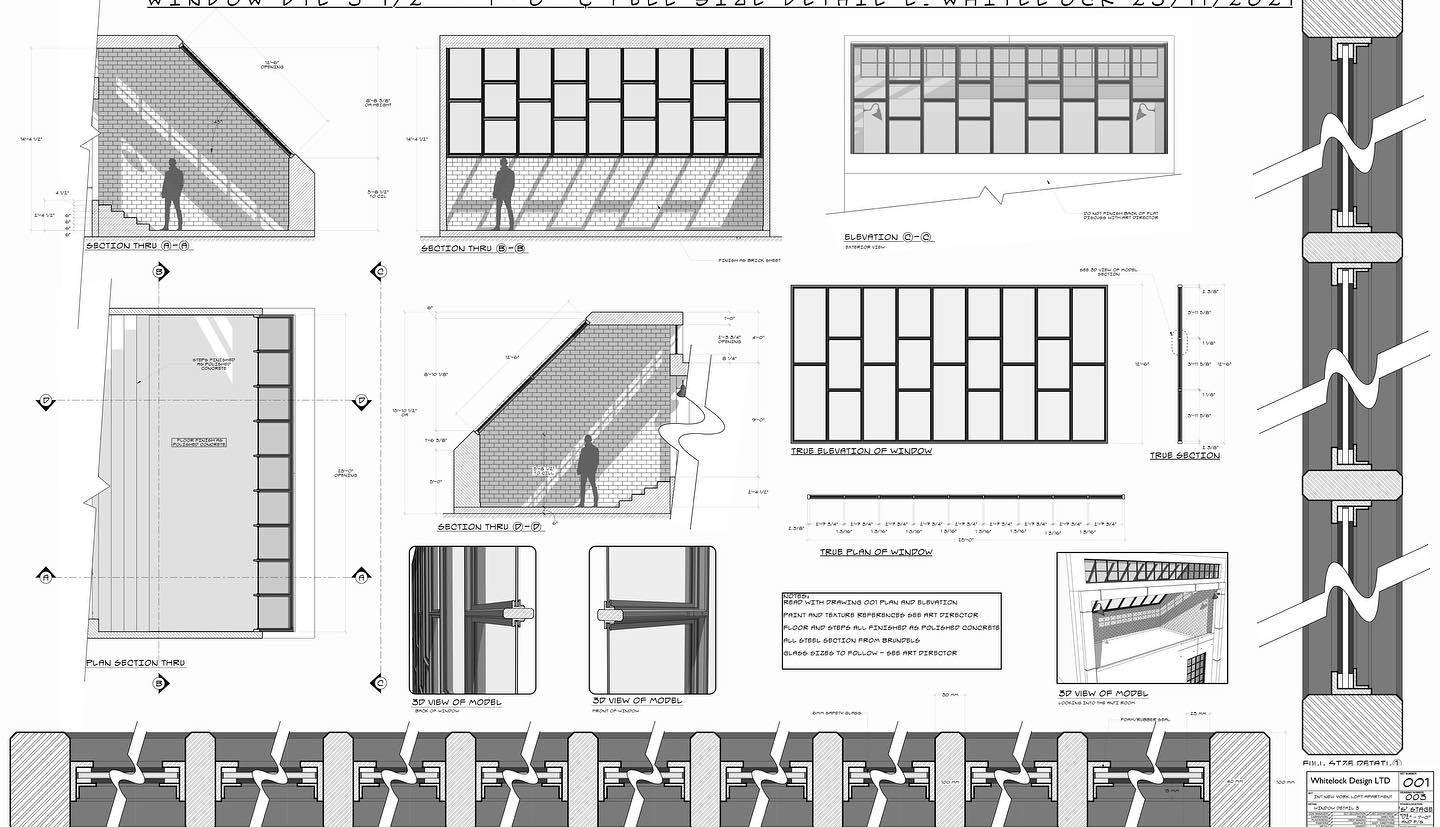
Do you use SketchUp and LayOut in your workflow? do you want to imrove your understanding of both programs. My in depth tutorials will show you how I use SketchUp and LayOut to produce intricate construction drawings. With over 15 years experience of using the programme I will take you through my entire workflow from start to finish. Follow along with me across over 30 hours of training split down into easy to manage episodes across 3 separate courses. Feel free to check out my Instagram page where i showcase the type of work I do and see the link below which will take you to my Gumroad page where you will find all the information you need along with videos showing the type of workflow I use.
https://lukewhitelockdesign.gumroad.com
-
New SketchUp and Layout Tutorial released and special offers
Dear Sketchucation member
My name is Luke Whitelock and I am a feature Film Art Director, I work exclusively in high end features and some of my past credits include "The Batman", Cruella", "Avengers: Infinity War and Endgame" and "Inception" I have spent the last year putting together a series of online tutorials on how to design and draw set designs using SketchUp and LayOut and recently released the third instalment in my series of five.
Over the last year I have put together several online courses on how I use Sketchup and Layout to design sets for Film, TV and Commercials.
Until midnight on Friday 22nd April I'm offering 50% off of all of my previous tutorials.
Just use the code easter22 at checkout for your discount to be applied.
With the discounts applied you can get any of my previous tutorials for the following price.
“Set Design for Film, TV and Commercial: Parts 1A - 4B” is now £37.50 instead of £75 -
with 10 hours of content this is a huge saving and will teach you my entire workflow from start to finish.“Set Design for Film, TV and Commercial: Parts 5A - 6C” is now £25 instead of £50
More than 6 hours of in depth tutorials on Window design and how to produce window detail sheets.Both courses purchased together with my new course (Parts 7A -9C) will give you over 26 hours of video tutorial to become a fully fledged master of SketchUp and LayOut.
“Scrapbook for Layout”
A must have as an add on for any of the two previous tutorials. It’s highly recommended that if you have any of my previous courses then you should purchase this time saving book of all the drawing conventions I have made over the years. It’s now only £7.50 instead of £15"Sci-Fi kitbash for SketchUp".
Over 80 license free greebles and hard surface tech that you can use in your own models along with a 1 hour guided tutorial on how to create a Sci-fi corridor scene. We even look at some basic rendering techniques.
All this content for £20 instead of £40Buy the whole set and make a huge saving of £90 across the board. You’ll have full access to all tutorials indefinitely meaning there’s no time limit to complete. Take it at your own pace. Follow along, watch as many times as you like and download the 3D assets as many times as needed too.
On top of all this is my new release:-
“Set Design for Film, TV and Commercial: Parts 7A - 9C
Is currently in an early bird offer until Friday 22nd of April. Get another 10 hours of in depth tutorials tips and tricks for an early bird price of**£40**- you’ll also receive a bonus 1 hour tutorial on how to model a Georgian panelled door and a pack of 6 license free door models to use in your own designs.These courses are aimed at set design but can be used by anybody wanting to improve their SketchUp and LayOut workflows
Here is the link where you will also find more info and video samples of each course.
https://app.gumroad.com/lukewhitelockdesignJust enter the code easter22 at checkout for the discount to be applied, use the code as many times as you like and get the whole set.
if you have any questions feel free to message me anytime.
Thanks.
-
Comprehensive Sketchup and Layout Tutorial
Hi,
My name is Luke Whitelock, I am an Art Director / Set Designer in the Film and TV industry. I have worked predominantly on major feature films including "Avengers: Infinity War", "Avengers: Endgame", "James Bond: No Time To Die", "Cruella", "Guardians of the Galaxy" and "Inception"
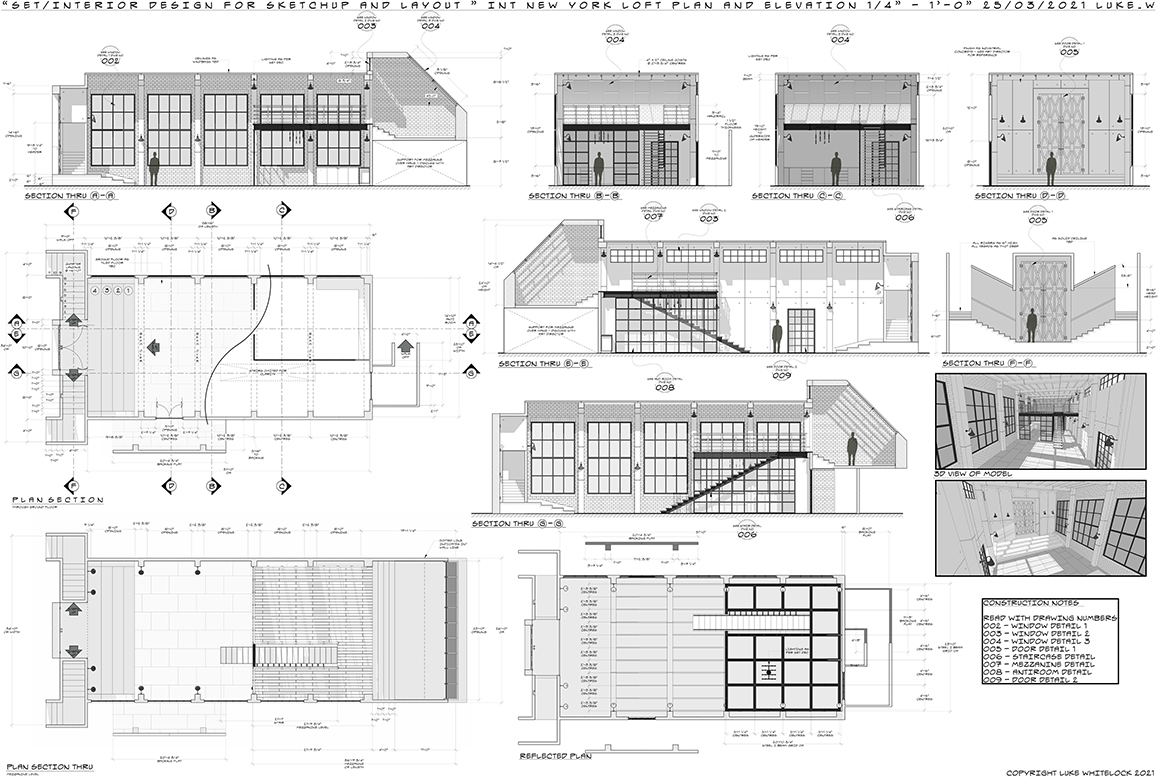
In the last 16 years I have used Sketchup and Layout to create all of my set designs and construction documents. During this pandemic I decided to put together a tutorial that showcases my workflow. From Concept design through to modelling, boolean operations, groups and components, layers and the importance of solid modelling through to using Layout efficiently and how to create stunning visual presentations.
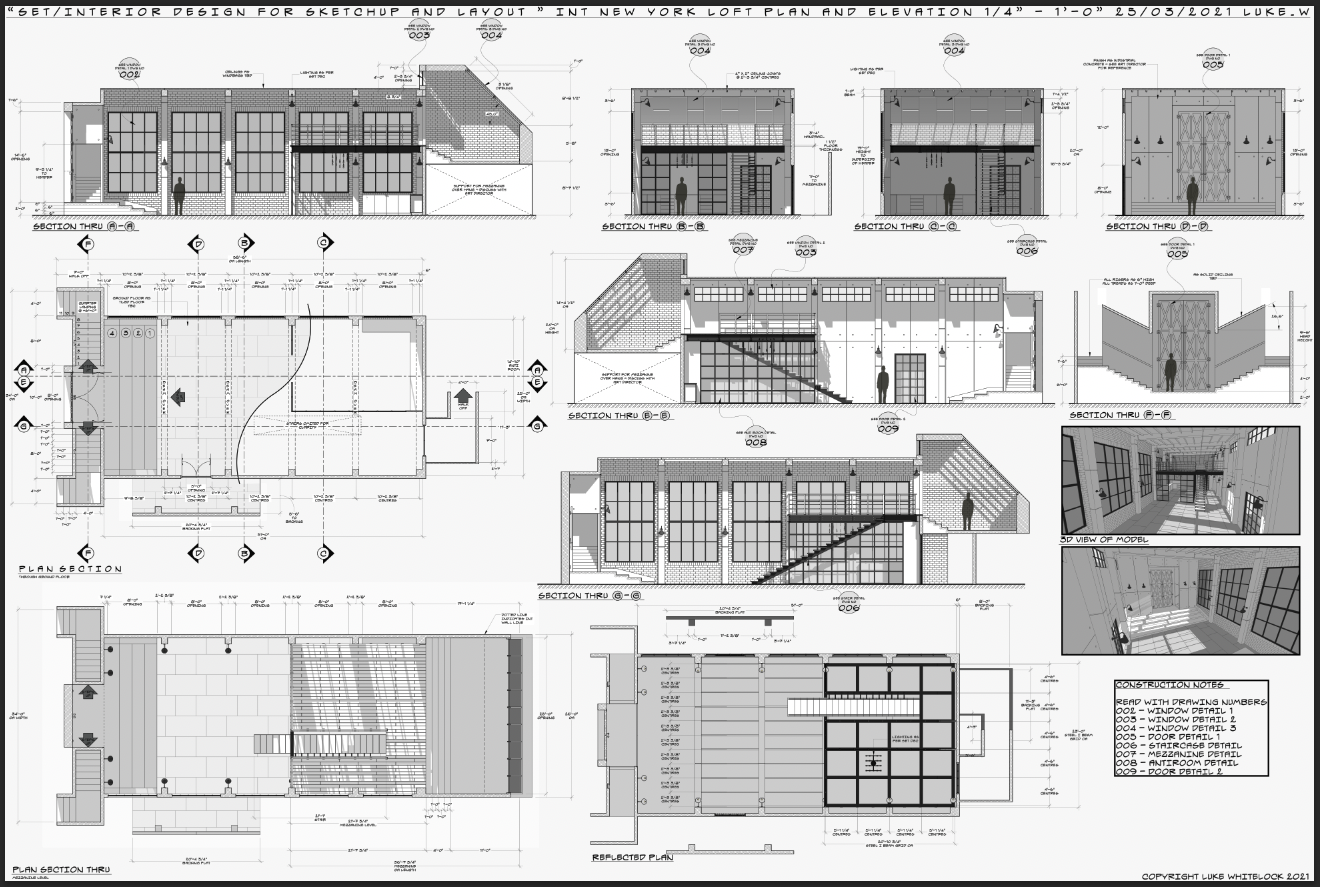
For beginners and seasoned pros alike you can follow along with this course which is broken down into 11 chapters each with a varying length but a combined running time of 10 hours. the files can be streamed in HD and you will have access forever, so you can dip in and out as it suits you. if you follow along, by the end of the course you will have a complete set of plans and elevations of a New York loft apartment. Learning all the best practices along the way.
check out my IMDB page for a list of my credits https://www.imdb.com/name/nm2259834/
Also feel free to check out my instagram where you can see all of my work that I produce with Sketchup and layout https://www.instagram.com/lukewhitelockdesign/
If you are interested in purchasing this tutorial please follow the link here https://gumroad.com/l/UmoNy you will be able to watch a promo video here that will give you a good overview of the course
This tutorial is great for beginners and pros, for set designers wanting to learn 3d or architectural designers looking to expand their skills base, to events designers, theatre designers, interior designers and spatial designers and everyone in between. If visual communication is key to your workflow this tutorial is for you. Thank you for taking the time to read this.
-
Comprehensive Sketchup and Layout Tutorial
My name is Luke Whitelock, I am an Art Director / Set Designer in the Film and TV industry. I have worked predominantly on major feature films including "Avengers: Infinity War", "Avengers: Endgame", "James Bond: No Time To Die", "Cruella", "Guardians of the Galaxy" and "Inception"
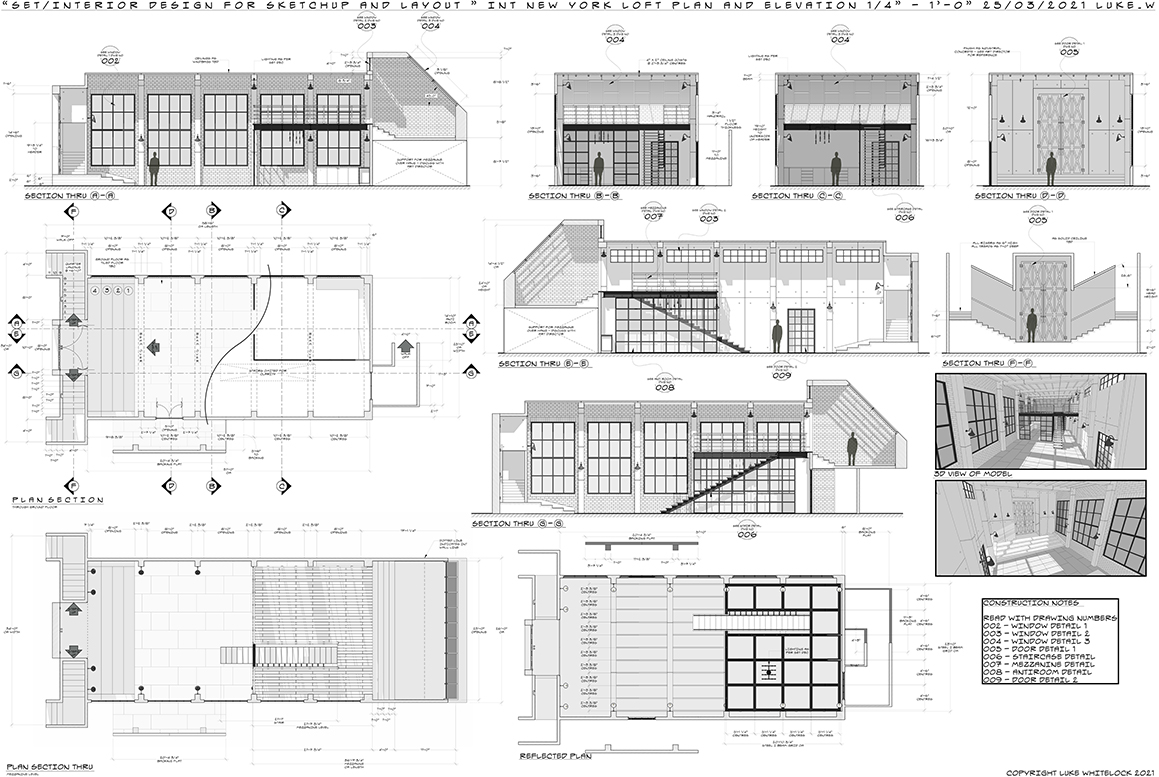
In the last 16 years I have used Sketchup and Layout to create all of my set designs and construction documents. During this pandemic I decided to put together a tutorial that showcases my workflow. From Concept design through to modelling, boolean operations, groups and components, layers and the importance of solid modelling through to using Layout efficiently and how to create stunning visual presentations.
For beginners and seasoned pros alike you can follow along with this course which is broken down into 11 chapters each with a varying length but a combined running time of 10 hours. the files can be streamed in HD and you will have access forever, so you can dip in and out as it suits you. if you follow along, by the end of the course you will have a complete set of plans and elevations of a New York loft apartment. Learning all the best practices along the way.
check out my IMDB page for a list of my credits https://www.imdb.com/name/nm2259834/
Also feel free to check out my instagram where you can see all of my work that I produce with Sketchup and layout https://www.instagram.com/lukewhitelockdesign/
If you are interested in purchasing this tutorial please follow the link here https://gumroad.com/l/UmoNy you will be able to watch a promo video here that will give you a good overview of the course
This tutorial is great for beginners and pros, for set designers wanting to learn 3d or architectural designers looking to expand their skills base, to events designers, theatre designers, interior designers and spatial designers and everyone in between. If visual communication is key to your workflow this tutorial is for you. Thank you for taking the time to read this.
-
MAC PRO WITH SKETCHUP
Hi Guys,
It's been a while since I last posted anything. I am thinking about upgrading my current mac (imac 27 inch late 2013, 3.5ghz intel core i7, 16gb 1600 mhz ddr3 with nvidia geforfce gtx 780m 4096mb)
I have noticed since upgrading to skp2019 that performance is a little slower, layout is slower and now im using more plugins like vray i am seeing slow render speeds and Vray crashes sketchup if i try and work fast.
the new imac pros coming on to the market say they have 18 cores and amazing graphics cards etc but I don't really know anything about computers in this way. It all goes over my head im afraid. I don't want to overspend on a top of the line machine if it makes no difference to how sketchup runs. can anyone give me any info or advice on whether its worth getting a top of the line all bells and whistles or if its pointless as sketchup only works with this that an the other so just go with this set up... hope that makes sense.
I should point out I work as a set designer in the film industry and often my models can get to over 100mb, they start slowing up and becoming hard to work with at 90mb and above. check my instagram to see the sort of models i produce heres a link
Thanks
Luke
-
Warning dialogue after re-installing podium
Hi Guys,
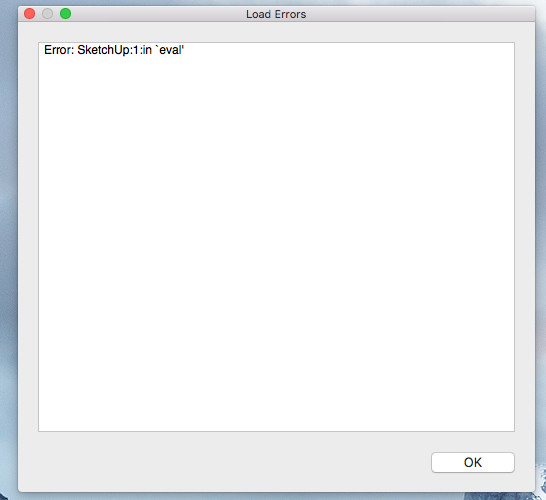
I had upgraded to 2018 a few months ago and yesterday I needed to do a quick render so I opened podium and it asked for activation license which I put in (i have had podium for years and always just take it with me from one sketchup version to another) anyway all was good refers were fine no problems. I shut down the computer and went home. this morning when I log into sketchup a warning box comes up - I am guessing its due to podium as thats the last thing I activated.
please see the image below. any ideas how to stop this from happening.
Thanks
Luke
-
RE: SECTION CUTS AND HATCHING
Thanks Guys,
As a side note I am currently modelling medieval elliptical staircase. its been a while since I did a stair case and I have forgotten the best way to model the handrail and stringer i:e i need to extrude the profiles upright - enoreths upright extruder just hangs on me overtime is there another plugin that you can suggest for this action.
thanks
Luke
-
RE: SECTION CUTS AND HATCHING
Thanks Box
How do you turn off the new fills?
-
SECTION CUTS AND HATCHING
Hi Everyone,
I design sets in the film industry and for the last few years my work flow has been entirely inside of ketchup and layout. I had a system for sectioning and hatching which I don't think I can now do in 2018 with the new section tool in sketchup.
Originally i would model my set, set up views (plan elevations etc) and then I would section each part by using the section cut face plugin. I would put a white fill in my sections and then I would offset each section, hide the offset lines and use hatch face plugin to fill the remaining section with a basic hatch. Its not very often in set design that we need to use any other kind of hatch except when showing plaster or compacted earth. I basically did all hatching inside the model rather than in layout. any ideas how i can achieve this look in the new sketchup with the new section fills that don't seem to be editable.
I have attached some examples to show how I used to do it.
Thanks
-
RE: EXTENSION WAREHOUSE MANAGEMENT
Thanks Dave,
Good to know that about the path copy and weld plugins. The others I was referring too were actually fluid importer and profile builder. would be nice to eliminate them from my list also I have had the true offset in my list for years and as its no longer needed would like to find a way to get rid of it. I got it as a trial and never bothered go with a full version but its always been there in my list of extensions annoying me.
Any ideas how to get rid of those?
Thanks
Luke
-
EXTENSION WAREHOUSE MANAGEMENT
Hi All,
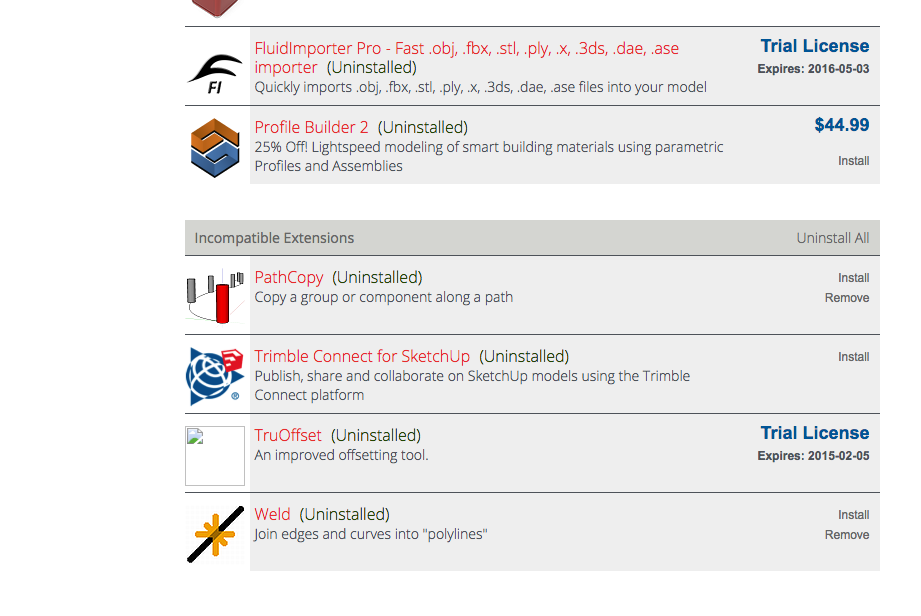
Happy new year to everyone. I'm starting a new project and am in the process of re-installing my plugins from the extension manager as i recently updated to 2018. there a re a few extension that say they are now incompatible but I still have an option to install. they are path copy and weld, two invaluable extensions to my workflow are there compatible equivalents or does it not matter if I re install
Im also clearing out all the extensions that I don't use, there are a few in the list that do not have any option to remove. Any ideas how I do remove them?
Have a look at the screen grab to see what I mean.
Thanks
Luke
-
RE: SketchUp 2018
anybody know if there is more detailed info on the updates and how they work (tutorial video perhaps) been having a play this morning, can't see what use the new layout functions perform just by reading the little blurb they put out on the release notes.
Also any way to know if the plugins that i had previously from plugin warehouse will work with 2018.
I just hope this version is not a glitch filled monster like 2017 was.
-
RE: CLEANING UP MY GLITCHY SKETCHUP 2017
Hi All,
Thanks again for all your input I was away and couldn't get back to you until now. I worked out what the problem was and found the file with thanks to Tigs instructions. All sorted. I was then able to open sketchup without the pop up window opening.
Thanks
Luke
-
RE: CLEANING UP MY GLITCHY SKETCHUP 2017
Hi All,
Thanks again for all your input I was away and couldn't get back to you until now. I worked out what the problem was and found the file with thanks to Tigs instructions. All sorted. I was then able to open sketchup without the pop up window opening.
Thanks
Luke
-
RE: CLEANING UP MY GLITCHY SKETCHUP 2017
Hi TIG,
Thanks again for your patience. I did as you suggested, however I can't see any of the info you said that might be in there. I still copied and pasted the paths into finder and none returned any hits!!
-
RE: CLEANING UP MY GLITCHY SKETCHUP 2017
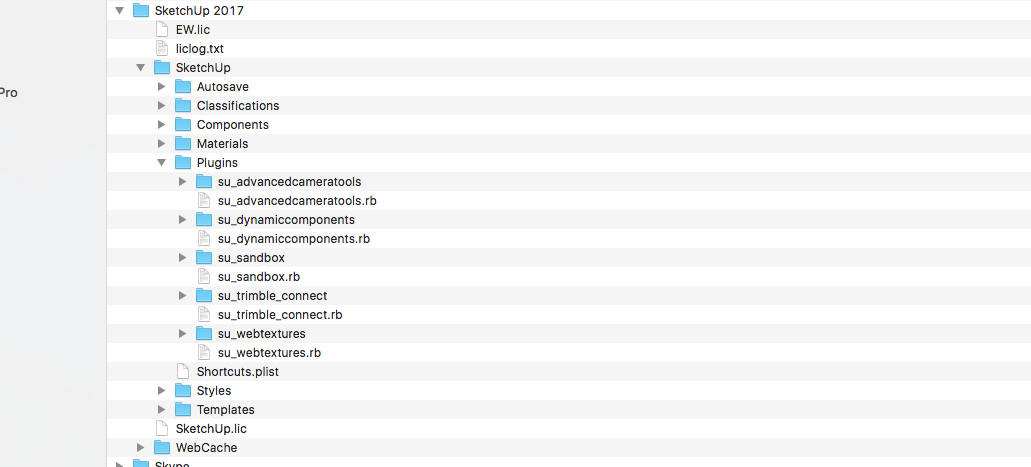
Hi Slbaumgartner
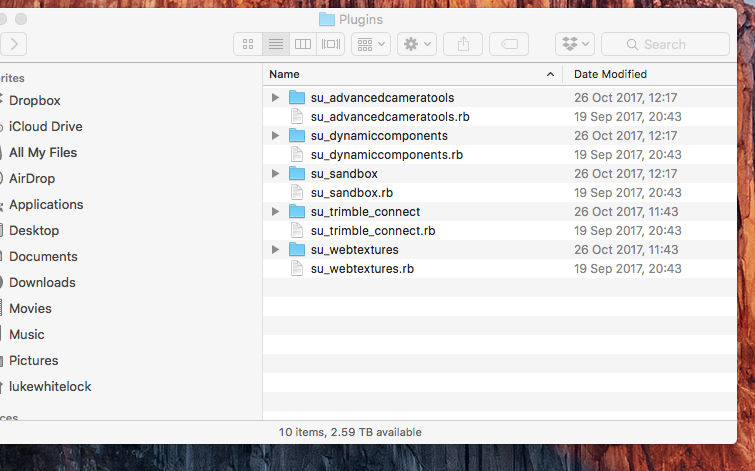
Tried what you suggested, only see these files in plugins folder.
-
RE: CLEANING UP MY GLITCHY SKETCHUP 2017
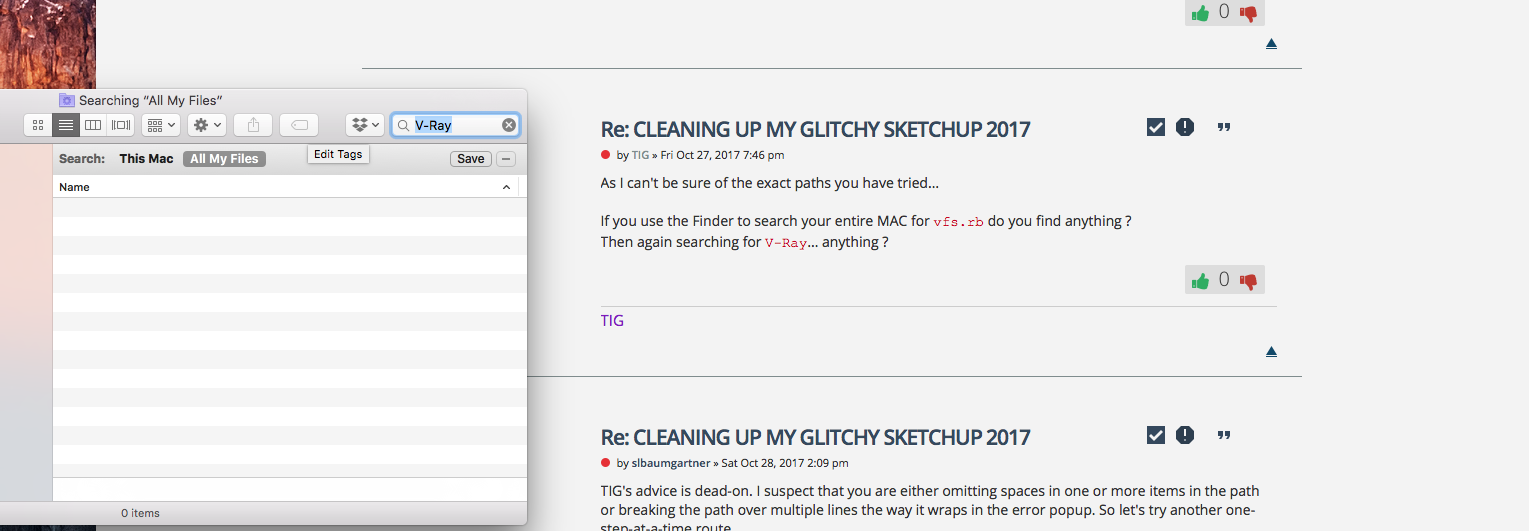
Hi Tig,
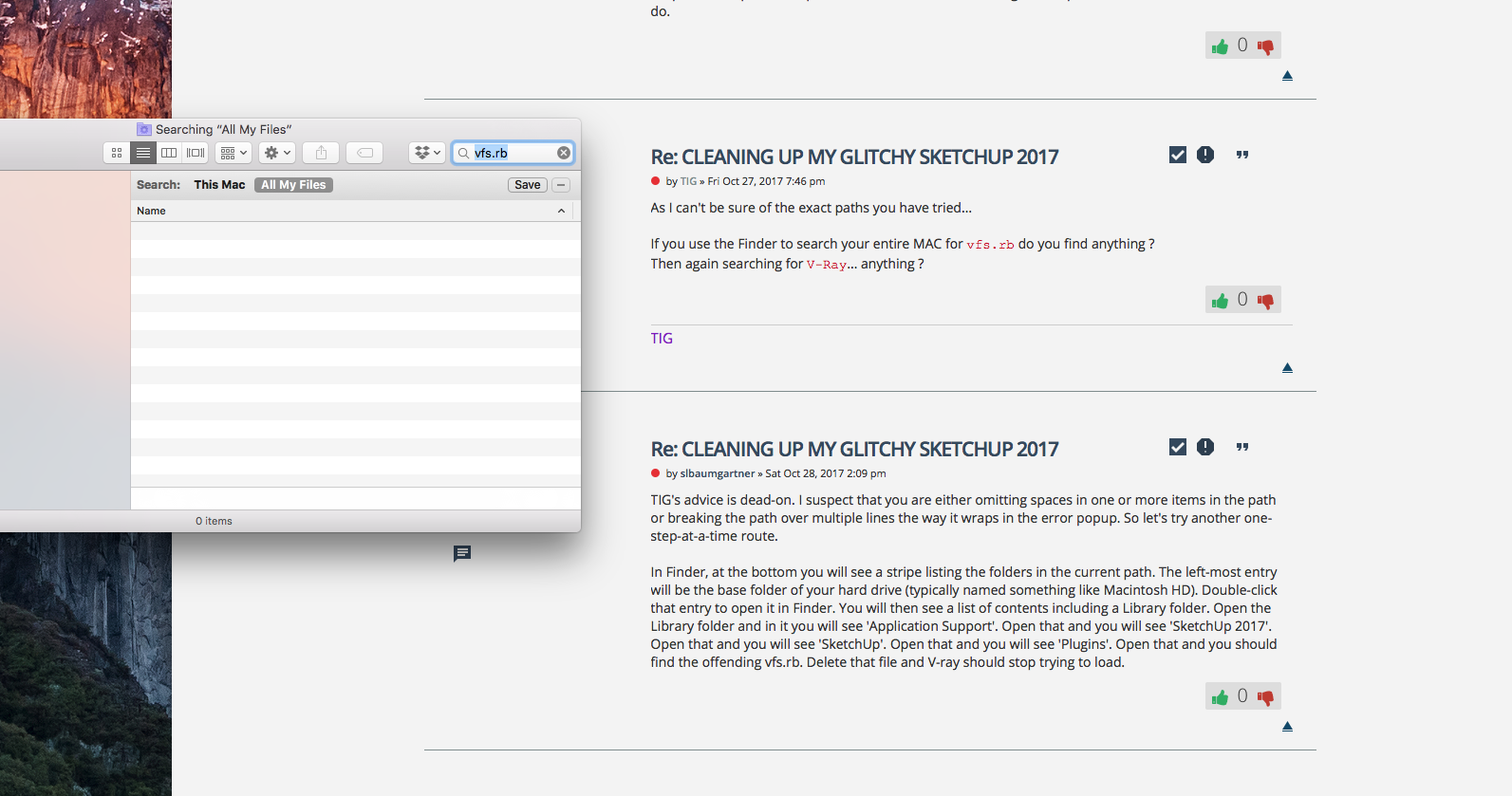
Tried what you suggested, nothing comes up see below
-
RE: CLEANING UP MY GLITCHY SKETCHUP 2017
Hi Tig,
I copied those paths and put them in the finder but nothing came up. I don't know what else there is to do.
-
RE: CLEANING UP MY GLITCHY SKETCHUP 2017
Hi Tig,
Thanks again for your reply and your patience.
is it any of these?