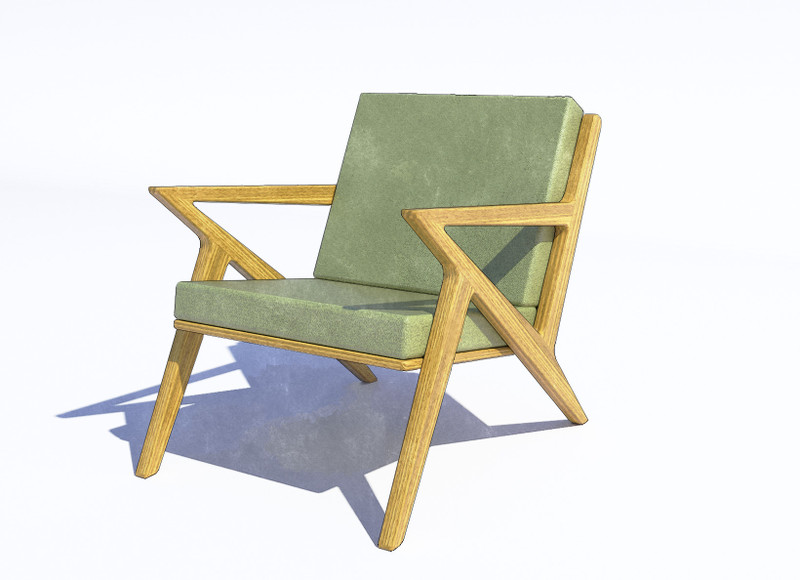
HornOxx , Here's a rundown of how I got the final image....
Save my render. Back in SU turn off shadows and switch to a line style. I used one of Dave R's styles
( available in the store ). Save that image at 2x the render size.Close out SU. Open render image in
Sketcher and give it a water color effect. Save that image. Get into Gimp. Size down the line image
And give it transparent background. Load original render image and the water color below that.
Reduce the opacity of the original render until I like how things are looking. I'll go in and touch up
the line drawing if it needs it. And there you have it... Really it's just a modified of the technique that
Allan Casa does ( see his book also in the store ).
Rich, Been about 3 years since I looked at Photoshop prices. Guess I need to go look again....
Davidheim!, Really like the "Wizard of Oz" analogy. Most days I feel like the scarecrow running around looking for
my brain !