Thanks Steve and Richard, appreciated.
With a little sadness I've decided to make this my last gallery post, after six great years on the forum it's time to give you long suffering folks a rest  .
.
Take care
John
 T
Offline
T
Offline
Thanks Steve and Richard, appreciated.
With a little sadness I've decided to make this my last gallery post, after six great years on the forum it's time to give you long suffering folks a rest .
Take care
John
if I ever win the lottery!
Back to a little fun with SU after what seems a while.
[attachment=0:3jg7xsi8]<!-- ia0 -->Summer Residence a.jpg<!-- ia0 -->[/attachment:3jg7xsi8]
John
@krisidious said:
A drunk monkey could do better..
+1 
Steve you know we have all been waiting with baited breath for your next model, your just tormenting us now 
John
@krisidious said:
I think you're going to need a seatbelt...
lol and air bags.
Looking great bryan!
John
Hello Mike, looking good your modelling/renderings coming on in leaps and bounds.
John
Thanks Steve, that's some hole 
A big thank you to Elisei, it's been a real pleasure working alongside him, a true gent!
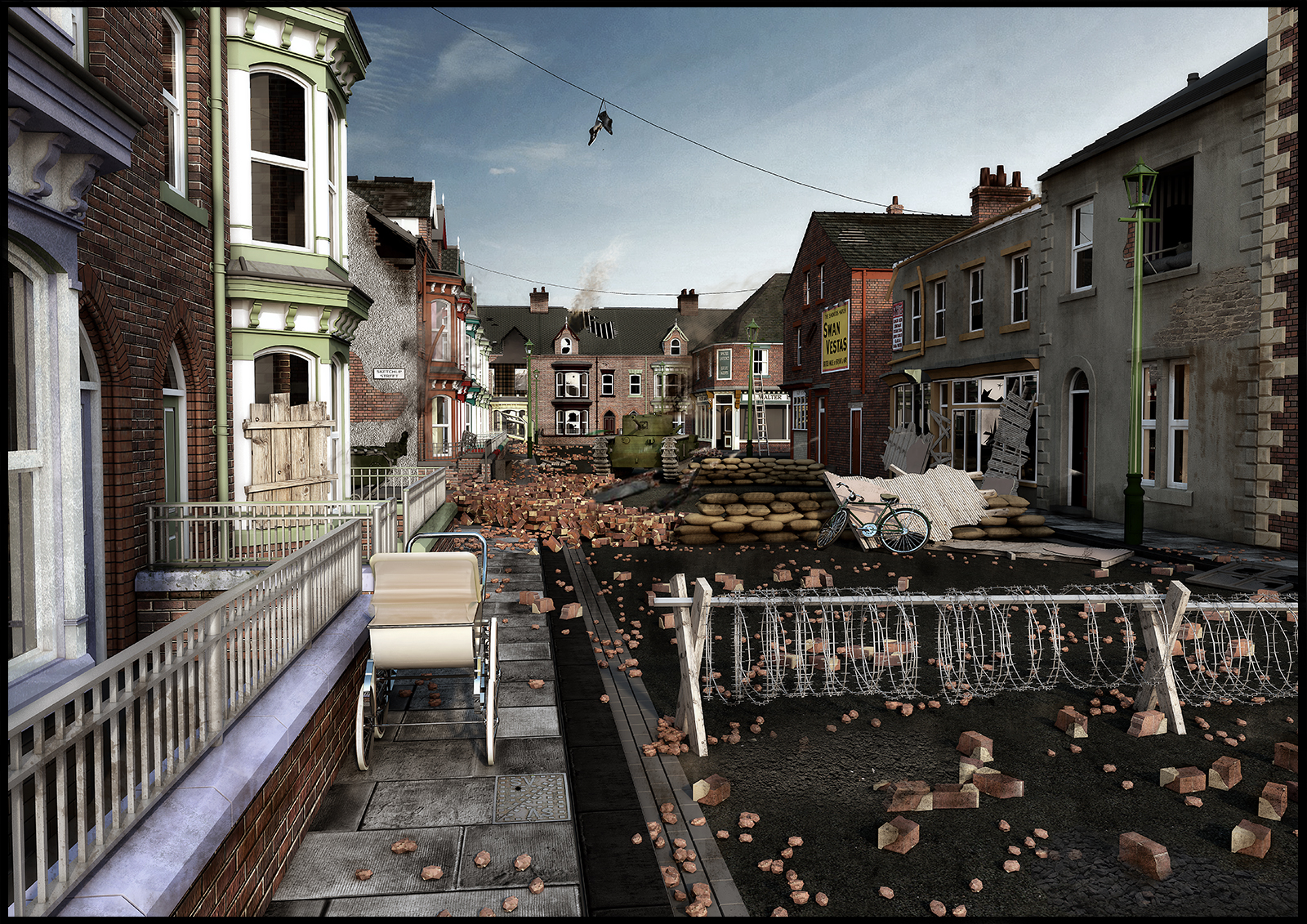
John
Thanks TIG, I "sorta" understood some of that although code may as well be in Arabic to me
I figured out that even though I know zilch about coding I could have saved money by writing my own code that didn't work ...simples 
John
Thanks Rich, I've never used Blender. It doesn't seem to be the obj files that are the problem as TIG's importer opens them,
"Yes, we found what the issue is, but in order to solve it we need to rewrite parts of the plugin.
It will require a few days. I'll let you know when the issue is solved."
I feel like a mushroom 
John
Hello Rich, I've tried quite a few files to no avail. They said there's an issue with the code but I'm in limbo ATM with no return e-mails.
thanks
John
Wondered if anyone else was having trouble with this plugin?
I purchased this plugin 15 days ago and after more than 8 hrs of trying still could not get it to work! TIG's obj importer opened the files ok but not the new plugin which I understood to be a lot faster.
12 days ago I received an E-mail stating they were re-writing the code because of an "issue" and to be patient , now not even the courtesy of a reply to my e-mails (20 in total).
Mugged again
John
Elisei, I hope you don't mind but I've reduced the size of the sandbags. I've added a bit today "cosmetics" cables ect that can be added in tomorrow.
Love the details you've added today, at first I thought you'd bust me bike!
Pete 
John
Thanks Pete, at the moment she's 33mb but was never optimised. With all visible there's no slowdown yet!
John
Thanks lee.
Not a lot from me today but Eli and Rich have been working away so I will update the Skp file in the morning. All suggestions are welcome!
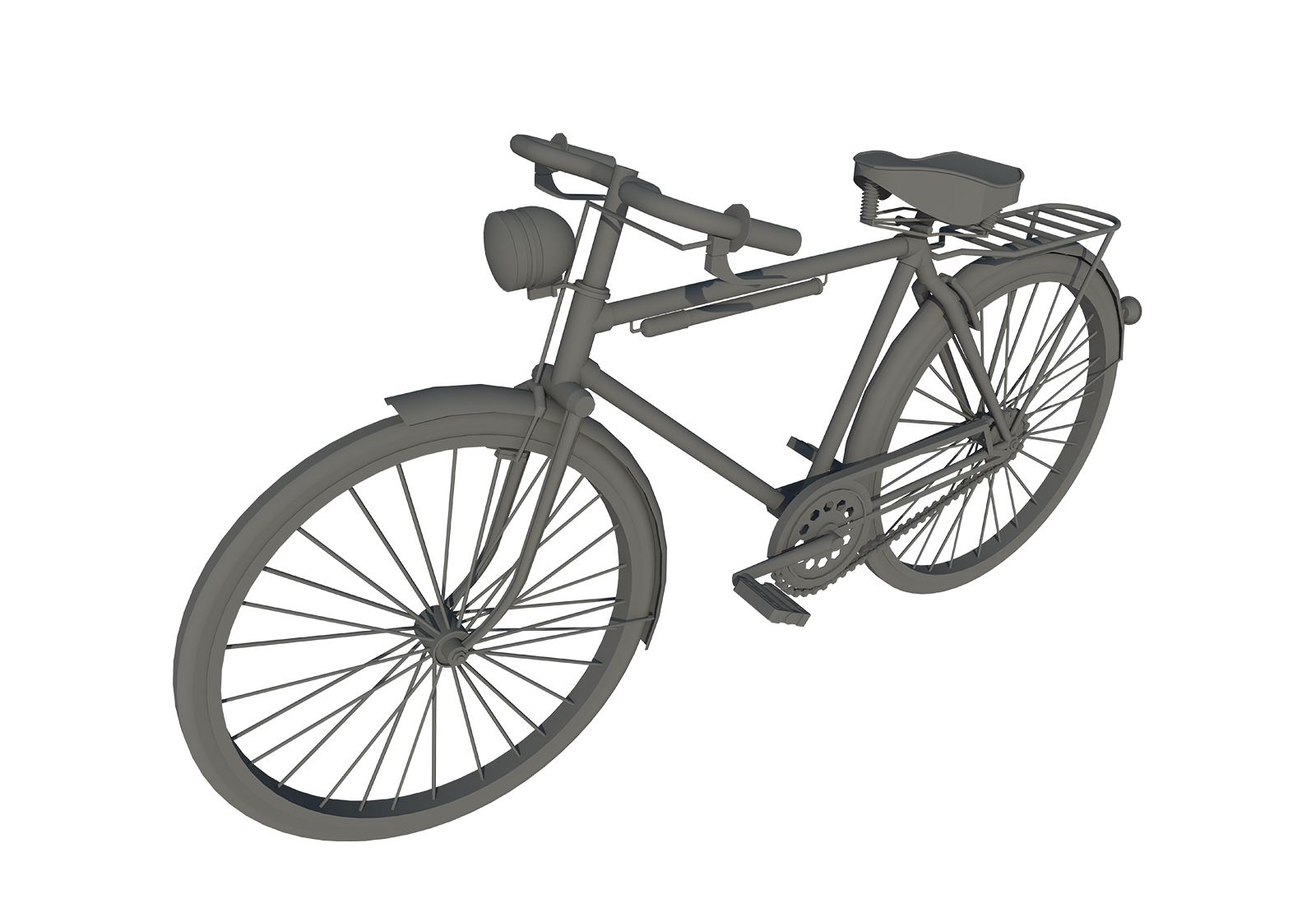
Modelling this old bike brought back memories of my old Sargent screaming at me...... Higgins get back over here you f***ing little coward
John
Hello Rich, of course feel free , it's not my model it's everyone's.
John
Thanks Oli, any "artefacts" to add to the scene would be good.
Kriss, I was also thinking about Fredo-scale, it's good if not overdone or it can look a little cartoonish.
John
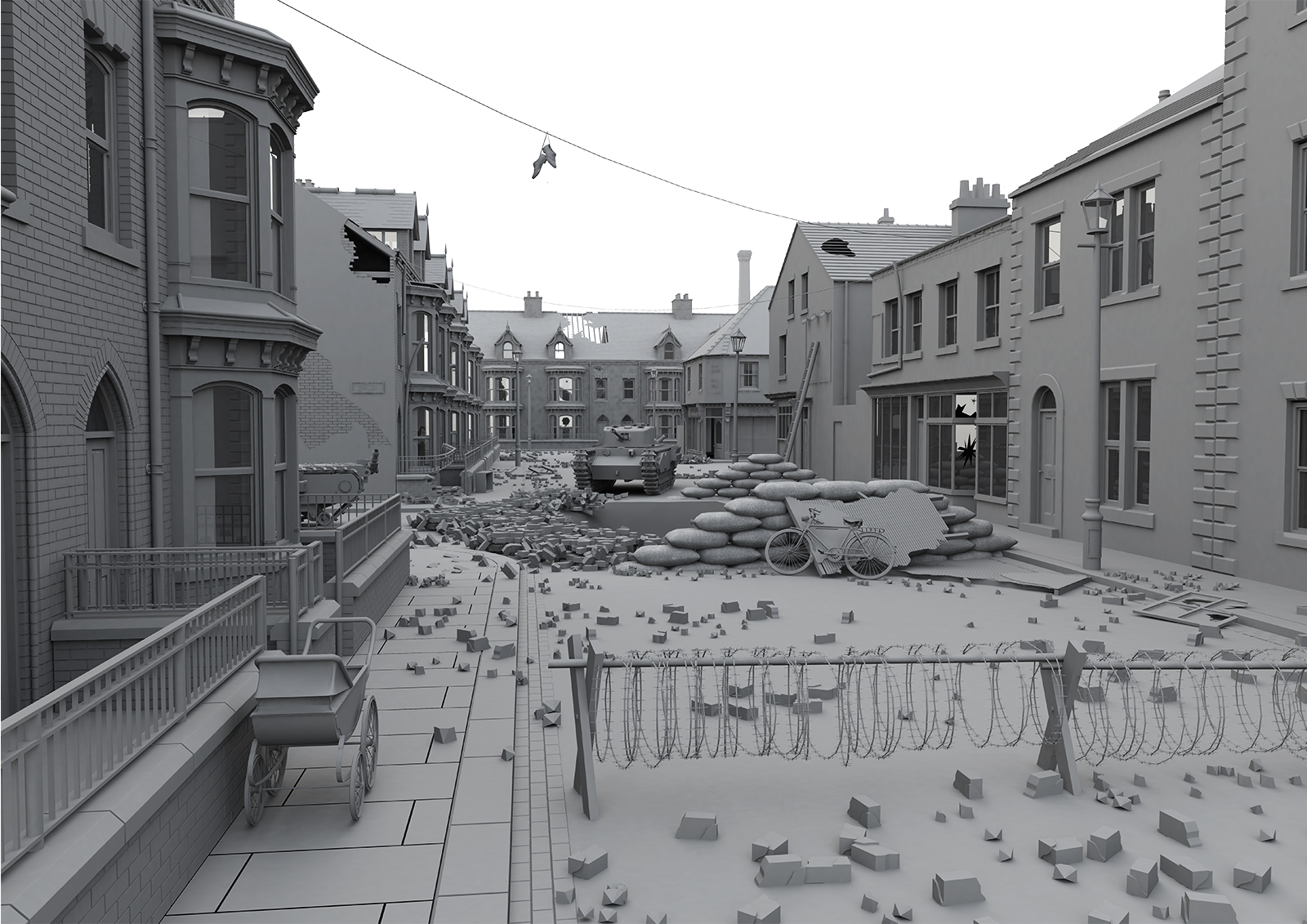
Hello Bryan, I've just googled and apparently you do also need an account, sorry I was unsure. Here's the state of play on the model
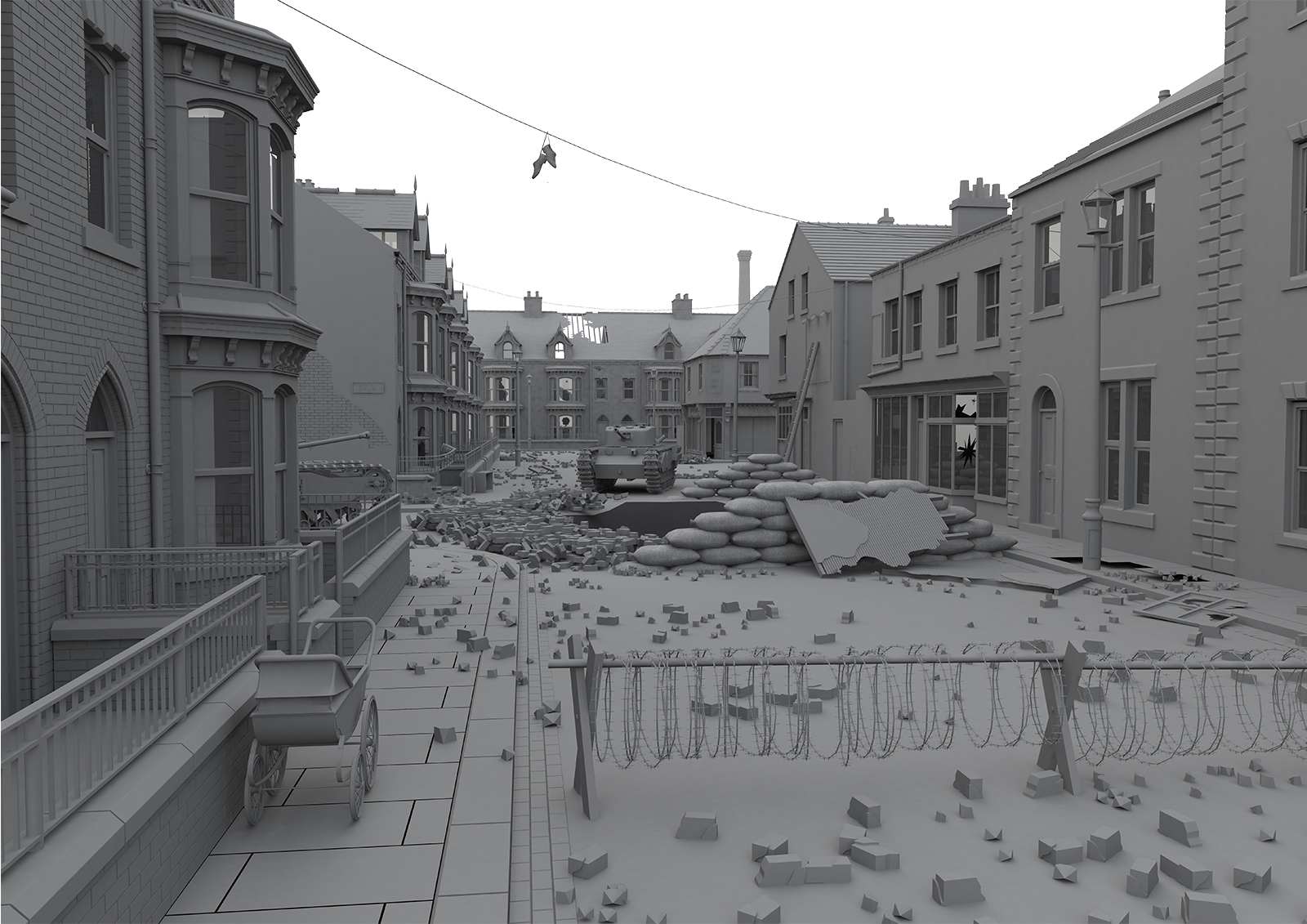
As you can see what remains is mainly damage to the buildings and a little "window dressing" to add. If it's easier I could e-mail you a file containing a building/buildings for you to work on then add it to the main model.
thanks
John
Updated Eli's last saved model:- added numbers 1-16 behind the buildings, Placed each building on a layer, removed the houses behind that are not seen, added a separate skp. file to the DB folder containing separate components, Saved the file in SU 6 at Lee's request.
will add a notepad so ppl can note down which building they are working on.
saved Skp. Community Model 02 - Updated 22 - 08 - 2014 PM Eli1