@thomthom said:
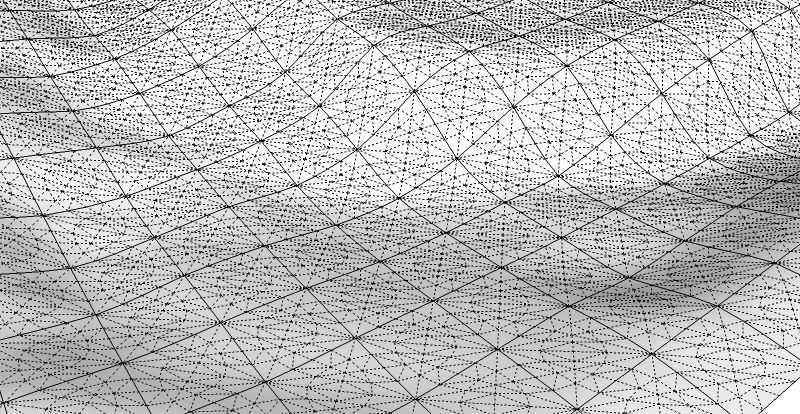
That might be it... using QFT there is a toolbar button to convert Sandbox Tools meshes to QFT meshes.
That was it. Obviously something went wrong when subdividing... 
@thomthom said:
That might be it... using QFT there is a toolbar button to convert Sandbox Tools meshes to QFT meshes.
That was it. Obviously something went wrong when subdividing...
Thanks Thom for the reply,
Actually the sharp border option didn't work at all.
Perhaps had I to convert the sandbox mesh (+ artisan) to QFT quad first?
Hello Thom,
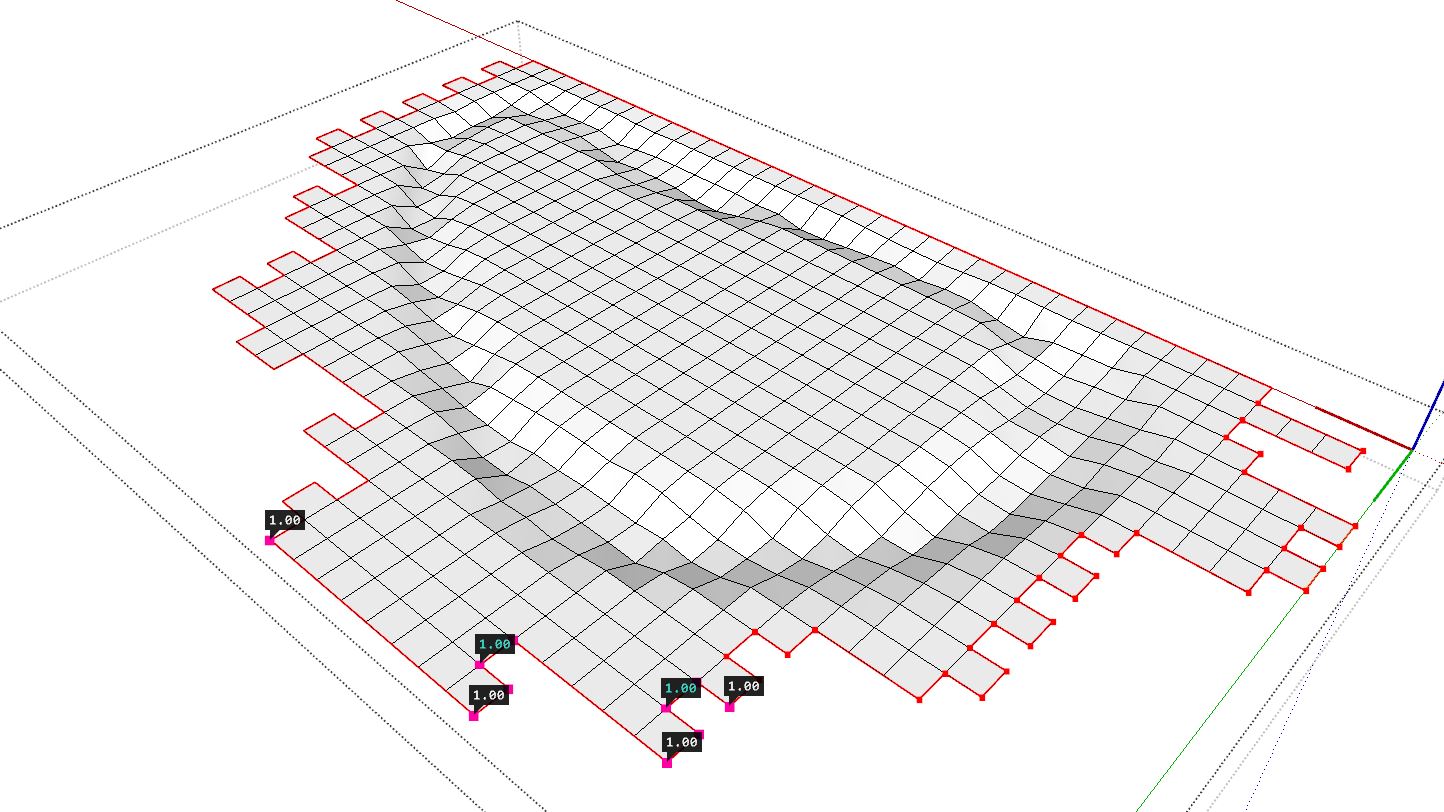
Is there a quick way to select the rim edges of a quad mesh?
I have to keep the vertices at their place so I need to crease the corners , yet their selection can take some time and I was wondering if there's some script for this.
Usually I use Select Outer Edges by Chris Fullmer but it seems it's not supported anymore in SU2017.
@thomthom said:
@optimaforever said:
Gr8!!!
Do we have to unistall v1 first or...?It should replace it. Should you find any problems - uninstall and install fresh. (And report back off course
)
Indeed, it replaced the v1 perfectly so far.
Thanks! 
Hello Thomas,
Perhaps has it been asked before, but is there a way to tweak the bydefault colors for the analysis tool? Not that I don't understand your wise choice of colors, but I'd prefer more contrasted colors like white-red...
And I agree, it's a pity one can't replace a default sketchUp view mode (like monochrome or x-ray that I don't use often) with this analyse view mode, to keep the textures/UVW mapping.
Otherwise, good job!
very simple, amazing...
Thanks Dale,
One thing that could be handy is to be able to build assemblies from presets.
I mean, having to reencode the railings for each assemblies is really time consuming, not to mention each tweaking needs an update of the thumbnail, which is sometimes boring...
Thanks!
Sure was a long wait for this kind of tool to be connected to SketchUp...
I was drooling on Grasshopper and Rhino as I get lots of architects models in obj recently...
@rv1974 said:
Will v.2.1 deliver something besides reports (3D as we know it) ?
only thing i'm sure of: reversable path on assemblies
One more thing...
If we could reverse the path for the assemblies like we can do for the profiles, it would be great!
Now I have to weld the lines, and revert the spline with FredoTools... quite time consuming sometimes.
And... 
If we could access to fast presets (let's say 3-4 presets that remain loaded in RAM without having to reload them again from the browser), it would be perfect!
OK thanks for the reply.
Is there a way to keep Profile Builder from refreshing the thumbnail when tweaking an assembly?
During very complex assembly building, it can be quite a hassle to wait for it to refresh, even for a mm tweaking...
And I guess the ability to DUPLICATE an assembly's element (copy/paste the properties) would be very handy too... but I suppose a feature like this is in the pipeline already...?
Anyway just like Railclone in Max, nothing beats the witnessing of the automatic generation of a perfectly programmed assembly that would have taken hours of painful manual modeling... 
One thing that frustrates me now:
When trying to save a profile or an assembly on the local drive (C:\userXXX\AppData\Roaming\SketchUp\SketchUp 2016\SketchUp\Plugins\DM_ProfileBuilder2\Libraries)
Windows 7 never allows me to write the file there unless I launch SU as an admin (which is pretty annoying as Win7 keeps me asking "are you sure?" non stop).
Now my workaround is to save the profile/aseembly to the desktop (which is surprisingly "writeable" through SU) and then remove the file to the right place with the help of Explorer.exe ...
Is there a hack to enable direct file-writing in the AppData section without having to be in Admin mode?
Another request:
Is it possible to get a LOD approach in the profiles?
By default in your Profiles Library, a circle is made of 24 edges.
If I use it for a complex assembly, I end up with a very highpoly mesh.
For Close-ups it would be a good thing.
For long-range, it will be a total overkill.
With a LOD option, I'd select a circle preset (instead of crawling through endless dimension-basenamed different circle presets like DIA5090 DIA5100 etc.), enter the diameter, enter the precision (number of edges) and the profile generated would be ideally suited to all types of cases.
@bob james said:
Off Topic Nit Pick
@optimaforever said:
su4you's incredible slice
Isn't Slice made by TIG?
TIG's "sliceR" I think.
impressive!
did you model one groove, component it and copy it in revolving fashion, then explode them before subdividing??
