sketchucation logo sketchucation
    • Login
    1. Home
    2. Mike Amos
    3. Posts
    Oops, your profile's looking a bit empty! To help us tailor your experience, please fill in key details like your SketchUp version, skill level, operating system, and more. Update and save your info on your profile page today!
    Urasik Extensions | Lots of new extensions to check out Learn More
    Offline
    • Profile
    • Following 1
    • Followers 3
    • Topics 365
    • Posts 4,860
    • Groups 1

    Posts

    Recent Best Controversial
    • RE: Been a while.

      @pixelcruncher said:

      Hey Mike,

      I'm sorry to hear you're running into these issues with Rayscaper. Would you mind sending me this scene so I can have a look?

      Summarizing your woes:

      • Auto-exposure is behaving strangely. Mike, I'm still not sure what you mean by this.

      ************Auto exposure doing funky things is a fraction where the interior and exterior are mismatched.

      The exterior tends towards overexposure when the interior is properly or slightly underexposed**********.**

      • Geometry does not appear in the renders.

      Sometimes geometry just fails to export to Rayscaper, that or it is deleted. Restart can fix this sometimes.

      • Viewport shows CPU, while you have enabled GPU rendering.

      Simples, Sometimes the render window shows CPU rendering with my selecting it.

      • Rendering fails.

      Mostly when the CPU method is self appointed, nothing in the render window at all.

      I think it's easier if you send me the scene and, preferably, the logs when such a render failure occurs (https://www.rayscaper.com/getting-help/report-a-bug/#1-export-the-log-files), so I can try to reproduce/fix these problems.

      Thanks,
      Thomas

      posted in WIP
      Mike AmosM
      Mike Amos
    • RE: Rayscaper New Releases

      He is away for a week, a well earned break but he believes there is an issue with the latest build which he aims to fix when he gets back.

      I got a new office chair today, supposedly good for bad backs.

      If anyone suggests this, https://www.amazon.co.uk/dp/B0D2HB14FK?ref=ppx_yo2ov_dt_b_fed_asin_title

      DON'T. More wobbly than a bathtub in the ocean.

      Hence headache/backache etc. Jolly good fun. Actually I could give it a pass.

      I had a notification of a noo Sketchup build, downloaded it and the only way forwards was repair or delete. Not much of anything working today and Maxwell which WAS working, off on hols too.

      posted in Extensions & Applications Discussions
      Mike AmosM
      Mike Amos
    • RE: Rayscaper New Releases

      Is there a preferred method of removing Rayscaper? Issues with the latest build have been impossible to recover from so far.

      posted in Extensions & Applications Discussions
      Mike AmosM
      Mike Amos
    • RE: Been a while.

      Stuff is expected with a beta release program, not the end of the world in any way.

      I have Maxwell render running the scene so the model is not at fault.

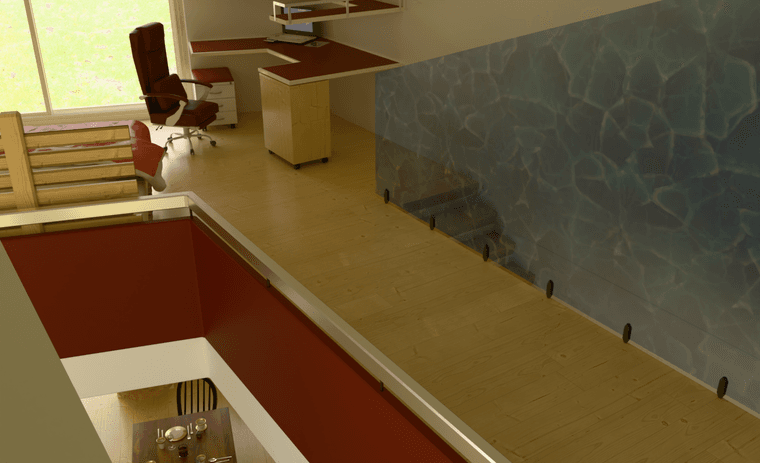
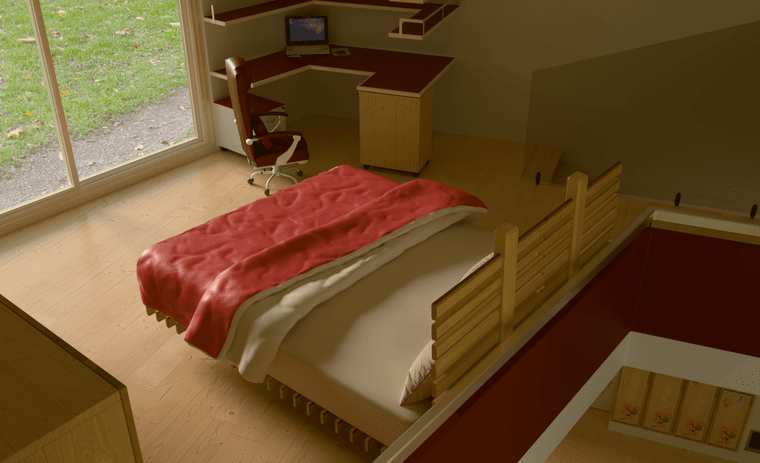
      I have had some time to finesse the layout and make sure stuff just 'fits' and is doable.

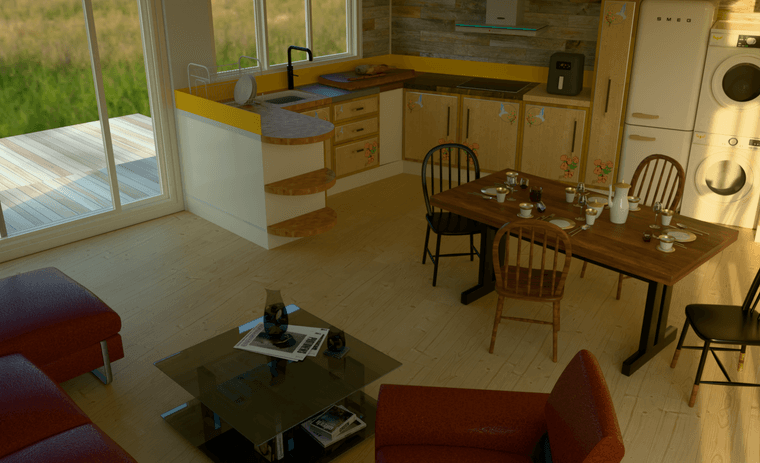
      Student Studio Output Ground Floor.jpg

      posted in WIP
      Mike AmosM
      Mike Amos
    • RE: Been a while.

      Rayscaper has reverted to cpu rendering method again.

      posted in WIP
      Mike AmosM
      Mike Amos
    • RE: Been a while.

      Repeated more than half a dozen times, same subject render.

      posted in WIP
      Mike AmosM
      Mike Amos
    • RE: Been a while.

      I cannot do so but it was definitely selected as 'thin' AFIK. Normal habit is to do so.

      No render proceeding ATM due to this report.....

      Clipboard_04-08-2026_01.jpg

      posted in WIP
      Mike AmosM
      Mike Amos
    • RE: Been a while.

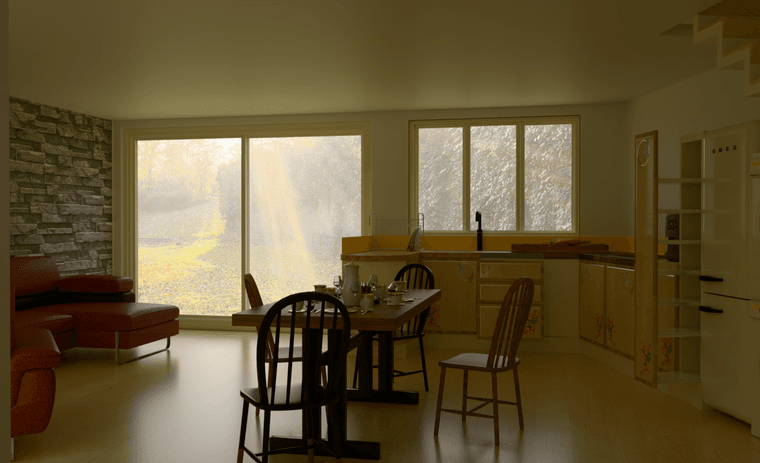
      OK, auto exposure OFF (It will get there) and set at 7.5. I also fixed the blind which was rather abused. I have confirmed to my own satisfaction that when items and finishes/colours go missing, a restart of Rayscaper will fix the problem. Also, do not use cleanup for the whole model, elements in turn. Otherwise you will have your Rayscaper lights deleted.

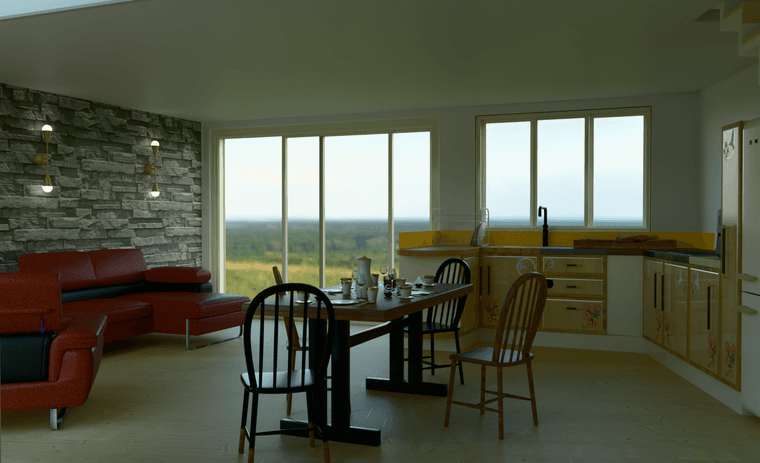
      10 2500s 2015 x 1202 1412211 tri 8m 13s GPU  env 0.80 Backplate Auto Exposure off Exposure 7.5.png

      posted in WIP
      Mike AmosM
      Mike Amos
    • RE: Been a while.

      Post artificial light death, I have this.

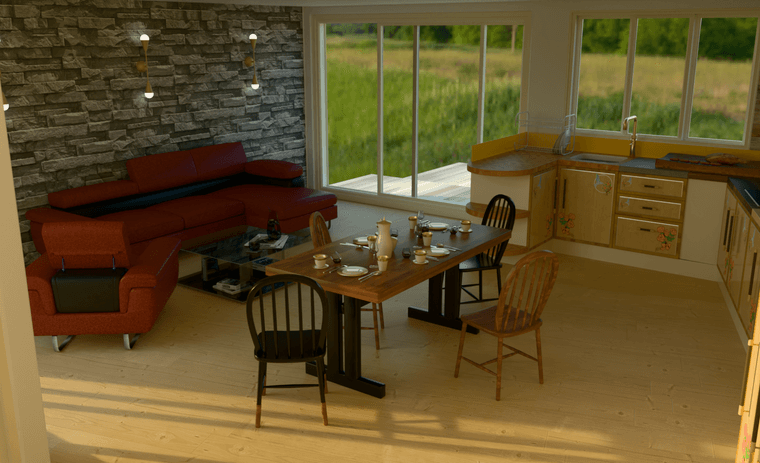
      7 2500s 2015 x 1202 1444735 tri 9m 25s GPU  env 0.80 Backplate.png

      posted in WIP
      Mike AmosM
      Mike Amos
    • RE: Been a while.

      OK, I understand the plague that is removing Rayscaper lights.
      "Cleanup", is removing the Rayscaper lights.
      Frustrating but at least I got something out of today.

      posted in WIP
      Mike AmosM
      Mike Amos
    • RE: Been a while.

      You are getting there, no worries. Hoping you have a decent break mate.

      posted in WIP
      Mike AmosM
      Mike Amos
    • RE: Been a while.

      Mike-Amos

      I know, inconsistent.

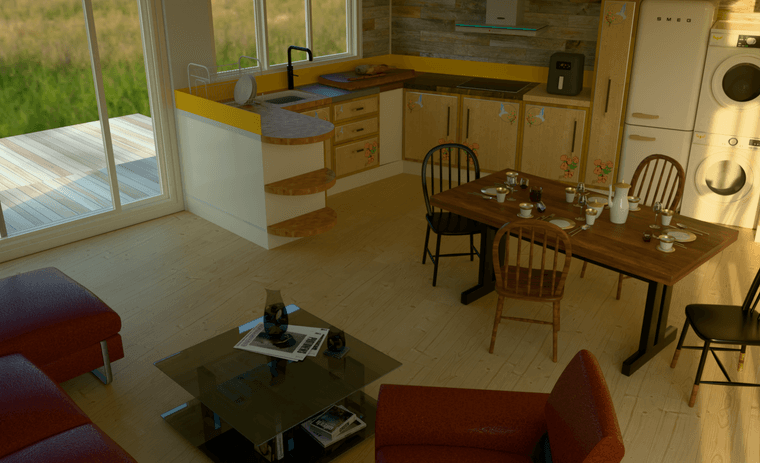
      6 1024s 2015 x 1202 1378957 tri 3m 10s GPU  env 0.80 Backplate.png

      posted in WIP
      Mike AmosM
      Mike Amos
    • RE: Been a while.

      May have needed a restart which cures some content glitches.

      posted in WIP
      Mike AmosM
      Mike Amos
    • RE: Been a while.

      Mike-Amos

      May have needed a restart which cures some content glitches.

      5 1024s 2015 x 1202 1378808 tri 3m 43s GPU  env 0.80 Backplate.png

      posted in WIP
      Mike AmosM
      Mike Amos
    • RE: Been a while.

      Mike-Amos View too.

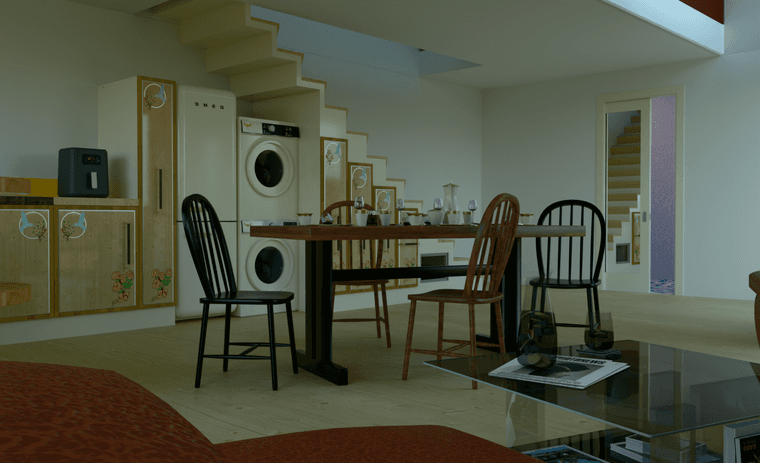
      Kitchen area, note missing colour/items 2d export versus render.

      Student Studio MIA 2.jpg

      MIA.png

      posted in WIP
      Mike AmosM
      Mike Amos
    • RE: Been a while.

      Mike-Amos

      Ignore that, rong specs.

      Auto exposure more artificial lights.png

      posted in WIP
      Mike AmosM
      Mike Amos
    • RE: Been a while.

      OK, I have noticed we have different material presets available, you have a lot more than I and help, about. suggests I am using 0.9.92'

      posted in WIP
      Mike AmosM
      Mike Amos
    • RE: Been a while.

      @pixelcruncher

      As requested.

      No Auto Exposure.png

      posted in WIP
      Mike AmosM
      Mike Amos
    • RE: Been a while.

      Thanks mate, not even close, takes me a while to find the sweet spot at the moment. Moving on.

      posted in WIP
      Mike AmosM
      Mike Amos
    • RE: Been a while.

      Mike-Amos

      OK HDRI only light source outside the model, painted on to a surface half the building height as a scaling mechanism. HDRI set to 0.80.

      3 1024s 2015 x 1202 957347 tri 3m s GPU  env 0.80 Backplate.png

      posted in WIP
      Mike AmosM
      Mike Amos
    • 1
    • 2
    • 3
    • 4
    • 5
    • 242
    • 243
    • 1 / 243