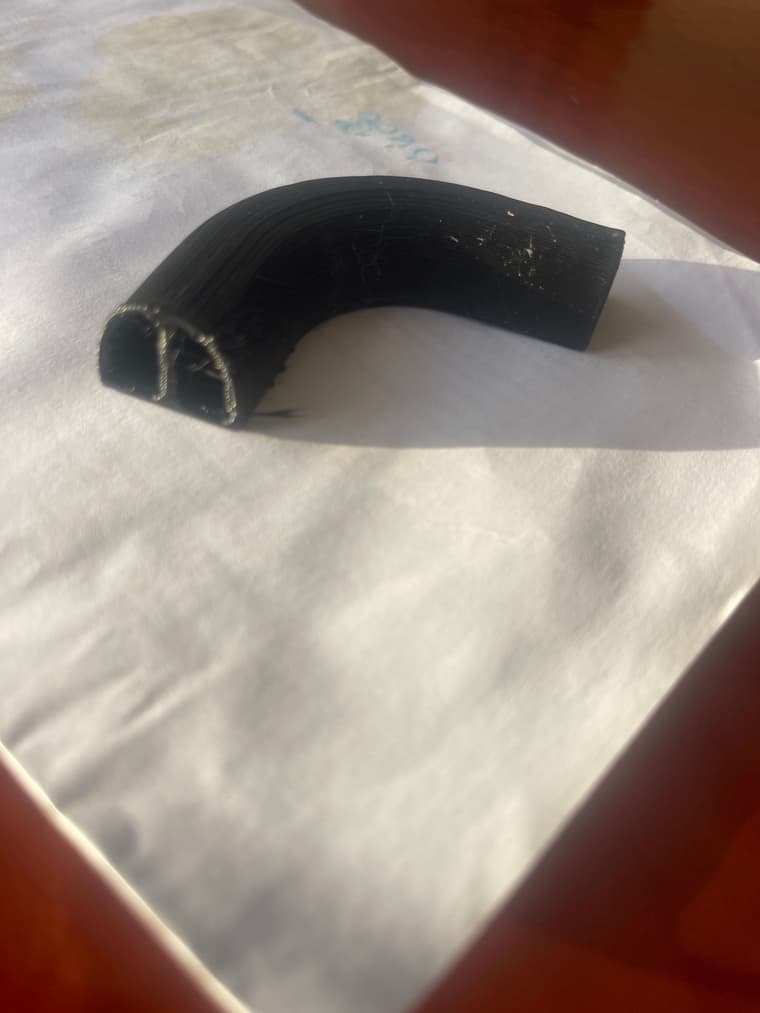
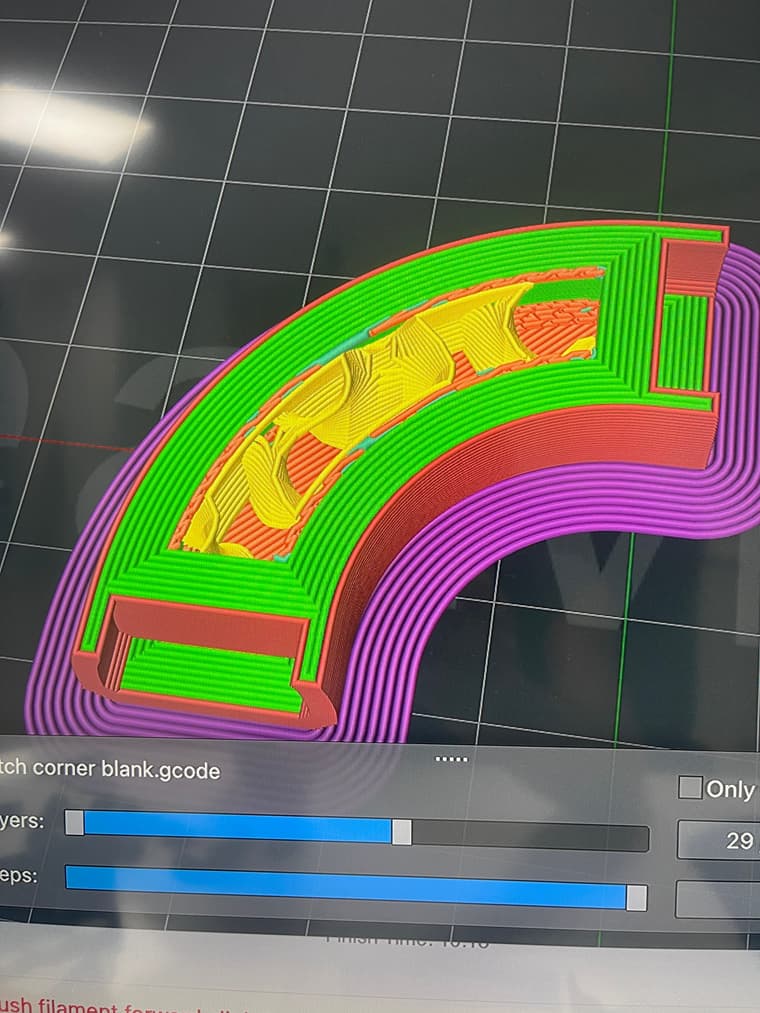
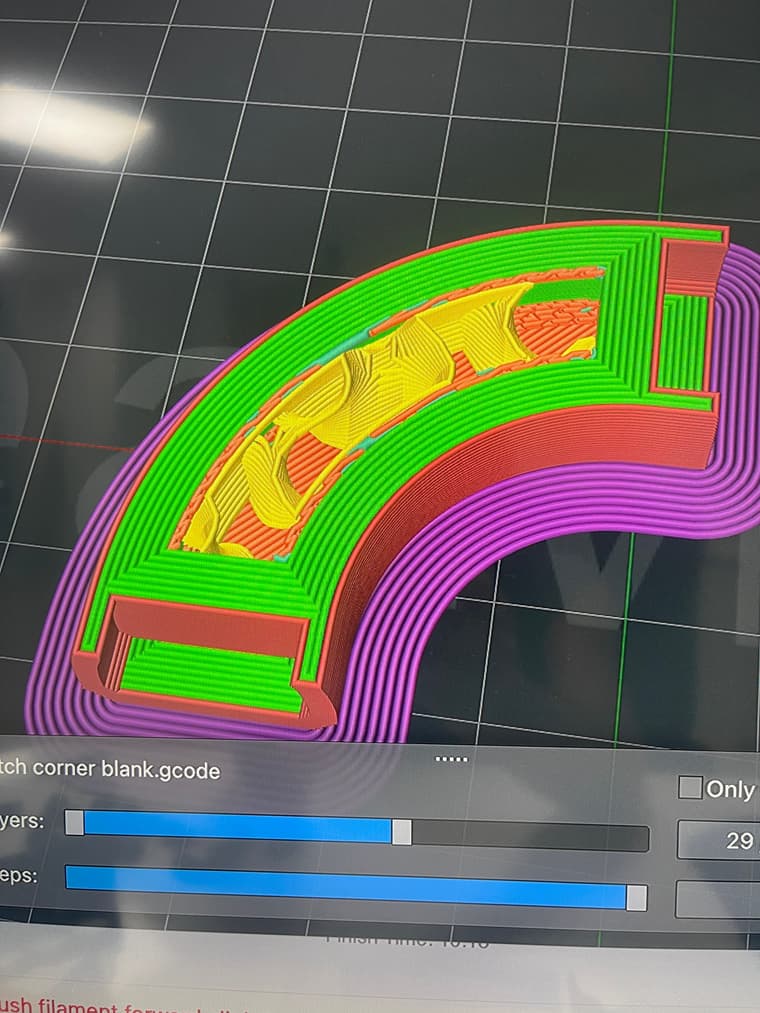
thanks for your time guys, instead of a radius I went with a chamfer, pulled the tube through then scaled the end up. This would be fine, all be it a lot neater , but the profile would work
bosch dust collector 7.dwg
Oops, your profile's looking a bit empty! To help us tailor your experience, please fill in key details like your SketchUp version, skill level, operating system, and more. Update and save your info on your profile page today!
Sketchucation Tools 5.0.7 | Licensing improvements and bug fixes Learn More
L
Offline
Posts
-
RE: changing radius on a radius
-
RE: Annoying pop up
"you" I mean SU, ;o)
ill give the meter to mm a try -
changing radius on a radius
evening all, I'm trying to put a radius around the tube on the outside and inside of the main body, any one got ideas?
the radius needs to go the extremes of the main body , so nothing at the top, 29 at the bottom and 8 to the side (model is scaled up)
its for a vacuum port , this is only a prototype, so its a bit rough
thanks Dean -
RE: Annoying pop up
Just a thought, why don’t you , I don’t know the word , reformat SU , so that instead of scaling up x 100, you make 1mm equal to 100mm
-
RE: Annoying pop up
No , standard segments for a circle are 24, i prefer 48 so i change it and get the pop up
Don’t tell me you’ve never drawn over hidden geometry
-
Annoying pop up
Hi these 2 pop ups have bugged me for years
When i adjust the circumference of a circle up pops
“Curved segments must be in the range from 3-999”
And if i draw over hidden geometry, by mistake i get
“Your recent operation has caused visible geometry to merge with existing geometry that is hidden” this takes about ten clicks to clear it
The first one is just friggin annoying, anyway to get rid of them?
Cheers Dean -
RE: Strange corners
Everything is perfect apart from these areas
-
Strange corners
Hi I’m having problems printing these corners.
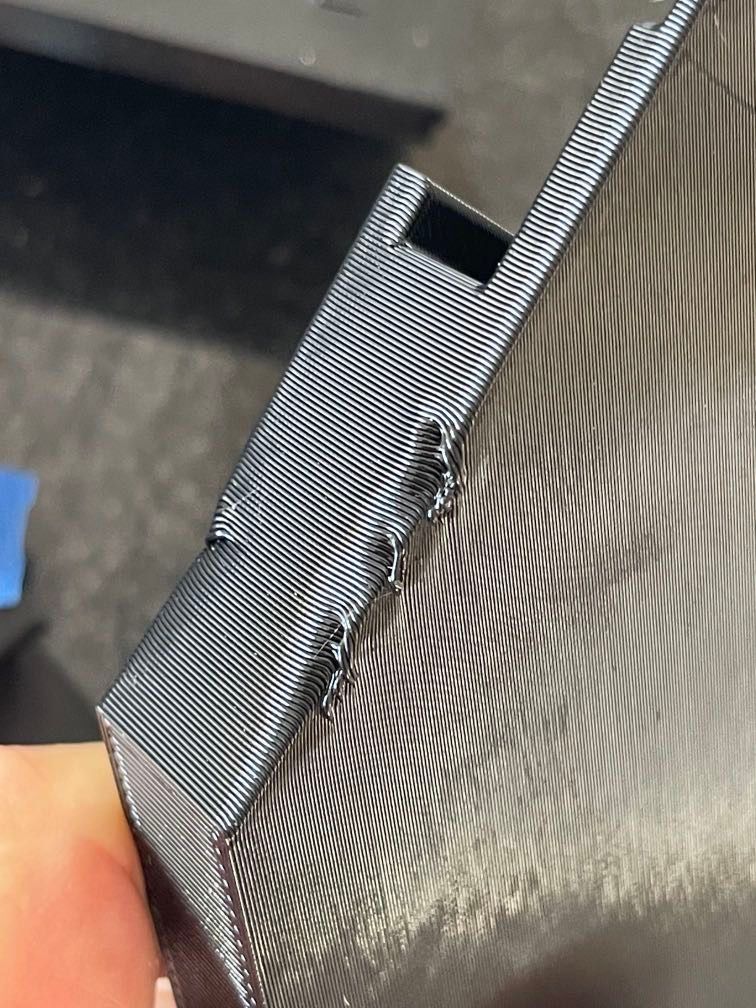
Any ideas? -
RE: SU freezes
Hi
It’s now doing the same thing on my new m2 Mac mini, have to save as , then able to carry on
So frustrating -
infill in open tube
hi Im trying to make a tube with gyroid infill inside the tube, but I want the ends of the tube to be open so you can see the infill
also , if possible make the infill start 10 mm in from the end of the tube
Cheers Dean -
SU freezes
’ve been having problems on 2 different Mac’s, but the same problem
I click on a tool, line ,tape measure, erase and it wont work
I’ve found by using save the program works again, and then it happens all over again
Anyone else have this problem? -
RE: Sketchup 2024.
I’ve been having problems on 2 different Mac’s, but the same problem
I click on a tool, line ,tape measure, erase and it wont work
I’ve found by using save the program works again, and then it happens all over again
Anyone else have this problem? -
RE: Heavy STL
How did you do it?
Another problem ,in sketch up I’ve put a hole in the bottom of the gnome, but in Cura it’s filled in -
RE: Heavy STL
Screenshot is too big aswell
If you go on thingiverse and look for Christmas gnome, you can see it -
RE: Heavy STL
Hi I’m having a problem uploading the stl file
First attempt said upload failed, second one I watched for 15 minutes as it slowly loaded then I left the shop
The file is 315mb which I think maybe is too big to upload
What do you think?