I'm moving to detroit to take lessons from you! You modeling skills are awesome!
Do you make all the parts from scratch?
Oops, your profile's looking a bit empty! To help us tailor your experience, please fill in key details like your SketchUp version, skill level, operating system, and more. Update and save your info on your profile page today!
Urasik Extensions | Lots of new extensions to check out Learn More
L
Offline
Posts
-
RE: Drumkit (Updated Feb 25 2010)
-
RE: IES lights
That would be nice. Even one better would be for the manufacturer to have a peview of the light distribution within the zip file of the ies.
Or else how does one know what it looks like unless someone goes thru the rendering process or putting into another program.lapx
-
RE: Changing line end points
The flatten I used was a different flatten from Thom's script. I sovled the problem by editing the end points manually. I will have to try "tt-flatten" .
Thanks Thom. -
RE: Changing line end points
no stray lines. im assuming different elevations.
-
Changing line end points
Is there a ruby script that will change all selected lines to a given elevation. I tried to use flatten but this doesn't seam to work. Im trying to close a face from thelines. I'm guessing that the endpoints may be at different elevations. It would be nice to select all lines and be able to change all endpoints to desired elevation via VCB.
-
RE: Exporting Hi Quality Animations
Thanks Remus,
I launched the virtualdub.exe file and a grey window opens that would accept 1 file from drag n drop.
Is this the window to drag all files to? -
RE: Exporting Hi Quality Animations
I've been told movie maker and virtual dub do a good job of this. I have both and am trying to understand how to use both.
I loaded up images in movie maker and the file was huge. When playing back the movie file it seemed to crawl as if there were too many slides. With virtual dub I havnt a clue how to even load up the files:? -
RE: Right click make group don't wanna work
It's happening to me as well. It's really annoying!Is there any way to clear this bug without closing sketchup?
-
RE: [WIP] Interiors -will be my first PR renderings
Hello Tinanne,
Like Richard says add a little more detail i.e. where the floor meets the wall (is there a wood base). The important thing too will be attaching the right textures and colors to the sketchup model. If you have good tecture and color the rendering will be good. I havent used podium but I'm sure you can get some nice results. You have a great start with the model.
-
RE: Error problem
Thanks Chris,
Sorry for coming back so late.
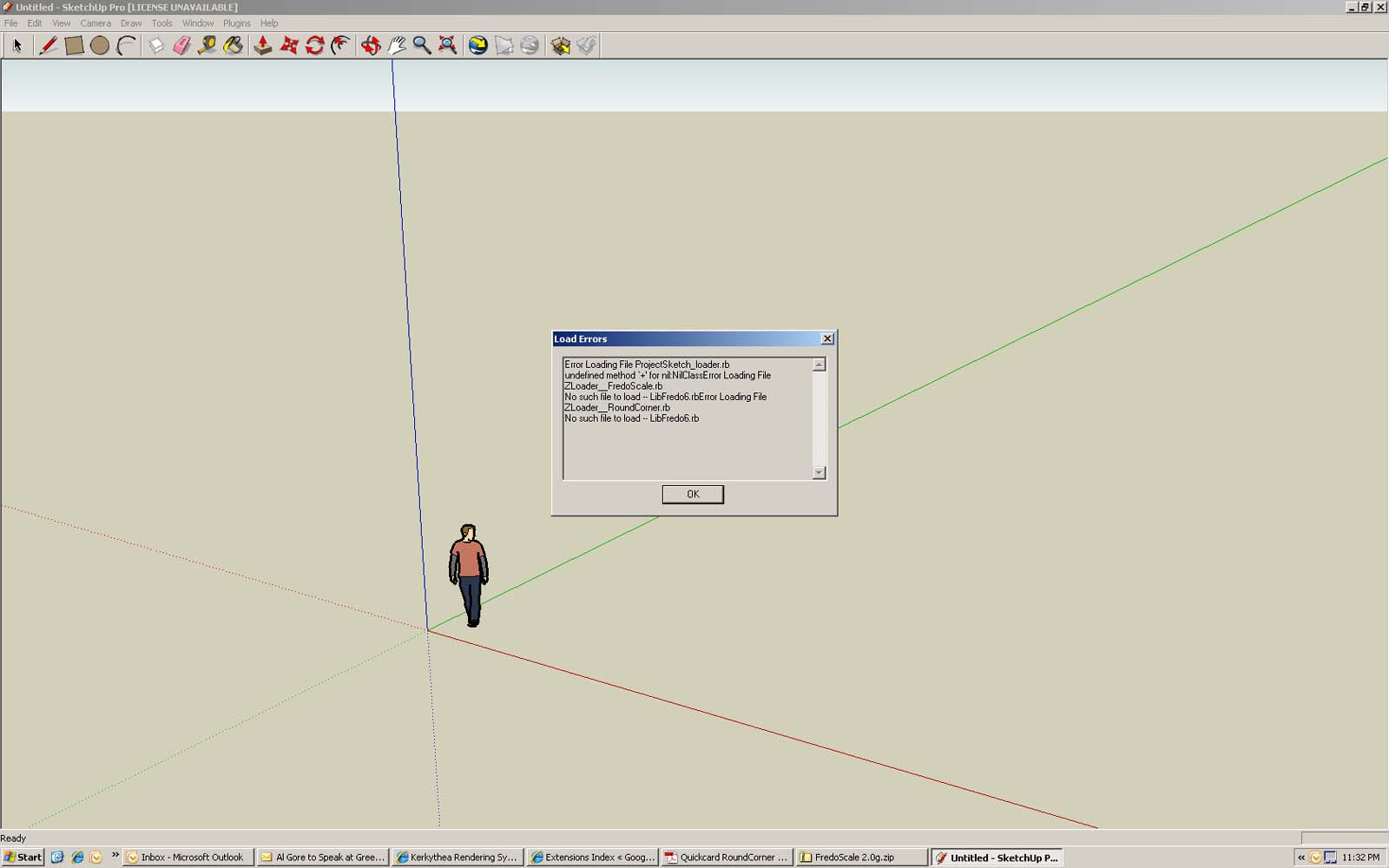
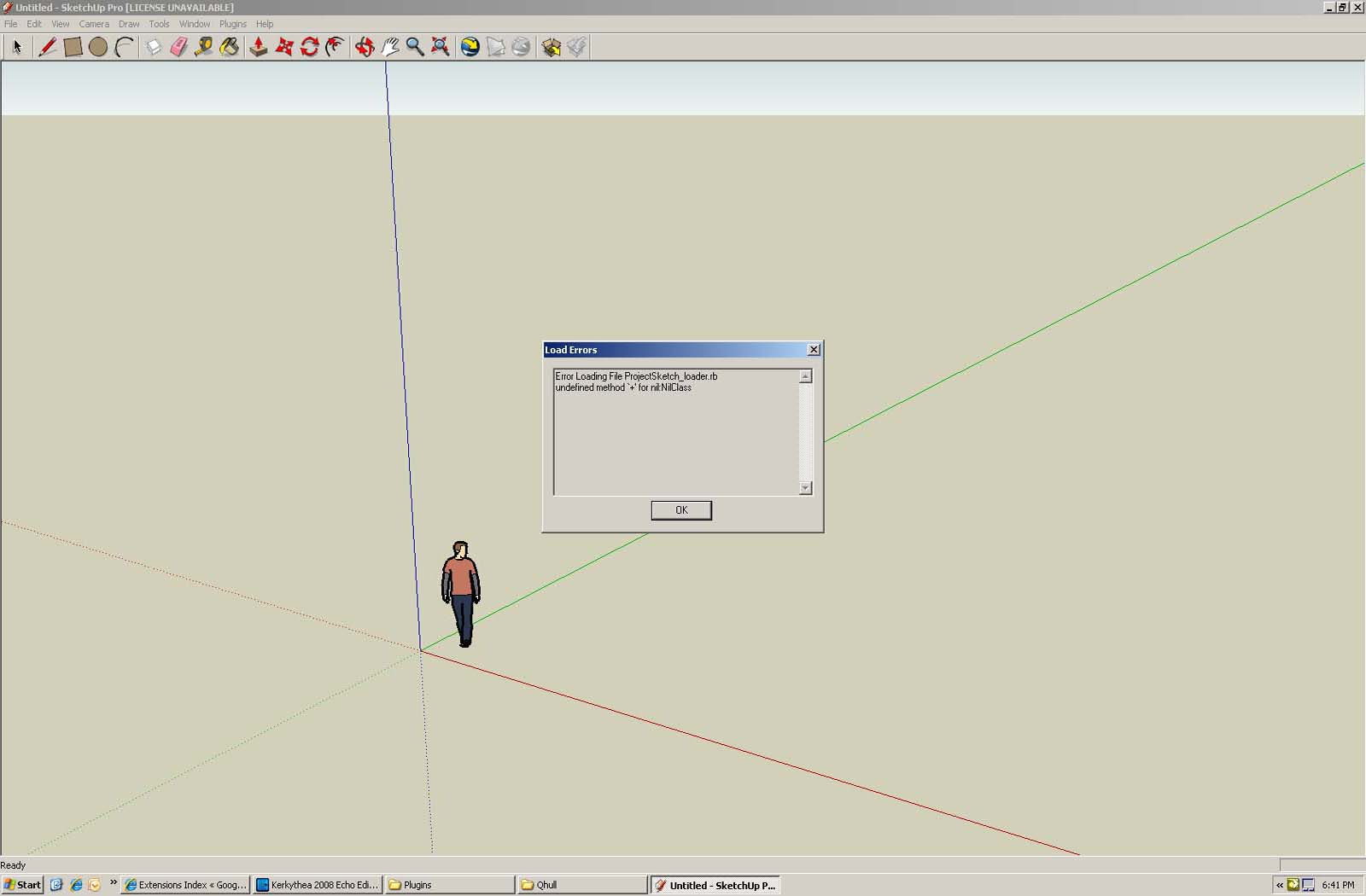
Problem was with zip file creating extra folder with file name. Extra folder creates errors! However, still having problem with Projectsketch_loader error is showing. I have the Projectsketch_loader.rb in the Plugins folder
-
RE: Error problem
We have a liscensed copy, i need to find it on the server next time im in the office. Would that be the problem?
-
RE: Strange face behavior on deleting line
Use the move tool at the end of the "line" and move it and you will notice its not a line at all its a plane.
-
RE: Concrete bollard
Been on the road w/o my computer. Thanks guy's but I really am looking for the concrete bollard with LED capacity. Maybe there is no such thingy;)
-
Concrete bollard
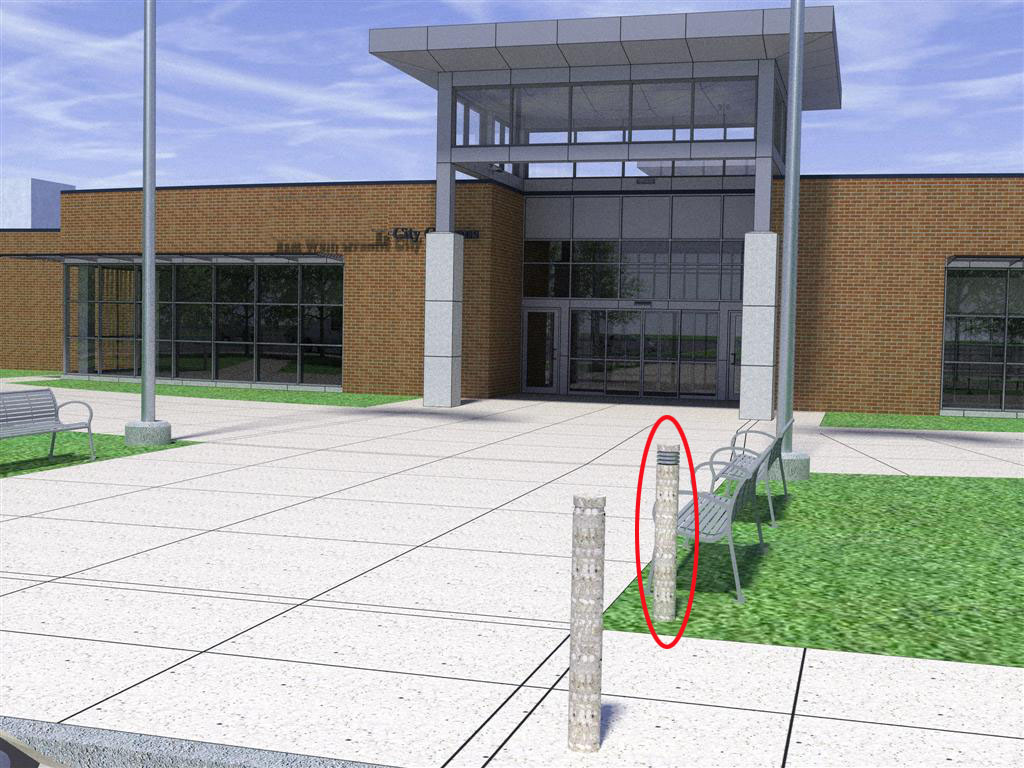
Hello sketchuppers! I've been away from the board too long working at construction sites and not using sketchup lately:( and forgot what a valuable resource it is for other related information as well. Does anyone know if there is such a thing as a concrete bollard (like attached)that has a LED light? I'm looking for an actual product source.
I'm in the midwest USA so if anything is abvalable let us know with a link.I miss this community.
Thank you!
-
Competition?
Anyone know anything about this program. A guy in our office is looking into it. I told him he was wasting his time.

http://www.bonzai3d.com/ -
RE: Redefine component to cut plane.
Hello Gaieus, thanks for replying. The initial file is a cad file with lights as blocks. I was trying to replace these with a 3d fix in su w/o placing each one individually. I hope someone comes up with somthing. Ii perhaps should be a dialogue box for editing attributes like this while editing selection of component. wish List!
-
RE: Redefine component to cut plane.
Ive tried "replace component" ruby but unfortunate the cutting attribute is not applied.
-
Redefine component to cut plane.
I need to redefine a light fixture component to cut the ceiling plane. The component is already copied in several places. How do i get the component to cut in all locations after redefining component to cut the horizontal plane?