sketchucation logo sketchucation
    • Login
    1. Home
    2. kwistenbiebel
    3. Posts
    Oops, your profile's looking a bit empty! To help us tailor your experience, please fill in key details like your SketchUp version, skill level, operating system, and more. Update and save your info on your profile page today!
    Urasik Extensions | Lots of new extensions to check out Learn More
    K
    Offline
    • Profile
    • Following 0
    • Followers 0
    • Topics 115
    • Posts 2,614
    • Groups 1

    Posts

    Recent Best Controversial
    • RE: Exterior : vizdepot model [update page 3]

      Hi Nomer,

      Fryrender works completely within Sketchup (like Podium and Vray).
      After all the materials and light are set , you choose 'export as 3d model' in the file menu and the rendering will start automatically (= a new Fry window will open and starts the rendering).

      Cheers,
      Kwistenbiebel

      posted in Gallery
      K
      kwistenbiebel
    • RE: Exterior : vizdepot model [update page 3]

      @alexander said:

      looks good biebel, can you show more how you did it ???

      Thanks Alexander.
      That's a difficult question to answer.

      Basically I use Fryrender in following steps:

      • open the Fry toolbar
      • select the SU material (in SU material browser) and click on the 'paint bucket' button of Fry toolbar to start editing the material...From now on a corresponding Fry material is created.
      • push the 'A' button (fry toolbar) and click on the viewport to set the cameras focus point.
      • push the 'environment' button (fry toolbar) to setup the sky and sun. Beware that the sun does not match the SU sun so you need to experiment.
      • push the 'camera' button (the left one) to setup your camera settings. For exteriors I mostly use following settings: iso 200, shutterspeed 1/250, fstop 12
      • push 'render settings' to setup the image width/height
      • 'export as 3d' in file menu to render. Most of the time I uncheck 'export all cameras' as it often causes a crash. See to it that 'export all geometry' is checked.

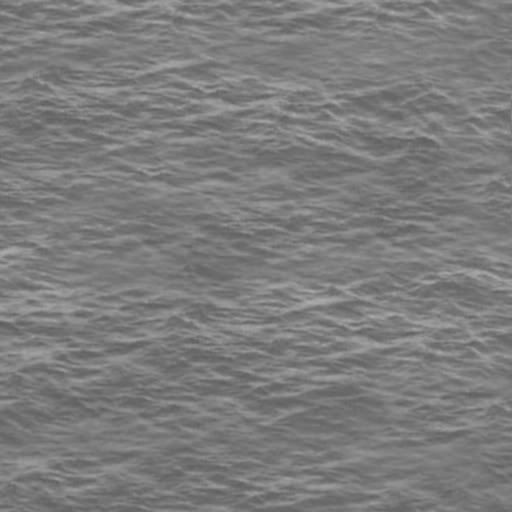
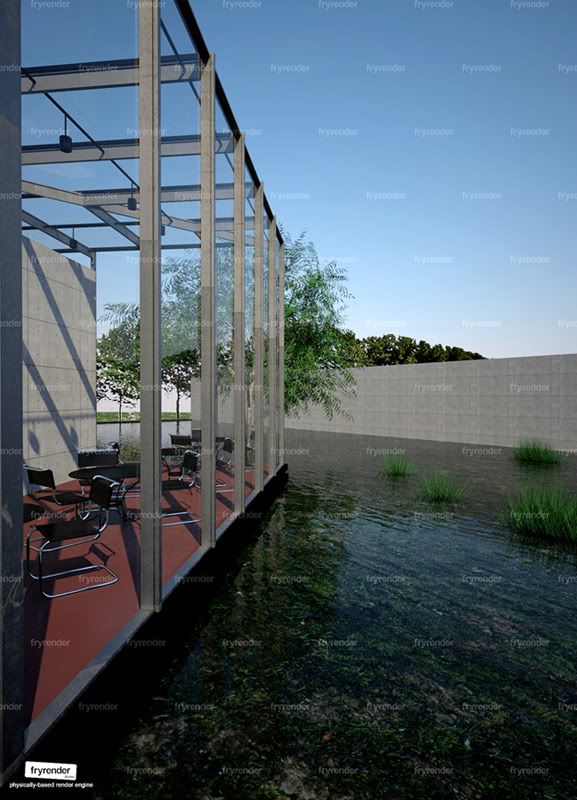
      About the water: there are 2 planes: 1 water plane which is basically a (ghost) glass material with a water bump applied and 1 surface below that (app. 50 cm) containg a moss texture I downloaded from http://www.cgtextures.com.

      Cheers,
      Kwistenbiebel

      posted in Gallery
      K
      kwistenbiebel
    • RE: Exterior : vizdepot model [update page 3]

      Thank you Sid...Your comments are always appreciated πŸ˜‰

      posted in Gallery
      K
      kwistenbiebel
    • RE: Exterior : vizdepot model [update page 3]

      Last one.....I am done with this scene.
      Thanks for watching.

      http://i140.photobucket.com/albums/r3/kwistenbiebel1/viz6.jpg

      posted in Gallery
      K
      kwistenbiebel
    • RE: Exterior : vizdepot model [update page 3]

      Thanks Mateo and Modelhead.

      http://i140.photobucket.com/albums/r3/kwistenbiebel1/frogseyesmall.jpg

      posted in Gallery
      K
      kwistenbiebel
    • RE: Exterior : vizdepot model [update page 3]

      Hi Jackson,

      It's a simple low-res bumpmap on the default Fry water preset material which is basically a ghost glass (AGS) I guess.

      Here is the bump map I used (works as well with all different render engines):

      http://i140.photobucket.com/albums/r3/kwistenbiebel1/water01.jpg

      posted in Gallery
      K
      kwistenbiebel
    • RE: Exterior : vizdepot model [update page 3]

      Still having fun πŸ˜„ :

      http://i140.photobucket.com/albums/r3/kwistenbiebel1/extviz1klein.jpg

      posted in Gallery
      K
      kwistenbiebel
    • RE: Exterior : vizdepot model [update page 3]

      http://i140.photobucket.com/albums/r3/kwistenbiebel1/exteriorvizdepotsmall.jpg

      posted in Gallery
      K
      kwistenbiebel
    • RE: Exterior : vizdepot model [update page 3]

      Thanks alexander πŸ˜„

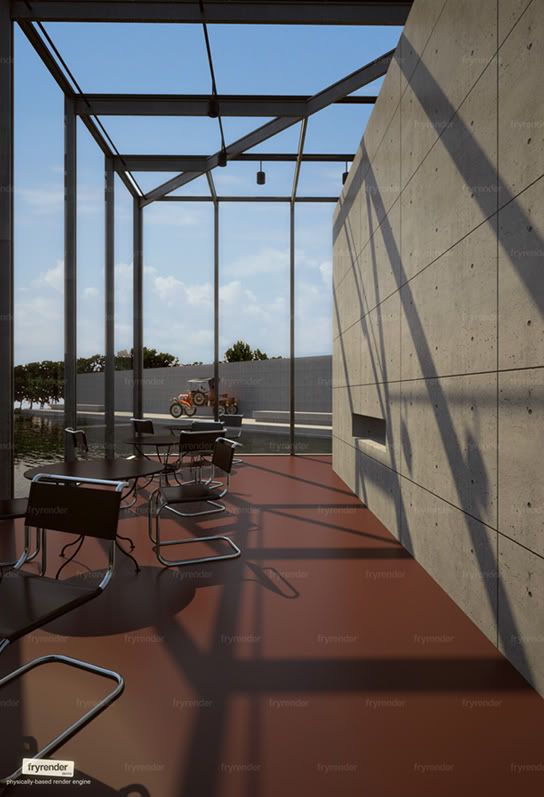
      An interior tryout...The furniture needs to be re-arranged though

      http://i140.photobucket.com/albums/r3/kwistenbiebel1/interiorvizdepotsmall.jpg

      posted in Gallery
      K
      kwistenbiebel
    • RE: Exterior : vizdepot model [update page 3]

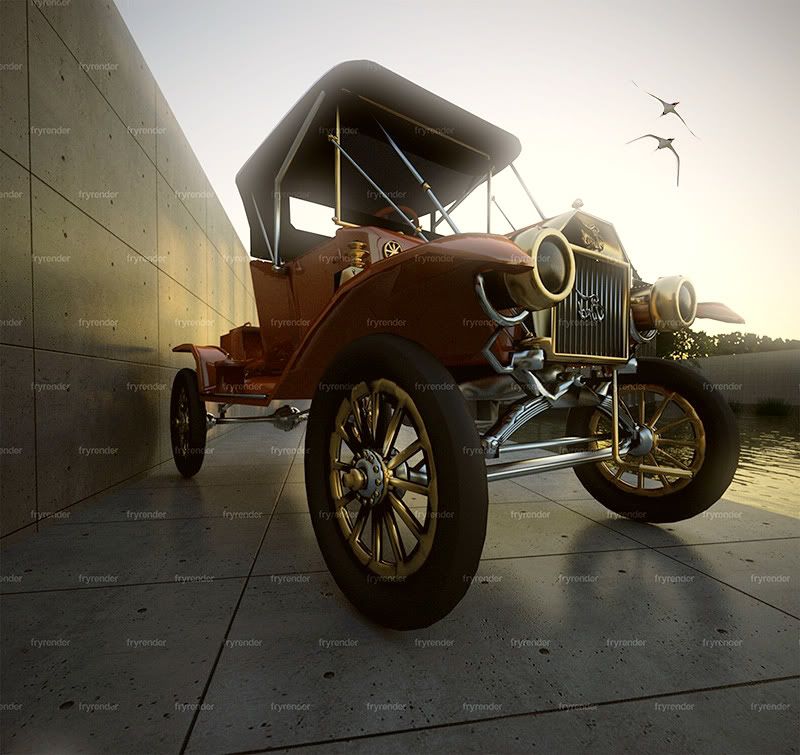
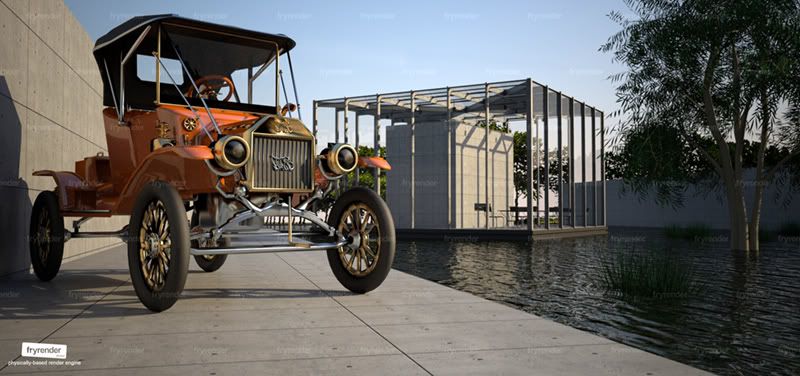
      My attention went back to the car.....

      http://i140.photobucket.com/albums/r3/kwistenbiebel1/fordTsmalll.jpg

      posted in Gallery
      K
      kwistenbiebel
    • RE: Exterior : vizdepot model [update page 3]

      Thanks.

      @Alexander: You are right. It's not an easy app to control.

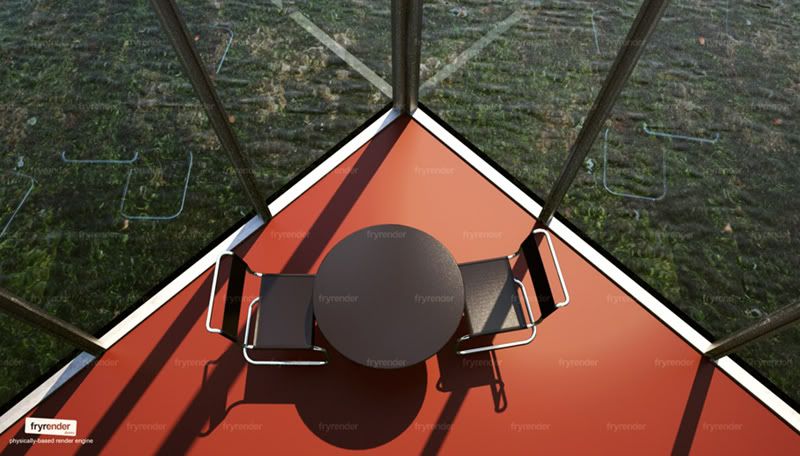
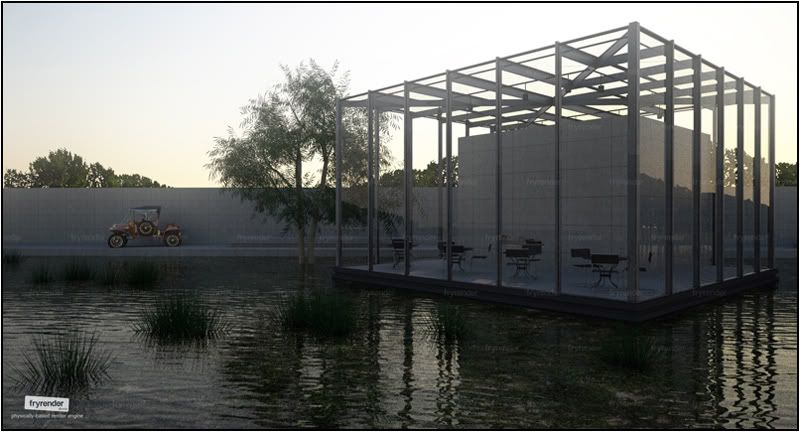
      Same view, different time of day:

      http://i140.photobucket.com/albums/r3/kwistenbiebel1/vizdepot7t.jpg

      posted in Gallery
      K
      kwistenbiebel
    • RE: Exterior : vizdepot model [update page 3]

      Thanks Sid πŸ˜„

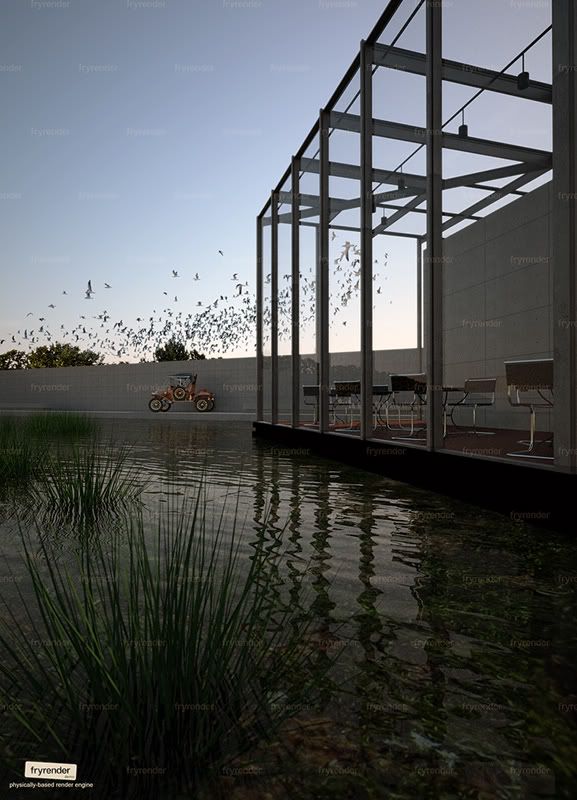
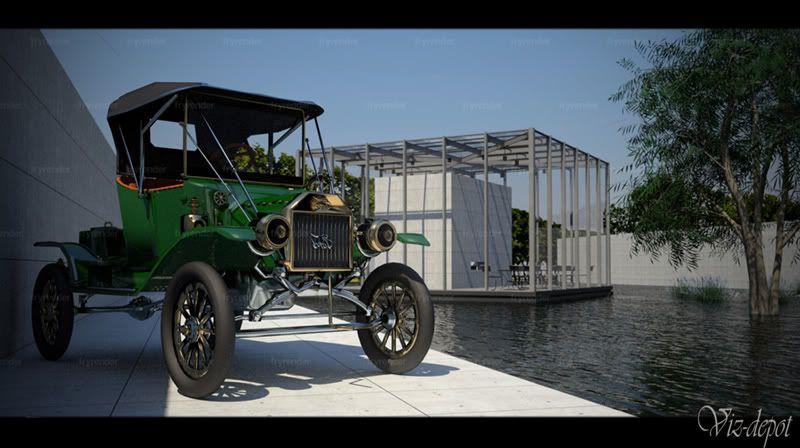
      Another Fry image. Less focus on the car. Bloom added in Pshop:

      http://i140.photobucket.com/albums/r3/kwistenbiebel1/vizdepot-charette4.jpg

      I can't get rid of the watermarks as the Fry license is installed on my desktop and not on the laptop I use to make these images .

      R-time 1 hour.

      posted in Gallery
      K
      kwistenbiebel
    • RE: Exterior : vizdepot model [update page 3]

      If someone could find me a 3d model of it...I'd love to πŸ˜„

      posted in Gallery
      K
      kwistenbiebel
    • RE: Exterior : vizdepot model [update page 3]

      @solo said:

      ...One observation: the Ford logo is mirrored.

      Nah it's not.... Never heard of the 'Drof T'?

      posted in Gallery
      K
      kwistenbiebel
    • RE: Exterior : vizdepot model [update page 3]

      I did render some interiors with Fry, but just like Maxwell, it takes way too long and thus not really usable...
      For interiors I prefer to use Podium or Vray.

      I bought Fryrender at half price in 'pre-order' phase.
      Current price (800 bucks) is very high, definitely when you consider the product is still in beta and you can't be sure where it is heading.

      @Alexander,
      Who would that most famous Belgian be?

      posted in Gallery
      K
      kwistenbiebel
    • RE: Exterior : vizdepot model [update page 3]

      Different light, different colors:

      http://i140.photobucket.com/albums/r3/kwistenbiebel1/vizdepotcharette3.jpg

      posted in Gallery
      K
      kwistenbiebel
    • RE: Exterior : vizdepot model [update page 3]

      Fry is buggy for the moment and it took me a while to know the workarounds to avoid the hassles.
      The software is still beta, so hopefully things get fixed soon.

      posted in Gallery
      K
      kwistenbiebel
    • RE: Exterior : vizdepot model [update page 3]

      It rendered for about 1 hour.

      posted in Gallery
      K
      kwistenbiebel
    • RE: Exterior : vizdepot model [update page 3]

      Thanks πŸ˜‰

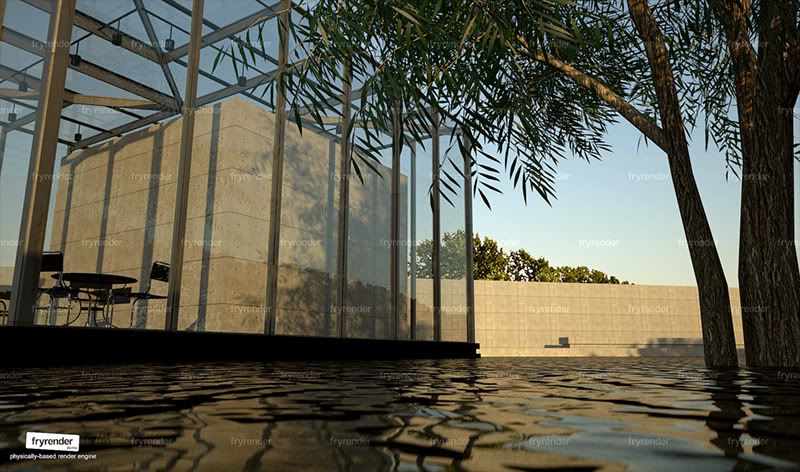
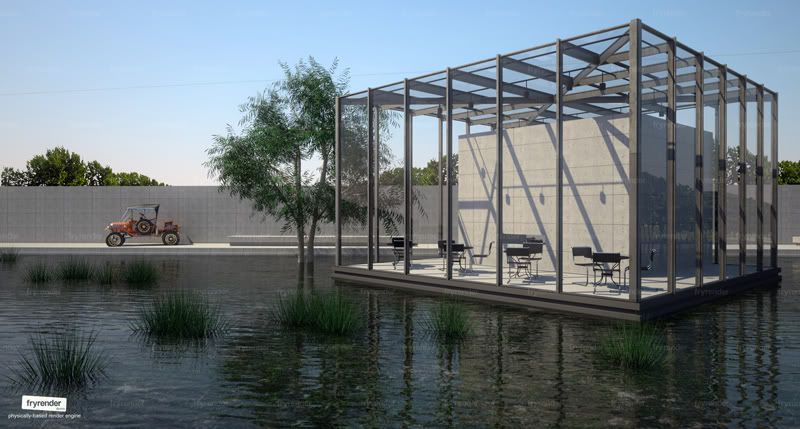
      This next one is rendered using Fryrender:

      http://i140.photobucket.com/albums/r3/kwistenbiebel1/vizdepotcharette.jpg

      posted in Gallery
      K
      kwistenbiebel
    • RE: Exterior : vizdepot model [update page 3]

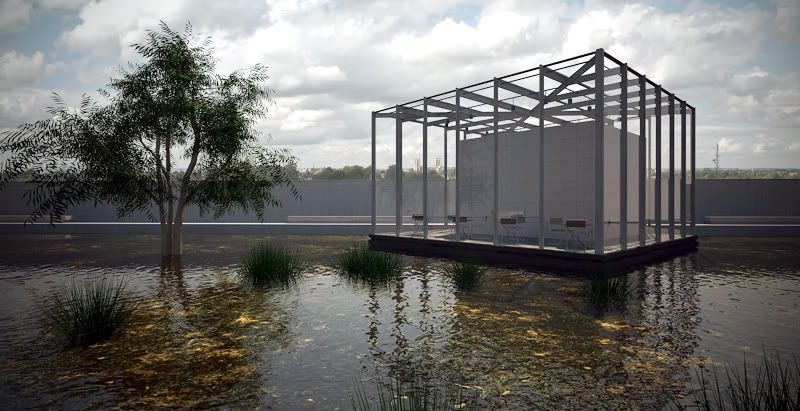
      Vray again πŸ˜„

      http://i140.photobucket.com/albums/r3/kwistenbiebel1/vizdepotbox4.jpg

      posted in Gallery
      K
      kwistenbiebel
    • 1
    • 2
    • 119
    • 120
    • 121
    • 122
    • 123
    • 130
    • 131
    • 121 / 131