Podium: foggy
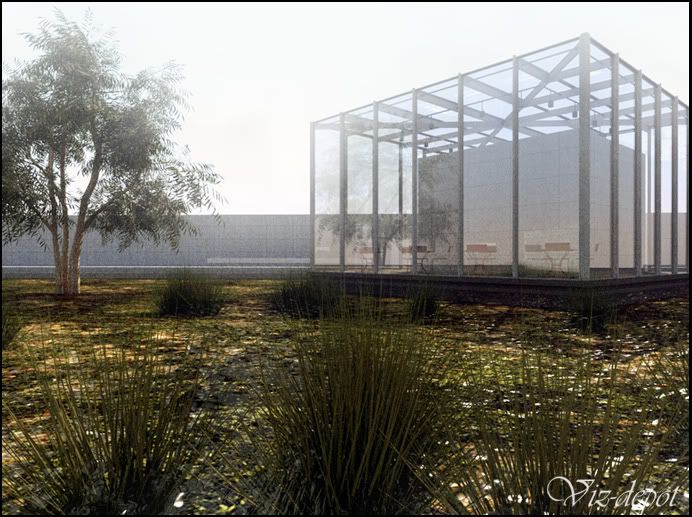
Jackson,
I know you are a Vray guy, but just to annoy you I went back to Podium and re-rendered it using the 'noisy settings' 
I color balanced the 'greens' to a more autumn like color (rusty).
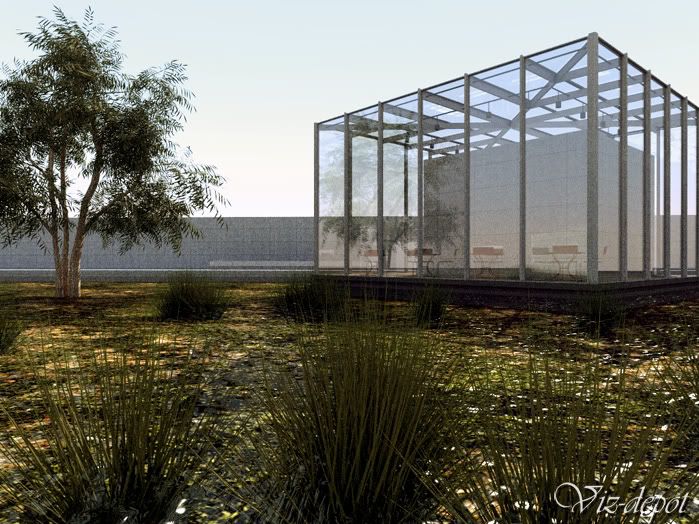
Same scene but with vegetables 
This time rendered with Vray.
Ouch...I am sorry to hear that Jackson.
In my experience, customer service of Podium has always been good for me.
I hope your case is the exception.
As for those updates you are talking about.
Last few months, Podium went to a development stage with different consecutive betas.
1.5 will be wrapped up soon and it will probably be the last for some time to come.
The next big update will be v2.0. As I understand that will take several months to complete (changes to the core).
Thanks Jackson,
Indeed some things need more tweaking. I'll see what I can improve.
And yes I like to use different render engines. It became a sort of hobby lately.
It's interesting to spot the differences and strengths/weaknesses.
The thing I learned is that it's mostly a matter of texturing and light (and sometimes good use of Pshop).
In that perspective, the rendersoftware 'an sich' isn't that important.
I agree Vray is becoming a good friend to sketchup and its color bleeding gives the output that extra edge.
Podium is a good partner as well, being the 'speed app' for set up. Render times are improved as well in latest 1.5c build.
Cheers,
Kwistenbiebel
Hi all,
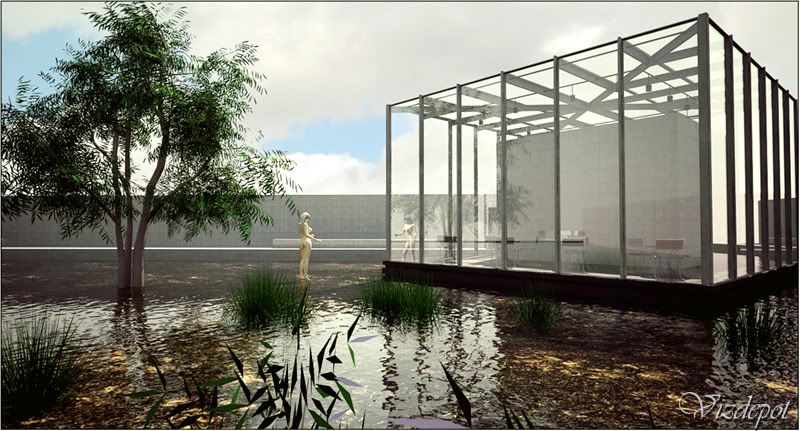
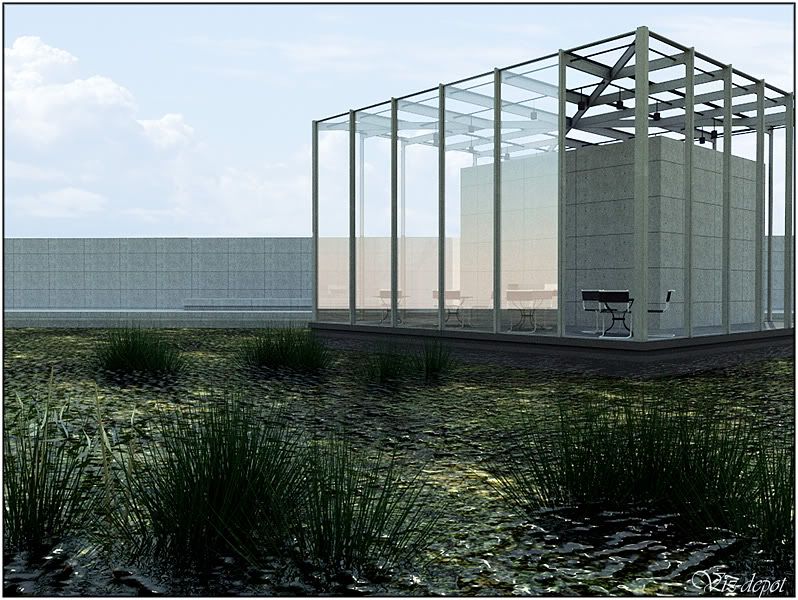
This scene comes from a 'charette challenge' on vizdepot.com. The model is provided for free to use as lighting and texturing study.
You can find it here (registration needed): http://www.vizdepot.com/forums/articles.php?action=viewarticle&artid=67
Rendered with Podium 1.5b ('noisy settings').
The sky image was added in photoshop.
Comments are welcome.
Cheers,
Biebel
Wow, that X6 certainly is a beauty
Wow CraigD,
Wonderful to hear some positive sounds on the development of sketchup.
I almost gave up hoping for better CG tools for Sketchup and a way to use high poly models towards third party render soft.
....as some old marketing phrase used by electronics firm Philips : "Let's make things better!"
Thanks for the positive news.I think the SU community needs more of this.
Cheers
Thanks guys,
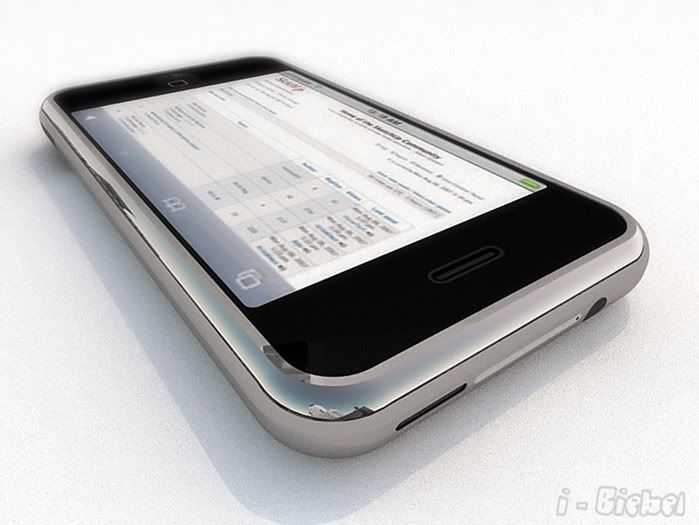
A dfferent viewpoint:
an 'all white' version and one using a marble floor texture.
Rendered with Podium:
.
.
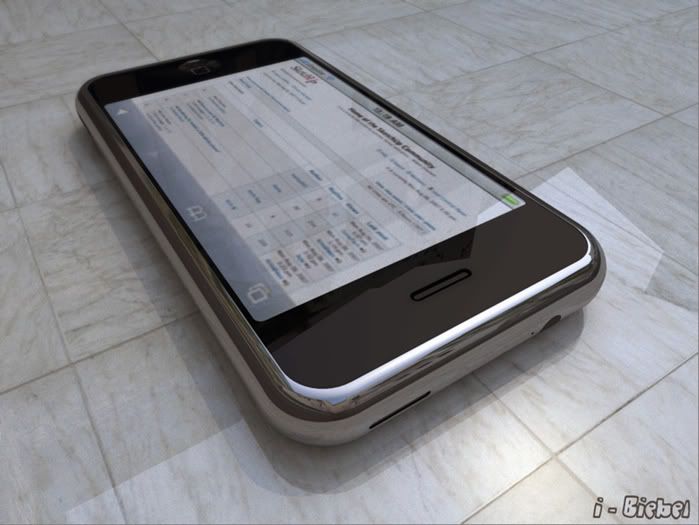
This is how the scene was set up in Sketchup for that last rendering.
Exploded top view:
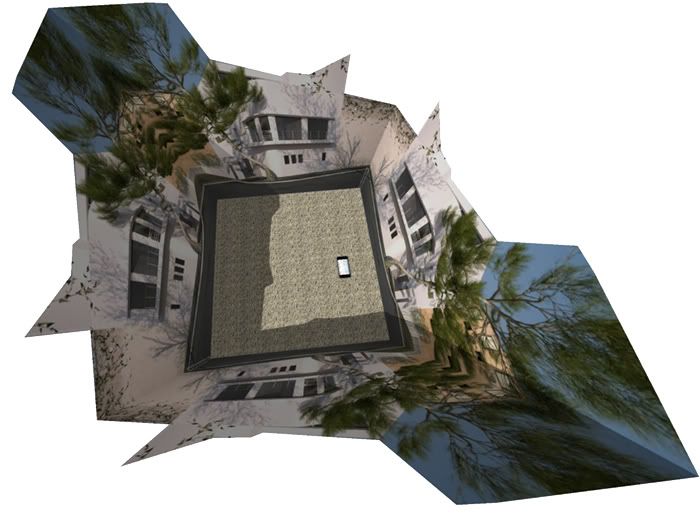
Four identical 'cut-out' images were placed around the Iphone to get some environment reflections .
...You know, the one that Cheffey modeled the other day
Thanks for that Iphone Cheffey ! You have very good modeling skills.
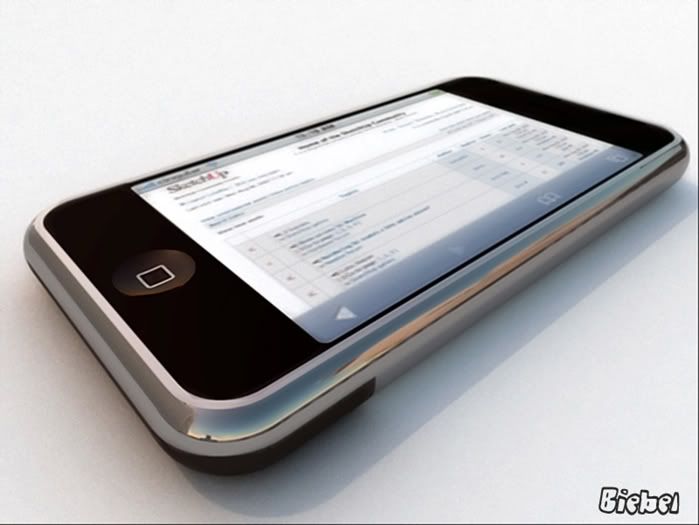
I gave the Iphone a spin using PODIUM.
Here are the results. I hope you like them.
The chrome should look a bit more 'brushed' but Podium doesn't have real 'glossiness' control (yet).
.
.
.
And a second: People should not let their expensive toys wander around like that :
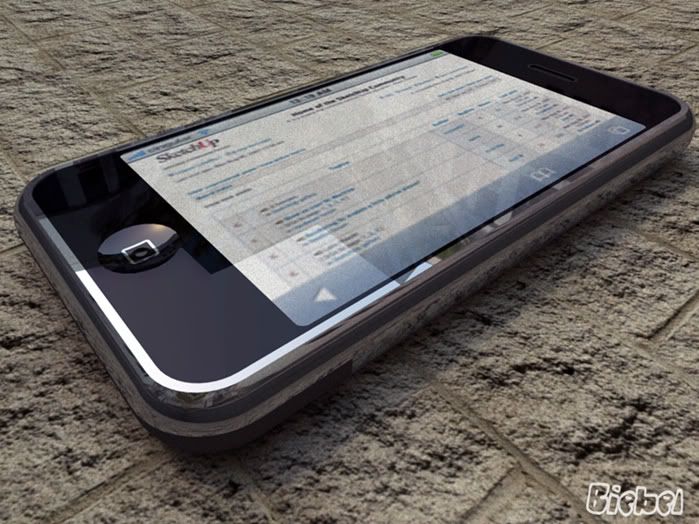
Cheers,
Kwistenbiebel
@dzinetech said:
you can easily reproduce Maxwell's superb quality of rendering from within Vray.Simply follow these steps:-
- remove your current cpu from motherboard and replace with a nice i386 running at 33Mhz
- Take out all 4 of your 1Gb memory sticks and replace them with a couple of 4Mb sticks
- Pour some porridge over your harddrive (we dont want it spinning too fast)
- Book your plane tickets to Hawaii, then hit "Render"
- Go on holiday for 2 weeks
- Hey Presto - by the time you get back your teapot will be beautifully rendered.
There is only one problem since Vray will have made a nice 'clean' render. DONT WORRY ! We can fix this. Open up Photoshop, go to Filters, select "Add Noise" (personally I prefer about 12%, Uniform & Monochromatic for best Maxwell effect).
"[/i]
You made by day .
Hilarious .....
and in some way true. Unbiased methods can be a pain when you want to be productive.
(Not that I am planning to mingle myself in the discussion...I heard this one before)
Indeed, the 'noisy settings' work well for scenes that consists mostly of direct light.
(not recommended for interiors though as you know)
He he ...I might just do that but first I will make a 'kwistenbiebel looking back at earth from his bed' cause this was a little night adventure and I need to catch some sleep
version without the post effects:

credits go to Max grueter for the laika model:
http://sketchup.google.com/3dwarehouse/details?mid=706bd01a4da55fe1505b27d6f5d8cf9f&prevstart=0
Hi Sk'uppers,
A spare time non-photoreal rendering of the first dog in space : Laica.
Rendered in Podium and Photoshop touch-up:
Feel free to post some comments or just shoot me to the moon.
Cheers,
Biebel

Perfectomundo !
These are just fabulous.
The mood is right, the modeling (tomsdesk) is awesome, light is swell and texturing....well they wouldn't call you 'texture king' for no reason now would they ?
One of your finest ! 
Thanks for sharing,
Kwistenbiebel
Jeff Jacobs wrote:
Go to a museum and look at the masterpieces. They all have one thing in common-good control over these basic design criteria. Inspiration comes from the most unlikely places.
This is a very valuable tip. I recently started doing this.
May I add a winderful lesson to this?
Look at this link: This 'Chiarroscura' method helped me a lot in boosting the light setup and enhancing composition:
http://www.efplighting.com/?The_Chiaroscuro_Principle
Cheers,
kwistenbiebel
@unknownuser said:
AndreaGlucker wrote:
I am totally overwhelmed with the possibilities one has, setting and fine tuning, it is quite amazing, really.
...I was wondering if you guys who are so good with Maxwell would share a few tips and tricks regarding the workflow from SU, first steps in Studio, what are good settings for certain things, what to avoid, that sort of thing.
Hi Andy,
Explaining the whole workflow SU to Maxwell is a tedious job to do.
The manual covers a lot of items, although I find the Maxwell forum to be even a better resource for particular problems.
Instead of explaining it all, I'd like to share some basic rules I use myself when using SU in combo with Maxwell.
2.LIGHTING:
OUTDOOR: use the physical sky as it gives radiant output. Try experimenting later on with combining it with an HDRI image as background. (HDRI backgrounds are high dynamic range images that can be used to light your scene).
INDOOR: When using artificial light= assigning an emittive material to an object, see to it that the geometry of that object is as easy as possible (read: low polycount). A simple square is sufficient for most purposes. Don't assign emittive material to rounded objects. render times will sky rocket doing that!.
Be aware that the intensity to give a 'light' is relative to the size of the emitting obect/surface.
Don't be fooled to think that a 60Watt intensity will be the same intensity in real life. sometimes you need to cranck intensity up to the thousands (even the milions Laughing ).
4.GENERAL SKETCHUP WORKFLOW:
A good tip: layer as much as you can.
It is good practice to put vegetation, people, ground works, etc. on seperate layers.
This has two purposes:
I hope these general hints are helpful to you.
Search the Maxwell forum as it is a very good resource.
Good luck,
Regards,
Kwistenbiebel
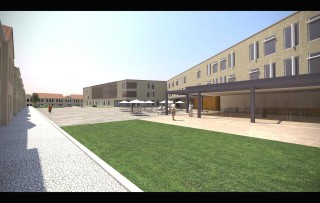
Here's an image I did using the SU-Maxwell combo:
Jeff,
Thanks...
PPB forum is still a nice place to hang out and share, though it's getting a bit slow when summer arrives.
The grass is a texture from cgtextures.com applied on some surfaces.
You are right about the beveling thing. Editing becomes more of a hassle after it is applied.
Maybe we should have another sort of 'beveling/chamfering' in Sketchup. One that works like the 'smooth/soften edges' option in sketchup,meaning a non destructive bevel option that can be applied to an object/group/component. I don't know if such a thing is possible and how that could work.