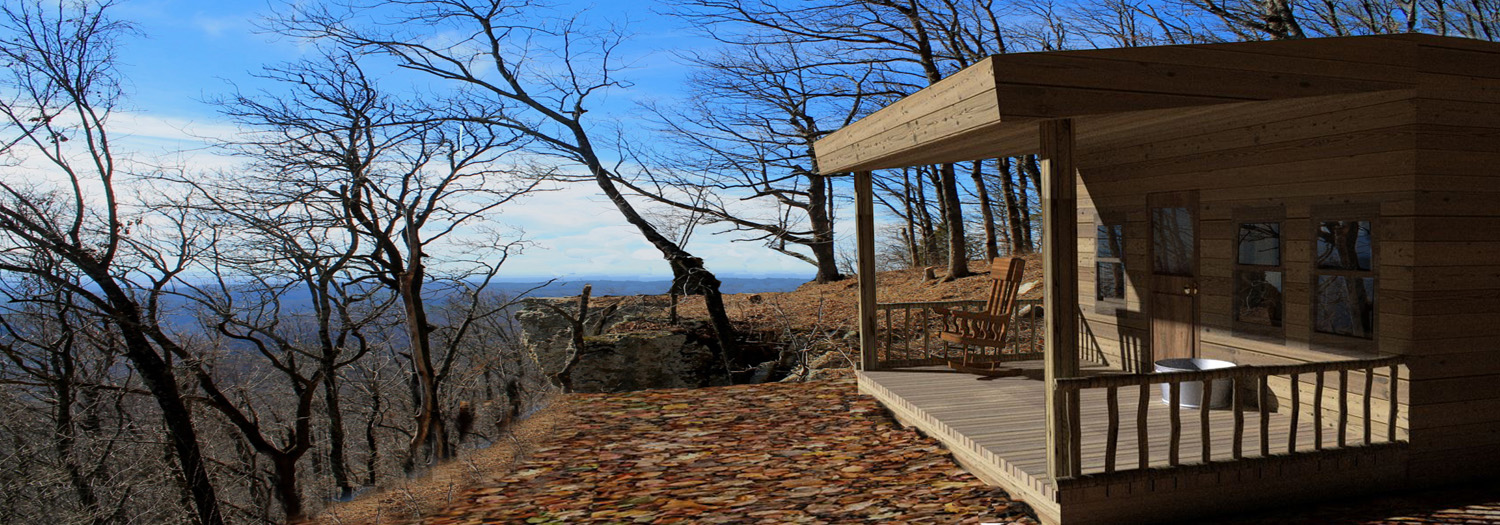
Hi everybody :
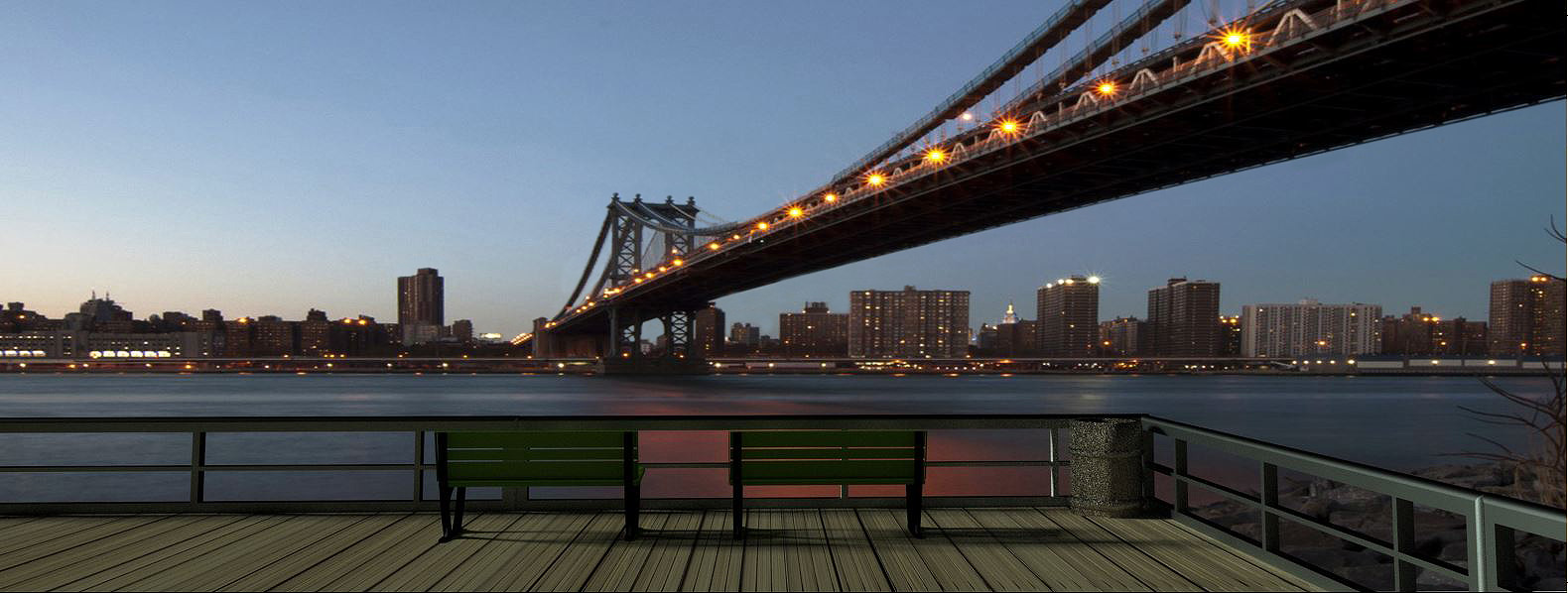
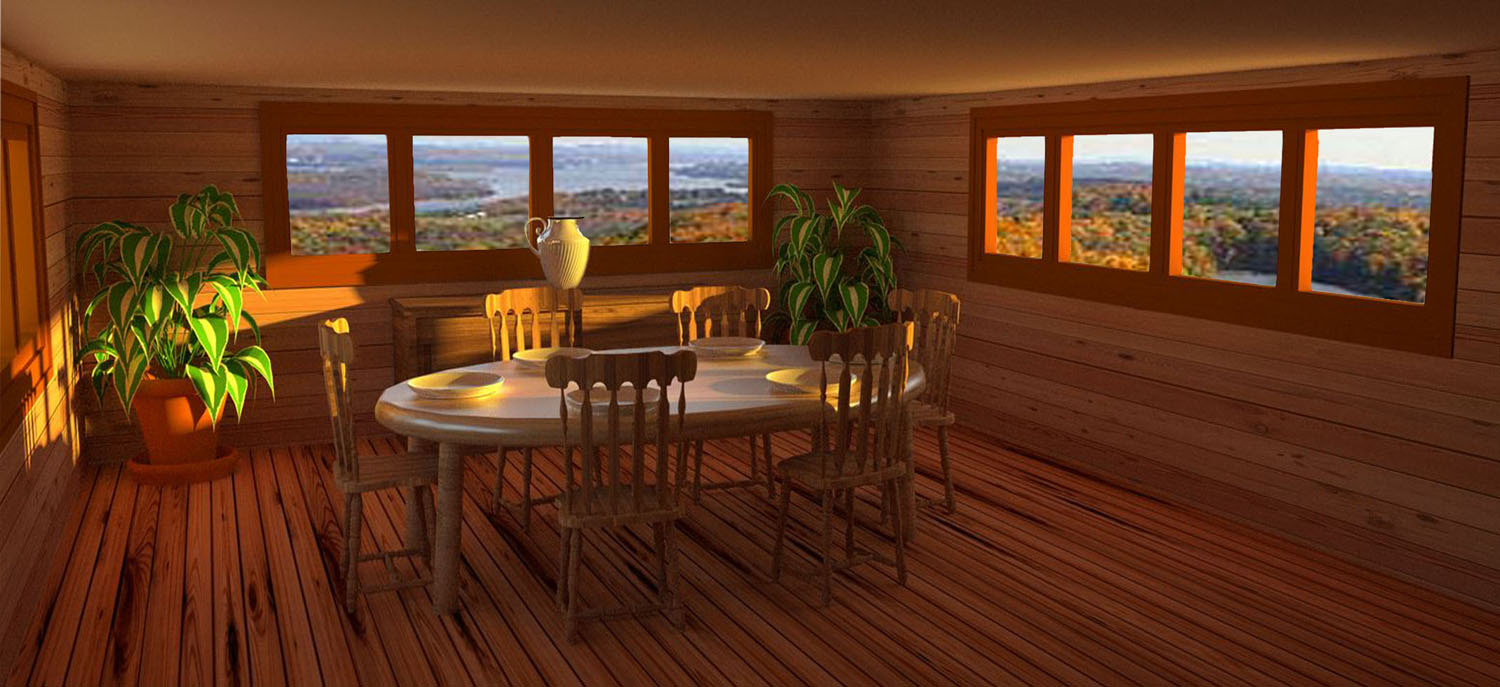
              This is a early evening scene.

                                        garystan
@chedda said:
I also have a yearning for a hideout quite good Gary.
chedda :
        Thanks. But, more-than-likely it wouldn't be all kinds of fancy.

                                                                 garystan
@ntxdave said:
Very interesting - and good.
Curious about the ground cover just outside the cabin.
ntxdave :
           The ground cover is leaves.  I wouldn't mind having an "escape" like this myself. (I know.......it sounds like I'm patting my back).

                                                                     garystan
Hi everybody :
        In SKetchup 8, is it possible to record animation in an up and down motion ? In other words, moving the camera, during recording animation, up and down.  For example, moving from the first floor to the second floor.

                                                                  garysan
@pbacot said:
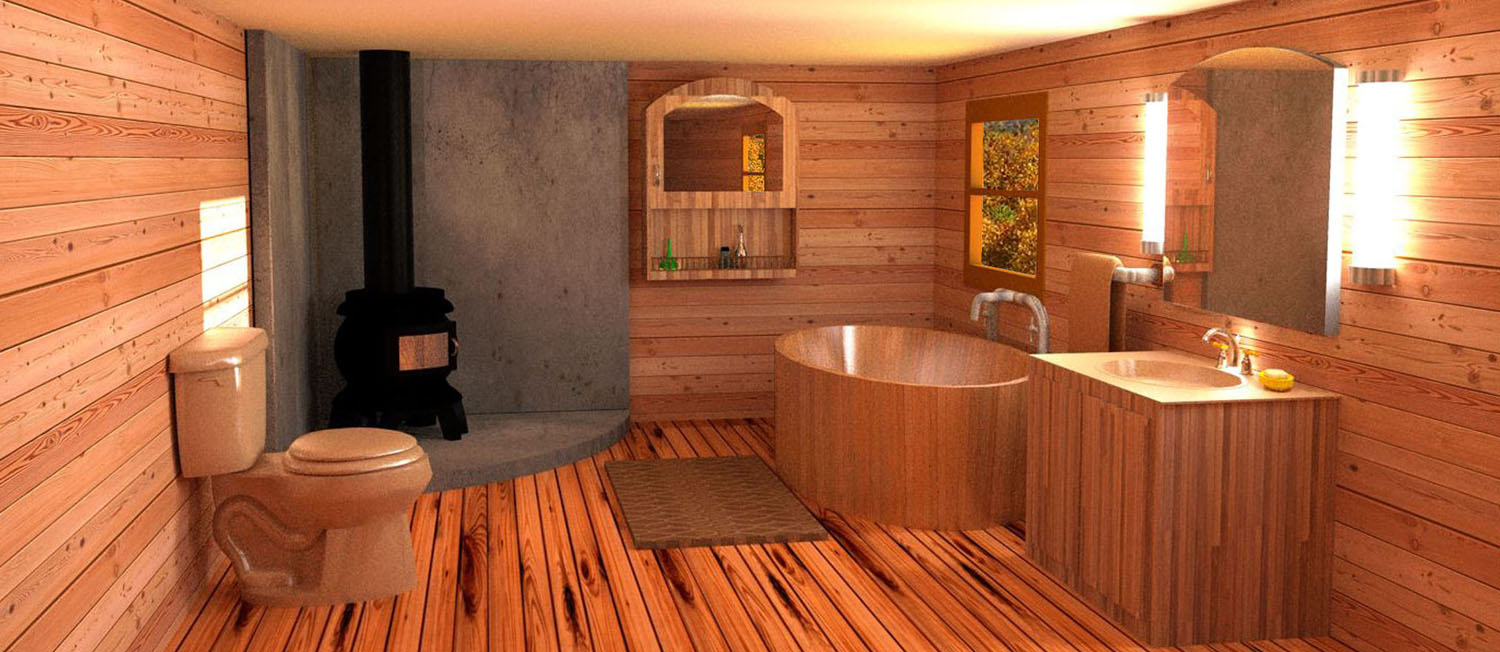
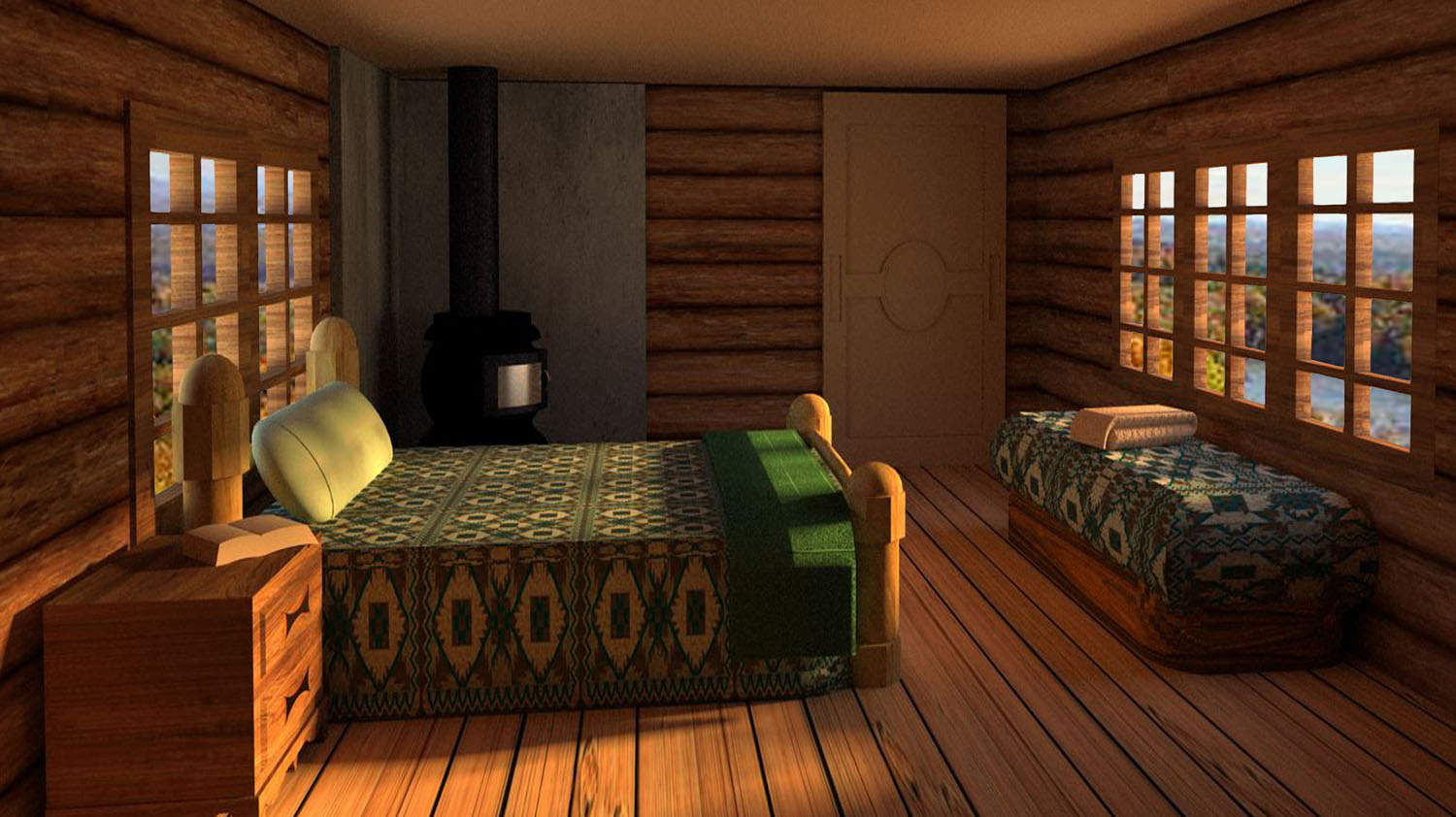
I like the light you're getting! One nudge: that'll be a toasty bathroom. You can only build so small a fire and those stoves really churn out the heat! Good job!
pbacot :

        Thanks for your comment.  I WAS trying to get a balance between the outside light and the interior light.  As for the stove....I guess it could've been a "little" smaller.  Just thinking in terms of those cold days/nights.
                                                               garystan
@daniel said:
With a view like that, I'd want bigger windows.
Daniel :
        Thanks for your comment.  I wasn't sure what size to make the windows.  I didn't want large windows to over-whelm the scene.

                                                     garystan
@rich o brien said:
Topics merged to one thread.
Rich O'Brien :
              Thanks.  I didn't think I could put all that into one posting.
                                                                  garystan
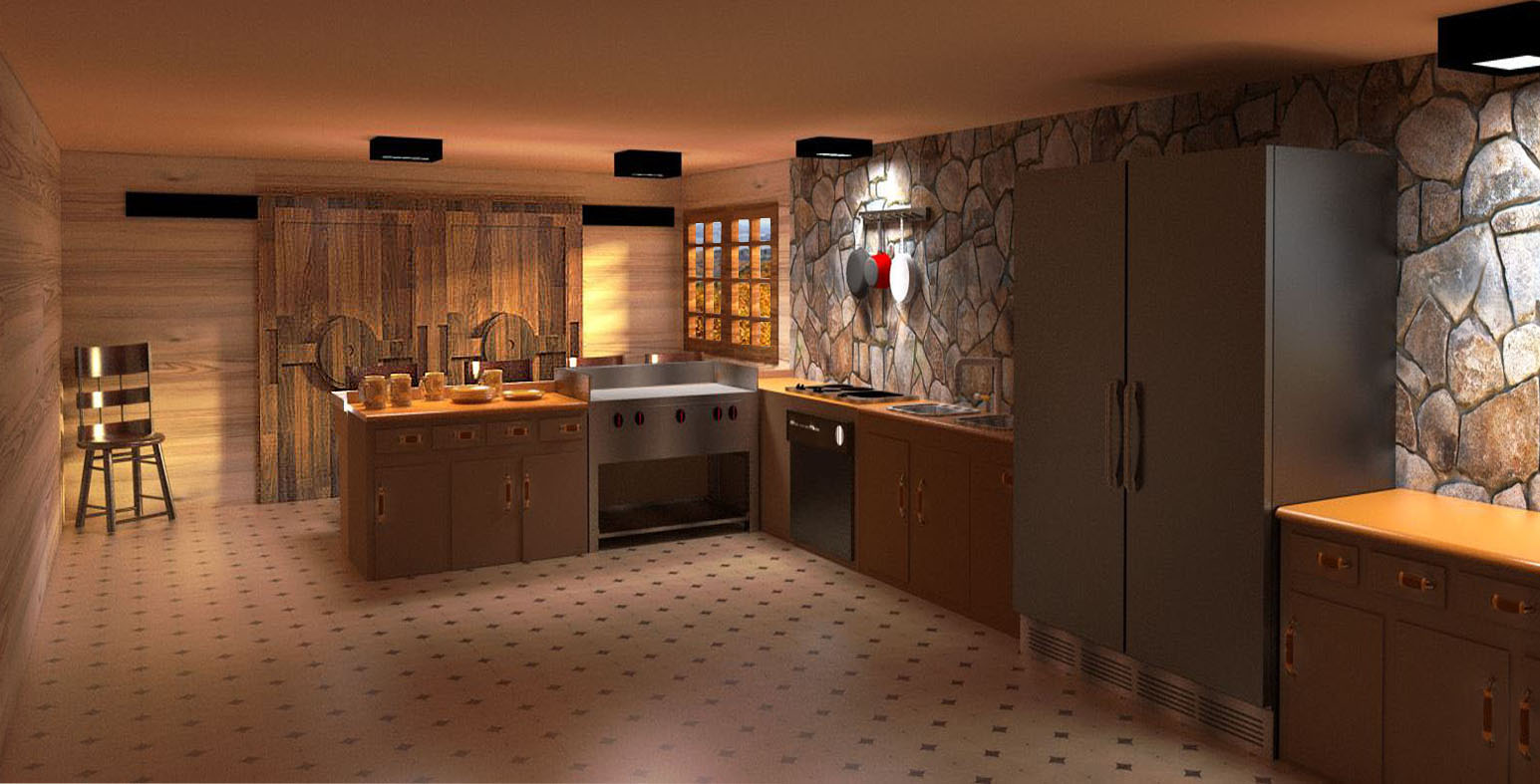
And the final entry .................
You may notice that the fridge is a bit large. I made it that way......so.....when you're having that party.....you definitiely have space for the party stuff......
garystan
Hi Sketchucation :
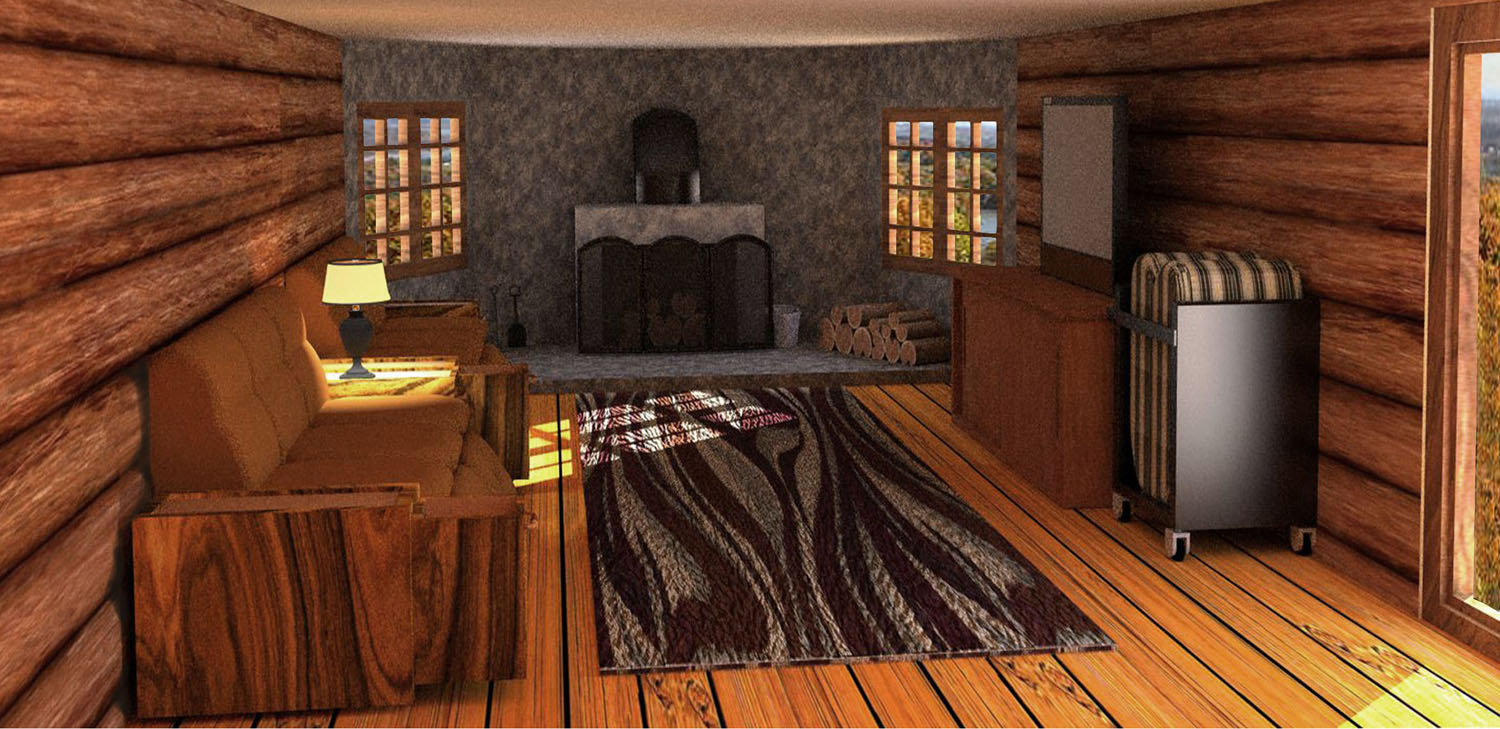
                       I'm going to have to do this in "parts".  This first part is the Living Room and Bedroom.
                                                            garystan
[mod=Rich:hogegpey]Merged topics to one thread. Please keep your similar themed topics in one thread.[/mod:hogegpey]
@garystan said:
Hi everybody :
                I've been working on a Log Cabin project. And due to the way my Computer System is acting, I'd like to delete this project, and start over.  The other Log Cabin projects show up in My Pictures folder (where I temporarily store them until I put the "final product" on disk).  But, the latest one is only showing up in the listing when I open Sketchup. When I click FILE >OPEN.  The files labeled "Log Cabin Dining Room 2", "Log Cabin Dining Room 3", etc.  These show up in the listing after clicking on FILE > OPEN. I can open them.  But I can't find them in my System. I'm not sure where to look.
                                                                    garystan
Update :
Sorry about the confusion. I accidentally SAVED them on an external Hard Drive I used for Google Data (objects that I created). I'm hot sure HOW they got stored there. I usually SAVE them on Drive C......MY PICTURES folder.
garystan
Hi everybody :
                I've been working on a Log Cabin project. And due to the way my Computer System is acting, I'd like to delete this project, and start over.  The other Log Cabin projects show up in My Pictures folder (where I temporarily store them until I put the "final product" on disk).  But, the latest one is only showing up in the listing when I open Sketchup. When I click FILE >OPEN.  The files labeled "Log Cabin Dining Room 2", "Log Cabin Dining Room 3", etc.  These show up in the listing after clicking on FILE > OPEN. I can open them.  But I can't find them in my System. I'm not sure where to look.
                                                                    garystan
@andybot said:
I'd wager that bit of advice was derived from painful personal experience... I have certainly felt the sting of lost and corrupt files in years past.
andybot :
            Do tell.  Yeah too many times.  You're onto something BIG....gotta good thing goin.........WHAM !!!!!!!!!!!.  Now you have rebuild.  Well, actually, it's good advice in computing....in general.  Backing up your files......etc..............

                                                                     garystan
Hi everybody :
                I have a tip for beginners.  As you build a model, save the changes you make in a sucession of SAVEs.  In other words, your initial SAVE would be  "project name 1".skp.  Then as you add more to the project, you would save it as  "project name 2".skp.  That way, if the current model you're working on corrupts, you could go back to a previously saved version.  Without losing the entire model.

                                                                     garystan
alvis :
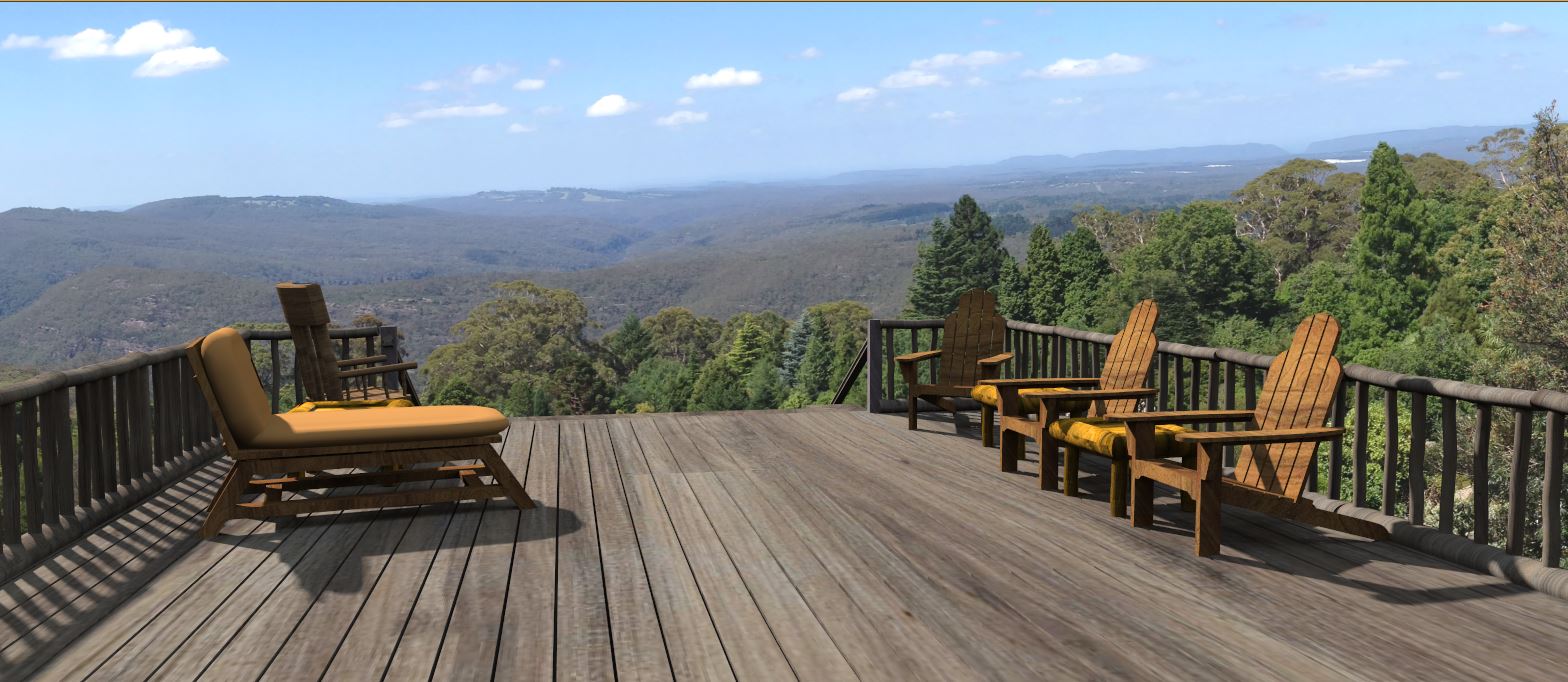
      If that chair was in a more reclined position, I'd like to try it myself.  But, still........nice work.
                        garystan
@juju said:
switch on hidden lines / geometry, most likely something that has been hidden
juju :
Hmmmmmmmmmmm.......I didn't think of that. Thanks......garystan
@mike amos said:
Nice, more lougers if you think that suites the style better but yep, nice.
Mike Amos :
It took 3 or 4 times to REALLY look at it (the original), to see it WASN'T that attractive.
garystan
Skectucation :
                 I had to use a different background.  The other background file went corrupt.  And, I put in seating.  Besides........the original was kinda dark (and dreary).
                                           garystan
@pilou said:
Explode all levels of component/group
then select that you want from left to right ?
pilou :
      In other words....select the ENTIRE "grouping (including the objects I don't want), Click EXPLODE. Then select the one I DO want.  After that, the objects the I don't want I can simply delete ?
                                                               garystan