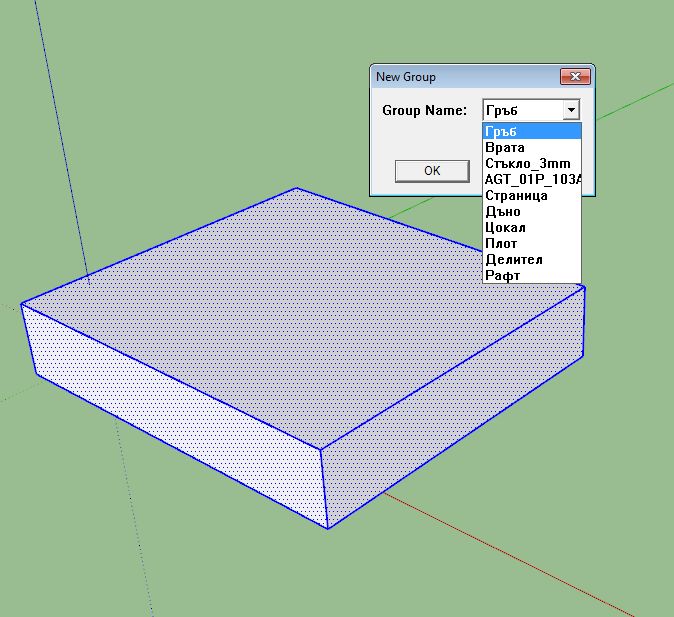
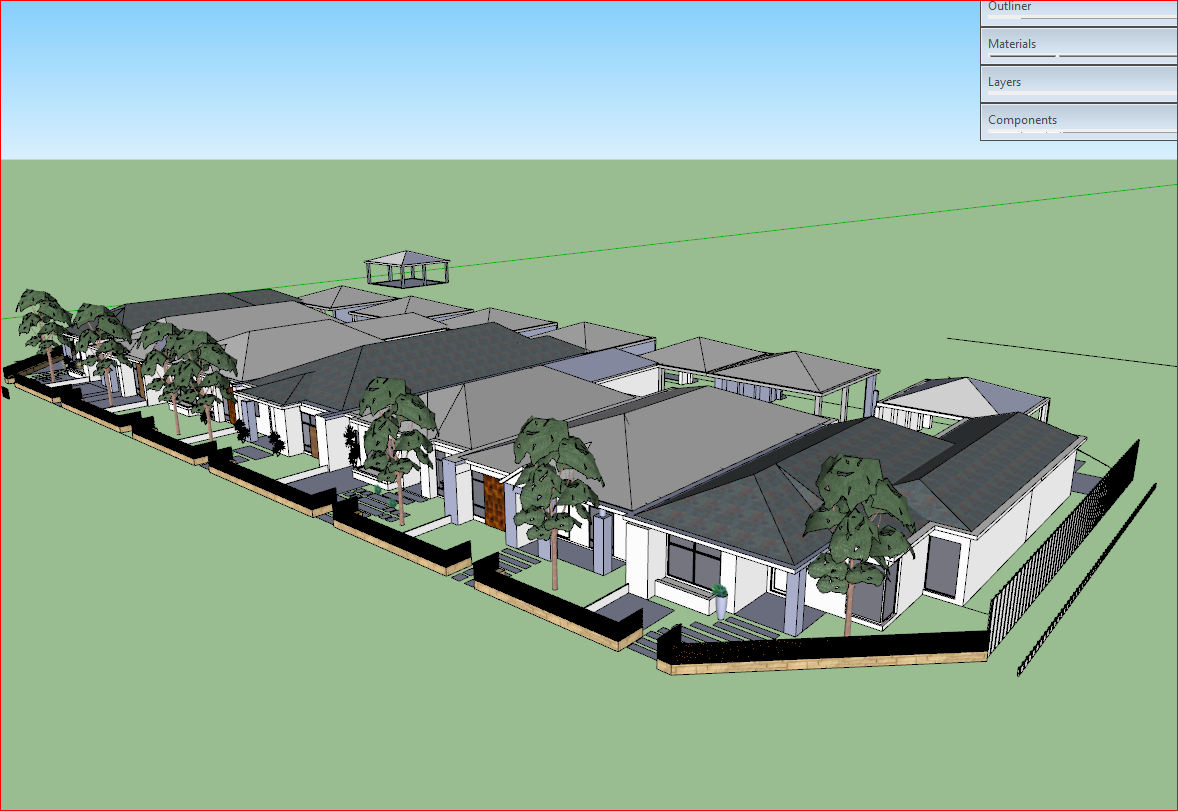
Your plugin plus a drop-down list for the group names. Jim's plugin allows You to write 20 most used names in a text file for later use - useful in many fields where the parts are common - furniture and the like.
Oops, your profile's looking a bit empty! To help us tailor your experience, please fill in key details like your SketchUp version, skill level, operating system, and more. Update and save your info on your profile page today!
Sketchucation Tools 5.0.7 | Licensing improvements and bug fixes Learn More
D
Offline
Posts
-
RE: [Plugin] Make Named Group
-
RE: [Plugin] Make Named Group
It has a drop-down list of 20 names to choose from
-
RE: [Plugin] Make Named Group
I just saw this - very useful! I started recently using groups instead of components and I'm using this wonderful plugin - http://forums.sketchucation.com/viewtopic.php?t=9318
If there is a way to combine them into one - perfect! -
RE: [Plugin] Guide Tools (1.3.0) — 21 October 2010
Is it possible to add "CPoint at Insertion Point" for groups also?
-
RE: FredoStretch Problem
Yes, something is not right! I use this tool a lot and this behavior is very annoying!
-
RE: FredoStretch Problem
Strange! Anyway, I made everything from scratch and now seems OK. But I always thought the default is to stretch with the bounding box - I have to be careful in the feature!

-
RE: FredoStretch Problem
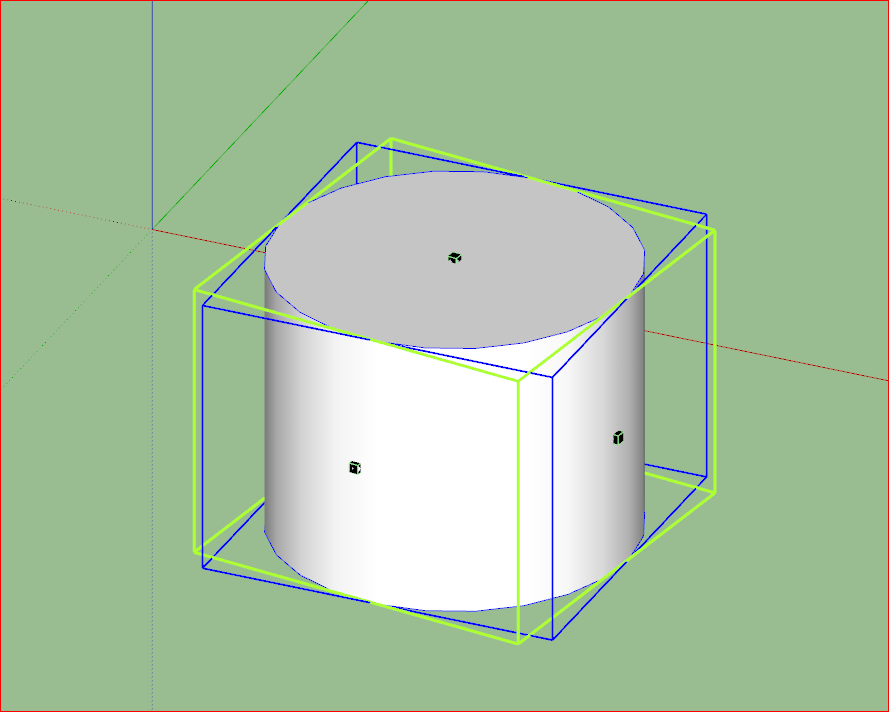
It seems like the default is not stretching with the bounding box

-
RE: FredoStretch Problem
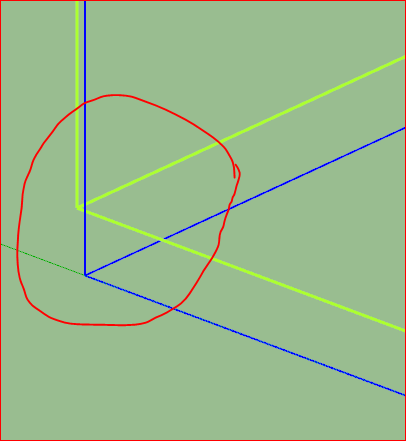
Because it is a component - You have to insert it as a component. Checked this - exploded and recreated it - the same. Also did the same as You - the same error as before. When I zoom in the misalignment can be seen -
-
RE: FredoStretch Problem
I do this after activating the tool, but the default behavior is stretching with the bounding box - where the problem is. If I draw the bounding box with the tomtom's Draw bounding box plugin to check it is fine.
-
FredoStretch Problem
When I select a component for stretching FfedoStretch doesn't align with the bounding box and this gives me wrong dimensions - here is the sample component
-
RE: "Upgrade" to Windows 7 from XP
No, You restore the settings and it depends on the program itself - where the settings are - the your personal folder or the registry. You need to install the software, because there is no straight upgrade from Xp to Windows 7. A lot of programs have options to write their settings in the installation directory as an .ini files. That is the beauty of Linux - there is no registry, but simple text files to store the settings. And you can do a dial boot - make a clean install of Windows 7 on the free hard drive and keep the XP.
-
RE: "Upgrade" to Windows 7 from XP
I have a backup image of my installs and if I need i can restore the whole disk without reinstalling = Windows 7 from Professional and up has this feature built in. David, You can do this with this freeware http://www.oo-software.com/home/en/products/oodiskimageexpress/
Make an image of your Xp if You want to go back= You can mount it as a virtual drive and copy the files from there= -
RE: No zoom extents (despirate)
First i did some cleanup - Window > Model Info > Statistics > Fix Problems
Found some errors and bad geometry, changed Field of View , played with the zoom and layers - On or Off
The problem is - You are to far away from the origin. -
RE: [Plugin] Edge Tools