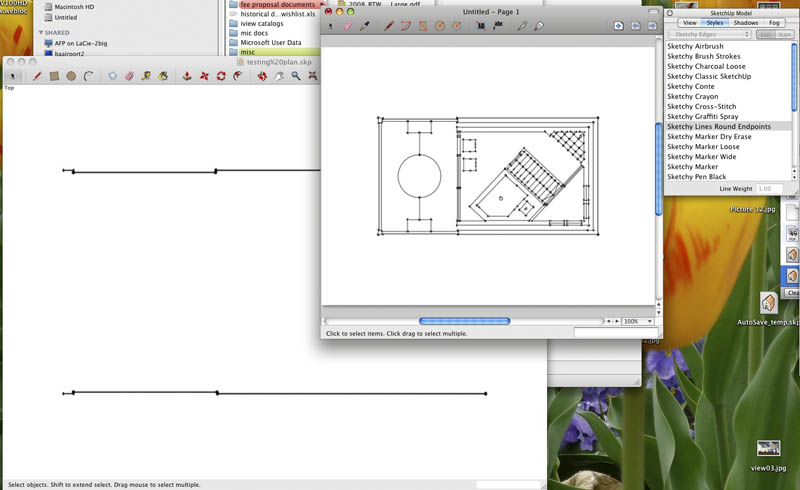
Doesn't seem to be problem unique to this model. I have same problem if I start a brand new file and start drawing shapes on ground plane. Although to be clear, for me the problem only comes up when I use a sketchy style. If I am on wireframe, and just change to hidden line, everything is fine. If I'm in a sketchy style, then problem is very bad if hidden, and still existing if in wireframe.
On a whim, I wanted to see what happened if I brought it into layout. That seemed to improve things, but some sketchy styles still have falloff of lines near edge. Others that are almost invisible in SketchUp, are perfect in Layout (like Sketchy Lines Round Endpoints, and Marker Dry Erase). Ok with a littler further testing, of the 25 sketchy styles in SketchUp, all but six of them worked fine in Layout. Here are the six that didn't. For someone who knows about Styles, what makes them unique.
Styles that didn't work in Layout:
Airbrush
Charcoal Loose
Crayon
Graffiti
Pen Shakey
Pencil
A slide note: one advantage of doing things in Layout is also that you have lineweight control (Globally for a view, not line by line) so styles like Brush Strokes, that may look horrible in SketchUp, can be made to look nice in Layout.
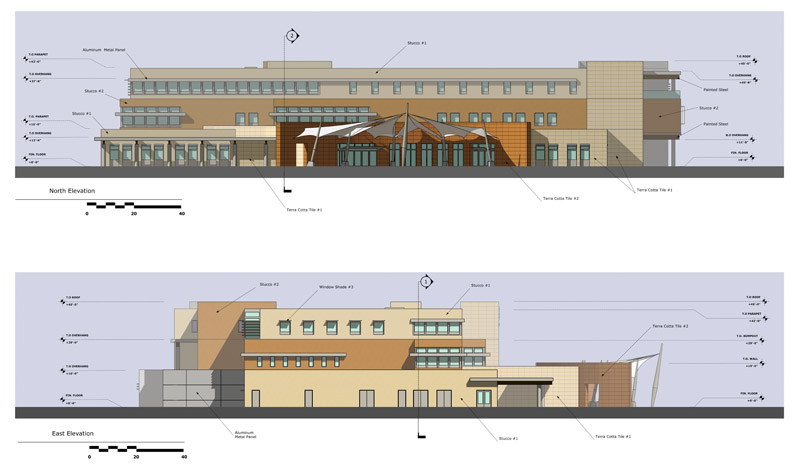
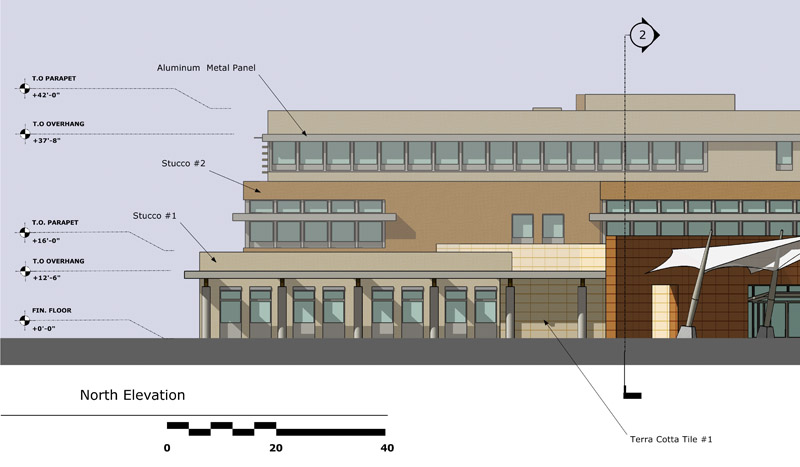
I have similar issue with control joints on my elevations when exporting to jpg, or using in Layout. I typically have control joints on their own group so they don't break the building geometry up. Moving them just off of building surface helps, but isn't perfect.
By the way, may want to purge your model before posting .I was trying to figure out why 1.7mb, and what was hiding in the model. Saw all layers on and no hidden geometry. When I purged went down to 84k.