sketchucation logo sketchucation
    • Login
    Oops, your profile's looking a bit empty! To help us tailor your experience, please fill in key details like your SketchUp version, skill level, operating system, and more. Update and save your info on your profile page today!
    ⚠️ Update | Sketchucation Tools 5.0.8 released with licensing improvements and bugfixes Download

    First Rayscaper Test
    Scheduled Pinned Locked Moved WIP
    10 Posts 4 Posters 74 Views 4 Watching
    Loading More Posts
    • Oldest to Newest
    • Newest to Oldest
    • Most Votes
    Reply
    • Reply as topic
    Log in to reply
    This topic has been deleted. Only users with topic management privileges can see it.
    • L
      lightscape Newcomers
      last edited by TIG

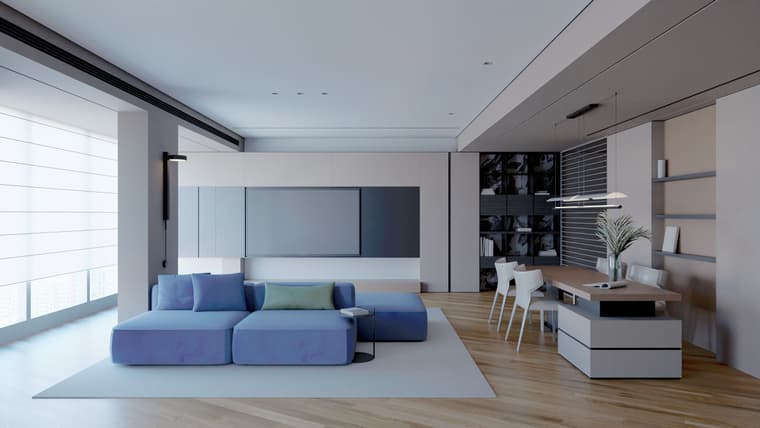
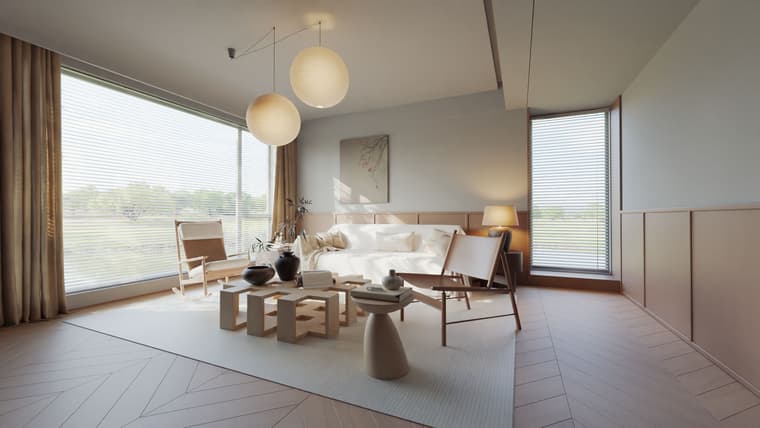
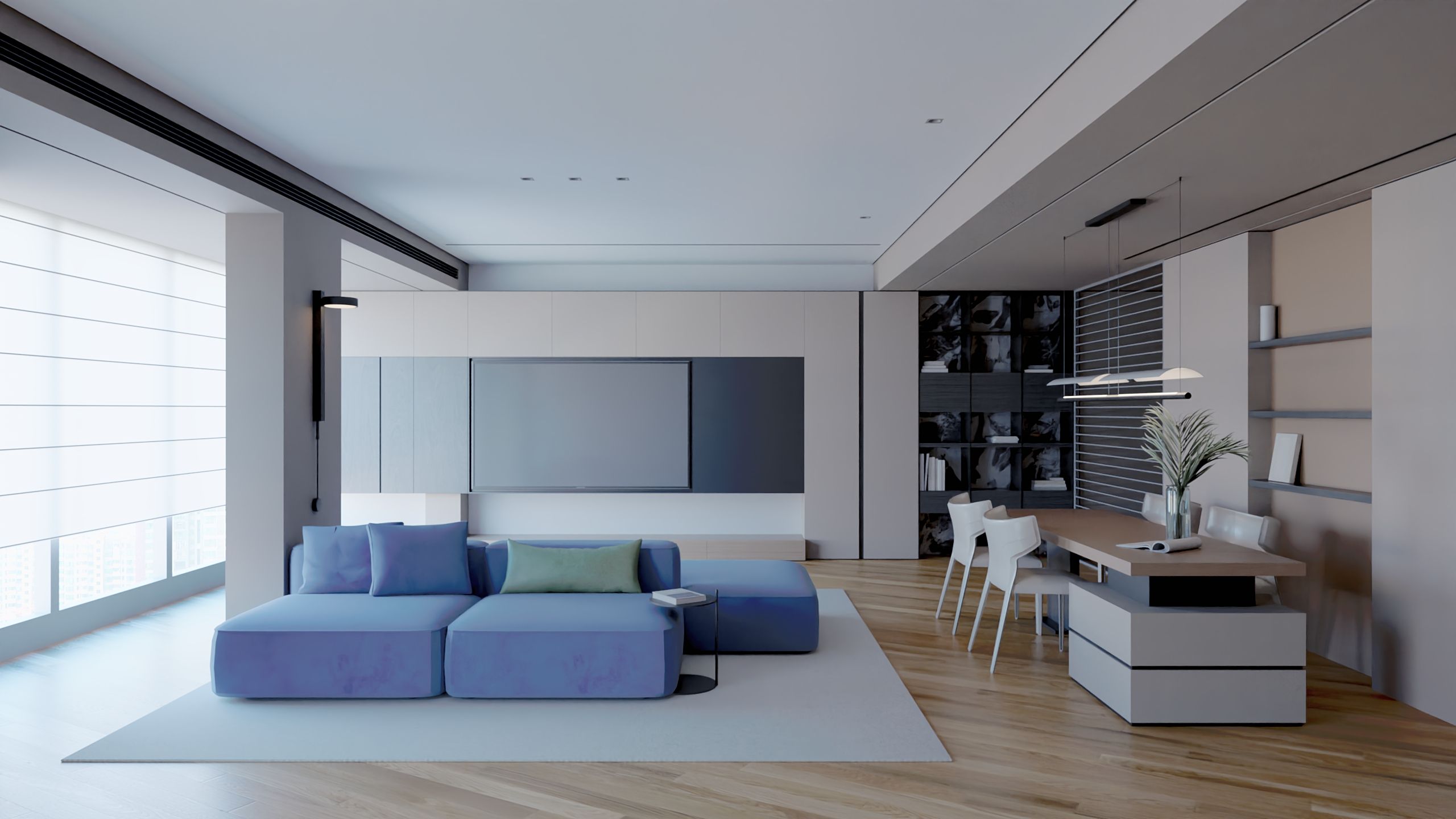
      test1.jpg test2.jpg

      1 Reply Last reply
      Reply Quote 3
      • pixelcruncherP
        pixelcruncher Extension Creator
        last edited by

        Wow, for a first test, you are already getting some pretty impressive results! Are you migrating from another engine?

        Cheers,
        Thomas

        I'm the developer of Rayscaper: https://rayscaper.com/ - Fast and easy rendering for SketchUp.

        L 1 Reply Last reply
        Reply Quote 0
        • Mike AmosM
          Mike Amos
          last edited by

          It is a fine start, the auto exposure is the new feature to have in any render engine imho, looking forward to new renders from you, be well and enjoy.

          Absentia mortis praesentiam vitae probat, vita autem est argumentum constantiae.

          1 Reply Last reply
          Reply Quote 0
          • L
            lightscape Newcomers @pixelcruncher
            last edited by

            @pixelcruncher
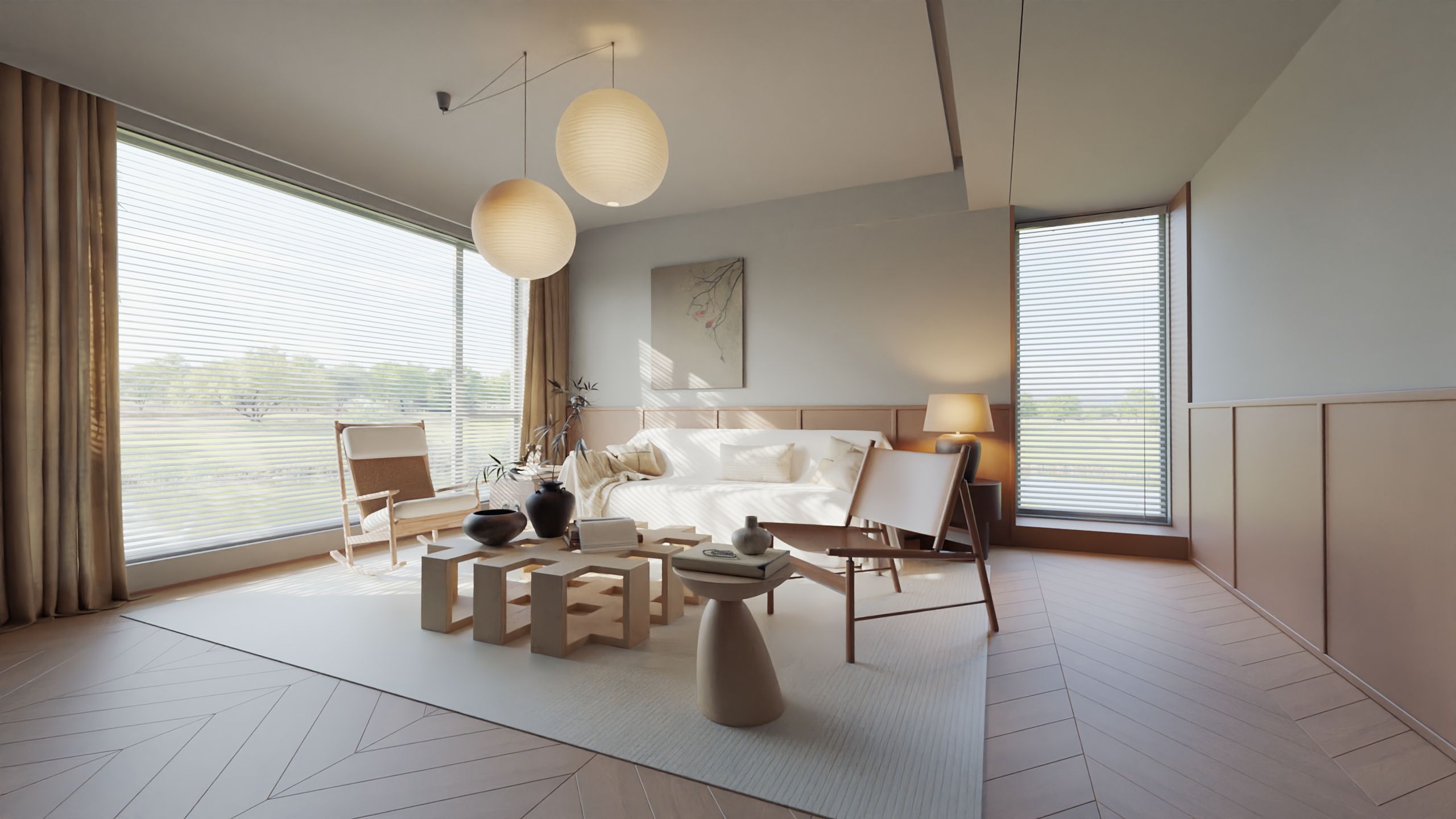
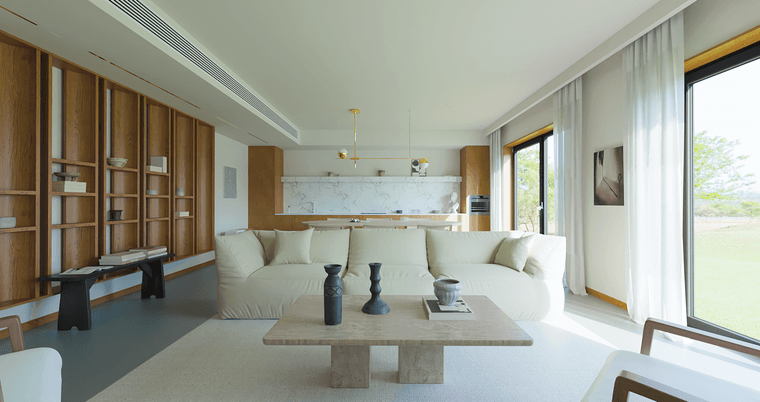
            Yes, I use D5 Render or Chaos Envision in my work, but neither of them is built into SU. I have also used Vray and Thea Render, which are relatively lighter and simpler compared to Rayscaper. I hope Rayscaper can evolve more perfectly微信图片_20261004165603_31880_4.png Another one TEST
            pixelcruncherP 1 Reply Last reply
            Reply Quote 1
            • KrassK
              Krass
              last edited by

              Excellent !

              Krass

              1 Reply Last reply
              Reply Quote 0
              • pixelcruncherP
                pixelcruncher Extension Creator @lightscape
                last edited by

                @lightscape Thanks for the feedback. Would love to hear what you're missing in your workflows. We can make that happen 🙂

                Cheers,
                Thomas

                I'm the developer of Rayscaper: https://rayscaper.com/ - Fast and easy rendering for SketchUp.

                L 1 Reply Last reply
                Reply Quote 0
                • KrassK
                  Krass
                  last edited by

                  @lightscape Very nice renders. May be you could increase contrast or use Ambient Oclusion? And increase your herringbone floor normal map level?

                  Krass

                  L 1 Reply Last reply
                  Reply Quote 0
                  • L
                    lightscape Newcomers @Krass
                    last edited by

                    @Krass
                    The testing objective is to verify the accuracy of Rayscaper's ray tracing and its ability to adjust tone mapping, so all materials have been adjusted for roughness and necessary translucency. In addition, in order to make the details in the deep space clearer and avoid overexposure of the window, the overall contrast of the image will be weaker. I think the best way at this stage, besides increasing the parameter adjustability of tone mapping, is to highlight the details of dark areas, maintain grayscale, output EXR format, and then enter the post production color correction software for color correction

                    1 Reply Last reply
                    Reply Quote 1
                    • L
                      lightscape Newcomers @pixelcruncher
                      last edited by

                      @pixelcruncher
                      Hi Thomas
                      Thank you for your hard work. Undoubtedly, I like Rayscaper. I think the development direction is very correct.
                      I need to continue testing several scenarios, compare them with other renderers, and provide constructive suggestions. Currently, I have some ideas on camera settings, tone mapping, glass materials, material luminescence, and so on.. Organized and presented to you together

                      pixelcruncherP 1 Reply Last reply
                      Reply Quote 2
                      • pixelcruncherP
                        pixelcruncher Extension Creator @lightscape
                        last edited by

                        @lightscape Fucking legend! Thanks!

                        I'm the developer of Rayscaper: https://rayscaper.com/ - Fast and easy rendering for SketchUp.

                        1 Reply Last reply
                        Reply Quote 0

                        Hello! It looks like you're interested in this conversation, but you don't have an account yet.

                        Getting fed up of having to scroll through the same posts each visit? When you register for an account, you'll always come back to exactly where you were before, and choose to be notified of new replies (either via email, or push notification). You'll also be able to save bookmarks and upvote posts to show your appreciation to other community members.

                        With your input, this post could be even better 💗

                        Register Login
                        • 1 / 1
                        • First post
                          Last post
                        Buy SketchPlus
                        Buy SUbD
                        Buy WrapR
                        Buy eBook
                        Buy Modelur
                        Buy Vertex Tools
                        Buy SketchCuisine
                        Buy FormFonts

                        Advertisement