sketchucation logo sketchucation
    • Login
    Oops, your profile's looking a bit empty! To help us tailor your experience, please fill in key details like your SketchUp version, skill level, operating system, and more. Update and save your info on your profile page today!
    Mac User? | Join the Rayscaper Beta for Mac Learn More

    First Rayscaper Test
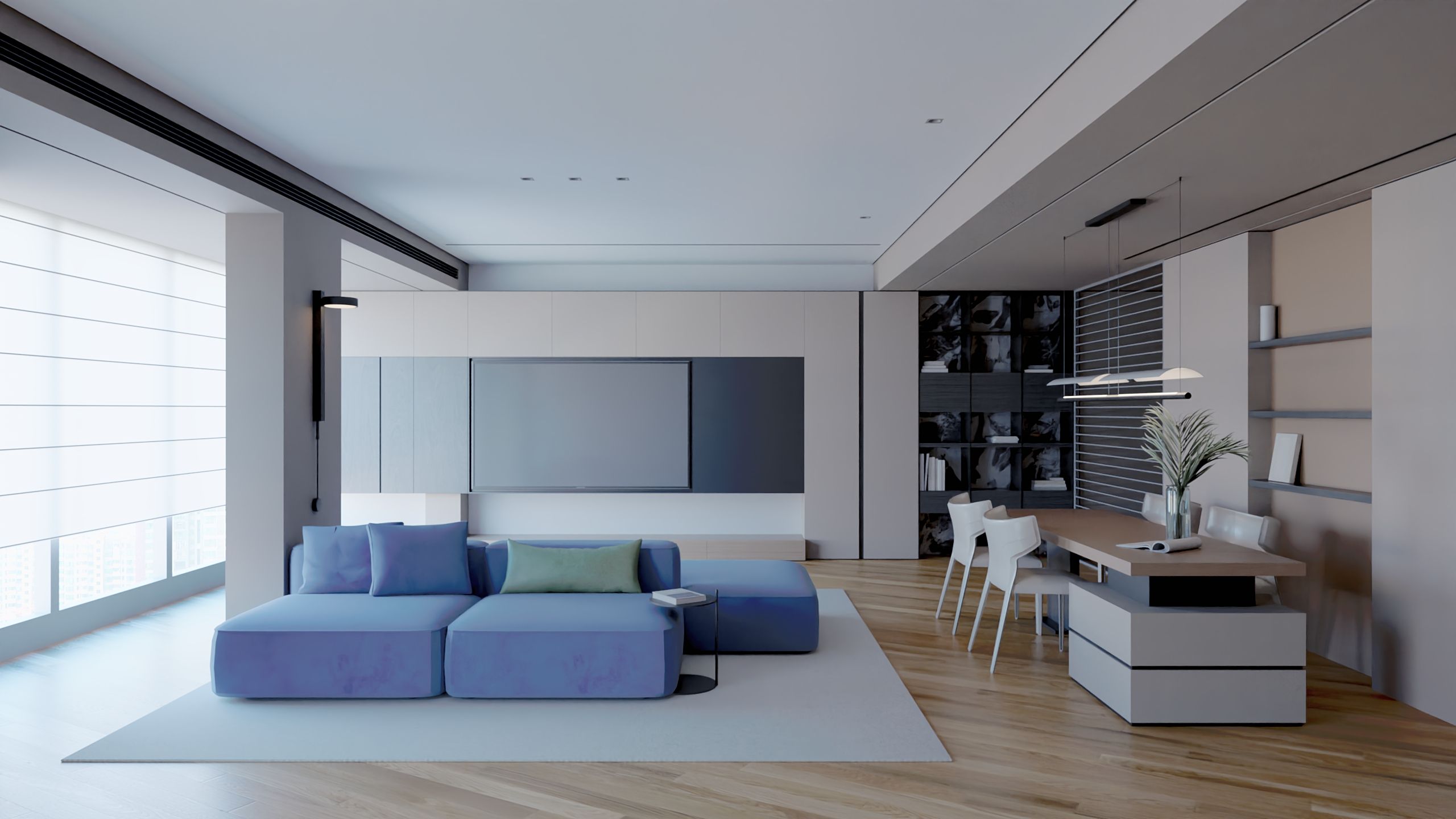
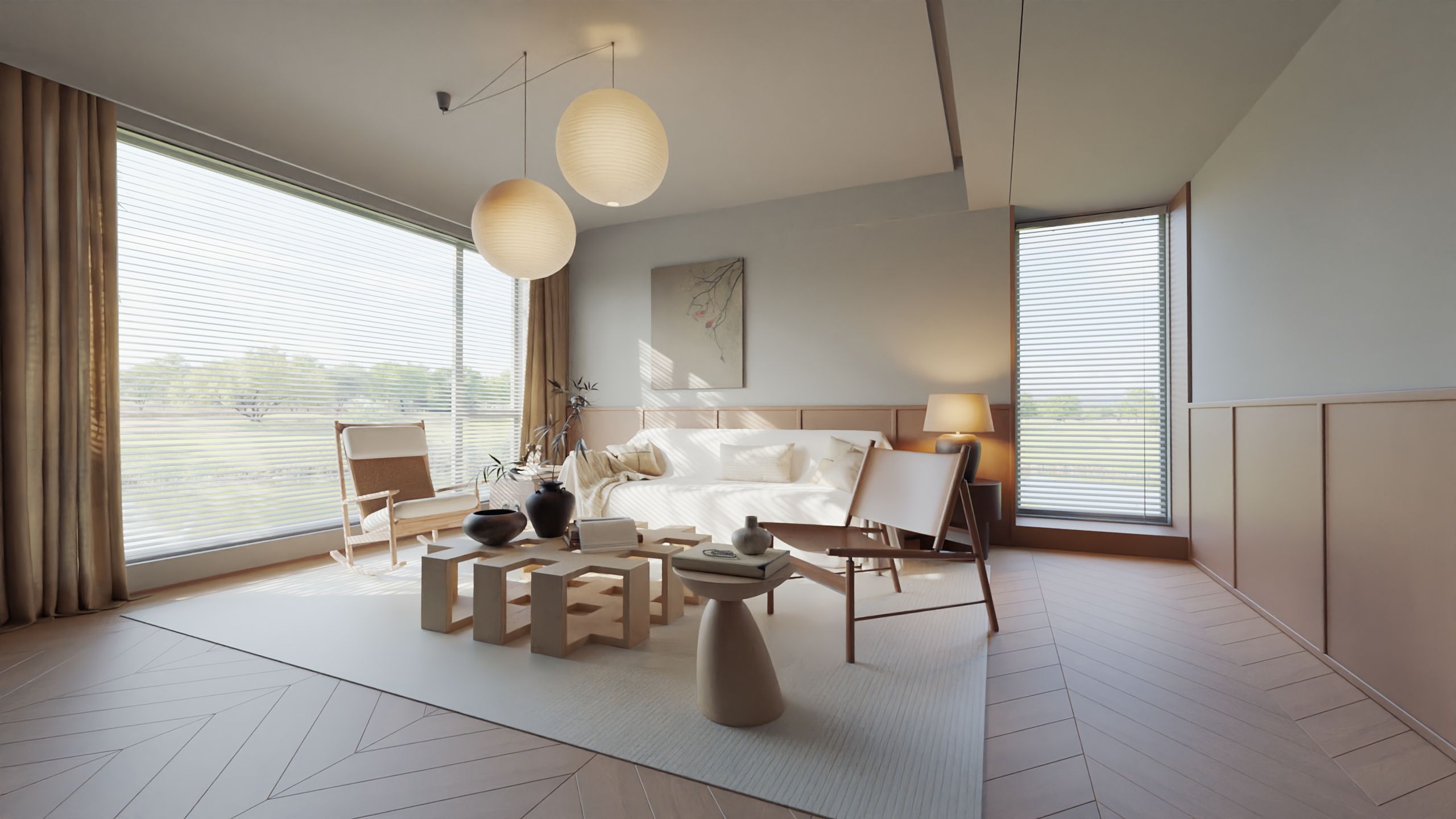
    Scheduled Pinned Locked Moved WIP
    18 Posts 4 Posters 307 Views 4 Watching
    Loading More Posts
    • Oldest to Newest
    • Newest to Oldest
    • Most Votes
    Reply
    • Reply as topic
    Log in to reply
    This topic has been deleted. Only users with topic management privileges can see it.
    • L
      lightscape Newcomers @pixelcruncher
      last edited by

      @pixelcruncher
      Hi Thomas
      Thank you for your hard work. Undoubtedly, I like Rayscaper. I think the development direction is very correct.
      I need to continue testing several scenarios, compare them with other renderers, and provide constructive suggestions. Currently, I have some ideas on camera settings, tone mapping, glass materials, material luminescence, and so on.. Organized and presented to you together

      pixelcruncherP 1 Reply Last reply
      Reply Quote 2
      • pixelcruncherP
        pixelcruncher Extension Creator @lightscape
        last edited by

        @lightscape Fucking legend! Thanks!

        I'm the developer of Rayscaper: https://rayscaper.com/ - Fast and easy rendering for SketchUp.

        1 Reply Last reply
        Reply Quote 1
        • KrassK
          Krass
          last edited by

          I'm trying PBR neutral Tone map...
          Thomas, The tests I'm running are perfect for the tasks I had on the project, following what you told me via email...

          Krass

          pixelcruncherP 1 Reply Last reply
          Reply Quote 1
          • pixelcruncherP
            pixelcruncher Extension Creator @Krass
            last edited by

            @Krass said:

            I'm trying PBR neutral Tone map...
            Thomas, The tests I'm running are perfect for the tasks I had on the project, following what you told me via email...

            Let me know what your findings are!

            I'm the developer of Rayscaper: https://rayscaper.com/ - Fast and easy rendering for SketchUp.

            1 Reply Last reply
            Reply Quote 0
            • KrassK
              Krass
              last edited by

              I read in your manual that "PBR Neutral" is the default setting, but I’ve always used "Reinhart"—I seem to recall that was the default in older versions, though I’m not entirely sure.
              In any case, for the moment, I’ve chosen "PBR Neutral" for the brick-walled loft from the "New Releases" post. I’m avoiding messing with the contrast and exposure settings, though. I do miss having the option to save my settings for later use—we’ve discussed that before—but simply keeping a screenshot of them will suffice for now...
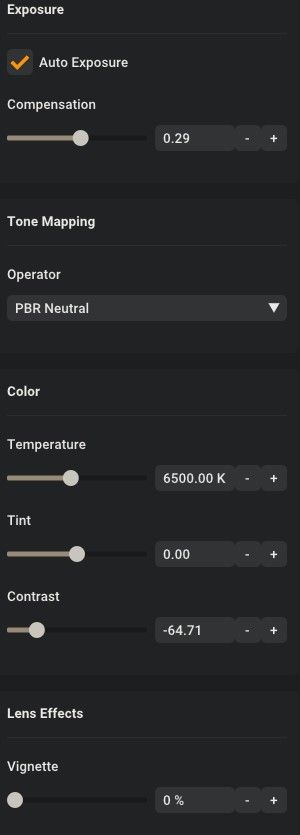
              image.jpeg

              Krass

              1 Reply Last reply
              Reply Quote 0
              • pixelcruncherP
                pixelcruncher Extension Creator
                last edited by

                @krass Reinhard was the default before. Note that we are dropping it in the next release. It's just shit compared to the others 🙂 It's a relic from a different time in computer graphics.

                I feel your pain. We're doing a release soon, so the presets won't make it into that one. But I try to get it into the next release.

                I'm the developer of Rayscaper: https://rayscaper.com/ - Fast and easy rendering for SketchUp.

                1 Reply Last reply
                Reply Quote 0
                • L
                  lightscape Newcomers
                  last edited by

                  This post is deleted!
                  1 Reply Last reply
                  Reply Quote 0
                  • L
                    lightscape Newcomers
                    last edited by

                    @pixelcruncher
                    Hi
                    I have seen the update of version 0.9.99.. After trying, I temporarily stopped my testing. I understand that Rayscaper is moving towards a more streamlined and simpler roadmap. But I cannot understand that the performance function of the material (The new standard material) will further shrink. All the suggestions I mentioned before regarding the organization are now only two:

                    1. There are two modes for setting rendering sampling parameters: simple and advanced. The 0.9.99 version uses simple mode, while the previous version reverts to advanced mode.
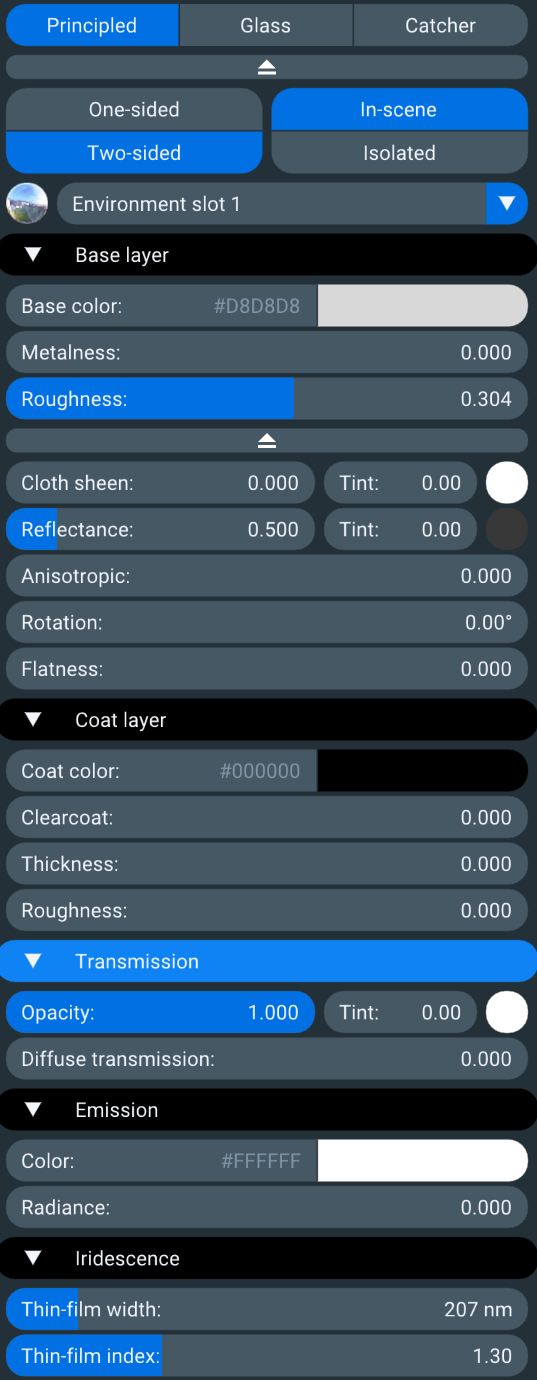
                    2. The material function (standard material) needs to be continuously improved in the future based on the existing foundation. I strongly recommend referring to the material system logic of Lighttracer, so that PBR can complete various material functions based on it (I don't understand why the necessary functions of semi transparency and anisotropy disappear in the new version)
                      The material system of lighttracer is shown in the attached image, with reference to the left and right
                      e6fffd04-7a1e-47fd-a674-9699ede538d9.png
                    pixelcruncherP 1 Reply Last reply
                    Reply Quote 0
                    • KrassK
                      Krass
                      last edited by

                      Hello, are you using a Mac?

                      Krass

                      1 Reply Last reply
                      Reply Quote 0
                      • pixelcruncherP
                        pixelcruncher Extension Creator @lightscape
                        last edited by

                        @lightscape Sorry about that; that's a regression in the latest build.

                        They should be in the advanced section, but I made some UI tweaks, and the advanced section now renders as hidden. This will be back in the next release.


                        I'm the developer of Rayscaper: https://rayscaper.com/ - Fast and easy rendering for SketchUp.

                        1 Reply Last reply
                        Reply Quote 0

                        Hello! It looks like you're interested in this conversation, but you don't have an account yet.

                        Getting fed up of having to scroll through the same posts each visit? When you register for an account, you'll always come back to exactly where you were before, and choose to be notified of new replies (either via email, or push notification). You'll also be able to save bookmarks and upvote posts to show your appreciation to other community members.

                        With your input, this post could be even better 💗

                        Register Login
                        • 1 / 1
                        • First post
                          Last post
                        Buy SketchPlus
                        Buy SUbD
                        Buy WrapR
                        Buy eBook
                        Buy Modelur
                        Buy Vertex Tools
                        Buy SketchCuisine
                        Buy FormFonts

                        Advertisement