Rayscaper New Releases
-
@Krass No, it wouldn't really help. Rayscaper scatters the patches with the configured density over the faces. More faces means just more work for the scattering engine.
We did some experimenting this afternoon, and might have something better soon(-ish).
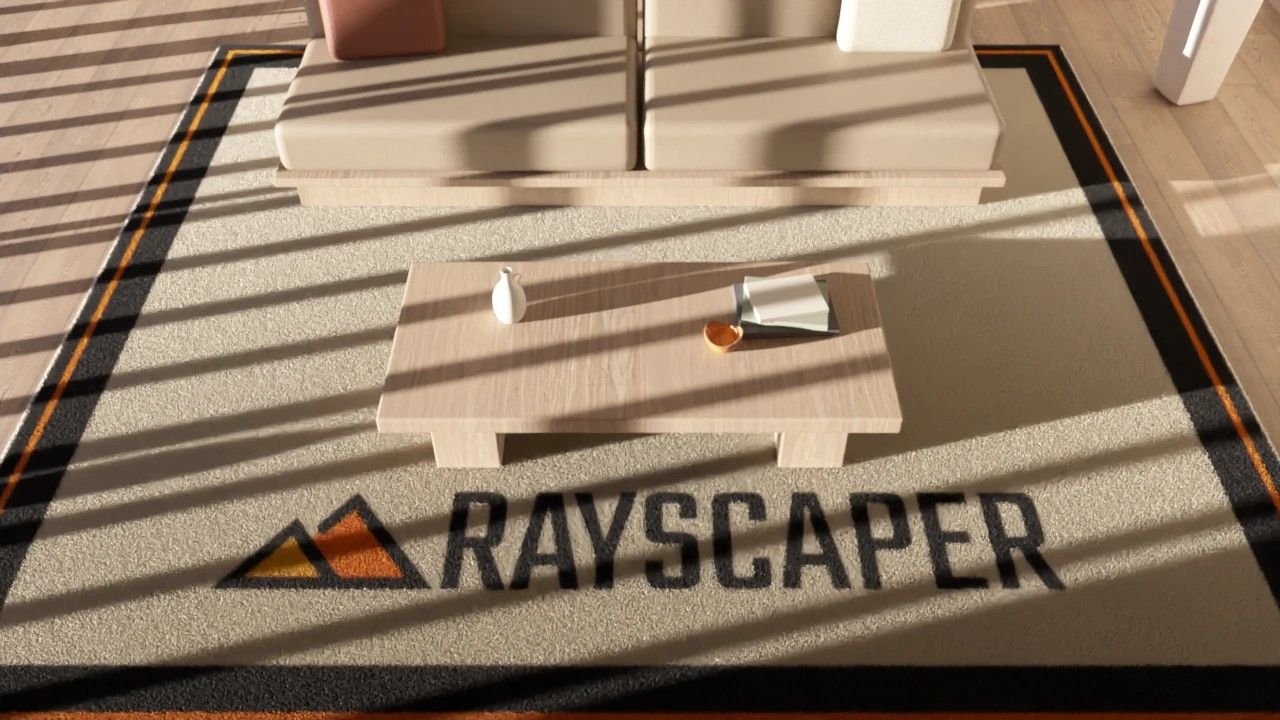
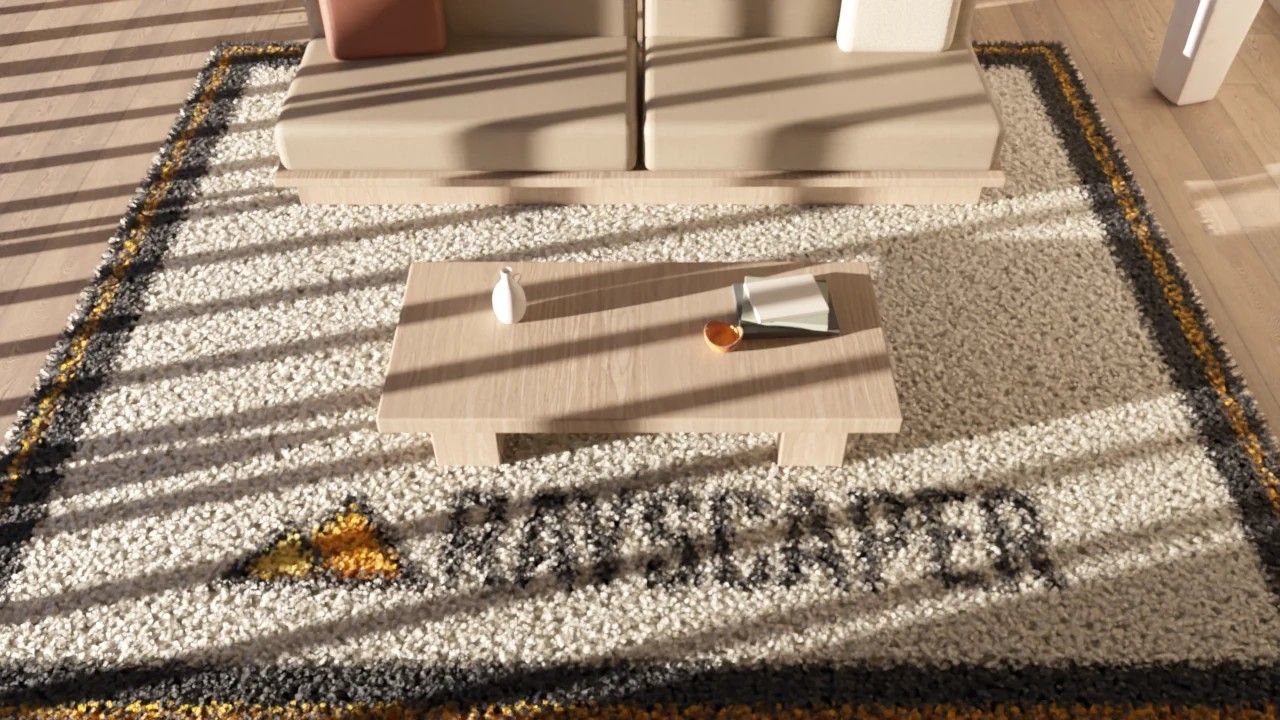
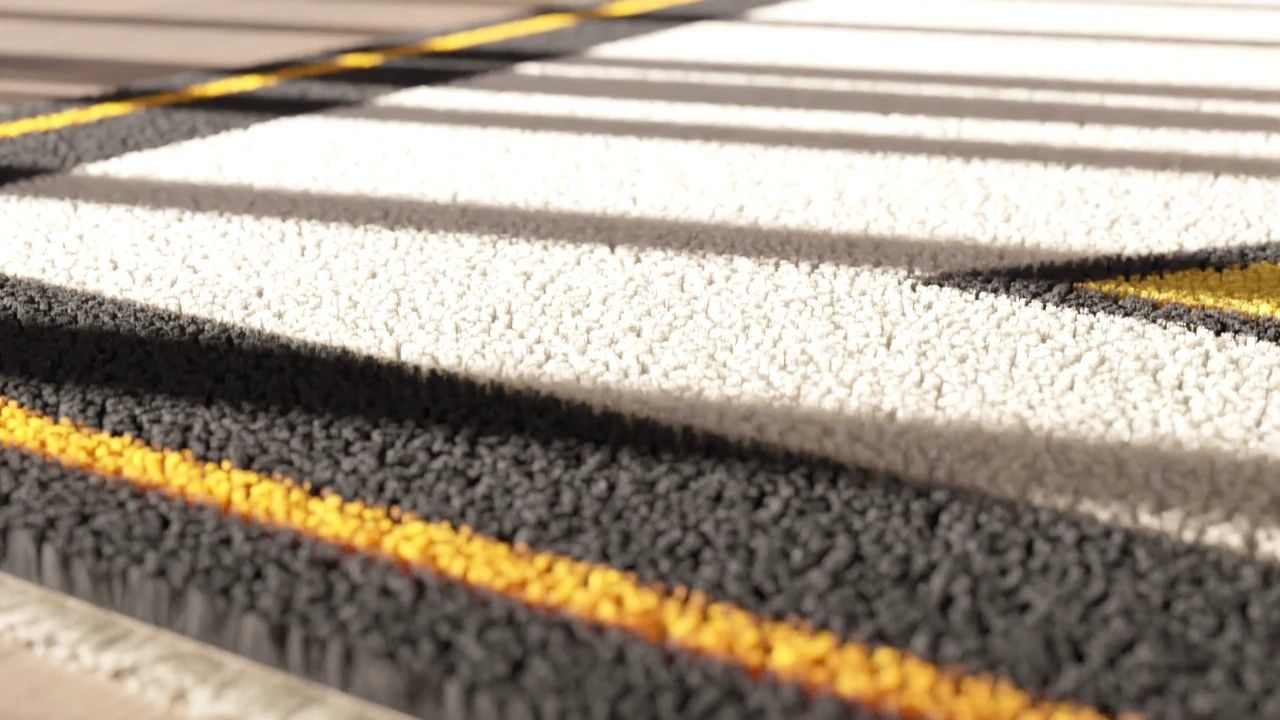
Stay tuned!
Cheers,
Thomas -
it's very good !
I believe you used synthetic grass with large blade size... -
when grass type changes to meadow there is a bug fix (crush) in sketchup 2025 , in sketchup 2026 is fine work
-
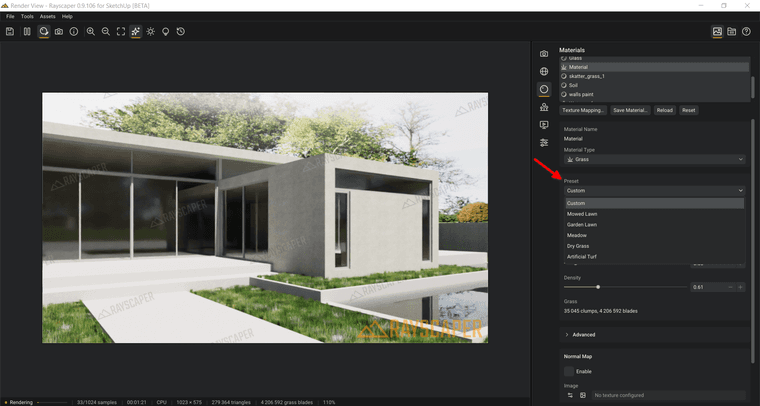
Using a texture as a scattering map—as well as deriving color from that texture—is a fantastic idea. However, I hope the issue regarding the inability to select a preset gets resolved; it’s a bug that causes a fatal error in SketchUp.
-
 M majid referenced this topic
-
Hello,
Thomas
Could you share the Rayscaper rug model so I can understand how you made it? Is the logo an image, or was it drawn in SketchUp?Krass
-
@Alattab, yes, thanks for the report. We were able to reproduce this. We'll include a fix in the next version.
Cheers,
ThomasI'm the developer of Rayscaper: https://rayscaper.com/ - Fast and easy rendering for SketchUp.
-
@Krass, I figured out how to hack the grass material to make rugs too. However, that required code changes in Rayscaper, so it will be available only in the new version. Stay tuned for this. I will share the skp file as well with the new version so you can have the same results.
Cheers,
Thomas -
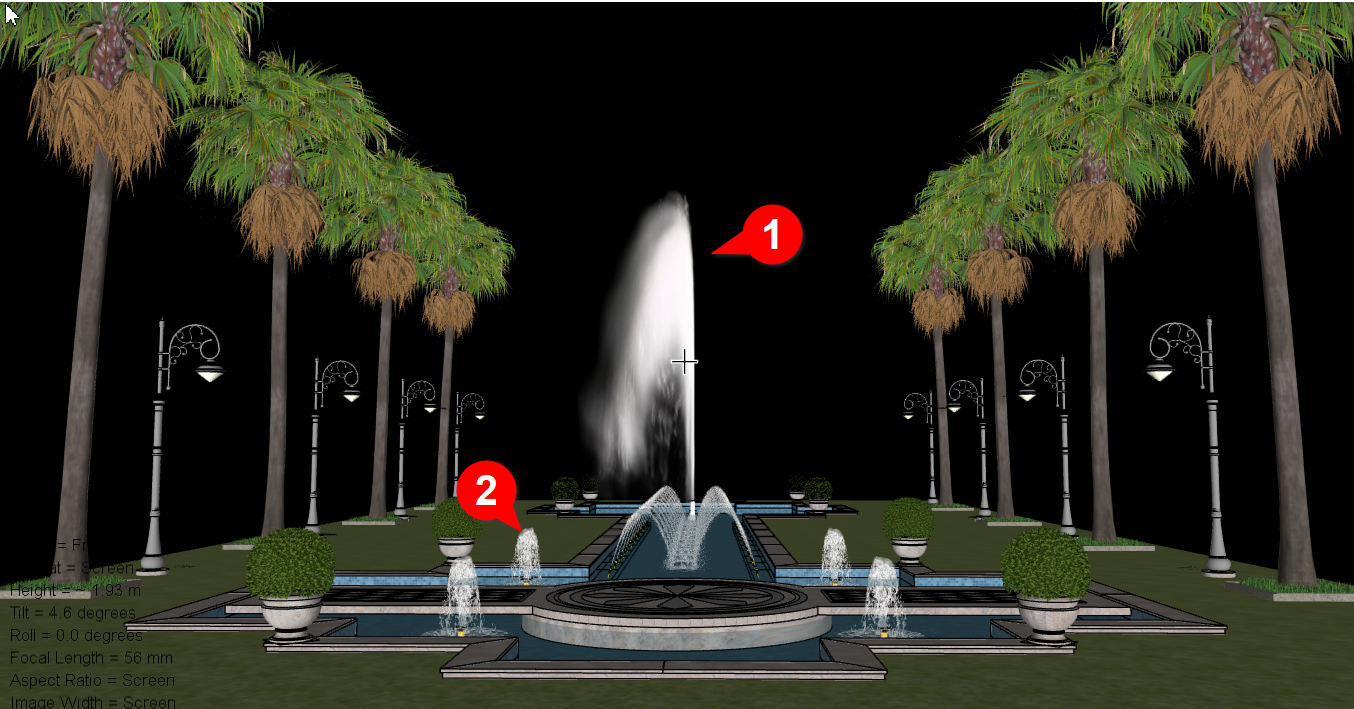
I believe it is necessary to add a "mask map" alongside the alpha and opacity maps; otherwise, I cannot properly render the appearance of the fountain water—indicated by the number 1 in the image—as required. Furthermore, I think it is essential to include specific fluid presets—such as those for milk, carbonated water, aerated water, etc. In the image, the element marked with the number 2 represents the aerated water produced by a bubbler nozzle.
-
Interesting image. What software did you use to add the 1 and 2 highlights?
-

-
@ntxdave it is calld" Franzis cutout profistional "
-
@ntxdave if you mean number bubble tag , use softwear calld Ksnip it is freecharge , open source kind type
-
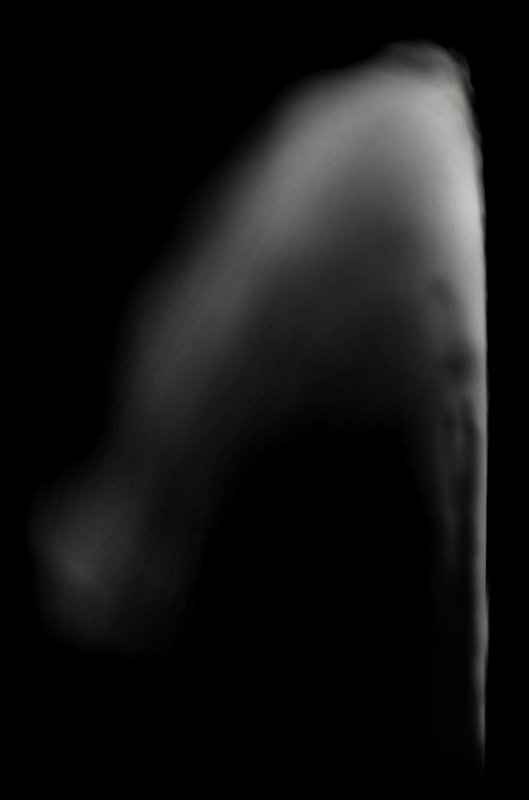
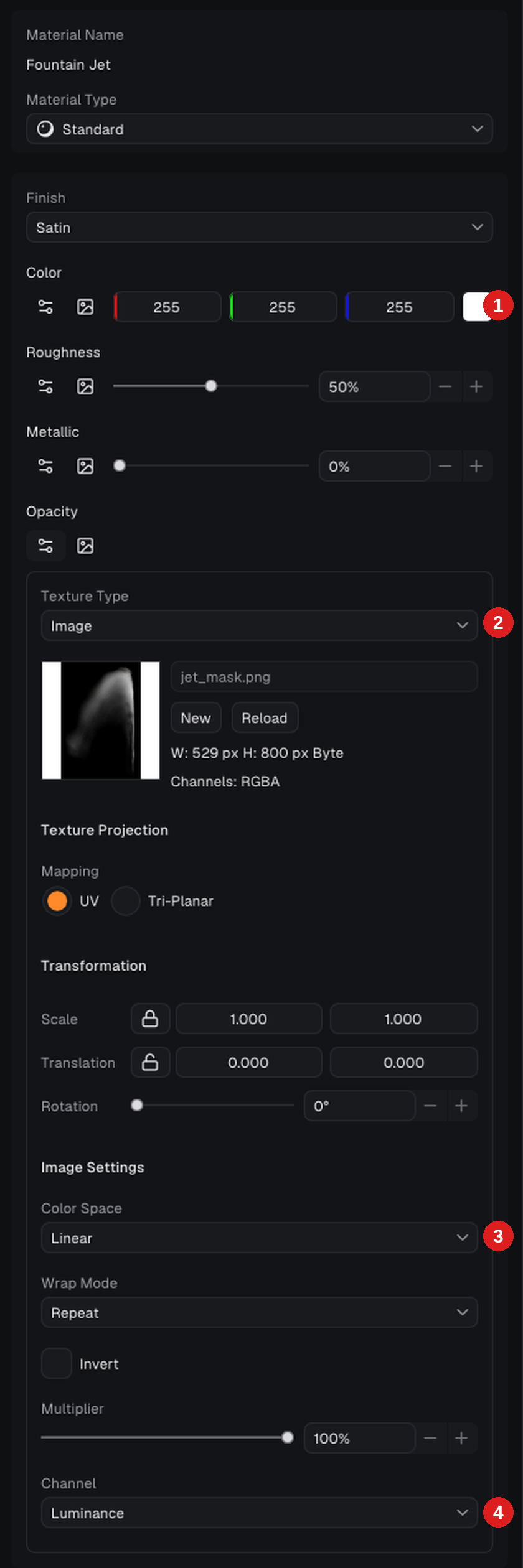
@Alattab, thanks for the clear example. You can render the spray (1) already today, without a separate mask map: the Opacity of a material takes any image and can read its brightness instead of its alpha, which is exactly what your black and white image is.
I tried it with your two images on a single upright face in a quick test scene:
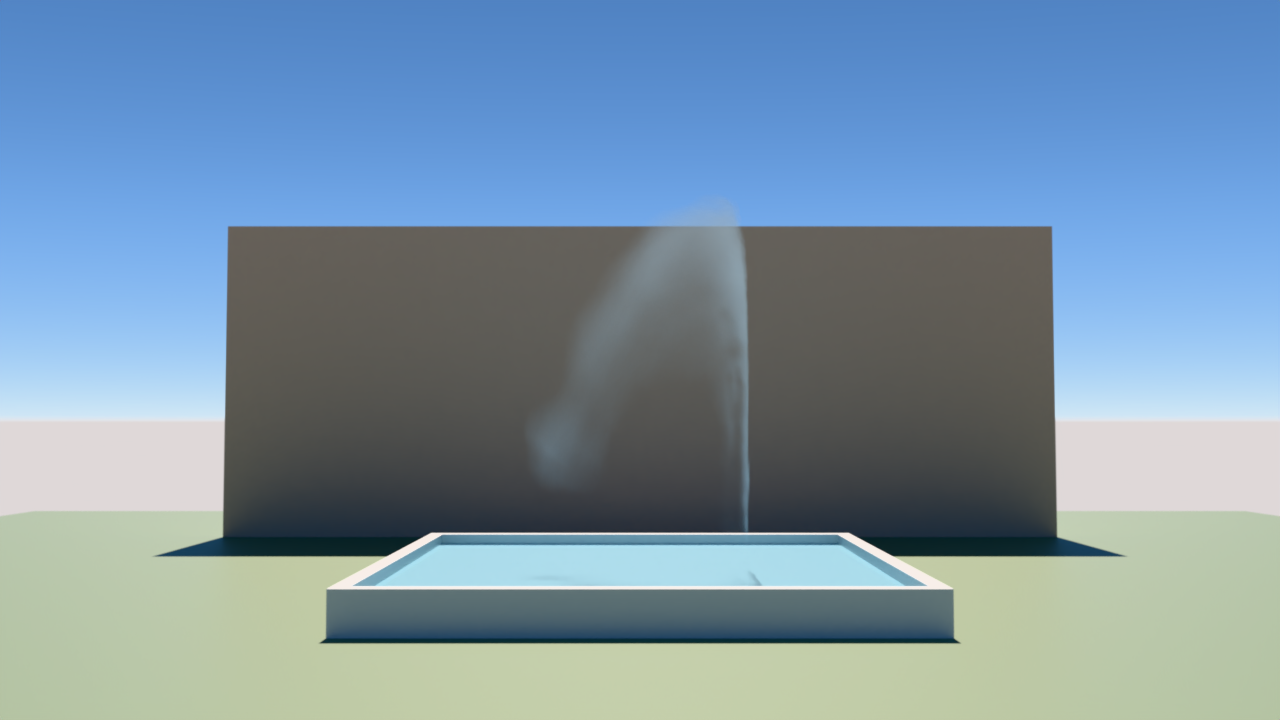
Select the material of the jet in the material editor and set:
- Color: white, or a very light blue.
- Opacity: click the image icon, choose Image as the Texture Type and load the black and white image.
- Color Space: Linear.
- Channel: Luminance.
Black is then fully transparent, white is solid and the greys in between are partly see-through, so the soft edges of the spray stay soft. You don't need the colored PNG for this.
The fluid presets (milk, carbonated, and aerated water) are noted as a feature request. For the bubbler jets (2), the same trick with a picture of foamy water works best for now.
Cheers,
Thomas -
@pixelcruncher
With all due respect, Mr. Thomas, I appreciate your valuable efforts. I will keep you updated on any insights or feedback I come across as they arise. My only suggestion is to establish a set schedule for releasing new versions; this would allow us to thoroughly explore previous versions and, in turn, provide more comprehensive feedback.



Hello! It looks like you're interested in this conversation, but you don't have an account yet.
Getting fed up of having to scroll through the same posts each visit? When you register for an account, you'll always come back to exactly where you were before, and choose to be notified of new replies (either via email, or push notification). You'll also be able to save bookmarks and upvote posts to show your appreciation to other community members.
With your input, this post could be even better 💗
Register Login


Advertisement