[Plugin] Universal Importer - v1.2.6 - 30 July 2024
-
@samuel_t
Med resolution (who don't works)
https://moiscript.weebly.com/uploads/3/9/3/8/3938813/tripo_convert_a8a4796d-366a-45ec-b815-09b229a99bbd__2_.fbxLow resolution who works
https://moiscript.weebly.com/uploads/3/9/3/8/3938813/tripo_convert_c35581b0-d804-4224-990b-b31022f0afd8.fbxMaybe the textures...
https://moiscript.weebly.com/uploads/3/9/3/8/3938813/uir-source.fbxBut maybe sure on my latop 12 years old there is only 8G Hard Memory!

-
Hi, I have the same message as romanencom with Universal Importer 1.2.6
Any idea? Thanks.
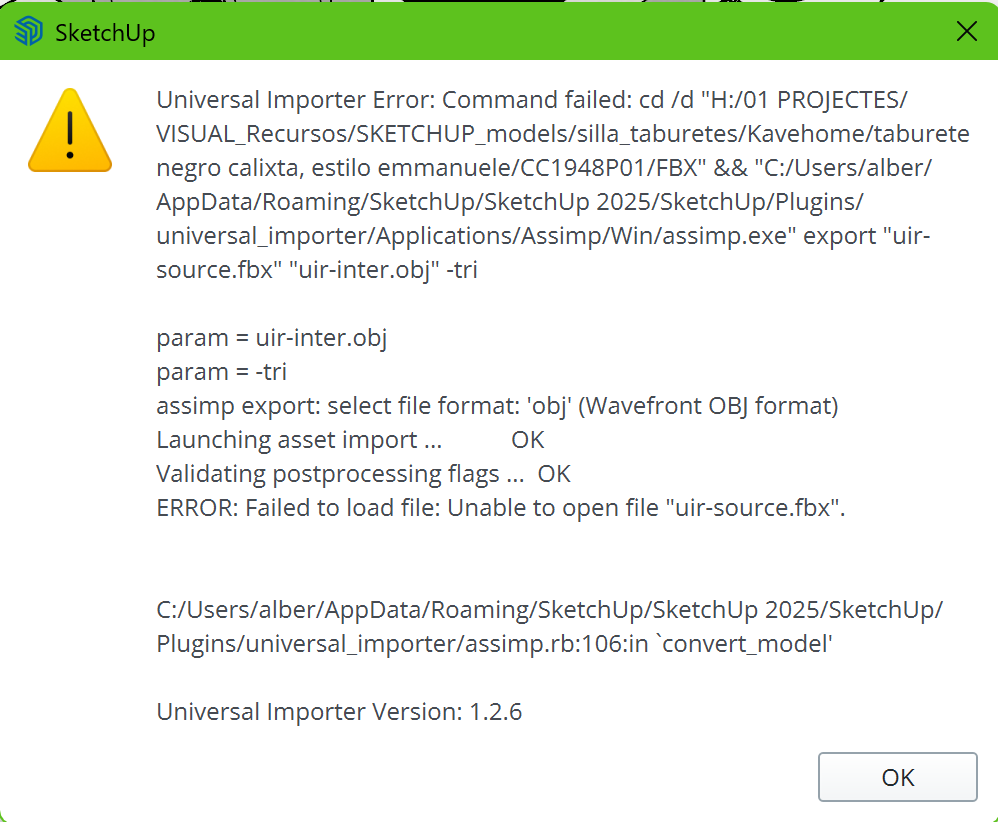
-
@romanencodem Hi, I have the same issue with Universal Importer 1.2.6
Any idea? Thanks.
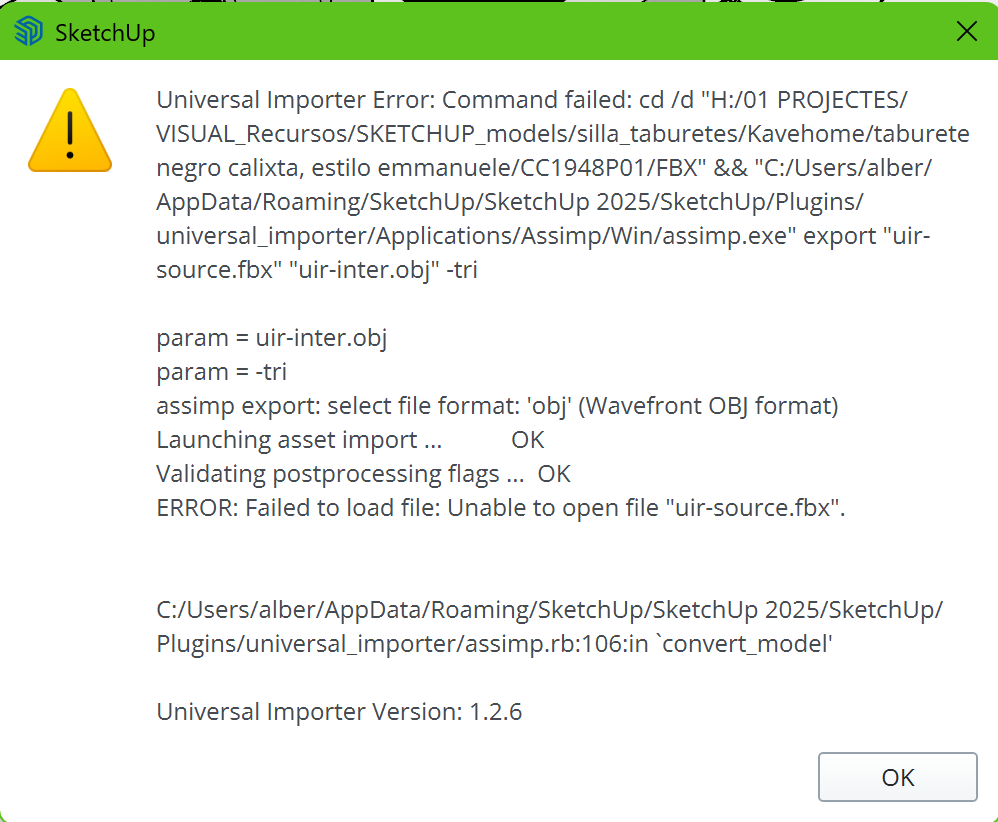
-
hello
thank you to provide universal importer to the SU community.
Unfortunately, i did try to dowload .obj file, but get the following error message
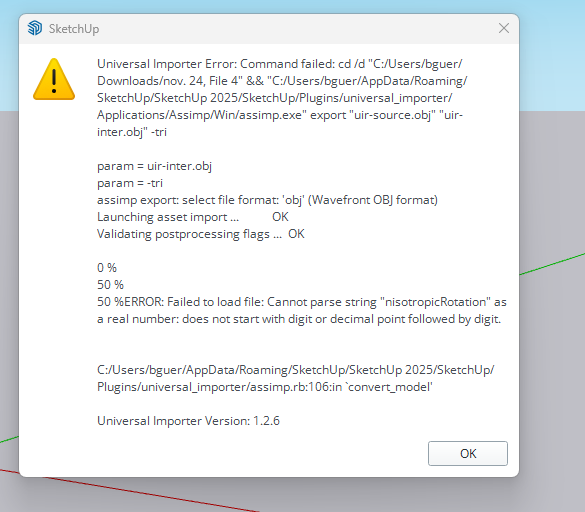
OBJ fil is about 16 MO and he was generating by 3D Snap an IOS app.
Any suggestion ?.
thank you
Bruno -
@BGUERRE Hello,
You're welcome!
Seems there's an issue in .MTL file paired with .OBJ file.
Can you please upload them and send me both (in private if you prefer)? -
 R Rich O Brien referenced this topic on
-
Hi, Just found your Universal plugin today, I've been wanting something like that for a long time!! It seem to work fine for me exporting dxf files from lightburn except that anything that is a curve is chopped up into dashed lines. Squares come in fine but circles or curves get the dash effect. Any thoughts? Thanks
-
This post is deleted! -
hello! and thank you for the great plug in! I am trying to import an obj file of this bed in sketchup.
link textI select the option to claim missing textures and select the obj file. In which order do I select the textures?
The model has a diffuse map, two normal maps and a displacement map. If I select the diffuse map and the two normal maps, I get an error..
Any ideas?
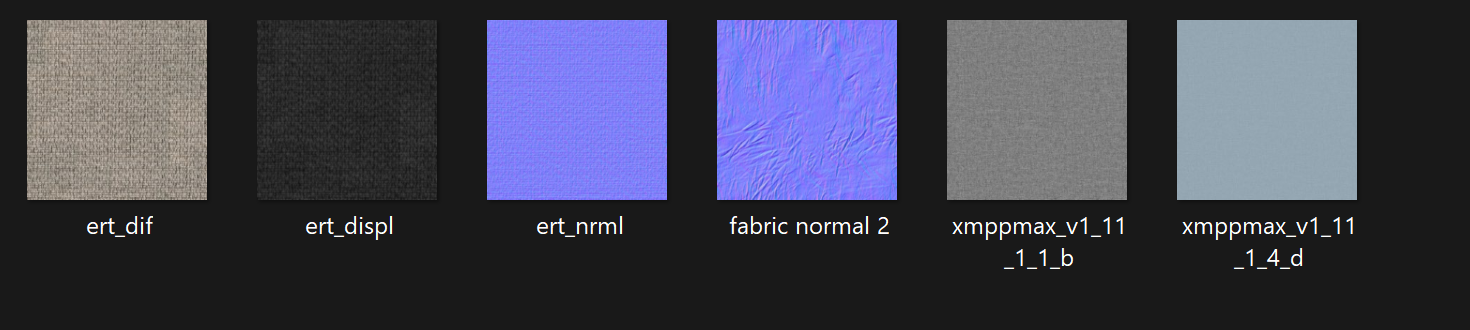
-
@artemisglt You just select the diffuse map and call it a day.
(you can add the other maps after the import if you really need them) -
@panixia if i press claim missing textures, then import the obj object, I select the diffuse map and then it asks me to select again another missing texture. if i click the normal map, it asks me for a third texture and if select all three I receive an error. if i select the diffuse map every time again I receive an error.. any ideas?
-
@artemisglt does it happen with a specific model or with all models?
-
@panixia it happens with all the models, that is why I asked to see what I am doing wrong. I send the link to the initial model, I referred to, if you can have a look.
-
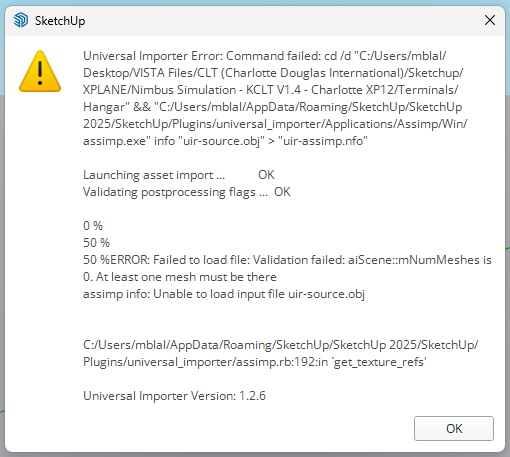
Hello, thank you for the community plugin, but I'm getting this error message when I try to import. It looks like you had someone else with a similar error about a year ago. Any solution?



Hello! It looks like you're interested in this conversation, but you don't have an account yet.
Getting fed up of having to scroll through the same posts each visit? When you register for an account, you'll always come back to exactly where you were before, and choose to be notified of new replies (either via email, or push notification). You'll also be able to save bookmarks and upvote posts to show your appreciation to other community members.
With your input, this post could be even better 💗
Register Login


Advertisement