Wrap-R for SketchUp
-
@susteve said:
I choose ctrl to create the start of my cut and I can't see the end of my cut so I hold down the middle mouse and shift key to pan and by doing that I switch over to loop mode and lose my start cut.
Do I understand well that you are trying to select an edge loop in the 2D window? In edge select mode pressing holding down T and left clicking an edge should mark the beginning of the edge loop. Then you can release T and pan with middle mouse button (Shift is not necessary) and then by again holding T and left clicking the end of the loop should create the loop. Is it not working so for you? Would it help if in loop select mode the middle mouse button would still do the panning?
@susteve said:
Also, is there a way to pan the 3D object in wrap-r. I tried right click (which I think I saw somewhere) but that just gives me a context menu. Hand tool, middle mouse + shift does not work
Panning in the 3D window should work with Shift + Right mouse button
-
Thanks for the reply
I am in edge select mode in Su. So I ctrl-click to start the loop and then have to pan so use shift-middle mouse and that changes the edge select mode to loop and I lose my start point
thanks
-
Not sure if its mentioned here but if you want to see your texture in wrap-r then it has to be square (512 x 512 etc.). Took me a while to work that one out
-
@susteve said:
Thanks for the reply
I am in edge select mode in Su. So I ctrl-click to start the loop and then have to pan so use shift-middle mouse and that changes the edge select mode to loop and I lose my start point
thanks
Did the 'T' button + click the start of the loop then pan than hold 'T' and click the loop closing edge advice helped to solve the problem?
-
@susteve said:
Not sure if its mentioned here but if you want to see your texture in wrap-r then it has to be square (512 x 512 etc.). Took me a while to work that one out
Yes, it is true. At the moment Wrap-R can handle only square texture images. Thank you for mentioning it.
-
Sorry I am not making myself clear
I am in Su not Wrap-r and I am marking the seams. If I use ctrl to mark the start and then shift+middle mouse to pan the act of using the shift clears the ctrl.
In wrap-r yes the T works fine.
If I use T in Su I would get the tape measure
This means I cannot set the start of the seam (ctrl) and then shift+middle mouse to pan otherwise the seam start is lost. Unless I can see the whole of the seam to be marked I cannot use ctrl
hope that helps
-
In SketchUp there are 3 modes for 'marking'.
The starting default is to highlight and pick an individual 'Seam' edge.
Pressing Shift changes to 'Loop', where a connected loop of edges is highlighted en mass, based on angular divergence rules which determine the most likely loop of edges connected to that hovered-edge.
Pressing Ctrl changes to 'Path', where you pick a number of connected edges, one after the other to be marked by confirming at the end.
You can circle through these 3 modes using those modifier-key presses.
Pressing TAB toggles between marking and deleting Seams in any of the modes***.
The Status Bar at the bottom shows the current mode, and what key presses will change what...
In each mode the hovered-over edge's color and then its subsequently marked color changes, as does the cursor itself.
Seam == Light green on-hover
=> green marked edge, on click to confirmLoop == Purple loop on-hover
=> green marked all loop's edges, on click to confirmPath == Orange edge on-hover, and when picked all path's orange edges also have a temporary 'selected' [blue?] edge inside them
=> green marked all path's edges, when you press Enter/double-click to confirm***Delete = Red on-hover - in Seam mode it deletes single edges, in other modes it can highlight and delete any found and highlighted loops, but only where appropriate...
red => unmarked edges on a confirming click.Obviously if you press Shift for any other purposes while using the toolset then that is taken as a modifier press by the toolset, possibly changing from the current mode to 'Loop'.
So if you want to safely 'Pan' during your marking, I suggest that you use a shortcut - e.g. I have one set up for Camera/Pan so that I press H to activate the 'Pan' tool.
You can of course set up your own shortcut key-press alternative...
Then Pan run in this way will NOT affect the current toolset's mode setting.But if you don't want to use a shortcut, then you'll need to commit the Ctrl generated Path marked thus far, by pressing Enter or double-clicking, then do the Pan with Shift+middle-button, and afterwards you need to press Ctrl again to recommence the toolset's Path marking mode from where you left off - the Path marked thus far is now shown in green, and any new addition to that Path are indicated as usual in orange/blue etc, until confirmed.
-
@susteve said:
Sorry I am not making myself clear
I am in Su not Wrap-r and I am marking the seams.
Yeah, I thought it was about the standalone Wrap-R
 Sorry
Sorry
I hope TIG's comprehensive guide above helps. Thanks to him for the detailed explanation. -
Thank you very much for the reply - yes it answers the question
-
Quick Question is Wrap-r compatible with sketchup 2019?
-
Gábor posted 'Yes' - a month ago in this very thread: https://sketchucation.com/forums/viewtopic.php?p=646896#p646896
-
@rich o brien said:
Working hard to make docs for next week. But I cover most things in those videos above.
Two years later still no written docs, no clear guidance manual, shortcuts key list etc.
-
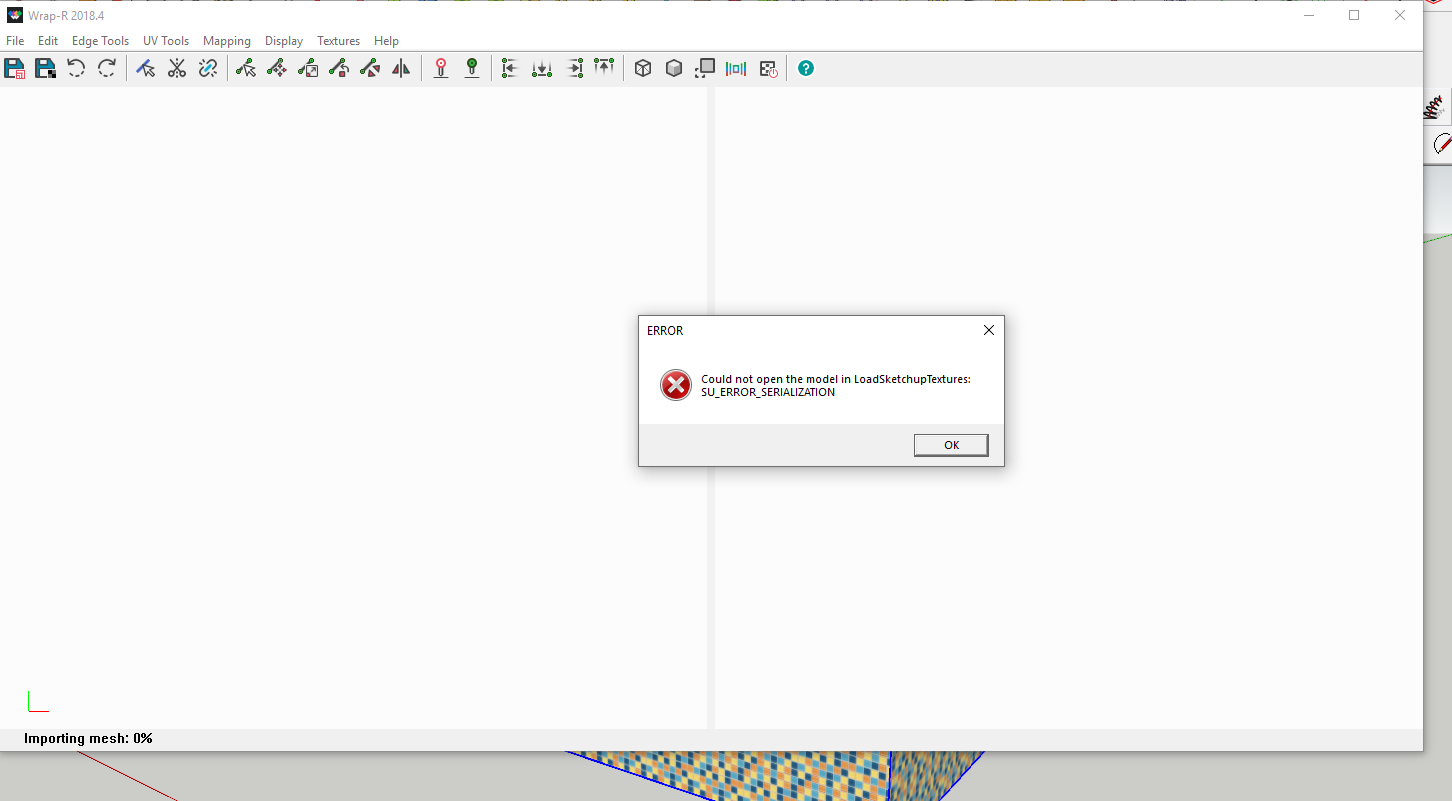
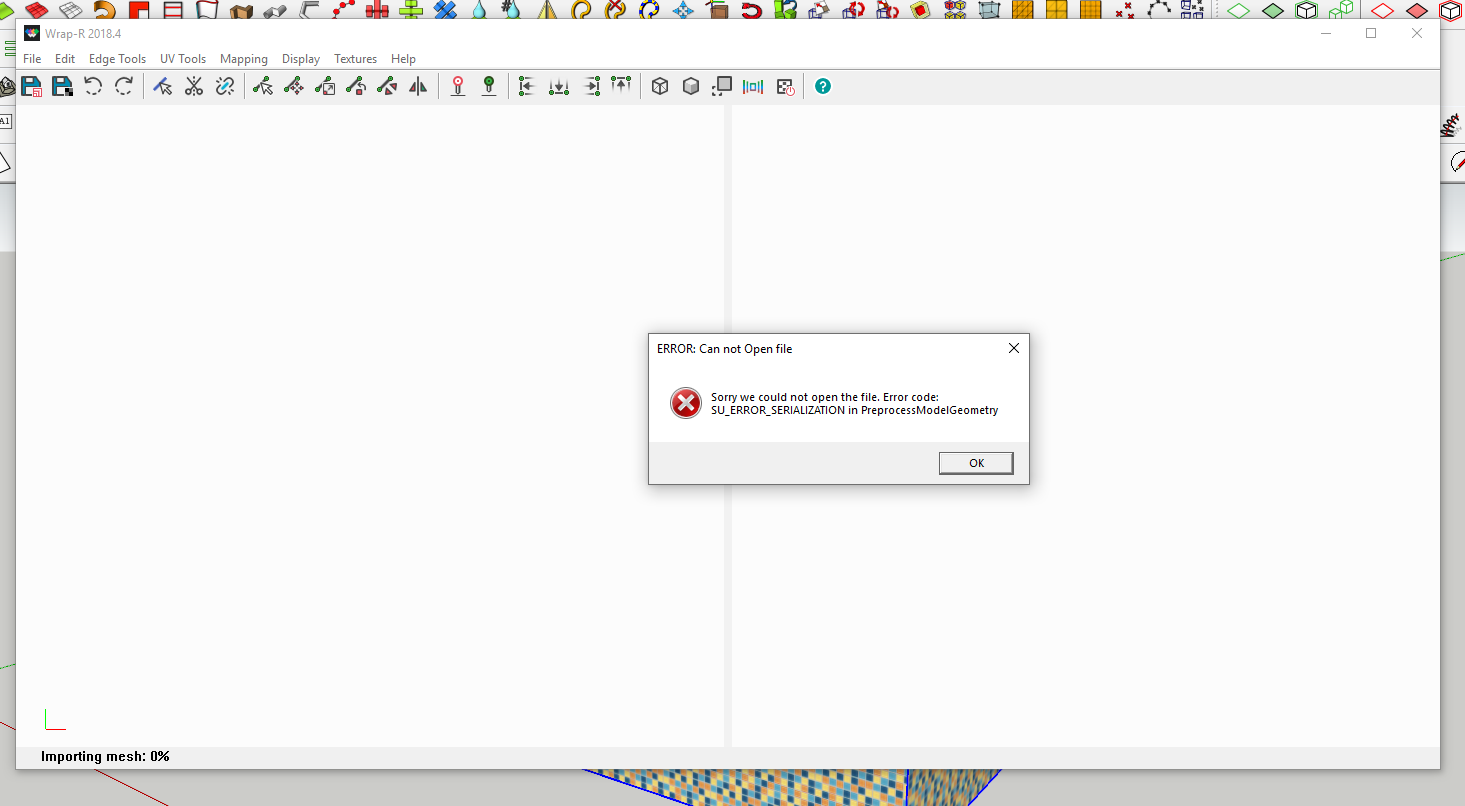
Wrap-r plugin error SU_ERROR_SERIALIZATION. When I click “Send to Wrap-R” I get such errors.
-
Hi there, I purchased Wrap r about four days ago and still don't have my Activation key.
i sent you a email through your website, I have checked everything in my email account and the only thing I have is the purchase confirm reciept, Please can you forward this on to me please.
Thanks -
What about the possibility of setting a minimum margin between islands.
Sometimes the resultant ones are too close one to another. If that happens, I usually have to face some color contamination when I'm painting the model -
Hi, I tried to contact the WrapR support 2 times, but there is no reply.. Did i miss somthing or are the Site/company down ???
-
Guys, I am having an issue with using the relax tool, to be honest I don't know how to use it, some areas of my model are in the red and blue when I open the view stretch texture, I just want to relax that area of the model, so I select the area where I need to stretch and click the relax tool, noting happens, is there any tutorial on how to use it, I cant find anything, there even is no documentation available, any help would be much appreciated
-
I never understood how relax worked in WrapR... It's way too slow too.
Is WrapR still under development? There are so many things I'd like to ask... -
@optimaforever said:
I never understood how relax worked in WrapR... It's way too slow too.
Is WrapR still under development? There are so many things I'd like to ask...+1

Too bad this great plugin doesn't get the attention and support it deserves from community..
Maybe we as active users should promote this a bit more.. -
Indeed.
I regret that SubD/QFT quads don't export as quads correctly, otherwise Blender has very good unwrap tools. But as it is now, Sketchuppers are forced to work with SketchUV or WrapR for their UV tweaking.
And unfortunately WrapR is damn slow/not featured enough compared to Max or Blender counterparts.
The workable polycount is very low. It's only usable for small models with low complexity. The Undo is not always working/too slow. In Substance Designer, I often tend to rely more on the beta Unwrapper on an straight (no-unwrapped) fbx exported from SU because of that...I think this plugin is underrated because it's too expensive for its features (and because the casual Sketchupper don't care abut Unwrapping) and therefore too small userbase to really push it forward.
I dream that Thomthom takes the code and embeds it in his QuadFaceTools v2, working hands in hands with VertexTools 2 and SubD 2... For me, it would make sense as WrapR can't work without quads anyway, and so is dependent on QFT and SubD...







Advertisement