sketchucation logo sketchucation
    • Login
    Oops, your profile's looking a bit empty! To help us tailor your experience, please fill in key details like your SketchUp version, skill level, operating system, and more. Update and save your info on your profile page today!
    ⚠️ Update | Sketchucation Tools 5.0.8 released with licensing improvements and bugfixes Download

    Upholstered furniture

    Scheduled Pinned Locked Moved Gallery
    328 Posts 54 Posters 238.6k Views 54 Watching
    Loading More Posts
    • Oldest to Newest
    • Newest to Oldest
    • Most Votes
    Reply
    • Reply as topic
    Log in to reply
    This topic has been deleted. Only users with topic management privileges can see it.
    • C
      cuttingedge
      last edited by

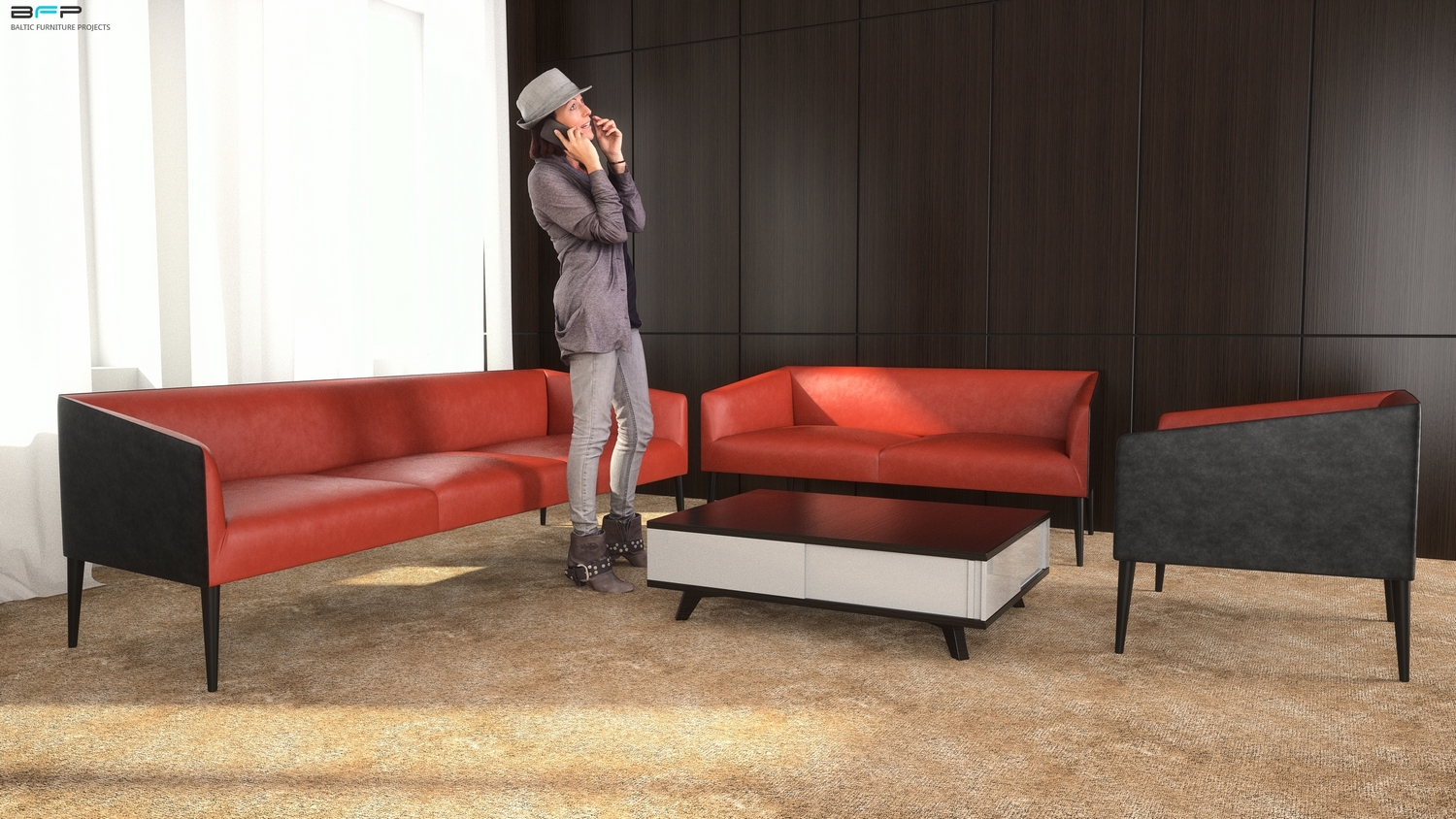
      lovely... you have mastered this incredibly. May I ask you one question. This last sofa you made, (the red one)how much time will it take you to do a typical sofa like this, if you have the idea in your mind how the proxy should look like?

      1 Reply Last reply
      Reply Quote 0
      • alvisA
        alvis
        last edited by

        @cuttingedge said:

        lovely... you have mastered this incredibly. May I ask you one question. This last sofa you made, (the red one)how much time will it take you to do a typical sofa like this, if you have the idea in your mind how the proxy should look like?

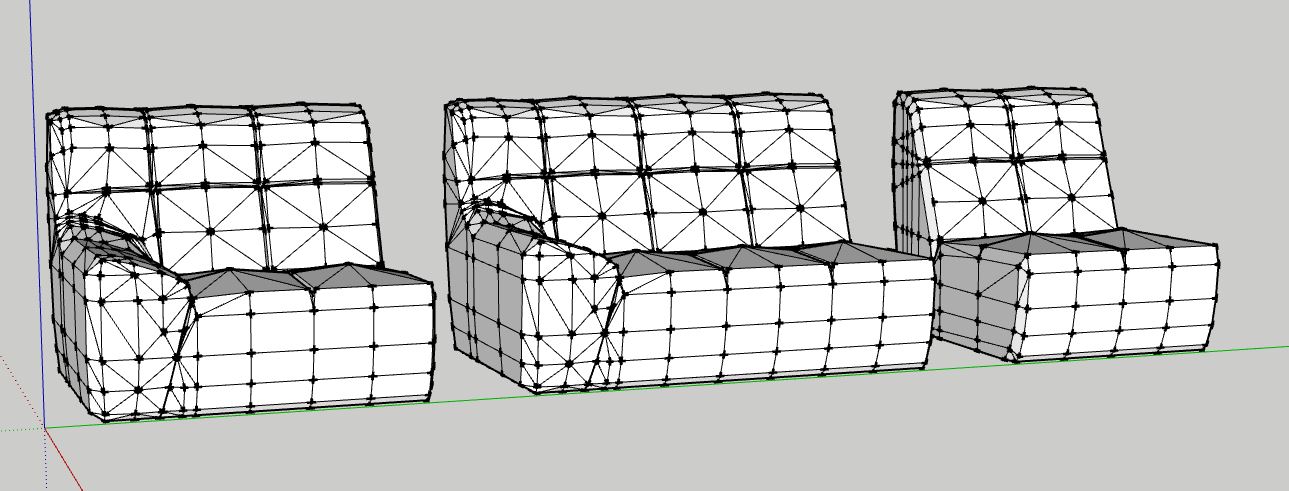
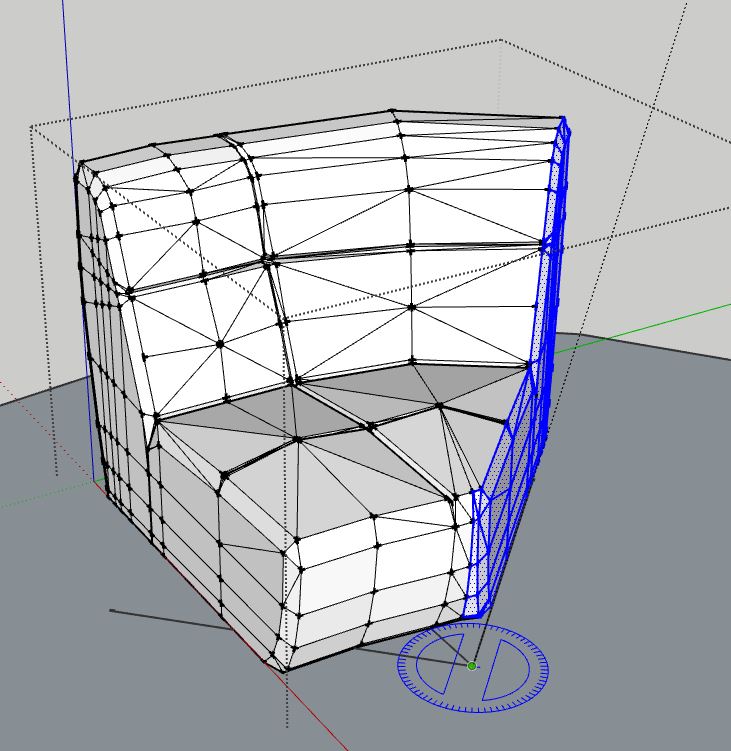
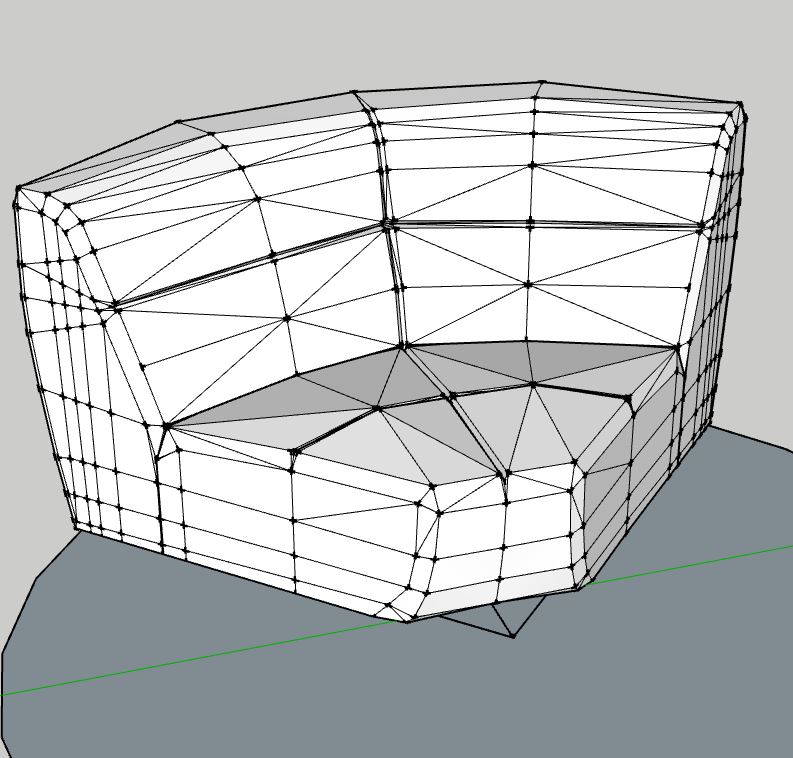
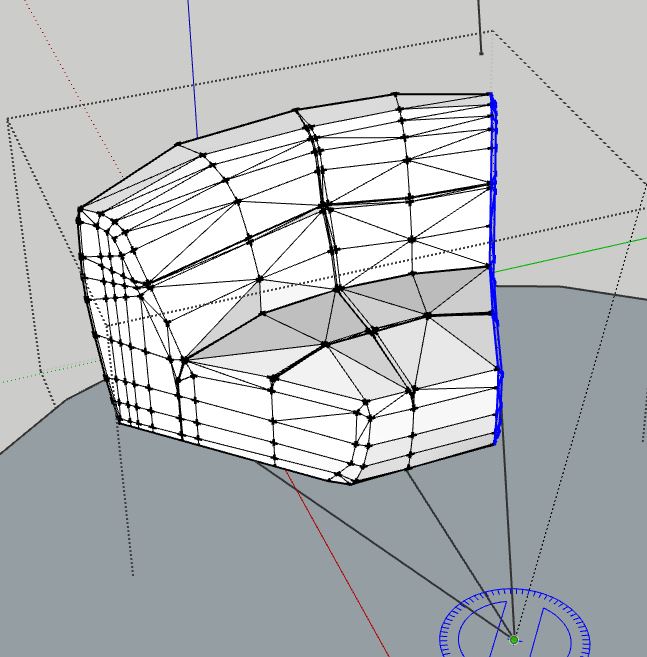
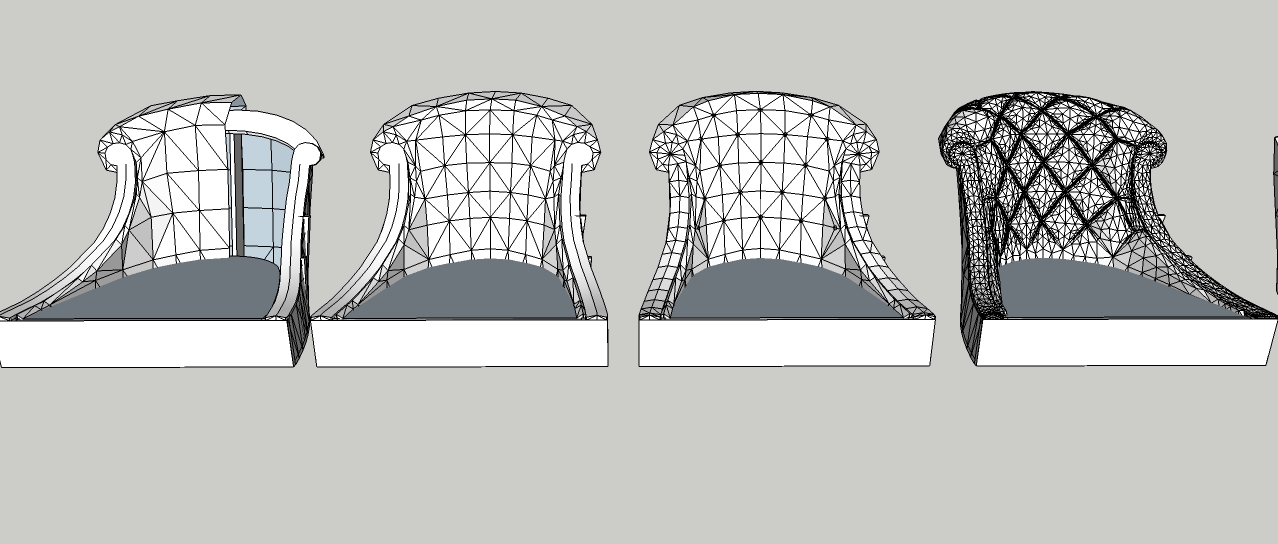
        I will not lie, it takes 4 to 6 hours. The most commonly used UNDO and SAVE function. How to look like a proxy, as a sculptor does. stylized shape formed long for good result

        proxy.jpg

        1 Reply Last reply
        Reply Quote 0
        • jo-keJ
          jo-ke
          last edited by

          I don't understand the step between the 3rd and 4th step. How do you built the vertikal lines for the chesterfield pattern before artisan?

          http://www.zz7.de

          1 Reply Last reply
          Reply Quote 0
          • S
            sketchuh
            last edited by

            this is insanely Amazing. i bet the process has to be very precise. i modelled a tufted cushion in modo which is easier to do in sketchup. in the end , sketchup is Not a sub-d modelling program. even with artisan, and other plugins, still not perfect. but from your post. it's possible!. great job. i will stick with modo or blender or 3ds max πŸ˜›

            1 Reply Last reply
            Reply Quote 0
            • olisheaO
              olishea
              last edited by

              @jo-ke said:

              I don't understand the step between the 3rd and 4th step. How do you built the vertikal lines for the chesterfield pattern before artisan?

              +1

              Looks like subdividing with hard edges.

              oli

              1 Reply Last reply
              Reply Quote 0
              • RichardR
                Richard
                last edited by

                Mate, seriously you are getting just enough subtle variances in the models - you have that NAILED!

                BUILTBRAND.COM.AU

                1 Reply Last reply
                Reply Quote 0
                • C
                  catialilianacoelho
                  last edited by

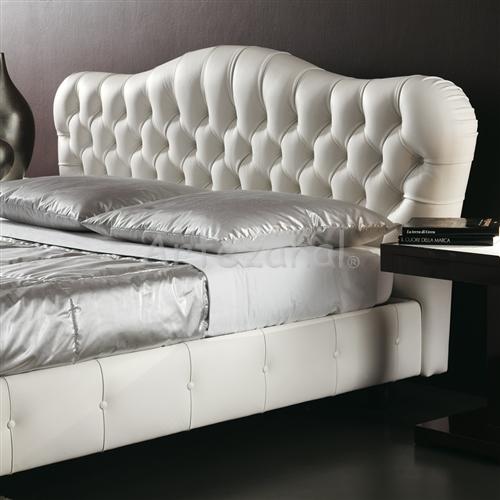
                  I need your help, how i draw this beds please, what plugin i need too? thanks

                  bed

                  1 Reply Last reply
                  Reply Quote 0
                  • massimoM
                    massimo Moderator
                    last edited by

                    Hi, I think that the thread itself can give an answer to your questions. No? πŸ˜‰

                    1 Reply Last reply
                    Reply Quote 0
                    • C
                      catialilianacoelho
                      last edited by

                      i dont know how make capitone with this organic shape bed...

                      1 Reply Last reply
                      Reply Quote 0
                      • Rich O BrienR
                        Rich O Brien Moderator
                        last edited by

                        Surely you have some attempts to display?

                        Download the free D'oh Book for SketchUp πŸ“–

                        1 Reply Last reply
                        Reply Quote 0
                        • alvisA
                          alvis
                          last edited by

                          @catialilianacoelho said:

                          I need your help, how i draw this beds please, what plugin i need too? thanks

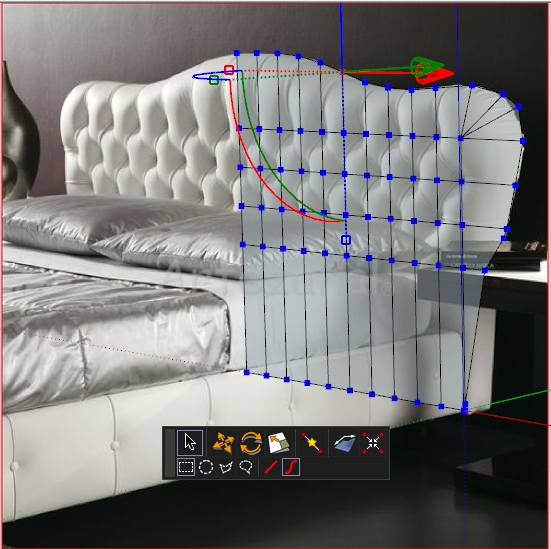
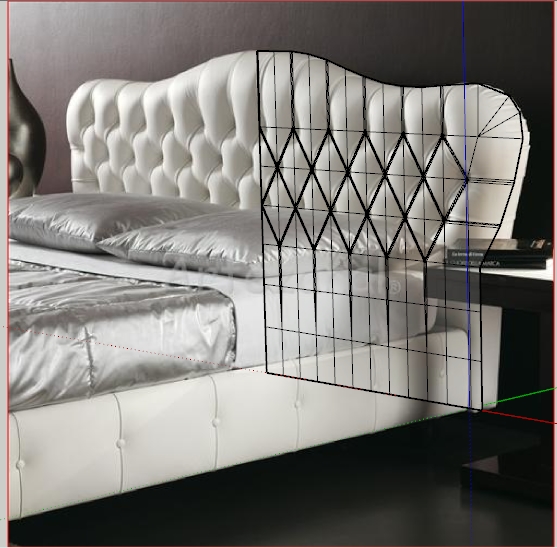
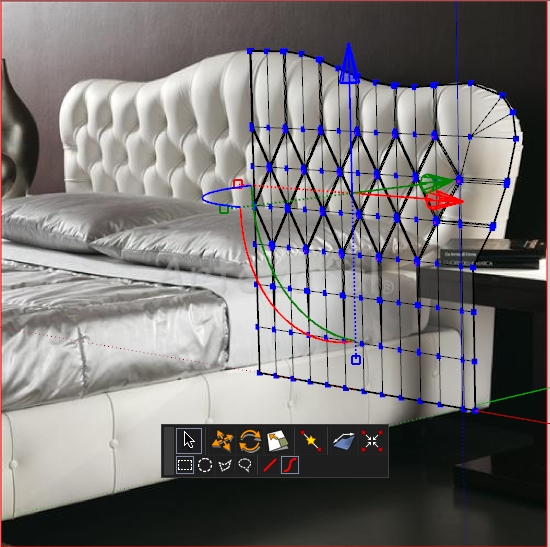
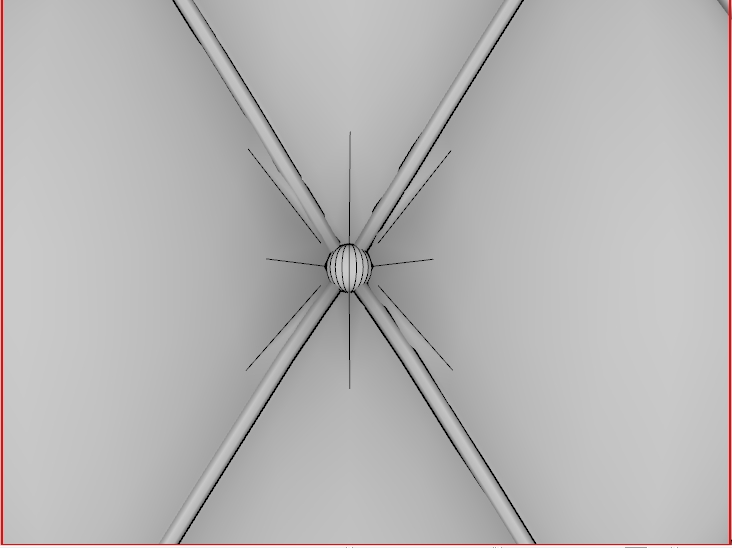
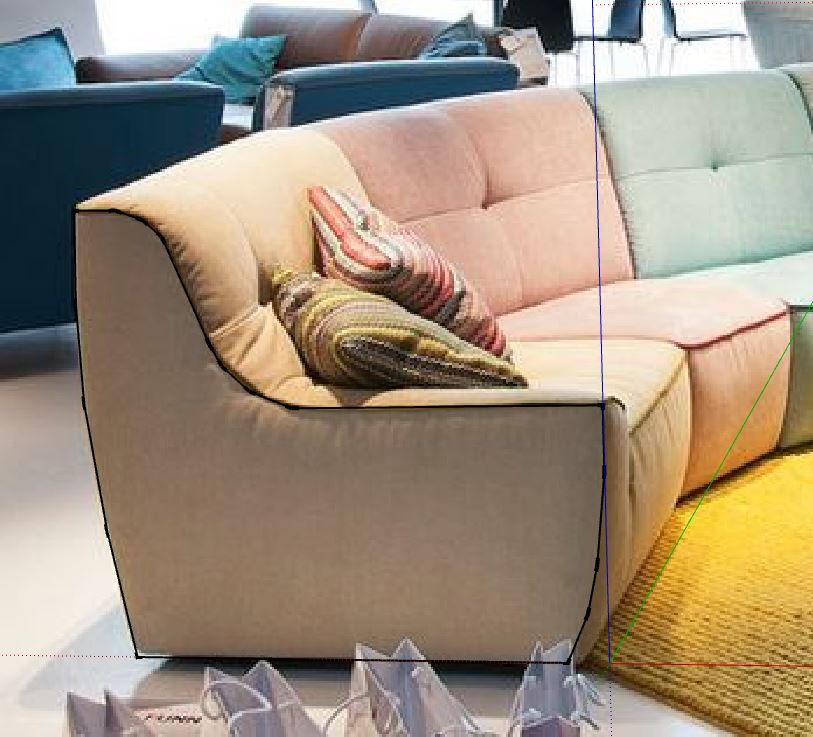
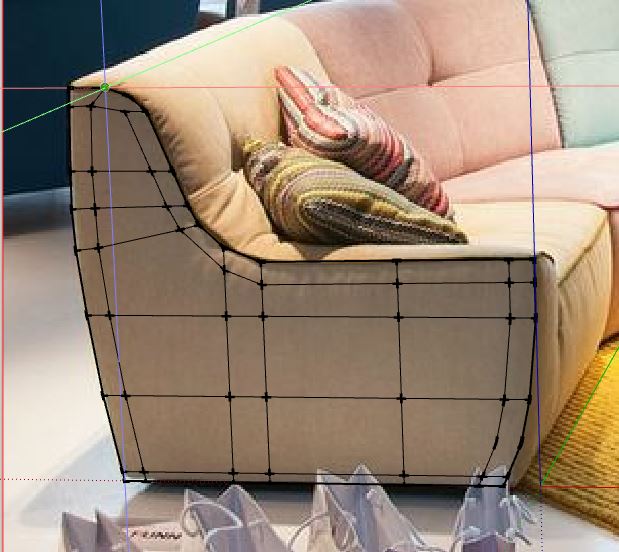
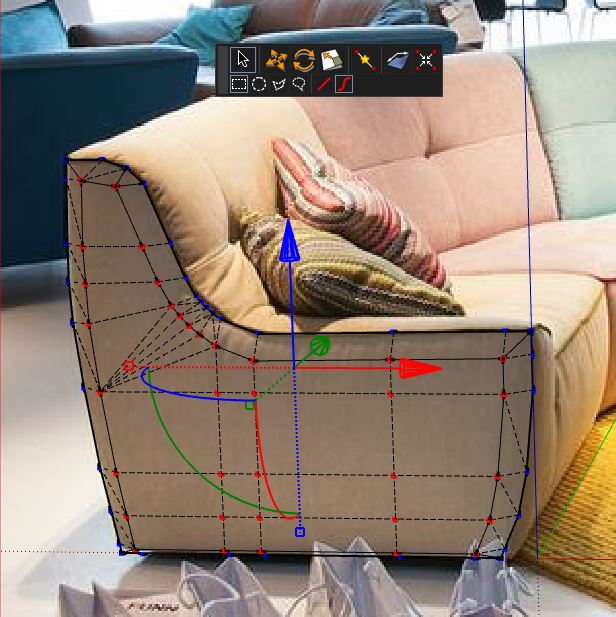
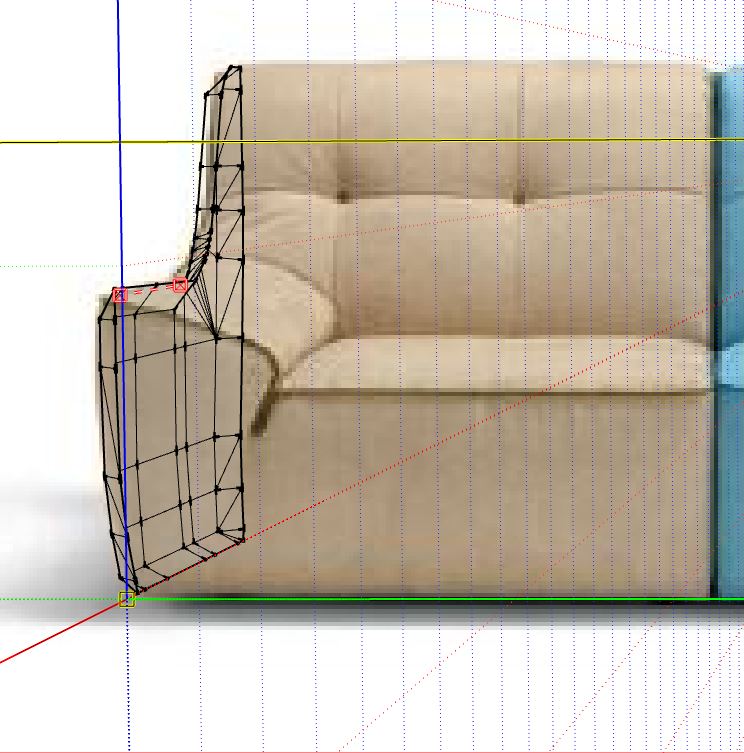
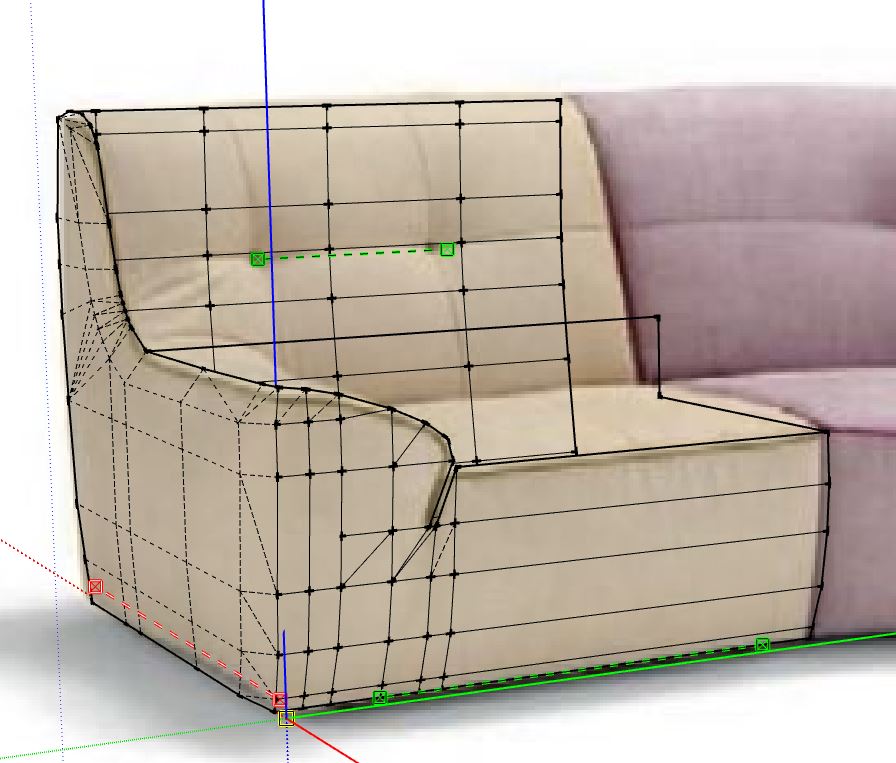
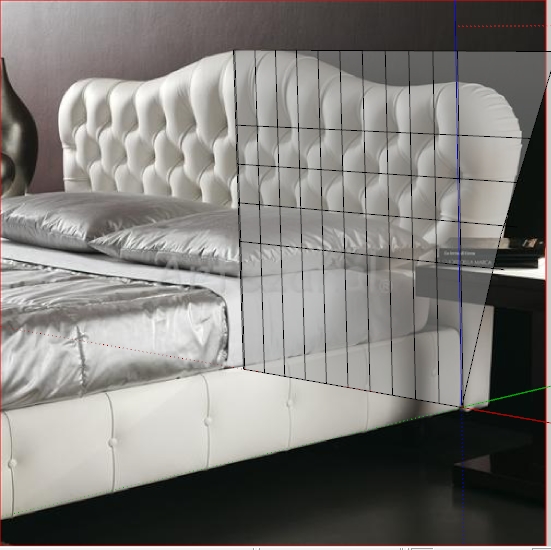
                          Well, a short course on how to make a simple and rather realistic tuft with Sketchup. Step by step ... day by day making lessons. You must have Artisan and VertexTool.
                          First lessons:

                          Photomatch your model, Draw the contour of the bed and double lines by tuft.

                          To be continued...

                          Untitled 1.jpg


                          Untitled 2.jpg


                          Untitled 3.jpg


                          Untitled 4.jpg


                          Untitled 5.jpg


                          Untitled 6.jpg


                          -Scene 2.jpg

                          1 Reply Last reply
                          Reply Quote 0
                          • olisheaO
                            olishea
                            last edited by

                            This is awesome! 100% convincing models and renders. The creases, tufts, everything just spectacular. πŸ‘

                            oli

                            1 Reply Last reply
                            Reply Quote 0
                            • S
                              Safa
                              last edited by

                              can you make a video to learn us why you do this?

                              1 Reply Last reply
                              Reply Quote 0
                              • ken28875K
                                ken28875
                                last edited by

                                Really excellent models and renders, Alvydas. πŸ‘ πŸ‘

                                Are the textures done in SketchUp or do you add them in postwork/Photoshop (e.g. overlay)?

                                Thanks and have a great day!

                                _KN

                                Follow Your Dreams.

                                1 Reply Last reply
                                Reply Quote 0
                                • alvisA
                                  alvis
                                  last edited by

                                  @olishea said:

                                  This is awesome! 100% convincing models and renders. The creases, tufts, everything just spectacular. πŸ‘

                                  Thanks, Oli! πŸ˜‰

                                  @safa said:

                                  can you make a video to learn us why you do this?

                                  A lot of video lessons are online. I have not shown anything new πŸ˜’

                                  @ken28875 said:

                                  Really excellent models and renders, Alvydas. πŸ‘ πŸ‘
                                  Are the textures done in SketchUp or do you add them in postwork/Photoshop (e.g. overlay)?
                                  Thanks and have a great day!
                                  _KN

                                  Thanks. All textures done in SketchUp. In other projects, I use a whole arsenal (postwork)

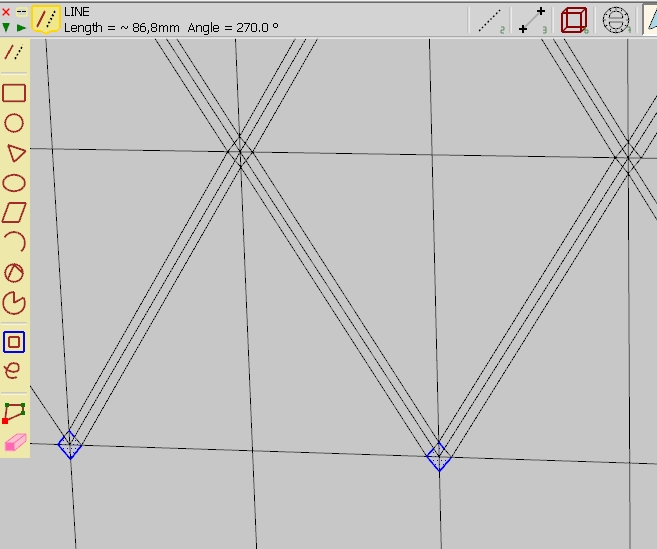
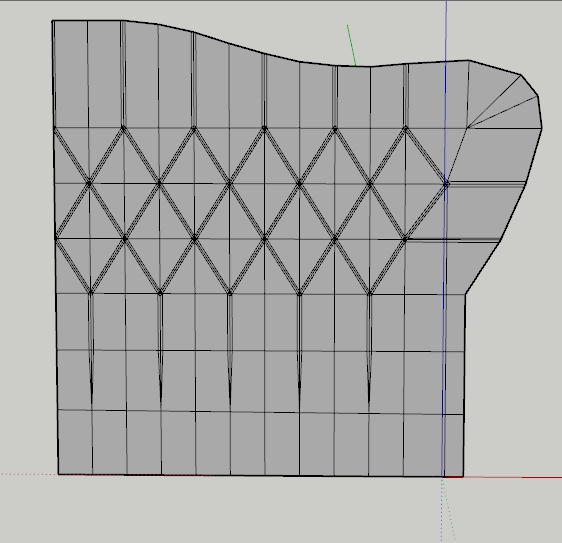
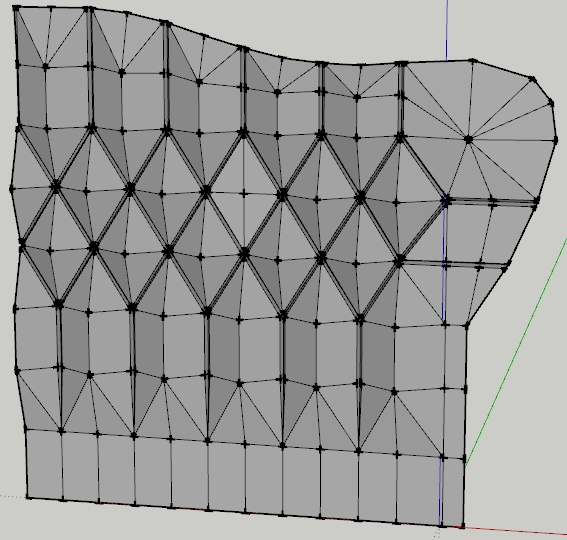
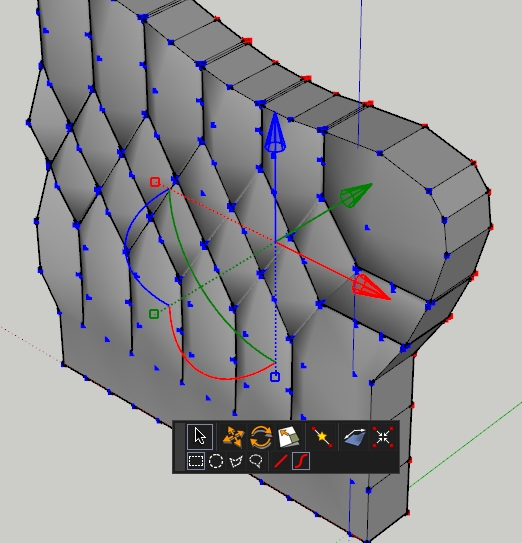
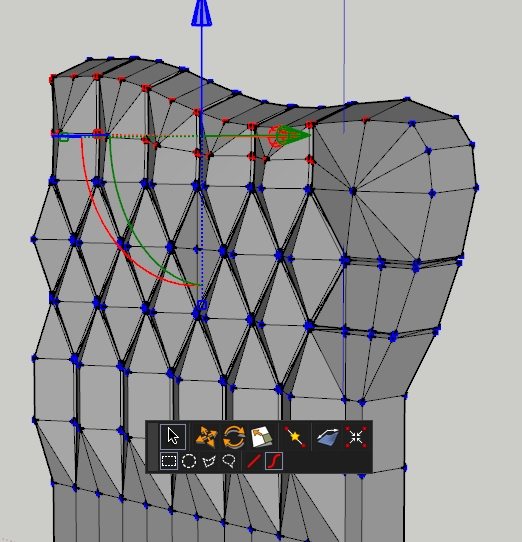
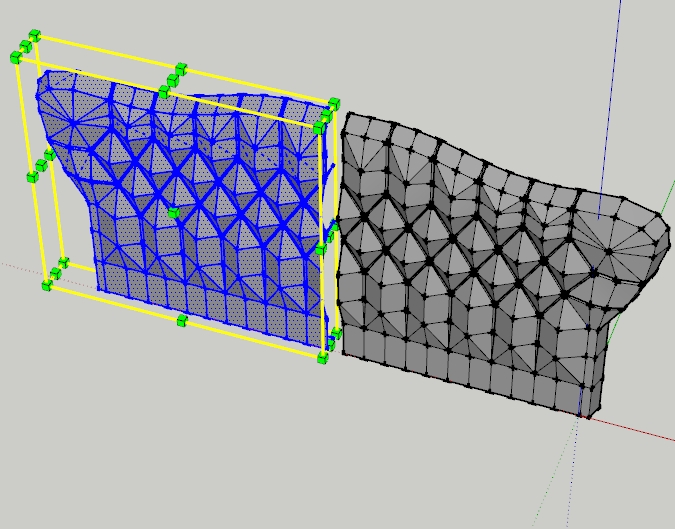
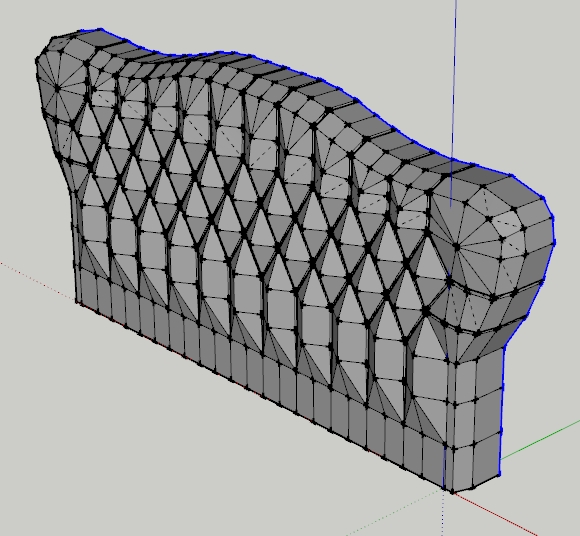
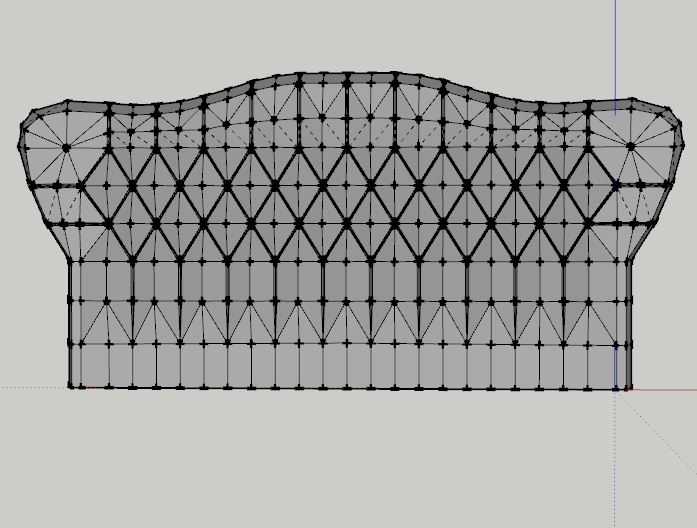
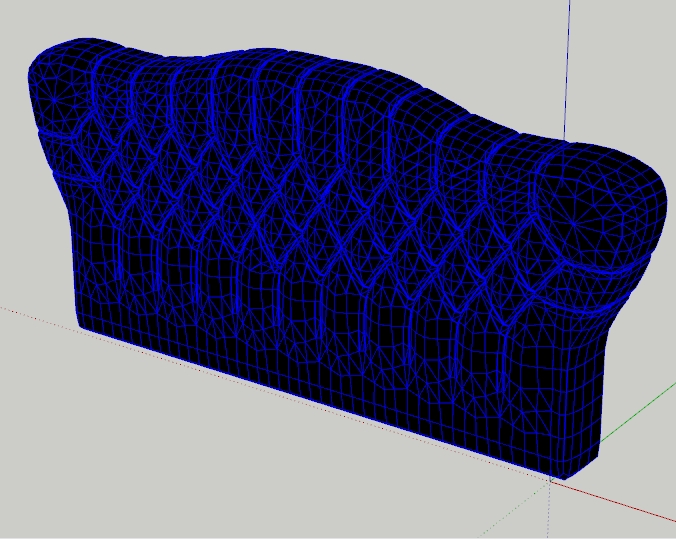
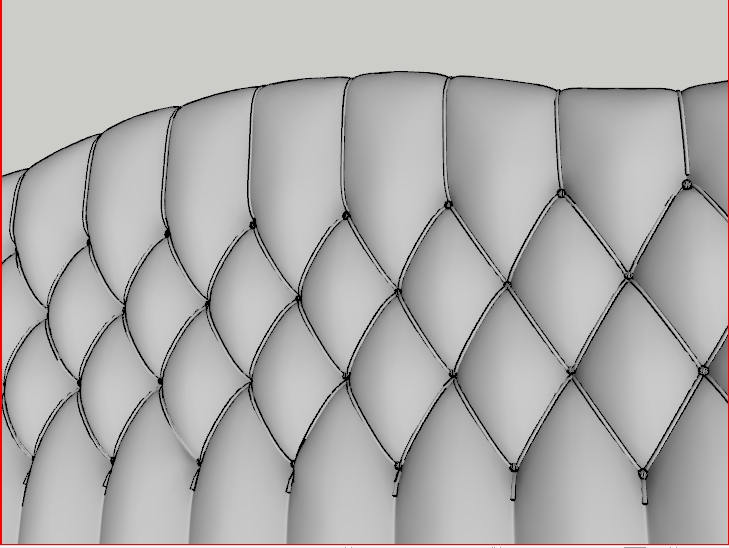
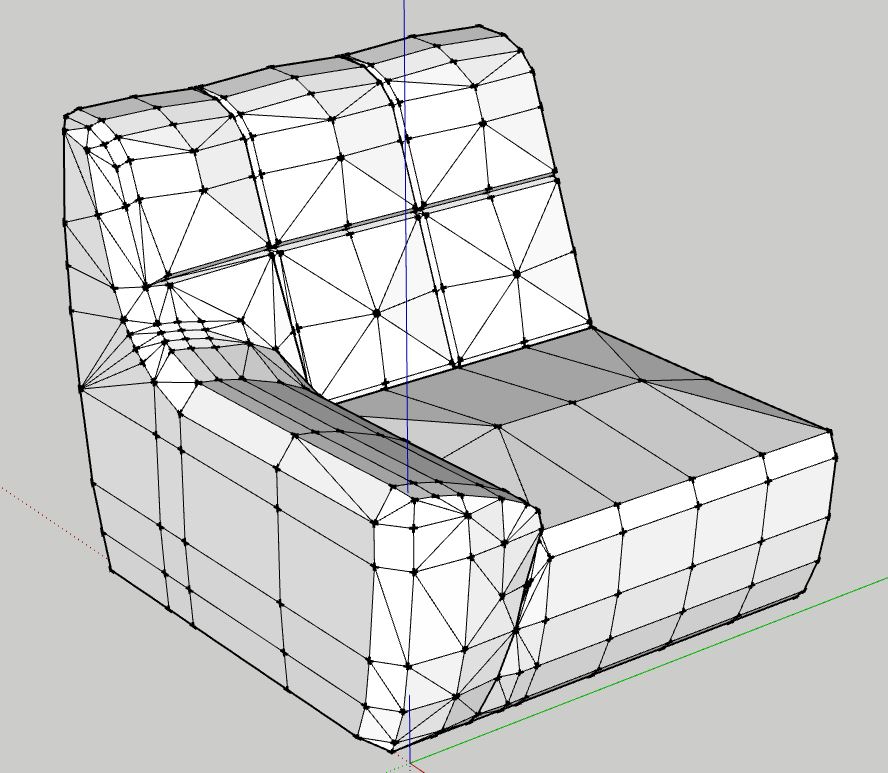
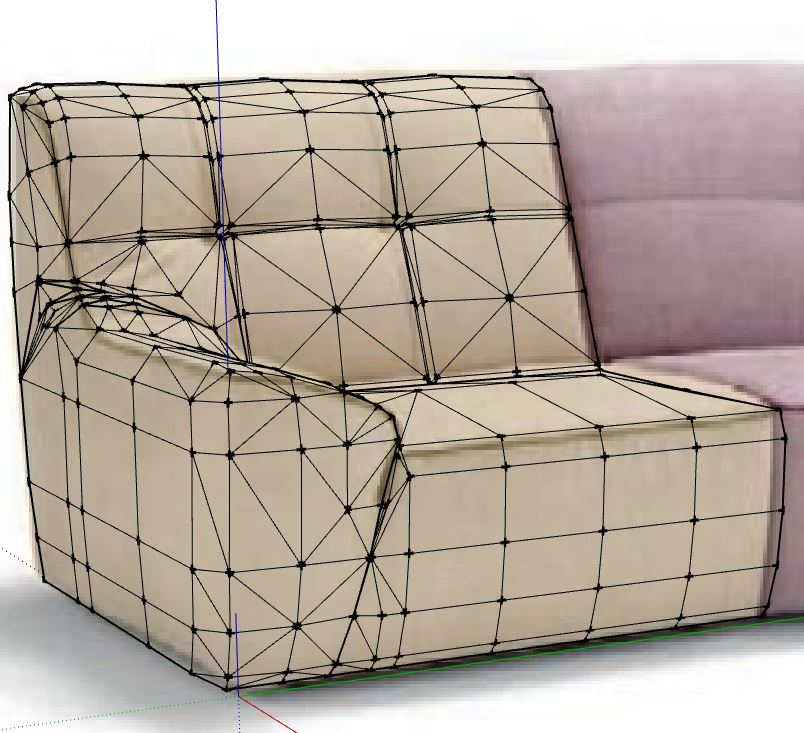
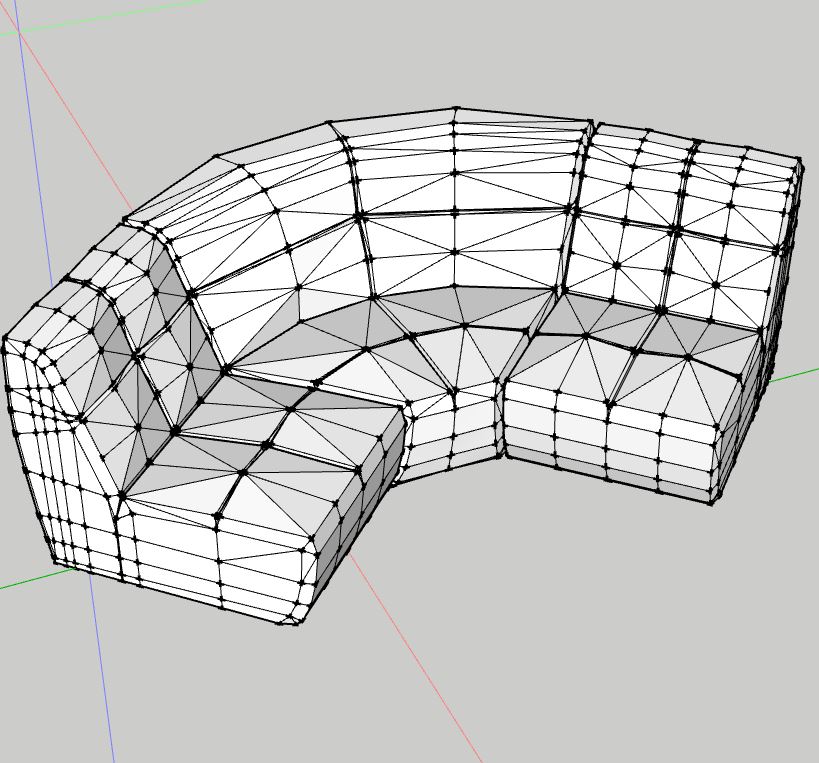
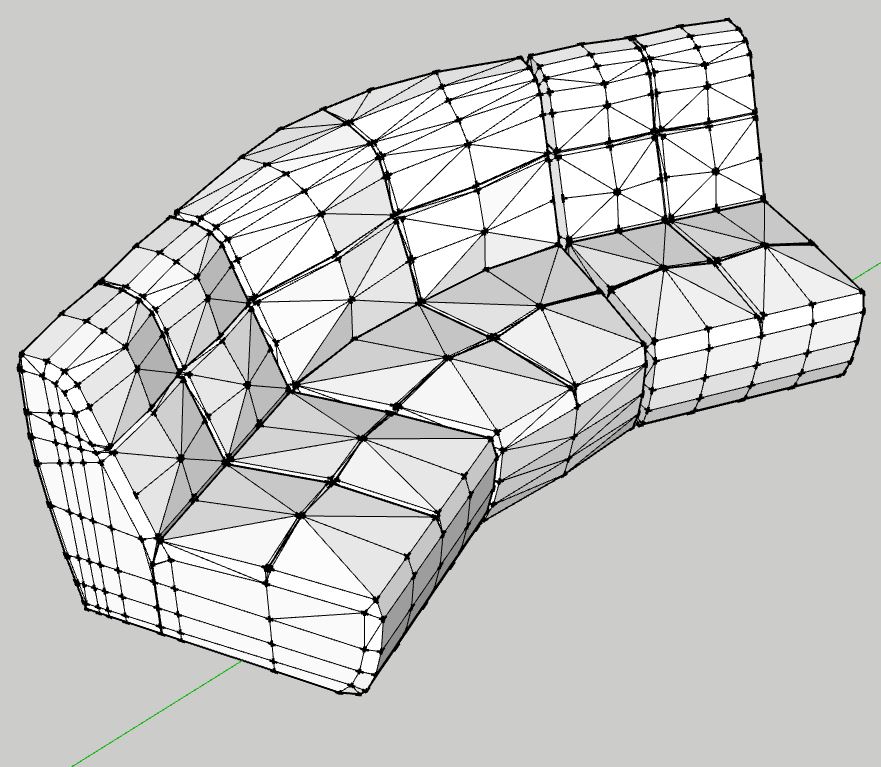
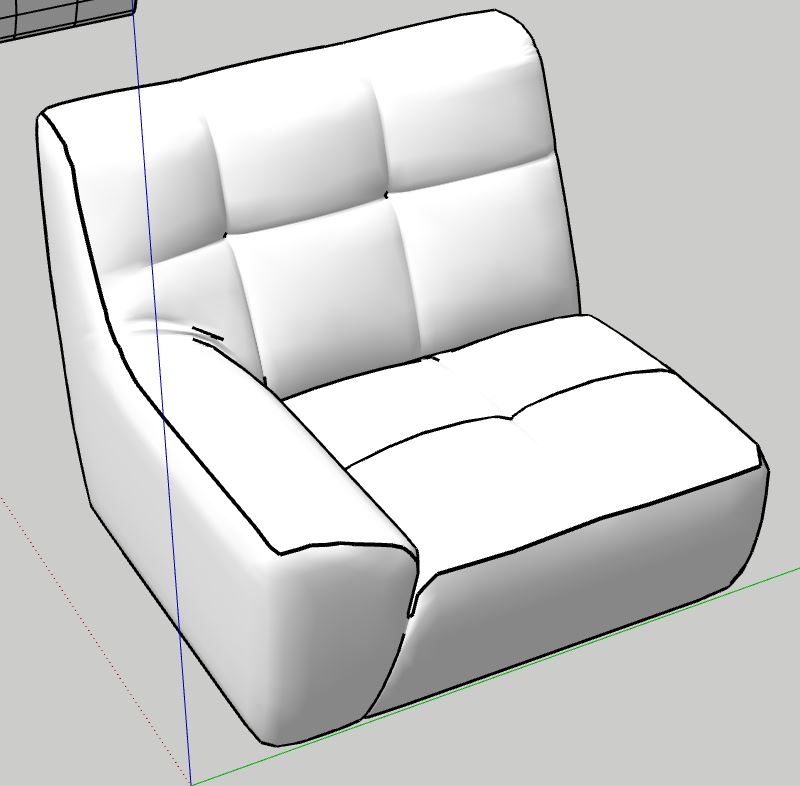
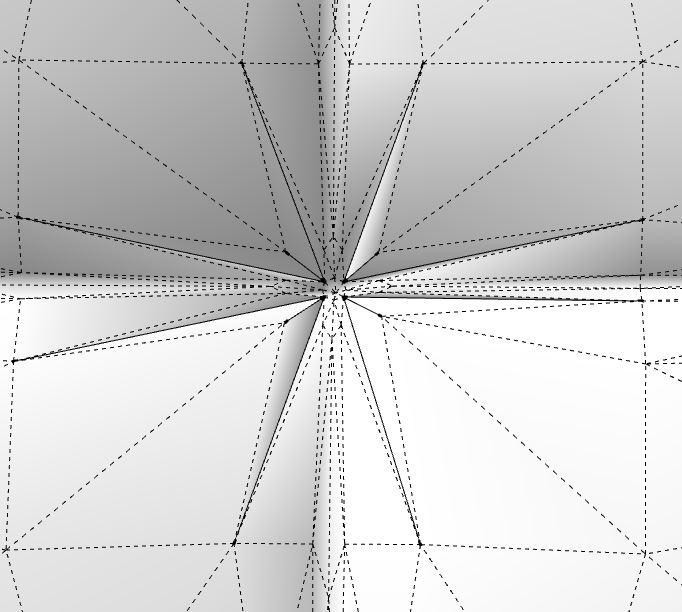
                                  As promised, how I do this...
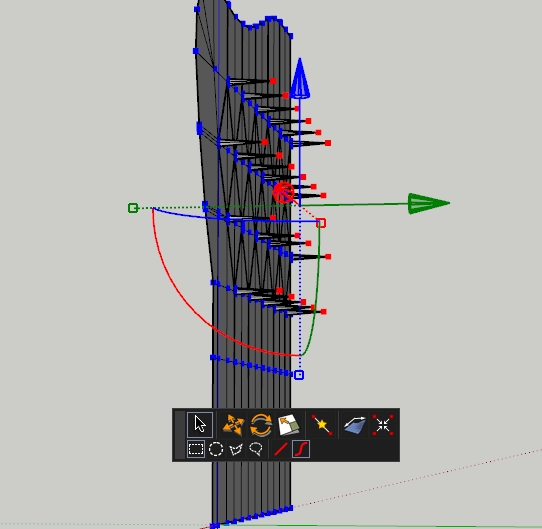

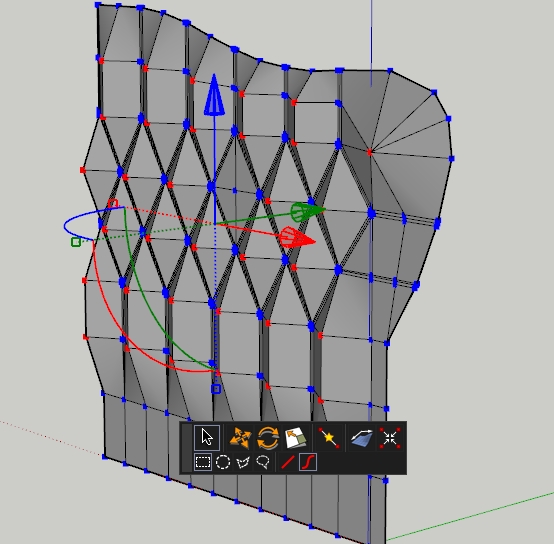
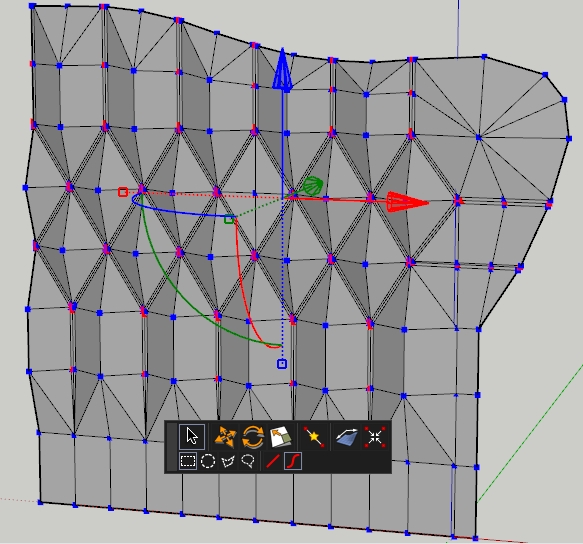
                                  Pushing small square edges (center only). There will be buttons


                                  Pushing large square edges (center only). There will be a tuft


                                  Pushing the edges where  is tension of tuft (only center).


                                  Everything looks like this (Must be very accurate)


                                  Extrude external edges


                                  Made a small slope


                                  copy, paste, flip along axis


                                  Well done


                                  Well done


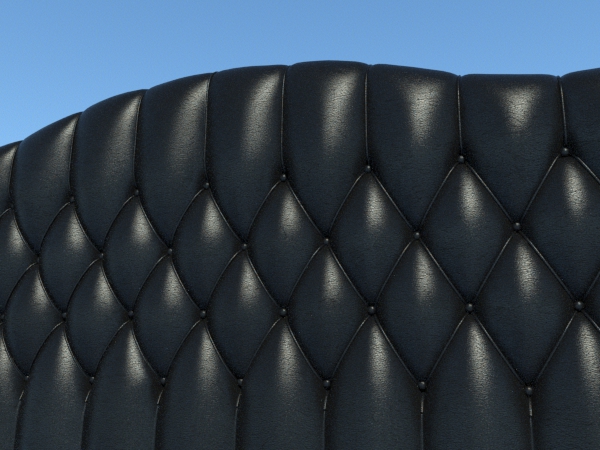
                                  Little magic with Artisan


                                  presto, presto !


                                  Tweaking...

                                  1 Reply Last reply
                                  Reply Quote 0
                                  • S
                                    Safa
                                    last edited by

                                    @safa said:

                                    can you make a video to learn us why you do this?

                                    @alvis said:

                                    A lot of video lessons are online. I have not shown anything new πŸ˜’

                                    sorry ,, I'm new in woodworking .. can u help me (link video or what's plugins used)

                                    1 Reply Last reply
                                    Reply Quote 0
                                    • alvisA
                                      alvis
                                      last edited by

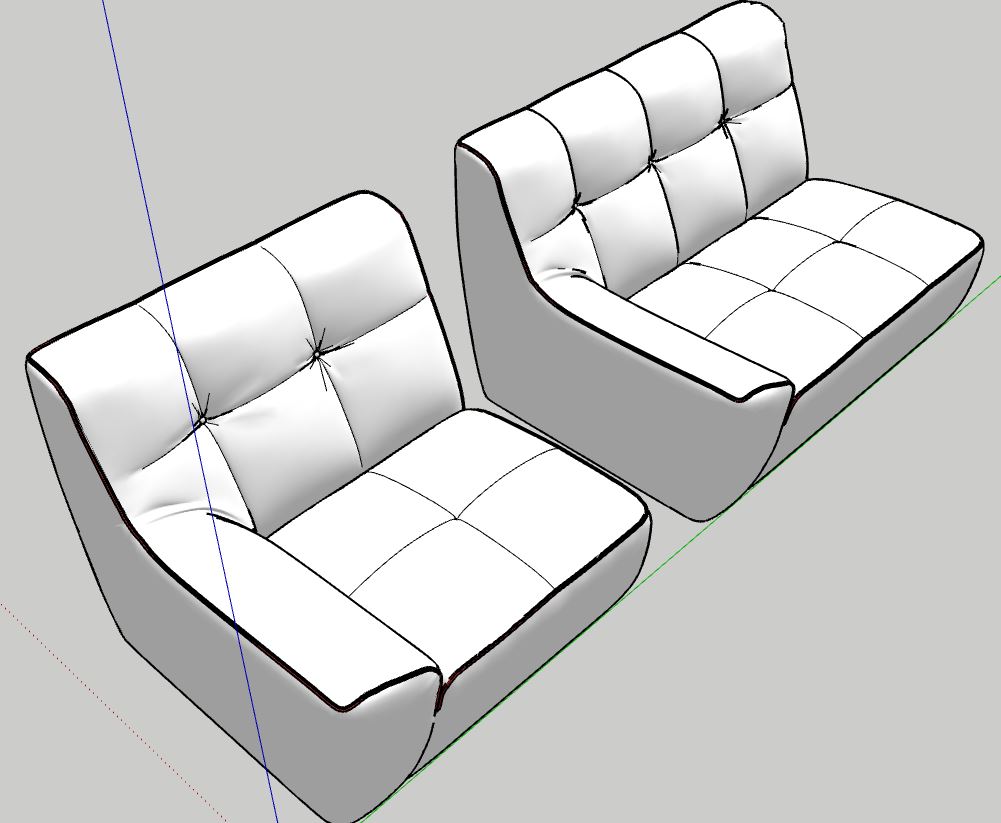
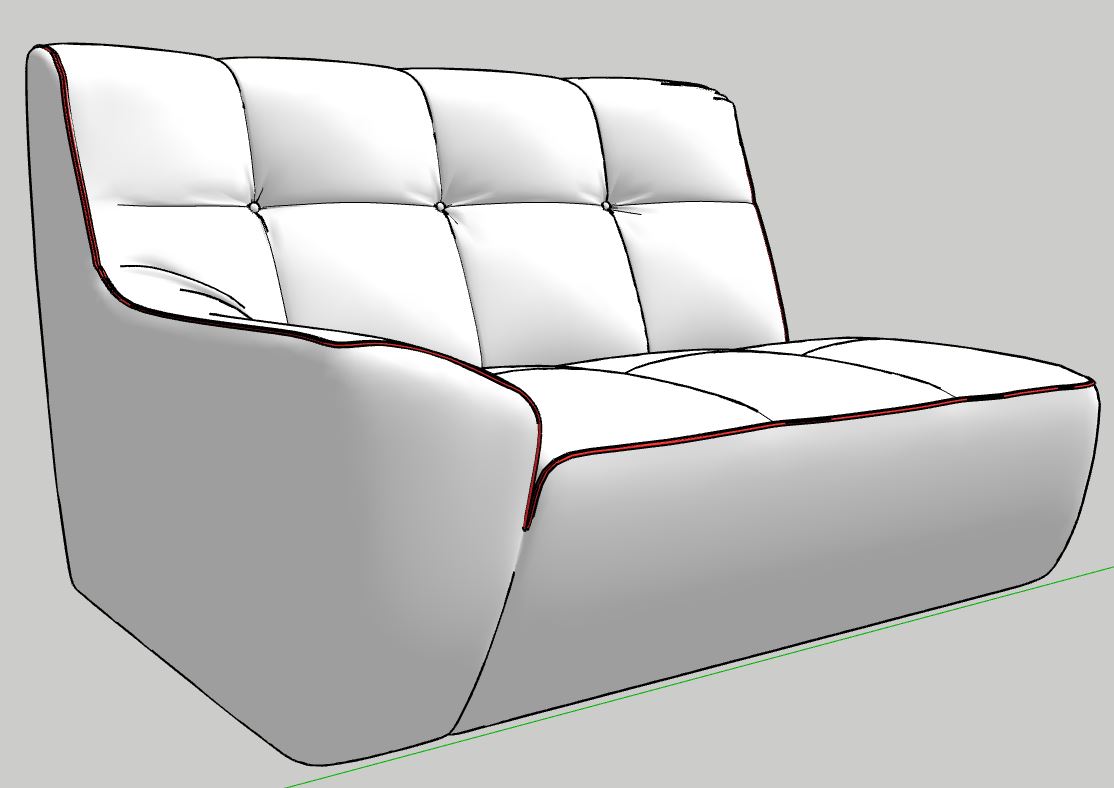
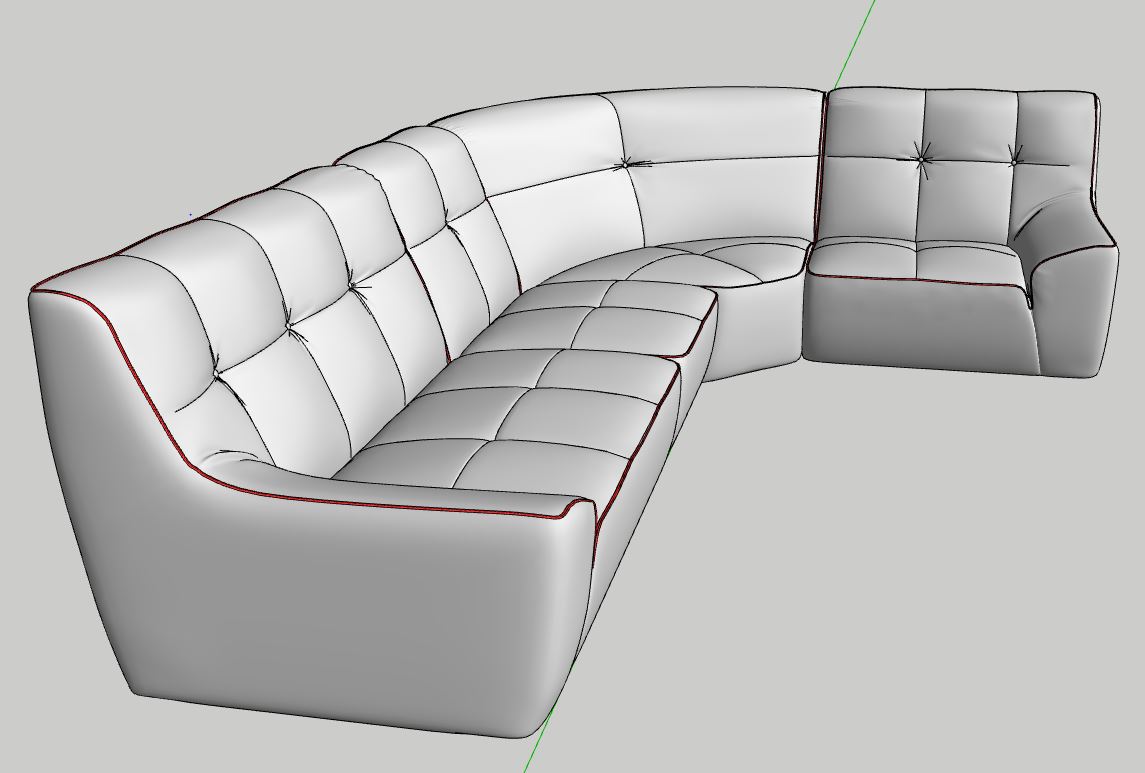
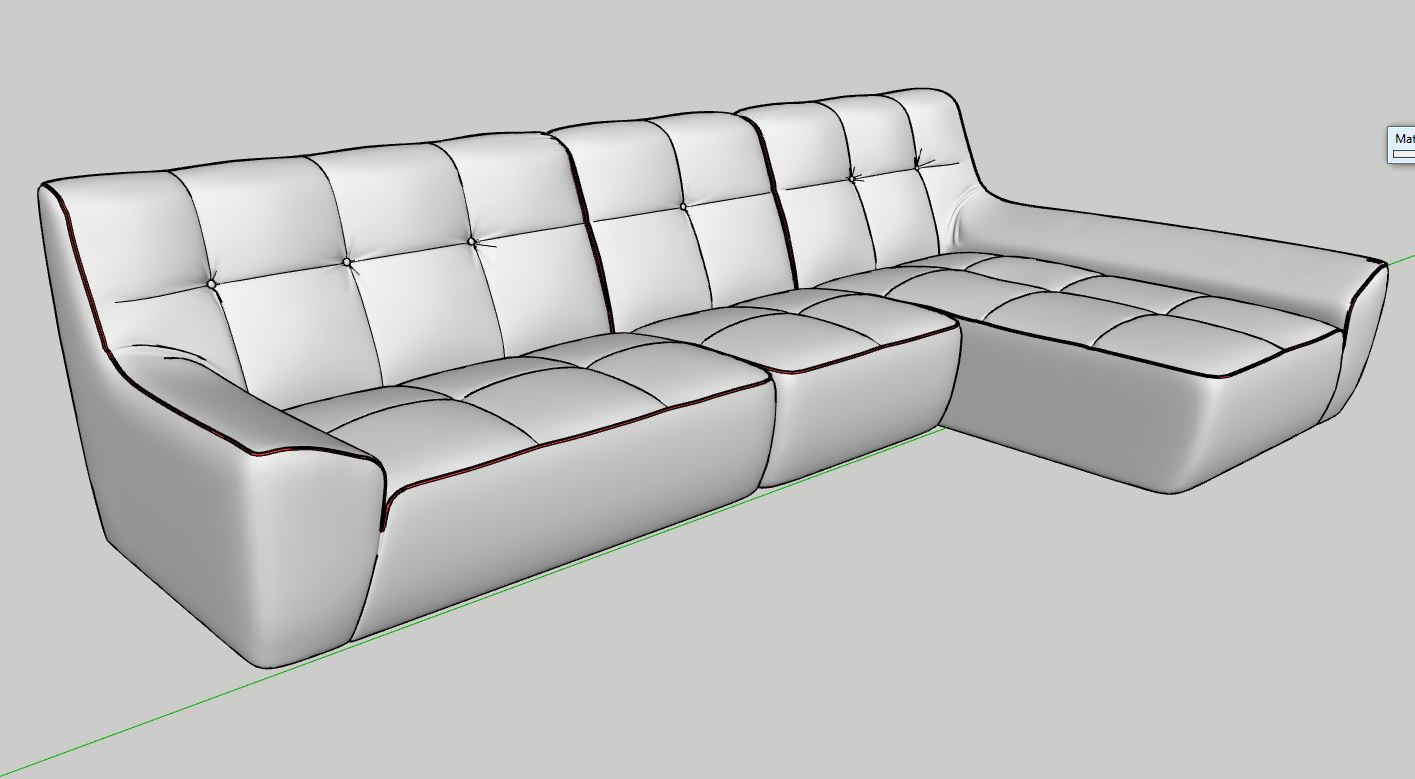
                                      and without comment... πŸ˜‰
                                      Italy...


                                      Capture.JPG


                                      Capture1.JPG


                                      Capture2.JPG


                                      Capture3.JPG


                                      Capture4.JPG


                                      Capture5.JPG


                                      Capture6.JPG


                                      Capture7.JPG


                                      Capture8.JPG


                                      Capture9.JPG


                                      Capture10.JPG


                                      Capture11.JPG


                                      Capture12.JPG


                                      Capture13.JPG


                                      Capture14.JPG


                                      Capture16.JPG


                                      Capture17.JPG


                                      Capture18.JPG


                                      Capture19.JPG

                                      1 Reply Last reply
                                      Reply Quote 0
                                      • alvisA
                                        alvis
                                        last edited by

                                        TheaRender... and girl from AXYZ.


                                        pub 020 studio-Scene 4.jpg

                                        1 Reply Last reply
                                        Reply Quote 0
                                        • jo-keJ
                                          jo-ke
                                          last edited by

                                          Wow. This is just incredible!

                                          http://www.zz7.de

                                          1 Reply Last reply
                                          Reply Quote 0
                                          • olisheaO
                                            olishea
                                            last edited by

                                            Thanks for doing this, great work!! It's almost unbelievable how realistic the creases in the fabric are and they make all the difference.


                                            oli

                                            1 Reply Last reply
                                            Reply Quote 0

                                            Hello! It looks like you're interested in this conversation, but you don't have an account yet.

                                            Getting fed up of having to scroll through the same posts each visit? When you register for an account, you'll always come back to exactly where you were before, and choose to be notified of new replies (either via email, or push notification). You'll also be able to save bookmarks and upvote posts to show your appreciation to other community members.

                                            With your input, this post could be even better πŸ’—

                                            Register Login
                                            • 1
                                            • 2
                                            • 3
                                            • 4
                                            • 5
                                            • 16
                                            • 17
                                            • 2 / 17
                                            • First post
                                              Last post
                                            Buy SketchPlus
                                            Buy SUbD
                                            Buy WrapR
                                            Buy eBook
                                            Buy Modelur
                                            Buy Vertex Tools
                                            Buy SketchCuisine
                                            Buy FormFonts

                                            Advertisement