Upholstered furniture
-
Just curious, did you get rid of the ngons after stage three in your workflow?
-
Great models.
How many entities have the last couch?
-
lovely... you have mastered this incredibly. May I ask you one question. This last sofa you made, (the red one)how much time will it take you to do a typical sofa like this, if you have the idea in your mind how the proxy should look like?
-
@cuttingedge said:
lovely... you have mastered this incredibly. May I ask you one question. This last sofa you made, (the red one)how much time will it take you to do a typical sofa like this, if you have the idea in your mind how the proxy should look like?
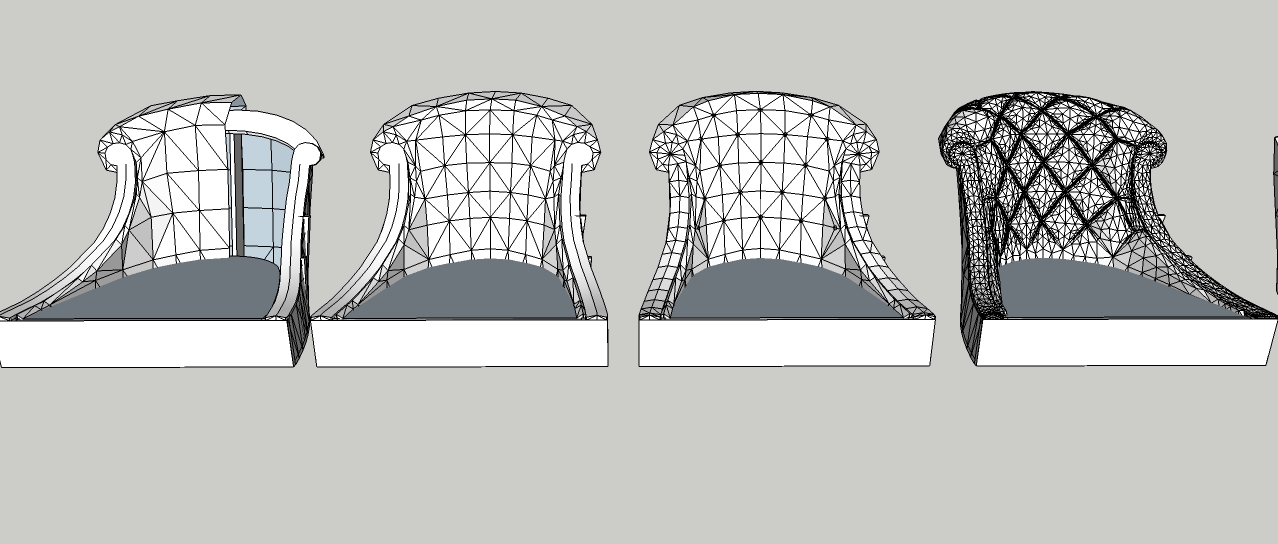
I will not lie, it takes 4 to 6 hours. The most commonly used UNDO and SAVE function. How to look like a proxy, as a sculptor does. stylized shape formed long for good result
-
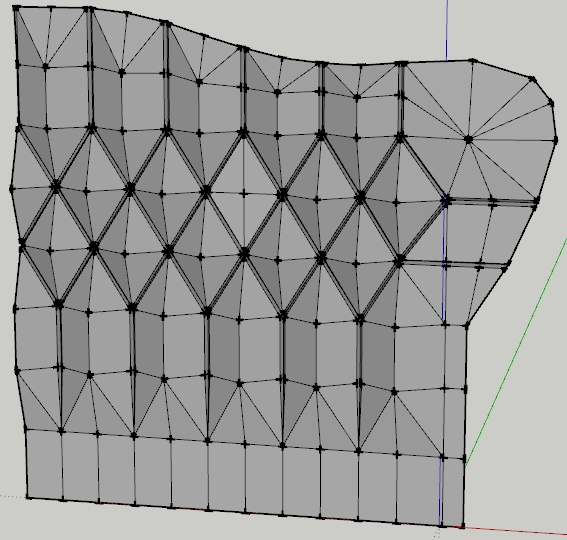
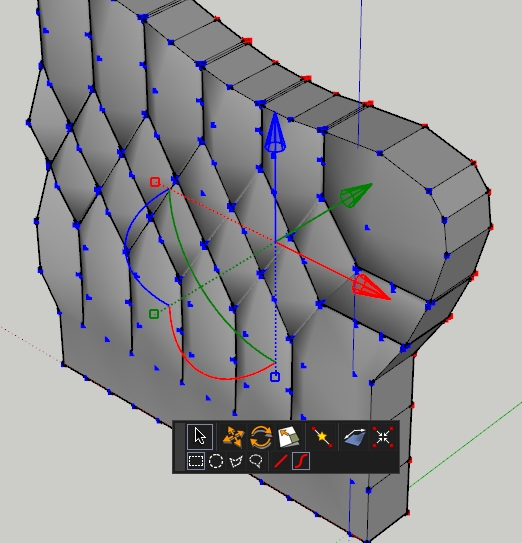
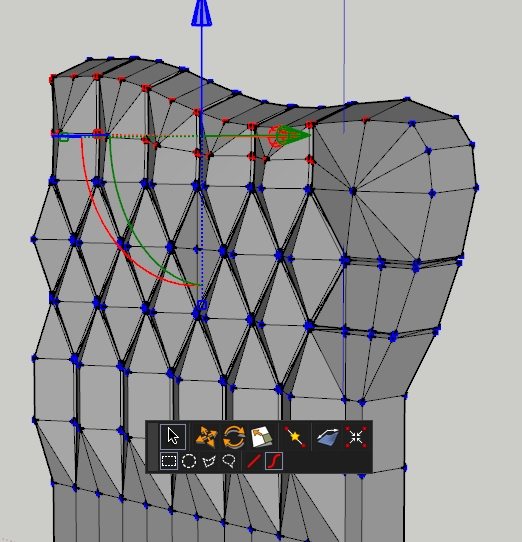
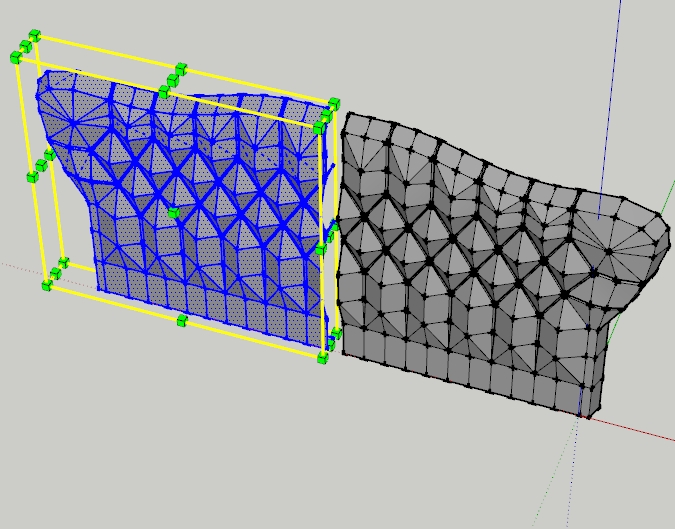
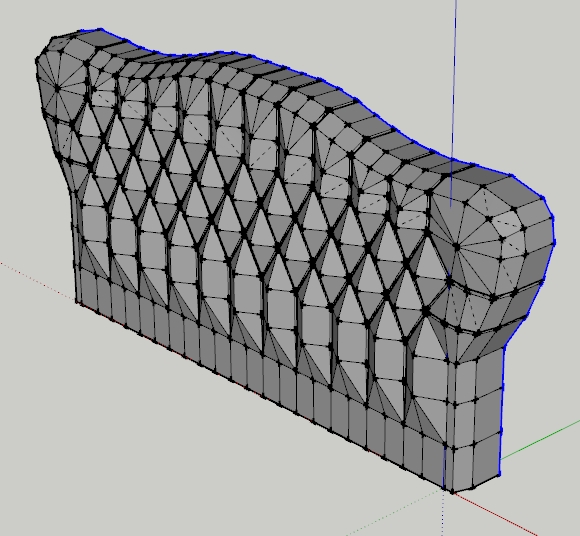
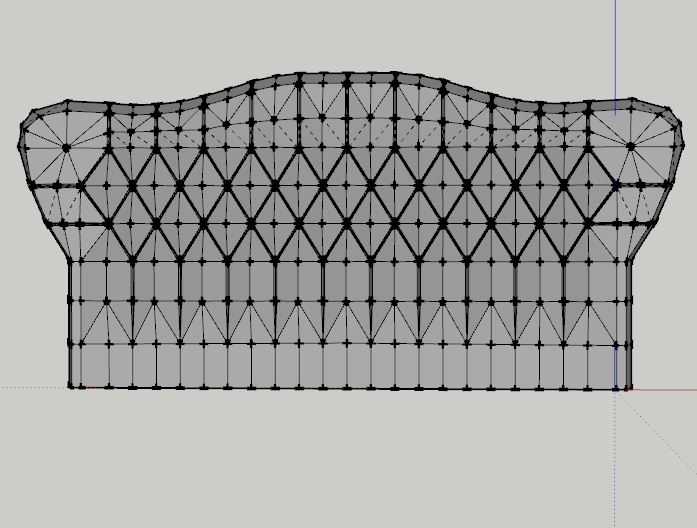
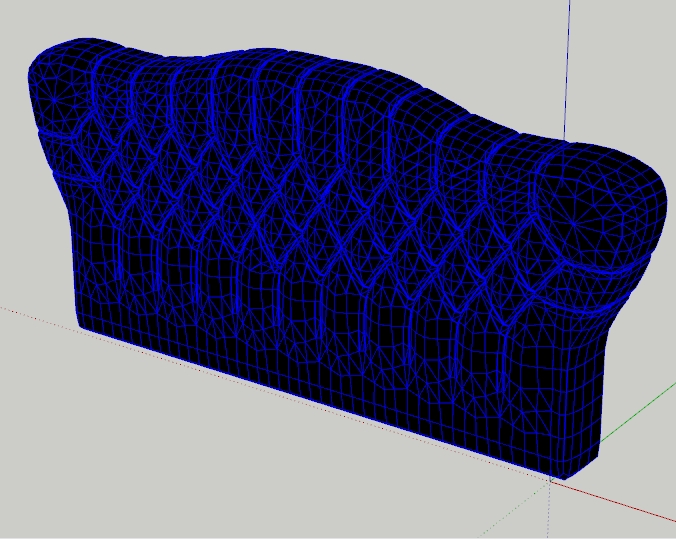
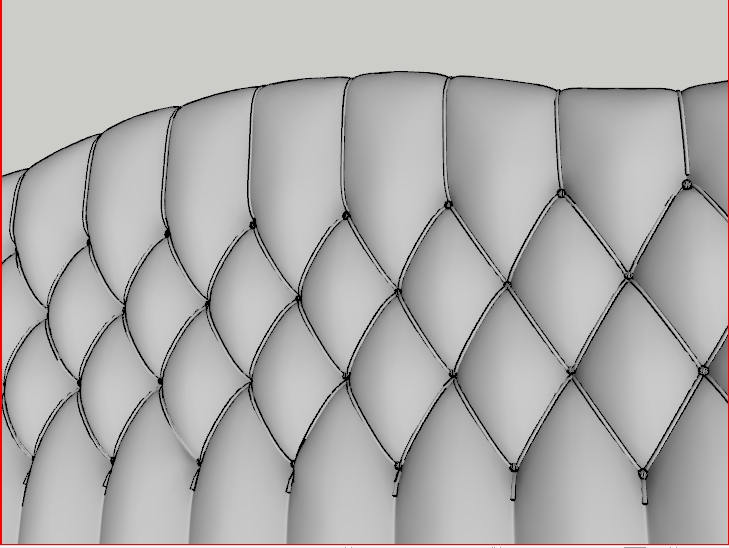
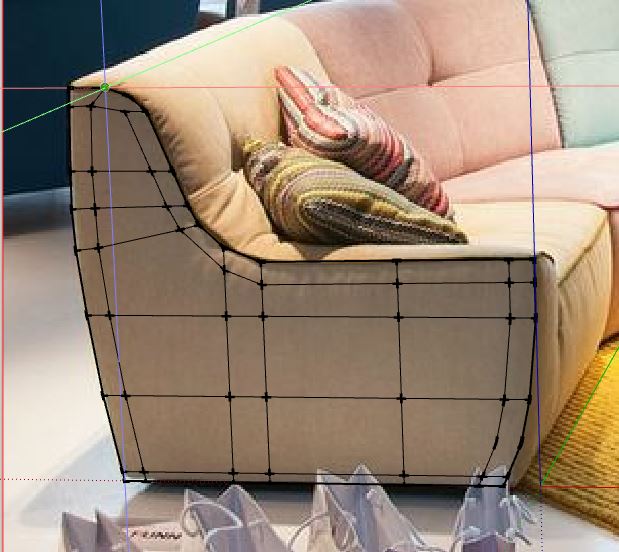
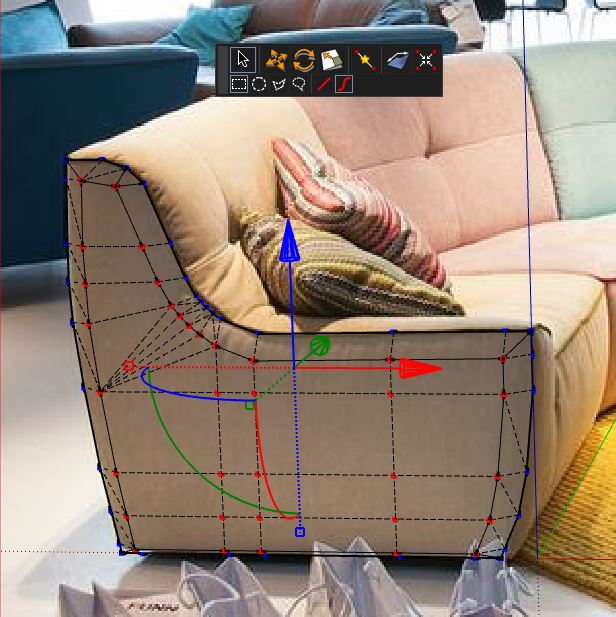
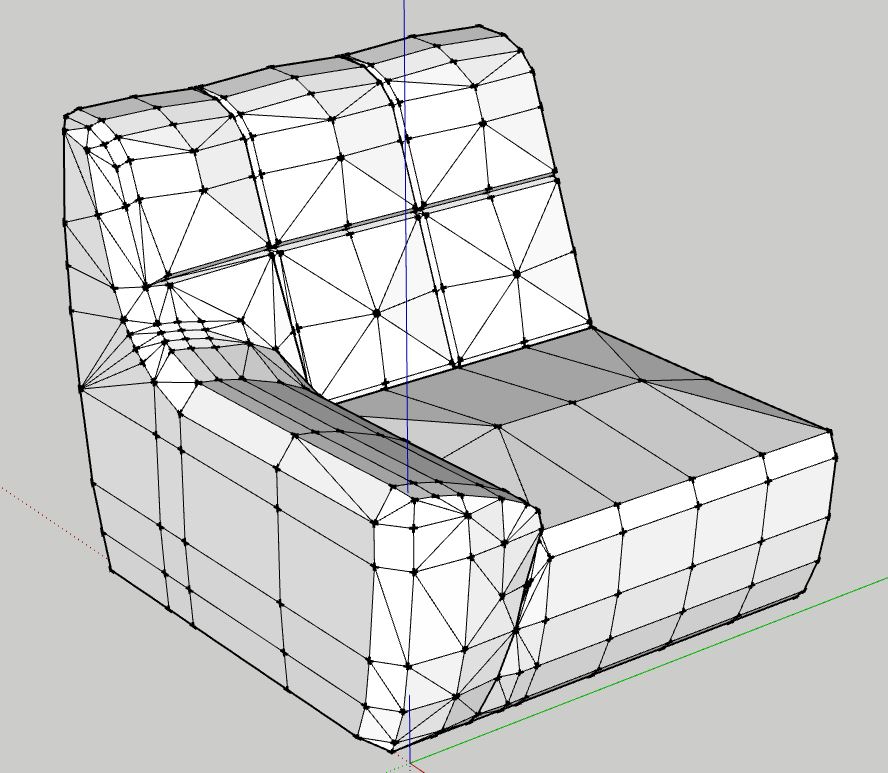
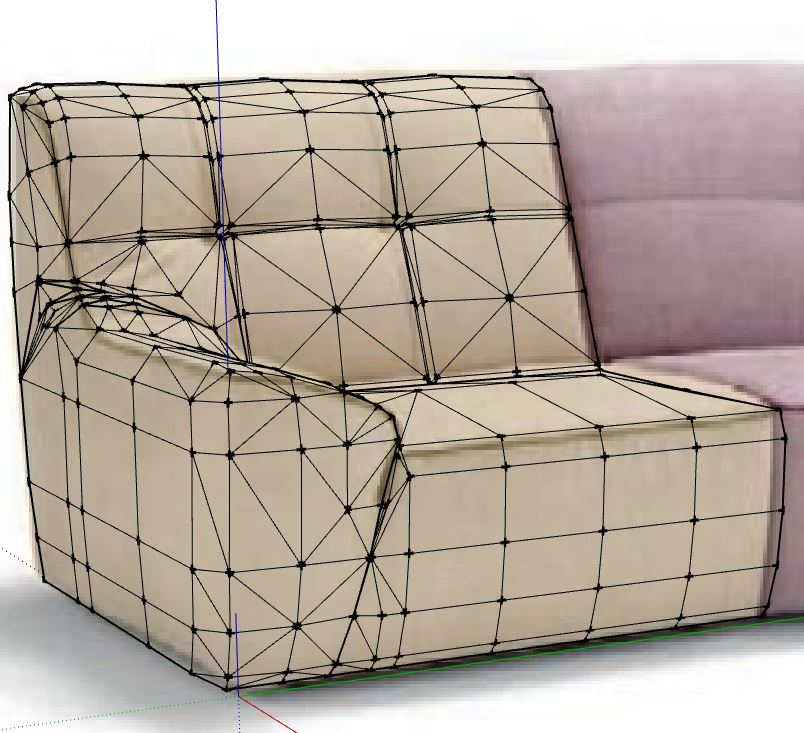
I don't understand the step between the 3rd and 4th step. How do you built the vertikal lines for the chesterfield pattern before artisan?
-
this is insanely Amazing. i bet the process has to be very precise. i modelled a tufted cushion in modo which is easier to do in sketchup. in the end , sketchup is Not a sub-d modelling program. even with artisan, and other plugins, still not perfect. but from your post. it's possible!. great job. i will stick with modo or blender or 3ds max

-
@jo-ke said:
I don't understand the step between the 3rd and 4th step. How do you built the vertikal lines for the chesterfield pattern before artisan?
+1
Looks like subdividing with hard edges.
-
Mate, seriously you are getting just enough subtle variances in the models - you have that NAILED!
-
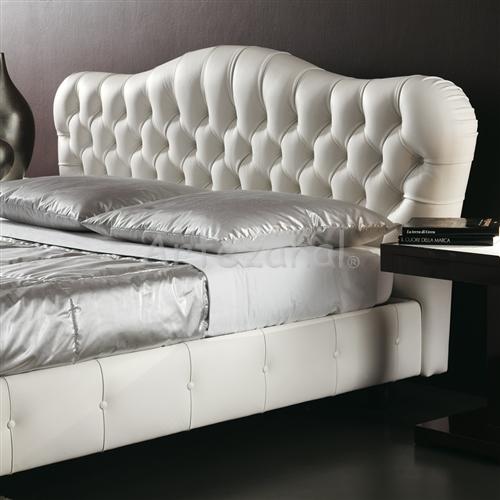
I need your help, how i draw this beds please, what plugin i need too? thanks
-
Hi, I think that the thread itself can give an answer to your questions. No?

-
i dont know how make capitone with this organic shape bed...
-
Surely you have some attempts to display?
-
@catialilianacoelho said:
I need your help, how i draw this beds please, what plugin i need too? thanks
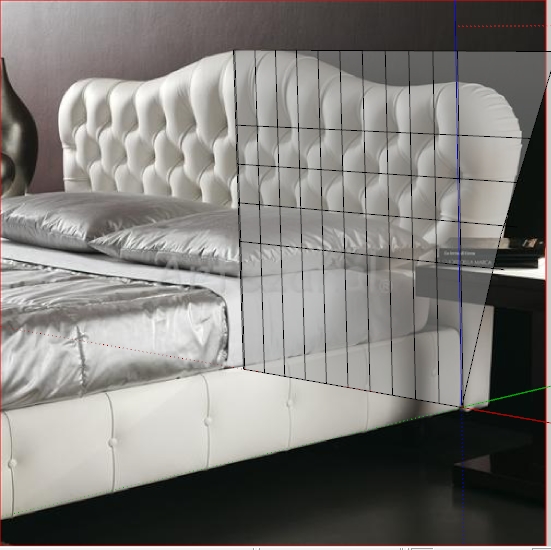
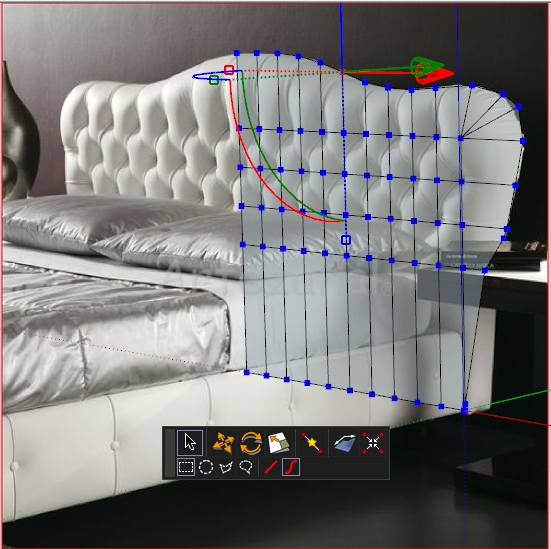
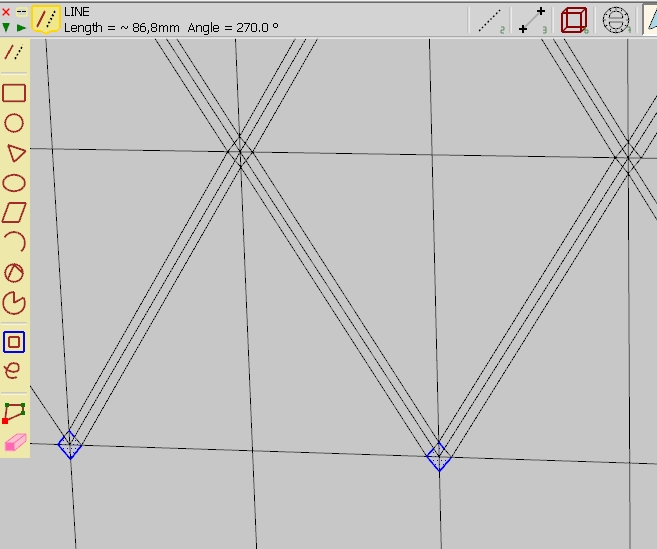
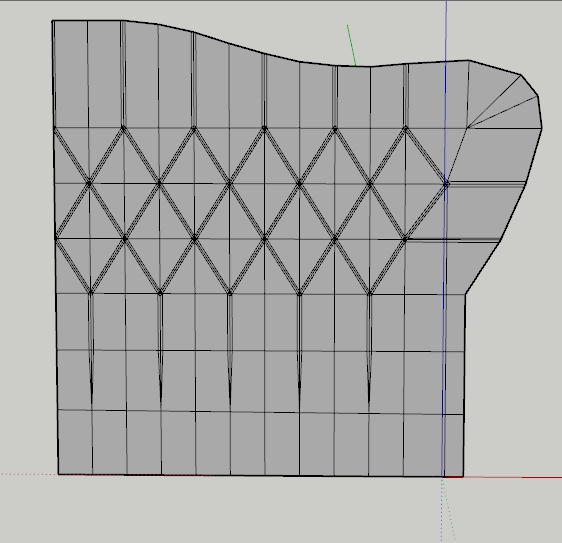
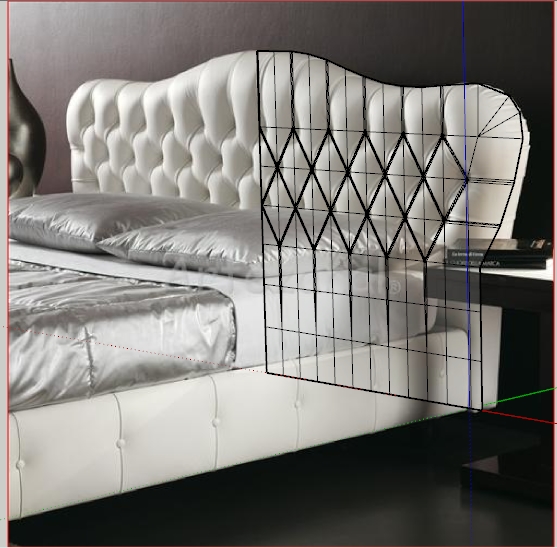
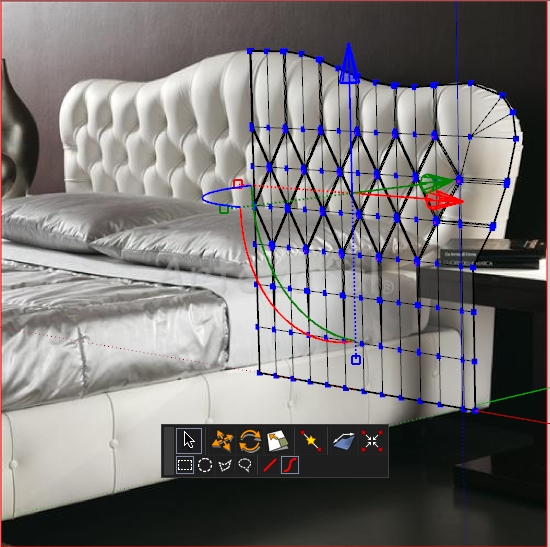
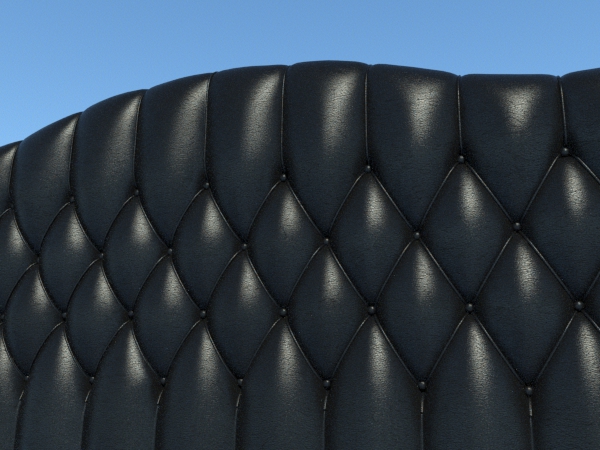
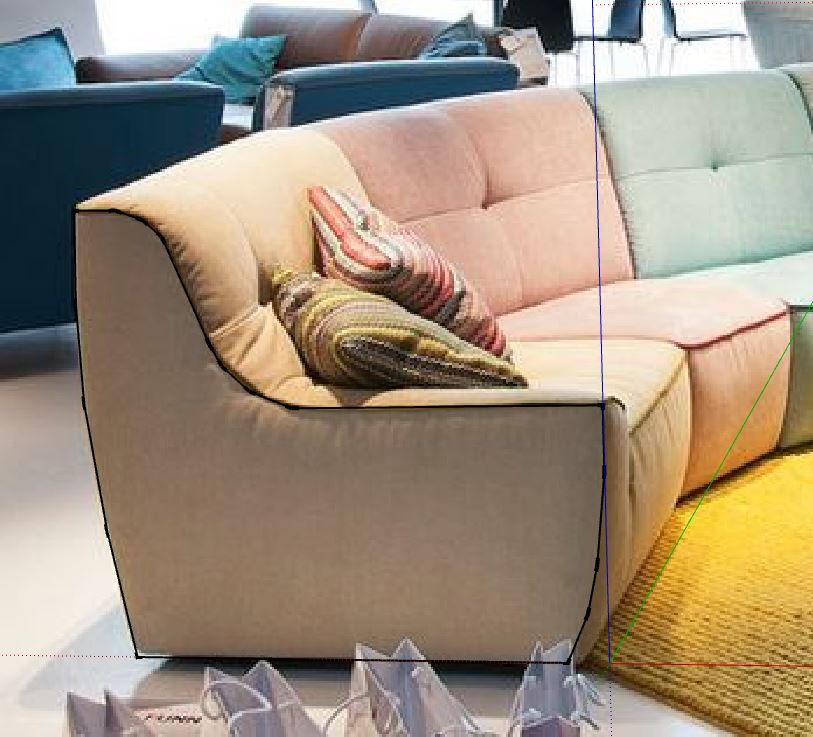
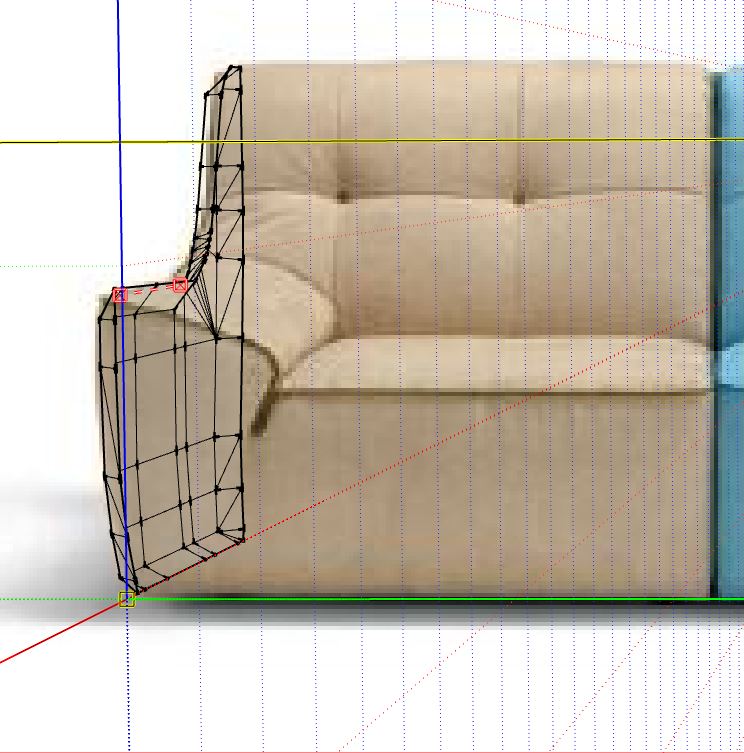
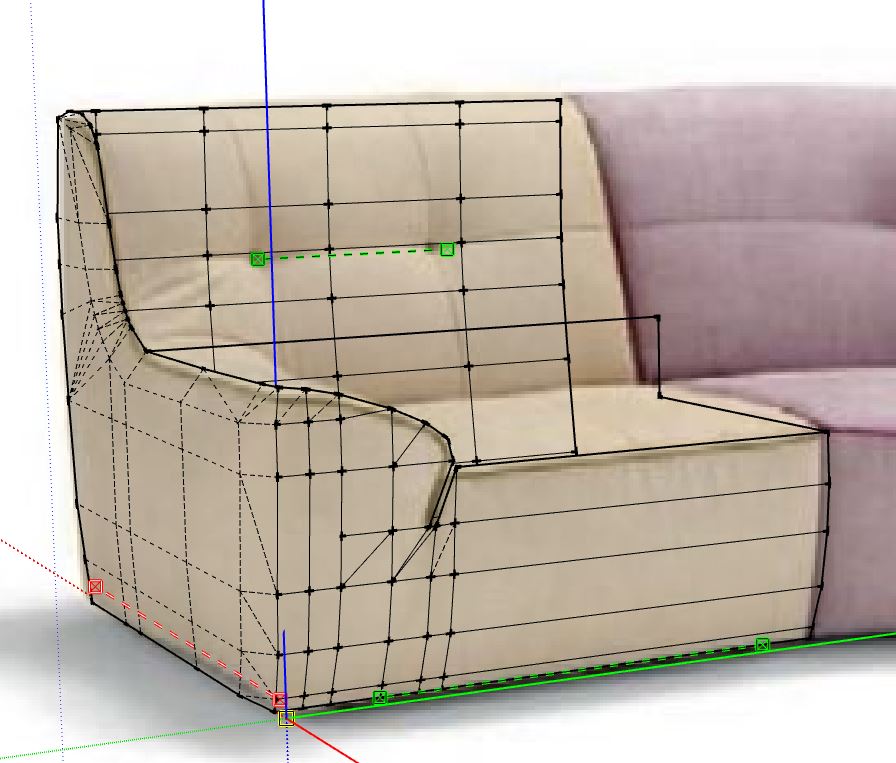
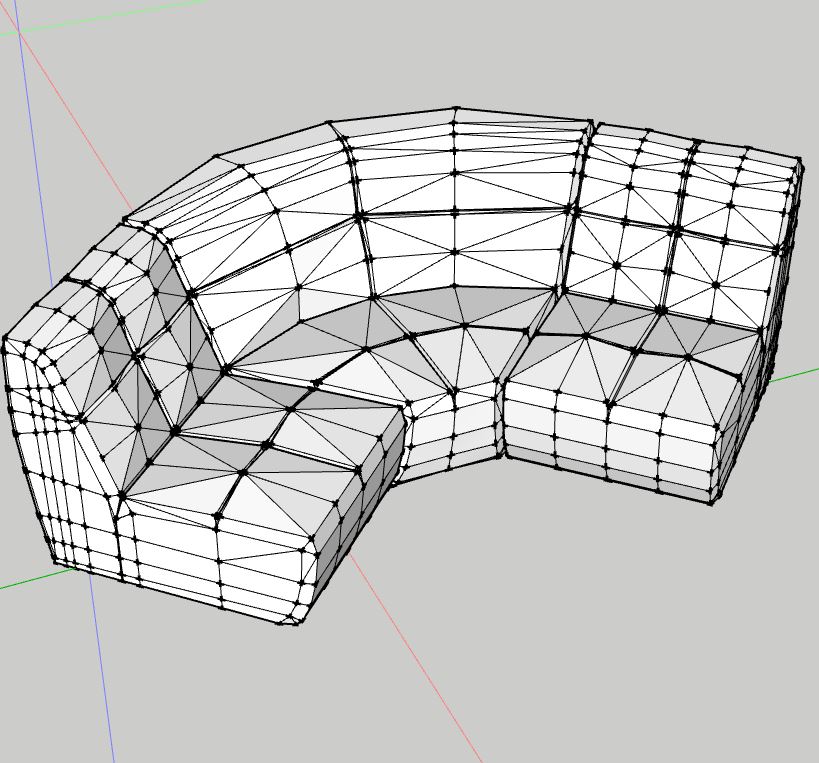
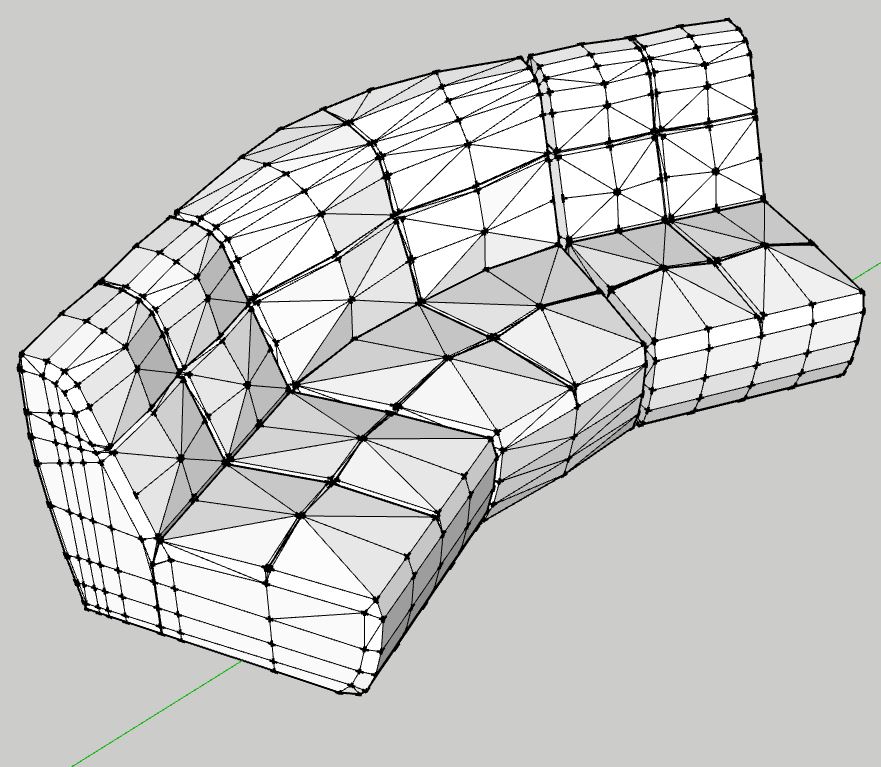
Well, a short course on how to make a simple and rather realistic tuft with Sketchup. Step by step ... day by day making lessons. You must have Artisan and VertexTool.
First lessons:Photomatch your model, Draw the contour of the bed and double lines by tuft.
To be continued...
-
This is awesome! 100% convincing models and renders. The creases, tufts, everything just spectacular.

-
can you make a video to learn us why you do this?
-
Really excellent models and renders, Alvydas.
Are the textures done in SketchUp or do you add them in postwork/Photoshop (e.g. overlay)?
Thanks and have a great day!
_KN
-
@olishea said:
This is awesome! 100% convincing models and renders. The creases, tufts, everything just spectacular.
Thanks, Oli!
@safa said:
can you make a video to learn us why you do this?
A lot of video lessons are online. I have not shown anything new

@ken28875 said:
Really excellent models and renders, Alvydas.
Are the textures done in SketchUp or do you add them in postwork/Photoshop (e.g. overlay)?
Thanks and have a great day!
_KNThanks. All textures done in SketchUp. In other projects, I use a whole arsenal (postwork)
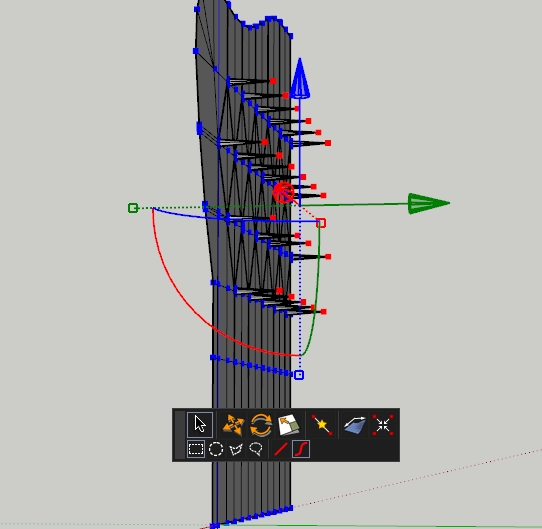
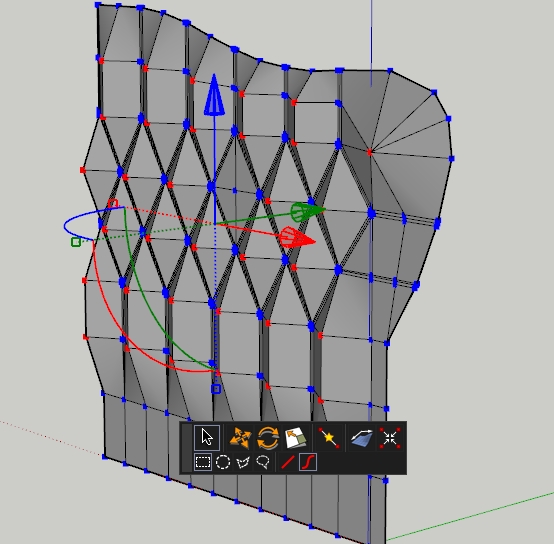
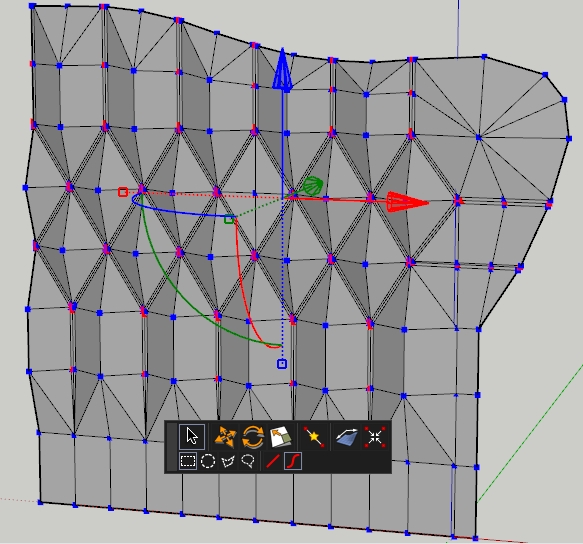
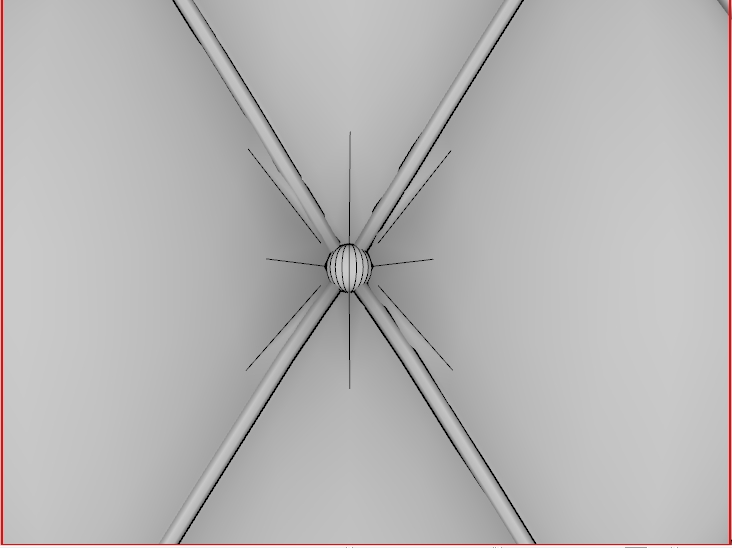
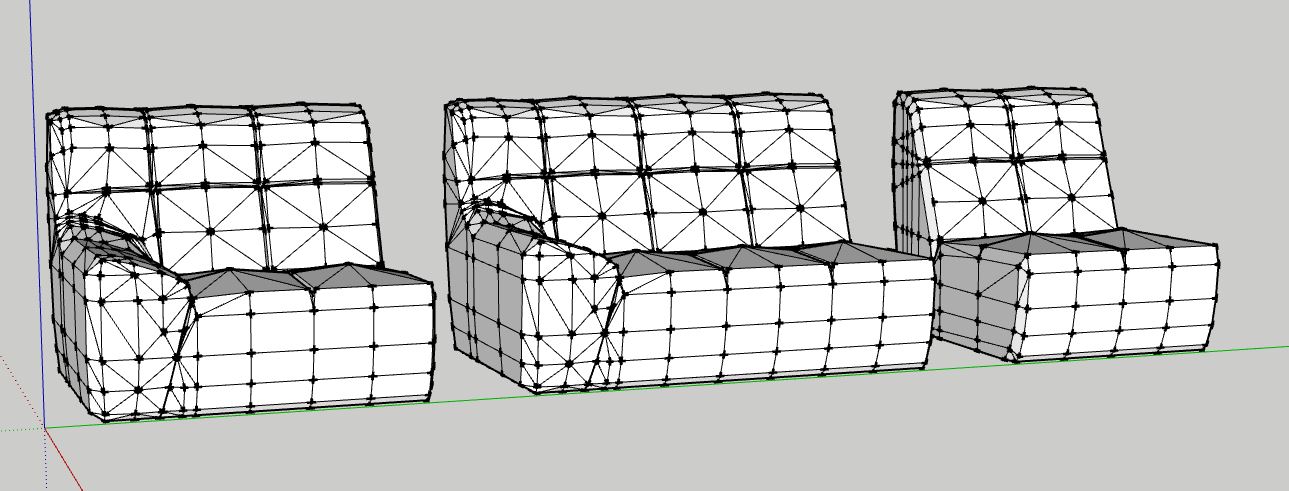
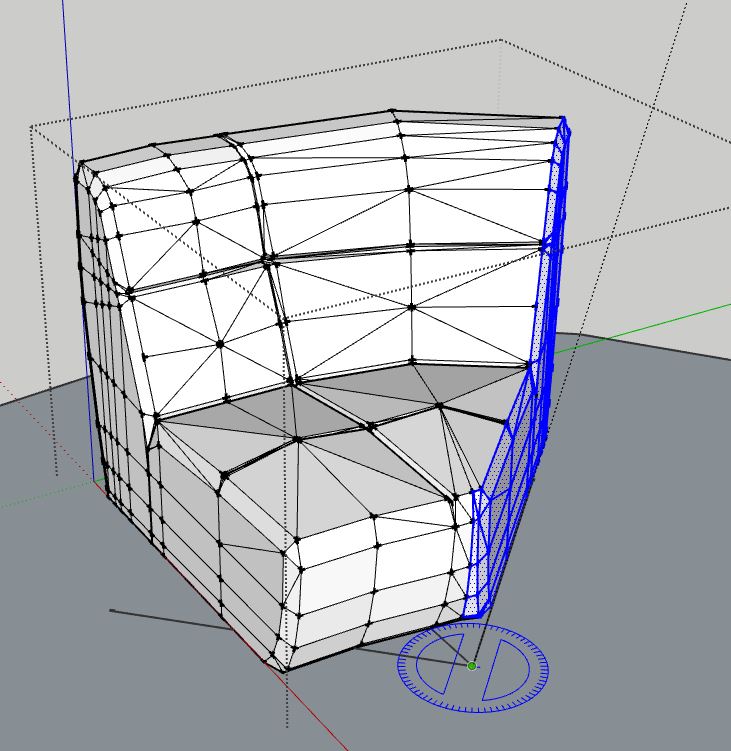
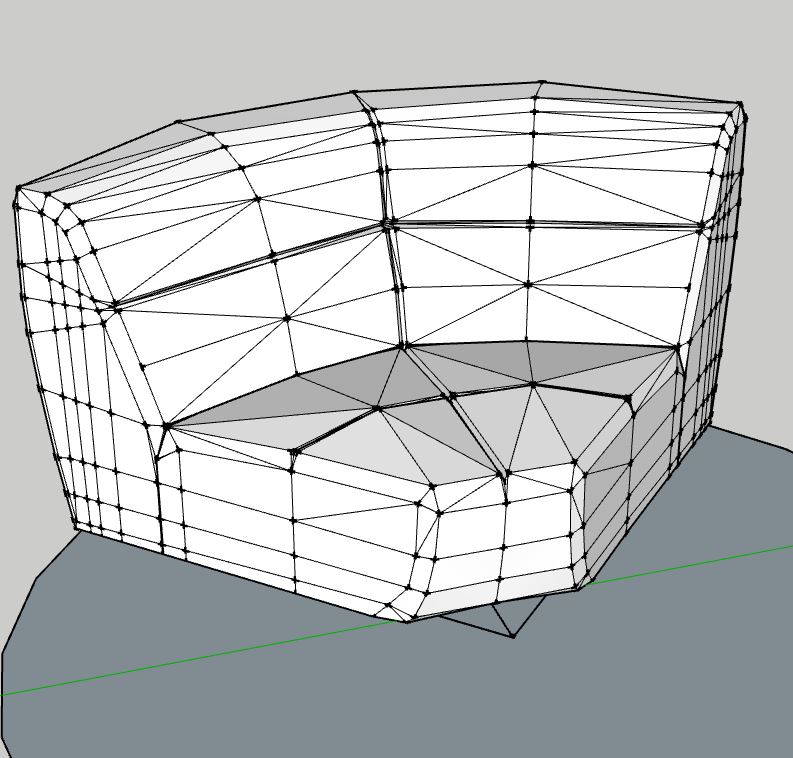
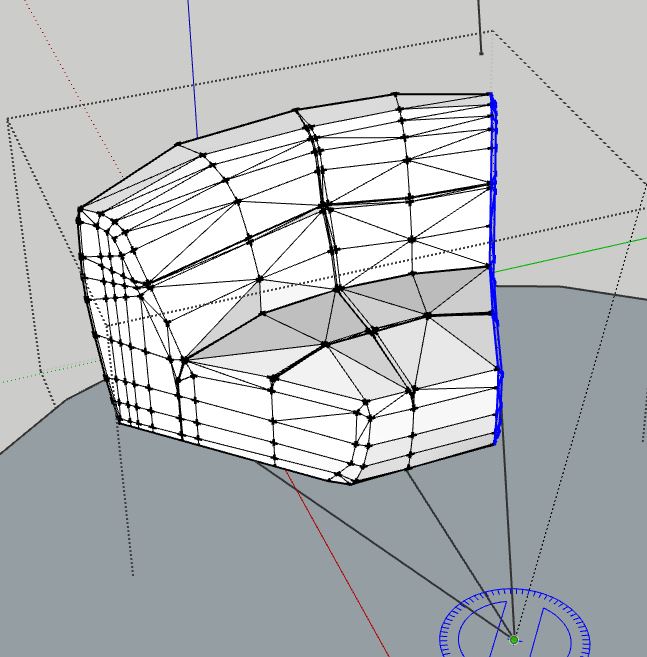
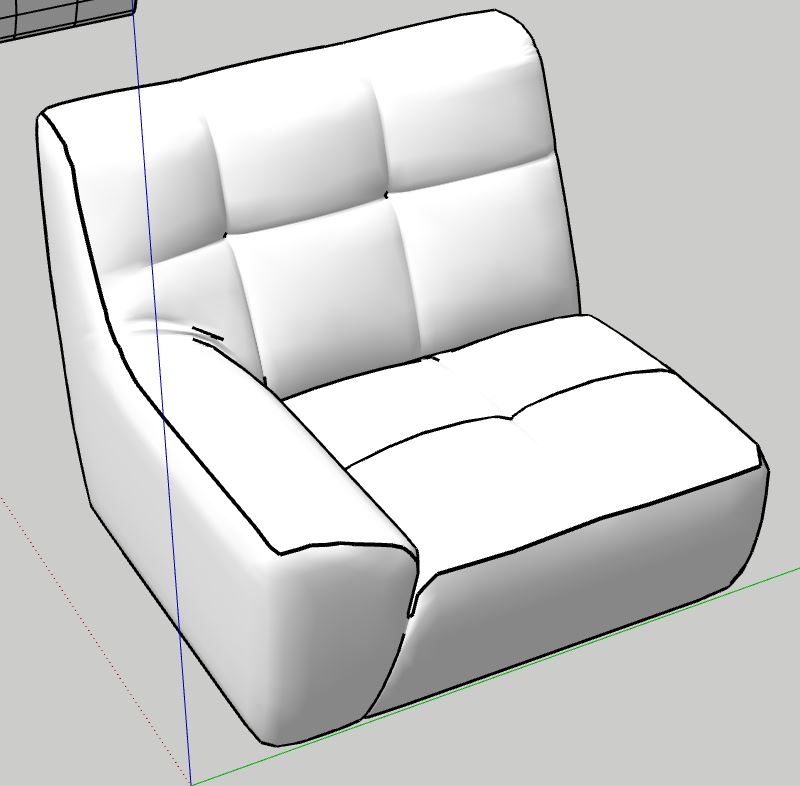
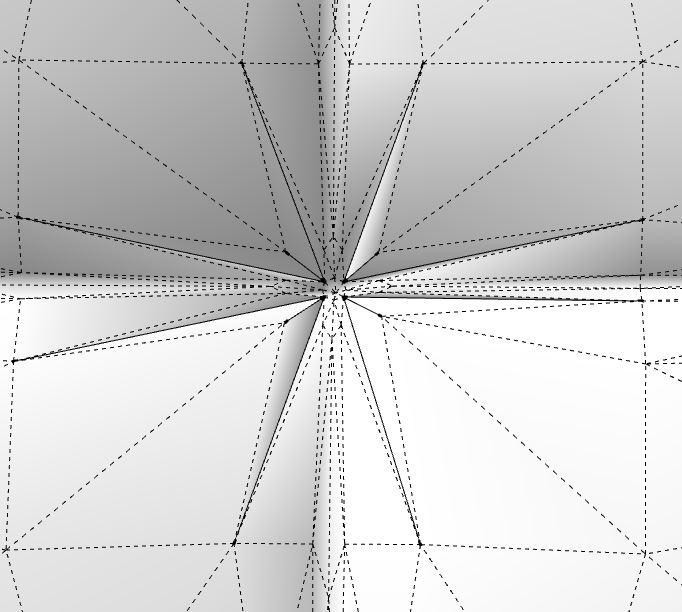
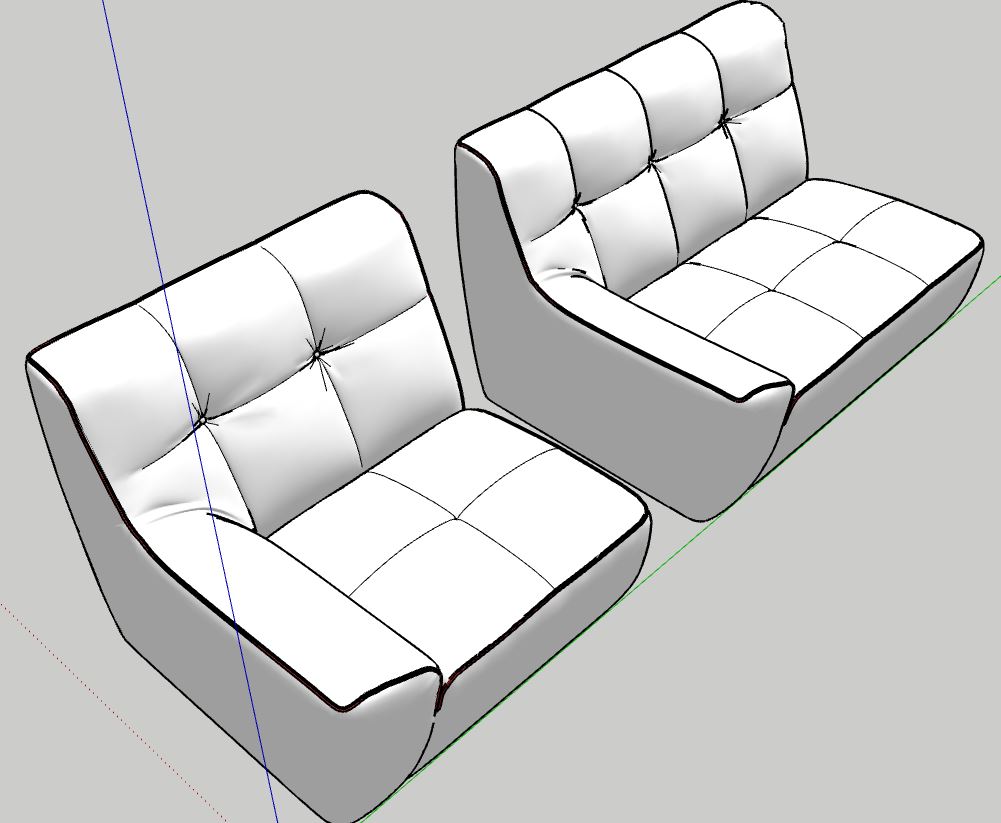
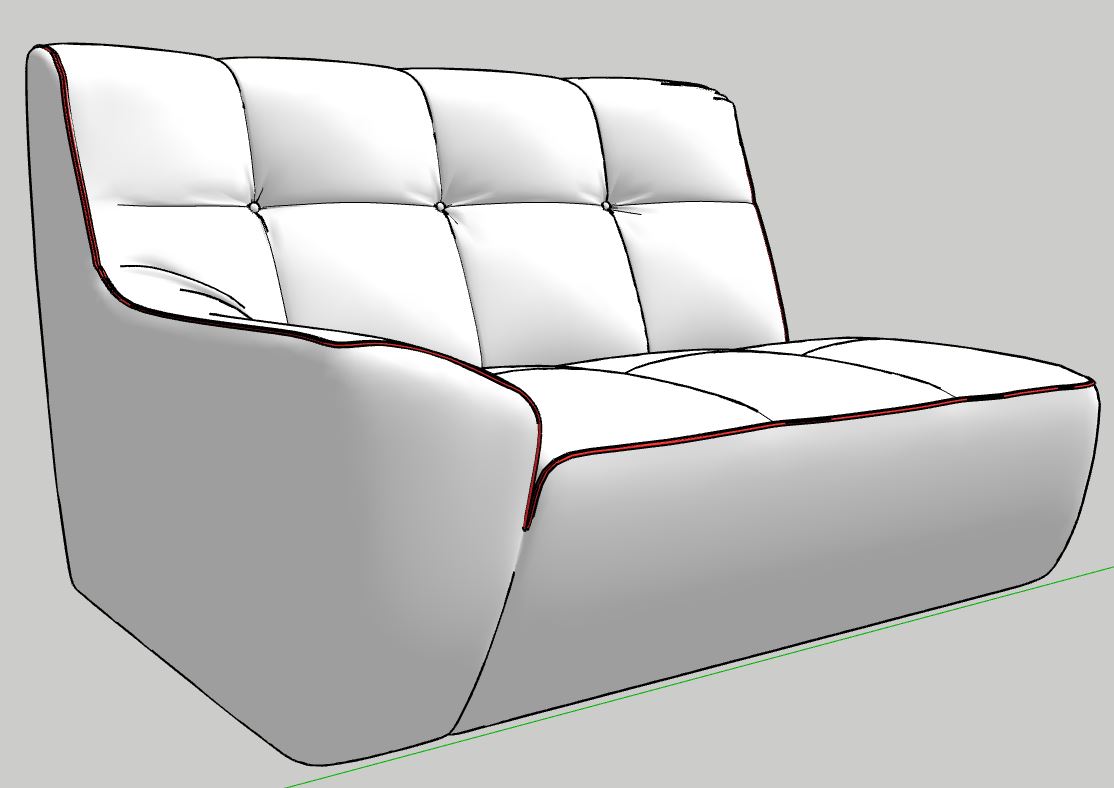
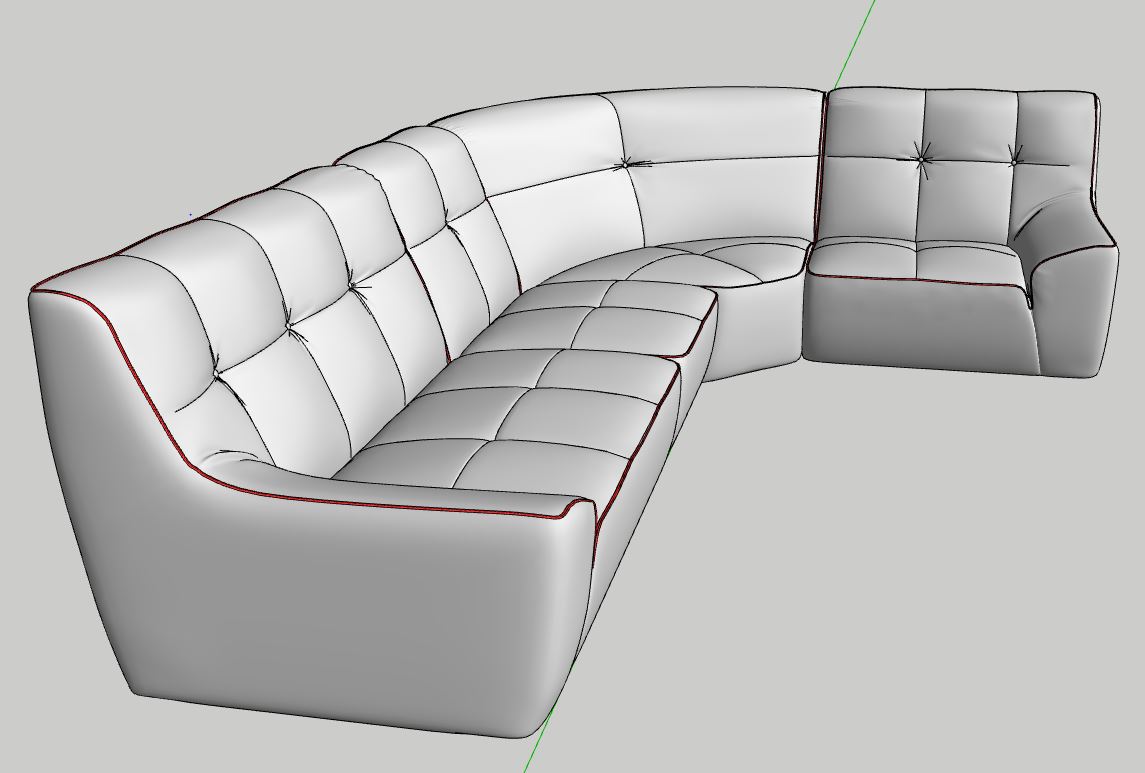
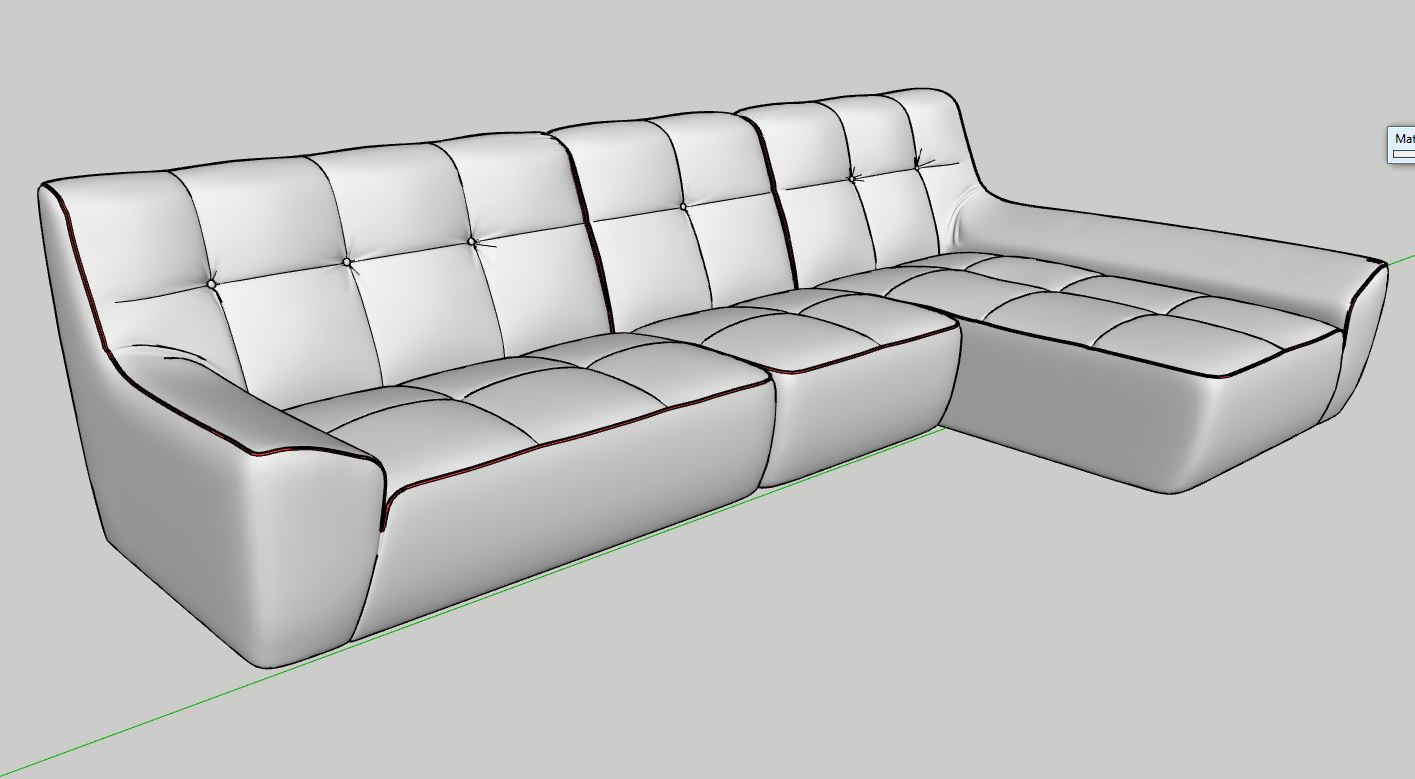
As promised, how I do this...
-
-
and without comment...
Italy...
-
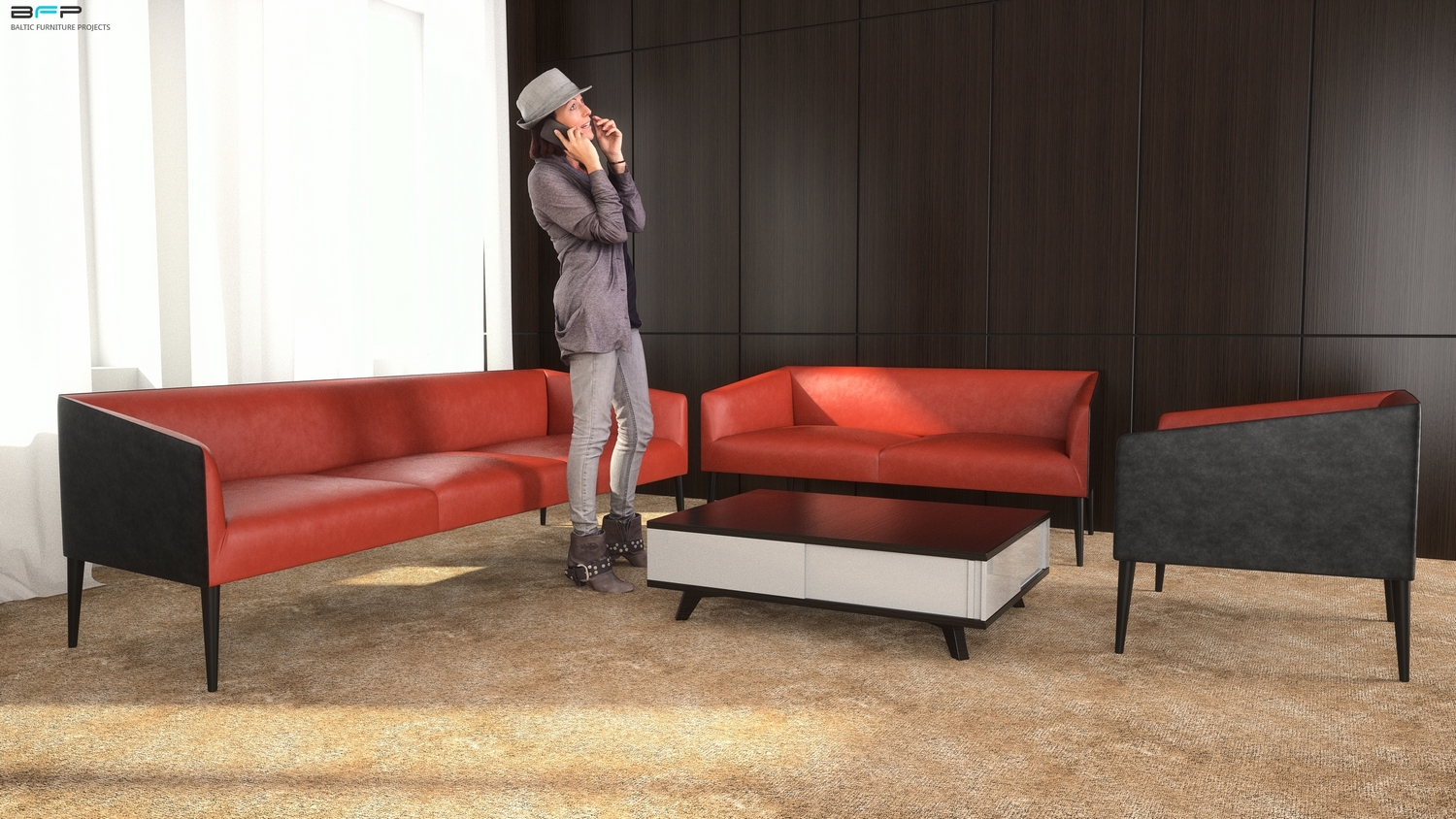
TheaRender... and girl from AXYZ.








Hello! It looks like you're interested in this conversation, but you don't have an account yet.
Getting fed up of having to scroll through the same posts each visit? When you register for an account, you'll always come back to exactly where you were before, and choose to be notified of new replies (either via email, or push notification). You'll also be able to save bookmarks and upvote posts to show your appreciation to other community members.
With your input, this post could be even better 💗
Register Login


Advertisement