[Plugin] QuadFaceTools
-
@gamophyte said:
I'm golden now, thanks so much!
EDIT: is there a way to then do quadface on the other side? I want to do just have the diamond black frame of the texture on the back. Do I just reverse faces again?You can use my "UV Toolkit" extension to transfer UV mapping between front and back side of faces.
-
A question: Is there a way to chamfer quad faces? Look like that :
-
Hmm... I wonder if Fredo's RoundCorner extensions support quads? I know a few of this extensions support quad faces like QuadFaceTools'.
-
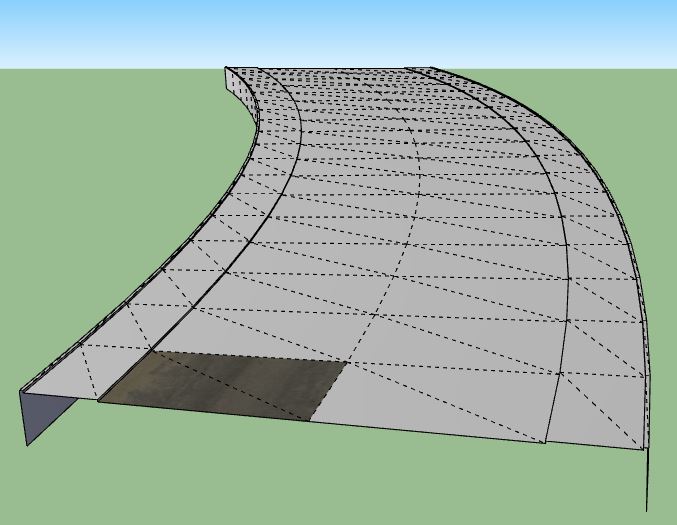
How would i go about texturing this? When i select the road part it only textures those 2 faces and when i select the sidewalk it doesn't work at all. Am i doing something wrong?
-
Turn off hidden geometry to select whole surfaces.
-
I did select the whole surface but that's all it paints.
-
View > Hidden Geometry > OFF
THEN paint surface ? -
That's not the point! I know how to turn off hidden edges.
What i'm saying is when i select the UV Mapping Tool i can only select one axes.
The only part where i can select 2 axes is that part on the pic. Nothing else gets textured even when the whole thing is selected. I hope i made myself clear now. -
Can you post the problem SKP, so we can look at it ?
-
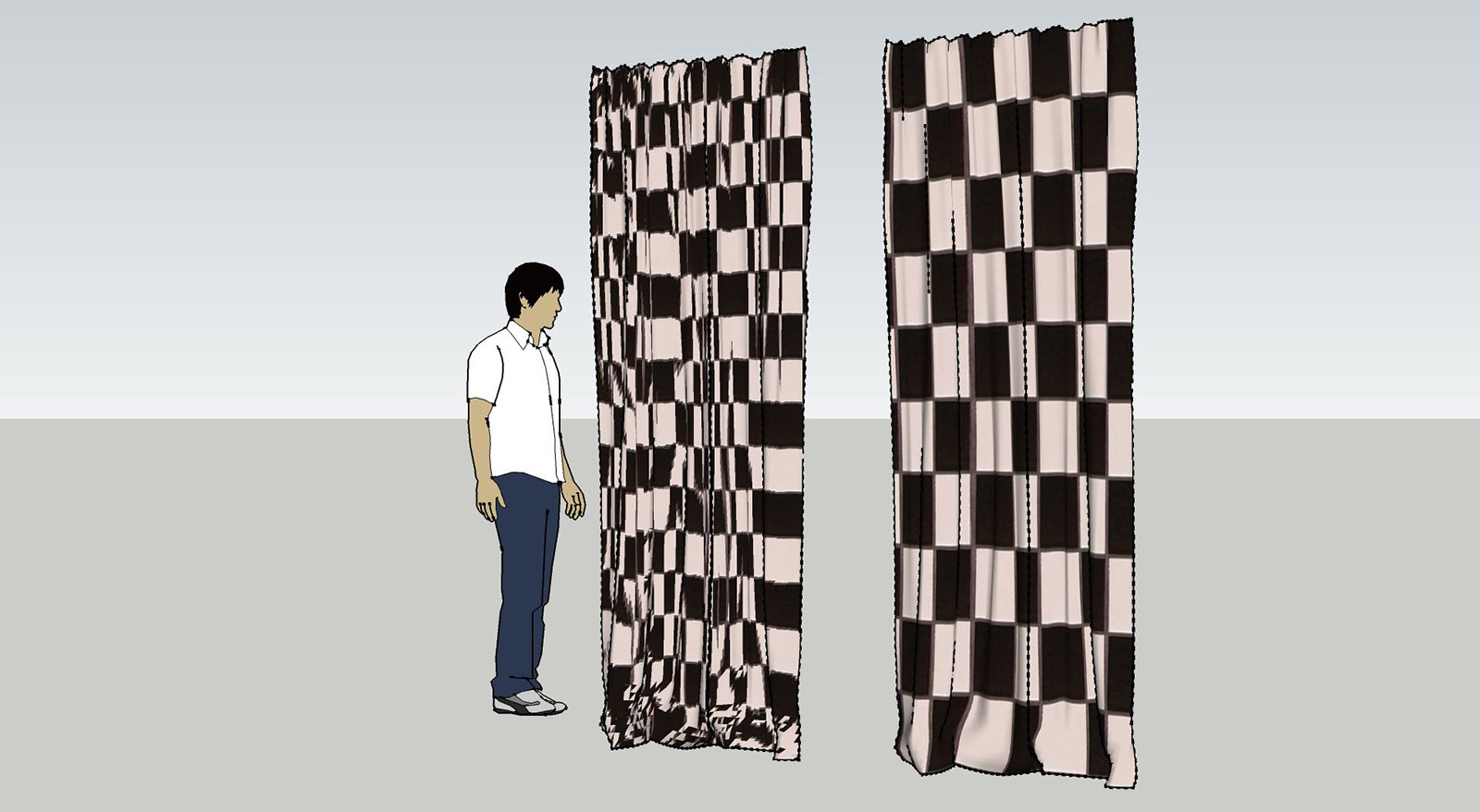
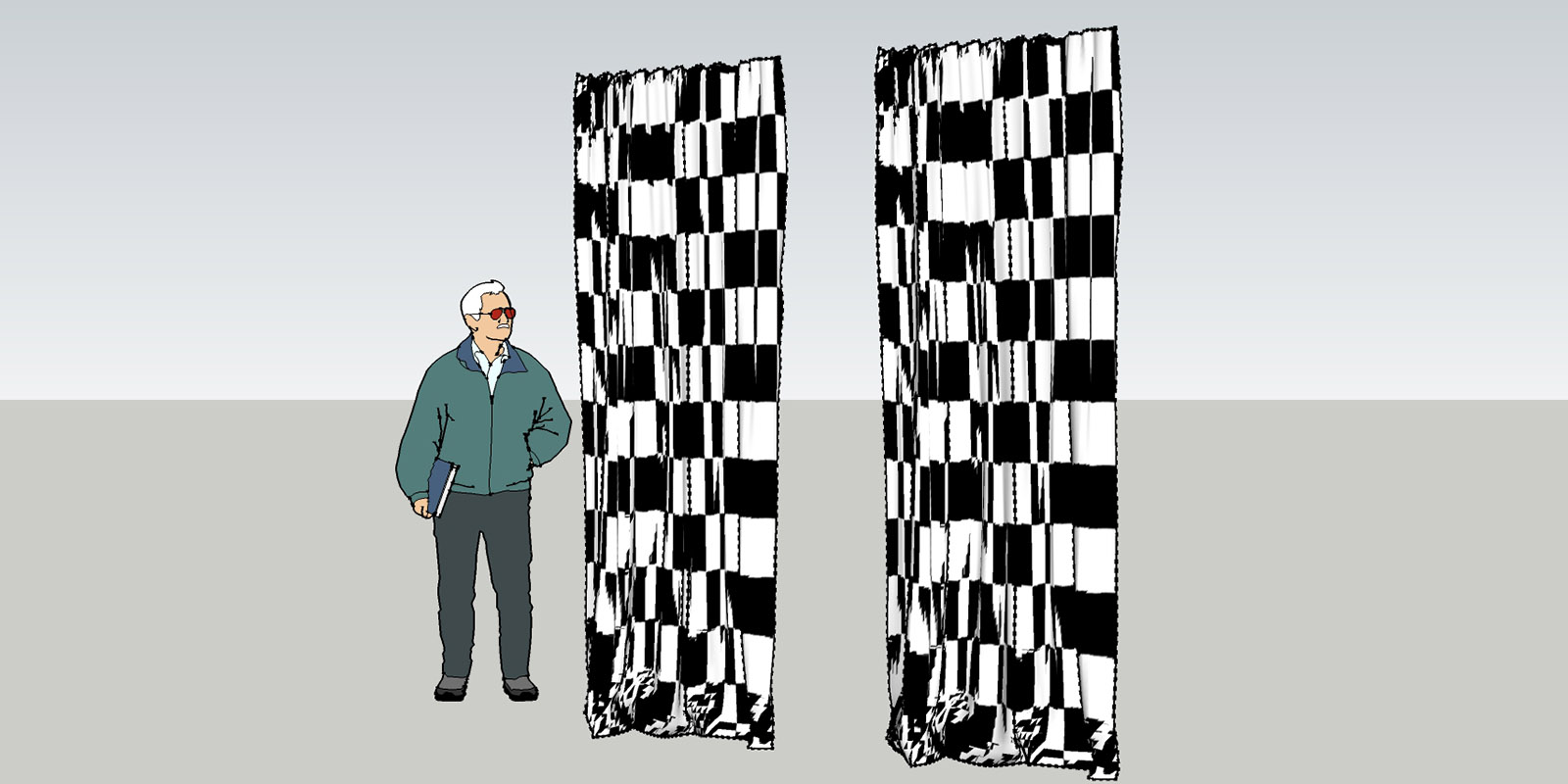
I am using this plugin to texture a special curtain model.
I used SU7 with Quadfacetools and changed now to SU2015pro. and the UV mappingtool doesn't work anymore.
I've downloaded the latest version.
did I do something wrong?
-
Works for me... Maybe you need TT's new library?
-
Is also installed the latest version with su2015. I'll post both files here....
-
here is the comparison
-
-
If you open the Ruby Console while you try to use QuadFace Tools - do you see any error message?
Also, can you describe the steps you perform in more detail?
-
when I start the uv mapper in version 2015 it doesn't show the horizontal and the vertical line to set the direction of the texture. so I can't use it.
-
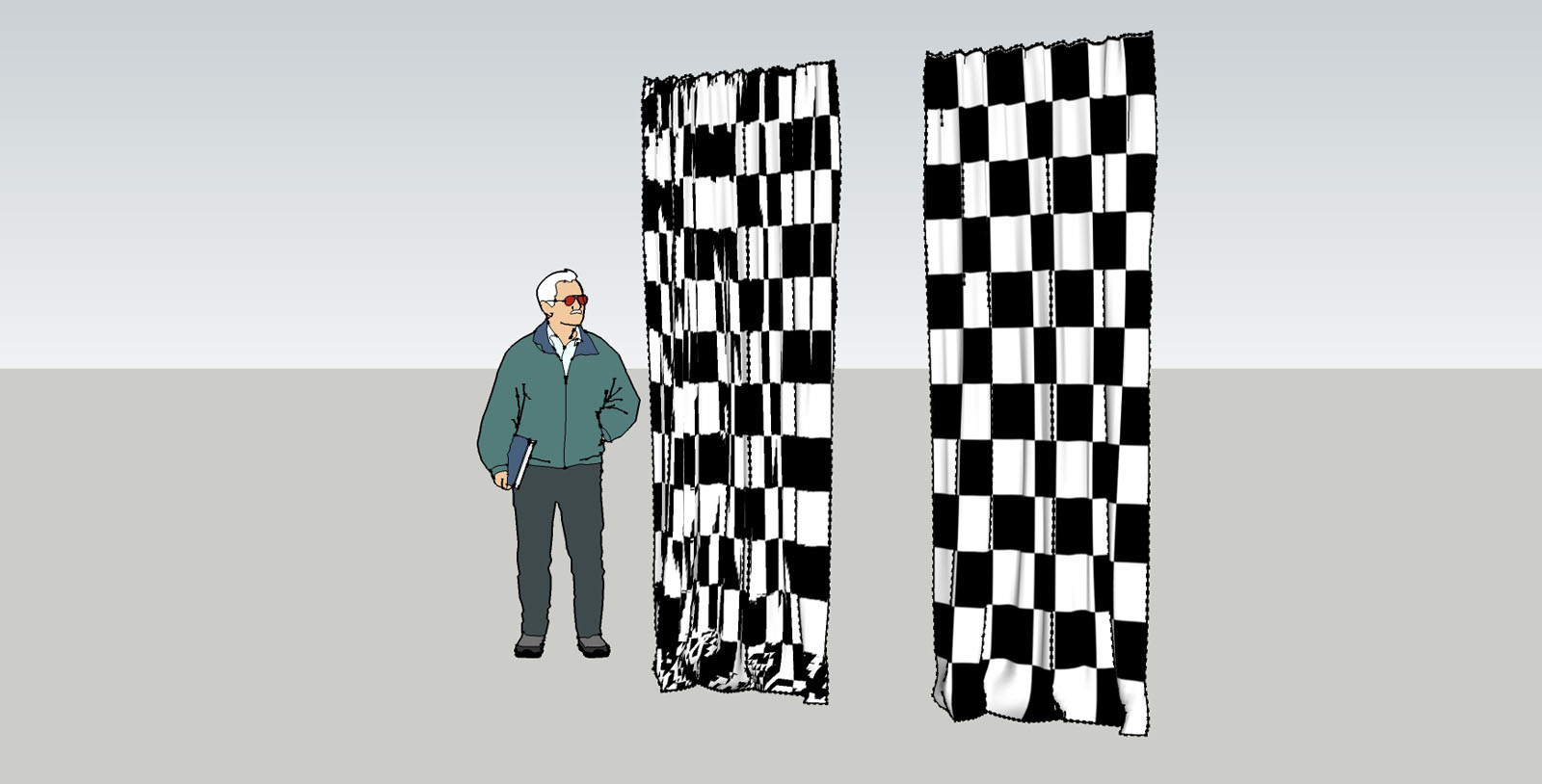
it seems to be that the model in version SU7 is quad face and when I import it to SU2015 it is a sandbox mesh.
I converted it again to quadface and the UV texture mapper worked.
everything fine!
-
Did you remember to convert the Sandbox Tool mesh into a QuadFace Tools compatible mesh first?
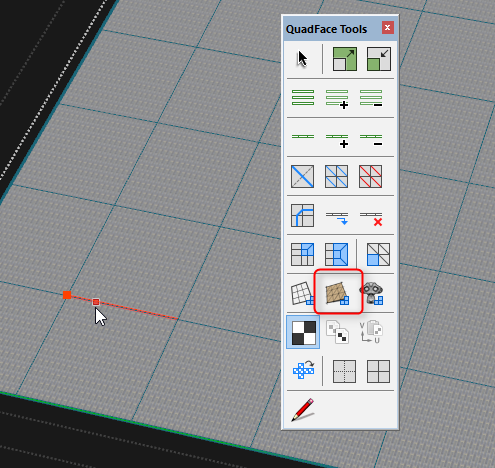
-
Yes. I've did it like that and saved the component as SU7 some years ago and used it many times, just using the UV Mapper.
But now, when I import the same component to SU2015 it lost the Quadface- Information and I have to reconvert it to quads, as you described above.
-
Any chance you can provide a sample model with exact steps (video?) of what you do?







Hello! It looks like you're interested in this conversation, but you don't have an account yet.
Getting fed up of having to scroll through the same posts each visit? When you register for an account, you'll always come back to exactly where you were before, and choose to be notified of new replies (either via email, or push notification). You'll also be able to save bookmarks and upvote posts to show your appreciation to other community members.
With your input, this post could be even better 💗
Register Login


Advertisement