sketchucation logo sketchucation
    • Login
    Oops, your profile's looking a bit empty! To help us tailor your experience, please fill in key details like your SketchUp version, skill level, operating system, and more. Update and save your info on your profile page today!
    Mac User? | Join the Rayscaper Beta for Mac Learn More

    Show Me Your SketchUp

    Scheduled Pinned Locked Moved SketchUp Discussions
    sketchup
    114 Posts 74 Posters 67.3k Views 74 Watching
    Loading More Posts
    • Oldest to Newest
    • Newest to Oldest
    • Most Votes
    Reply
    • Reply as topic
    Log in to reply
    This topic has been deleted. Only users with topic management privileges can see it.
    • ToboboT
      Tobobo
      last edited by

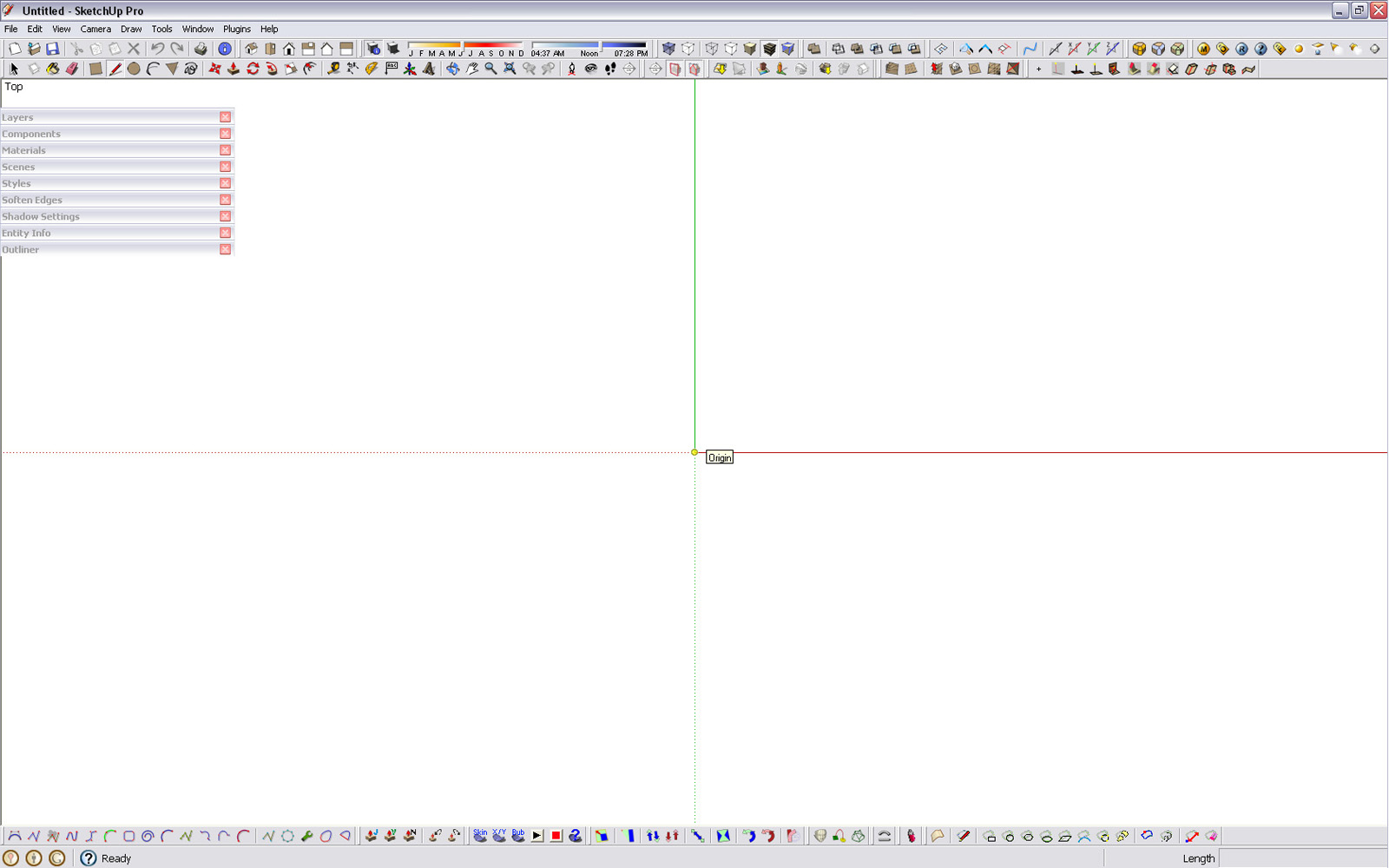
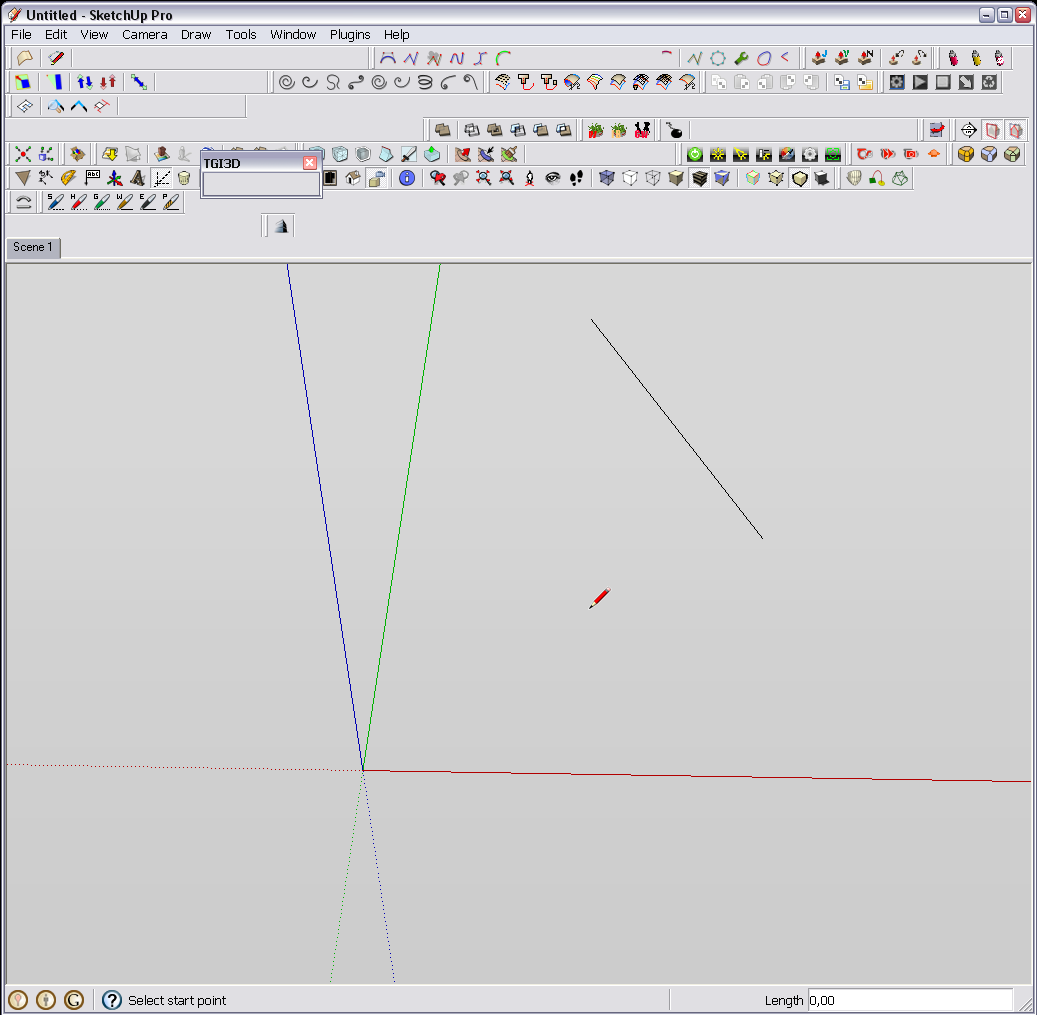
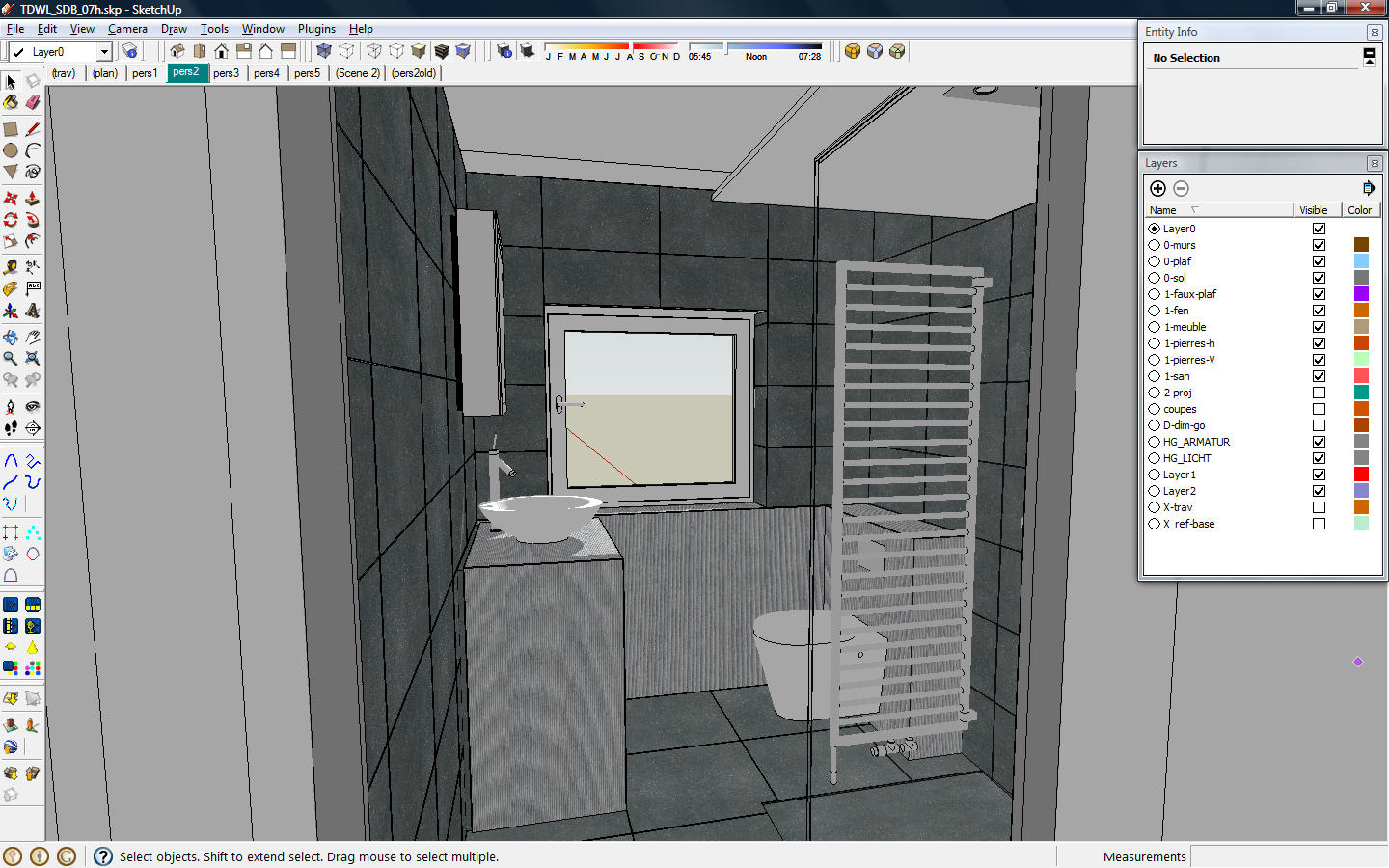
      Better late than never. 😳

      Tobobo Screen Shot.jpg

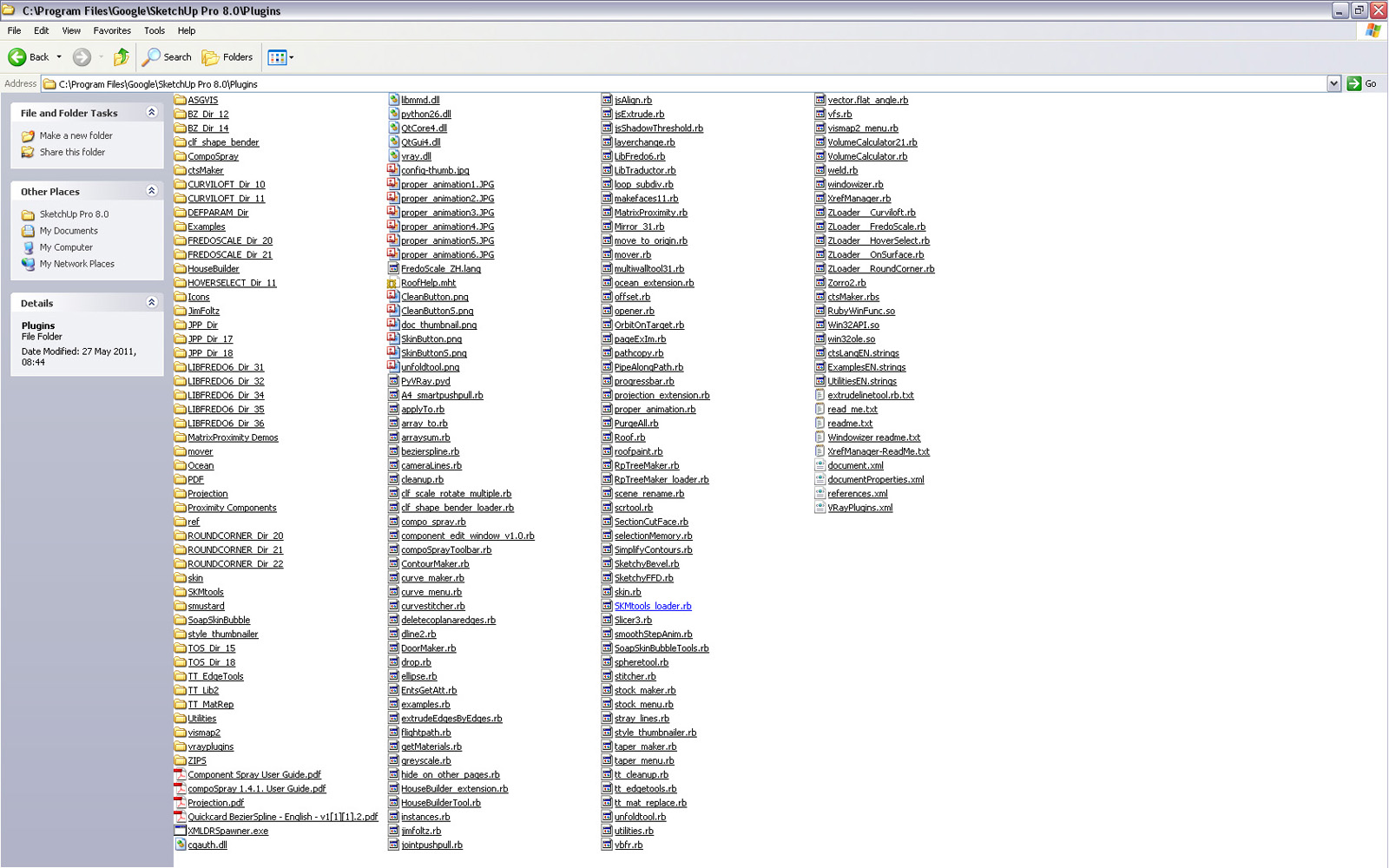
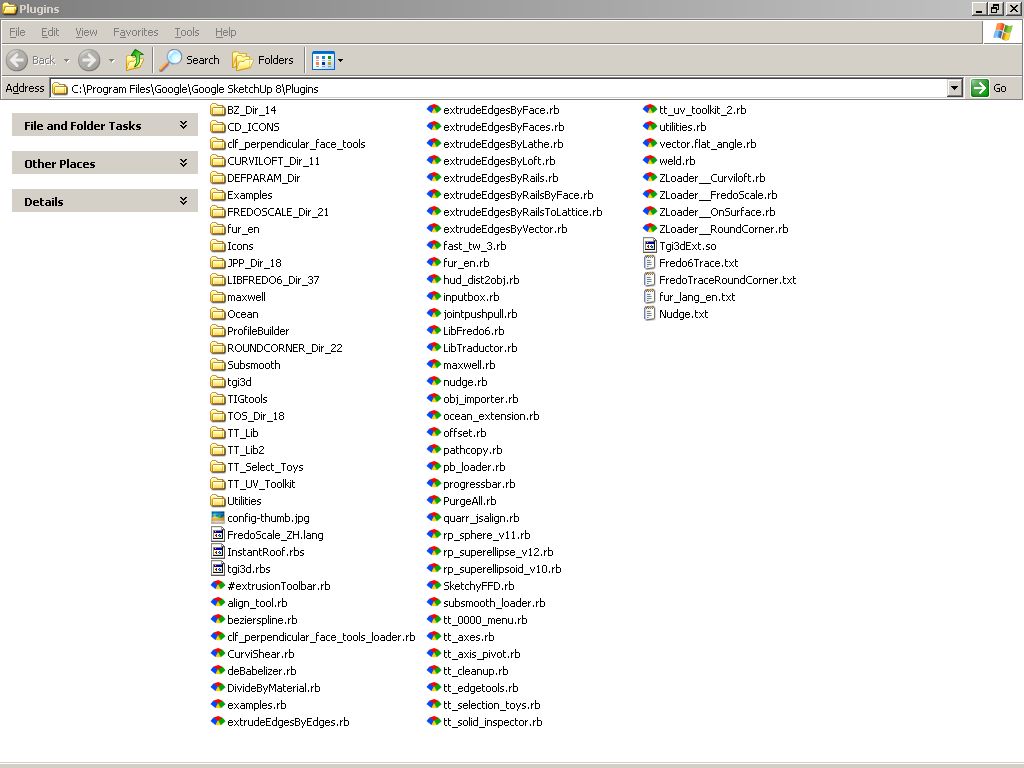
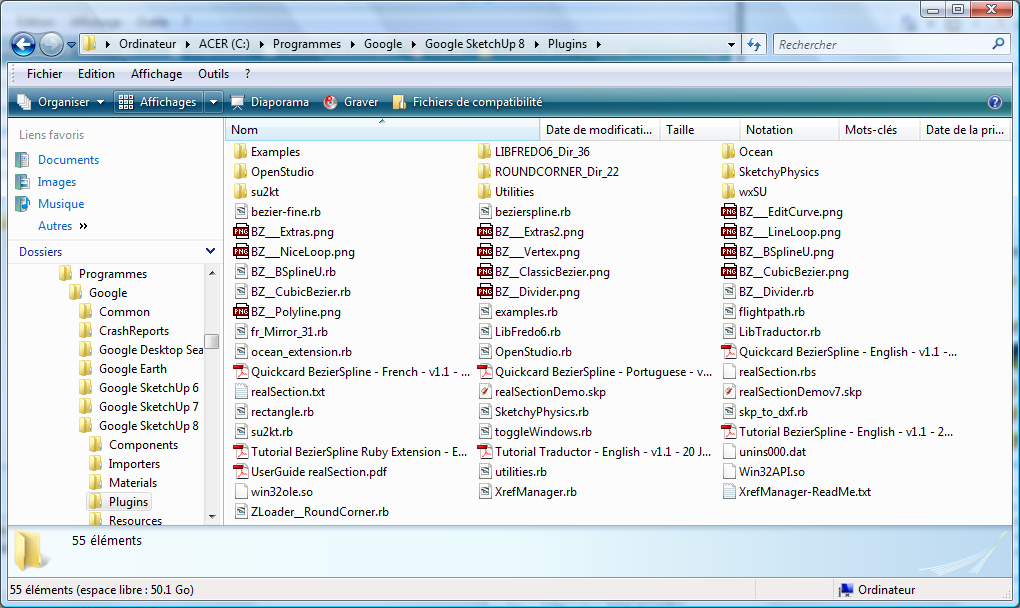
      Tobobo Plugins list.jpg

      Toby

      Philippians 4:13

      I can do everything through him who gives me strength.

      1 Reply Last reply
      Reply Quote 0
      • thomthomT
        thomthom
        last edited by

        @Tobobo: It looks like you have some stray files in your plugin folder that are not located where they should. In particular there seems to be files related to VfSU scattered.

        With the latest version, 1.49.01, only vfs.rb is located in the Plugins folder.

        (Plus you have many redundant folders of older versions of Fredo's plugins.)

        Thomas Thomassen β€” SketchUp Monkey & Coding addict
        List of my plugins and link to the CookieWare fund

        1 Reply Last reply
        Reply Quote 0
        • ToboboT
          Tobobo
          last edited by

          @thomthom said:

          (Plus you have many redundant folders of older versions of Fredo's plugins.)

          Yeah I know that but I'm dont want to go deleting the wrong ones.
          If you can help in pointing out the redundant ones I would be very grateful.

          @thomthom said:

          @Tobobo: It looks like you have some stray files in your plugin folder that are not located where they should. In particular there seems to be files related to VfSU scattered.

          With the latest version, 1.49.01, only vfs.rb is located in the Plugins folder.

          I'm having some real problems with VRay at the moment. IT are being slow in resolving online validation problems. 😑

          Toby

          Philippians 4:13

          I can do everything through him who gives me strength.

          1 Reply Last reply
          Reply Quote 0
          • F
            fransko
            last edited by

            this is my desktop i working on a game
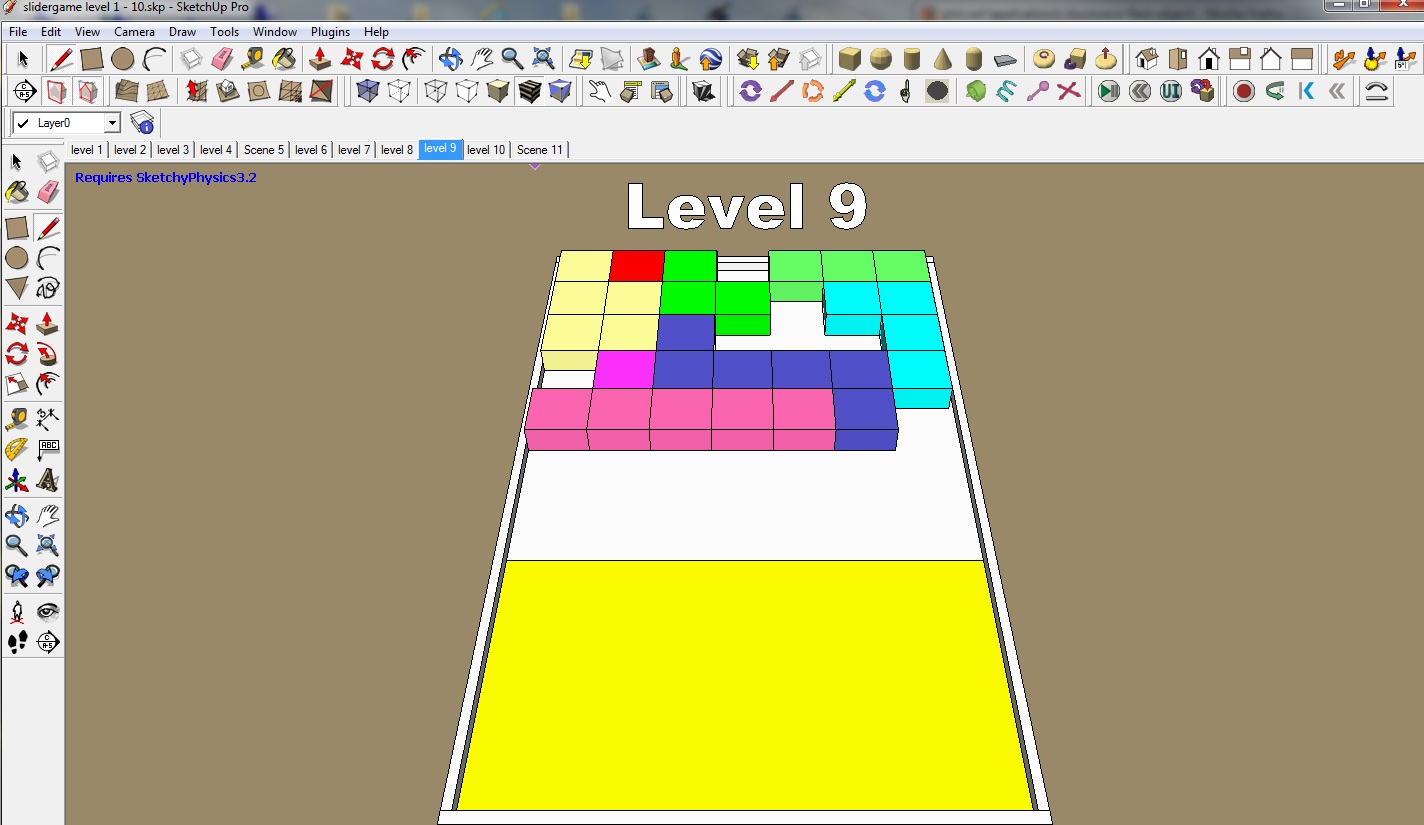

            desktop.jpg

            1 Reply Last reply
            Reply Quote 0
            • brodieB
              brodie
              last edited by

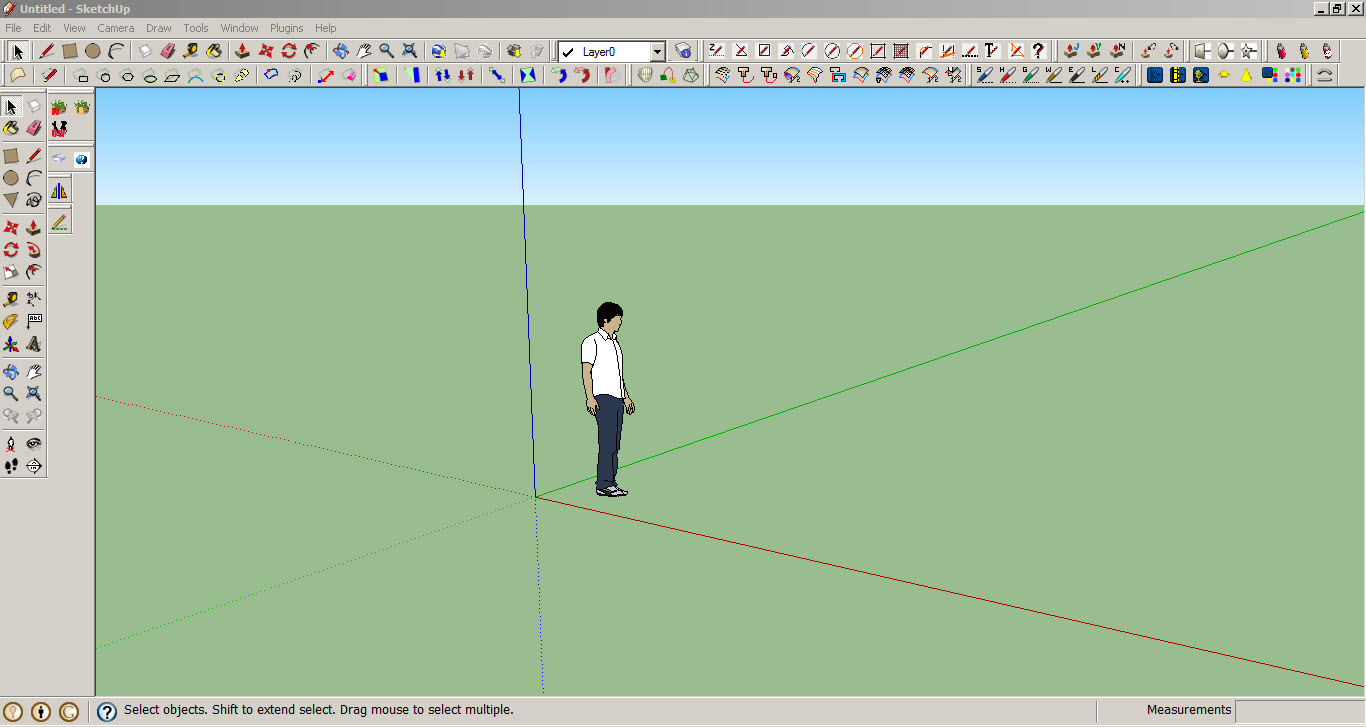
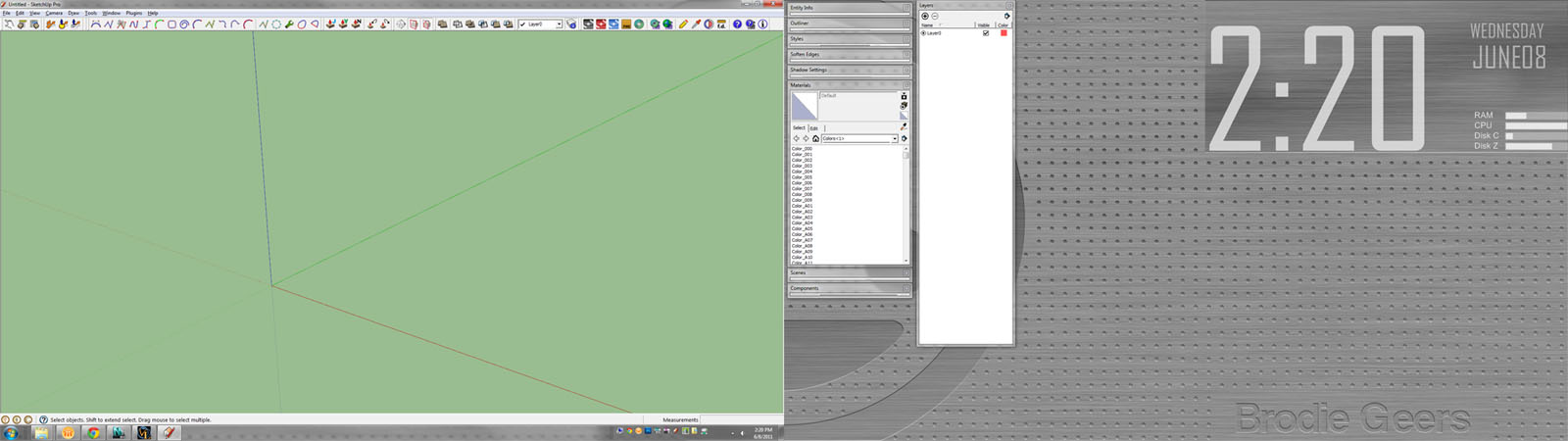
              John's minimalistic UI is my dream, but I'm not quite there yet. I have dual monitors at 1920x1080 so I had to reduce the resolution of the screenshot. The only icons most people won't recognize are the last several icons which consist of my Maxwell Render toolbar.

              As you can see I have a number of plugins (I pare this down periodically so most of the ones on there I use on a regular basis) but I prefer to use keyboard shortcuts. I'd use shortcuts for the remaining toolbars but at this point I'd have to use keyboard combos that wouldn't make much sense and would end up wasting time trying to figure out what the combo is.

              I'm surprised by how many people here use one monitor (so the menus get in the way) and have TONS of icons. That sort of setup would drive my crazy.

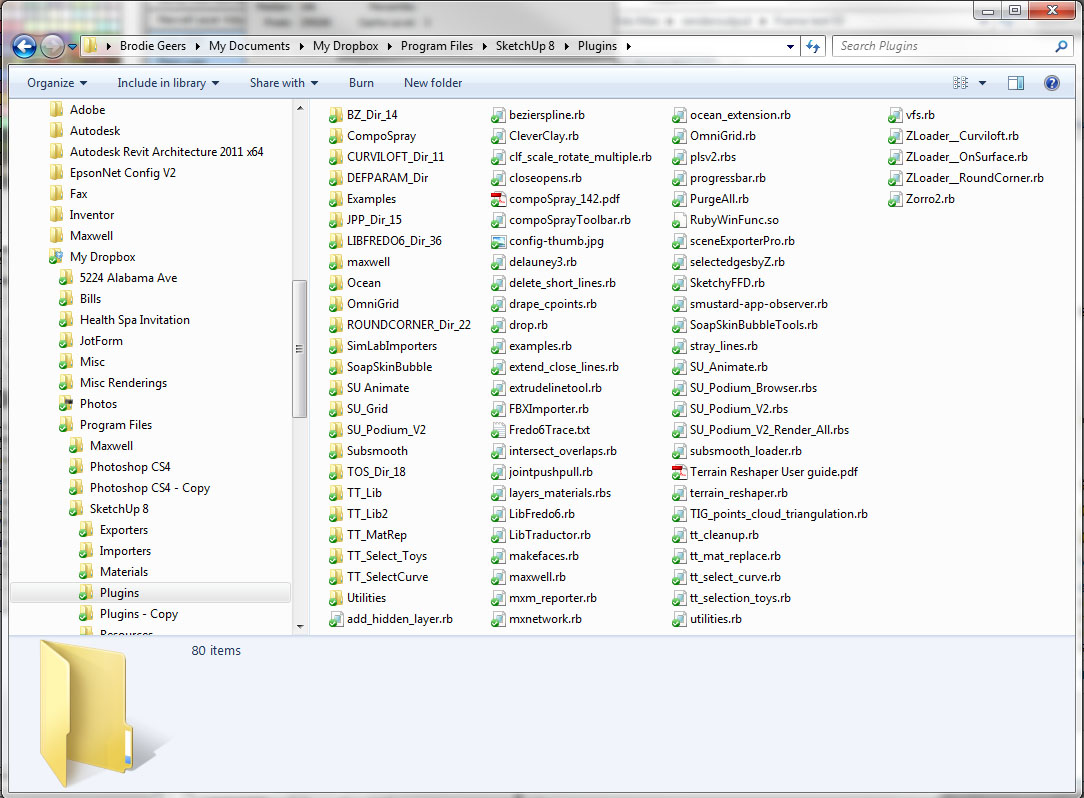
              You'll also notice if you look real close, that I have my plugins folder in Dropbox so my plugins are synced between my computers.

              -Brodie

              screen1.jpg


              screen2.jpg

              steelblue http://www.steelbluellc.com

              1 Reply Last reply
              Reply Quote 0
              • J
                julyyen
                last edited by

                ...and mine.


                SketchUp Workspace.jpg

                1 Reply Last reply
                Reply Quote 0
                • GwyattG
                  Gwyatt
                  last edited by

                  Greetings all only fair i post My Sketchup as per request

                  Sorry mis clicked didnt up load it
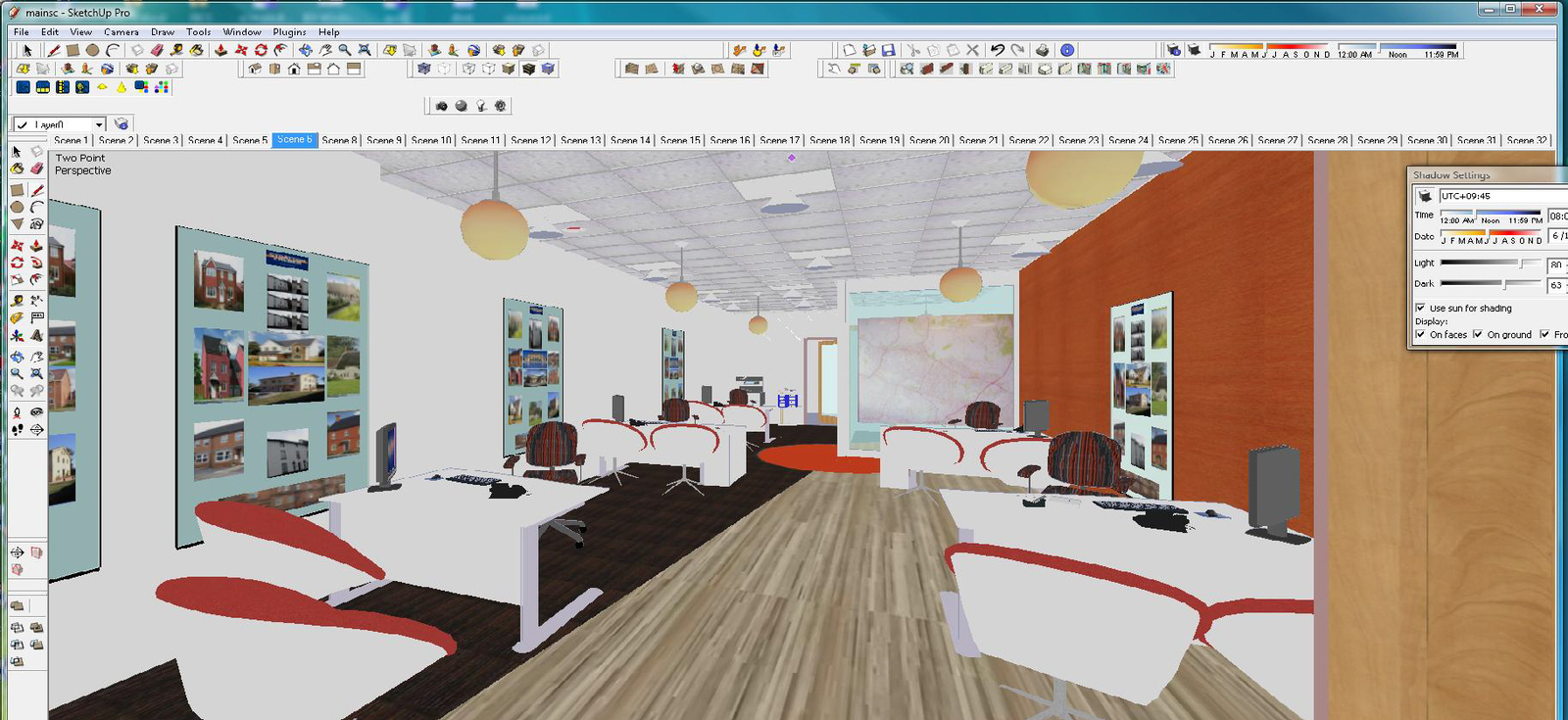

                  GW Sketchup

                  1 Reply Last reply
                  Reply Quote 0
                  • G
                    Goonster
                    last edited by

                    Compared to some of the others mine is positively barren. But I very much doubt I would need or use all of those plug ins anyway.

                    http://i530.photobucket.com/albums/dd349/G00nster/Miscellaneous/MySketchup.jpg

                    1 Reply Last reply
                    Reply Quote 0
                    • P
                      pfnt
                      last edited by

                      I have found this thread very interesting as it shows work flow vs. real estate. Here is my real estate...
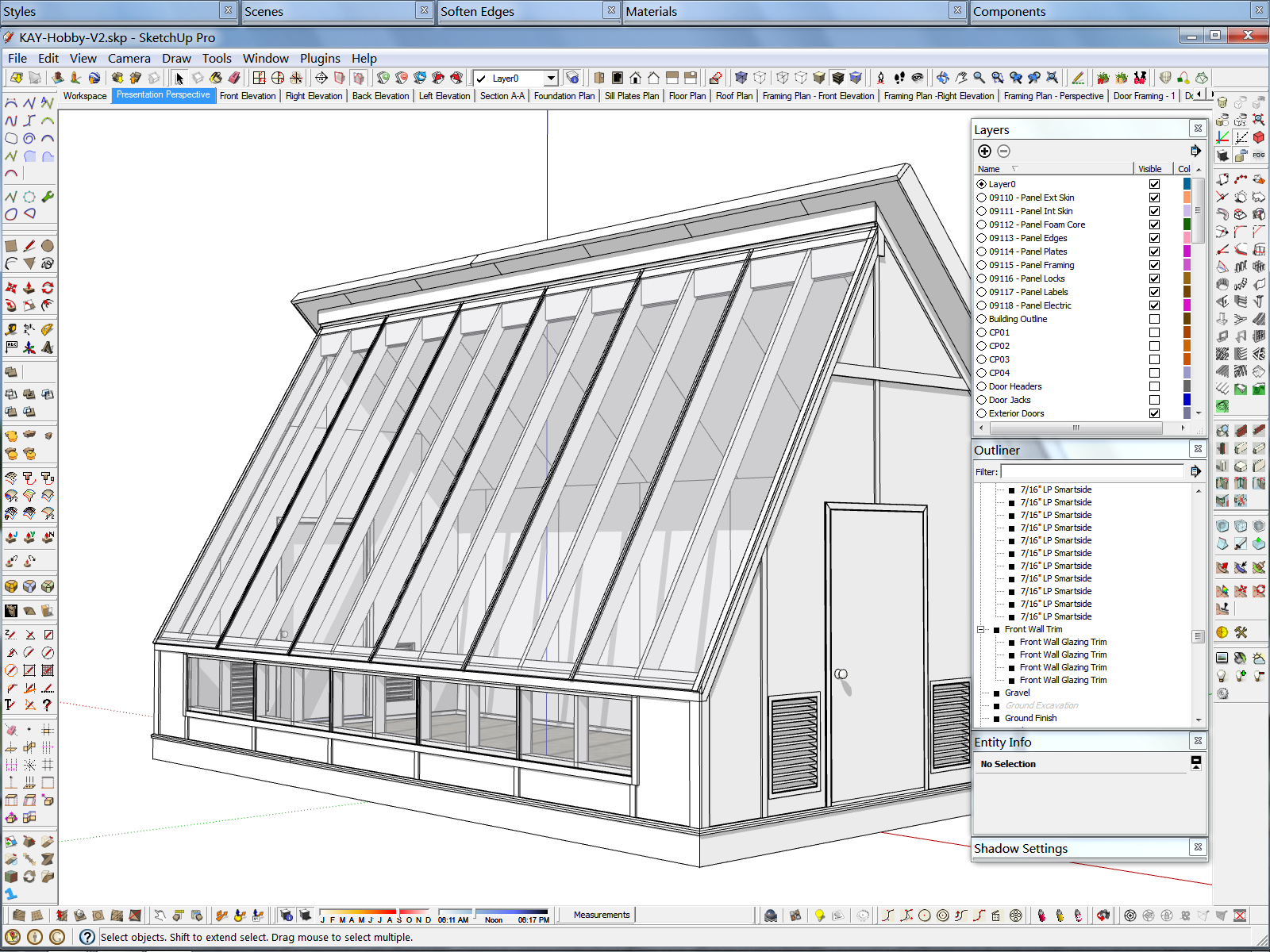
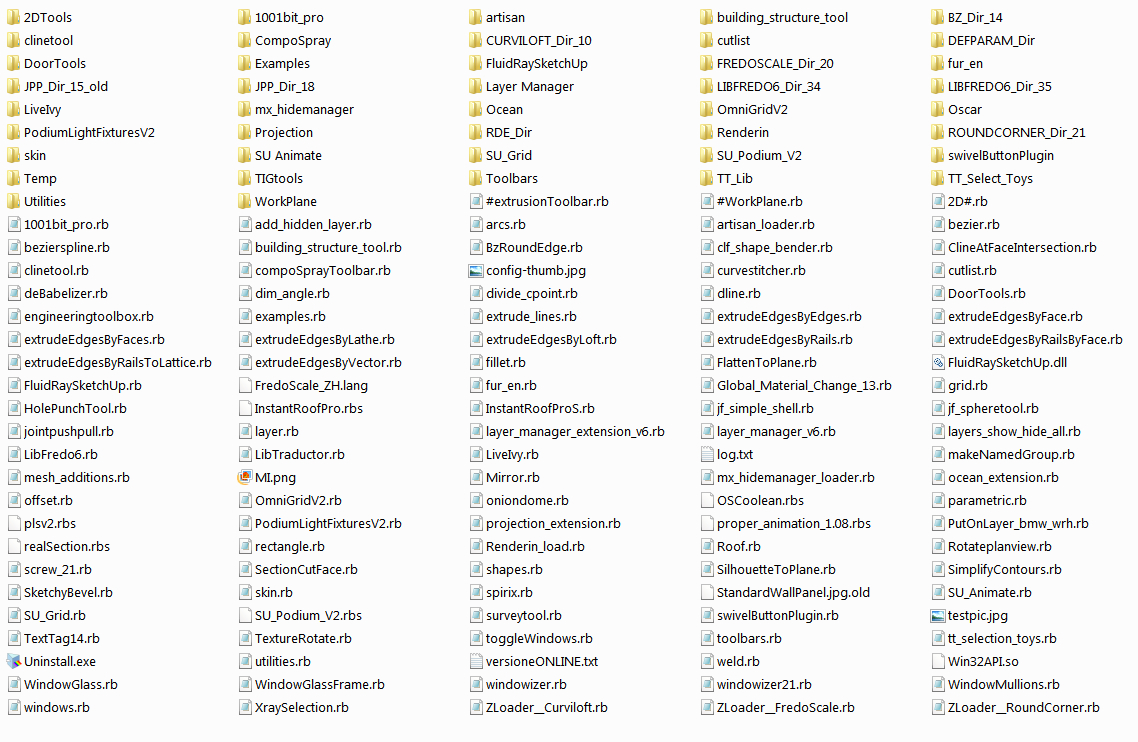
                      The Real Estate Division


                      Supporting Files

                      1 Reply Last reply
                      Reply Quote 0
                      • S
                        Sir
                        last edited by

                        I know the shortcuts for all the stuff i use

                        http://img90.imageshack.us/img90/4497/unled1ta.jpg

                        1 Reply Last reply
                        Reply Quote 0
                        • GaieusG
                          Gaieus
                          last edited by

                          This is after I opened SU > Pressed the "Display desktop" button in my tray before SU fully loaded then found SU with my toolbars completelymessed up and then I reset the toolbar positions. Still quite messy (and sorry for the OT post John, but this is also"My SketchUp") πŸ˜†


                          toolbars.png

                          Gai...

                          1 Reply Last reply
                          Reply Quote 0
                          • jason_marantoJ
                            jason_maranto
                            last edited by

                            I use the various inspector as I need them but do not keep anything but these toolbars open "all the time".
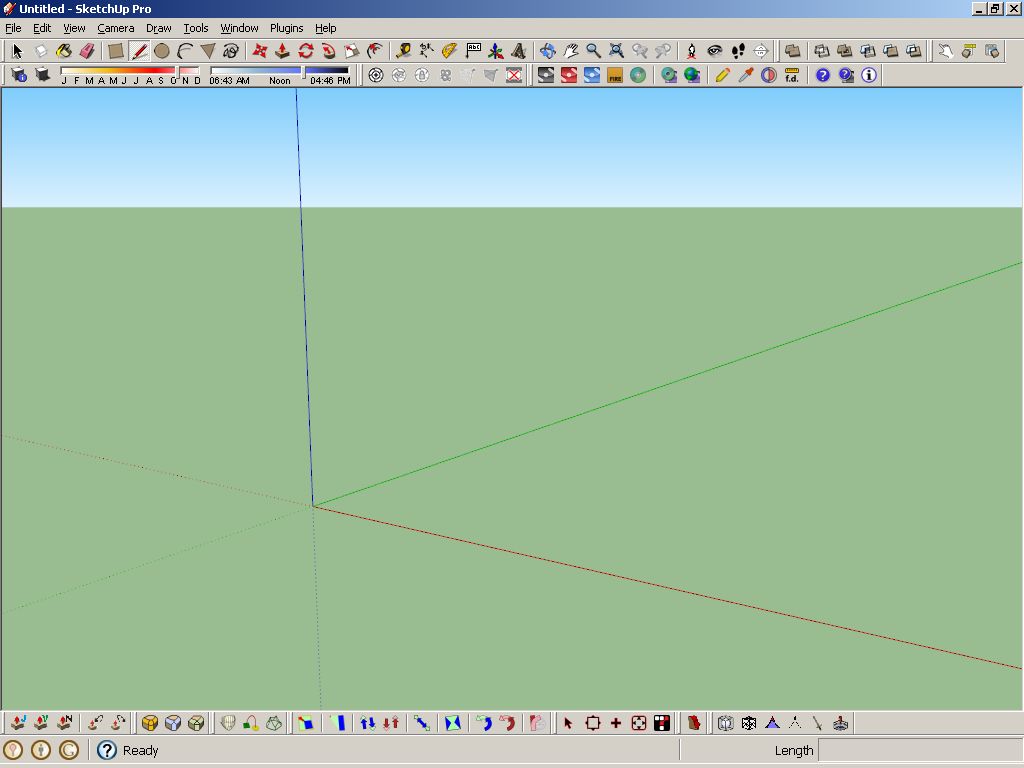
                            SketchupScreen.jpg
                            plugfolder.jpg

                            Best,
                            Jason.

                            I create video tutorial series about several 2D & 3D graphics programs.

                            1 Reply Last reply
                            Reply Quote 0
                            • S
                              swagen
                              last edited by

                              I suggest you guys also show up your "hotkeys" too. Having a good hotkey combination would speed up your progress a lot

                              1 Reply Last reply
                              Reply Quote 0
                              • M
                                Matt666
                                last edited by

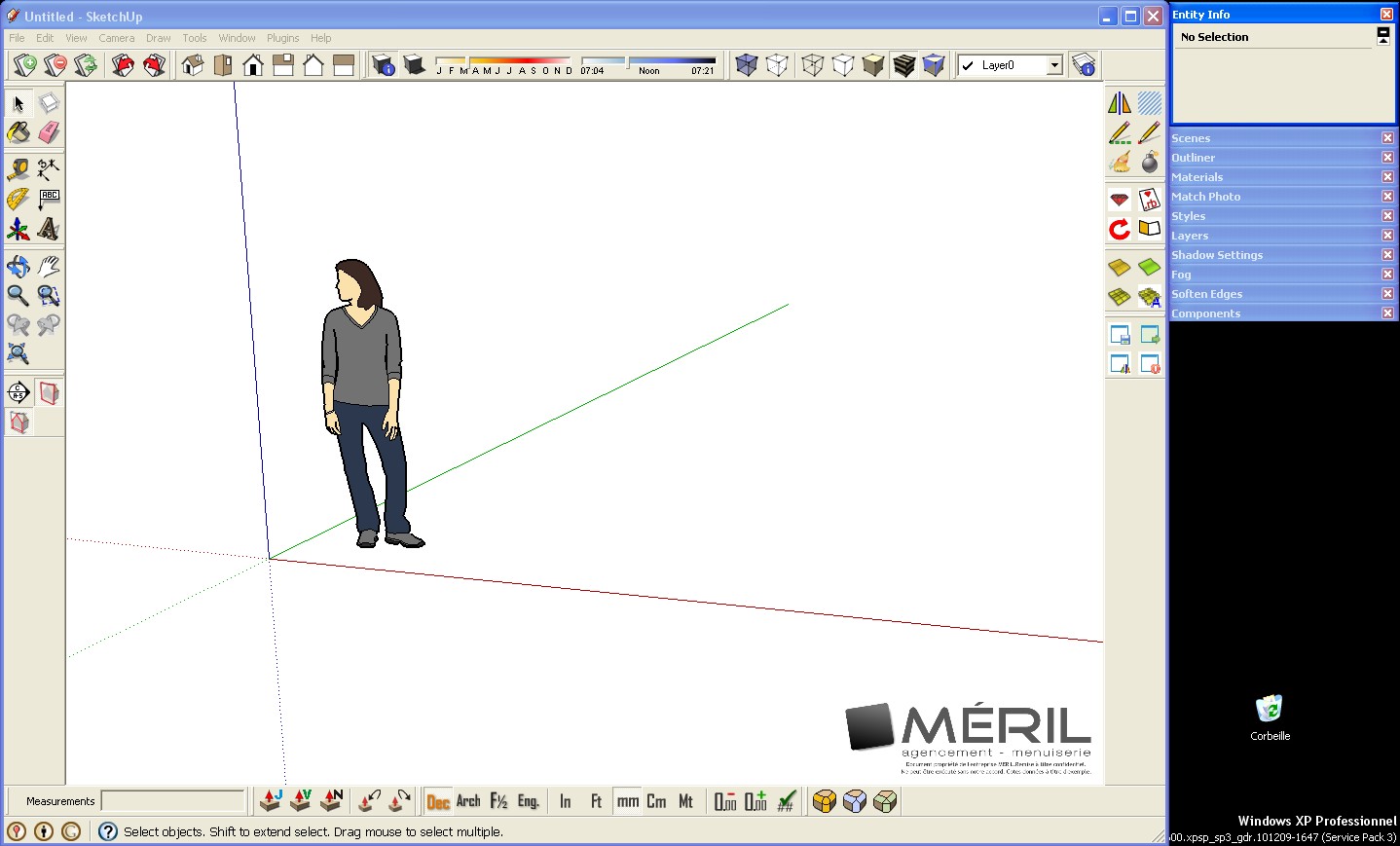
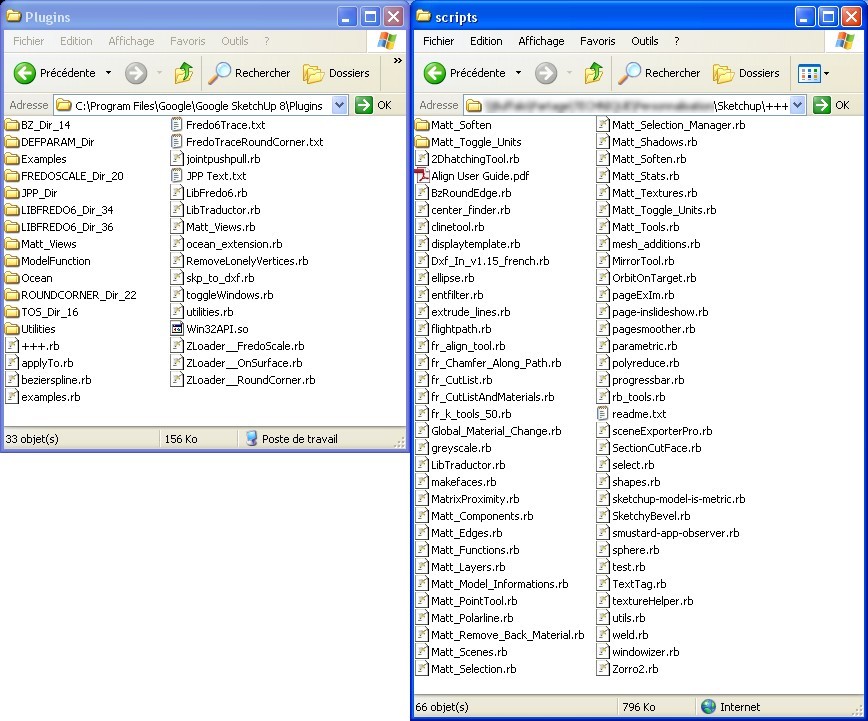
                                Here's mine.
                                1.jpg
                                2.jpg
                                I have 2 plugins folders 😳 because I share some plugins with other computers at work. When I upgrade a plugin, everybody can use it. I use Native plugins folder for plugins I can't modify, and new plugins I test.
                                πŸ˜‰

                                Frenglish at its best !
                                My scripts

                                1 Reply Last reply
                                Reply Quote 0
                                • kaluK
                                  kalu
                                  last edited by

                                  @unknownuser said:

                                  here's my laptop setup.. i have a couple of more toolbars showing on the other computer.

                                  [attachment=1:3i0a61fs]<!-- ia1 -->sketchupscreen_1.jpg<!-- ia1 -->[/attachment:3i0a61fs]

                                  [attachment=0:3i0a61fs]<!-- ia0 -->screen 2011-06-04 at 1.41.46 AM.jpg<!-- ia0 -->[/attachment:3i0a61fs]


                                  Hello Jeff, how you make possible to have all this toolbars rows in sketchup for mac?
                                  😎

                                  THE ONLY DIFFERENCE BETWEEN FICTION AND REALITY IS WHEN FICTION HAS TO BE CREDIBLE

                                  1 Reply Last reply
                                  Reply Quote 0
                                  • kaluK
                                    kalu
                                    last edited by

                                    @edson said:

                                    [attachment=3:2wfwvcjp]<!-- ia3 -->edsons_screen.png<!-- ia3 -->[/attachment:2wfwvcjp]
                                    [attachment=2:2wfwvcjp]<!-- ia2 -->plugins_edson_1.png<!-- ia2 -->[/attachment:2wfwvcjp]
                                    [attachment=1:2wfwvcjp]<!-- ia1 -->plugins_edson_2.png<!-- ia1 -->[/attachment:2wfwvcjp]
                                    [attachment=0:2wfwvcjp]<!-- ia0 -->plugins_edson_3.png<!-- ia0 -->[/attachment:2wfwvcjp]


                                    Hi edson:

                                    I am new in Sketchup for Mac osx and I want to know if is possible how you make toolbar rows in Sketchup for MAC OSX?

                                    Thanks.

                                    THE ONLY DIFFERENCE BETWEEN FICTION AND REALITY IS WHEN FICTION HAS TO BE CREDIBLE

                                    1 Reply Last reply
                                    Reply Quote 0
                                    • jeff hammondJ
                                      jeff hammond
                                      last edited by

                                      @kalu said:

                                      @unknownuser said:

                                      here's my laptop setup.. i have a couple of more toolbars showing on the other computer.

                                      [attachment=1:32s2mpv9]<!-- ia1 -->sketchupscreen_1.jpg<!-- ia1 -->[/attachment:32s2mpv9]

                                      [attachment=0:32s2mpv9]<!-- ia0 -->screen 2011-06-04 at 1.41.46 AM.jpg<!-- ia0 -->[/attachment:32s2mpv9]


                                      Hello Jeff, how you make possible to have all this toolbars rows in sketchup for mac?
                                      😎

                                      all the toolbars on mac except for the custom toolbar along the top of the window are floating.. you just arrange (drag them around) the various toolbars where you'd like them to be..

                                      how is yours set up? where are the toolbars?

                                      dotdotdot

                                      1 Reply Last reply
                                      Reply Quote 0
                                      • P
                                        pgarmyn
                                        last edited by

                                        My SKP-screen and plugin directory


                                        SKP screencopy


                                        SKP-plugindir.png

                                        1 Reply Last reply
                                        Reply Quote 0
                                        • thomthomT
                                          thomthom
                                          last edited by

                                          So John, have you made yourself any thoughts on the screenshots you're seeing?

                                          Thomas Thomassen β€” SketchUp Monkey & Coding addict
                                          List of my plugins and link to the CookieWare fund

                                          1 Reply Last reply
                                          Reply Quote 0
                                          • jbacusJ
                                            jbacus
                                            last edited by

                                            @thomthom said:

                                            So John, have you made yourself any thoughts on the screenshots you're seeing?

                                            I've done studies like this a few times in the past and always found the results interesting. I don't have any particular thing I'm looking for. What do you see when you look at these screenshots?

                                            john
                                            .

                                            "...exaggerate the essential and leave the obvious unclear." --Vincent Van Gogh

                                            John Bacus
                                            jbacus@sketchup.com

                                            1 Reply Last reply
                                            Reply Quote 0

                                            Hello! It looks like you're interested in this conversation, but you don't have an account yet.

                                            Getting fed up of having to scroll through the same posts each visit? When you register for an account, you'll always come back to exactly where you were before, and choose to be notified of new replies (either via email, or push notification). You'll also be able to save bookmarks and upvote posts to show your appreciation to other community members.

                                            With your input, this post could be even better πŸ’—

                                            Register Login
                                            • 1
                                            • 2
                                            • 3
                                            • 4
                                            • 5
                                            • 6
                                            • 4 / 6
                                            • First post
                                              Last post
                                            Buy SketchPlus
                                            Buy SUbD
                                            Buy WrapR
                                            Buy eBook
                                            Buy Modelur
                                            Buy Vertex Tools
                                            Buy SketchCuisine
                                            Buy FormFonts

                                            Advertisement