sketchucation logo sketchucation
    • 登入
    Oops, your profile's looking a bit empty! To help us tailor your experience, please fill in key details like your SketchUp version, skill level, operating system, and more. Update and save your info on your profile page today!
    🔌 Smart Spline | Fluid way to handle splines for furniture design and complex structures. Download

    [Plugin] CameraKeyMaker 1.0 (Update 2011-04-09)

    已排程 已置頂 已鎖定 已移動 Plugins
    118 貼文 53 Posters 143.8k 瀏覽 53 Watching
    正在載入更多貼文
    • 從舊到新
    • 從新到舊
    • 最多點贊
    回覆
    • 在新貼文中回覆
    登入後回覆
    此主題已被刪除。只有擁有主題管理權限的使用者可以查看。
    • L 離線
      loughjohn
      最後由 編輯

      hi all, i downloaded this extension but for some reason it does not do anything when i click on the header under the camera tab. i am running sketchup pro. any help is appreciated, thanks

      1 條回覆 最後回覆 回覆 引用 0
      • Dave RD 離線
        Dave R
        最後由 編輯

        John, the last update for this extension was in 2011. The Ruby code has changed at least once if not two or three times since then. This required extensions to be updated in order to work in newer versions of SketchUp. It would appear the author is no longer supporting this extension. It's been more than two years since his last activity here. You'd probably do well to look around for alternatives that have been kept up to date.

        Etaoin Shrdlu

        %

        (THERE'S NO PLACE LIKE)

        G28 X0.0 Y0.0 Z0.0

        M30

        %

        1 條回覆 最後回覆 回覆 引用 0
        • L 離線
          loughjohn
          最後由 編輯

          hi Dave, thanks for the reply. been looking around but i can't seem to find anything to do that kind of job. maybe you can advise?

          thanks again, john

          1 條回覆 最後回覆 回覆 引用 0
          • A 離線
            aurelioam
            最後由 編輯

            Hi. This seems to be an amazing plugin! I know I’m a little late to the game here but I just downloaded CameraKeyMaker and unfortunately the required bezier.rb link is not working and without it I keep getting an error message. Can anyone please help? Thanks so much!!

            1 條回覆 最後回覆 回覆 引用 0
            • TIGT 離線
              TIG Moderator
              最後由 編輯

              After more than 9 years it's not unsurprising that the link is broken...
              Here's an old copy - I can't promise it'll work...
              Everything has moved on a lot...
              There are now many better tools available...
              Perhaps you will need to 'tweak' the code...


              bezier.rb

              TIG

              1 條回覆 最後回覆 回覆 引用 0
              • H 離線
                heloisec2
                最後由 編輯

                I can't open the bezier.rb file.
                the link doesn't work, is there a solution ?

                1 條回覆 最後回覆 回覆 引用 0
                • TIGT 離線
                  TIG Moderator
                  最後由 編輯

                  @heloisec2 said:

                  I can't open the bezier.rb file.
                  the link doesn't work, is there a solution ?

                  From your profile info you should be able to get one of the newer 'bezier' extensions to load into SketchUp - avoid this faff...

                  FYI you don't 'open' an RB file - also you don't 'open' an RBZ file either - you 'install' it...

                  There are two ways of 'installing' a simple RB file...

                  ZIP the irb file.
                  Change the resultant file's .zip filetype-suffix to .rbz
                  Use SketchUp's Window > Extension-Manager dialog to install the .rbz file [red-button 'Install Extension']
                  It should install automatically but if not restart SketchUp to complete it.
                  Note that your Extension-Manager's 'Loading Policy' must be set to 'Unrestricted' - because older scripts like this are not 'signed'.

                  Run this code in the Window > Ruby-Console [copy+paste+enter]
                  UI.openURL("file:///#{Sketchup.find_support_file('Plugins')}")
                  Your user's Plugins folder will open.
                  Drag-and-drop the RB file into that folder.
                  Restart SketchUp to load the RB.
                  Note that your Extension-Manager's 'Loading Policy' must be set to 'Unrestricted' - because older scripts like this are not 'signed'.

                  TIG

                  1 條回覆 最後回覆 回覆 引用 0
                  • G 離線
                    GirishIyer
                    最後由 編輯

                    Does this work on SketchUp 2020 Pro, also i am unable to download the bezier.rb file the link is not reachable

                    1 條回覆 最後回覆 回覆 引用 0
                    • Dave RD 離線
                      Dave R
                      最後由 編輯

                      This extension hasn't received any updates in a long time so it's entirely possible it won't work but you can try it.

                      Etaoin Shrdlu

                      %

                      (THERE'S NO PLACE LIKE)

                      G28 X0.0 Y0.0 Z0.0

                      M30

                      %

                      1 條回覆 最後回覆 回覆 引用 0
                      • M 離線
                        mac93
                        最後由 編輯

                        excellent tool, but the download link for the .rb file is not working. Would it be possible to repair it? or could someone share the download of the file please? TuT)

                        1 條回覆 最後回覆 回覆 引用 0
                        • duanekempD 離線
                          duanekemp
                          最後由 編輯

                          As a heads up/confirmation, I'm testing it in SU21 and it's working.

                          Duane Kemp

                          Kemp Productions
                          Puidoux, Switzerland
                          Gallery:
                          https://duanekemp.artstation.com/

                          1 條回覆 最後回覆 回覆 引用 0
                          • duanekempD 離線
                            duanekemp
                            最後由 編輯

                            Is it possible to copy the CKM info tweaked in a test file to a second file to generate scenes?

                            Duane Kemp

                            Kemp Productions
                            Puidoux, Switzerland
                            Gallery:
                            https://duanekemp.artstation.com/

                            1 條回覆 最後回覆 回覆 引用 0
                            • duanekempD 離線
                              duanekemp
                              最後由 編輯

                              Something odd for me in SU21, I set the camera positions and all played back perfectly until creating scenes.
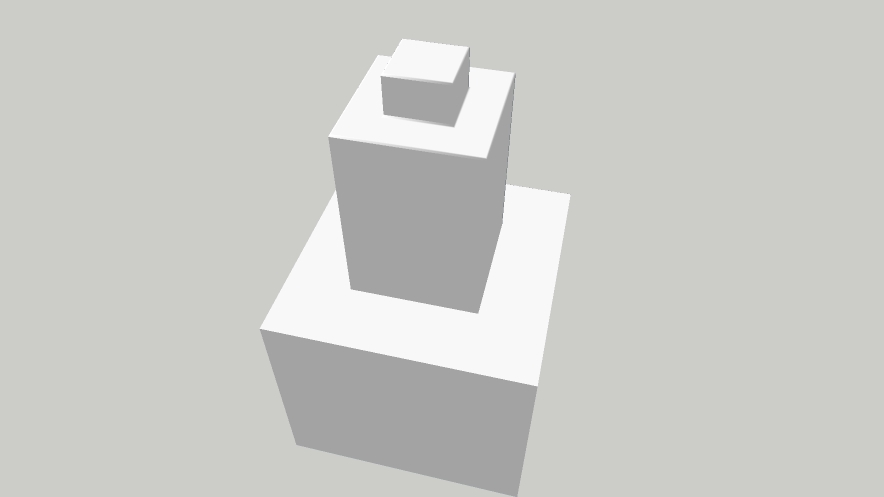
                              Original position

                              Upon launching "Enter"... the CKM resets or newly sets the camera closer to the object than original distance set up (a scene created specifically for the distance).
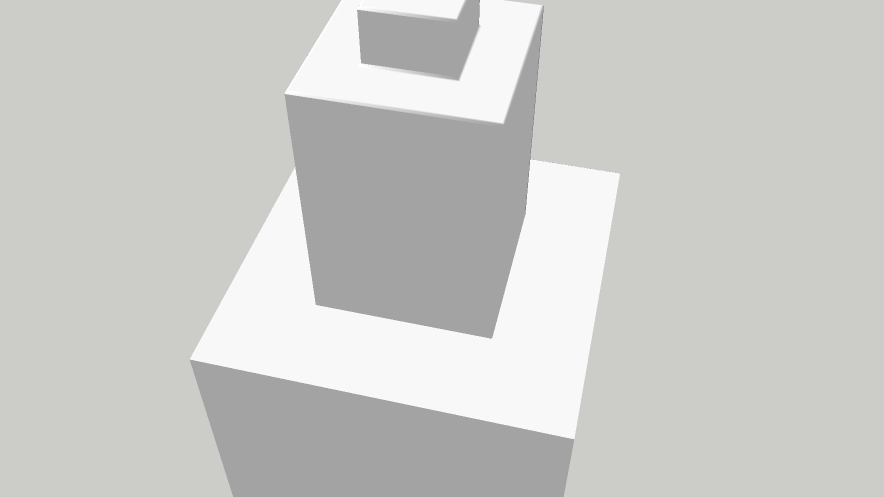
                              CKM scene view created

                              What's going on here or what am I missing?

                              Thanks

                              Duane Kemp

                              Kemp Productions
                              Puidoux, Switzerland
                              Gallery:
                              https://duanekemp.artstation.com/

                              1 條回覆 最後回覆 回覆 引用 0
                              • duanekempD 離線
                                duanekemp
                                最後由 編輯

                                @tig said:

                                There are now many better tools available...

                                Hi Tig,

                                What tools are you referring to that produce what CKM could do with camera on bezier curve, adjustable/editable...?

                                I'm getting stuck in that the key frames get exported for animation with Thea Render but, not the smooth motion that CKM produces in SU.

                                Are you referring to DL camera spiral? or something else?

                                Thanks.

                                Duane Kemp

                                Kemp Productions
                                Puidoux, Switzerland
                                Gallery:
                                https://duanekemp.artstation.com/

                                1 條回覆 最後回覆 回覆 引用 0
                                • TIGT 離線
                                  TIG Moderator
                                  最後由 編輯

                                  That was an olde bezier.rb file I actually attached to a post.
                                  There are lots of newer bezier extensions available too...

                                  TIG

                                  1 條回覆 最後回覆 回覆 引用 0
                                  • duanekempD 離線
                                    duanekemp
                                    最後由 編輯

                                    OK, that makes more sense. I misunderstood that there were more uptodate plugins that replaced CKM. Thanks for the clarification.

                                    Duane Kemp

                                    Kemp Productions
                                    Puidoux, Switzerland
                                    Gallery:
                                    https://duanekemp.artstation.com/

                                    1 條回覆 最後回覆 回覆 引用 0
                                    • L 離線
                                      Luke_123
                                      最後由 編輯

                                      Hey,

                                      the tool seems to be working in SU22, but I haven't figured out yet how to start a new camera path? I thought I had it (pressing Esc?) but when I was nearly satisfied with the new path something (maybe pressing spacebar) must have happened and now there is a crude mix of the old path with some elementes of the new one 😕

                                      Can anyone tell me how it is supposed to work?

                                      1 條回覆 最後回覆 回覆 引用 0
                                      • B 離線
                                        burgel_pavel
                                        最後由 編輯

                                        @macgile said:

                                        @tiggz1 said:

                                        Awesome feature - Thankyou!!
                                        One question - forgive me if I missed it. How do I delete the Camera Key path so I can start from scratch?

                                        Thank for reply Tiggz1 😄

                                        just delete path in background layers.

                                        best regard 😄

                                        What is background layer please 😄

                                        1 條回覆 最後回覆 回覆 引用 0
                                        • Rich O BrienR Rich O Brien referenced this topic
                                        • 1
                                        • 2
                                        • 3
                                        • 4
                                        • 5
                                        • 6
                                        • 6 / 6
                                        • 第一個貼文
                                          最後的貼文
                                        Buy SketchPlus
                                        Buy SUbD
                                        Buy WrapR
                                        Buy eBook
                                        Buy Modelur
                                        Buy Vertex Tools
                                        Buy SketchCuisine
                                        Buy FormFonts

                                        Advertisement