[Plugin] [$] Artisan (1.2.3) - Feb 28, 2014
-
@gus r said:
Dale,
Great plugin and the upgrade price from SDS was very economical.
I have a slight problem though which I hope I can describe. I make a proxy from a group and then copy the component for use in another part of the model. Everything's fine and when I update the proxy with higher iterations the component off to the side updates accordingly. However, when I close SU and then return to the skp and update that same proxy the component shoots off to one side and can sometimes be mirrored or even up or down along the z axis.
Am I doing something wrong and/or has this been touched upon anywhere in Sketchucation?
Anyone else encounter this or has an answer would be appreciated.
Thx.
That's weird. I'll have to test it out. Thanks for the report!
-
@whaat said:
That's weird. I'll have to test it out. Thanks for the report!
Hi Dale. It happens when you put them in a group. Try an experiment with the attached skp.
-
Update the iterations for the proxies in the foreground and as you can see the components in the background update accordingly.
-
Group the components in the background and go back to changing the iterations with the proxies and the components continue to update accordingly.
-
Save this file with the grouped components with a different name such as "aritsan test 02.skp".
-
Start a new SketchUp file or close SketchUp.
-
Open "aritsan test 02.skp" and now when you update the iterations on the proxies the components will flip to a different location.
This happens when I either group or create a component.
-
-
Hi,
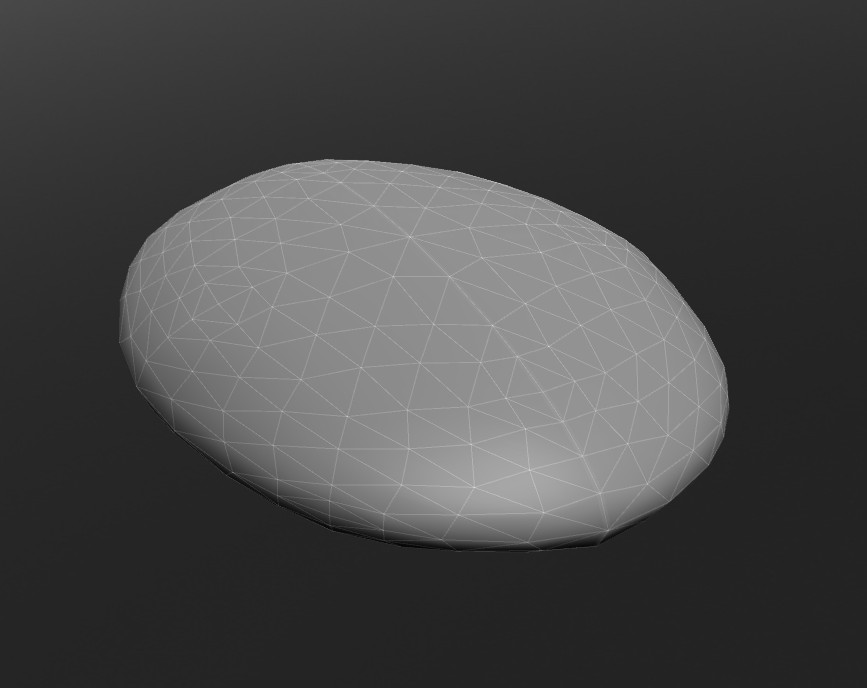
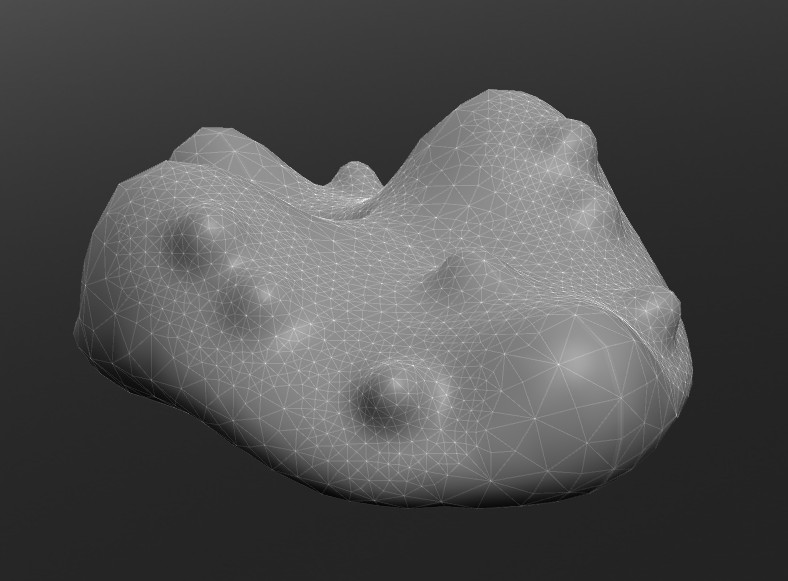
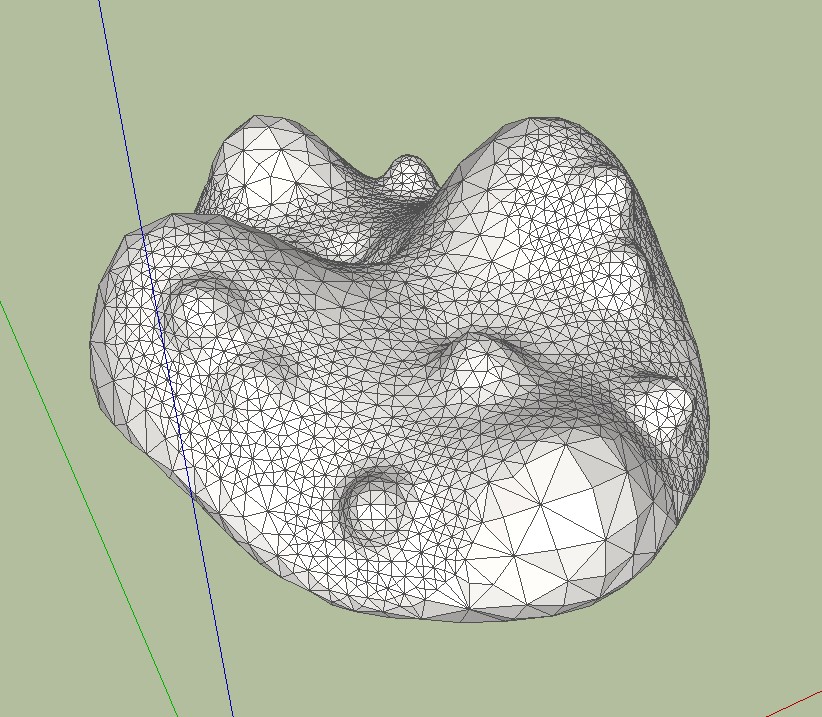
I have not yet worked with Artisan. But I find the best free alternative to generate organic forms is Sculptris and Sketchup. As far as I can judge the demonstrations is all this possible also with Sculptris. Comments are welcome, maybe I'm wrong.
Charly
-
About Sculptris & Su see this thread By Simon le Bon

-
Hi,
I know this is strange but I don't know why.
I have installed this tool (15 days trial) and when I was trying to use the subdivide and smooth tool, it failed.
There is no Iterations to be set and the geometry doesn't turn into mesh like what shown in video.
Any idea? Thanks!
-
@laucity0513 said:
Hi,
I know this is strange but I don't know why.
I have installed this tool (15 days trial) and when I was trying to use the subdivide and smooth tool, it failed.
There is no Iterations to be set and the geometry doesn't turn into mesh like what shown in video.
Any idea? Thanks!
Make sure you are either first selecting faces or are selecting a group or component that contains faces (not nested groups and components)
Also, please check for error messages in the Ruby Console (Window->Ruby Console)
Thanks!
-
@charly2008 said:
Hi,
I have not yet worked with Artisan. But I find the best free alternative to generate organic forms is Sculptris and Sketchup. As far as I can judge the demonstrations is all this possible also with Sculptris. Comments are welcome, maybe I'm wrong.
Charly
Sculptris is a great program but like any external app, you can quickly run into workflow problems if you need to make changes to the geometry after you have already imported it into SketchUp. It is always nice to keep everything in the same application.
Also, I don't think Sculptris is tailored very well to landscape and terrain modeling (I could be wrong). Artisan really excels at this. How would you even do this with Sculptris? For example, when modeling a real-world scene you need to have all of your references (site plan, surrounding buildings, scenery) visible to provide context as you are modeling
Artisan also has many other tools besides sculpting that are awesome to finally have inside SketchUp (Soft selection, vertex editing, make planar, subdivision surfaces, paint brush, selection brush)
Why not give a try for free and see what you think?
-
@laucity0513 said:
Hi,
I know this is strange but I don't know why.
I have installed this tool (15 days trial) and when I was trying to use the subdivide and smooth tool, it failed.
There is no Iterations to be set and the geometry doesn't turn into mesh like what shown in video.
Any idea? Thanks!
My first question would be is it working though?
In order to see the mesh you have to turn on hidden geometry (Top menu selection: View --> Hidden Geometry). Then:
**1. Select the group containing your proxy geometry.
-
Click on "Subdivide and Smooth" which will generate a default 1 iteration.
-
Now, go back and double click on that same group and a small "Settings" window should pop up where you can set:
a. Iterations from 1 to 4.
b. Auto-update option checkbox.**Hope that helps.
-
-
@whaat said:
@laucity0513 said:
Hi,
I know this is strange but I don't know why.
I have installed this tool (15 days trial) and when I was trying to use the subdivide and smooth tool, it failed.
There is no Iterations to be set and the geometry doesn't turn into mesh like what shown in video.
Any idea? Thanks!
Make sure you are either first selecting faces or are selecting a group or component that contains faces (not nested groups and components)
Also, please check for error messages in the Ruby Console (Window->Ruby Console)
Thanks!
Yes. I did select faces or a group.
 What is nested groups?
I draw a square, pull it up and group it, that's all. It should at least turns the cube into a sphere I guess?
-
"Nested object"s are when one group is inside another group or a component-definition etc...
-
@gus r said:
@laucity0513 said:
Hi,
I know this is strange but I don't know why.
I have installed this tool (15 days trial) and when I was trying to use the subdivide and smooth tool, it failed.
There is no Iterations to be set and the geometry doesn't turn into mesh like what shown in video.
Any idea? Thanks!
My first question would be is it working though?
In order to see the mesh you have to turn on hidden geometry (Top menu selection: View --> Hidden Geometry). Then:
**1. Select the group containing your proxy geometry.
-
Click on "Subdivide and Smooth" which will generate a default 1 iteration.
-
Now, go back and double click on that same group and a small "Settings" window should pop up where you can set:
a. Iterations from 1 to 4.
b. Auto-update option checkbox.**Hope that helps.
Hi, thanks for replying. What is happening now is basically nothing. I follow exactly the instruction but just nothing happen. No change to the geometry, no iteration window etc. Haha.
Erm it probably because I am using the school computer which I don't have the admin right to install anything onto the computer. The installation might not be done properly through the Installer. I copied and paste other plugin directly to the plugin folder... they are all working fine. Probably that's the reason. Otherwise I really can't think of any reason.
-
-
@laucity0513 said:
Hi, thanks for replying. What is happening now is basically nothing. I follow exactly the instruction but just nothing happen. No change to the geometry, no iteration window etc. Haha.
Erm it probably because I am using the school computer which I don't have the admin right to install anything onto the computer. The installation might not be done properly through the Installer. I copied and paste other plugin directly to the plugin folder... they are all working fine. Probably that's the reason. Otherwise I really can't think of any reason.
That's likely what's causing the problem. If you don't have admin rights the installation won't include required changes in the registry -- i.e. "permissions". Copying and pasting won't work -- would have to check with Whaat. Why don't you ask the administrator to install it for you and go from there.
-
@gus r said:
@laucity0513 said:
Hi, thanks for replying. What is happening now is basically nothing. I follow exactly the instruction but just nothing happen. No change to the geometry, no iteration window etc. Haha.
Erm it probably because I am using the school computer which I don't have the admin right to install anything onto the computer. The installation might not be done properly through the Installer. I copied and paste other plugin directly to the plugin folder... they are all working fine. Probably that's the reason. Otherwise I really can't think of any reason.
That's likely what's causing the problem. If you don't have admin rights the installation won't include required changes in the registry -- i.e. "permissions". Copying and pasting won't work -- would have to check with Whaat. Why don't you ask the administrator to install it for you and go from there.
Hi,
Ya. I think that's the problem. I am not sure if I can get the admin for help. :S It's all right. THANKS FOR ALL THE HELPS GUYS! you all are really helpful

-
@Whaat:
There must be some kind of 'shortcut override' mode- people use arrow keys extensevely for other tools shortcuts.The same with TAB by default it used to undo viewport operations. If I'm not mistaken Thomthom made it in vertex tools.
Another thing: After sculpting\finetuning on subsuface level I'd like my gizmo proxy to get updated but it doesn't happen.What I'm doing wrong? -
Hey John

-
Dale:
It would sure be nice if you could finish the videos on your site for the remaining tools.
John
-
Dale,
Thanks so much for Artisan! A brilliant update to SDS and a wonderful addition to SketchUp. You've provided us with an amazing new set of tools. Now if Google SketchUp would only get moving and modernize the drawing engine...
You've single handedly reenergized my interest in SketchUp!
With much gratitude for your amazing work.
Fred
PS Thanks also for the upgrade pricing for those who purchased SDS.
-
@rv1974 said:
@Whaat:
There must be some kind of 'shortcut override' mode- people use arrow keys extensevely for other tools shortcuts.The same with TAB by default it used to undo viewport operations. If I'm not mistaken Thomthom made it in vertex tools.
Another thing: After sculpting\finetuning on subsuface level I'd like my gizmo proxy to get updated but it doesn't happen.What I'm doing wrong?Sorry, I didn't realize that the arrow keys would be used as short-cut keys. I thought people 'reserved' them for modifier keys 'inside' other tools (constraining axis movement for example). I will consider allowing overrides in a future update.
About your other question, if you are sculpting a subsurface, the updates do not proprogate back up to the proxy. I'm afraid it doesn't work that way.
-
@jclements said:
Dale:
It would sure be nice if you could finish the videos on your site for the remaining tools.
John
Hi John,
My day job has been killing me lately and I haven't had time to finish the tutorials. I am now hoping to have them all done by mid-April. I might have a new one out this weekend if all goes well.
My apologies for the delay.
-
No problem Dale. I think a lot of us are getting killed by day jobs.








Advertisement