[Plugin] Extrude Edges by Loft
-
TIG:
What would it take to make the resultant mesh into a Bezier mesh? Or am I talking about another tool?
In other words after generating the mesh, you could modify it by Bezier control points that would allow you to pull and stretch the mesh like a rubber sheet, and even unfold some unwanted contortions. -
Thomthom is working on a Vertex-Editor. which I think would become the basis of this editing tool ?
-
Thanks a lot TIG for this one !!
-
There's an update of EEbyLoft - see the notes here: http://forums.sketchucation.com/viewtopic.php?p=231016#p231016
Get the tool in the zipped set from here http://forums.sketchucation.com/viewtopic.php?p=217663#p217663
-
UNREAL!!!!!! You are the man TIG!!!!

I'm starting really wish you would take these algorithms and write a new plugin to handle making terrains similar to "From Contours" but without the rats nest of a mesh the native tool creates. Your meshes are so smooth. Google needs you on staff immediately with a nice fat salary so you can code to your hearts content!
-
I don't know if this is another Mac peculiarity but I get very strange results. From three circles (two copies plus an original), when I would expect a cylinder to result, I get this:-
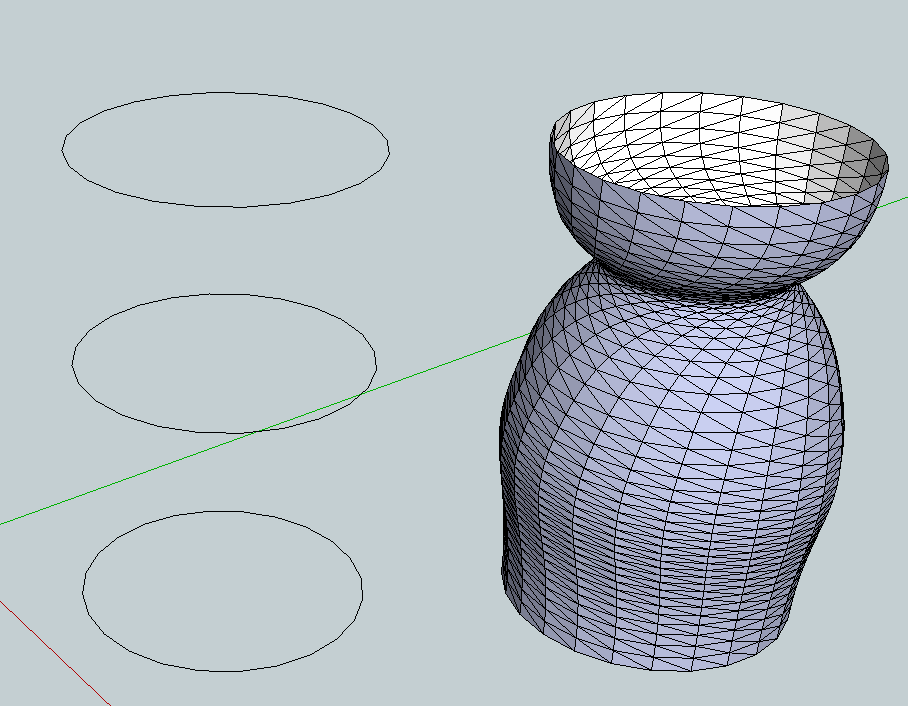
I attach the skp file just in case there is something weird lurking in it.
-
TIG's plugin's , what else ????

MALAISE
-
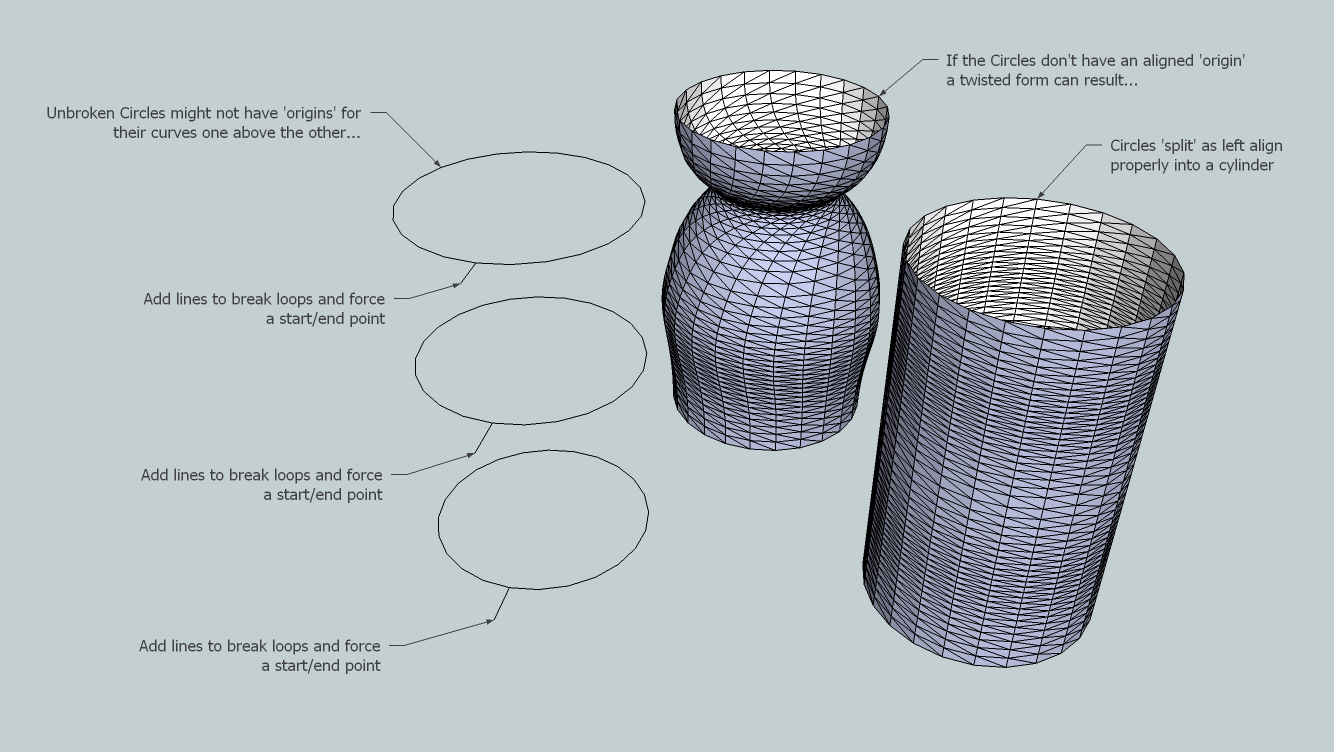
-


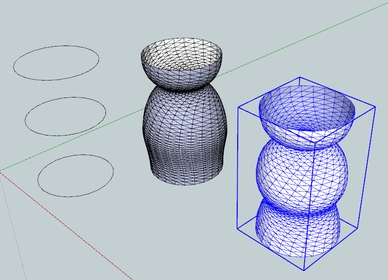
Erased the copies and made the new ones
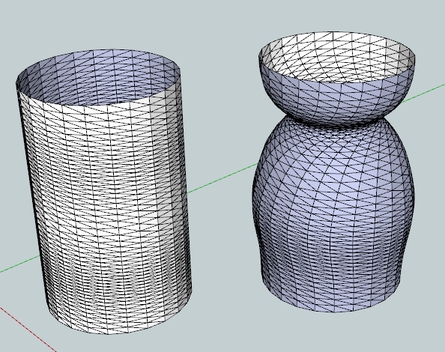
-
Fantastic! TIG, thank you very much indeed for these great plugins.
-
 This is really GREAT TIG... and BTW, I want to thank every ruby scripts developpers here again, you're making people happy .
On another side while it may be irrelevant in sketchup ?! , what if it was a live loft sort of modifing the profiles( on which the loft volume is created ) and sketchup regenerate automatically the lofted volume. maybe it is too much asked as i'm already very glad to have a loft tool in Sketchup
-
thanks tig. excellent plugins. actually this set of tools for extrusion is increasingly complete. and further expand the potential of modeling sketchup.
a small observation.

when you select a curve, changes color.
but generates a rare color "Dashedlines" between blue and another colora question
You can set the number of Segments per Section: independently?
or number of Segments per Section: General.
osea
number of segments between the first and last section selectedSpanish translation:
Small Correction
-
The color 'dashing' is interference between the drawn color and the model's edges - it's pretty much unavoidable - the coloring is only intended to help you remember which curves you you have picked in what order - as ROYGBIV are the rainbow's colors...
You can't currently have different segment-numbers in each section, it's based on the one value you give [which initially defaults as the most segmented curve's edge-count]...
It would be possible to have varying segment counts - I suppose that the dialog could have a section-number entry for each segment defaulting to the maximum number of edges in the pair of curves bounding that section of mesh ? OR it could be a maximum count apportioned across the mesh based on some other factor like the numbers of edges in the curve-pairs...If users would like that I can come up with something ?
Feedback first please...Thanks, I'll look at your ES lingvo for a future update...

-
Coloft

-
@jonorman said:
A little render testing loft. Thnx for a great plugin.
Did you model this car with loft plugin ?
-
A little render testing loft. Thnx for a great plugin. (edit: the blue silke cloth
 )
)

-
TIG: Here's the Chinese lingvo fileextrudeEdgesByLoftZH-CN.rar
-
Thanks, the new lingvo will be zipped in with the next update...
-
fantastic thanks
-
@tig said:
[attachment=0:mpce8awt]<!-- ia0 -->Twisted.png<!-- ia0 -->[/attachment:mpce8awt]
is there any plugins forums that control the start/end point of line?






Hello! It looks like you're interested in this conversation, but you don't have an account yet.
Getting fed up of having to scroll through the same posts each visit? When you register for an account, you'll always come back to exactly where you were before, and choose to be notified of new replies (either via email, or push notification). You'll also be able to save bookmarks and upvote posts to show your appreciation to other community members.
With your input, this post could be even better 💗
Register Login


Advertisement