sketchucation logo sketchucation
    • Login
    Oops, your profile's looking a bit empty! To help us tailor your experience, please fill in key details like your SketchUp version, skill level, operating system, and more. Update and save your info on your profile page today!
    ⚠️ Update | Sketchucation Tools 5.0.8 released with licensing improvements and bugfixes Download

    [Plugin][$] RoundCorner - v3.4a - 31 Mar 24


    Scheduled Pinned Locked Moved Plugins
    1.5k Posts 477 Posters 4.1m Views 477 Watching
    Loading More Posts
    • Oldest to Newest
    • Newest to Oldest
    • Most Votes
    Reply
    • Reply as topic
    Log in to reply
    This topic has been deleted. Only users with topic management privileges can see it.
    • J
      JAI GOEL
      last edited by

      i am using google sketchup 8 i am not able to use this plugin in 8 version. how can i install that??

      thx

      1 Reply Last reply
      Reply Quote 0
      • TIGT
        TIG Moderator
        last edited by

        @jai goel said:

        i am using google sketchup 8 i am not able to use this plugin in 8 version. how can i install that??
        Have you installed it as the instructions, with the supporting files etc, as explained on the download page ?
        If so why can't you 'use it'?
        Do you get Preferences>extension_to_activate/menu_items/view>toolbar>toolbar?
        Do you get error messages when using it?
        Do you get error messages in the Ruby Console when using it?
        Please give more details, to help us help you...

        TIG

        1 Reply Last reply
        Reply Quote 0
        • P
          Pitoon
          last edited by

          how can i get the icons back up...i closed them by accident? .......been trying for half an hour where to find them?

          thanks!

          1 Reply Last reply
          Reply Quote 0
          • GaieusG
            Gaieus
            last edited by

            If that's the plugin toolbar you closed, you can reactivate it from the View > Toolbars menu.

            Gai...

            1 Reply Last reply
            Reply Quote 0
            • G
              greatoe
              last edited by

              I have problem running RoundCorner on my mac with OSX 10.7.2.

              Everything was fine on OSX 10.6.x, but after I "upgrade" to 10.7, RoundCorner hangs on processing. I have to force quit Sketchup.

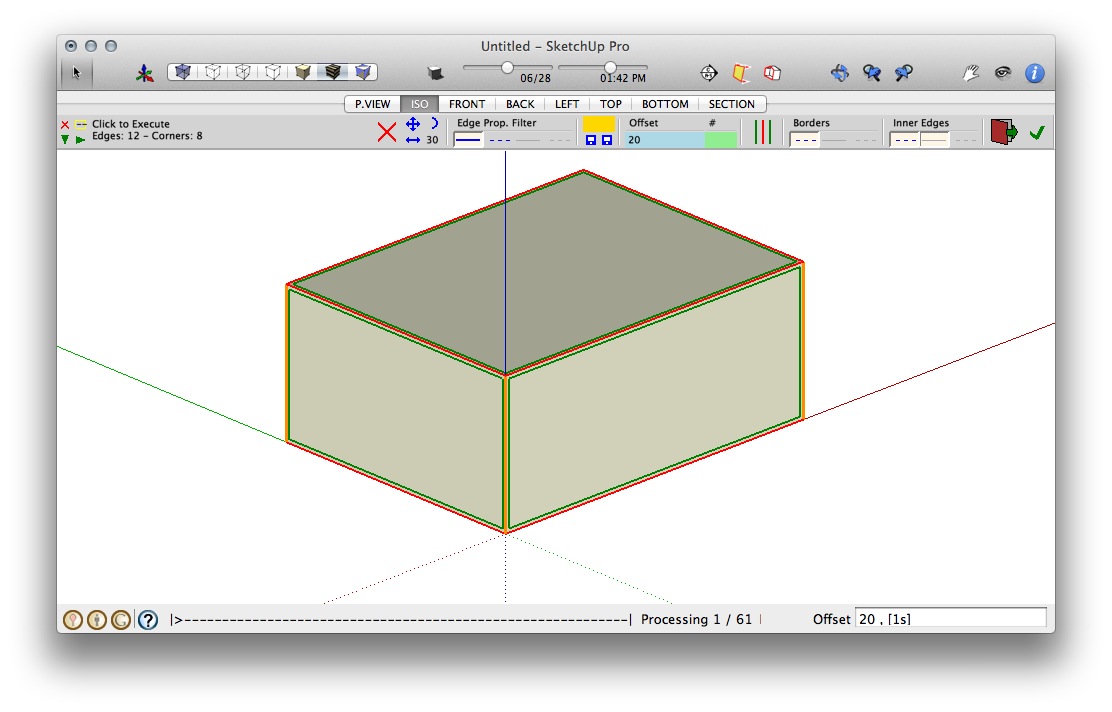
              The following images are screen shots when RoundCorner hangs.
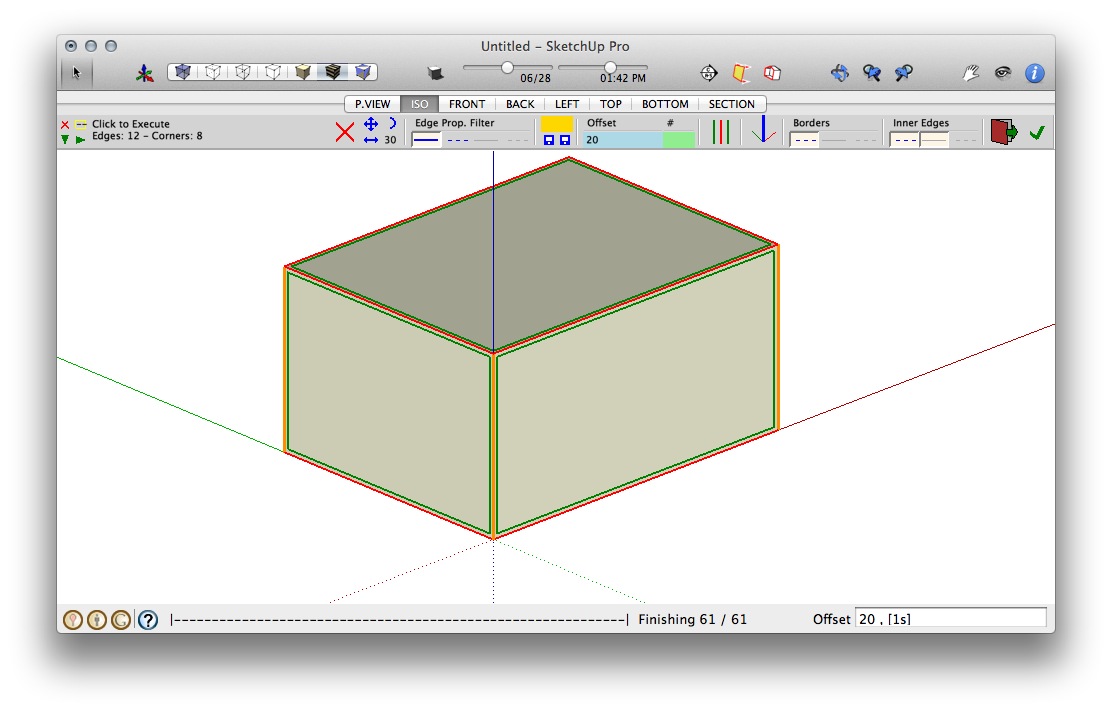
              RoundCorner v2.2, LibFredo6 v3.6, Sketchup Pro 8, Mac OSX Lion 10.7.2

              RoundCorner v2.3, LibFredo6 v3.7 or v4.2 (both act same), Sketchup Pro 8, Mac OSX Lion 10.7.2

              1 Reply Last reply
              Reply Quote 0
              • fredo6F
                fredo6
                last edited by

                greatoe

                I'll have to count on Mac users to tell if they have this problem too (I don't have OSX Lion).
                Just in case, can you open the Ruby Console before launching RoundCorner, in case you see some messages before Sketchup hangs.

                Fredo

                1 Reply Last reply
                Reply Quote 0
                • G
                  greatoe
                  last edited by

                  @unknownuser said:

                  greatoe

                  I'll have to count on Mac users to tell if they have this problem too (I don't have OSX Lion).
                  Just in case, can you open the Ruby Console before launching RoundCorner, in case you see some messages before Sketchup hangs.

                  Fredo

                  Hi Fredo,

                  Thanks for the reply.

                  Nothing show up in the Ruby Console.

                  greatoe

                  1 Reply Last reply
                  Reply Quote 0
                  • A
                    aea
                    last edited by

                    hay


                    air b.jpg

                    1 Reply Last reply
                    Reply Quote 0
                    • massimoM
                      massimo Moderator
                      last edited by

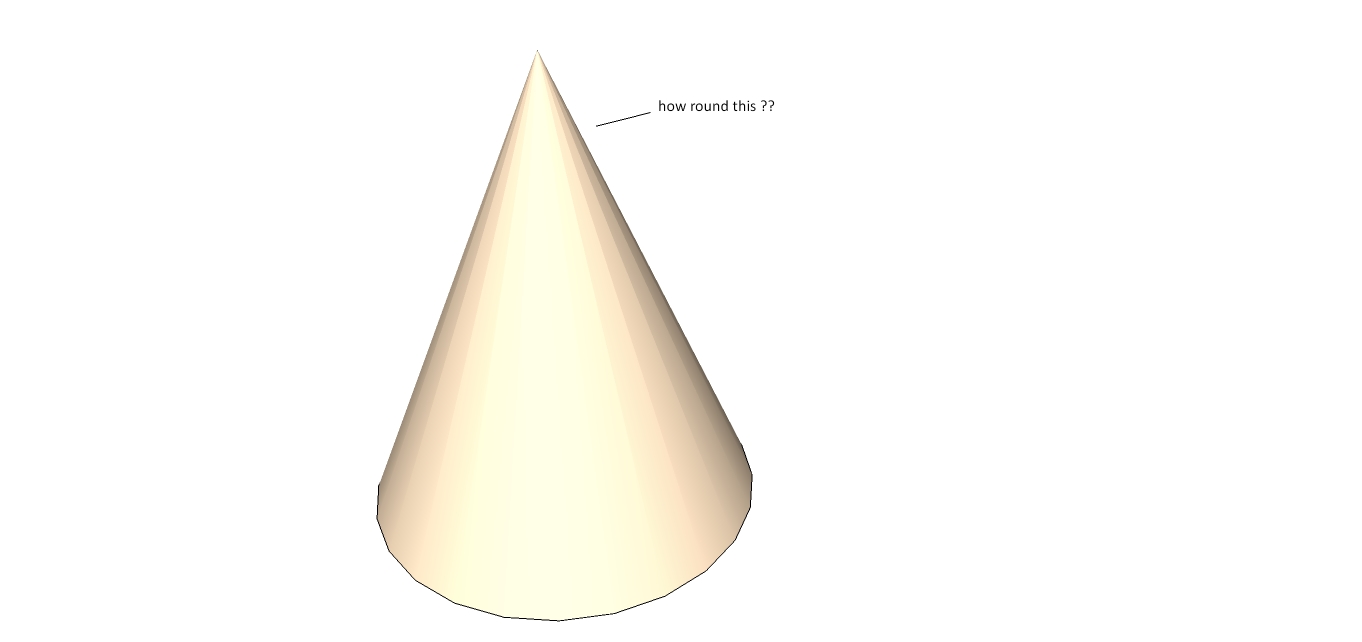
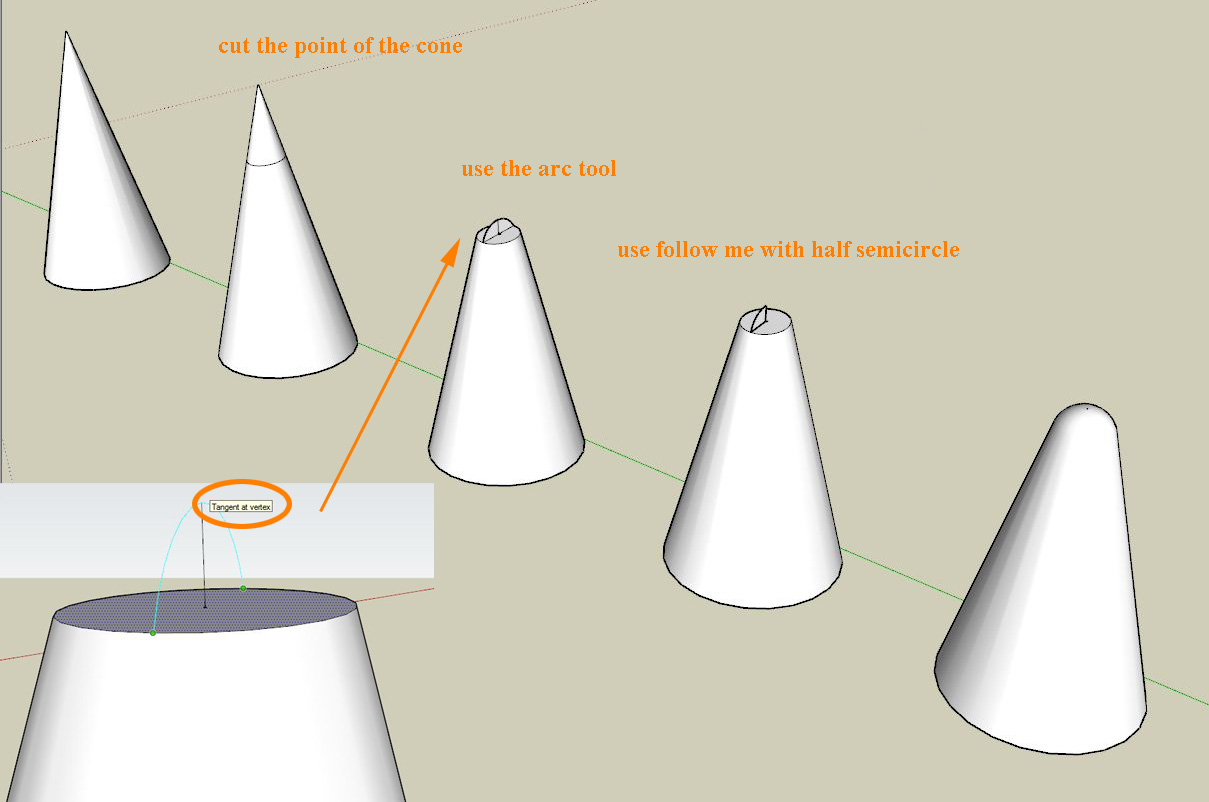
                      This is a possible workflow with SU's native tools supposing you already have a cone as a start.

                      Cattura_2.JPG

                      1 Reply Last reply
                      Reply Quote 0
                      • A
                        aea
                        last edited by

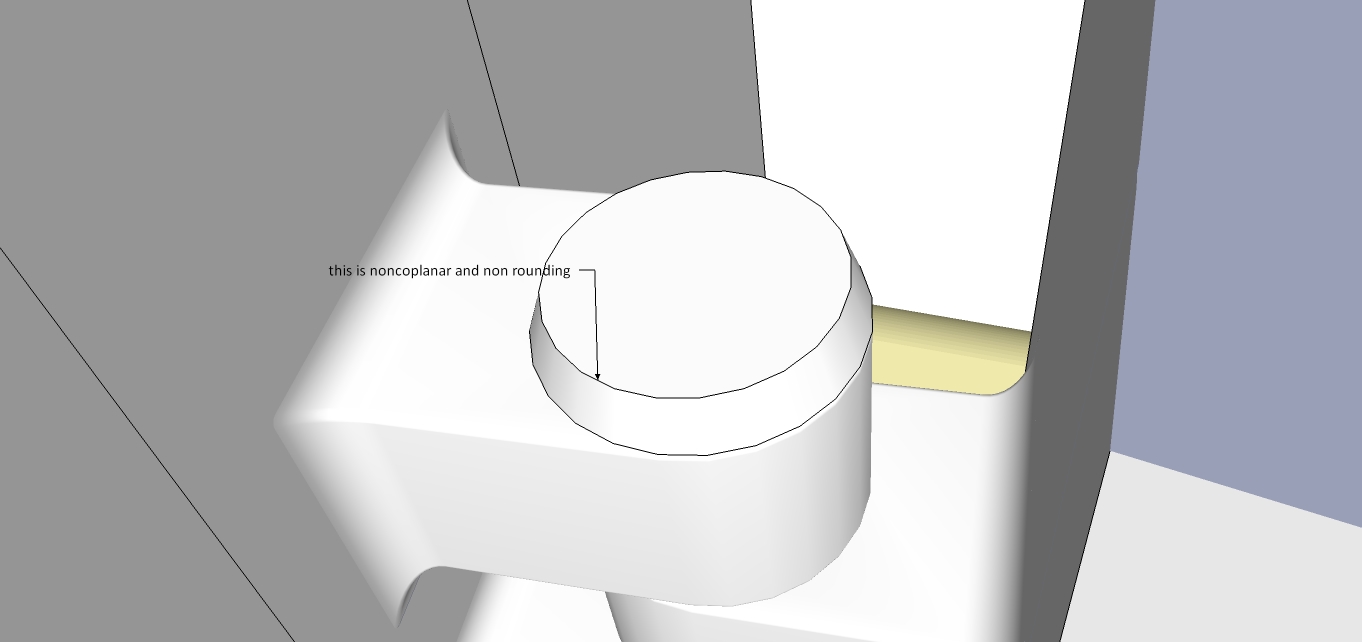
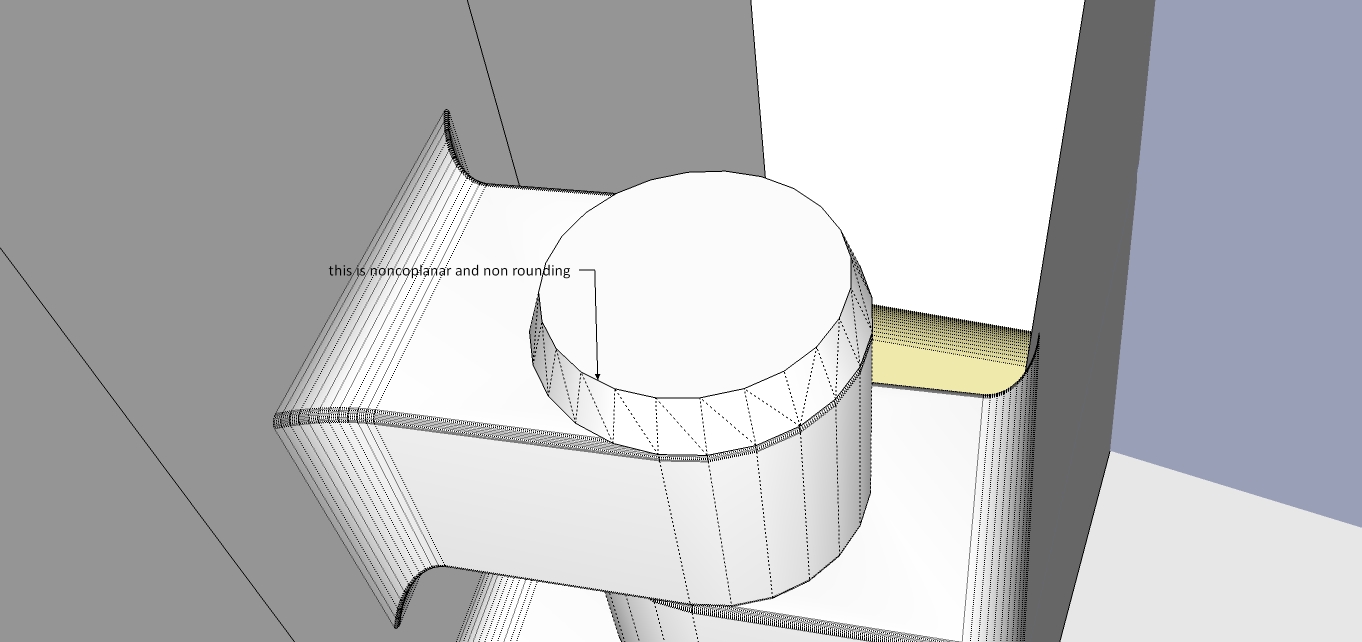
                        thanks , Another problem I found here

                        gg.jpg


                        hh.jpg

                        1 Reply Last reply
                        Reply Quote 0
                        • GaieusG
                          Gaieus
                          last edited by

                          From the picture it seems that those diagonals could be safely deleted. Try to run the plugin after that.

                          Gai...

                          1 Reply Last reply
                          Reply Quote 0
                          • fredo6F
                            fredo6
                            last edited by

                            @aea said:

                            hay

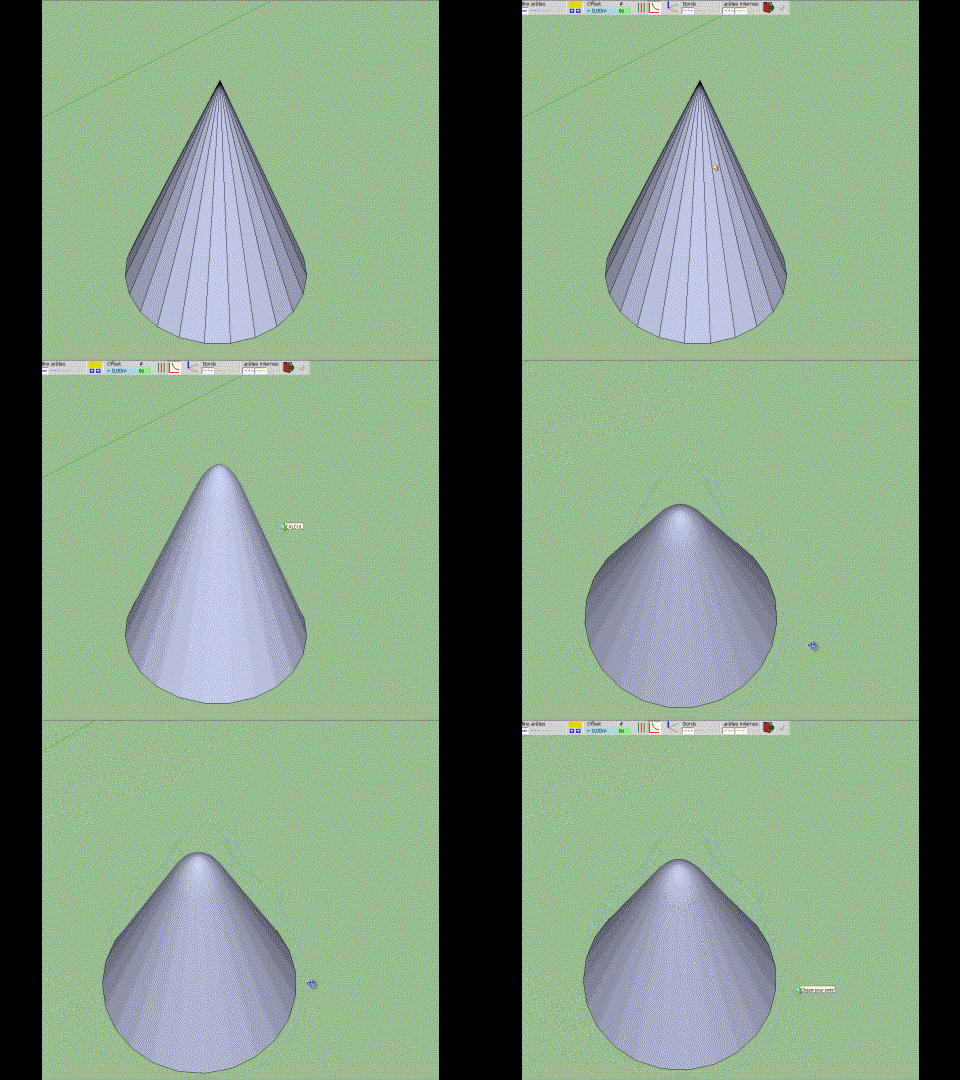
                            For rounding the tip of a cone, I suggest you use Massimo's method.

                            With RoundCorner, you can do the rounding, but:

                            1. you need to make the edges plain (i.e. non soft, non smooth)
                            2. the edges will be themselves rounded, which won't leave the surface of the cone smooth.
                            RoundCorner_Cone.gif]

                            Fredo

                            1 Reply Last reply
                            Reply Quote 0
                            • GaieusG
                              Gaieus
                              last edited by

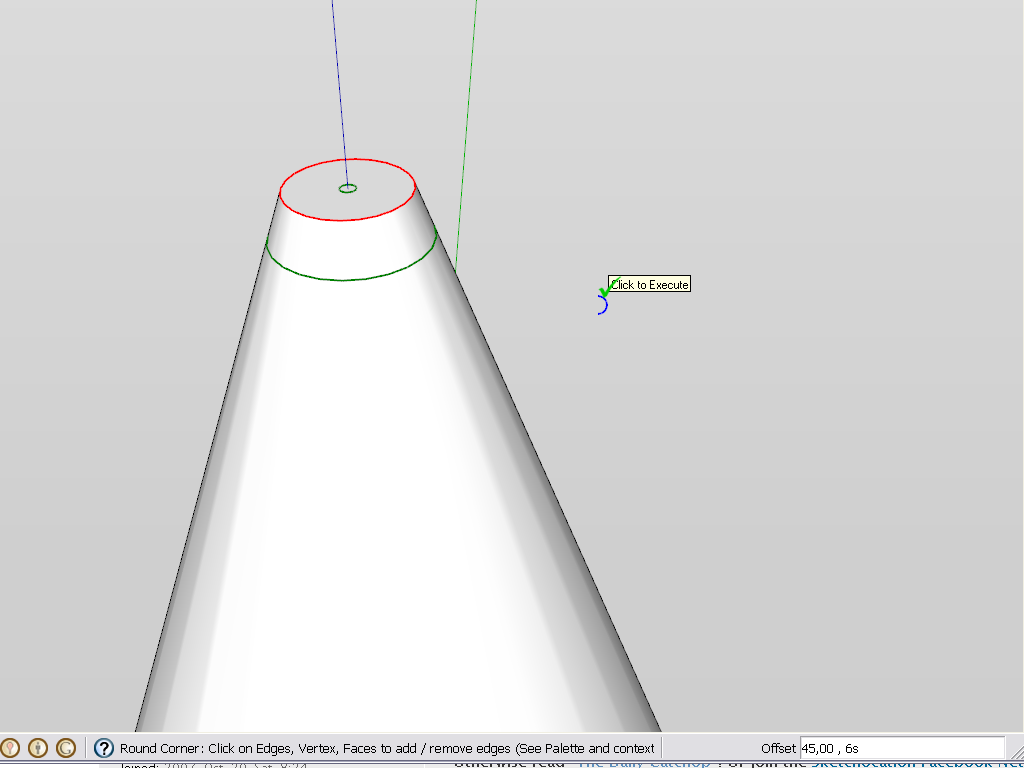
                              Also, for the cone, you can truncate the tip and apply round corner only on the top circle. It's a bit of a fiddling around what settings to use but the result will be fine.
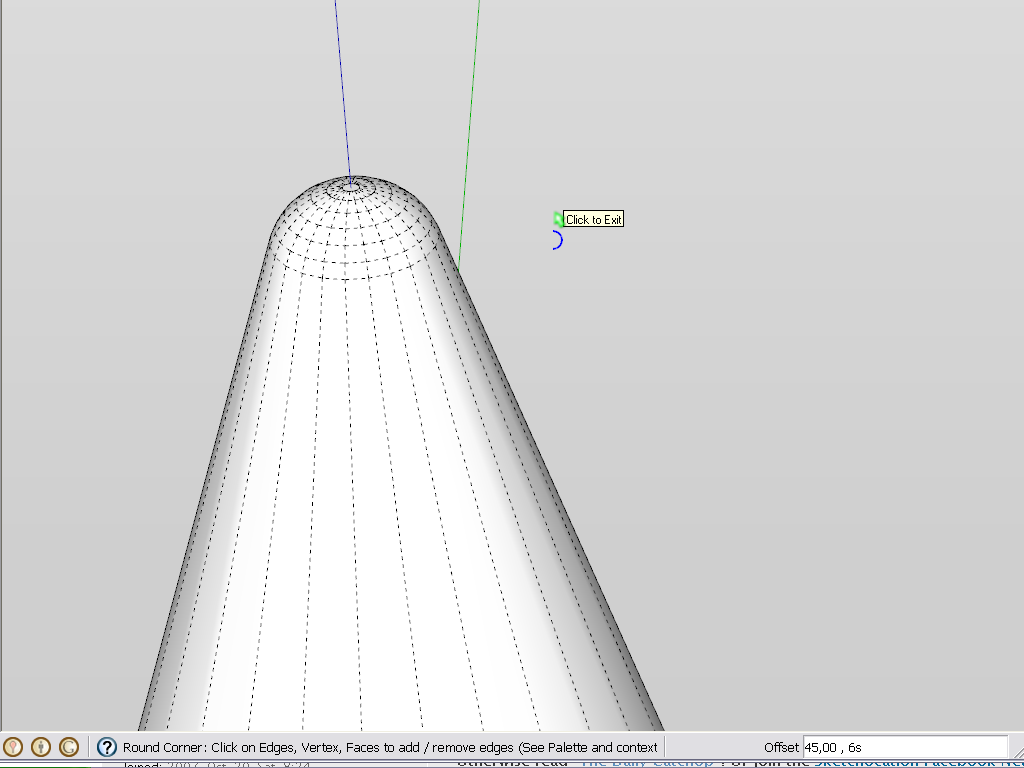
                              before


                              after (hidden edges displayed)

                              Gai...

                              1 Reply Last reply
                              Reply Quote 0
                              • W
                                WRipley
                                last edited by

                                Hi,
                                thanks for this great Plugin.
                                But i have a problem.
                                I have a structure buil also with holes.
                                When i round the corners of the whole structure it closes
                                my holes on the side where i pushed the form thru the material.
                                I hope you know what i mean.
                                When i make a hole i start makin a circle on the Material.
                                Then i push the Circle thru the material that i get a hole.
                                Wehen i then try to round the corners the hole is on one side closed.
                                On the other side not.
                                Maybe it depends on me.
                                Or do you know that problem.
                                Thanks in advance
                                Best
                                Walter

                                1 Reply Last reply
                                Reply Quote 0
                                • fredo6F
                                  fredo6
                                  last edited by

                                  Problem of closed holes is known but difficult to handle because it is Sketchup closing the hole automatically.

                                  Just select the face over the hole and erase it. You should see the round corners underneath.

                                  Fredo

                                  1 Reply Last reply
                                  Reply Quote 0
                                  • W
                                    WRipley
                                    last edited by

                                    Hi,
                                    Thanks for you fast answer.
                                    But i dont know how to erase it. The Eraser tool dont function.
                                    Im new in SU .... maybe its easy (think so)
                                    What is an easy way to do it ?
                                    atb
                                    Walter

                                    1 Reply Last reply
                                    Reply Quote 0
                                    • fredo6F
                                      fredo6
                                      last edited by

                                      @wripley said:

                                      Hi,
                                      But i don`t know how to erase it.

                                      Normally, just select the face closing the hole and press Delete.

                                      Fredo

                                      1 Reply Last reply
                                      Reply Quote 0
                                      • E
                                        eastspringdt
                                        last edited by

                                        Thanks! it works great!

                                        1 Reply Last reply
                                        Reply Quote 0
                                        • M
                                          martosurf
                                          last edited by

                                          Is great thanks

                                          1 Reply Last reply
                                          Reply Quote 0
                                          • A
                                            arcitek
                                            last edited by

                                            Someone may want to check into this but I found a conflict with podium 2 plugin and round corners. I had to work through almost 30 plugins to find this. It was on a friend's machine and we noticed he kept getting bugsplats as soon as he would activate round corners. I removed every plugin and started reinstalling every one of them and it crashed when I inserted the Podium 2 folder. Took the folder out, things were fine. Bummer.

                                            1 Reply Last reply
                                            Reply Quote 0

                                            Hello! It looks like you're interested in this conversation, but you don't have an account yet.

                                            Getting fed up of having to scroll through the same posts each visit? When you register for an account, you'll always come back to exactly where you were before, and choose to be notified of new replies (either via email, or push notification). You'll also be able to save bookmarks and upvote posts to show your appreciation to other community members.

                                            With your input, this post could be even better 💗

                                            Register Login
                                            • 1
                                            • 2
                                            • 21
                                            • 22
                                            • 23
                                            • 24
                                            • 25
                                            • 74
                                            • 75
                                            • 23 / 75
                                            • First post
                                              Last post
                                            Buy SketchPlus
                                            Buy SUbD
                                            Buy WrapR
                                            Buy eBook
                                            Buy Modelur
                                            Buy Vertex Tools
                                            Buy SketchCuisine
                                            Buy FormFonts

                                            Advertisement