Modlumi - Easy 3D modelling



-
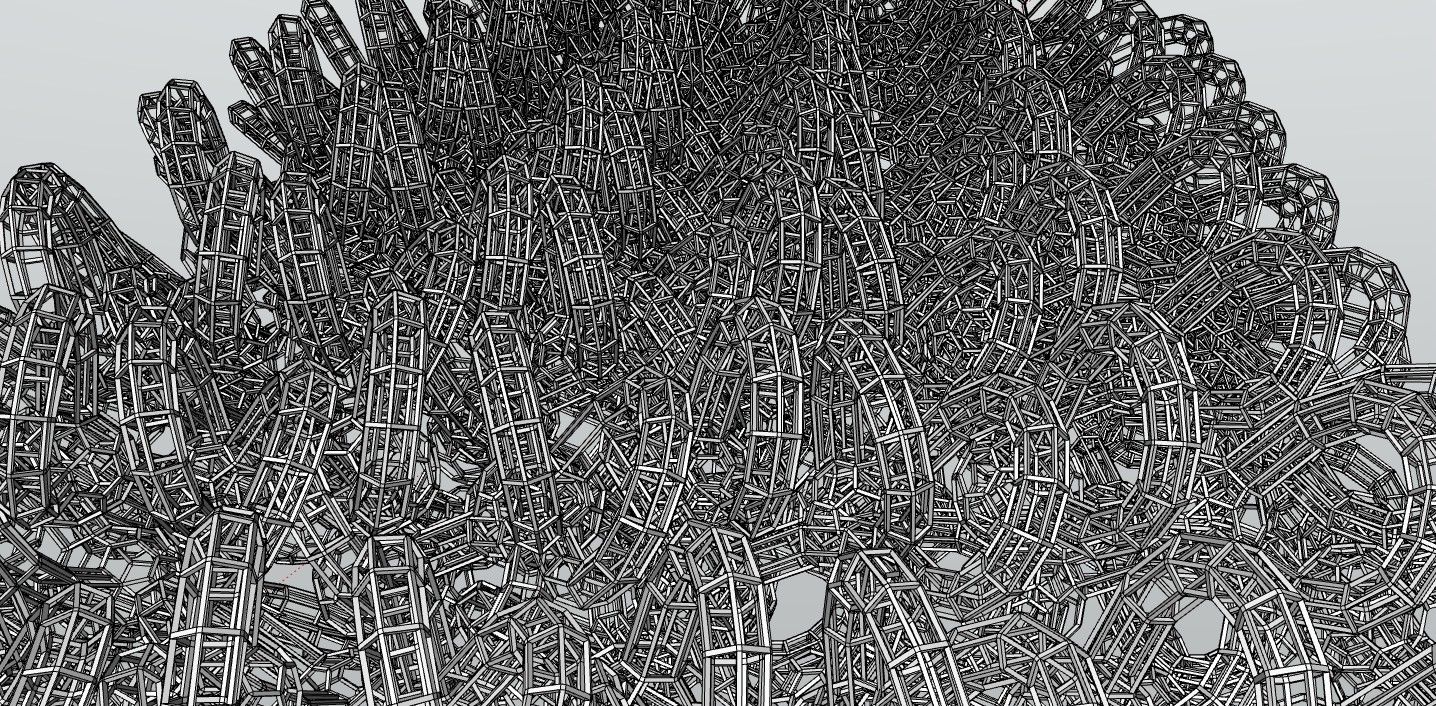
Here a small work!

-
Modlumi 0.16 is out
Download it for Windows from https://modlumi.com/download/latest/windows, or open the browser version at https://modlumi.com/app/. If you already run 0.15 on Windows, it will offer you the update.
New features
- Export your model as glTF and open it in Blender. File → Export glTF… saves a .glb or .gltf file that Blender, Unreal, Unity, Godot and three.js open. Groups and components, materials, textures and smooth edges come along, at the model's real size. The user guide shows how: https://modlumi.com/docs/user-guide/files/#open-your-model-in-blender
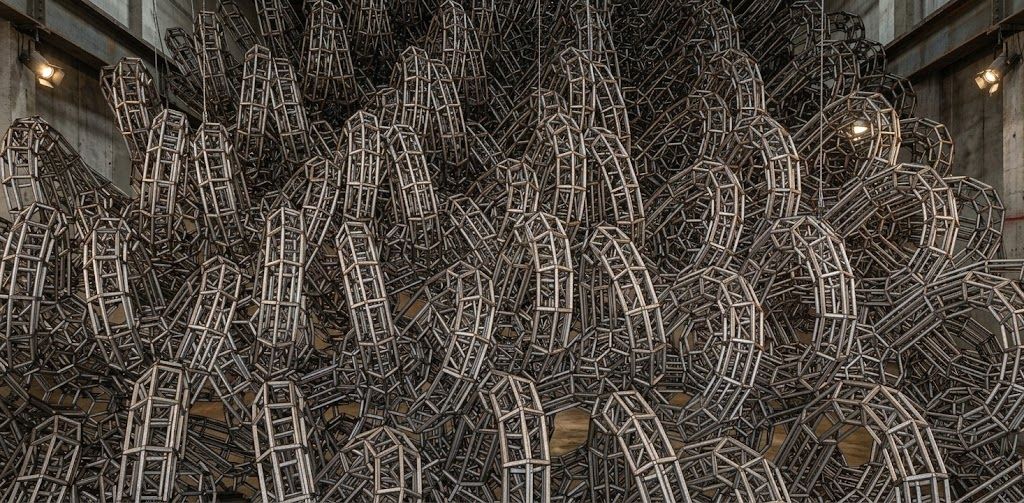
- Try Rail Sweep, an experimental plugin that sweeps between two profiles along two rails (desktop only). The profile blends from the start shape to the end shape while the rails set each section's position, direction and width, with a live preview. Closed profiles make a solid. It's an experiment: it may change or be removed, and I'd like to hear how it works for you. Thanks @pilou for the idea! Source: https://github.com/thomasloockx/modlumi-plugins/tree/main/plugins/rail-sweep
Improvements
- Plugins can read the attributes of imported SketchUp models. Attributes on groups, components and the model are kept when you import a .skp file and are saved with the project, so a plugin ported from a SketchUp extension can recognize the objects that extension made.
Fixes
- Installing a plugin from a plugin.json on its own explains what to do. Choosing a plugin.json downloaded by itself read its whole folder, such as Downloads, and failed with an error about a 256 MB limit. Modlumi now refuses it right away, names the folder and suggests installing the plugin's zip. Thanks @Krass for the report! The Plugins page now explains how to install a plugin from GitHub: https://modlumi.com/docs/user-guide/plugins/
- Save in the unsaved changes prompt opens the save dialog for a new model. Choosing Save for a model that was never saved showed no dialog, and Modlumi then ignored all input.
- Closing Modlumi asks about unsaved scripts as well as the unsaved model. When both the model and the script editor had unsaved changes, the script editor's question flashed for a moment and the window stayed open.
Full release notes: https://modlumi.com/docs/release-notes/
Thanks for the reports. Keep them coming!
-
Yes i was in 0.15

Bravo for the 0.16
-
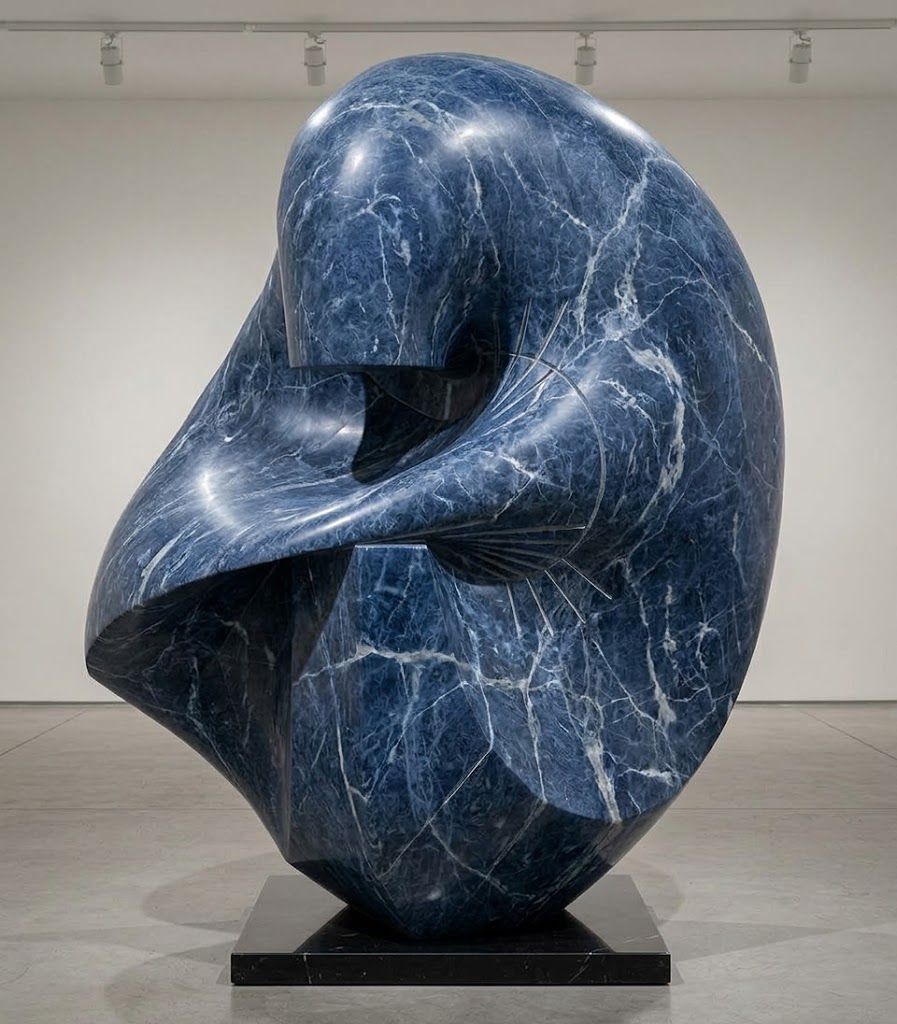
About the Sweep 2 rails : works like it must!
Maybe give the possibility to have also only one Rail ?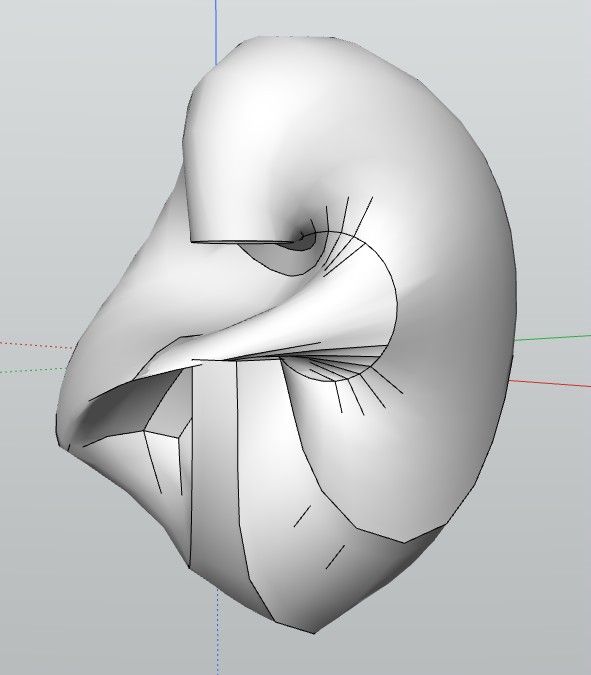
In any case very sufficient for speedy form in no time!
-
Curioussly 0.16
At start...
Very difficult to draw Line, Circle, Poly! Must numerous Clicks, Double Clicks...
Only rectangle!As like program was not at full swing!
Edit : Today that works fine!Big requests : Circle, Poly with 3D Snap on something existing! (like for arc circle or rectangle) !
Perpendicular Snap 3D, 2D
Push Pull Tapered -
Animation with sound
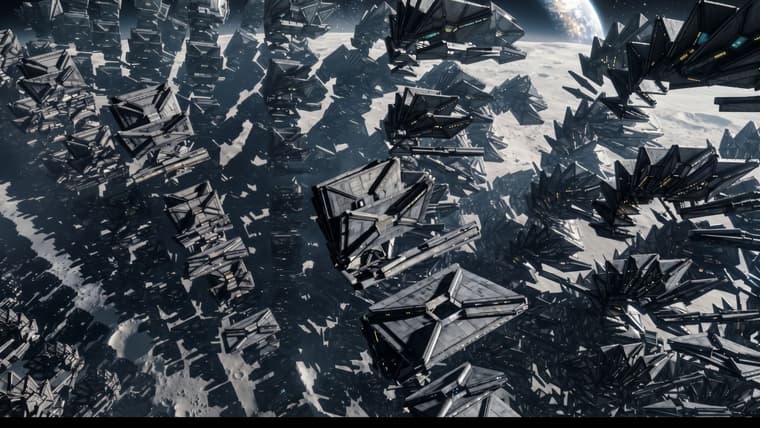
Just speedy test of free Flow / Google (5 animations / day ) Infinite number of images but 3 minutes to see them!
Spaceships_hovering_above_moon_s…_20261014112602.mp4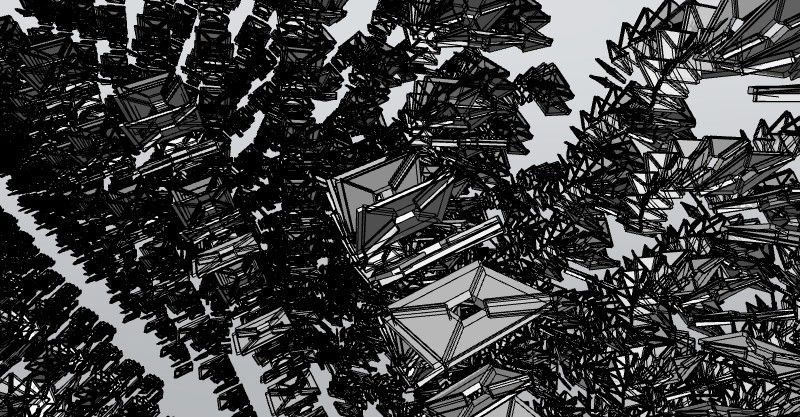
-
Modlumi 0.17 is out
Download it for Windows from https://modlumi.com/download/latest/windows, or open the browser version at https://modlumi.com/app/. If you already run 0.16 on Windows, it will offer you the update.
New features
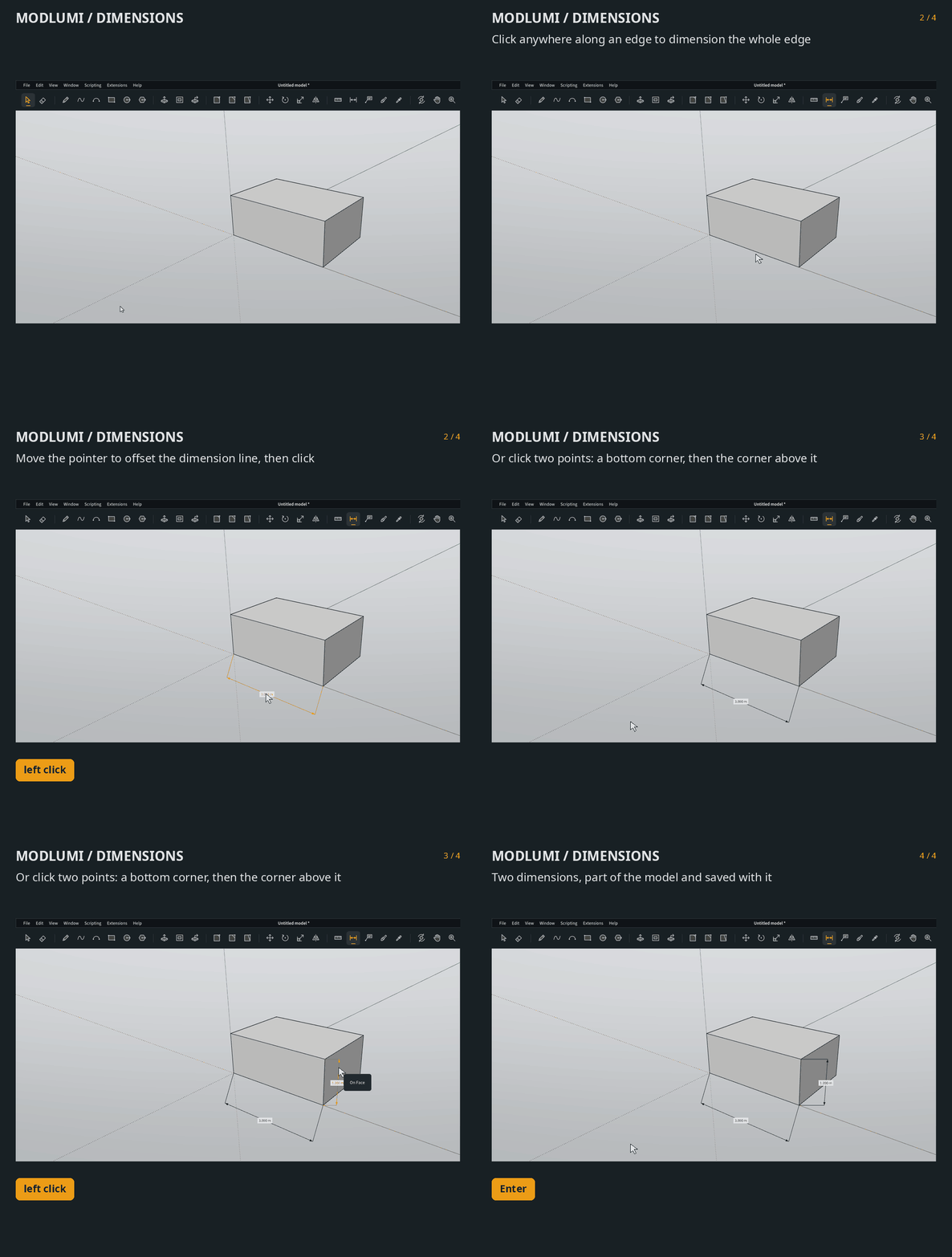
- Dimension your model with the new Dimension tool. Click two points, or anywhere along an edge to measure it whole, then move the pointer to offset the dimension line and click, or type the offset. The label shows the length in the model's units. A dimension follows its geometry: move or scale the vertices it measures and it stretches along, in the same undo step. Select a dimension to replace its text in Properties, where
<>stands for the length, as inWidth <>. The user guide shows how: https://modlumi.com/docs/user-guide/annotating/
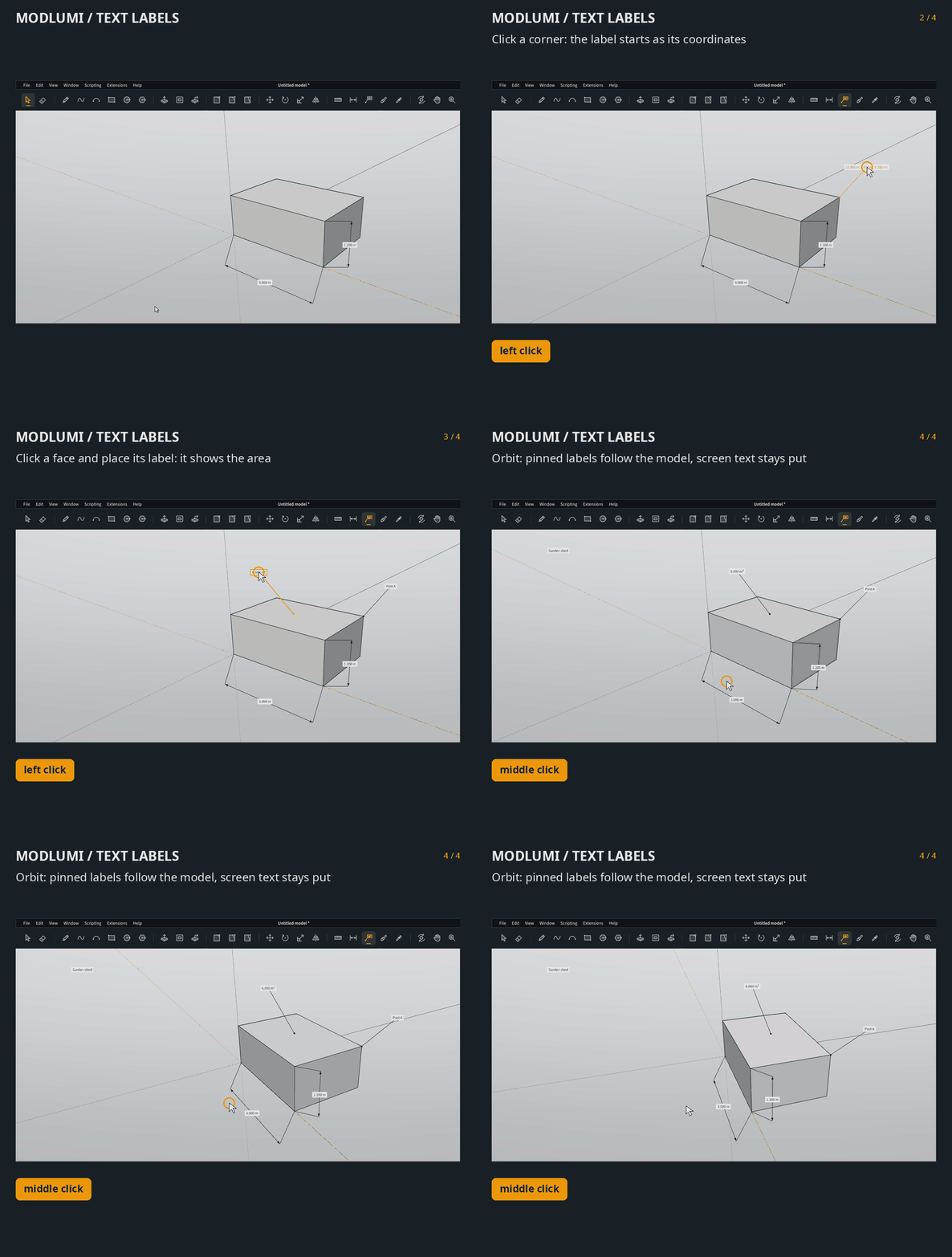
- Label your model with the new Text tool. Click a point, an edge or a face and click again to place a label with a leader. It starts as the point's coordinates, the edge's length or the face's area, and typing right away replaces it. Click empty space for screen text that stays put on the screen while you orbit. Labels and dimensions are saved with the model and show in Save to Image.
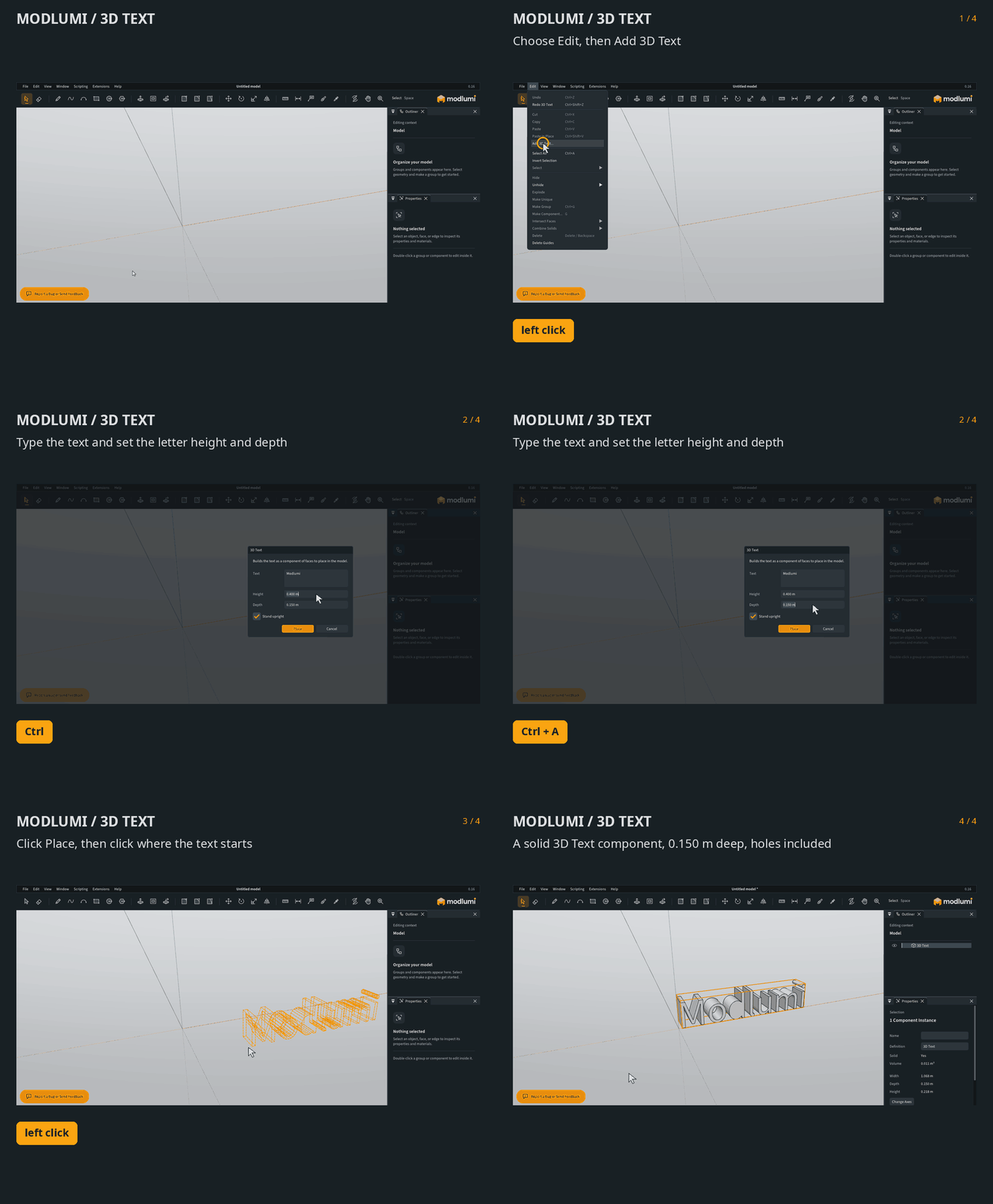
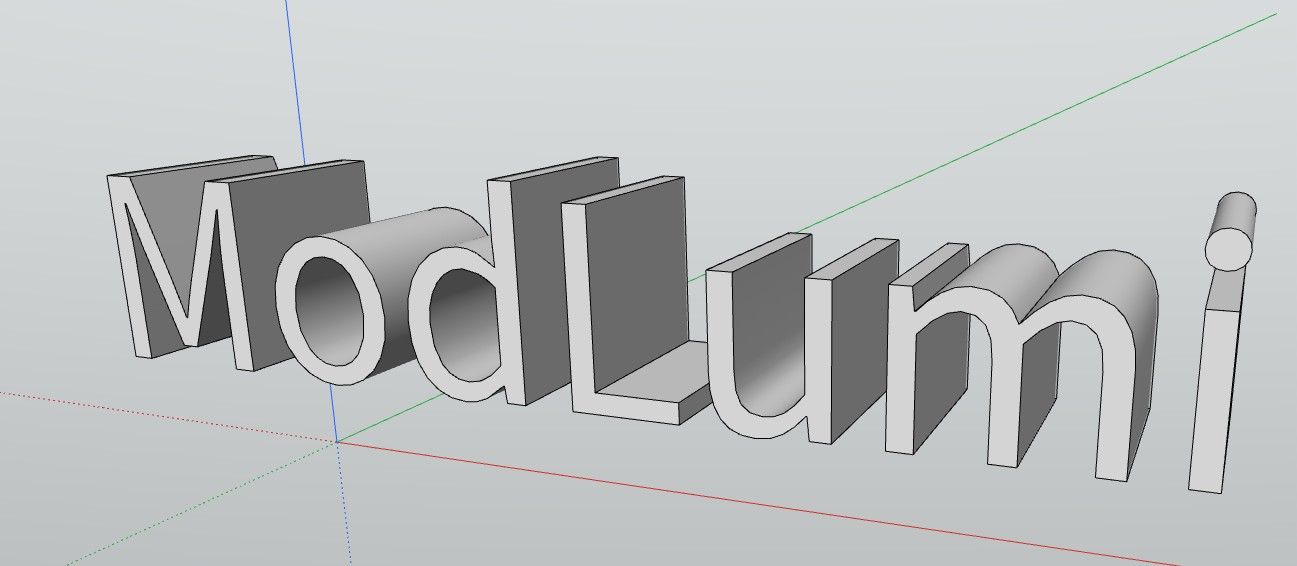
- Add 3D text as geometry with Edit → Add 3D Text… Type the text, the letter height and how deep to extrude it, or 0 for flat faces, then click where it goes. The letters arrive as a solid component that you can paint, move and edit like anything you draw.
Improvements
- Scripts and plugins can add and read text labels and dimensions. Entities.addText, addScreenText and addDimension create them, and the Text and LinearDimension classes expose their points, offsets and text: https://modlumi.com/docs/guides/model-and-entities/#text-and-dimensions
Fixes
-
Extrude and Offset snap to guide points and guide lines. The extrusion or offset ignored guides, so you couldn't stop it at a guide placed with Measure. Thanks @pilou for the report!
-
Pasting only guides shows them under the pointer. A copy of guides alone had nothing to preview, so Paste placed them away from where you clicked.
Full release notes: https://modlumi.com/docs/release-notes/
Thanks for the reports. Keep them coming!
I'm the developer of Rayscaper: https://rayscaper.com/ - Fast and easy rendering for SketchUp.
- Dimension your model with the new Dimension tool. Click two points, or anywhere along an edge to measure it whole, then move the pointer to offset the dimension line and click, or type the offset. The label shows the length in the model's units. A dimension follows its geometry: move or scale the vertices it measures and it stretches along, in the same undo step. Select a dimension to replace its text in Properties, where
-
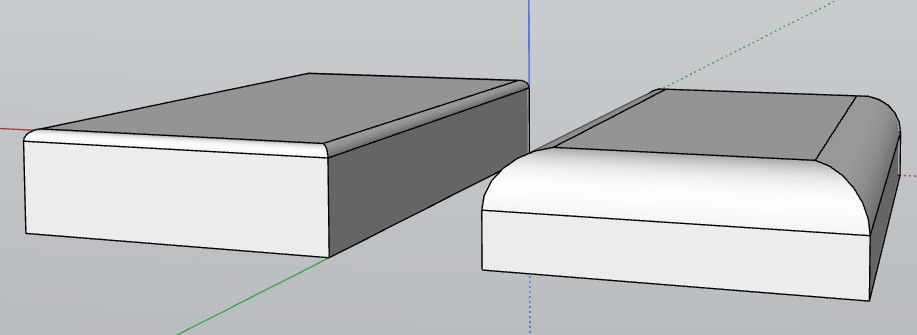
thanks, it would be great to add bevel last value memory
-
@pixelcruncher Once again, I am having a problem trying to install the update on my Windows 11 laptop. I keep getting a download that says it download file instead of being an exe file.
Press F1...thank me later
-
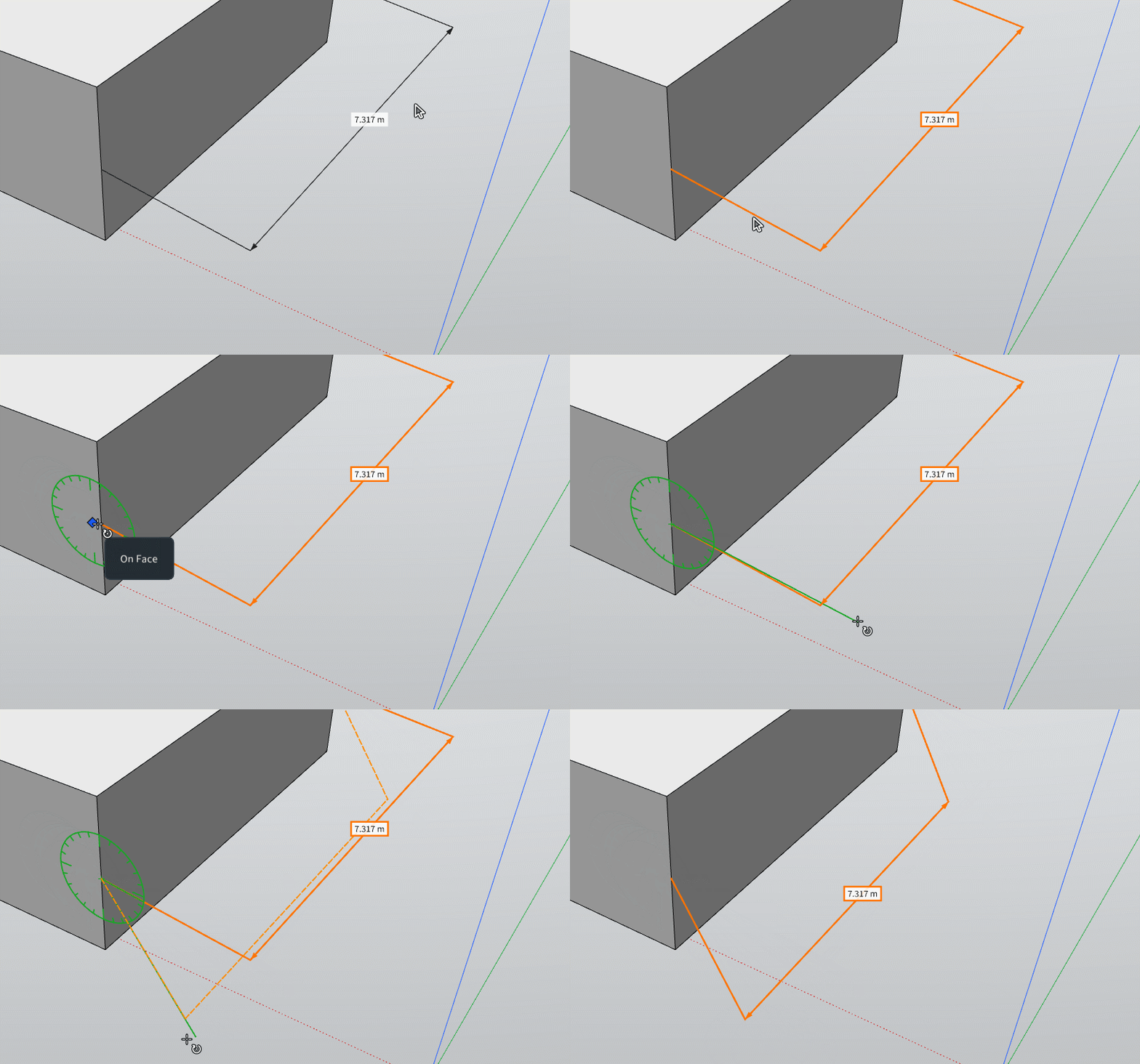
You forget to say that we can Rotate Dimensions!
Frenchy Pilou
Is beautiful that please without concept!
My Little site :) -
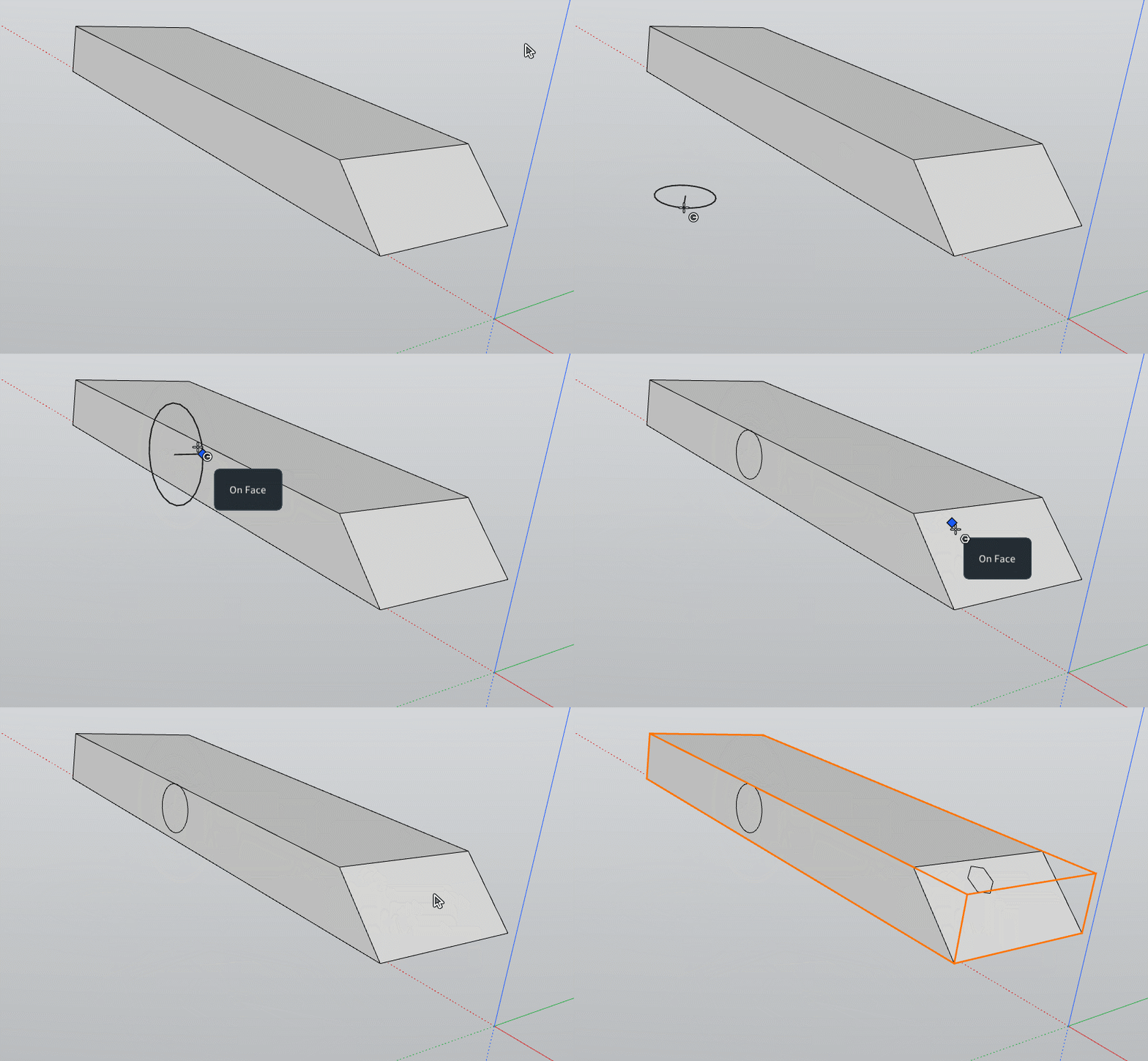
Ok the lack of3D space Snap (Circle, Poly) in empty space can becan be resolved by create some Group(s) or Component(s) before!
-
@ntxdave Can you provide some screenshots or error messages? Something to go by?
Cheers,
Thomas -
Modlumi 0.18 is out
Download it for Windows from https://modlumi.com/download/latest/windows, or open the browser version at https://modlumi.com/app/. If you already run 0.17 on Windows, it will offer you the update.
Improvements
- Annotate bug report screenshots in green. Green joins red, yellow and blue as an ink color in Report a Bug or Send Feedback.
Fixes
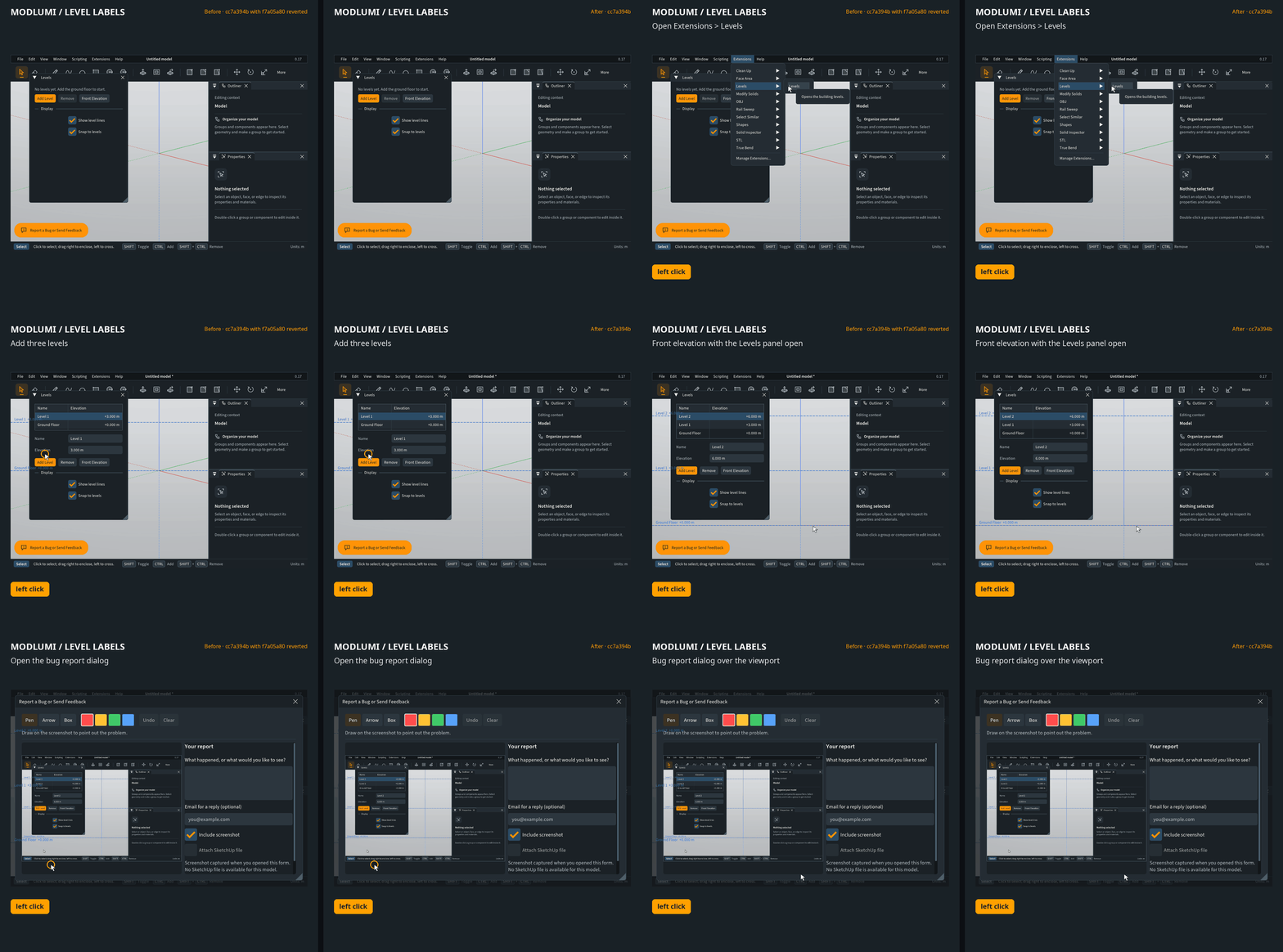
- Level names and other plugin labels no longer show through dialogs and panels. Labels that plugins draw in the view, such as the level names and heights from Levels, were drawn on top of every window, so they cut across the Levels panel and any dialog open over the view.
Full release notes: https://modlumi.com/docs/release-notes/
Thanks for the reports. Keep them coming!
-
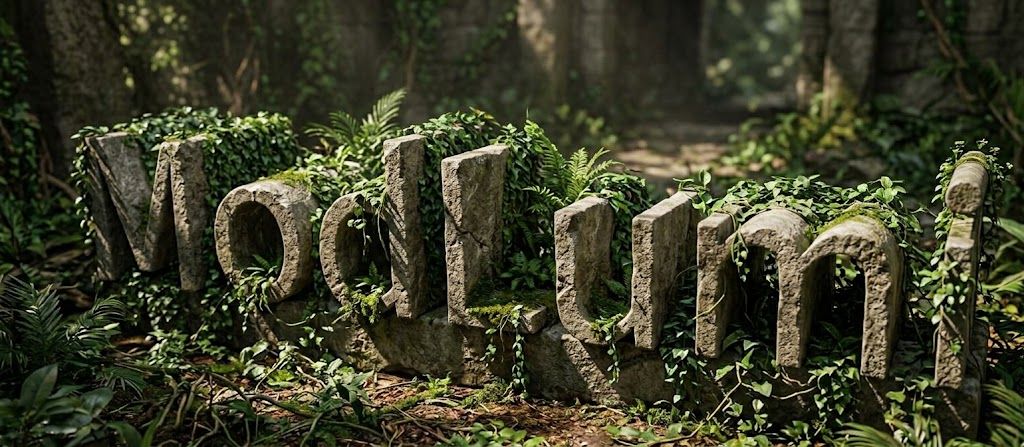
We can't recall the 3D Text "box" for edit an yet existing 3D Text ?
(Change the text for example )
-
Soon @pilou you shall be able to edit text!
I'm the developer of Rayscaper: https://rayscaper.com/ - Fast and easy rendering for SketchUp.
-
Excellent!
-
@pixelcruncher will you also be able to select the font?
-
Request : Push Pull multiple!
Frenchy Pilou
Is beautiful that please without concept!
My Little site :) -
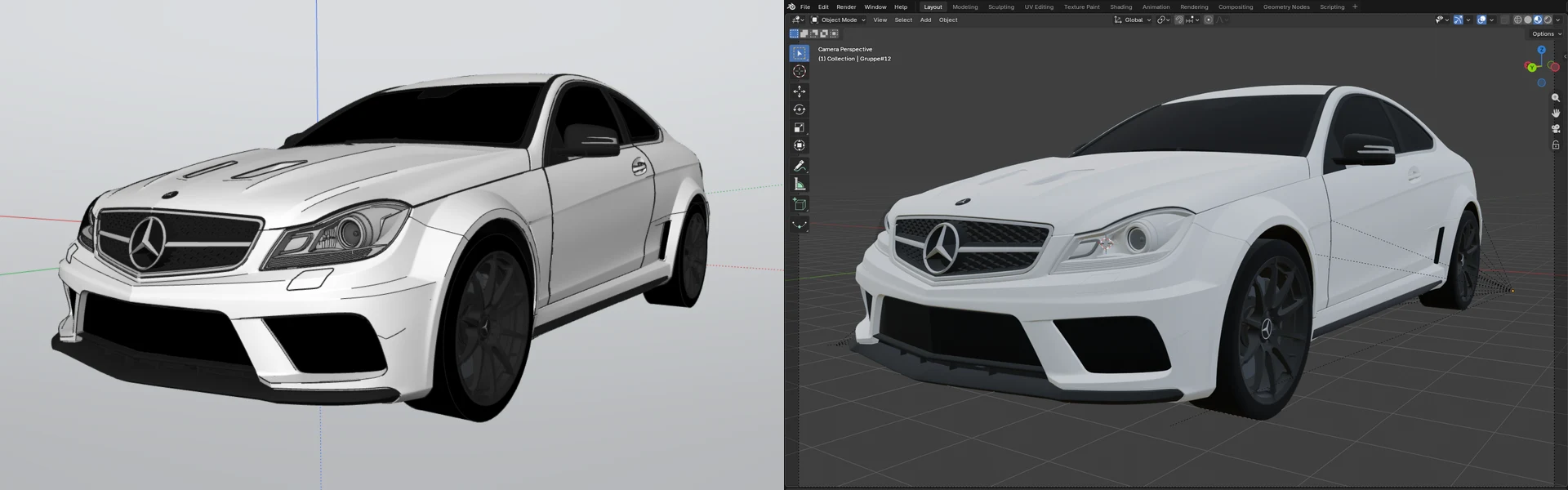
kitchen made with Modlumi Kitchenmaker, imported in Sketchup, rendered with Rayscaper, character Gemini/Maginfic upscale
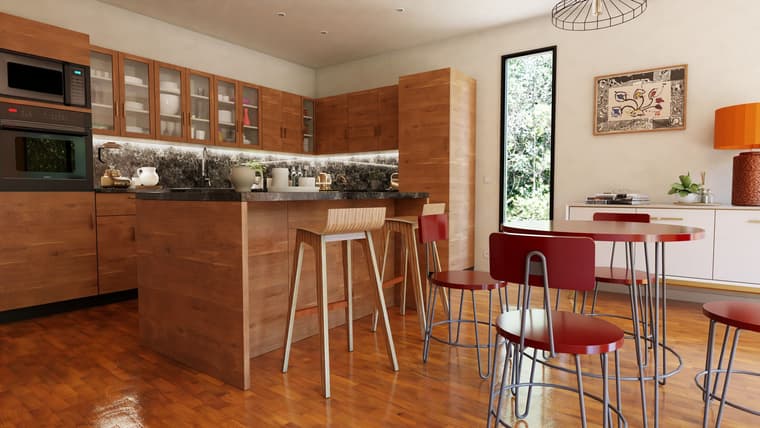
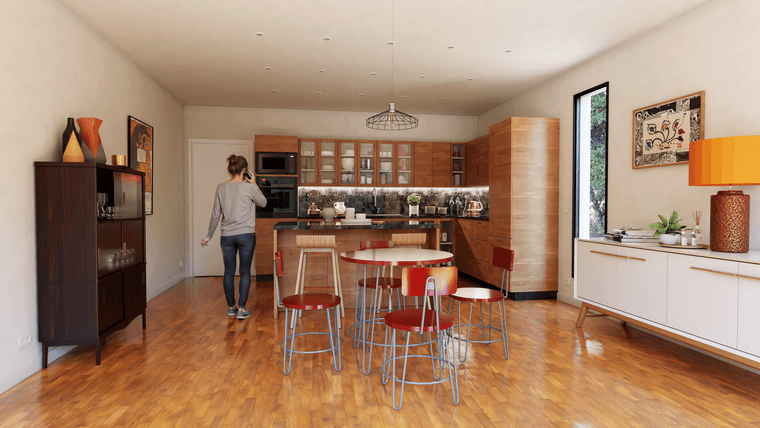
The issue with KitcheMaker is that it doesn't generate components. This means a lot of extra work whenever you want to change things like glass-front cabinet models or handles...
Krass
-
Yep that is groups, but seems to me there is a plugin by Thomthom 2(?) who transform Groups in Components !
PS Version of IngeTrazo KitchenMaker for SU 2017 is on the French Section!
(following my image of cameras' horn)
Of course the Plugin .rbz for SU 2017 is in French but...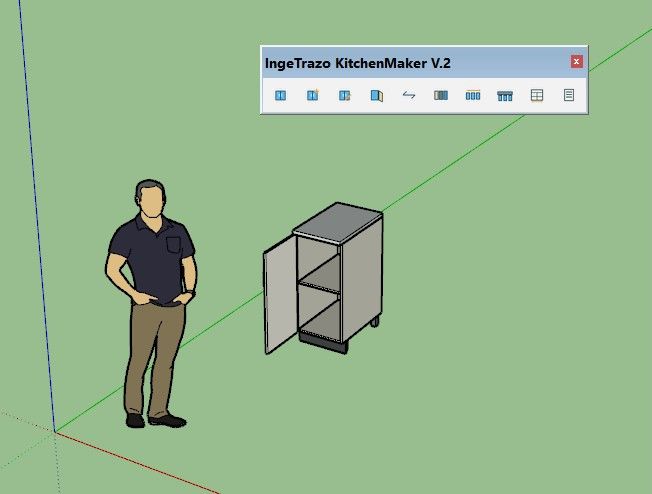





Hello! It looks like you're interested in this conversation, but you don't have an account yet.
Getting fed up of having to scroll through the same posts each visit? When you register for an account, you'll always come back to exactly where you were before, and choose to be notified of new replies (either via email, or push notification). You'll also be able to save bookmarks and upvote posts to show your appreciation to other community members.
With your input, this post could be even better 💗
Register Login


Advertisement