AI Render Enchancer Extensions or tools
-
Sherpa is really just a gimmick if you can't write a prompt—especially compared to tools like GPT image inpainting or Nano B.
These tools won't replace rendering engines until they can interpret 3D data rather than just images. I have clients asking for stone cladding from a specific region in the south of France... though, on the other hand, ChatGPT is great at generating seamless textures from poor-quality photos. -
@Krass I actually agree with most of what you're saying.
Consistency between multiple viewpoints is still one of the big unsolved problems with image-based AI, and if a client specifies an exact stone from a quarry in southern France, I wouldn't trust an AI render to reproduce that accurately enough for final approval either.
Where I disagree is that “no prompt” makes it a gimmick. That was actually a deliberate choice.
In Sherpa you can still direct the image, lighting, time of day, people, styling, and materials per element but I wanted to avoid making architects learn how to write prompts just to get a useful result. For example, instead of describing the whole scene, you can simply set floor: limestone, walls: warm plaster, change the lighting and leave the rest alone.
It’s definitely not trying to solve the same problem as a fully controlled V-Ray/D5 workflow. I see it more as the step between a SketchUp viewport and that level of visualisation.
And yes, longer term I think you're right that the really interesting breakthrough will come when these systems understand the actual 3D scene rather than only interpreting a 2D image.
If you ever feel like throwing one of your own SketchUp views at Sherpa, I'd genuinely be interested in where it fails for you. That kind of test is much more useful to me than a polished demo image
-
@sherparender
The input image...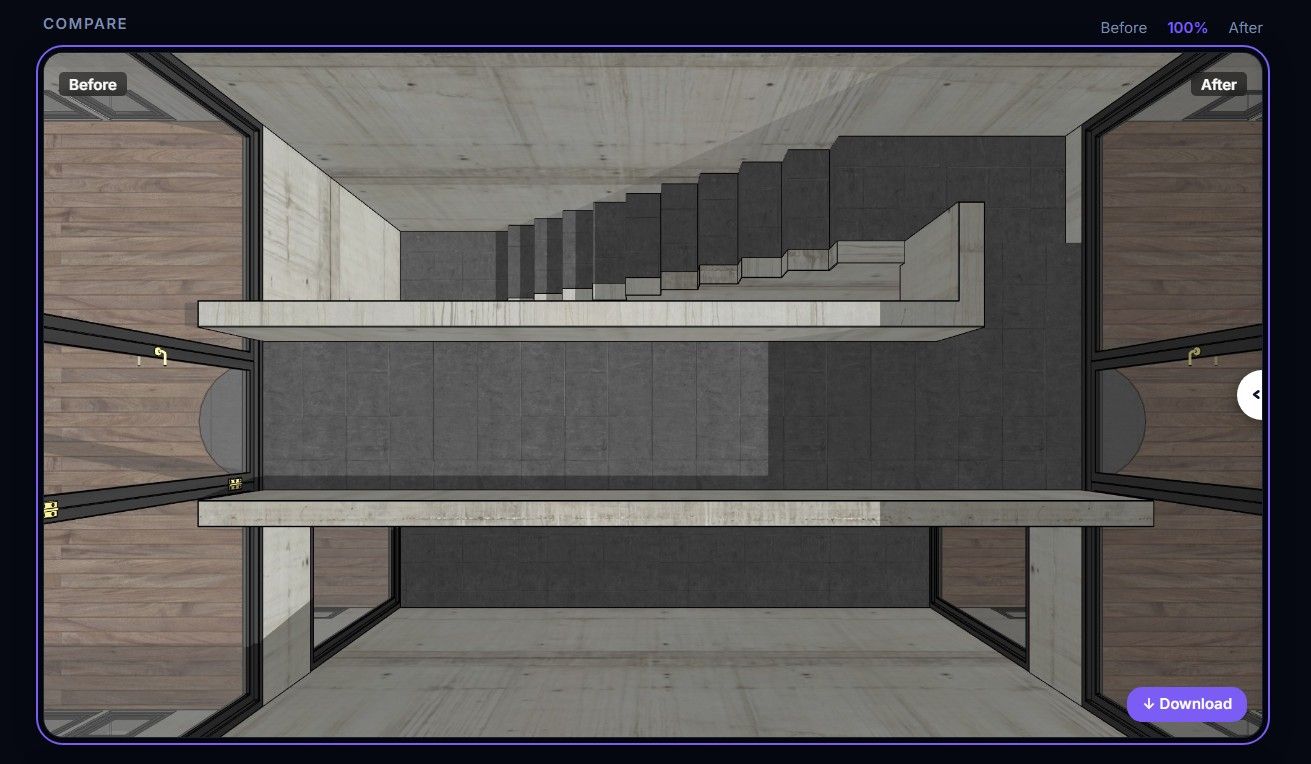
The AI output image...
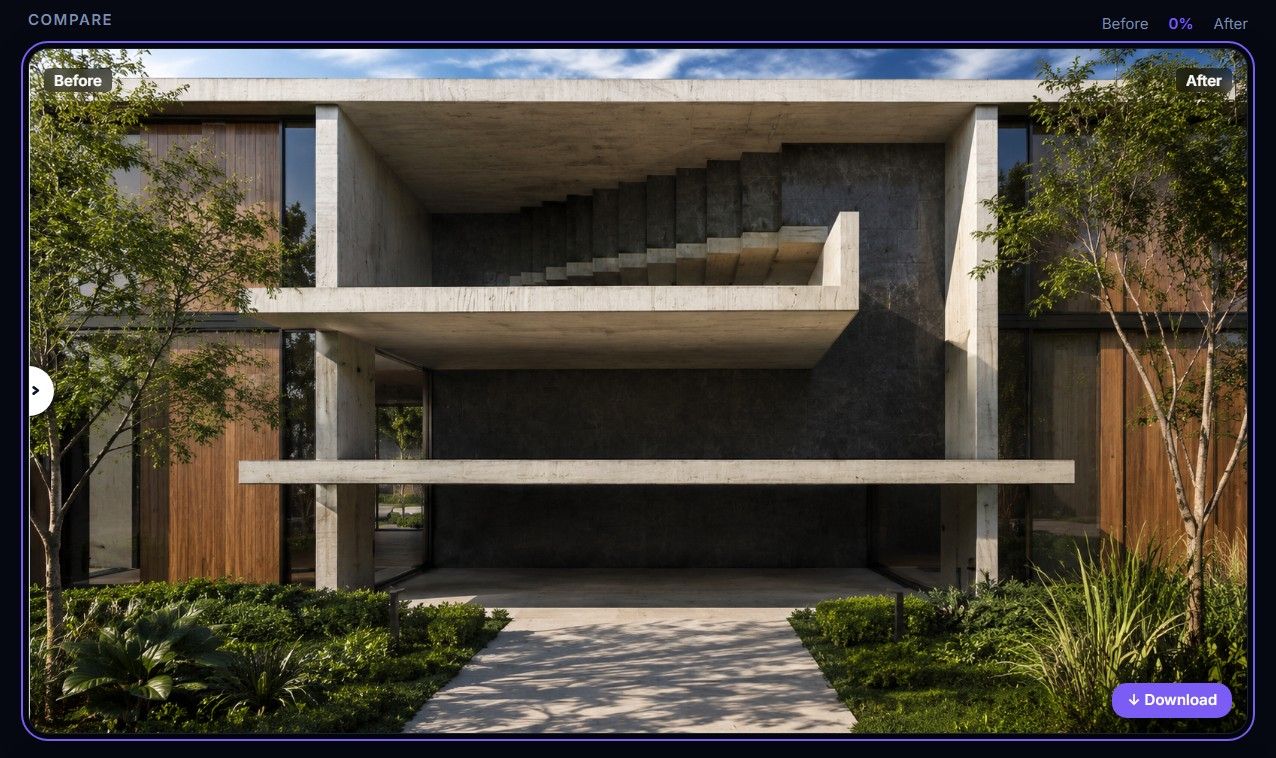
Look like it doesn't like or understand top down views. Also the 10min wait is a tad excessive.
-
@Rich-O-Brien At first, Thanks for trying it out!
I guess thats why we have added this page; https://sherpa-render.com/en/learn/common-mistakes
I think it also helps if you choose interior instead of exterior for this view
-
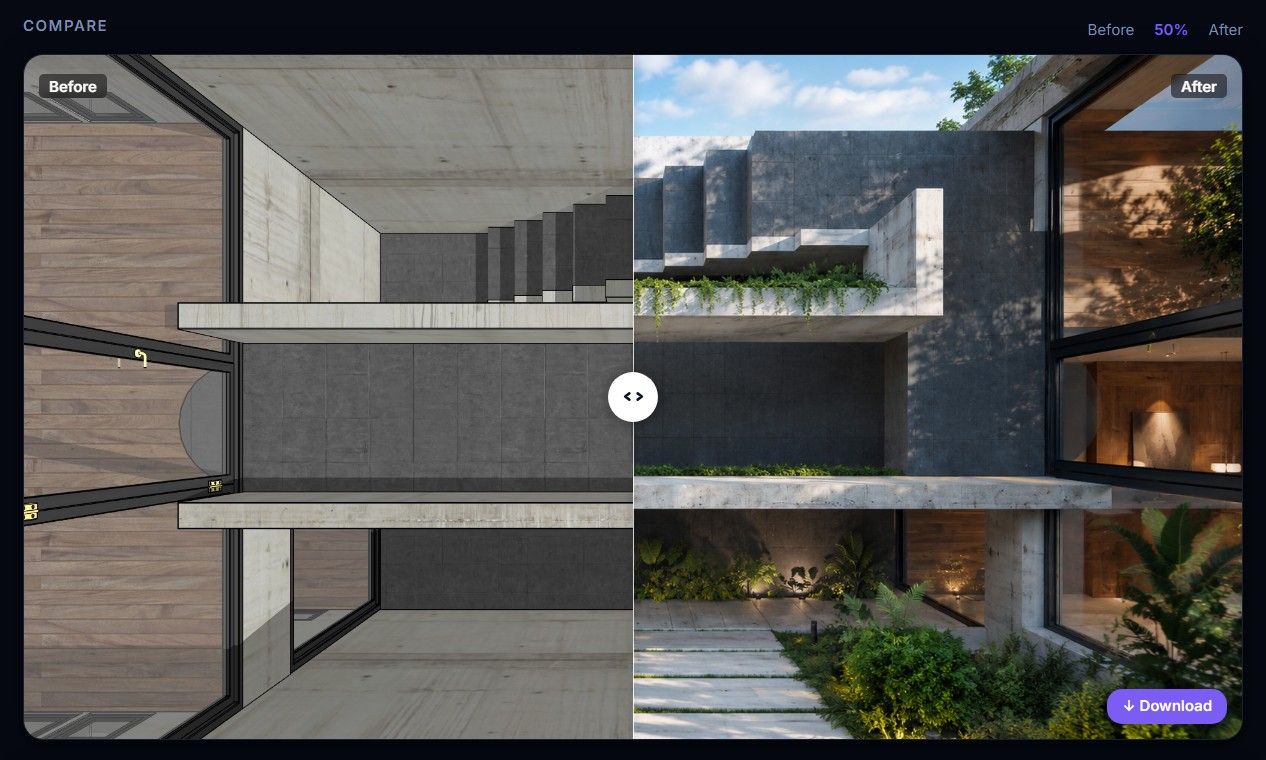
Not really I'm afraid
-
@Rich-O-Brien Still you choose exterior instead of interior...
-
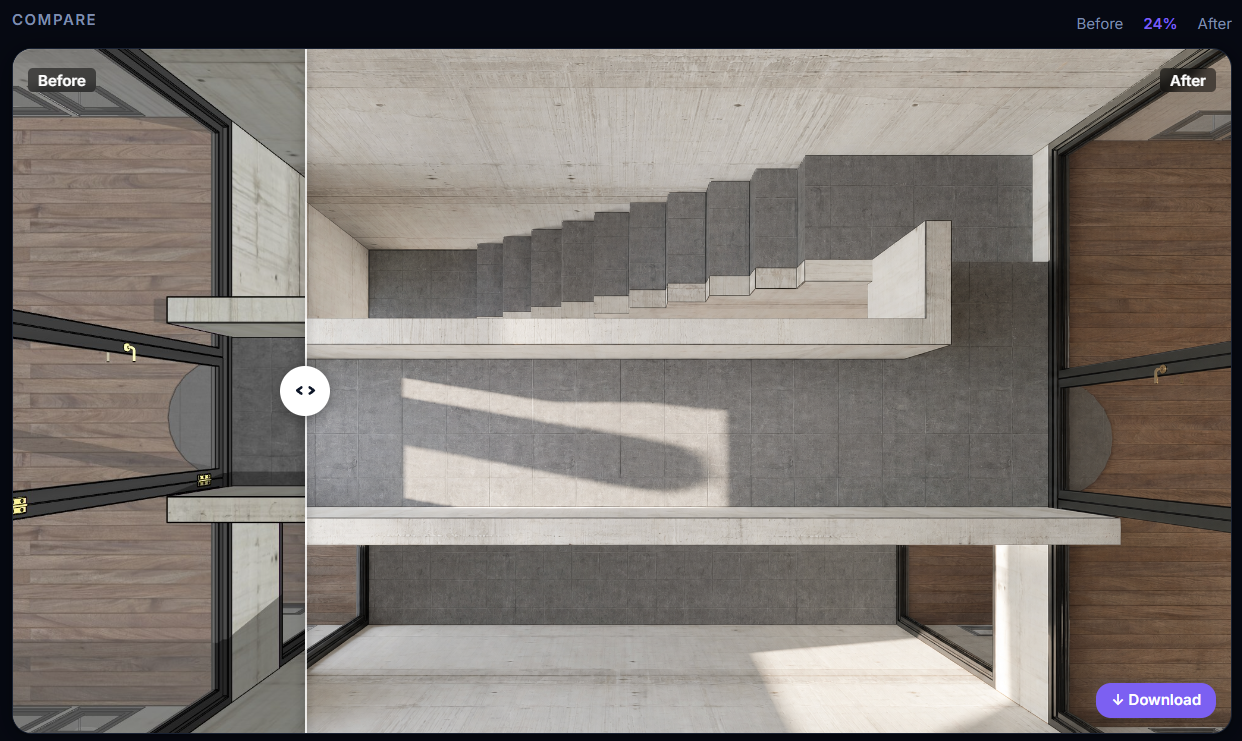
i just gave it a try with your screenshot and choose the interior option
-
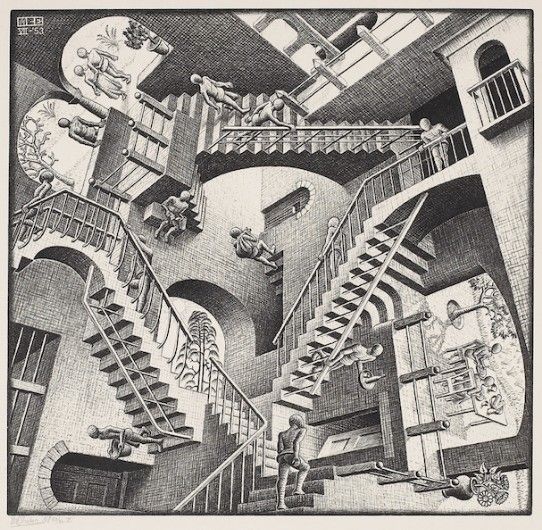
Rich, you're really being too hard on the AI by choosing the Eicher view.
-
@sherparender
The issue is the sheer number of offers like this and the lack of available credits for thorough testing. As someone who does rendering almost daily and is keenly interested in AI for this purpose, I believe the service that truly offers a substantial free trial will stand out. If I want to test 3D modeling quality from photos, I go to Tencent HY 3D—20 free generations a day!
Where can you find an offer like that for ArchViz AI? -
@Rich O Brien
My Architect Ai : same as most other. Pay first and you will see ! I was able to do a test and it went completely haywire. -
Are these AI providers significantly better than SketchUp AI render? I.e., what's the added value of paying for an external tool when you already have it in SketchUp?
-
That’s a good question. I don’t hear much feedback about SketchUp’s AI rendering tools. I haven’t switched to the latest version myself, but the technology has likely improved since its initial release. To clarify how it works: sites like 3dvibes are undoubtedly very effective, but they require a different workflow within the modeling software. For SketchUp, using them makes sense if you can fully integrate the 3D geometry, furniture, vegetation, and textures directly into the SketchUp project. However, this results in very heavy projects with excessive polygon counts; rendering detailed fabric sofas, 3D figures, or trees can be a struggle. Yet, these rendering services are far more capable of maintaining consistency and precision across different scenes and viewpoints when all the necessary information is already present in the SketchUp workspace.
In professional practice today, however, the standard approach involves doing about two-thirds of the 3D preparation in SketchUp and handling the rest in a "real-time" rendering engine—such as Enscape, Twinmotion, Lumion, or D5 Render. These engines offer great fluidity by leveraging the graphics card, particularly when dealing with vegetation and high-poly models. The results are truly impressive.
For instance, you can integrate 3D objects created via AI-from-photo modeling; while they are incredibly useful, they are also very heavy—making it impossible to use them in large numbers within SketchUp.
As we speak, I believe some users are betting on moving away from traditional rendering engines altogether, and that approach works well in many situations.
It is certain that, in the medium term, AI will take over about half the workload of traditional rendering engines; indeed, exterior backgrounds and vegetation are already being generated using AI today.
Furthermore, many of these services are increasingly integrating directly into modeling software as extensions. D5 Render offers AI rendering with D5 Lite.It would be interesting to get feedback from users of AI Render (diffusion).
-
Thanks for the explanation, @krass - So there's real value in these AI rendering solutions; they are not a fad. I should go build my own.
I'm the developer of Rayscaper: https://rayscaper.com/ - Fast and easy rendering for SketchUp.
-
yes Pixelcruncher these solutions aren't a gimmick any more, I don't know if you're an expert in this field, but yes, absolutely. However, it's a real hassle to offer to clients—it requires massive servers...
Free AI models are pretty good, but they don't compare to paid solutions. Zpix, by Samuel Tallet, is a free PC app that generates really decent images using open-source models. However, it's best suited for creating single views and involves a lot of randomness.
I couldn't really use this image for my client, but I put it on my site...
-
Disclosure first: I'm one of the founders of Vizbase, an AI rendering extension for SketchUp, so read this with that in mind.
@miikka1978, your point about editing only certain materials or parts of the model is the problem we built around. Vizbase detects the elements in the captured view (walls, floor, ceiling, joinery, furniture) and you set a material for each one, typed, from a reference photo or from a material library, instead of one prompt for the whole image. After rendering, Refine lets you mask an area and change only that.
It isn't flawless. On a renovation project last month the first pass dropped a plaster ceiling rose that was in the model, and it took a Refine pass with a reference image to bring it back. And as @Krass says, consistency across several viewpoints is still the hard part for every AI renderer, ours included.
Since testing on your own models came up: the free plan has 5 credits a month (up to 10 renders, no card), and the SketchUp extension works on it, so you can try it on your own model without paying. If anyone wants more room for a proper test on a real project, message me and I'll set up free Studio access. Post the results here, good or bad.



Hello! It looks like you're interested in this conversation, but you don't have an account yet.
Getting fed up of having to scroll through the same posts each visit? When you register for an account, you'll always come back to exactly where you were before, and choose to be notified of new replies (either via email, or push notification). You'll also be able to save bookmarks and upvote posts to show your appreciation to other community members.
With your input, this post could be even better 💗
Register Login


Advertisement