Toposhaper Problems
-
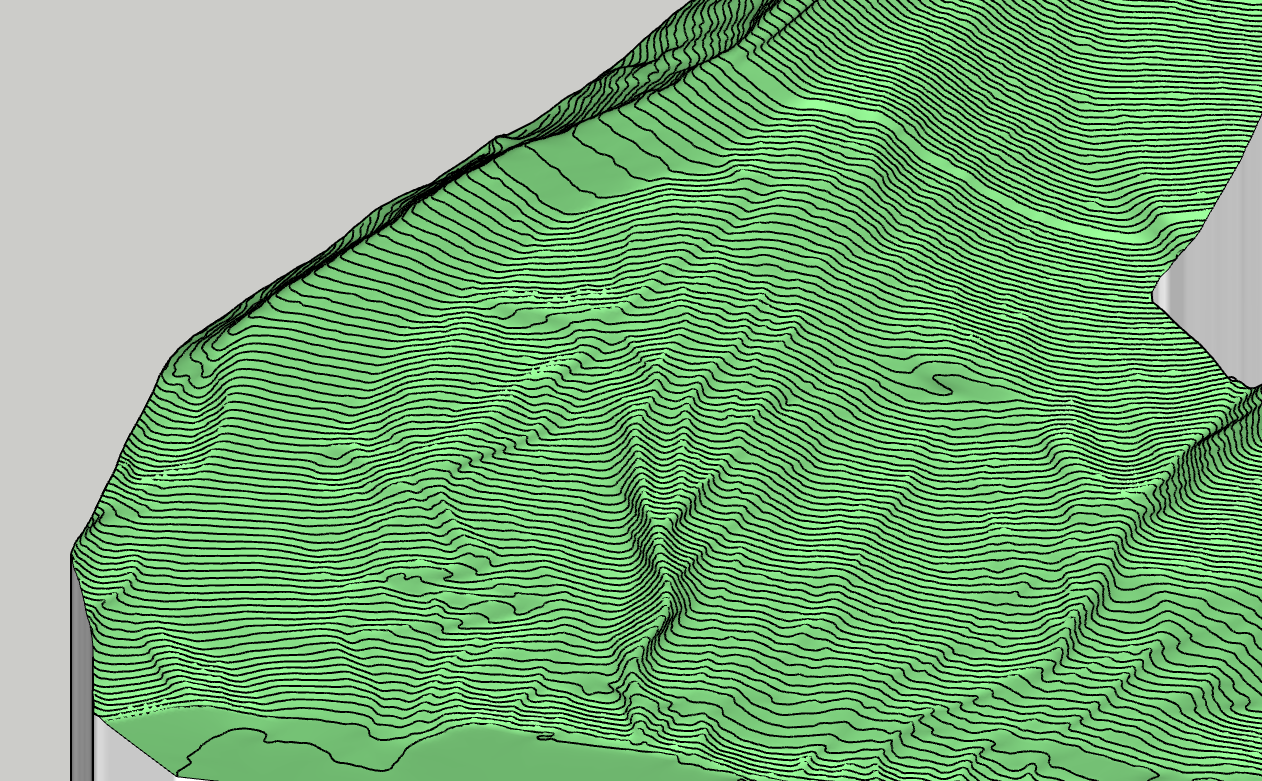
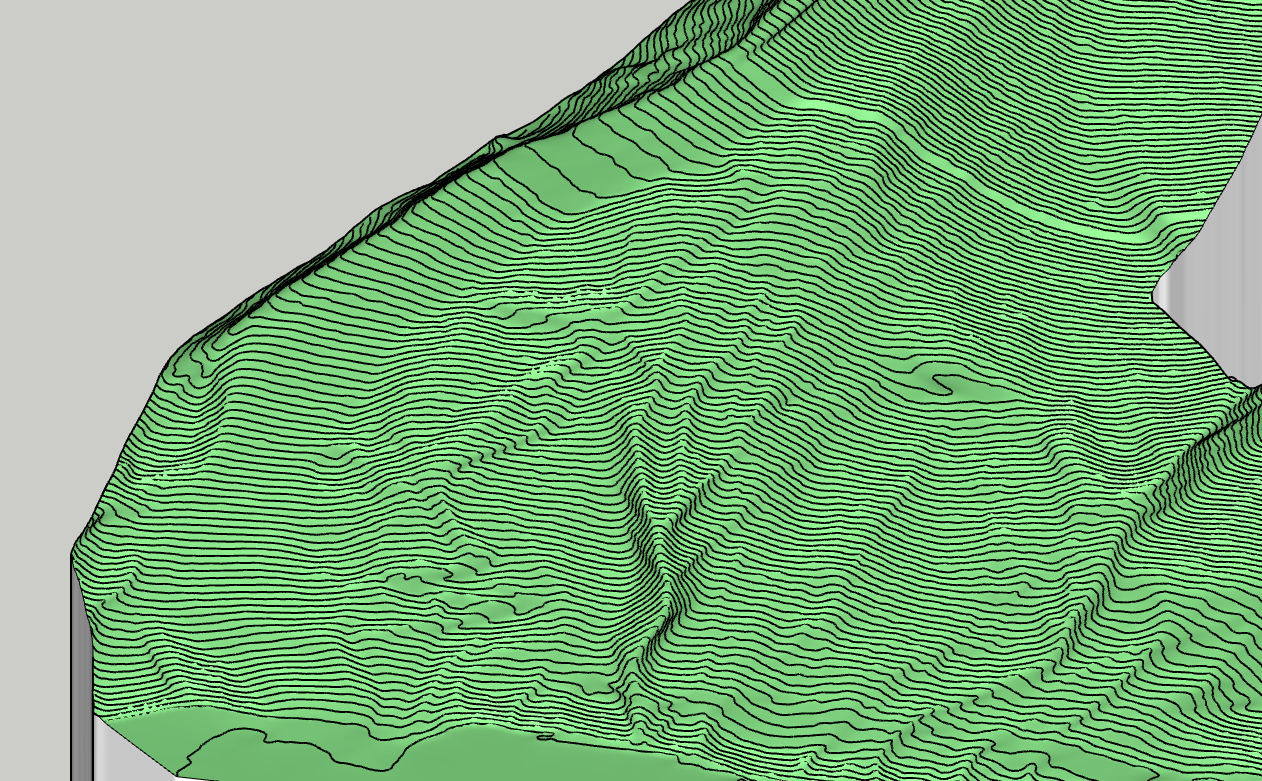
Indeed, thank you for the answer. Nevertheless I increased the mesh at maximum and now it s veeeeryyyy close, so yes, I m pleased with the result. For users like me...PLEASE LOOK IN ALL THE PARAMETERS and change the grid to where you consider it is sufficient. Again, thank you for your genius addons, I use them a lot, sketchup would be a pain without them. -
@BBDesign
even i am facing the same issue . I have attached the issue :An error occurred in CLEANSING The operation is fully aborted cannot hide layer that is a part of the active path Ruby File Line Method body_lib6tool.rbe 2566 visible= body_lib6tool.rbe 2566 block in switch_to_temp_layer body_lib6tool.rbe 2565 each body_lib6tool.rbe 2565 switch_to_temp_layer toposhapertool.rbe 1393 change_view toposhapertool.rbe 1360 set_preview_working toposhapertool.rbe 546 cleansing_processing toposhapertool.rbe 525 after_selection toposhapertool.rbe 495 notify_edge_picked body_lib6edgepicker.rbe 541 call body_lib6edgepicker.rbe 541 notify_action body_lib6edgepicker.rbe 584 terminate_current_selection toposhapertool.rbe 660 execute_validate toposhapertool.rbe 389 handle_initial_selection toposhapertool.rbe 321 activate toposhapertool.rbe 133 select_tool toposhapertool.rbe 133 action__mapping data6.rb 65 call data6.rb 65 launch_action lib6plugin.rbe 244 launch_action bootstrap_toposhaper.rbe 83 launch_action bootstrap_toposhaper.rbe 149 block in startup lib6plugin.rbe 1463 command_invoke lib6plugin.rbe 1443 block (2 levels) in build_config_commands lib6traductor.rbe 1532 block in add_command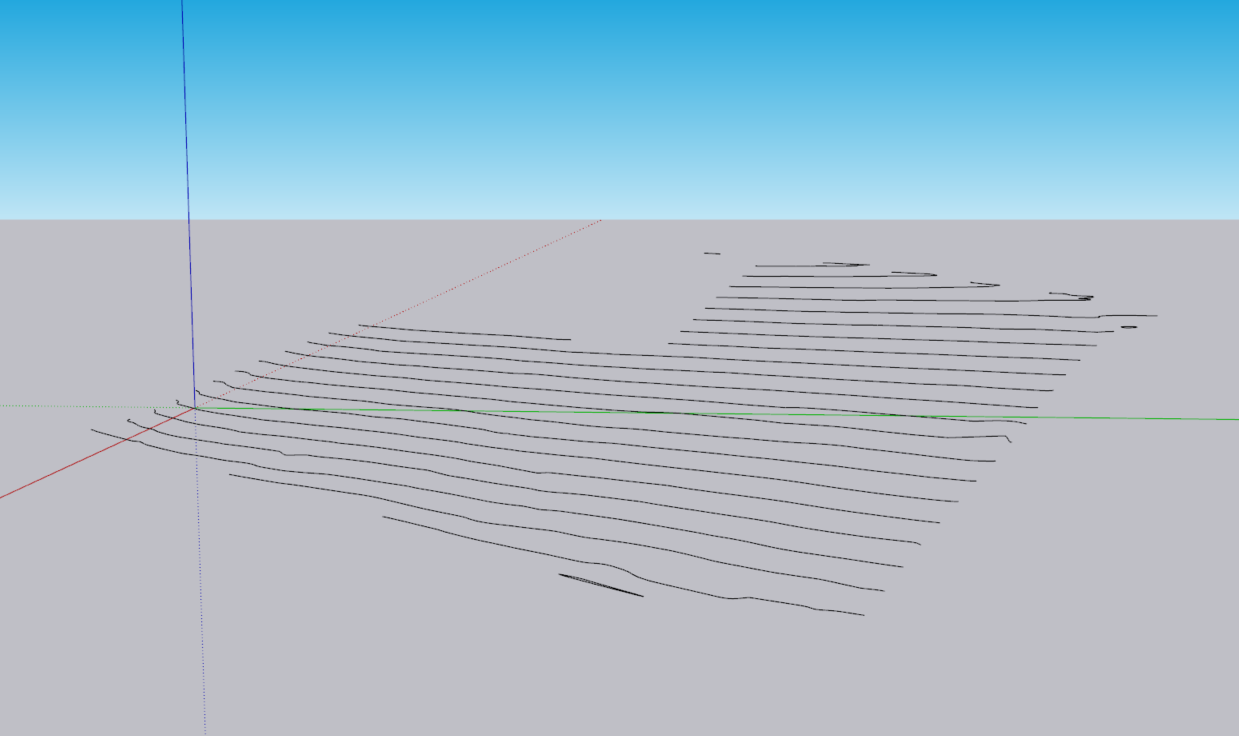
-
Just select the Group from outside and launch TopoShaper.
-
Hi Fredo, I have the same issue. You may find it attached along with the file;
Ruby Error - CLEANSING - 10-Oct-25 19_25_11 - SU2025.0 - LibFredo6 - v15.4e.txt
Terrain.skp -
Just do what is mentioned in the post above yours.
-
It just makes me sad that you assume i did not do that!
-
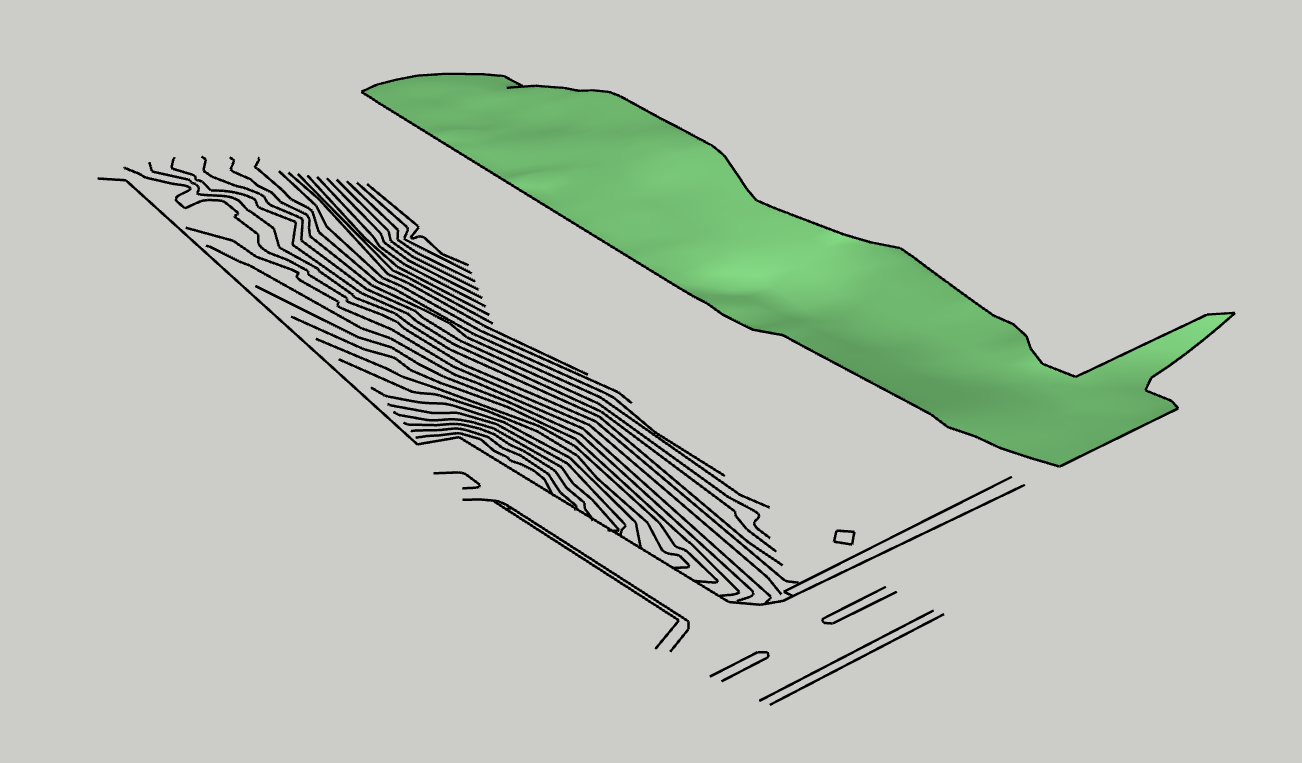
@DenizMtly what is the problem?
-
@Rich-O-Brien It seems it's working with you, but not with me. Tried several times before but I'll give it another try.
-
Make sure your extensions are up to date
-
@Rich-O-Brien They are all the recent versions. But the model I've sent was copied from another file and pasted in a new one and saved afterwards. The contours group was under another group. Therefore I was trying in that parent group and from outside contours group. After I saw you were successful, I copied it and pasted outside, then tried again, it finally worked. So it does not work if the group is under another parent group. Is that the case?
-
If your contours are nested, as in grouped in a group, then you will need to select contours after selecting the Parent group.
If your contours are just a single group then Toposhaper treats that as the selection.
-
@Rich-O-Brien Thanks a lot!
-
I also get the "cannot hide layer that is a part of the active path" error when trying to Generate Quadmesh from terrain. This error occurs even when selecting the contours that are grouped.
What fixed it for me: move the group of contours to the root context. This error seems to come up if you are working within nested groups. TopoShaper seems to only work in the master context.
Ruby Error - CLEANSING - 24-Feb-26 10:33:43 - SU2025.0 - LibFredo6 - v15.8e.txt



Hello! It looks like you're interested in this conversation, but you don't have an account yet.
Getting fed up of having to scroll through the same posts each visit? When you register for an account, you'll always come back to exactly where you were before, and choose to be notified of new replies (either via email, or push notification). You'll also be able to save bookmarks and upvote posts to show your appreciation to other community members.
With your input, this post could be even better 💗
Register Login


Advertisement