[Plugin] Physically-Based Rendering - v1.5.9 - 19 Apr. 2020
-
Ah thank you! I should've read the documentation better...

I will try it again.Best,
-
@peerman said:
Ah thank you! I should've read the documentation better...
I will try it again.Best,
No problem, Peter.
Best regards,
Samuel
-
v1.3.5 of PBR plugin has just been released.

-
Enhance macOS support.
-
Upgrade Chromium browsers.
-
Update sunlight direction. Beta

-
Add two materials to library.
-
Clarify menu and Viewport UI.
-
Fix camera's orbit control damping.
-
-
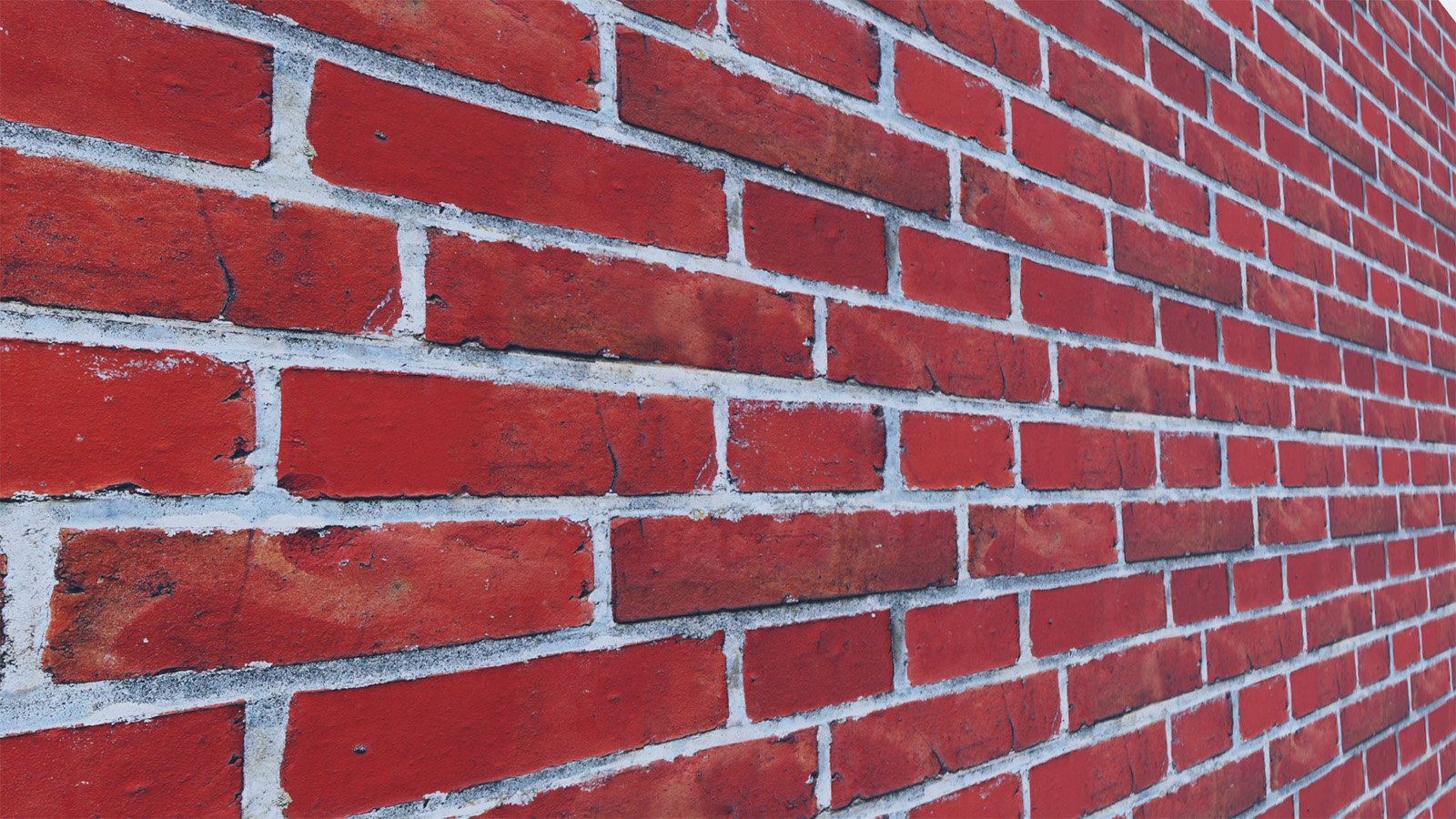
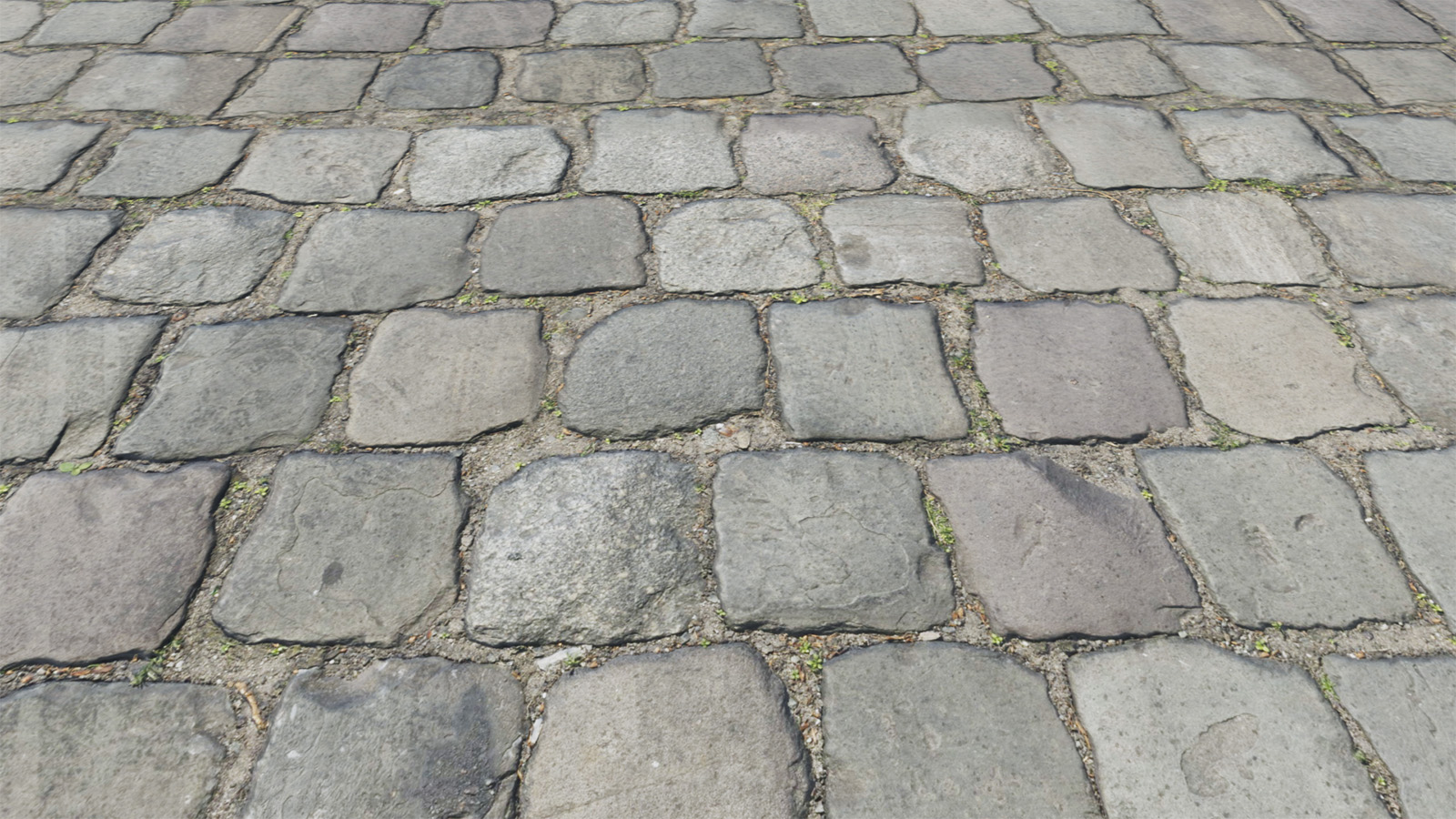
PBR plugin v1.3.6 includes a library of 73 materials!
Most have been converted from texturehaven.com.
All these materials contain at least one normal map.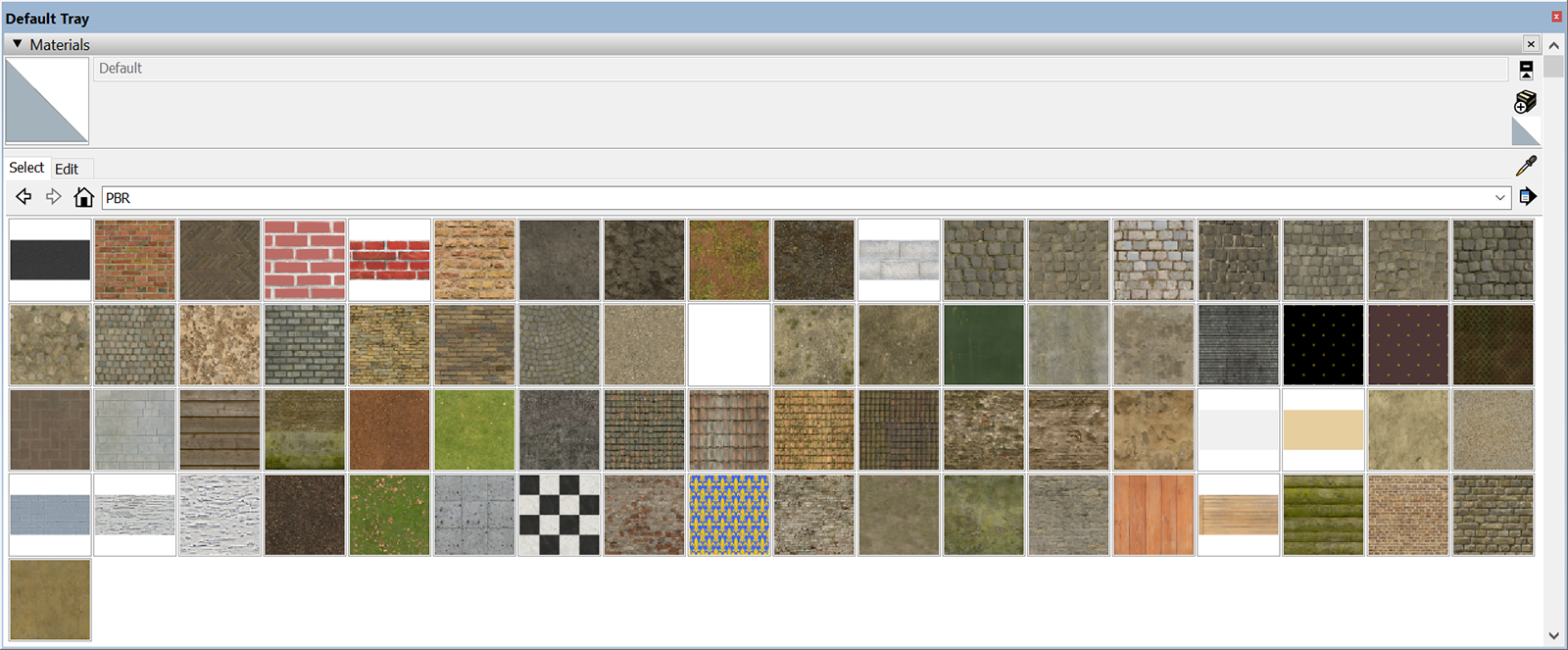
-
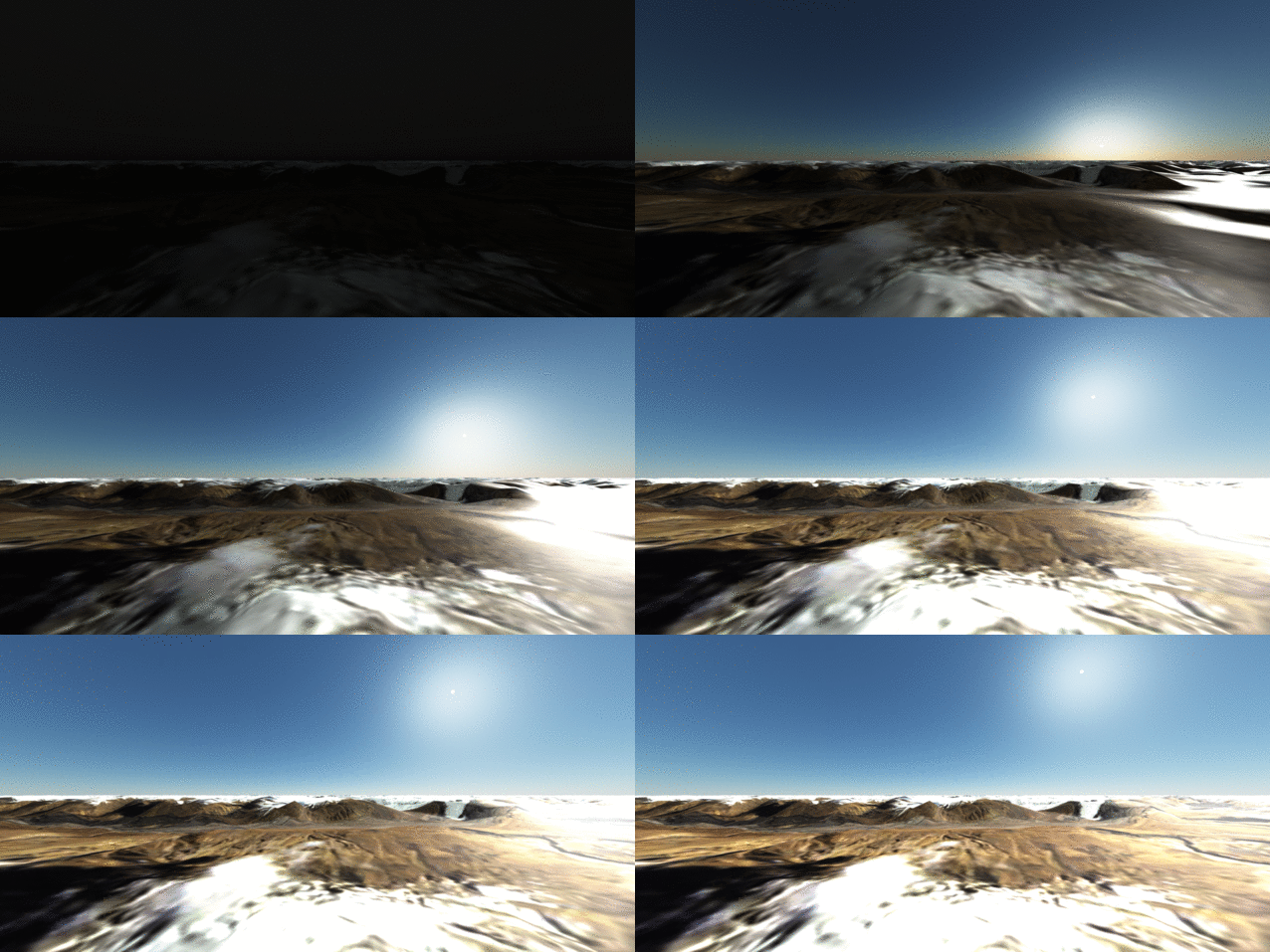
The next PBR plugin version will include a virtual atmosphere (sun and stars). Demonstration:
-
PBR plugin v1.4.0 is out!
What's new?
- You can change sun elevation in Viewport. Sun and stars rise.
- You can save image in Viewport just by clicking on camera icon.
- Hold mouse middle button to zoom more quickly in Viewport!
- You can enter VR mode in Viewport — if you own a VR headset.
- You can't change environment map from menu anymore. Sorry.
- Material Library includes 79 materials! Thanks to Texture Haven.
- You can change sun elevation in Viewport. Sun and stars rise.
-
PBR plugin v1.4.1 is out.
- Enhances Material Editor UX.
- Library includes 82 materials.
-
Great stuff! Just found out about this plugin. Look forward to trying it
-
@chippwalters said:
Great stuff! Just found out about this plugin. Look forward to trying it
Thank you!

-
The latest PBR plugin version (downloadable here) includes a toolbar
and one more material. -


-
PBR plugin v1.4.3 :
- Checks required plugin.
- Externalizes material lib.
-
I'm happy to announce that PBR plugin is now available through the SketchUcation PluginStore.
-

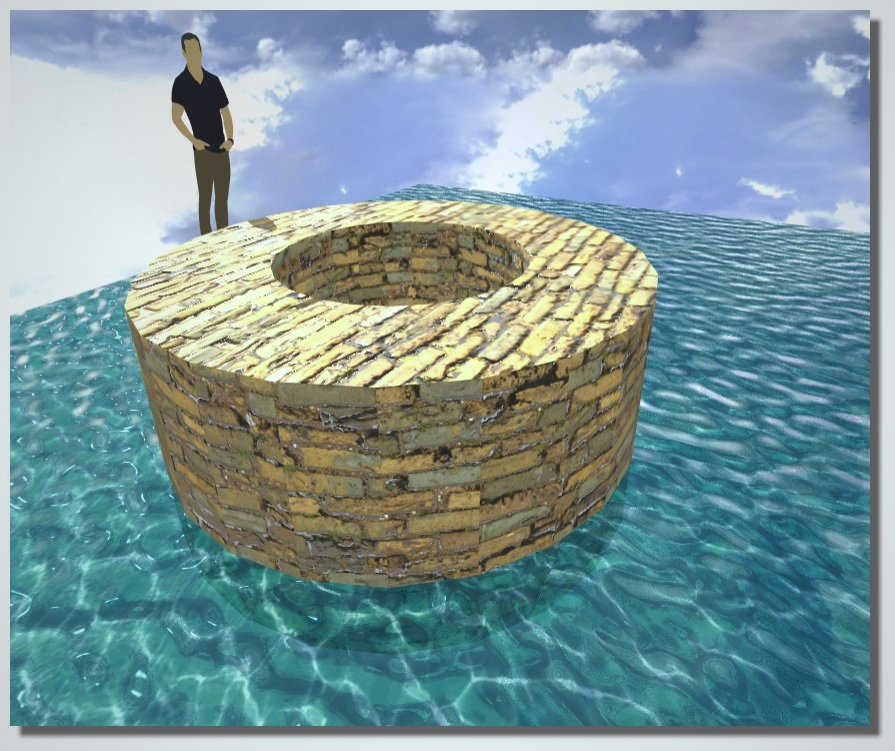
-
v1.4.5 of PBR plugin fixes a light exposure issue in Viewport.
-
Material Library of PBR plugin includes 100 materials --> Direct link to download it.
-
I've downloaded the plugin and seems successfully installed but I'm unable to get a viewport to open. I've applied a PBR material and click on Reopen Viewport from the toolbar. I get a dialog box with "Propagate materials to whole model (Recommended)". Whether I select Yes or No, nothing happens. It's likely I'm not following the correct procedure?
-
@macchu said:
I've downloaded the plugin and seems successfully installed but I'm unable to get a viewport to open. I've applied a PBR material and click on Reopen Viewport from the toolbar. I get a dialog box with "Propagate materials to whole model (Recommended)". Whether I select Yes or No, nothing happens. It's likely I'm not following the correct procedure?
PBR plugin requires this other plugin : glTF Exporter. Do you have installed it?
-
Yes, sorry I forgot to mention that, but the glTF exporter is also installed.
-
@macchu said:
Yes, sorry I forgot to mention that, but the glTF exporter is also installed.
Please open a Ruby Console* and paste this code:
PBR;;Viewport.reopenThen send me resulting text or a screen capture.
(*) Window > Ruby Console



Hello! It looks like you're interested in this conversation, but you don't have an account yet.
Getting fed up of having to scroll through the same posts each visit? When you register for an account, you'll always come back to exactly where you were before, and choose to be notified of new replies (either via email, or push notification). You'll also be able to save bookmarks and upvote posts to show your appreciation to other community members.
With your input, this post could be even better 💗
Register Login


Advertisement