I can't find out the plugin I had used !
-
Hi SCFers,
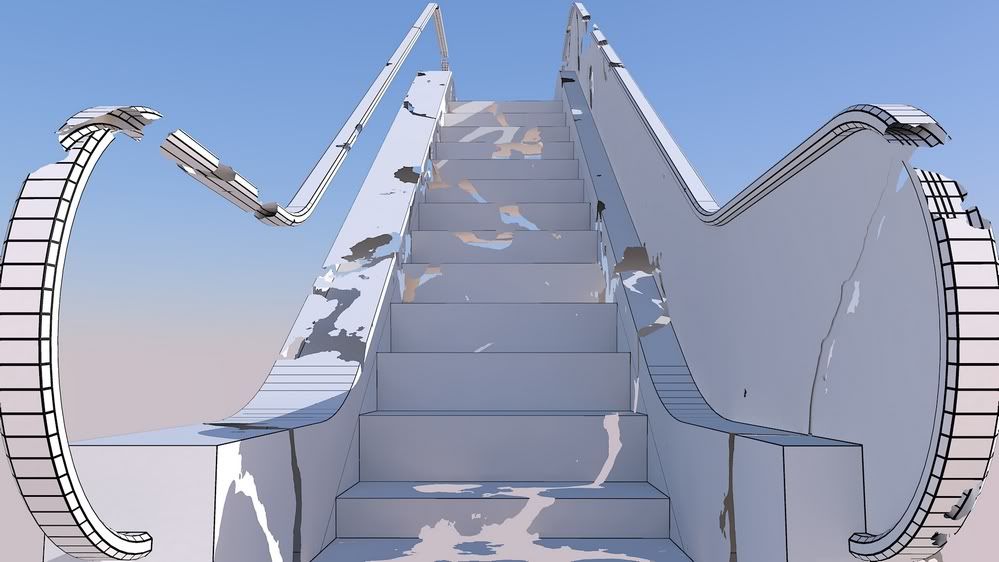
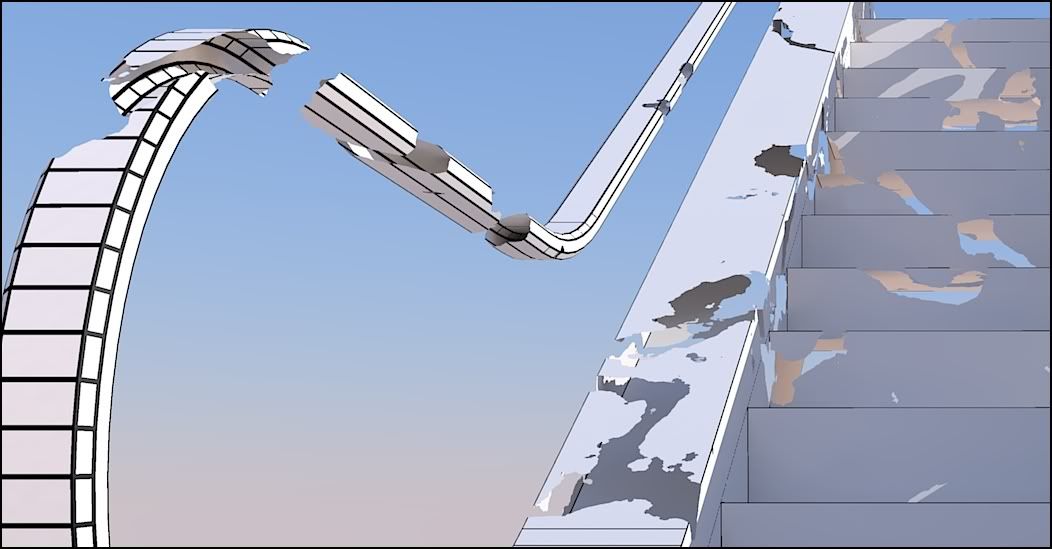
I would like recover the plugin I had used to make the random holes in the escalator!
I have scanned all my (how many!) plug links without success.Re: the escalator itself had been made with 1001bit tools
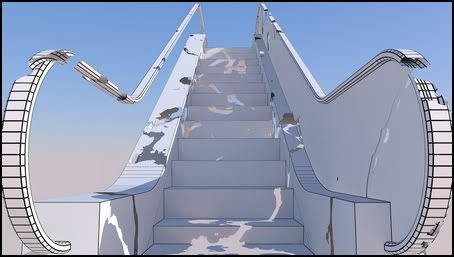
Any Idea?
*simon
-
Would it be Random Delete ?
-
The word "random" could be a clue?
I would be interested in a tool that "deteriorates" or "delapidates".
And I am guessing perhaps something in Didier Bur's collection? I really don't know.EDIT: Well, dereeei done beat me to it

-
hm... not sure if that is the plugin used. That plugin removed random entities in the current selection - the holes in this model seem to have been carved/cut out.
-
Judging by the way your escalator looks, Simon, it must have been bomb.rb or something like that.

(sorry for the OT) -
Doesn't bomb.rb just explode everything?
-
It does, I was only joking.
-
I know it doesn't matter here, but a spelling error occurred in my post above. The correct spelling is "dilapidate" of Latin origin having to do with scattering of stones.

-
Hi guys, thanks for the help!
I follow the search but I still don't recover the plugin..I agree with ThomThom:
@thomthom said:
- the holes in this model seem to have been carved/cut out.
It means also that I don't remember how it was working.
The picture is dated from 7 of January 2010: one year ago....
simon
-
The output appear to have very fine curves - must be very small edges. ...I see it's rendered - is it not a texture with transparency mapping?
-
@thomthom said:
The output appear to have very fine curves - must be very small edges. ...I see it's rendered - is it not a texture with transparency mapping?
Yes! yes! it is rendered, I was missing this
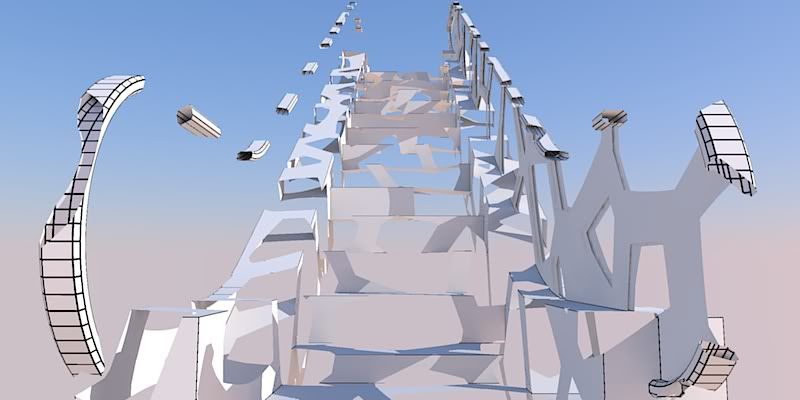
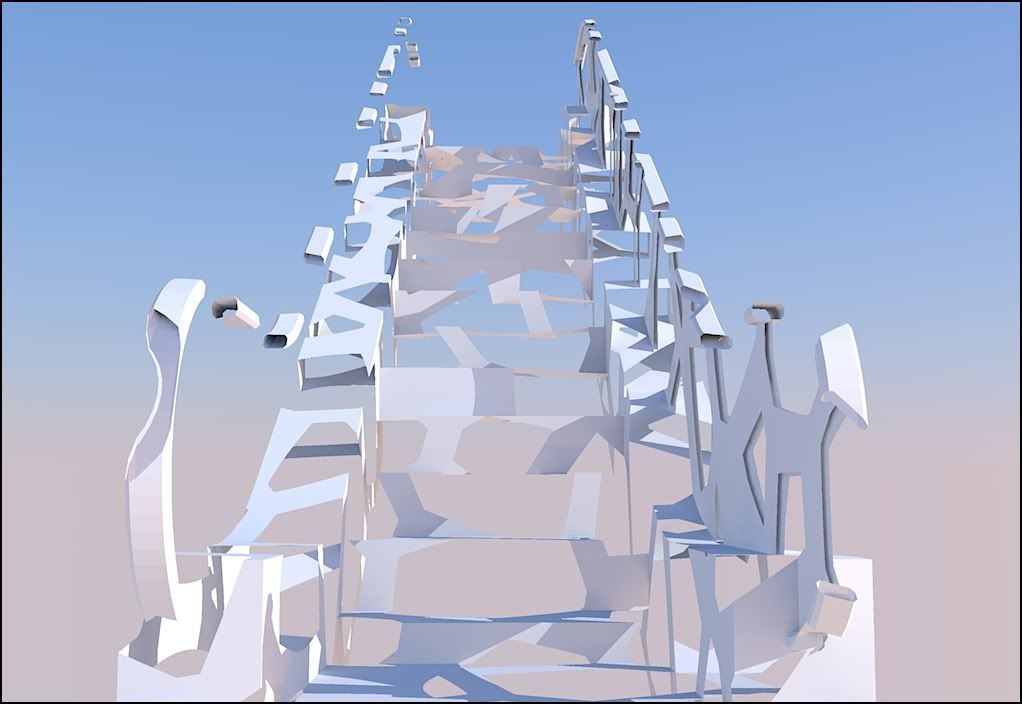
Rendered in Kerkythea.I have discovered in my Kerkythea pictures folder another try I had done..
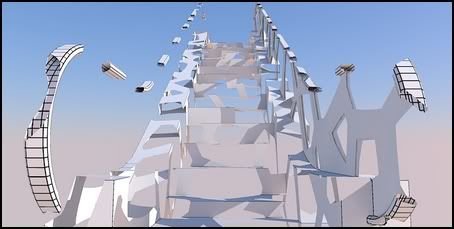
I don't find the corresponding skp, but I have found the xml file !!
A quick try with voronoy procedural as Clip mapping: and
Eureka, you where right!! Bravo thomthom

$$$$$\ SOLVED BY TMTM //££££££££
++simon
-
Is there a plugin that will do that without rendering?
-
But now I want a plugin that eats my models

-
I doubt that woodworkers would welcome such plugin
But I do like the idea. -

-
Seems you can make the same with this "Random Selection" by TIG

-
Hi Pilou,
Nice to see you after seems to me a long time.
Wish you a Happy New Year 
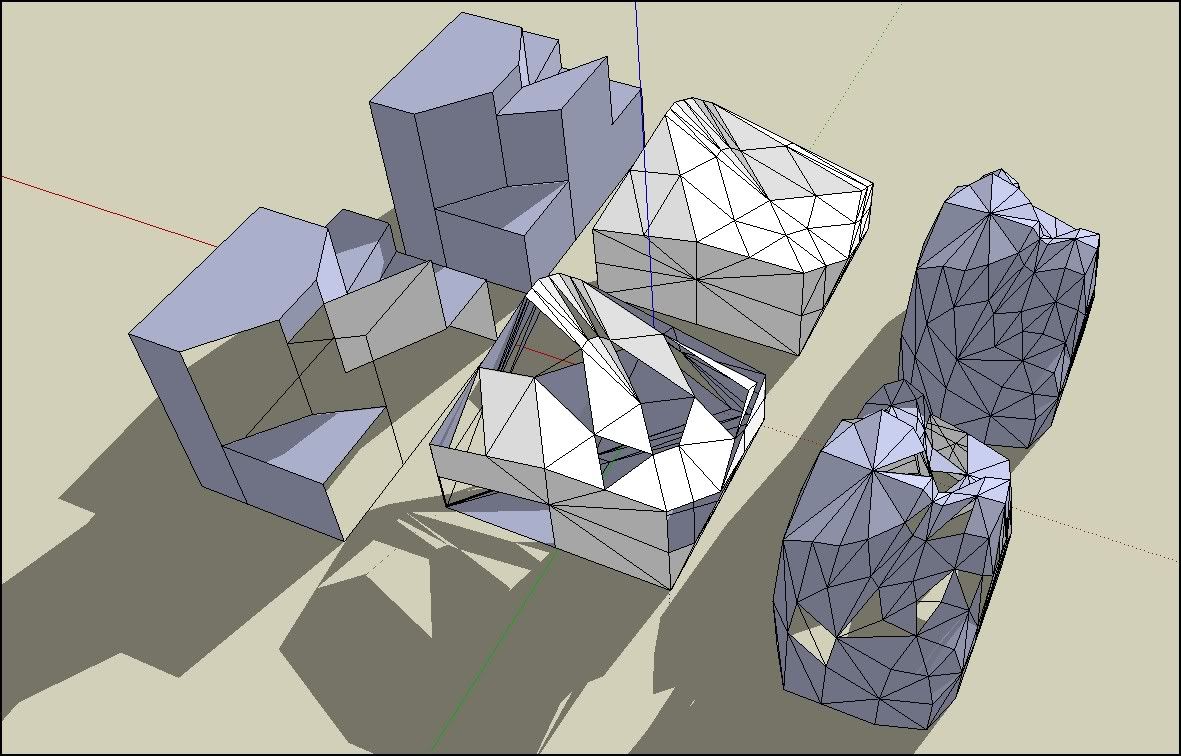
Hum! I just had made a little test with Tig's random select, and that confirms what I thought: we can't obtain the same result because even if we reveal the hidden geometry on a subdivided shape, we are going to deletes mainly triangles.
To obtain the same result we have to draw them by hand (seem's to me to be the only solution )
)
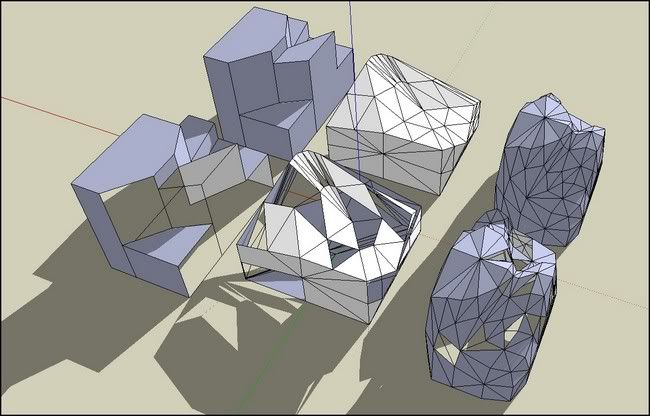
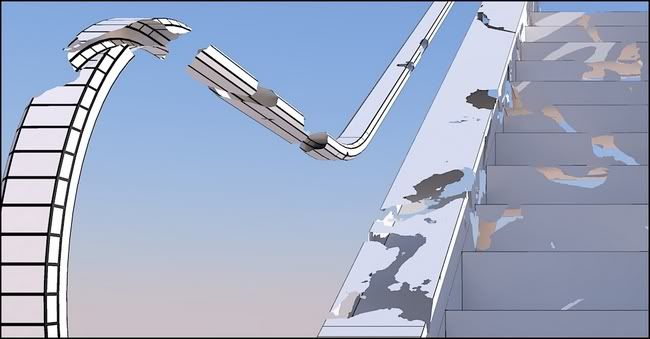
Cheers, simon.
-
There is not in the Selection Toys by Thomthom something like "extend an existing selection" ?... (not yet researched)








Hello! It looks like you're interested in this conversation, but you don't have an account yet.
Getting fed up of having to scroll through the same posts each visit? When you register for an account, you'll always come back to exactly where you were before, and choose to be notified of new replies (either via email, or push notification). You'll also be able to save bookmarks and upvote posts to show your appreciation to other community members.
With your input, this post could be even better 💗
Register Login


Advertisement