How do we make the exports available in the Presets drop down?
Oops, your profile's looking a bit empty! To help us tailor your experience, please fill in key details like your SketchUp version, skill level, operating system, and more. Update and save your info on your profile page today!
⚠️ Important | Libfredo 15.6b introduces important bugfixes for Fredo's Extensions Update
V
Offline
Posts
-
RE: Difference between Saving and Exporting settings?
-
RE: IES light not showing
@dkendig said:
There is a 2.0 demo available, so you can verify that the new version will work for you. We put those watermarks there for a reason, you can use it all you want, and we get free advertising

Once you learn the ropes and can get some professional quality renders going, then you might want to consider paying the fee to upgrade, because you'll easily be able to make that money back after your first visualization job.
I can vouch for this.
-
RE: How can i make Sketchup Vray with Section Animation
You will not be able to animate a section like this in the current version. I would consider one of two things. Pick another engine that will do it (learning curve) or just do it through SketchUp without having it rendered through V-Ray (easiest option).
-
RE: Render changes by camera angle
-
Place your pool right at the RGB axis in SU
-
Check your photon radius in your sun parameters, it could be too small. It looks like its getting cut off.
-
-
RE: Vray proxy.
It's definitely fixed in the nightly. I had this issue a few months ago and it was fixed right away by Devin and the Chaos crew. Large models take about 10-15 seconds now.
-
RE: Vray black squares and splotches
Normal maps work in 2.0
Taken from another forum... "Normal maps are just bump maps that allow for the appearance of a bump in any normal direction, not just at the normal. That's the problem with bump maps - everything appears to come "out" of the bump at exactly 90 degrees to the surface of the poly. That's why normal maps are full colour - the three colour channels correspond to the local XYZ space, as opposed to the single channel for bumps."
-
RE: Vray black squares and splotches
I would just stay away from displacement maps on brick and try using bump or normal mapping. Crazy Bump is great at making custom normal maps from your texture file.
-
RE: WEIRD RENDER BUCKETS ISSUE - HELP NEEDED
Not sure if I ever saw this but I haven't been in 1.49 in over a year now. I really cannot stress how much better life will be with 2.0
An upgrade is highly suggested...big time. Especially with that new machine.
-
RE: Questions on unlinking materials and light visibility
Oh yeah! Thats great news Devin.
-
RE: IES light not showing
All I did was a purge all from the model info menu. Its probably just components and materials you were not using.
I already deleted the file. All I did was literally add 3 IES lights, nothing else. I think its a product of your demo. Try a new file and create one IES light to see if it works.
-
RE: Moving materials from one file to another?
Should be able to copy materials back and forth. They also now stay with components when you import them as well. You can now also create SKM libraries with your V-Ray settings associated with the material files.
-
RE: Questions on unlinking materials and light visibility
+1 on #1 I use this technique quite a lot. Once you make it, save it to a SKM file for future use!
-
RE: Vray proxy export issue
It really isn't a great tree, to be honest. You would be much better off using my Onyx workflow that's on the Chaos website.
-
RE: IES light not showing
Not sure what the rules are with using the demo after it expires. I guess thats a question for Chaos Group.
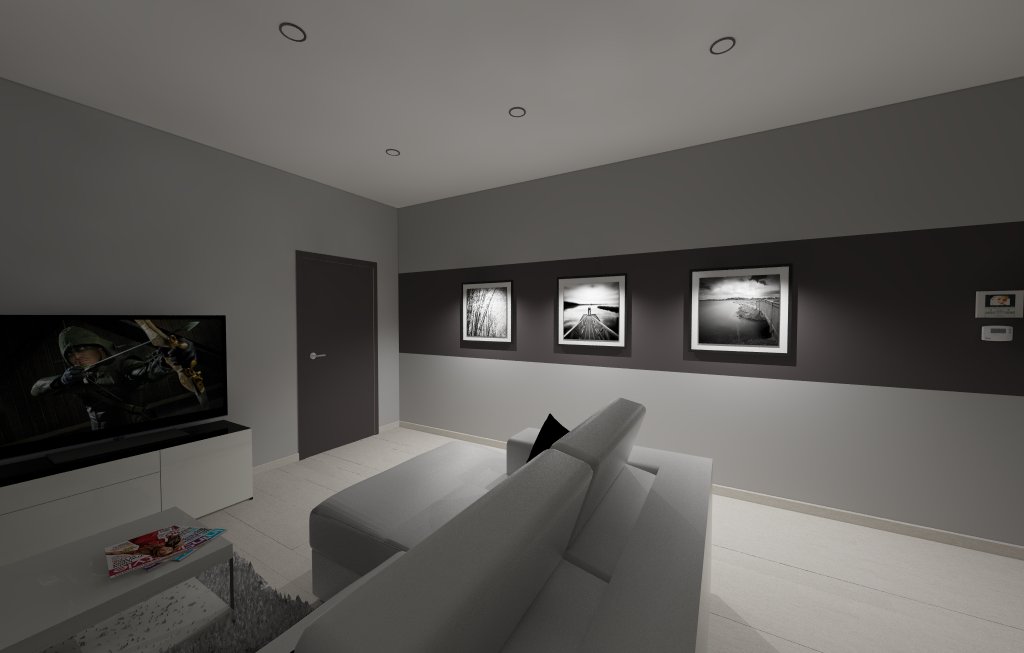
106 MB file - purged to 24MB (you had a lot a 'stuff' in that file
I made 3 new IES lights and used a file from the web, set value to 40000 and a warm white color and it worked for me.
-
RE: IES light not showing
I dont think you can continue to use V-Ray 1.6 and it kind of sounds like you are using it illegally and this is a big no-no on these forums.
Not sure you will get much help or support without being a paying customer.
-
RE: IES light not showing
1.6 is an old beta and no longer relevant. We are now on 2.0
IES lights need a very hi value to be seen usually. Try something like 300,000
-
RE: Vray black squares and splotches
Yep. SketchUp = 32 bit = the year 2002 computing power.
There are 2 things to combat memory issues.
-
render to EXR or VRIMG
-
render using the 64 bit spawner locally, which is essentially 64 bit V-Ray rendering*.
http://help.chaosgroup.com/vray/help/sketchup/150PB/distributed_rendering.htm
*Need V-Ray 2.0 to accomplish this
-
-
RE: How to create blurry and clear mirror material use an iMAGE?
Sweet material and sweet tutorial Andy.
-
RE: How to create velvet matrial using ...?
Theres one here but probably needs to be converted from Max
http://www.vray-materials.de/all_materials.php?mat=1045
Complex one from Evermotion, will require translation
http://www.evermotion.org/files/tutorials_content/uploads/V_Ray_Mat_1_5.jpg
-
RE: How to create velvet matrial using ...?
Yes, there are a few good ones on the Chaos site.