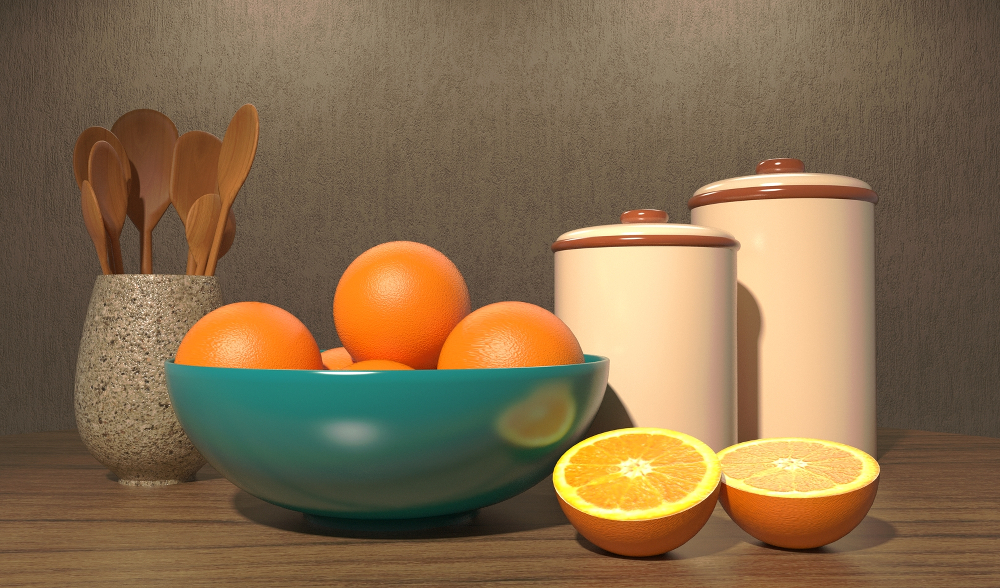
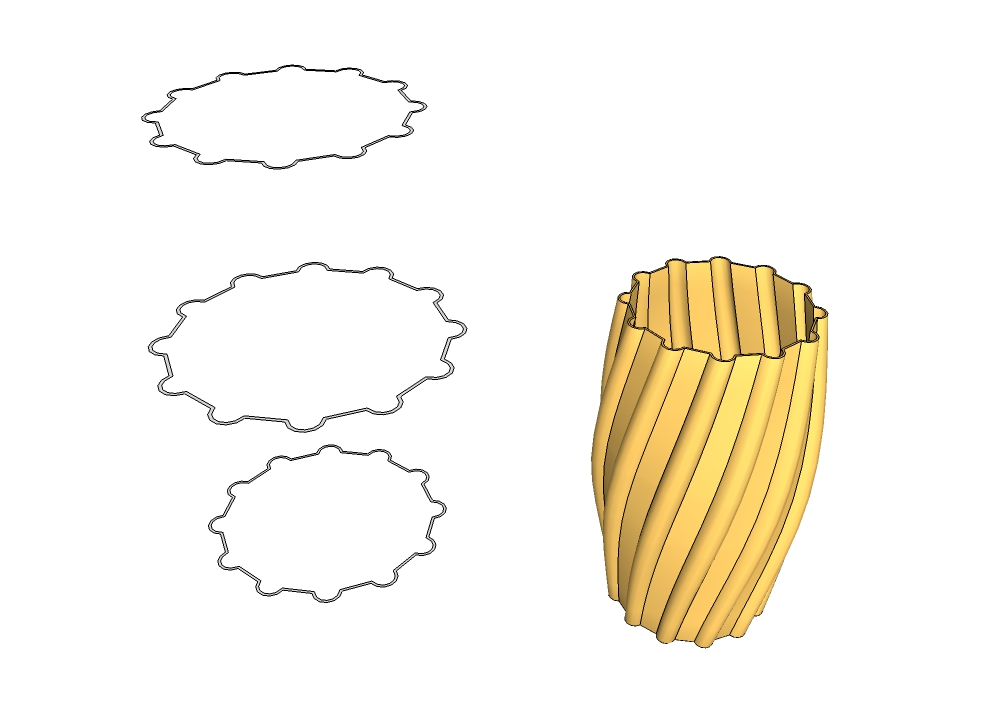
blackdogsketch , not sure if your last post was directed at me but I'll chime in. If I want to do a presentation board with a sketchy line style and the native SU shaded w/ textures this is what I do......
Save my native SU image , shaded with textures. Open the styles window and select the sketchy line style I want to use. Save this image at twice the size as the native SU image.
Import my sketchy line image into Gimp , scale back down to size of shaded w/ textures image. Make background transparent.
Drag native shaded w/texture image into gimp and there you have it.
Reasons for doing this. Sketchy line styles generally look a little to heavy when printed out. Scaling down usually looks better without losing the sketchy effect. I'm also able to work on the line overlay and erase any errant lines that I don't want in my final image. I can also reduce the "strength of lines in the distance if they appear to "strong" by running the erase tool with the opacity dialed down. Don't lose the lines but their not so "in your face" as lines in the foreground.
I've never had issues with the time it takes to save multiple images, but I'm usually not working with massive models. Although the size of the file can run pretty high due to lots of organic models in the drawing. Think one of my bigger files has over 3 million faces in it.
Hope your able to figure things out.


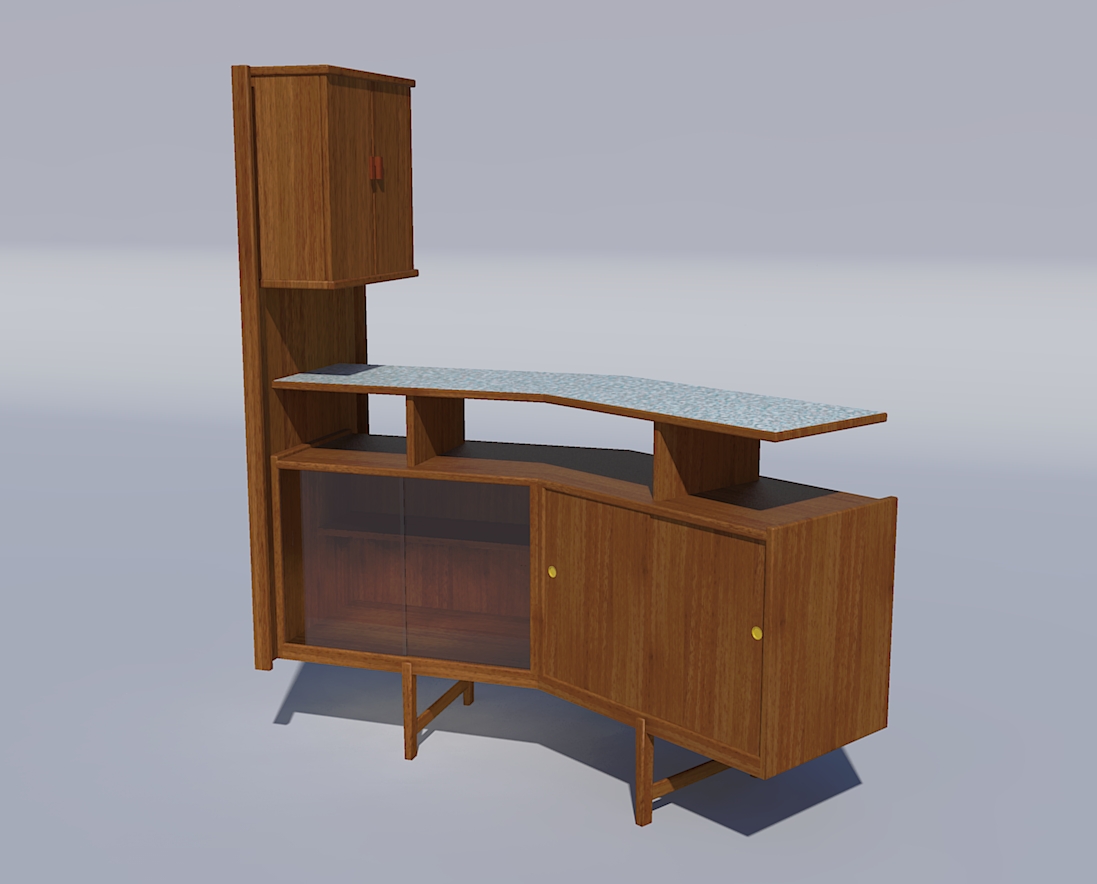
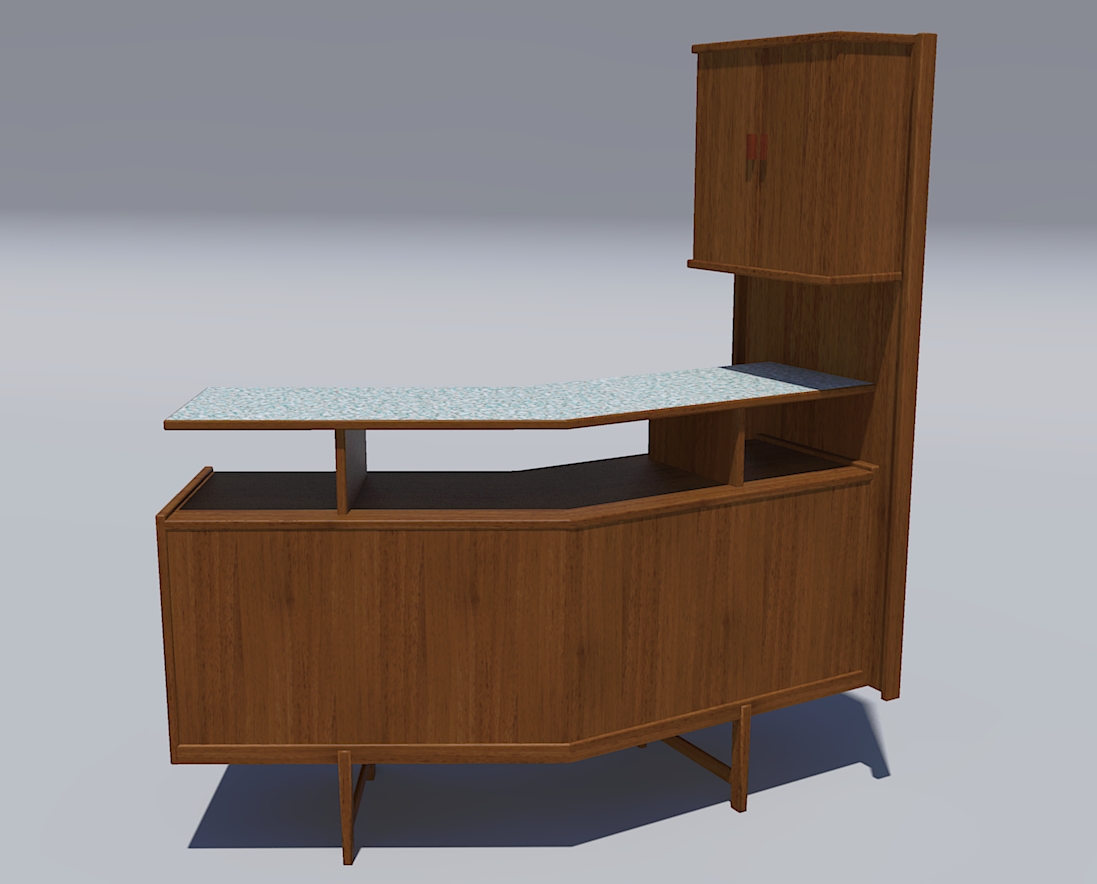

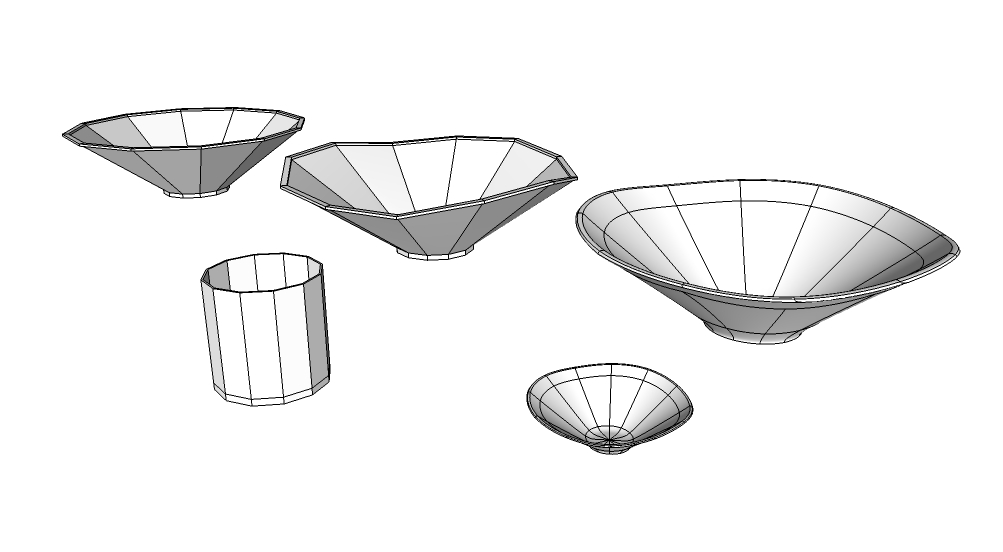
 . actually never occurred to me to ovate their shapes a little. as for stems oops they have no stems
  . I was shooting for a high glaze ceramic look on the bowl and canisters, but I have a noise map I got from the Twilight forum that I'll give a try on the canisters , sort of a side by side comparison. thanks much for the positivity and the critique. chuck.