It is always good to have a network where you can contact someone of the same discipline to get some help.
I would like to bring my knowledge.
 Offline
It is always good to have a network where you can contact someone of the same discipline to get some help.
I would like to bring my knowledge.
@cuttingedge said:
Recently, Im having problems with scene rendering just black. The culprit is the light in front of the camera. The light is set to invisible but i dont know why, it seems to be blocking everything else. If I remove it, it renders fine, but im lacking fill light in the front area. It's strange because Ive been doing this many times before with no issues. Now its causing this problem. I guess some bug.
Is the light facing the right way round. Try flipping the component along the blue axis?
If anybody has been following the Shape Bender thread they will be aware of the sterling effort put in by Dave and TIG on sorting out the same issues again and again. I would like to award them the Nobel Prize for Patience Beyond All Reasonable Level. These two Gents are legends.

(..for those that haven't seen it here is the link)
http://forums.sketchucation.com/viewtopic.php?f=323&t=18210&start=0
@mike amos said:
Nice.
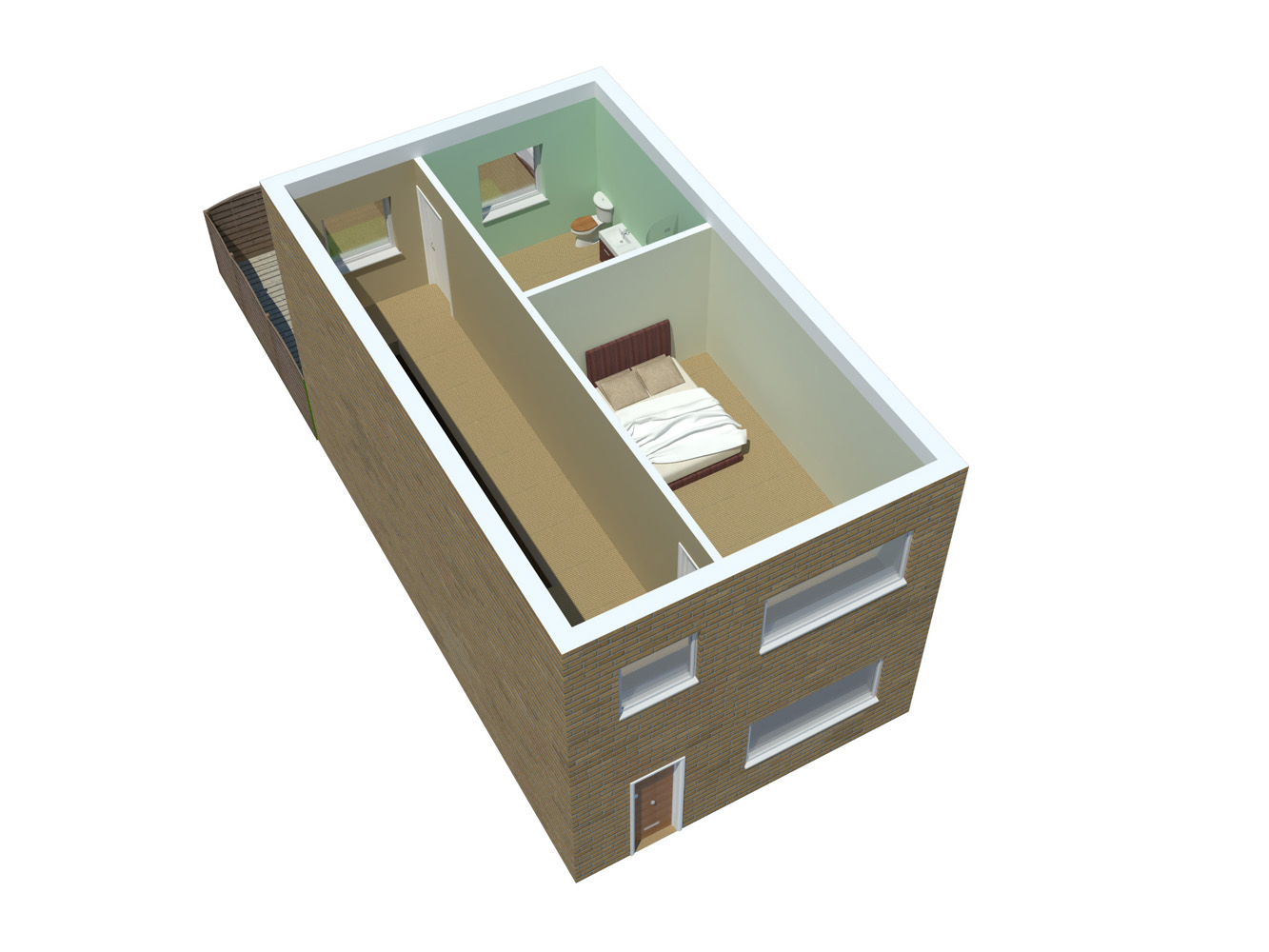
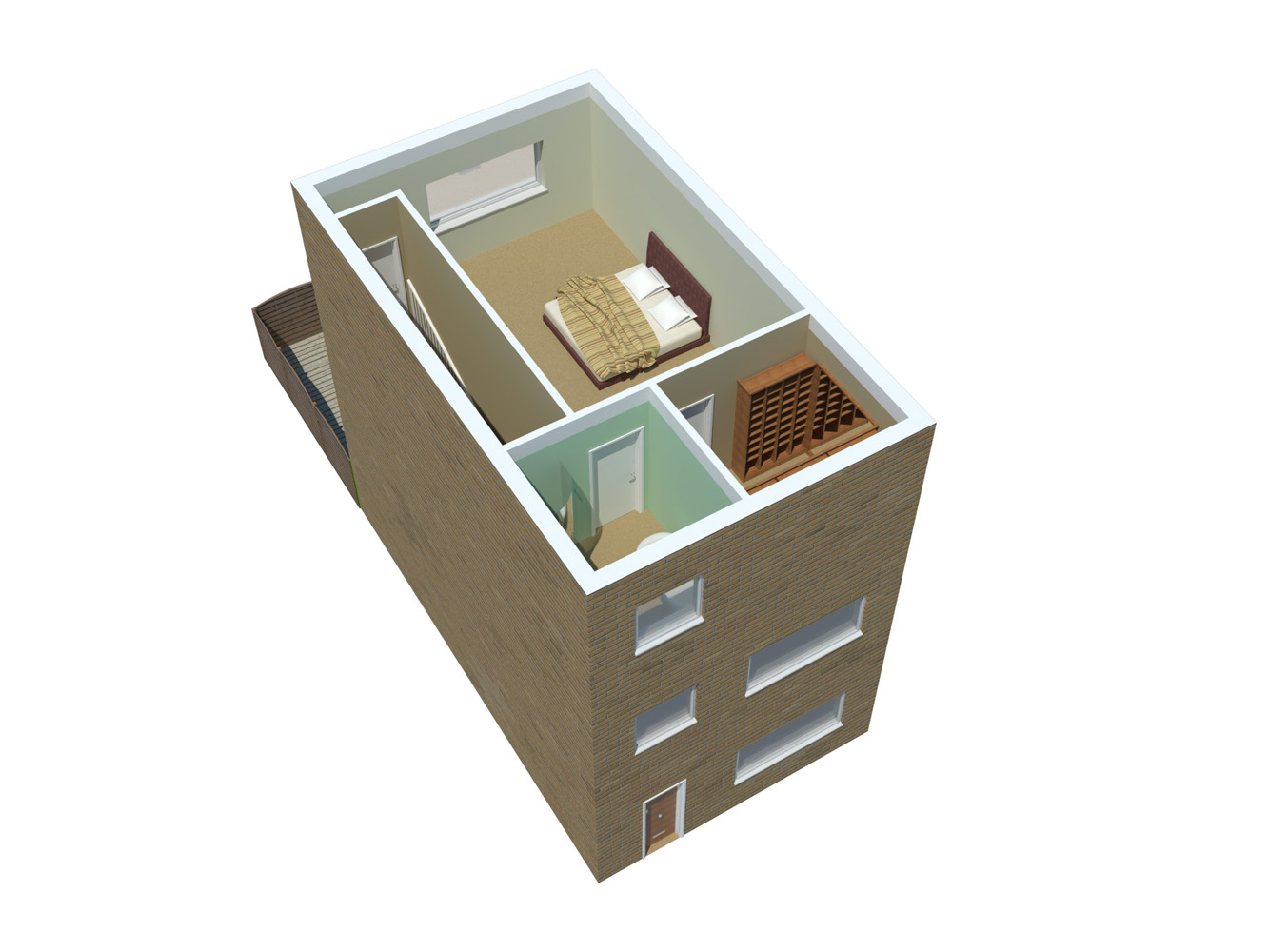
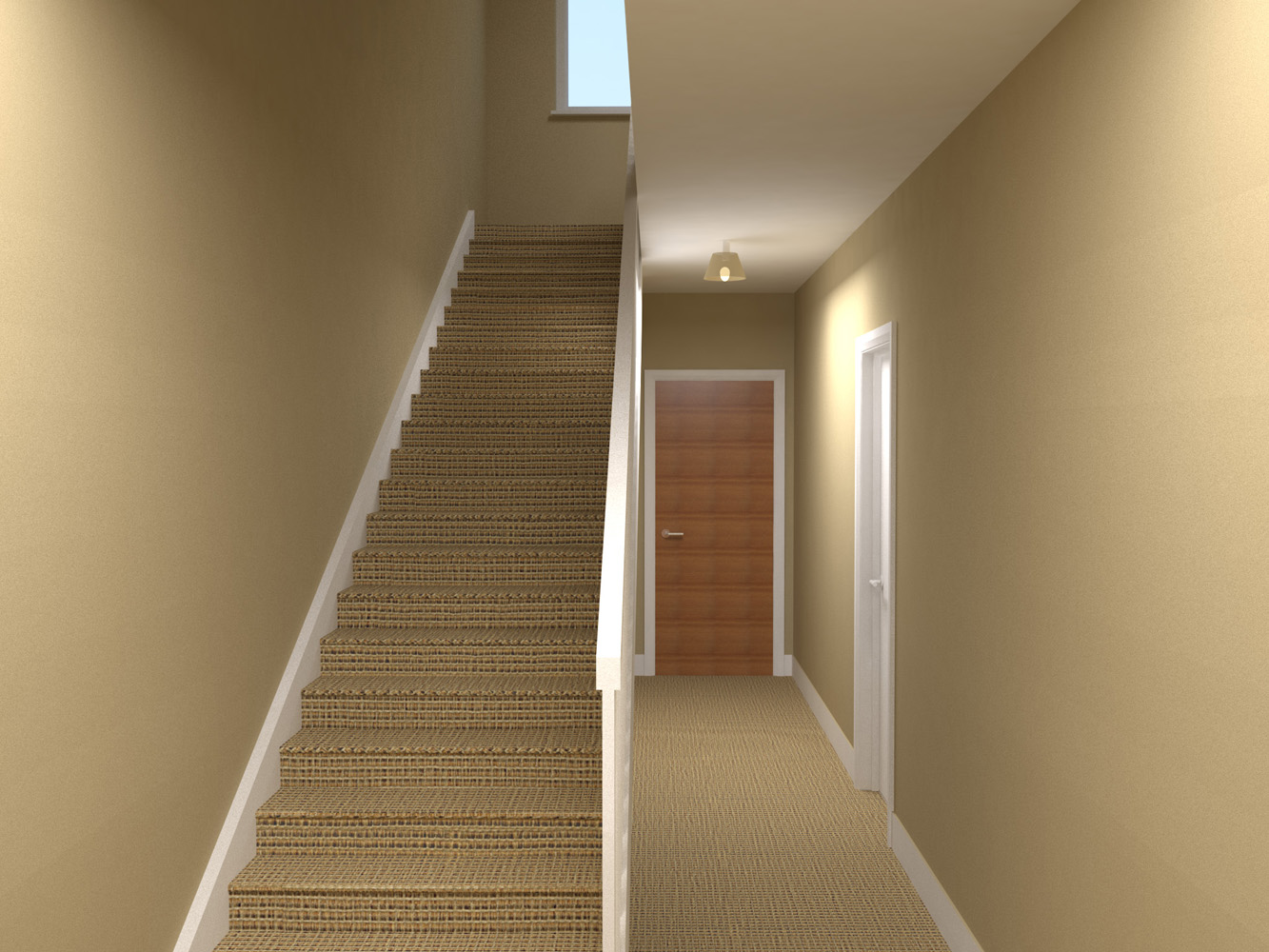
The door on the top floor (at the top of the stairs), looks like there is insufficient room to open fully. Thought of turning the door and section of wall 90 degrees? It would also provide some natural light for the stairs.
I think the brick texture could do with a bit of scaling.
Thanks Mike,
I built the house in revit first (but I also checked the space, its very tight) 
@linea said:
Ah good to see that we are not alone. It's different if you are a sponsor.
Yeah i imagine if we sponsered it we might have been less bombarded with it. Be as we provide some of the enginnering and landscape for it, I have now hit overload and just want to watch the cycling and leave it out.
@grizzler said:
I've just tried using "Shape Bender", but it seems to struggle with bending into all 3 axes (see the middle section of the attached)
With Shape bender it is better to do it in two 'bends'.
So do the horizontal one first, then do the verticle one (but layout it out horizontally).
Can you post your skip file?
@linea said:
Hi All
I haven't posted in a while so I thought I would tell you about a very cool thing my firm have done, unfortunately you will have to follow the link as due to contractual reasons I cannot say a certain event name in connection with it or post pics here http://surfacearchitects.com/index.php/london-2012-wayfinding-site-july/
jon
Jon,
I know exactly how you feel, as a conscript in Atkins, I have been subject to "O" related stuff for years.
@unknownuser said:
Your colors remember me this book?p)
Ah yes, i can see it. I'm a big fan of muted colours, i find them relaxing.
Hey Everybody,
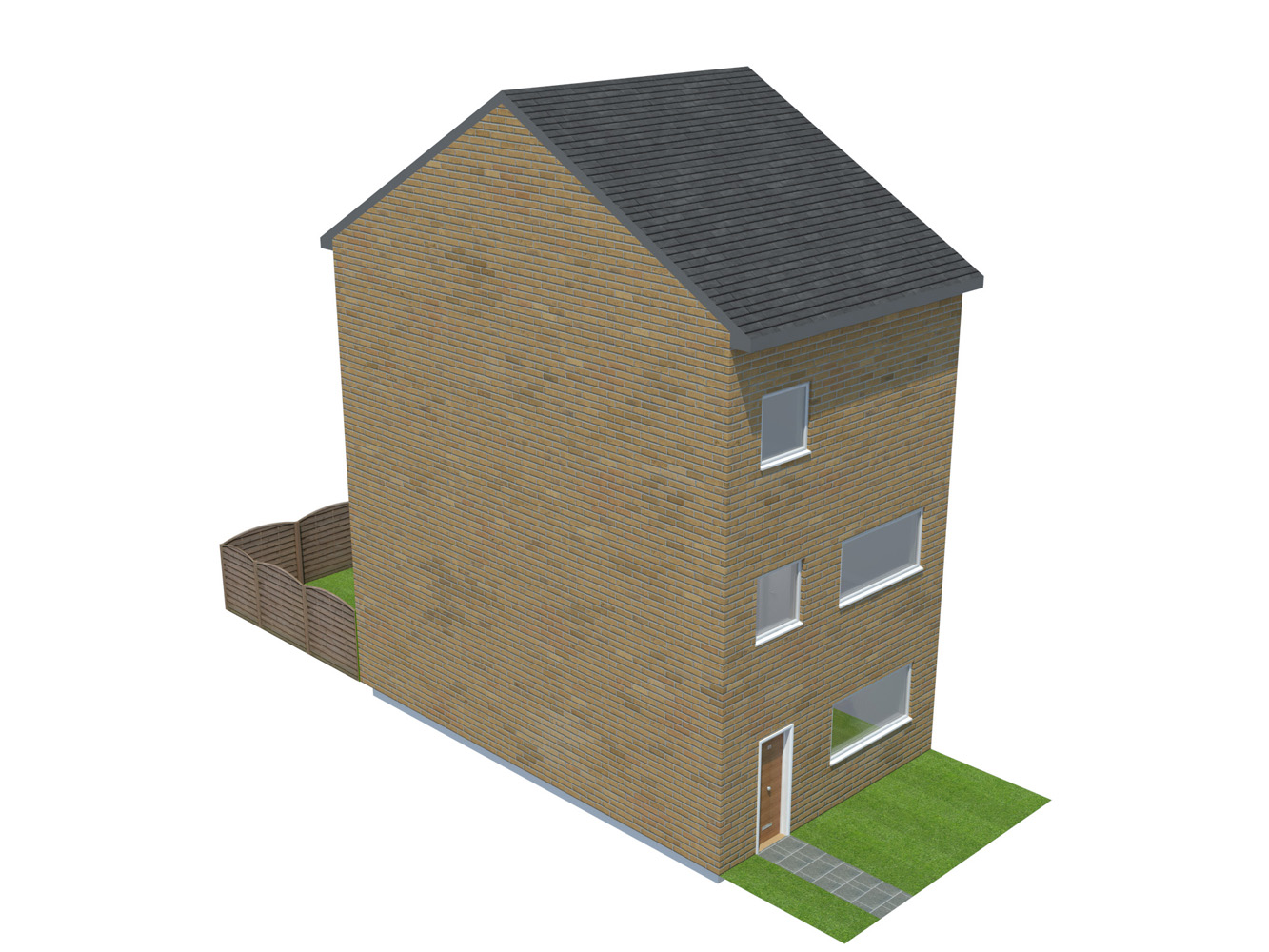
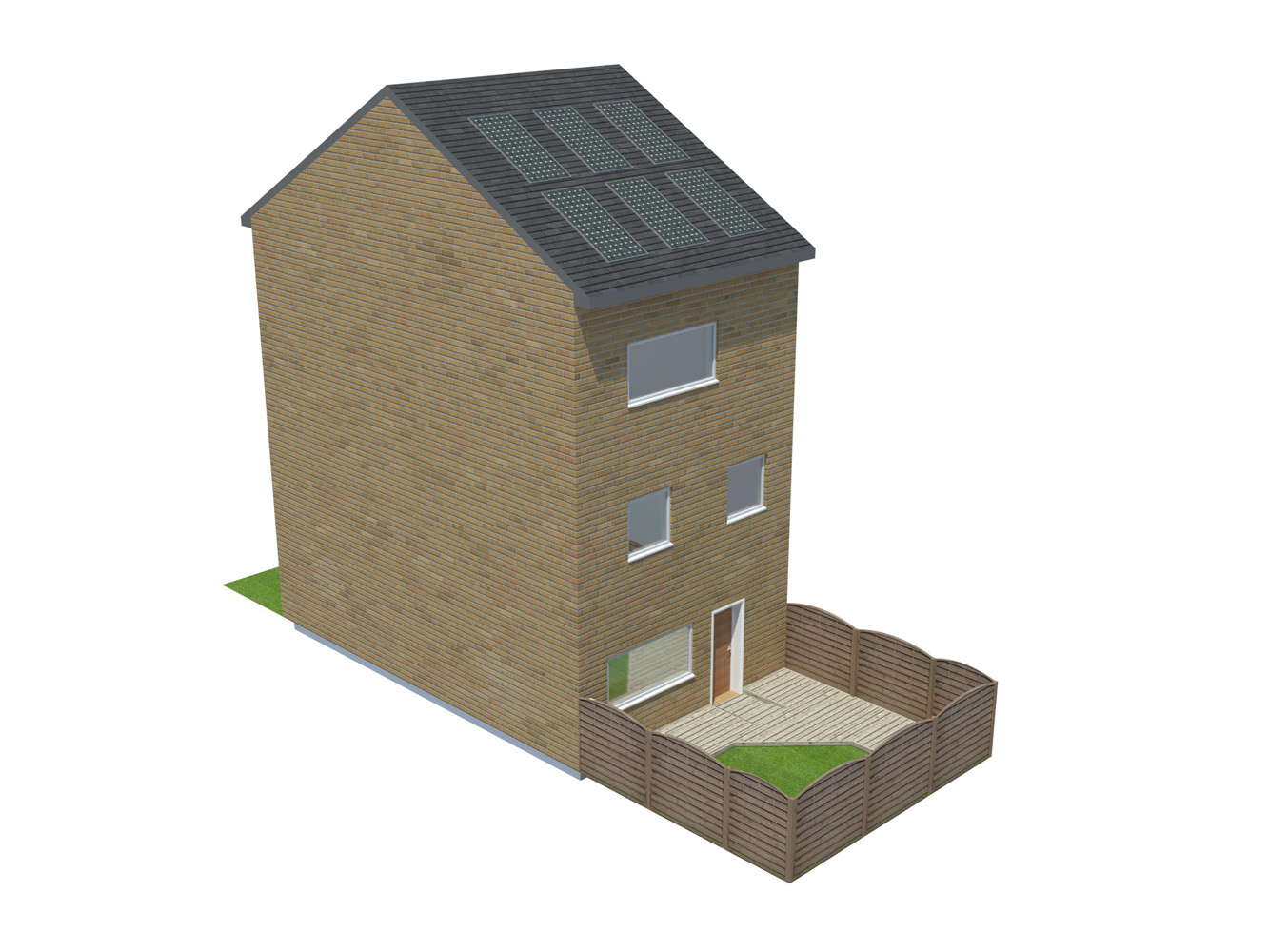
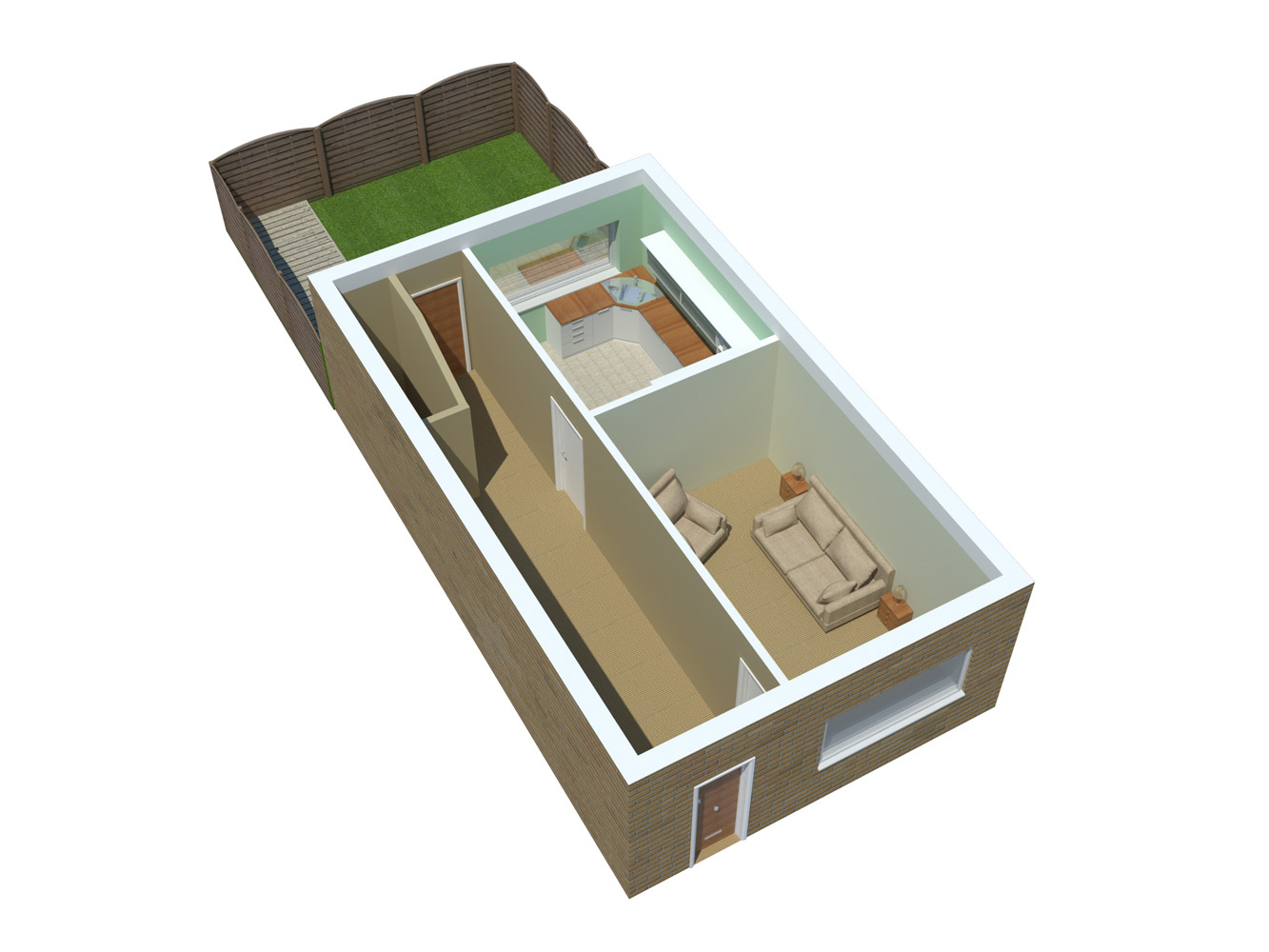
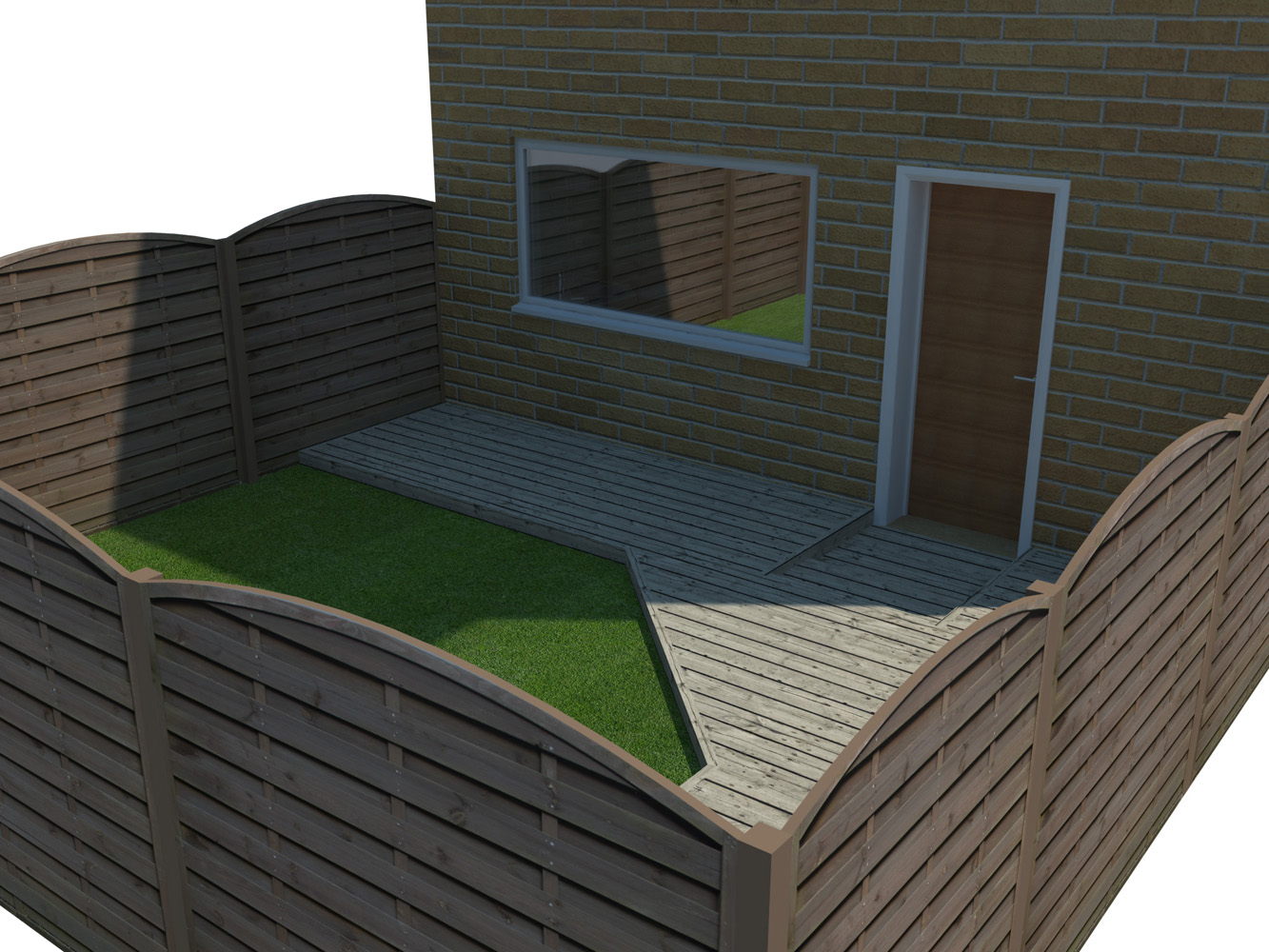
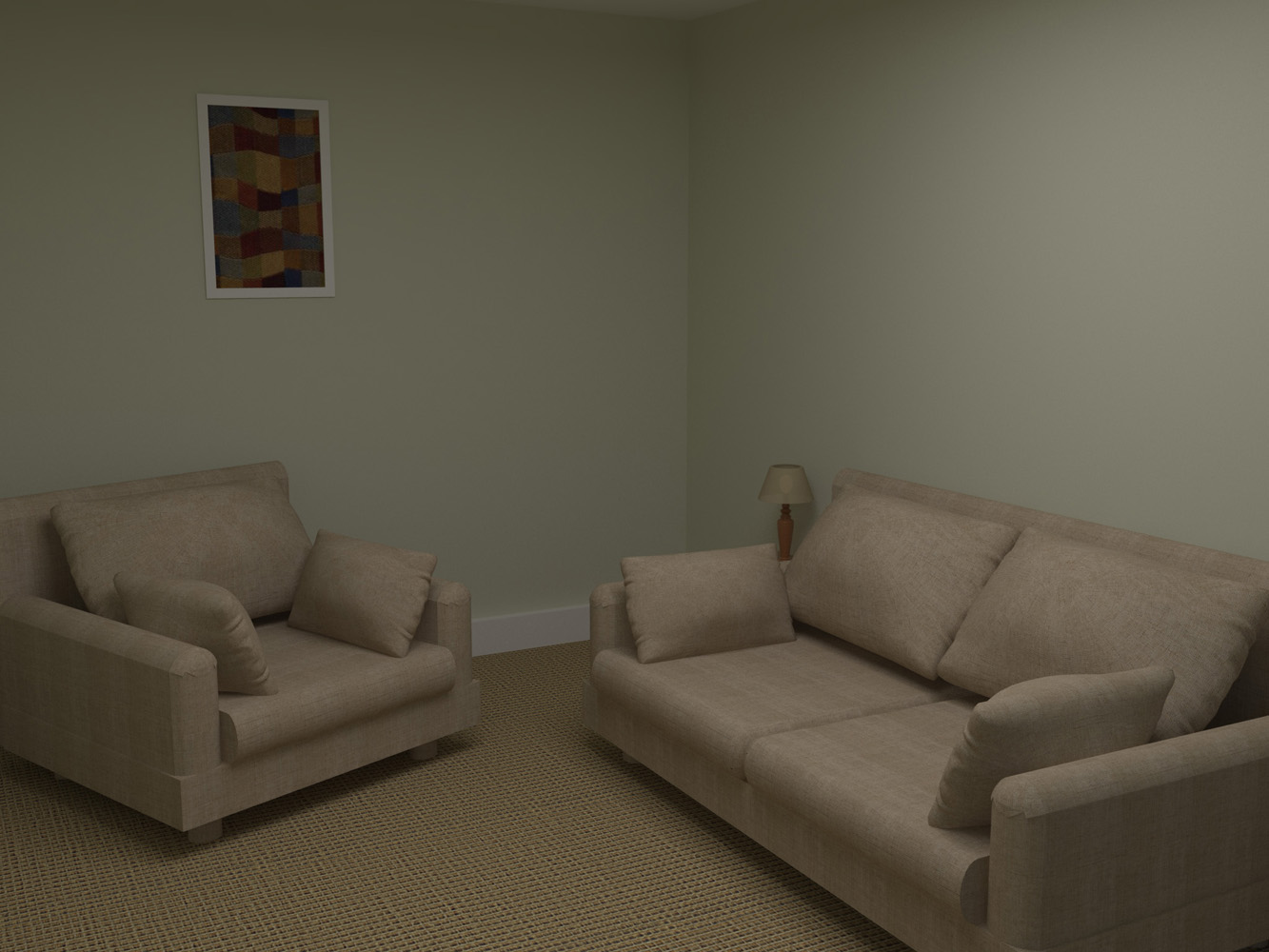
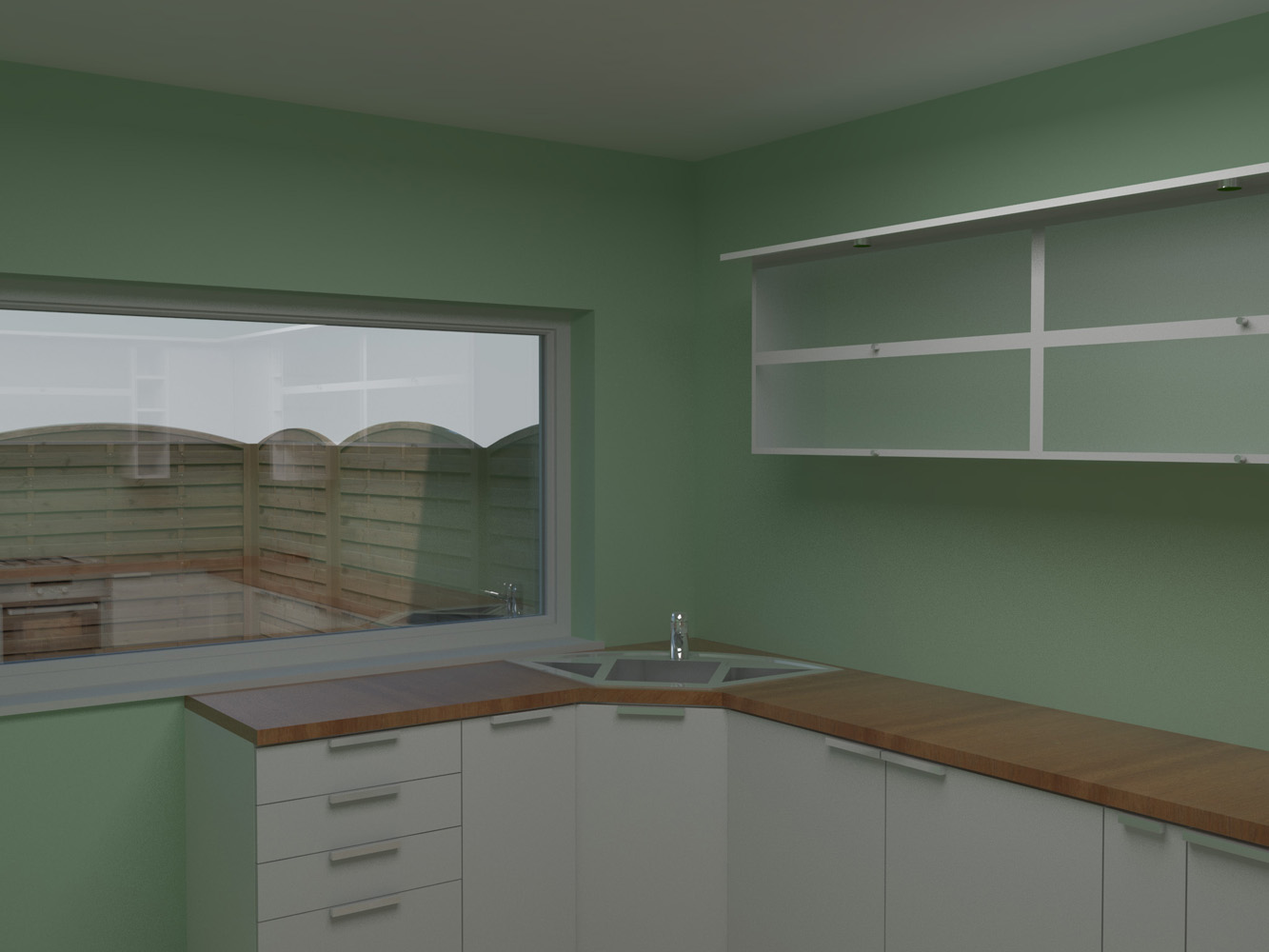
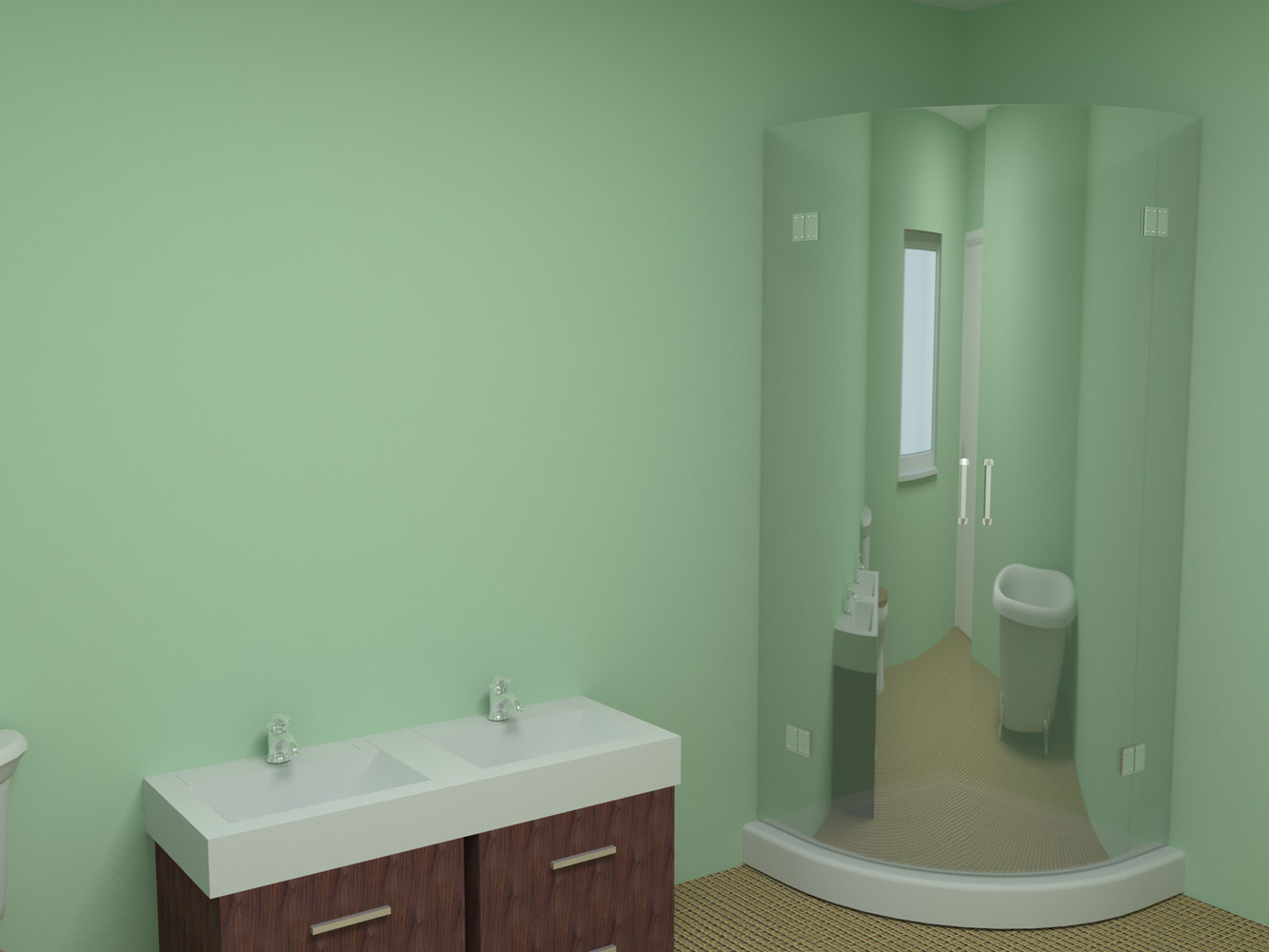
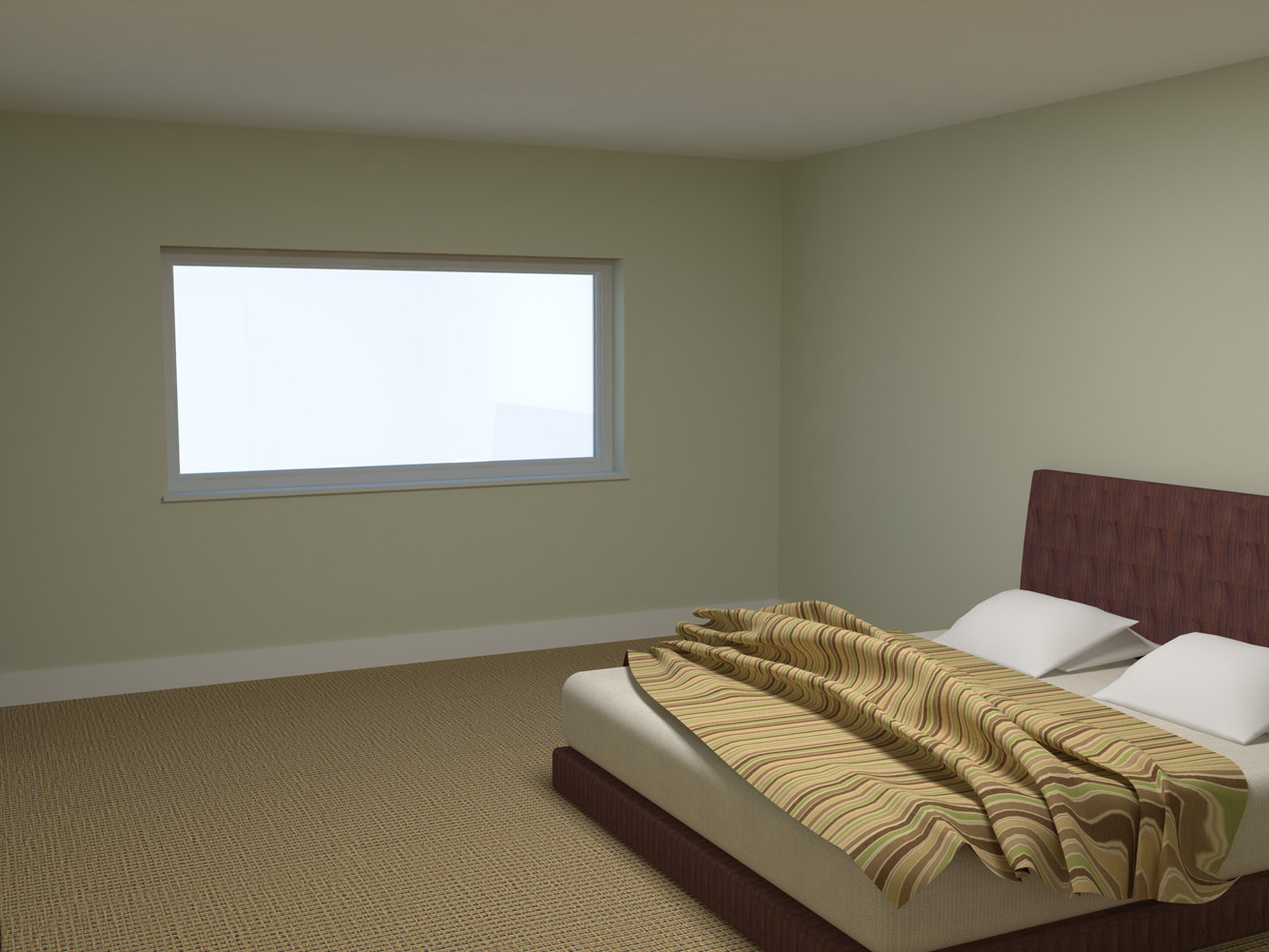
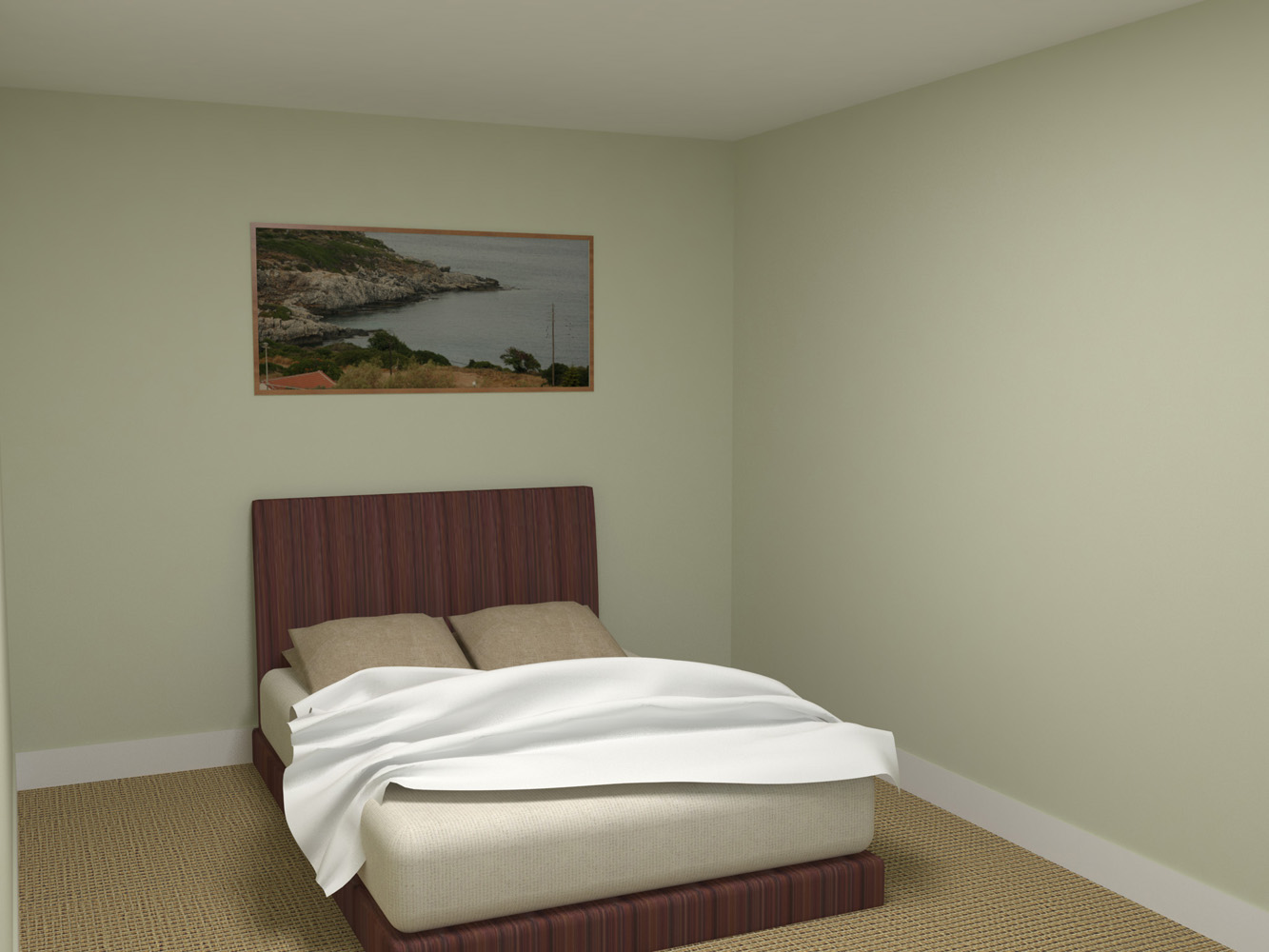
Here is my latest work, it is for my Masters final project.
Built in Revit, made nice in Sketch Uo and rendered in VRay.
It is an example house and isn't not meant to be totally populated
It was handed to the printers on Monday
Enjoy (C&Q Welcome)
@grizzler said:
- Create component of a short section and use the 'Copy Along a Path' plugin to get it to go along the path you have drawn.
Ok here we go. (a very quick tutorial)
I would consider how you intend to show it, texture is more file size friendly.
@unknownuser said:
Some photos ?
3Skeng ?
Pilou,
I think Grizzler is looking for a way to have a repeat pattern of a pipe that has a ribbed effect.
Grizzler,
I can think of three ways to try.
Create a straight version the then use the 'Shape Bender' plugin to bend it into shape.
Create component of a short section and use the 'Copy Along a Path' plugin to get it to go along the path you have drawn.
Use the 'follow me' tool in the opposite direction, create the profile along the bent path and then 'follow' the profile around a perpendicular circle.
If any take your fancy let me know i can go into more detail as to my idea.
@agentorange said:
Tobobo,
This is what I've ended up doing too, although I have had the same problem again a few times - managed to get the rendered model out to the client in time but still unsure of how stable this product is on my mac - which is a shame as I really enjoy using it due to its speed and simplicity and being integrated into Sketchup. Lokks like I may go back to exporting to Cinema 4D and render out from that.
True, I am so far unable to export an animation from my larger models, SU just crashes. I'm also think the stability on the mac is a bit weak.
I'd just like to say that Bane has been a Batman villain for almost 20 years.
How on earth can this chump think it is related to the presidential race.
Its just like some nut cases who thought that Lord of the Rings: Tow towers was about the tragic event of 11th September.
I have had this problem recently with a large file, also with Lion trying to reopen it I couldn't even open SU.
I found that if I moved the file to an external hard drive, then opened a blank file. Then import the original file into the blank and exploded it I was able to work with the file. It took a couple of rounds to track down the fault but I think I got it.
This looks great and i was going to download it for my MA presentation until i got to the download page.
Download WiiView.mpkg.zip.
Just uncompress it, and you will get WiiView.mpkg.
Launch WiiView.mpkg, and follow the instrucion.
Then, Open your SketchUp 6, find the “Wii View” under the “tools” menu, execute it! There should be a window “helper1” popping up. Meanwhile, please press the Button 1 and 2 simultaneously. (You also can find the Wii View icon by customize the tool bar.)
Not sure if it will work in SU 8


