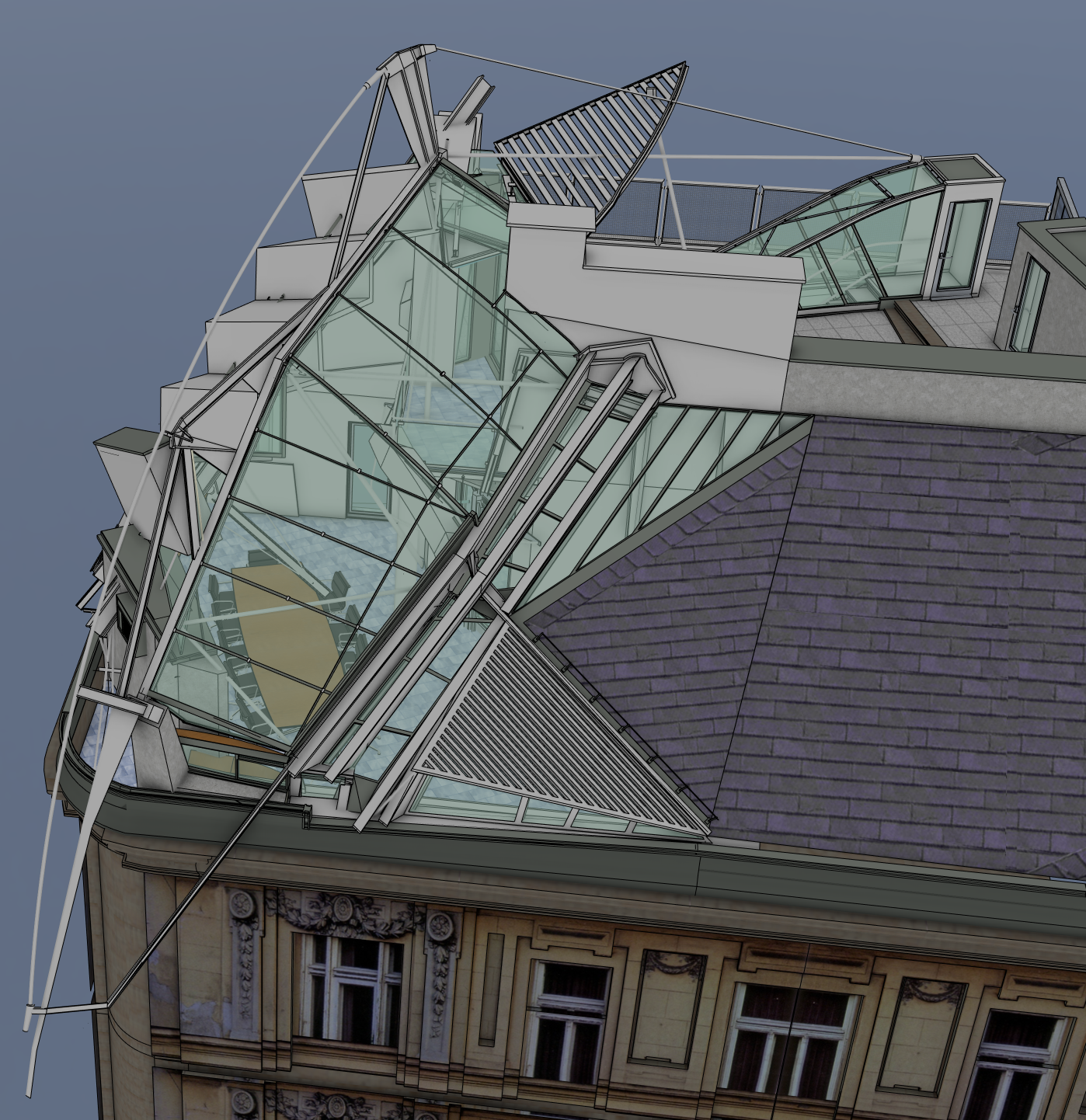
@Krass Nice..!!! It's actually in Vienna, Austria...
Oops, your profile's looking a bit empty! To help us tailor your experience, please fill in key details like your SketchUp version, skill level, operating system, and more. Update and save your info on your profile page today!
Check out Febhouse | New extensions for Shadow Analysis in SketchUp Download
 T
Offline
T
Offline
Posts
-
RE: I Think I've Finally Finished my Falkestraße Model...
-
I Think I've Finally Finished my Falkestraße Model...
...and it only took me twenty-two years...
-
RE: Animation Along a Path Plug-in?
@ntxdave Ah, right... it's available here, but not in the Extension Warehouse...
-
Animation Along a Path Plug-in?
I've googled and searched this forum and YouTube and I see there was an 'Animator' plug-in by Fredo6, but it doesn't seem to be available any longer.
Does anyone know of a plug-in that does camera path animation? I really miss UpFront's SpiderVision...
TIA
-
Web Version Won’t Load Models…
Hi, All….
I’ve got the web version of SketchUp running in Safari on my iPad Pro, but when I go to load a model from my iCloud Drive, the model’s icon stays greyed out and can’t be loaded. It loads fine in Safari on a Mac.
Anyone got similar experience /y workarounds?
TIA,
-
RE: Plug-in Sought / Requested: 'Number of segments is too large
@pbacot said:
Is it feasible to work altogether in another scale? For example. if your units is mm us Meters instead?
Not if you're 3D printing!!!
-
RE: Plug-in Sought / Requested: 'Number of segments is too large
@box said:
The simplest workaround for this is to make what you are working on a component, then scale a copy up and work on it. When finished just delete the large copy and your original is still where you want and fully edited.
That's a nice suggestion, but still several steps rather than two.
-
Plug-in Sought / Requested: 'Number of segments is too large
'Number of segments is too large for given angle and radius.' is making my life a misery at the scales I'm working at at the moment (hi-fi design). A simple way around this would be a one-button plug-in that scales the model x1000 and centres it in the viewport. Then, after doing the modelling, clicking the button would scale the model by 0.001 and centre it in the viewport.
Does anything like this exist? Seems to me it wouldn't be too difficult to write.
TIA,
-
RE: MSPhysics: Collision Detection Offset and Joint Limits
Thanks ecati! Odd, I didn't get a notification... I'll have a look at this later...
-
RE: MSPhysics: Collision Detection Offset and Joint Limits
It's on 3D Warehouse as Ergopower OHBL
-
RE: MSPhysics: Collision Detection Offset and Joint Limits
Sure. What's the best way? Put it on the 3D Warehouse?
-
MSPhysics: Collision Detection Offset and Joint Limits
Well, three years later and I finally get around to it...
I've got my design set up in MSPhysics (see my earlier post about one-handed brake lever design), but there always seems to be a 'barrier' around objects: I can't get them to touch, so the bottom lever never pivots. I can pivot it on its own, but can't get it to pivot using the upper lever blade.

Everything is modelled to scale.
I've searched, but I can't find anything about setting offsets for collision detection. Similarly nothing for limiting joint movement between certain angles (so objects don't spin freely). Can I do this?
TIA
-
Can I Use MSPhysics for This: One-handed Brake Lever Design?
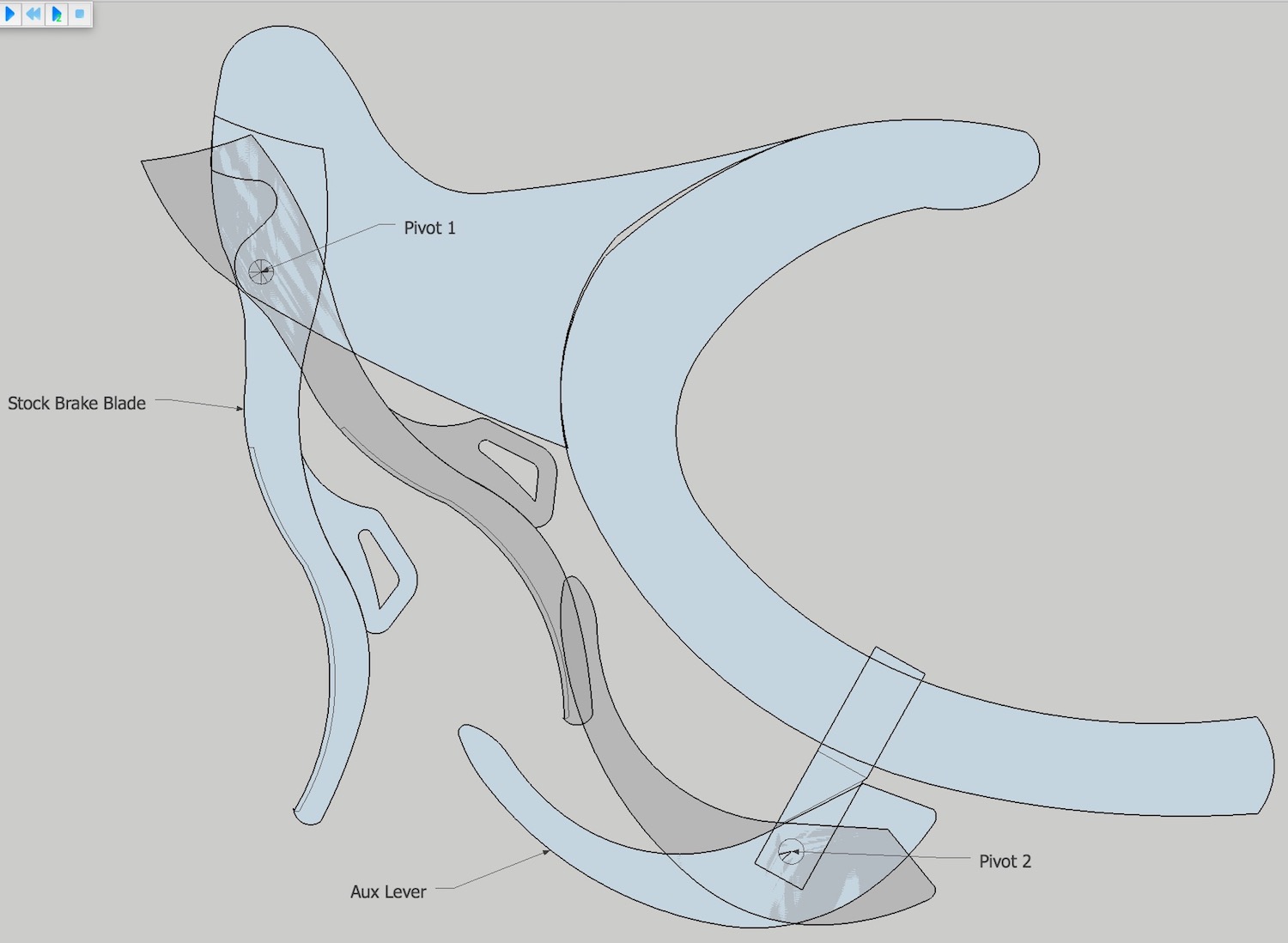
I'm trying to design a solution for one-handed braking on a racing bicycle (see attachment; the Aux blade is the one I'm trying to design. Stock brake lever operates front brake, Aux lever operates rear. I don't want to use a cable splitter / discontinuous cable solutions).
I'd like to use MSPhysics to set up a simulation with the two pivot points and collision detection between the lever blades that would allow me to tweak the position and shape of the lower Aux blade to get the best interaction with the Stock blade lever.
So:
-
Can I use MSPhysics for this?
-
In my (admittedly limited) experience, MSP simulations require you to hit 'Play' and let them run. Is there any way of me interacting with the model in real time (rotating the Stock lever blade with the Rotate tool?)
-
If I set this up in 2D, will the properties carry over if I extrude the model into 3D?
-
Any suggestions for 3D printing the final Aux lever blade? Materials, durability, etc?
TIA,
-
-
RE: Want to see what SketchUp looks like on a 5K iMac?
Yep. Cmd-Shift-4... Does that downsize it?
-
RE: Want to see what SketchUp looks like on a 5K iMac?
Yup. Retina 5120 x 2880 27"... I know what you mean about end-point indicators, etc.... they're a quarter the size! Trimble should be able to get a fix fairly easily, though. Custom Edge weights would help, too...
-
RE: Want to see what SketchUp looks like on a 5K iMac?
Cheers, D12... It almost makes up for the lack of FSAA... Actually, that link isn't to a full-res screenshot. The real one is twice the size of that...
-
Want to see what SketchUp looks like on a 5K iMac?
Rather nice, actually... (Edges: on, Profiles: 4)
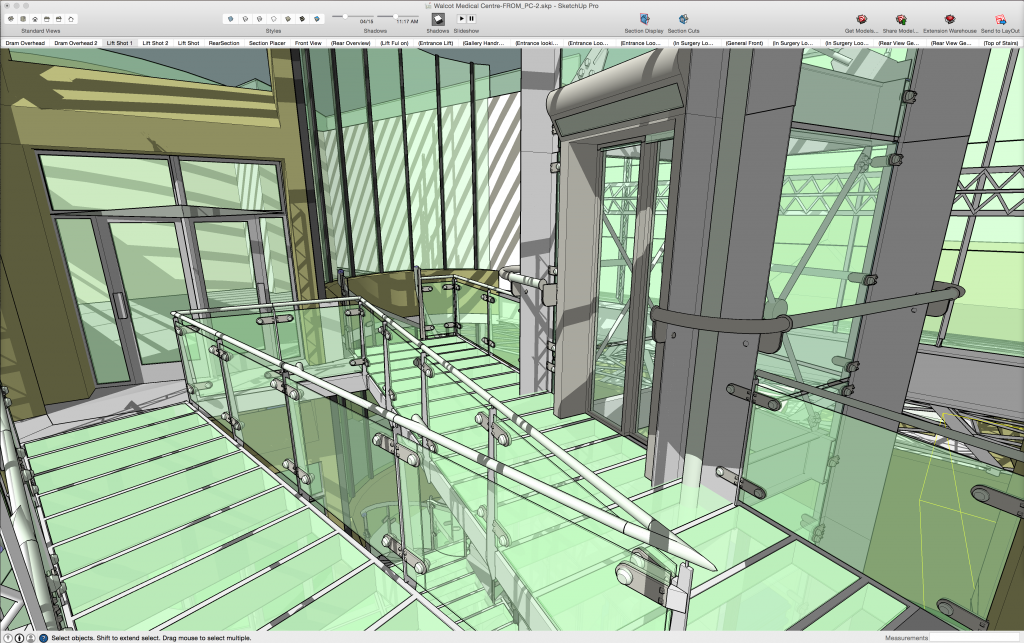
the link above is to the full-size image.
EDIT: Oops, no it isn't... any way I can link to the full-res screenshot?
-
Am I Being Thick? Where's My Plug-ins Folder?
Forget it... the info on Google's help page is wrong...