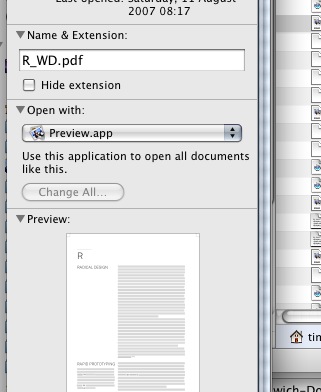
Edson ... Select the file, hit apple-i. Or choose File > Get Info... (sorry, don't know what that is in Portuguese!!!)
This brings up the Get Info dialog. You can change it there...
 T
Offline
T
Offline
Edson ... Select the file, hit apple-i. Or choose File > Get Info... (sorry, don't know what that is in Portuguese!!!)
This brings up the Get Info dialog. You can change it there...
Solo --
another thing about 'Fat Faces', is that a component would cut both faces of a wall automatically...
Support for multi-threaded OpenGL:
http://www.macrumors.com/2006/08/21/mac-gaming-and-multithreaded-opengl/
I'm hoping this would make the glacial animation export faster...
Support for 'baking' shadows into a material's texture. It would get rid of the reverse-flickering shadows problem. I started a thread about it here:
http://www.sketchucation.com/forums/scf/viewtopic.php?f=10&t=4861
Fix the ¢¢∞∞¶•ª Mac Outliner. It blows chunks.
Thank you, Stinkie!
Did any of you download the PDF version of the tutorial? All I got was the raw screenshots...
Oh, and if you get stuck, you know where to post... 
ecolnago --
So, I'm guessing you have a few expensive Italian frames in your shed....?
Hmm...this is intersting:
http://www.primatelabs.ca/blog/2008/01/mac-pro-performance-redux-january-2008/
The 64-bit benchmarks show a clean pair of heels to the 32 bit...these are the types of speed gains for which you'd gladly shell out for a new 'puter. As they state: "The 2.8 GHz Mac Pro running 64-bit code is faster than the 3.2 GHz Mac Pro running 32-bit code".
MacOS X, but still intel quad-core processors being tested, so broadly comparable. (And we don't have to pay extra for a 64-bit OS...64-bit apps are another matter, though 0
@edson said:
thank you all. at least now i know who or what the culprit is. i will try to save at a higher definition to see if it helps.
tim, my macbook pro has a GeForce 8600 GT card. i wonder if it comes with a control panel. where could it be?
Sadly, it doesn't. Even though Apple writes both the ATi and nVidia drivers for the cards in Macs, the nVidia cards don't have this facility. The ATi control panel is provided by ATi themselves to provide additional functionality over and above that provided by the apple drivers -- nVidia simply don't do this. It's a real shame.
Burkhardt --
i bought one for my mam (mother), albeit a 17" with intel graphics, and I was really surprised at how well it performs...
And as to ATi graphics with SU on a Mac...the issues so often reported on this forum don't really apply to the Mac ATi cards (Apple write the drivers, not ATi).
One very nice thing about ATi on OS X (I use an X1900XT on a Mac Pro) is that you can use the ATi Displays control panel to control increased antialiasing and anisotropic filtering -- you can't do this with Mac nVidia cards. The difference this makes to your display in SU is very marked...it's difficult to do without it once you've used it for a while.
@mike lucey said:
Hi Tim,
Sorry about the 'g', don't know were I got it
Yes you are right Danaher is a Limerick name. Just looked up its meaning on the Net.
[i]'Origin and Meaning
The name translates to 'descendant of Duineachar' the Irish word for 'Manloving'.Mike
Oo-er, missus...I think I've just come over all queer... 
Edson --
In addition to what Daniel said, if you have an ATi card in your Mac, you can use the ATi Displays control panel to set various levels of Anti-aliasing and Anisotropic filtering. That might help you...
Hmmm...are you on Windows, Scott? Doesn't happen on the Mac version...
@jeff jacobs said:
@tim danaher said:
Jeff --
You forgot the most important thing about the modo-SU import plug-in: they charge $99 for it...
Tim, You never looked better!
As for the the 99 bucks, yea I don't WANT to pay for it, but if it saves a lot of time then I don't mind.
Forceps delivery. What can you do, huh?
As an aside, I recently had a look at Microspot Interiors Pro...this small firm has added native .skp import to the program (for free), and it works flawlessly...everything comes in just as it should, even my largest models. Why can't a slick organisation line Luxology get this right?
And Martin is looking into adding native .skp support for Cheetah, now that the SDK is freely available. An .skp in a Smart Folder...how cool would that be?
Cheers, Gaieus...Ha! That easy...you can tell I haven't used SU for over a year, can't you?
p.s. have PM'ed you with some questions re. the Transfer...
Aye, that'll be me...
And it's Danaher, BTW, no 'g' (Good old Limerick name, apparently...)
I must be missing something here...
I'm coming back to a model that I worked on last year...I need to know which material is assigned to the objects...Entity Info shows a colour swatch, but doesn't give the Material name (not even a tool tip, like in the Materials Palette) There are several shades of grey in the model, and it's difficult to tell which is which.
Any other way of finding out? Other than editing the colour and seeing if it changes...?
@didier bur said:
Hi,
Nice !
BTW, you did apply the same twist function to your avatar did you ?
Nah. I was a forceps delivery.
Cheers, both. Unfortunately, they seem to have only included the screenshots, not the actual tutorial PDF... 
@sepo said:
Issue of 3d world? Is that 3D World Magazine?
Yes. Someone's just told me that they're downloading the tutorial, but I can't find anything on the site...if anyone can find a link to it, can they post it here? Ta.
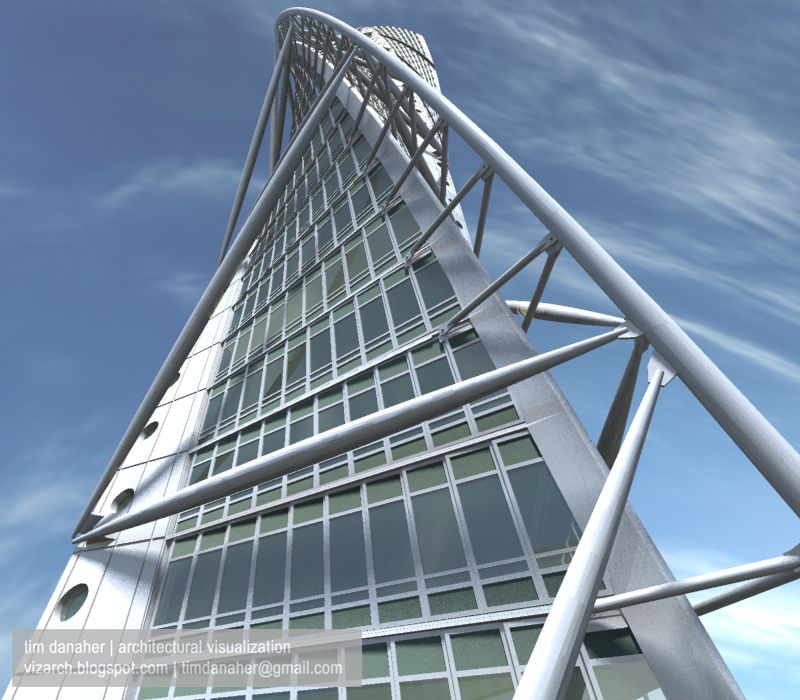
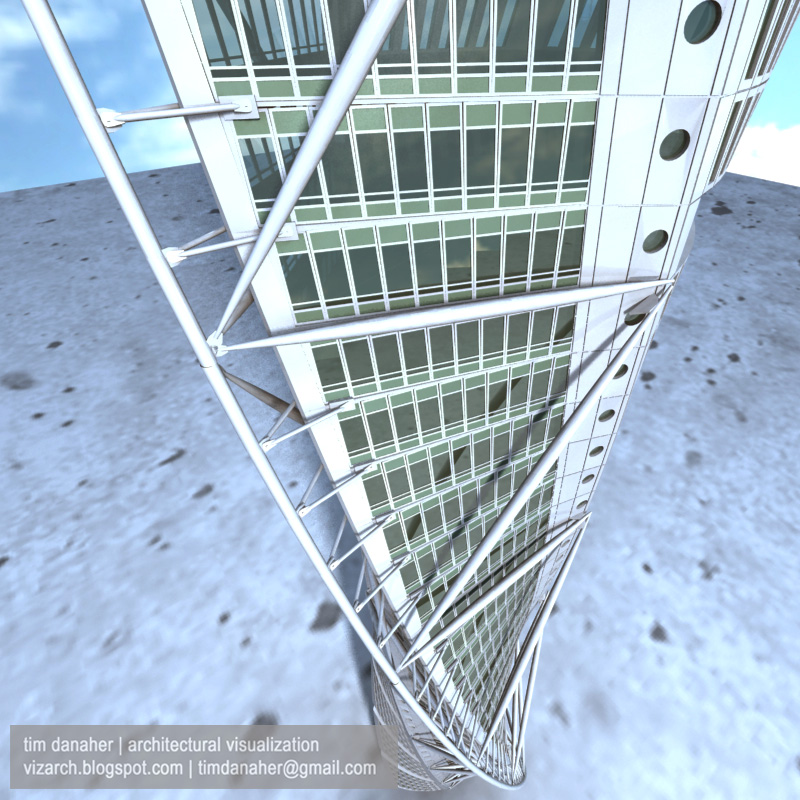
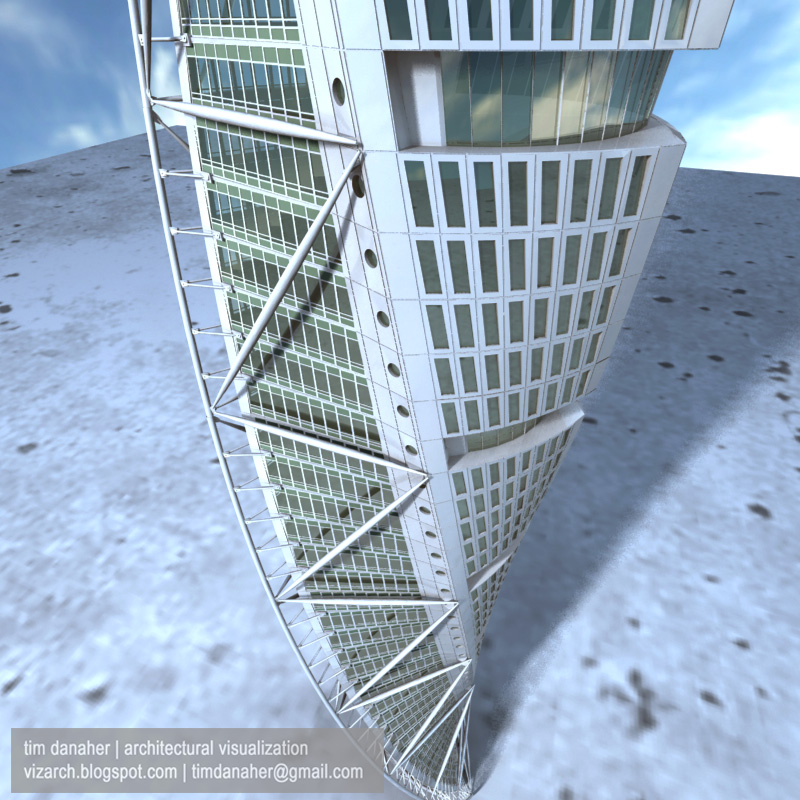
This is a Cheetah3D render of the model that I've just posted in the Gallery section. I'm a bit unhappy about the way that curved surface are showing facets...but bringing this in as a 3ds or obj has its own problems as well....
Like I said in my other post there's a tutorial on how to build this in issue 99 of 3D World if anybody's interested.
Jeff --
You forgot the most important thing about the modo-SU import plug-in: they charge $99 for it... 