Those are wonderful cotty!
I really like your tests! Thanks for sharing!
Oops, your profile's looking a bit empty! To help us tailor your experience, please fill in key details like your SketchUp version, skill level, operating system, and more. Update and save your info on your profile page today!
Check out Febhouse | New extensions for Shadow Analysis in SketchUp Download
P
Offline
Posts
-
RE: Simple Artisan examples collection
-
RE: Distace from Camera to object in drawing.
That is a lovely script, but it seems I'm not able to load it..
How can I do that?Thanks a lot Al!
**EDIT: ok, I moved the original utilities rb to another folder and renamed your script "utilitiestools.rb", and it works: now I can get camera distance

Is there a less homemade or brute method? Thanks again?
 -
RE: [Plugin] Sketchup Ivy
Sorry guys, when I start SketchUp with the plugin correctly installed I get an error message: "Error Loading File LiveIvy.rb Can't insert empty component." Then, sketchup starts with no problems but the plugin works oddly: multiple clicks often do not produce an incremental growth, and similar...
How can I fix this? Sorry to bother...
-
RE: Renovation living
@mukul.ar said:
Just a suggestion mate...
 Do not use the shelves You are providing concealed lighting in to keep books. The paper and the covers of books will fade faster . Those levels may be used to display some decorative items etc. But nice and clean design and beautiful renders...
I thought about it, and I found a solution with the painter: he usually uses a particular kind of varnish which prevents the colour leaking caused by the rubbing. Two or three hands will make the surface a little more reflective but more resistant then the default plasterboard.
I've actually seen the result in one of my colleague's realized works and it's good.Thanks for the tip by the way: I'll let you know!
-
RE: Octane Renderer, baby!
Hi guys!
I can't find the SketchY-2-Octane is!I found this http://vimeo.com/13075558 : so it must exists
Is it sort of a PRO feature? I only downloaded the demo..
-
RE: Renovation living
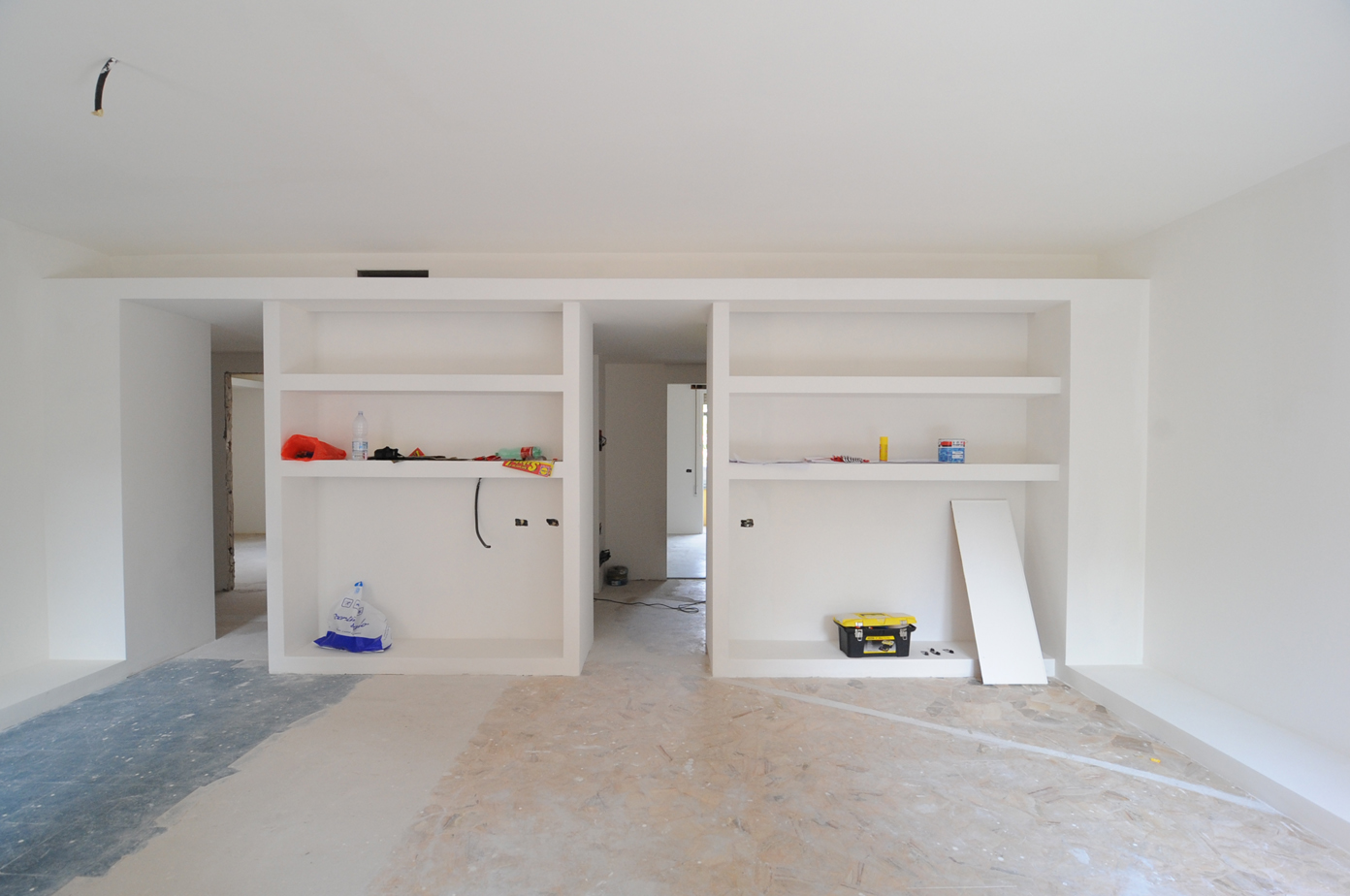
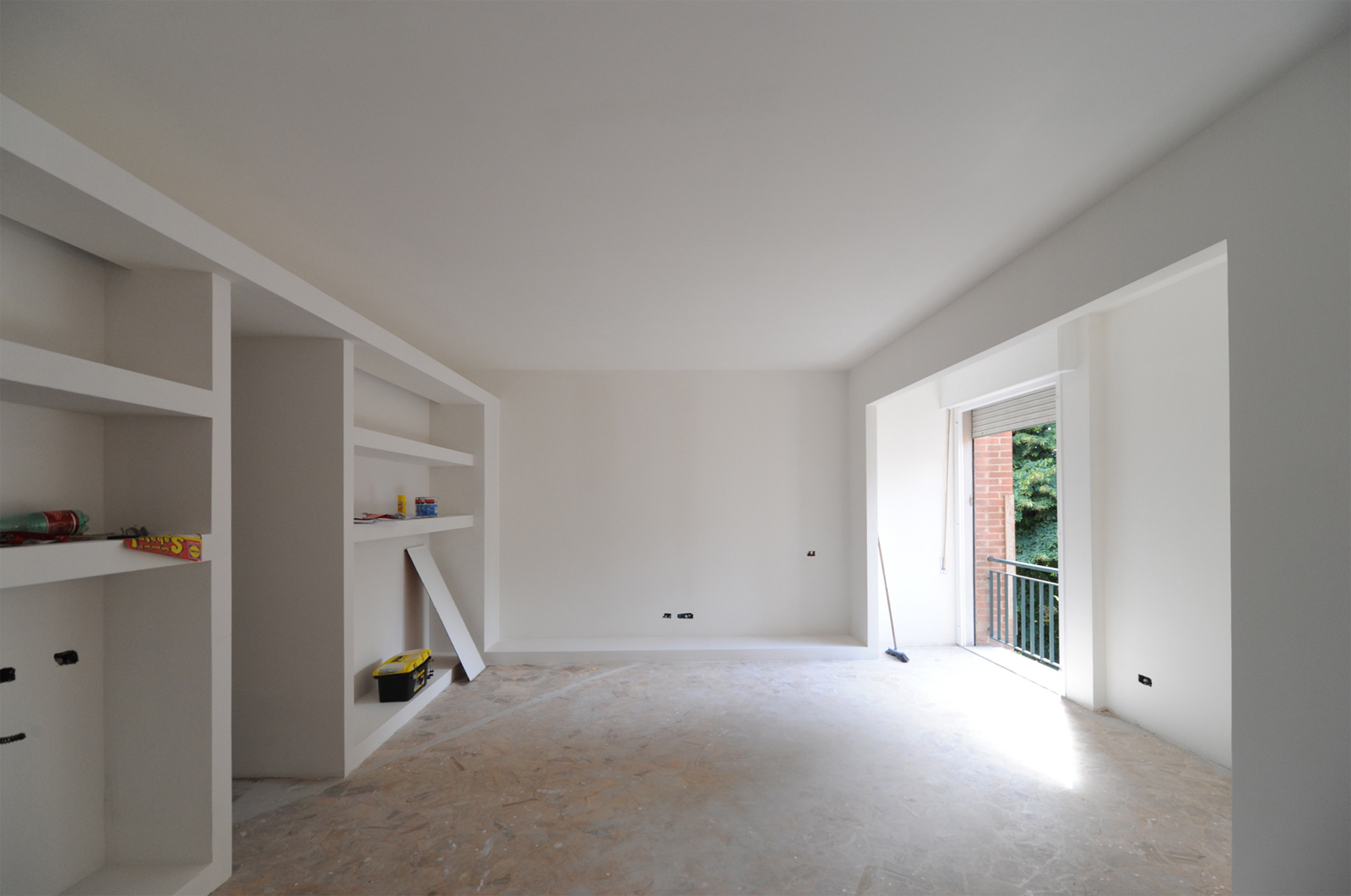
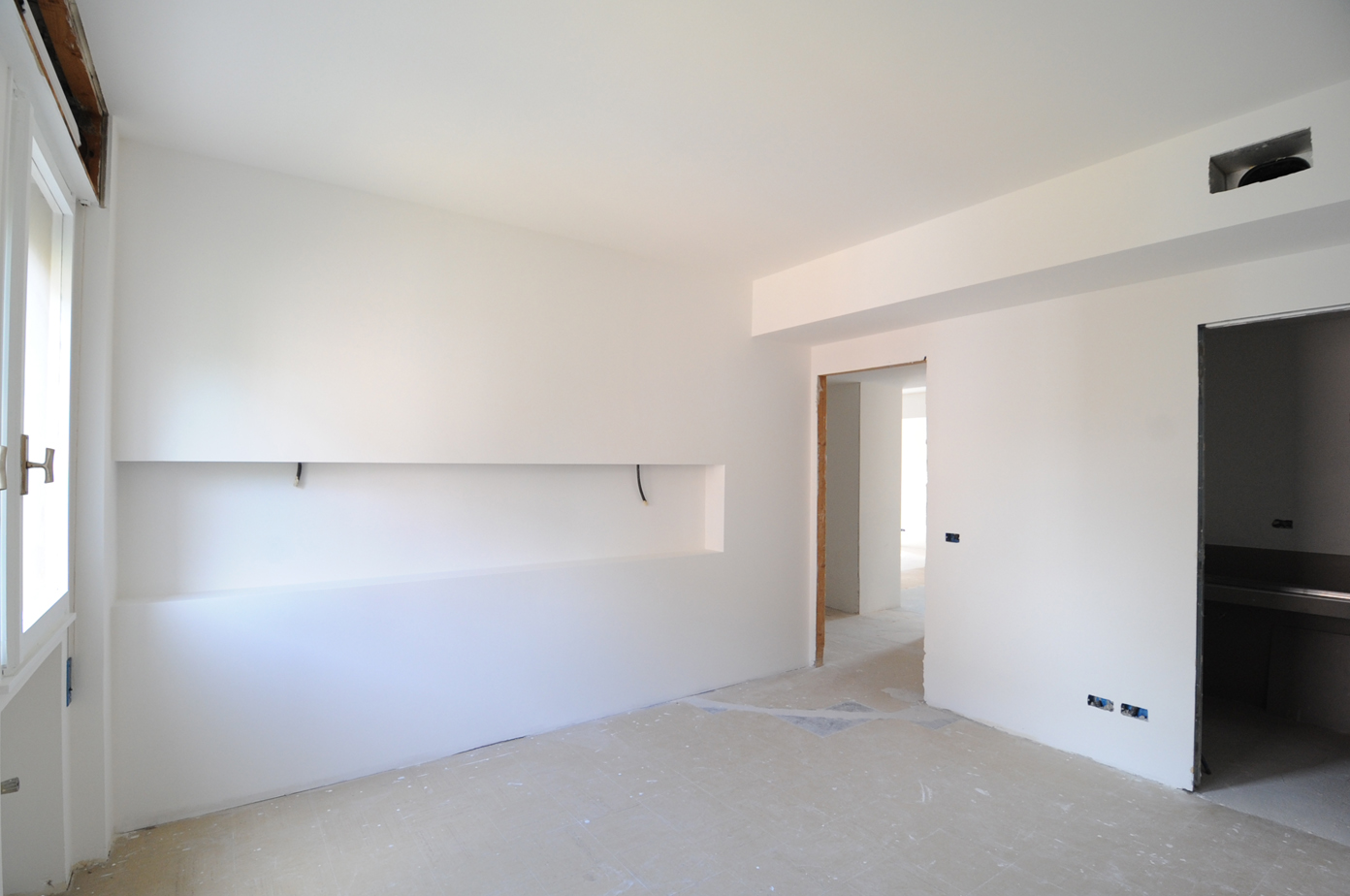
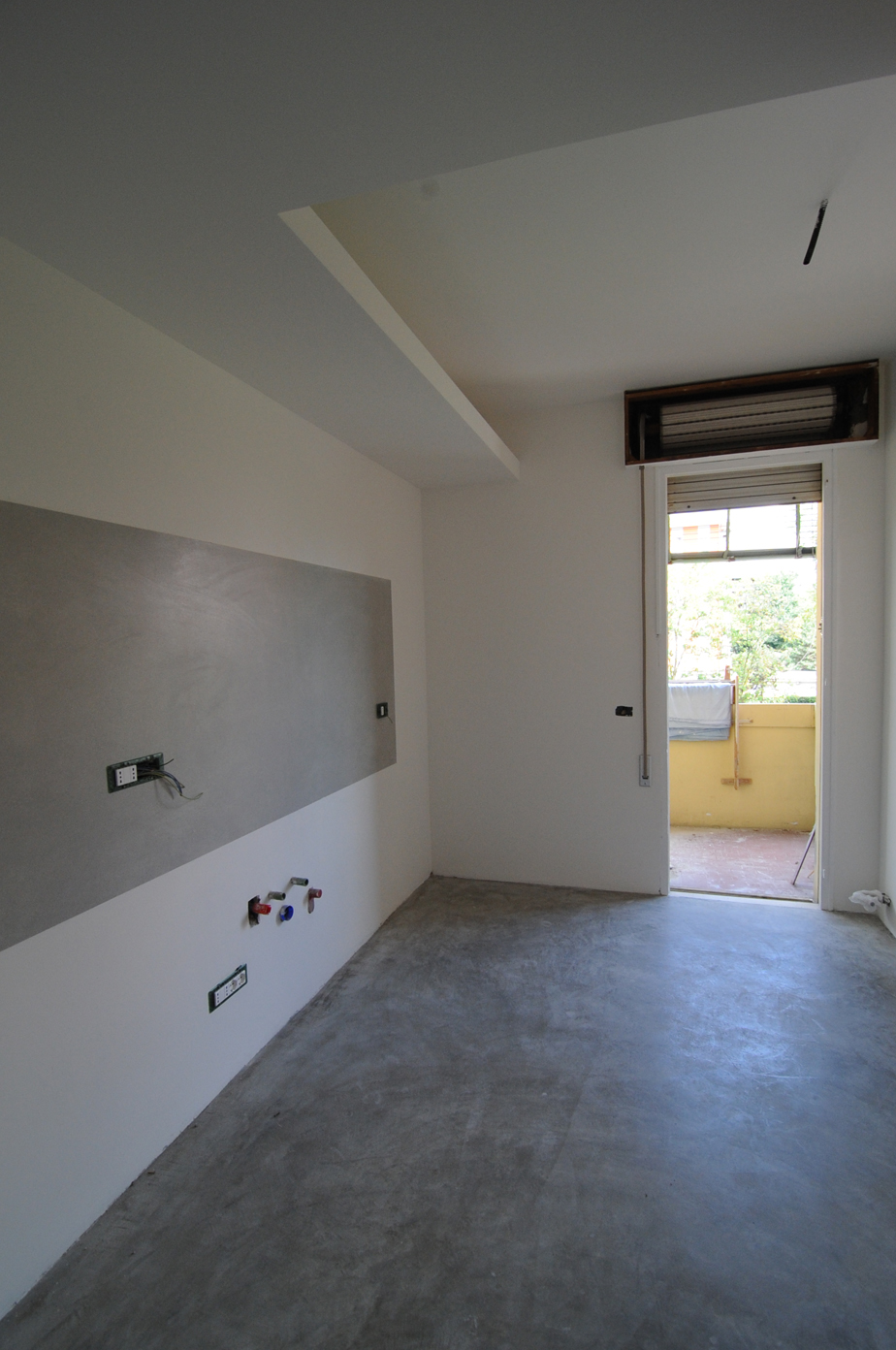
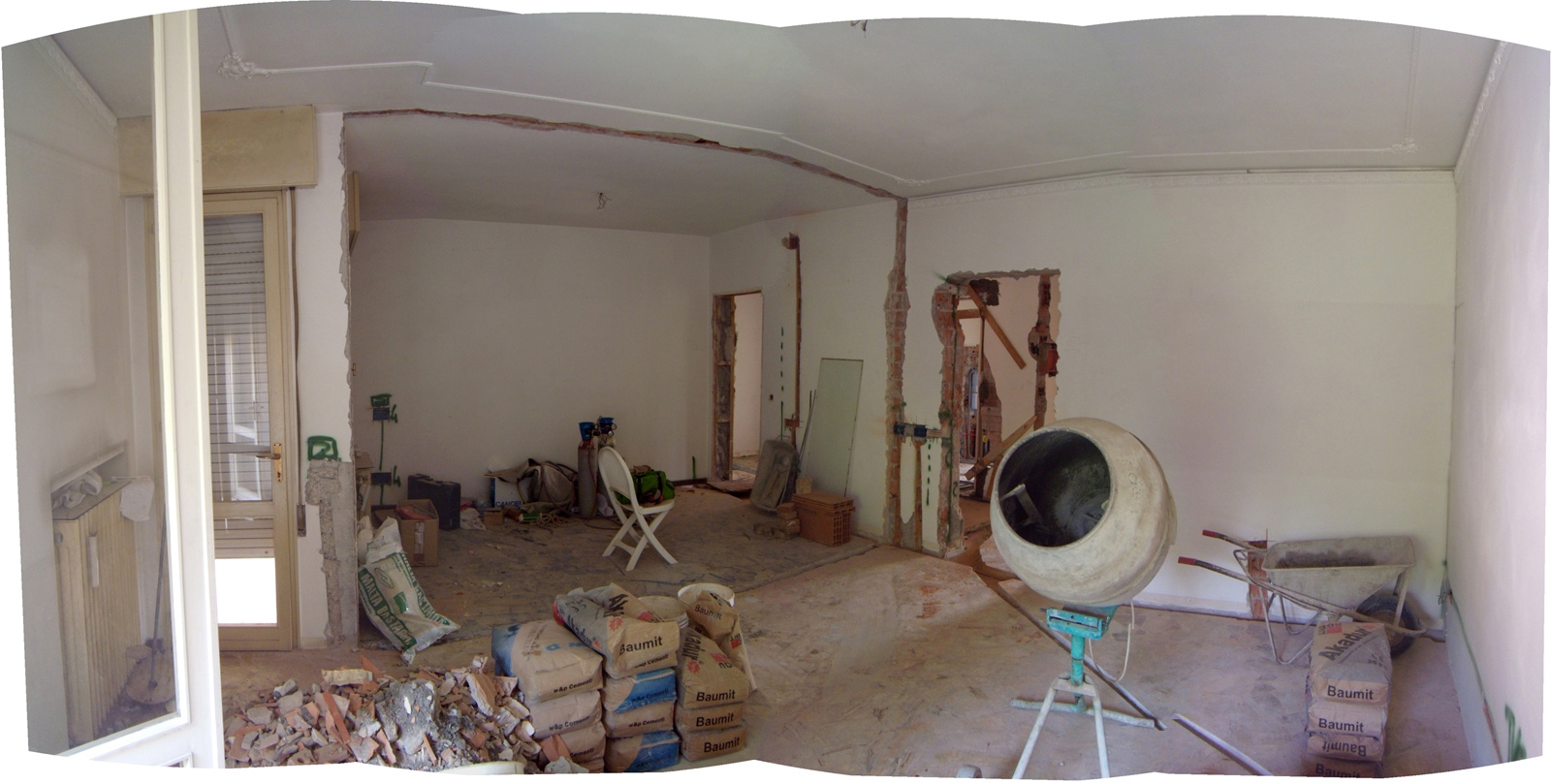
Actually, the works are ongoing, and I have tons of images of the "ruins"
Nothing specifically concerning THIS particular point of view (which I'll compare once the works are over), but I have a corner view you can find useful to see the room.Here it is!
-
RE: Renovation living
Thank you guys!
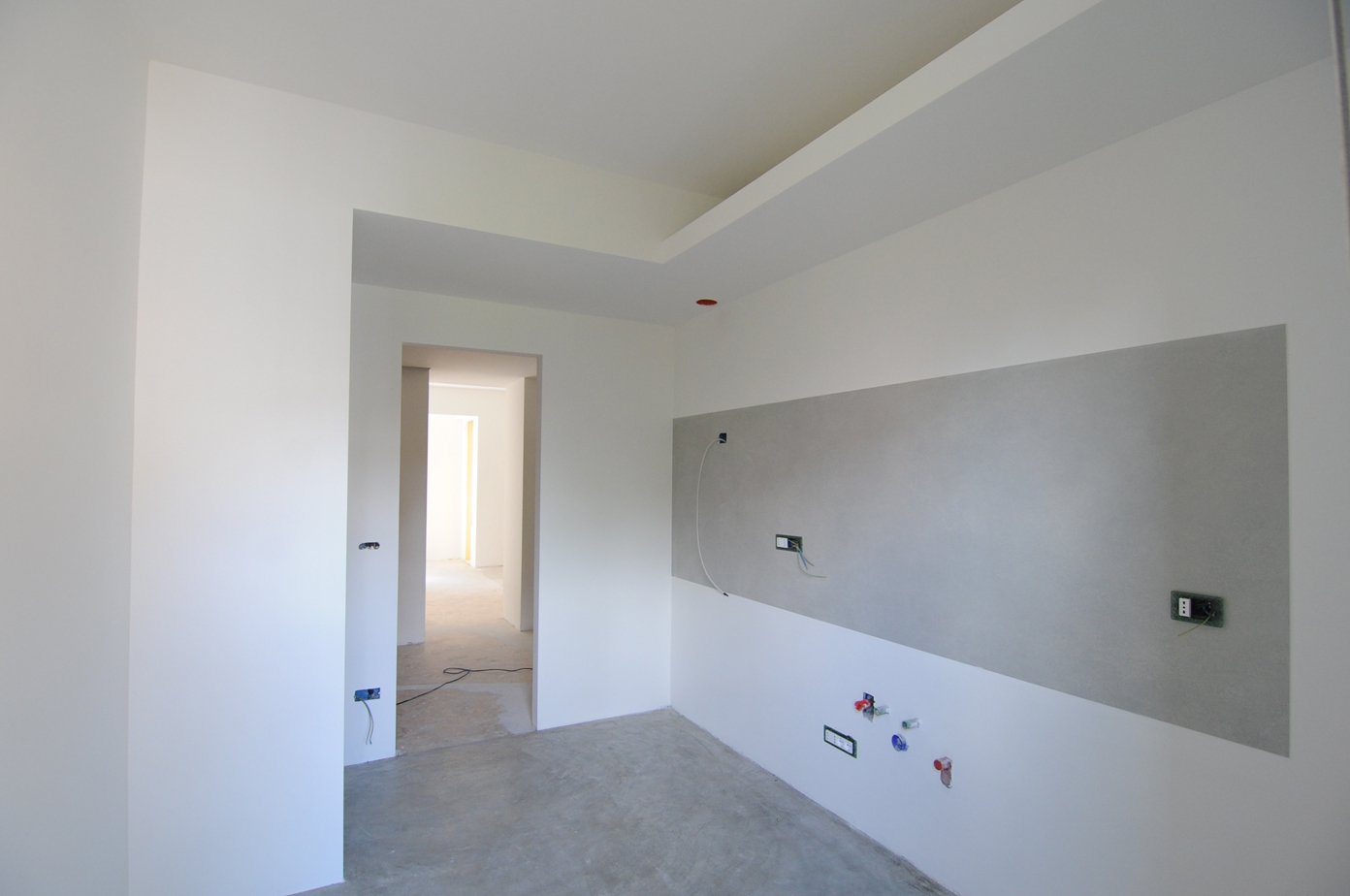
I'm posting the final (real) result too, if you're ok with it!
-
RE: [Plugin] Layer Tools (1.1.0)
Yes...you're right... Think about some trees or cars!

Could have been useful, anyway

-
RE: [Plugin] Layer Tools (1.1.0)
You must be some kind of mind-reader Thom!
Excellent tool, as always! You're so generous..I noticed a little thing: the layer taken into cosideration is only the one which contains directly the faces of the objects. It means that if you have 6 faces making up a glass box on "layer0" and a group holding them together on layer "glass", if you click on the group nothing happens, at least for me.
Could be useful to extend the turn-off-layer ability to groups and components too (if they're made of homogeneous sub-entities). What do you say?
-
RE: [Plugin] Sketchup Ivy
What a wonderful plugin! I always wanted to grow some ivy directly into SketchUp!!! Thank you Pierre!
I'm here to report strange behaviours too: when I call the Ivy menu, the SkIndigo material panel is opened too (sketchup to Indigo plugin). Also, as some others noted, I can't see any textures applied to the geometry.
I'm running on WinXP and SketchUp7.
-
Renovation living
Hi guys!
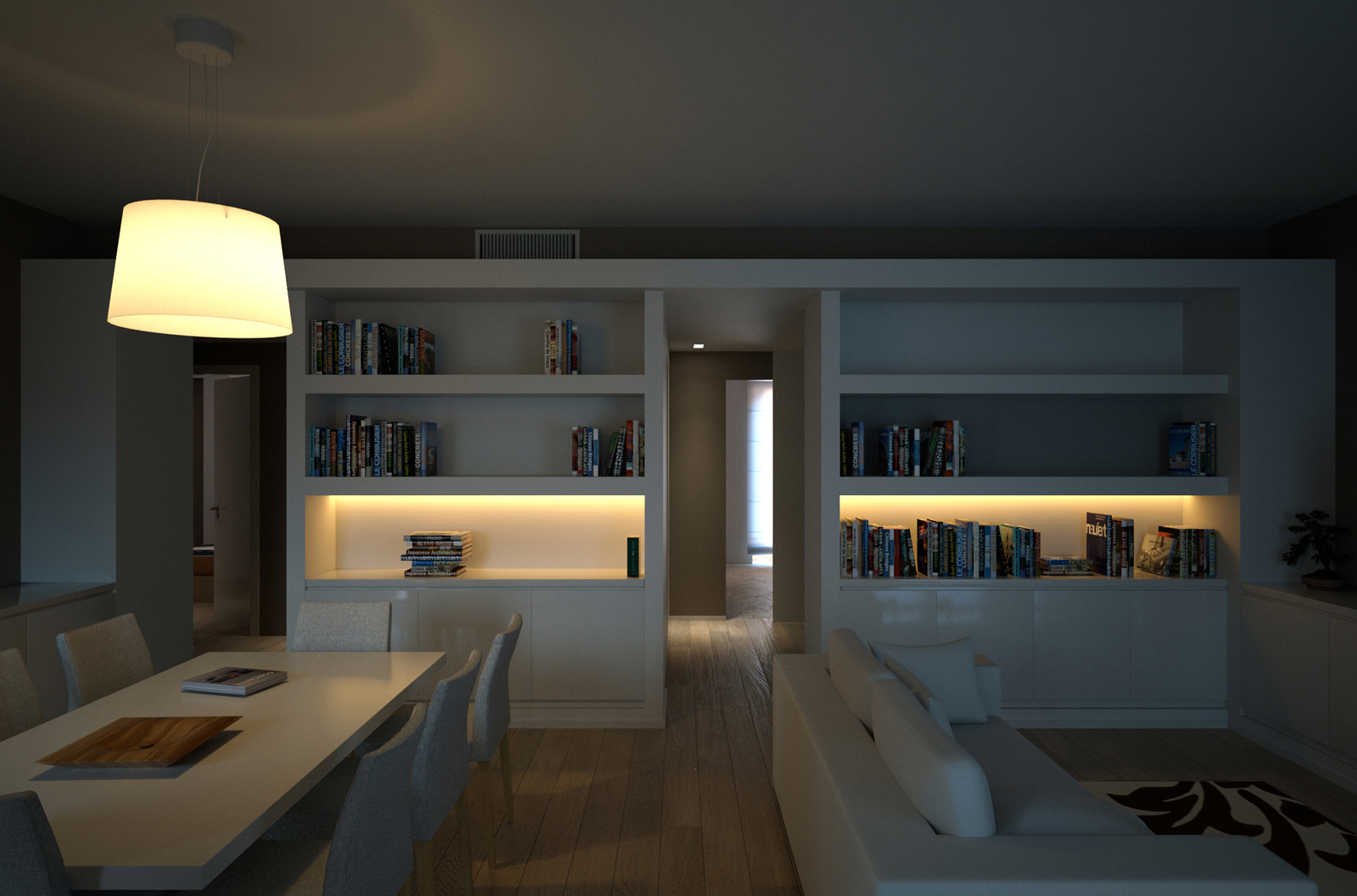
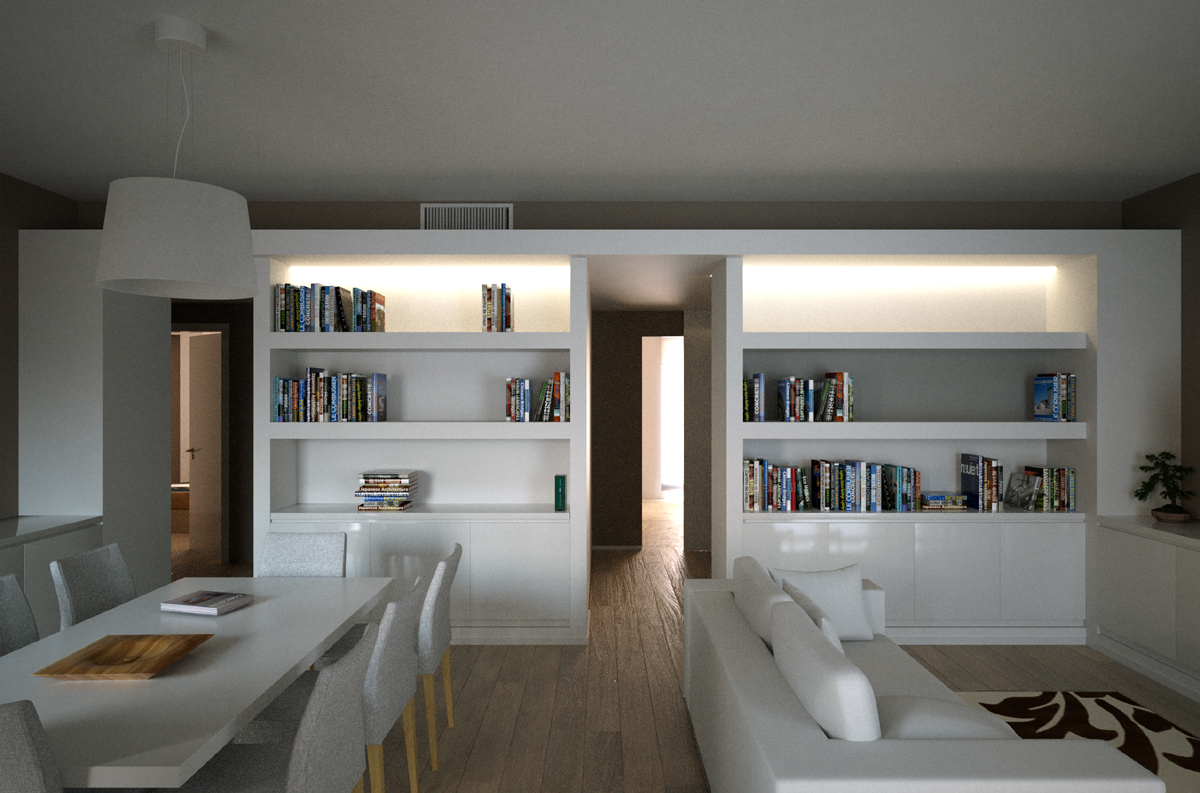
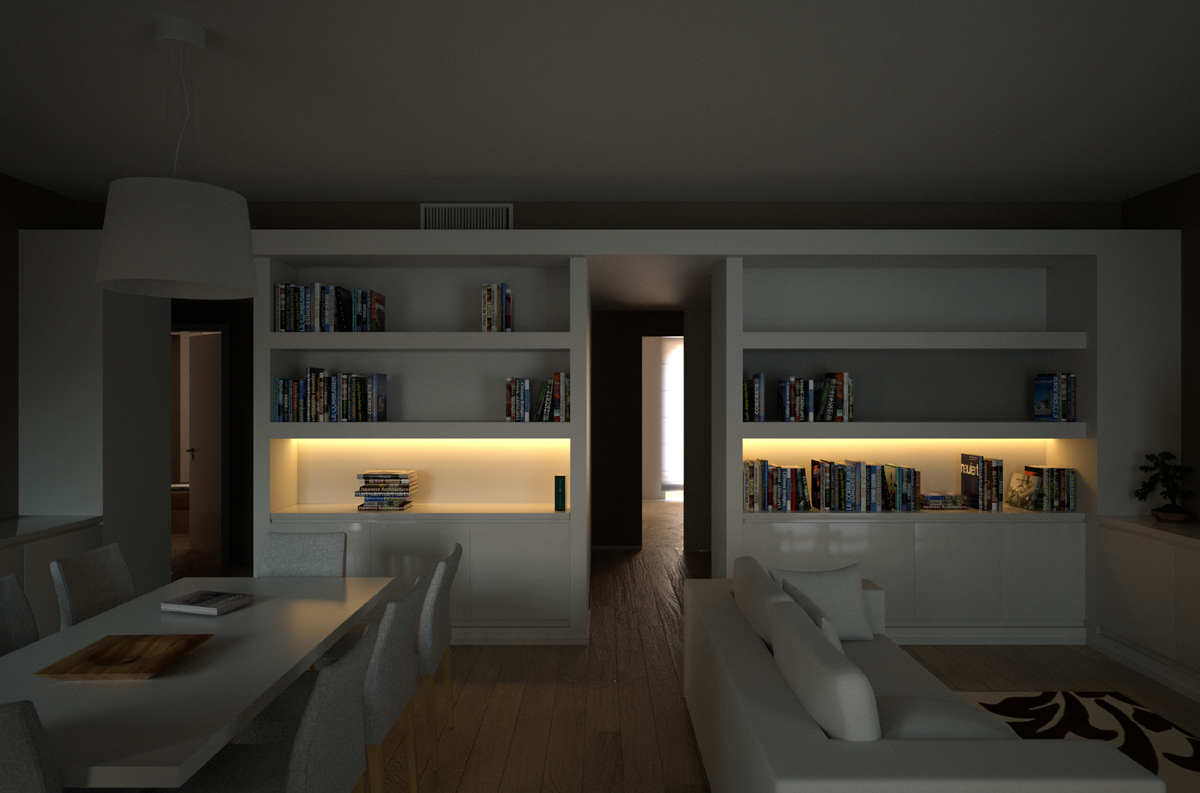
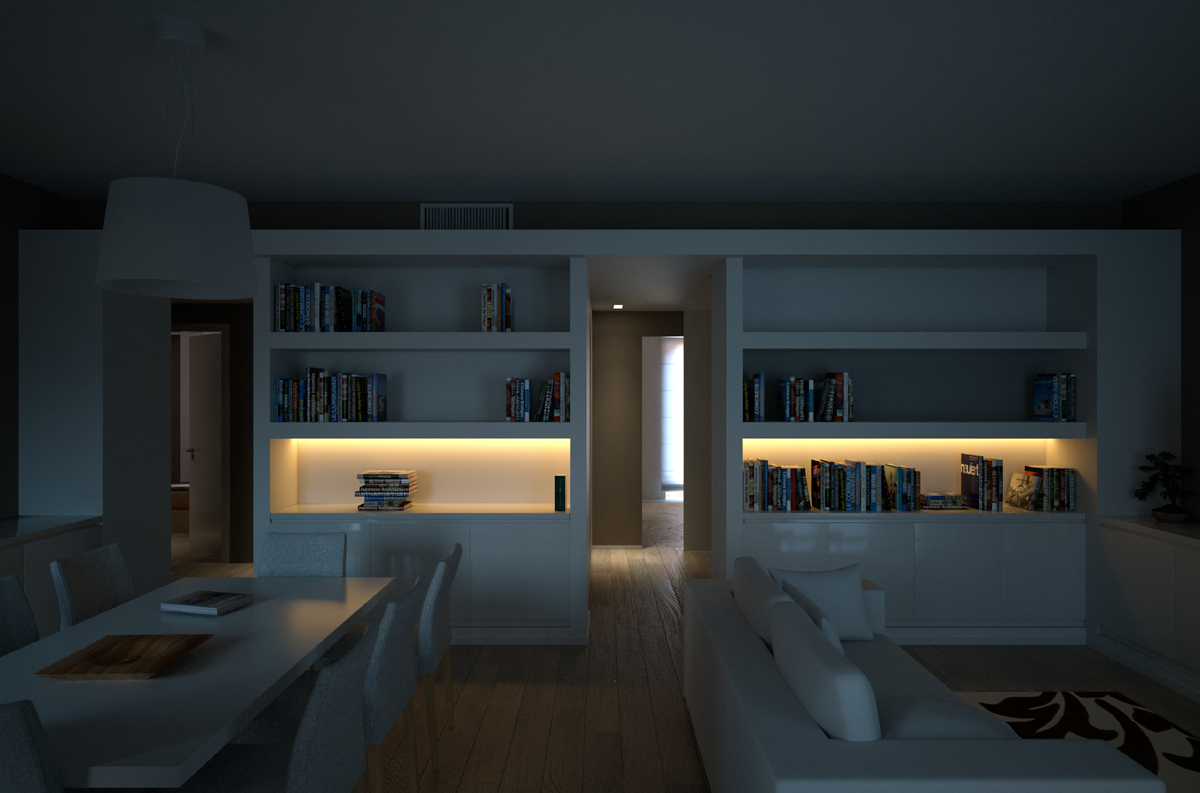
After a LONG time I'd like to share this wip of mine: I'm doing the renovation of my new flat and this is what the living will look like! I played a little with light layers and I'm quite satisfied with it. Only, I spotted two bugs which force me to relaunch the render: the book floating over the table and the wrong material applied to the bottom of one of the shelves on the right.
Modeled in SketchUp 7 and rendered with Indigo.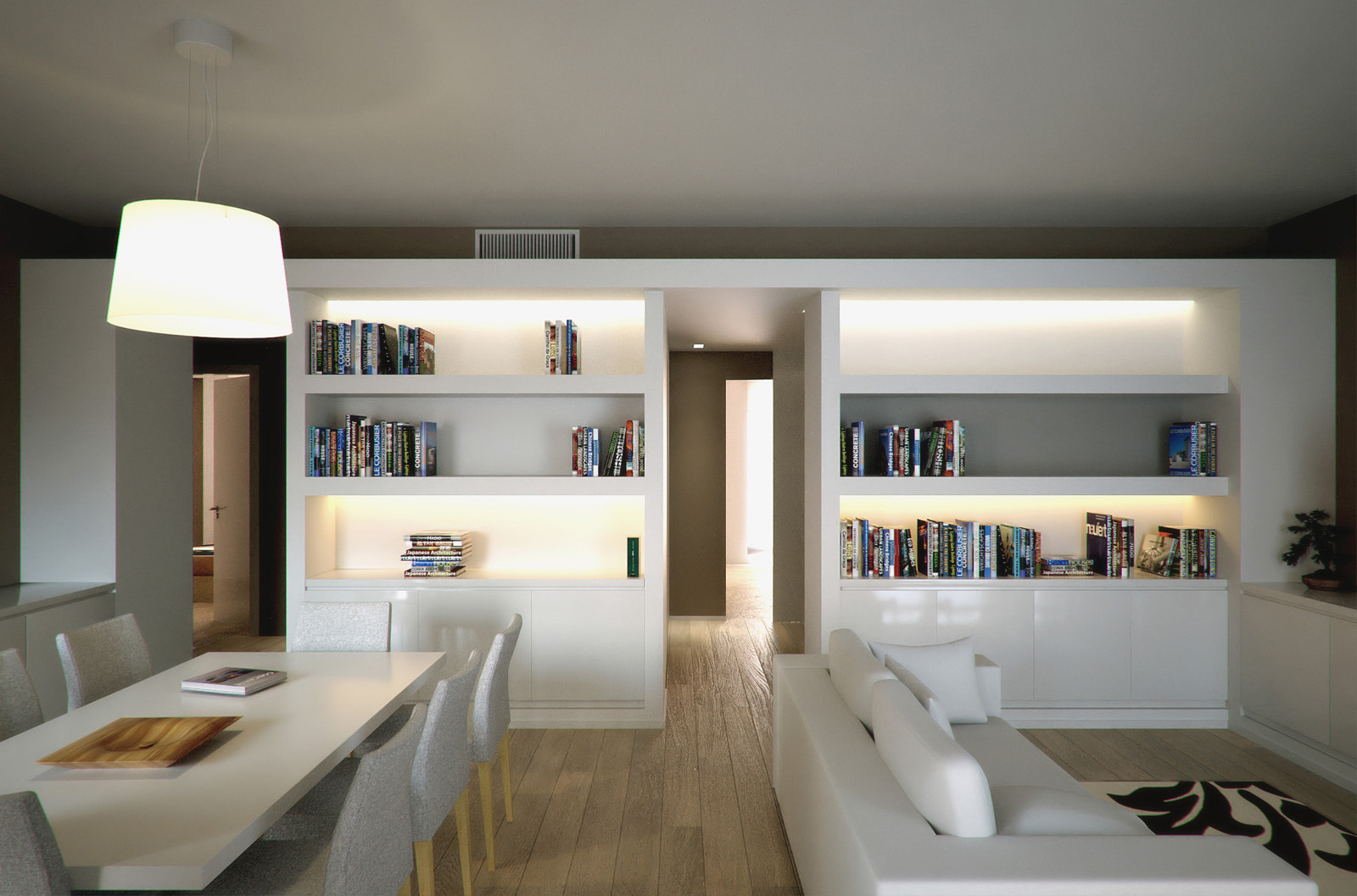
-
RE: FluidImporter free .obj importer Beta 1.0.5 Updated
Back to report a bugsplat.
I made a quite heavy tree with TreeD, which got correctly exported in OBJ format, resulting in a 42MB file. When I tried to import (several times) the obj, after a rather short time the tree was imported into sketchy (no bugsplats), but it had no textures applied. The materials were correctly created (their names themselves were correct too, corresponding to the ones figuring in the mlt file), but they had no textures embedded, but when I tried to add the textures the mapping was wrong.
I tried to separately export the trunk/branches (26MB) and the leaves (16MB) from TreeD. The trunk/branches gave no errors in the import process, but when I tried to import the leaves' mesh I got the bugsplat, two times.
Then, the final solution I tried (which finally worked) was to import in a new file only the leaves using TIG's old importer (this worked, in the known biblical time
) and then I manually merged the two sketchup files (the origin was common).Is this something fixable? I guess the issue concerns huge obj files. What I don't understand is that I recently imported xfrog obj files which were even 80MB each, and I got no problems. What is going on?
-
RE: FluidImporter free .obj importer Beta 1.0.5 Updated
Works like a charm!
Thanks TIG for the support and a GIANT thank you to fluid for this excellent tool! -
RE: Hornbeam hedges - SketchUp 8 model
Pixero, this is really a nice hedge you're giving to us!
I hope I can someday return the favour, I'm working a little with trees in treeD and sketchup at the moment, so I think I'm gonna share them as well as a big thank you! -
RE: FluidImporter free .obj importer Beta 1.0.5 Updated
Thank you fluid for the effort you're putting into this!
We're all grateful to you, you're providing an excellent tool...so are you all, from Thom, to TIG, to everyone who contribute to make SketchUp a more powerful software!
-
RE: FluidImporter free .obj importer Beta 1.0.5 Updated
Oh thank you TIG, I'll check that!
EDIT: just checked and in fact no subfolder seems to be required.
BTW, after the import, the material given to the branches is applied to the leaves too...I'm attaching the mlt file to make sure I'm not reading it wrong..
-
RE: FluidImporter free .obj importer Beta 1.0.5 Updated
@fluid said:
Hi pibuz, can you provide the file that causes problems?
Hi Fluid! Thanks for your reply! I'm really looking forward to slve this issue, so I can start building a good set of outdoor vegetation
You can pick a random tree from this link:
http://www.xfrog.com/2011/01/130-free-xfrogplants-now-available/They all show the problem when I try to import the obj file. Note that all textures are in the same folder as the obj model, so I guess there is no path conflict or anything..
-
RE: FluidImporter free .obj importer Beta 1.0.5 Updated
Hi fluid!
Wonderful tool, your obj importer!..still, I seldom find some troubles in importing some obj files: most od the times SU reads the textures and UV mapping very well, but sometimes it happens that only ONE material is read from the source obj file, and it is applied to the whole geometry (note: all the faces are correctly UV mapped with the texture of the only material imported).
How come this? Can I fix it?
Thank you a lot!