Hey Solo! Got the chance to read the catchup article only a couple minutes ago, and the hardware configuration sounds excellent. Is the deal still ongoing? Can the product be shipped to Europe? What would be the final price? Thanks a lot!
Oops, your profile's looking a bit empty! To help us tailor your experience, please fill in key details like your SketchUp version, skill level, operating system, and more. Update and save your info on your profile page today!
Check out Febhouse | New extensions for Shadow Analysis in SketchUp Download
P
Offline
Posts
-
RE: Buying a new computer?
-
RE: [REQ] copy along path fixed interval
Hi Guanjin!
..yeah, could be... but..what plugin is that? -
RE: [REQ] copy along path fixed interval
Tried to, but seems that I can't..
BTW, no problem my friend: the new workflow is much simpler and faster!

Thanks to you -
RE: [REQ] copy along path fixed interval
YES! THAT DOES IT!
Wonderful! Didn't know of the spacing tool from the bezier toolbar!
Now I only have to re-draw all the polylines over the standard curves, but that is an easy and fast approximation. THANKS A LOT MATE!
-
[REQ] copy along path fixed interval
Hi all!
Sorry to bother again: I am looking for a suggestion.I'm now modeling a complex road situation, with straight lanes and curved ramps. I have the basic road modeled now, with the border lines defining the asphalt surfaces. I have to add the protection barriers now, but it is a very long job doing it manually because the road section I have to model is huge.
I've done a deep search through the plugins which could help me out and I found:- copy along path
- component stringer
Sadly, seems like I can't get the wanted result with neither of those.
"copy along path" keeps my barrier component vertical, while I want it to be rotated to follow the ramp profile
"component stringer" places a new component (perfectly aligned to the ramp profile) in every node of the line, when instead I need a component after the previous is finished.Basically, I'd need the correct orientation granted by the "component stringer" rb AND the spacing option of the "copy along path" plugin...
Is there a way I can solve this?
THANK YOU ALL A LOT IN ADVANCE!
-
RE: Simple Artisan examples collection
..now that is amazing...
I'm always very surprised by the results you guys achieve in modeling organic shapes lately. Impressive. Great model! -
RE: PAST VERSION LOST!
OH GREAT! I did not know that v7 pro reverted to free after the trial period expiration!
Thank you guys!(BTW: looking for v7 free just because of the dwg import feature, smart intuition
 )
) -
RE: PAST VERSION LOST!
THANKS A LOT GUYS!
NORBERT: many thanks mate, the first featured content from uploading was the right file I was looking for! THANK YOU VERY MUCH!
JEAN: thank you sir. I already scrolled that page (MANY times, indeed) but only pro versions are linked, unfortunately, and I needed the free version..
PILOU: thank you for your effort, my friend, I really appreciate it, but in the list there is no SketchUp 7..
I'm still missing the italian user guide. I found several copies of the english user guide (800 pages!!!!!) but no italian manual, so I'm starting to think there is no italian translation of that. I know there was for v6 (I have it), but I can't remember if there is for v7. Can anyone confirm this?
THANKS AGAIN!
-
PAST VERSION LOST!
Hi all! I'm very sorry to bother, but I need some help.
I cannot find an italian installer of SketchUp v.7 free (win version), maybe I was always saying "I'll be able to download it later" but I never did it....


I've searched all the web, but I could't find any.Maybe one of you guys stored it somewhere in his pc...
I'd need the italian user guide also...
Thank you a lot for your patience and sorry again..
-
RE: Fry- Indigo- Vray- Kerkythea- Maxwell- Podium (added page2)
@kwistenbiebel said:
I used the default 'thin glass' or 'ghost glass' settings for the single faced glass panels for all render engines except for Indigo where I used a 'glossy transparent' (Indigos thin glass can only be applied to double faced glass).
..are you sure? I've not neing using TG since a long time, but I remember it is quite straightforward: TG is the perfect material if you want to be sure your glass will render...fine, despite it's a volumetric object or not.
BTW, interesting tests! We can all see that nowadays all the render engines are very good and comparable

-
RE: Parklife
The colors are just great david!
I think the PS intervention gave the additional touch of life missing in the orginal render.
As always, great work. I'm a big fan of yours
-
RE: White Living
@ ninopiamonte
Hi mate! Thanks a lot!@ John2
..indeed, unbiased renderers are usually able to compute the most realistic scenes, as far as I know, because they trace the light reflections without "shortcuts", thing that the biased renderers instead do. BTW, the final result is what that counts, and I simply find me more familiar with the unbiased render engines.@ Cotty
Thanks my friend! I always follow your wonderful Artisan creations with interest! -
RE: White Living
@cuttingedge
Hi pal! I was never convinced by the exact same things, but the time was running out and I had none to spend to fix those. They're not "photorealistic" but still "acceptable".. Maybe I'll be able to work on that in a couple of weeks. Thanks a lot by the way!@solo
Thanks a lot mate! A compliment like this from a pro like you really flatters me.@hellnbak
Thanks a lot! -
RE: White Living
@chedda
Thanks a lot!@carloh
Hi mate! The wooden planks come from CGtextures, great texture although I had my "fun" making it seamless Bump and exponent maps are directly drawn from that (2 fast passes in PS)@MikeAmos
I'll upload the model ASAP. Keep in mind that there could be "false" geometry, used as dummy for higher poly external and internal models. Rendering with something different from Indigo will certainly produce different outputs.@ninopiamonte
Thanks my friend. -
RE: White Living
Hi Novena!
Render time was quite long, due probably to the original render high resolution (which was 8500pixels wide) and the number of light layers (one for each lightsource, so that I could adjust them during the rendering). The total rendering time was 60hours or so.
I must say that I let it cook over my old and faithful q6600 (quad core, 2.44GHz I think), an up-to-date hardware configuration could have done it in 24 hrs I think. -
RE: White Living
Hi pals! Thank you a lot, really! The appreciation of the community means a lot to me!
The entire scene is done with sketchup (and I wouldn't exclude the possibility to share it all in short time, if it can be useful to anyone), but some of the hipoly models included (the two plants e.g.) are obj "external references", supported by the great SkIndigo (another cool trick by Dale Martens AKA Whaat). All the rest is only a patchwork of good models I found browsing the web. I worked a little on the lamps, which were imported as 3ds files found in the websites of the specific firms (they're quite common models, easy to find). A big THANK YOU and all the credit for the books is dedicated to Teofas (drawn from the beautiful "architect's office" scene), who saved my a** once again. -
White Living
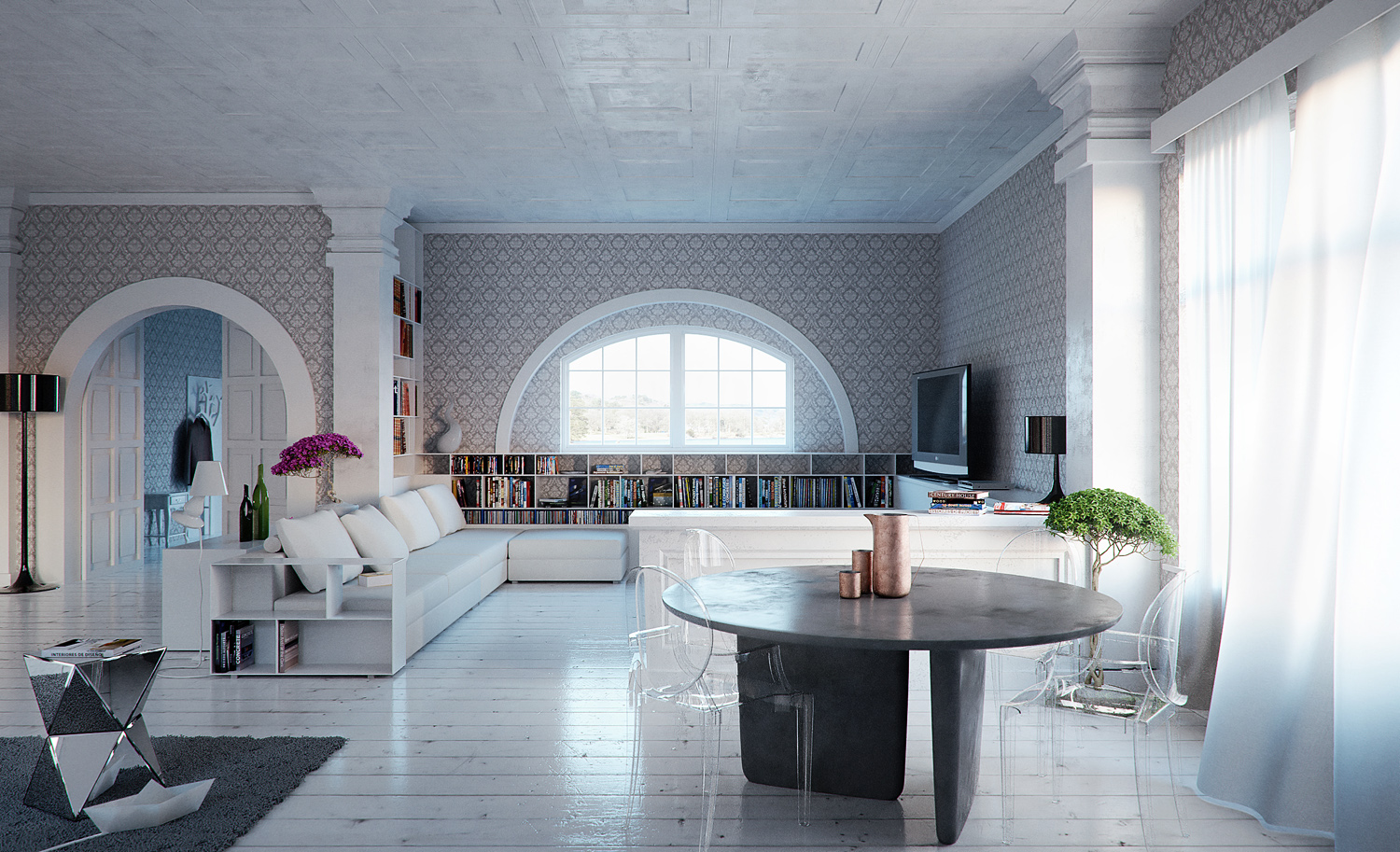
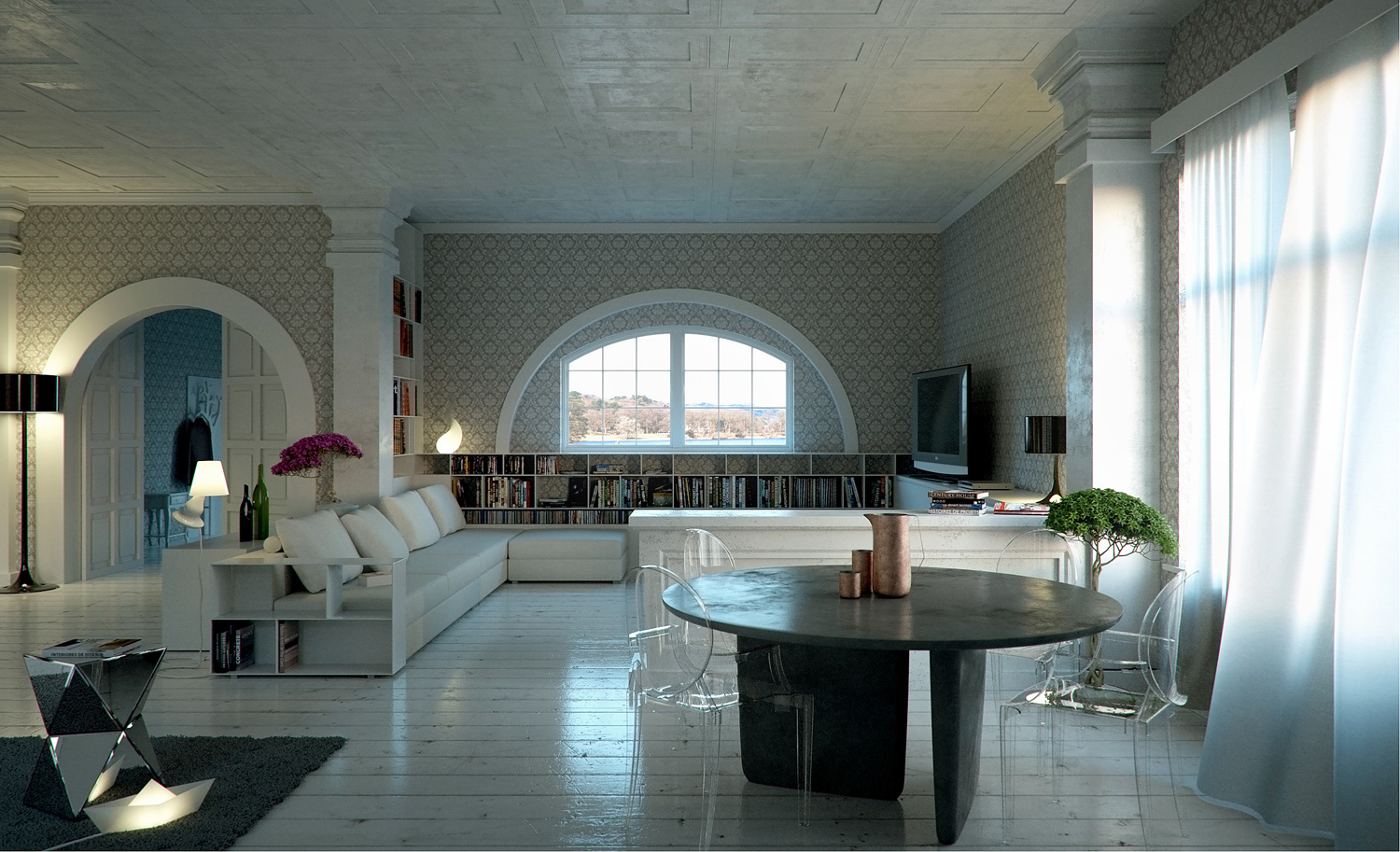
I'd very like to post my last work.
It's some contest which came up in the Indigo Renderer site: the exercise was about setting materials and lighting. The white base scene was given, but I totally revised that. I must give credit to the mate Indigo/SkIndigo user FoXar/Roo Evans which converted the original file into a much more handy SketchUp scene.Cheers!
-
RE: Some free HDRIs with matching backplates
Great resources, many many thanks!

-
RE: Hotel's lobby
Yes, I must agree with chedda: first one is amazing. The other images...they're good, but they're missing something. I guess it's all a matter of lighting, in the first one it's less obvious, and therefore interesting, the other images are classically lit
Good work in general, BTW! -
RE: Industrial loft
Ehi Twain! Wonderful scene and materials!!!!
I hope you don't mind if I played a little with your image: I gave it a little more contrast and I think it looks better.