sketchucation logo sketchucation
    • Login
    1. Home
    2. NewOne
    3. Posts
    Oops, your profile's looking a bit empty! To help us tailor your experience, please fill in key details like your SketchUp version, skill level, operating system, and more. Update and save your info on your profile page today!
    πŸ”Œ Easy Offset | Offset selected faces in SketchUp in positive and negative offsets. Download
    N
    Offline
    • Profile
    • Following 0
    • Followers 0
    • Topics 59
    • Posts 317
    • Groups 1

    Posts

    Recent Best Controversial
    • RE: Smart way to model small details !

      @thomthom said:

      I used the same method of a recent product design project. Lots of rounded edges. (and mine included an DVI plug, as oppose to your USB πŸ˜‰ )
      Though I for some reason found myself making the x100 version and then make an instance that was x0.001 smaller. I did that because it seemed that I still had problems creating the small faces, even though the instance was scaled up x100, which is why I scaled the definition instead. But maybe it was another problem...

      Leave the original on desired dimension and scale just the working-with instance. Use 10x 100x 1000x. The point is to have lines big enough to can create faces. If you round an edge with r=1mm and use 6 segments for 1/4circle arc, you will have each segment smaller than 0,3mm ! In this case 10x is ok. But are lots of situations when durring intersection you can't get faces because the distance between two lines is too small. In this case you will need 100x-1000x scalling.
      I used up to 1.000.000x scalling πŸ˜„ Don't be shy to scale... it's free! πŸ˜„

      posted in SketchUp Discussions
      N
      NewOne
    • Smart way to model small details !

      As you know, SketchUp can't create faces if the edges are too small (less than 1mm). And it's very difficult to model something small, or if you make intersections that create so small faces, because you will end with lots of gaps in model.
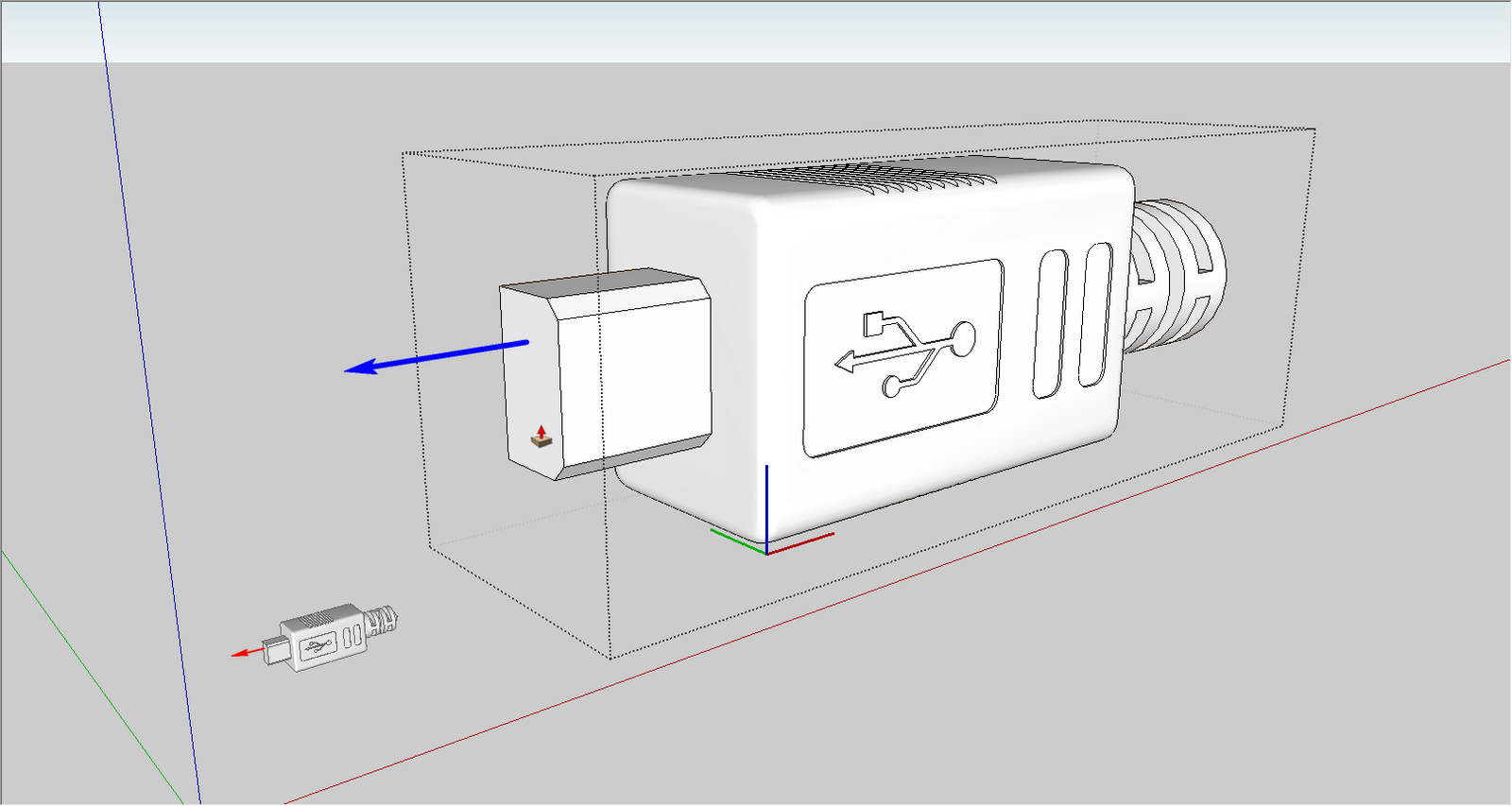
      Well, I work inside a component from the beginning. I make a prism or whatever is my general shape of the object I want to represent. Then, make an instance of that component and scale that instance x10-100 and work on that bigger copy. You will see that everything you do in there will reflect on the original object. After you finish, just delete the big one.
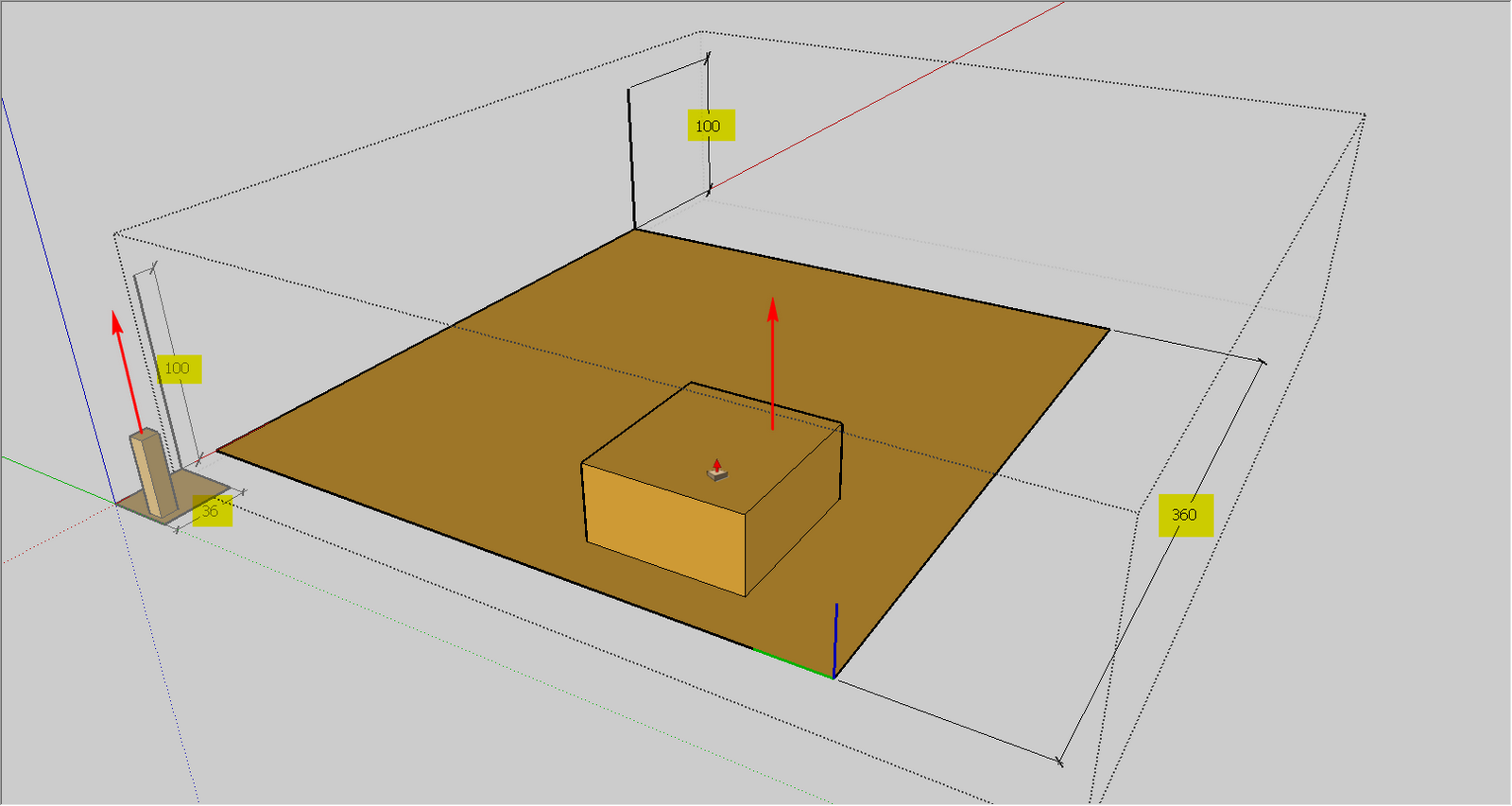
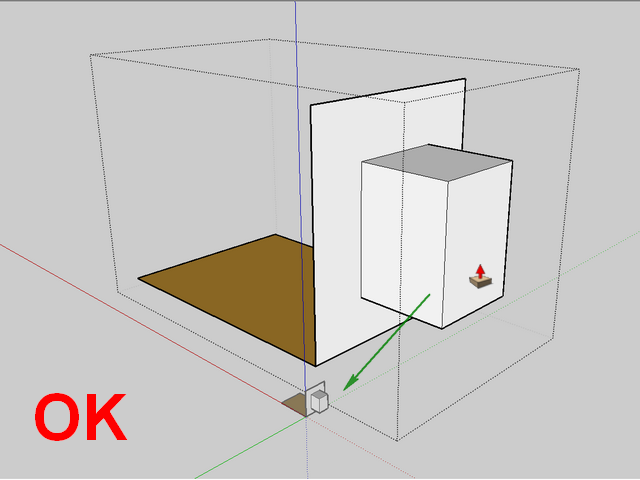
      Do NOT start with 2D component because the modifications applied to it will not reflect proportionally to you original, instead you will see a 1:1 representation. See attached images.


      Like in a good family, the small one does what the big one does...


      Use a 3d component... to avoid this


      This is also a 3D component, so it-s OK

      posted in SketchUp Discussions sketchup
      N
      NewOne
    • RE: The "Duh!" thread (aka the Doh! thread)

      @unknownuser said:

      That begs the larger question. Why would you want to make a single line a component? πŸ’š

      I will answer you to this the best I can:
      Let's say I want to render some big repetitive scene (50000 dummy dolls, let-s say). Sketchup doesn't support so many polygons. So I will make some 2d representation of them and the high-quality component will be replaced when exporting for render (i use maxwellrender and it supports proxy_objects) ... but SketchUp is still unresponsive πŸ˜• So what I choose? LINES !! YES πŸ˜„ if 50000 2d people are too many, 50000 lines are ok. And all that lines must be instances of the same component.
      So... that's why you would make a line component.

      posted in SketchUp Discussions
      N
      NewOne
    • RE: Do SketchUp

      @unknownuser said:

      i'll answer for him; sketchup gives shadow for the faces, no matter which parts are transparent or not.

      Uhm, so...those trees which drop shadow just for themselves are cropped from that rectangular face? david57 just used png file for transparency map, but the face is rectangular? I think I understand... he must notch around tree to have proper shadow.

      posted in Gallery
      N
      NewOne
    • RE: Do SketchUp

      nice trees! but why the shadow is rectangular? ❓

      posted in Gallery
      N
      NewOne
    • RE: The "Duh!" thread (aka the Doh! thread)

      @ecuadorian said:

      And I often find myself trying to "mirror" things with Ctrl+M, as in ArchiCAD, only to remember that I should have clicked on the mirror button of the SCF Powerbar instead.

      What mirror button are you talking about? ❓ πŸ˜„ I olny use for mirroring Mirror_31.rb plugin. Is there something else? (and this one sometime crashes sketchup, i could not figure when yet)

      posted in SketchUp Discussions
      N
      NewOne
    • RE: Scaled components question

      @chris fullmer said:

      Does that begin to help?

      Chris

      YESSSS You did helped me!
      Well, I never used that right click command.
      Thank you!

      posted in Developers' Forum
      N
      NewOne
    • Scaled components question

      when making models with high details, I usualy scale 10x - 100x. When I finish I downscale my model, but in Components browser I still have those big components. How can I get rid of that information which keeps my component at initial scale? If I scale it it means I want it scaled πŸ˜„

      thanks.

      posted in Developers' Forum
      N
      NewOne
    • RE: Displacement in maxwell

      Here you have a part from Maxwellrender manual. About displacement maps. Read and learn
      Tips:

      1. subdivide faces: the more polygons you have the better displacement you will have.
      2. be carefull to use 16 or (better) 32 bit images else you will have "steps"
      3. you have "precision" input and "adaptive" checkbox, on maxwell displacement editing. Use it wise because you can get very large times with no significant quality.
      4. USE DISPLACEMENT ONLY WHEN REALLY NEEDED. You have bump and normal mapping also πŸ˜„

      Enjoy πŸ˜„


      maxwell_displacement.pdf

      posted in Extensions & Applications Discussions
      N
      NewOne
    • RE: Can we add new menus on SketchUp ?

      @chris fullmer said:

      I have mixed feelings about it really. It sounds nice, but what happens when every coder feels a need to add their own menu? It could be even more annoying than having a Plugins menu that is too long.

      On the other hand, it would be nice in someways,

      Chris

      Yes it's true...on the other hand already we have a lot of plugins which could have a better place than in Plugins menu (obj exporter for example ... its place is in File menu) πŸ˜„ I customize those I use to go in the right place.

      posted in Developers' Forum
      N
      NewOne
    • RE: SketchUp RUBY API Wishlist [way of coding wishes, please]

      To be able to add new menus in SketchUp menu bar.


      2009-03-10_135226.png

      posted in Developers' Forum
      N
      NewOne
    • RE: Can we add new menus on SketchUp ?

      @thomthom said:

      No API for that... 😞

      Well, this must go on "SketchUp RUBY API Wishlist [way of coding wishes, please] " πŸ˜„ 'cause I think all of us would be happy to can do that.

      posted in Developers' Forum
      N
      NewOne
    • RE: More Toolbar CRAP!

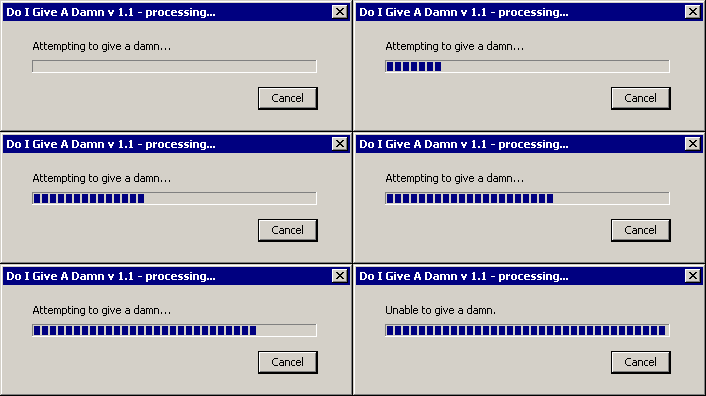
      GOOGLE guys about SketchUp BIG issues:


      1720Attempting-To-Give-A-Damn20Larg.gif

      posted in SketchUp Bug Reporting
      N
      NewOne
    • Can we add new menus on SketchUp ?

      Can we add new menus on SketchUp menu bar?


      2009-03-10_135226.png

      posted in Developers' Forum
      N
      NewOne
    • RE: The "Duh!" thread (aka the Doh! thread)

      @unknownuser said:

      Can you put an image of the process?
      (mousse drag selection is very mysterious) 😳

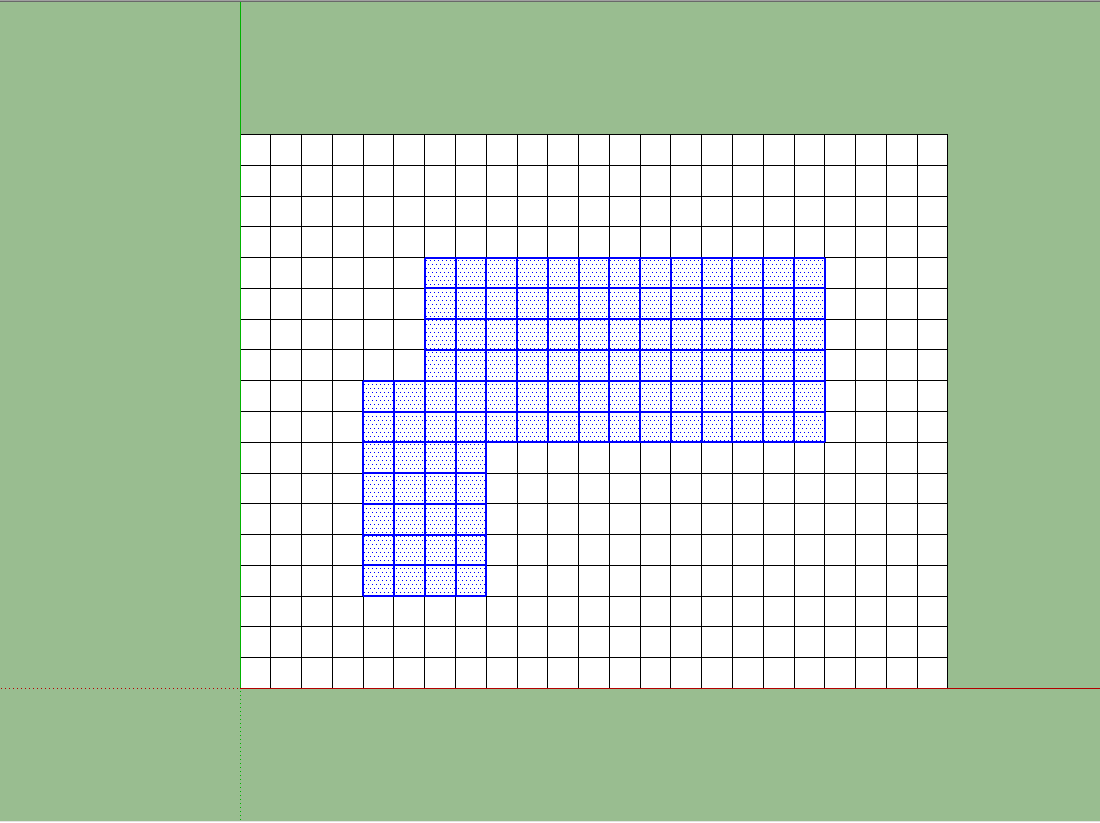
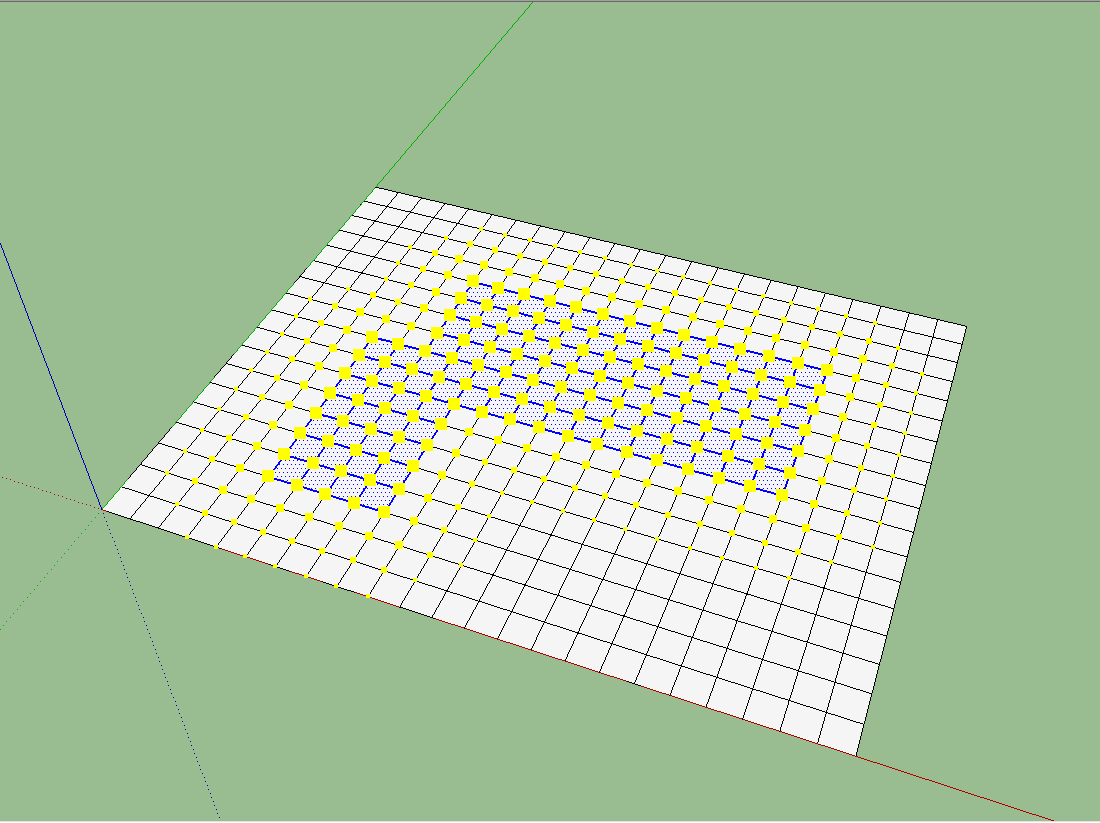
      Drag with your mouse over the surface and select a rectangular area. I used Ctrl pressed to add to selection so I've made that L shape.

      Pilou! that car is fun! In same way I think we can make bed cloth.


      First, select needed area


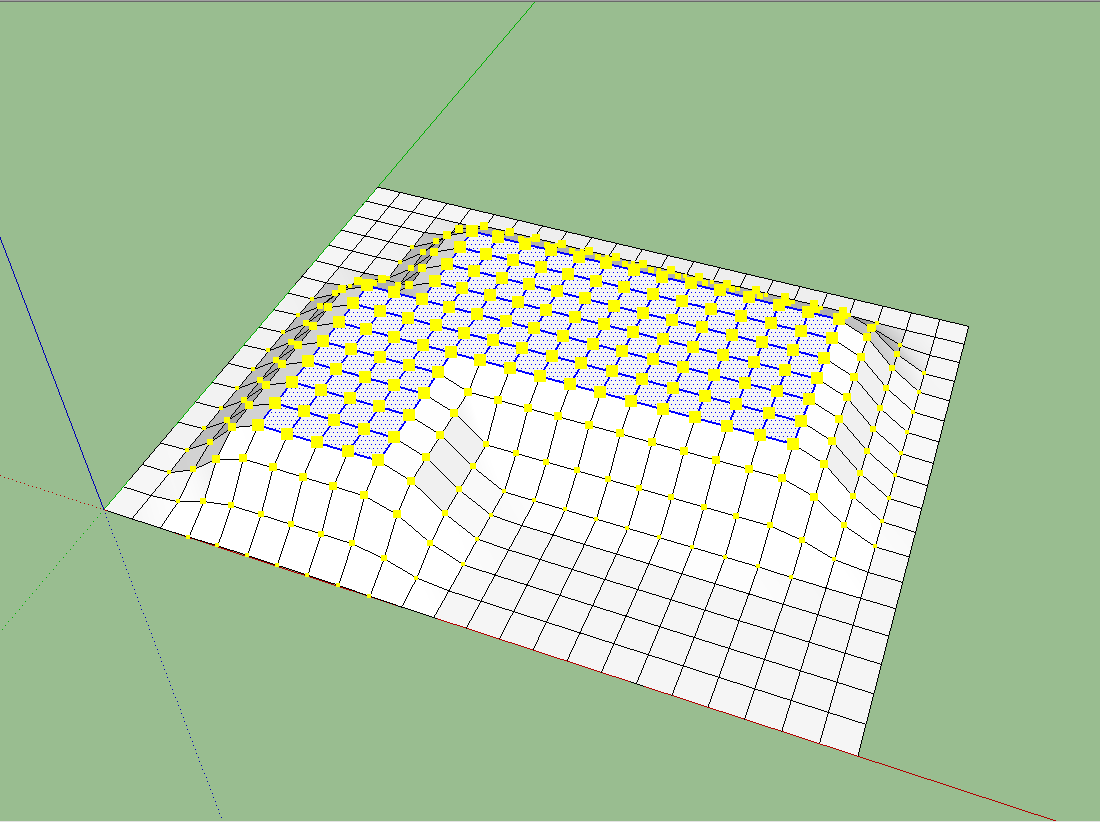
      Then select smoove tool and adjust diameter. You will see that for smaller diameter selected area will be affected straight, no slopes.


      Final result

      posted in SketchUp Discussions
      N
      NewOne
    • RE: Changing Model axis?

      @thomthom said:

      I wanted to create a plugin which would change the model axis to match the active component. The purpose for this is when modelling building with different axis.

      What I have used to do is make some Scenes which stores only the axis location. But I wanted to make a plugin that would change the model axis when I edit some components.

      But I can not find any ways to set the model axis. Is this the same as Component Axis? A no-go?

      You can not interact with axis from ruby. I had this problem once and I got this solution from CPhillips http://www.sketchucation.com/forums/scf/viewtopic.php?f=180&t=13660#p101752 Adapt it to what you want. Only way to change axis orientation for an object is to redraw all its faces on the new orientation.
      For rotation of axis it might be possible to get inside a component, select everithing inside and rotate around origin, then exit from component and rotate reverse the component with the same value.

      posted in Developers' Forum
      N
      NewOne
    • RE: The "Duh!" thread (aka the Doh! thread)

      Duh! 😲 moment yesterday!
      Smoove tool can be used for smoove different shapes than circular...just use your mouse drag selection area over needed vertexes and use smoove tool over them.Play with size of smoove circle to see how it affects selected area.

      posted in SketchUp Discussions
      N
      NewOne
    • RE: How could do this? Help

      Hmm, perhaps it can be done... i'm not so skilled in ruby, but here are some really good guys. I'm tkinking if any drawing operation could be recorded as ruby action. If you draw a line, some observers to stay and watch every move and record in a text file the first point, second point and the line adding between that points. In theory there is no limit of observers that you can use but I'm not aware about how much will slow down the computer. Of course, the file can go really big. Or can be recorded just created faces/components/groups. This can make the job a little smaller. At least for simple geometry this could work.

      Just a stupid ideea... πŸ˜•

      posted in Developers' Forum
      N
      NewOne
    • RE: [plugins]SP3 alpha2. Win & Mac

      @unknownuser said:

      If I understand you correctly, that's already possible; but you have to manually make the convex meshes, and group them together.

      Hmm, until now if you want to have interaction with a dynamic concave object, you had to combine more segment-objects in one group. Each part having its own convex hull. Instead I was thinking to virtualy create those subdivisions. The object to be one single solid and just the collision meshes to be more. On compex objects is really hard to group from smaller subdivisions.

      posted in SketchyPhysics
      N
      NewOne
    • RE: [plugins]SP3 alpha2. Win & Mac

      @wacov said:

      Sorry Phy but using the newton engine it's flat out impossible to have concave hulls. The staticmesh only works because it's... well, static. We're gonna have to live with using complex groups for complex shapes.

      Well, I don't know much about physics engines and this kind of programming, but I've seen that the hull is geometry independent. So, I'm thinking: is it possible (for SP4, let's say) to make an algorithm that can generate a dynamic concave hull, by combining convex meshes for the same object? I don't know if multiple meshes are allowed to one object.

      posted in SketchyPhysics
      N
      NewOne
    • 1 / 1