I've seen lots of renders but need some suggestions on setting up interior. FOV and position would be helpful. Screen shot is only draft.
Thanks
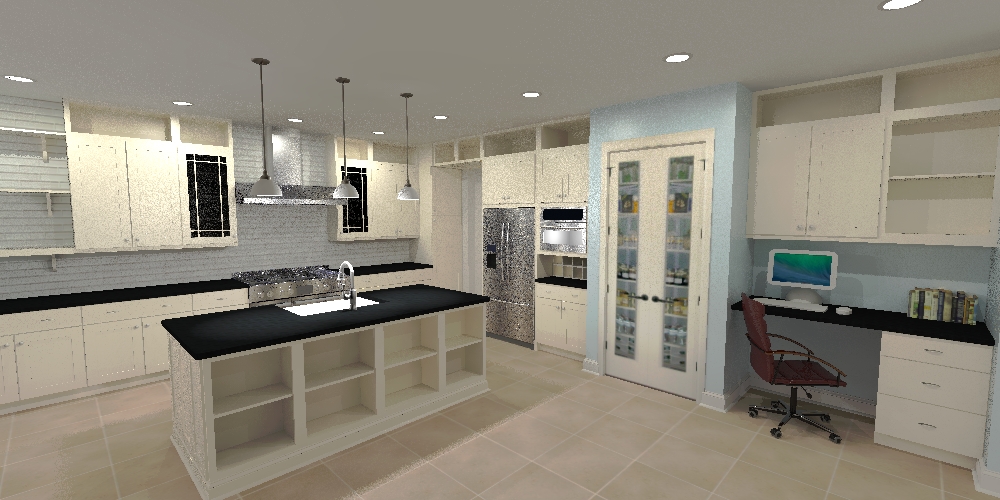
I've seen lots of renders but need some suggestions on setting up interior. FOV and position would be helpful. Screen shot is only draft.
Thanks
So I wonder how long it takes to get the email with the download links checked spam not there either. Was checking wrong email address 
Thanks Oli been looking for this to come back. gaining to get it now.
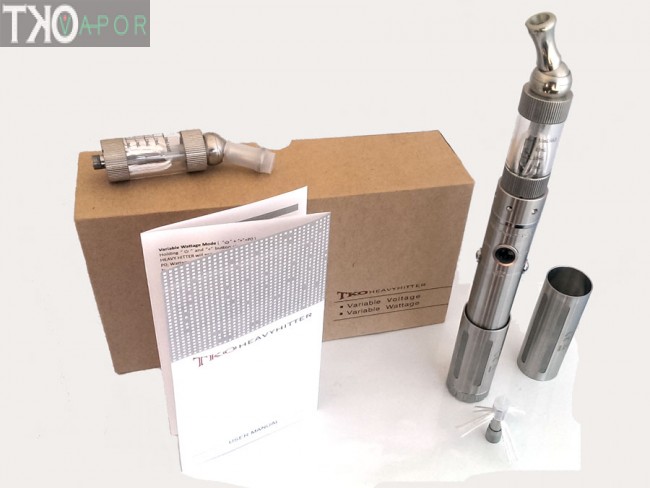
Finally got me a rebuildable mod from TKO a chain of vape stores across US. It has a 2.2 amp atomizer and I'm trying to find a good voltage and amp setting as you can change both with this mod. Not really sure yet what does what as far as the settings go maybe someone can shed some light on the subject for me.
Ok works now must have been a permission thing like Dave said but thanks Dave and John 
@ john how do I show hidden folders in Lion 10.7 I used some terminal command suggested on internet but didn't work
defaults write com.apple.finder AppleShowAllFiles
Using Pixelmator in pref image editor
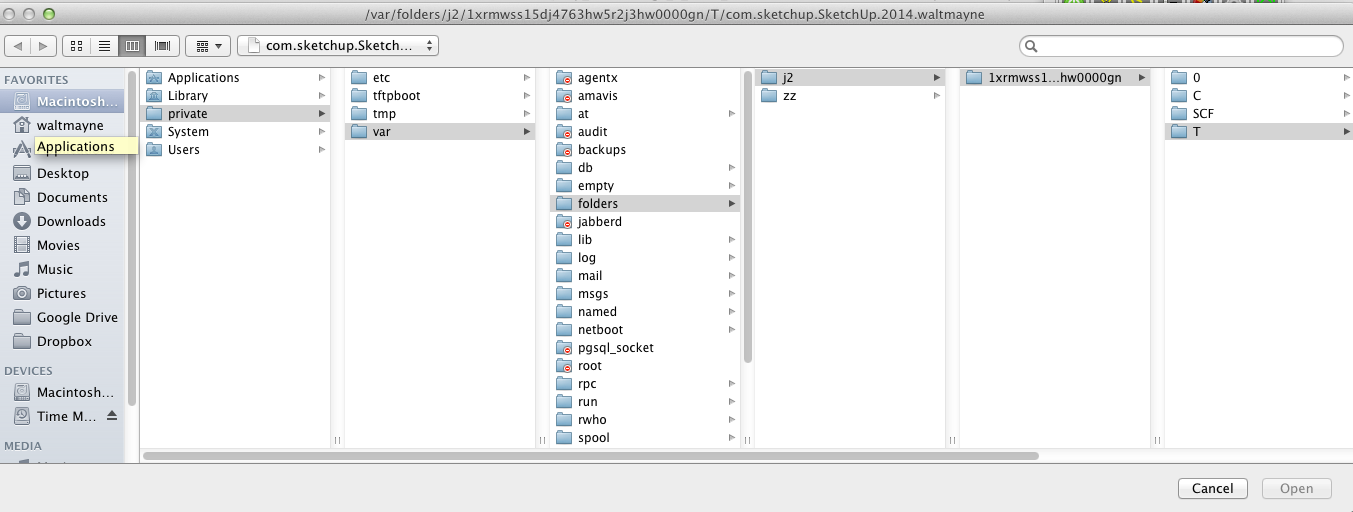
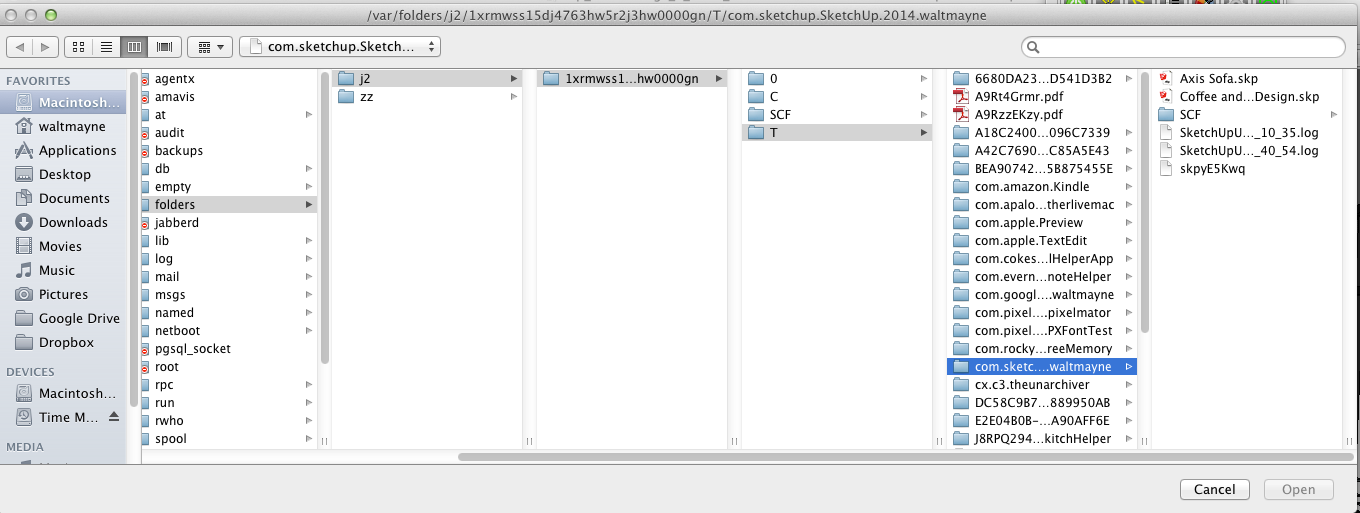
Mine's in MacHD / Private /var /folders /and screen shot better to explain
@dave r said:
Just being the administrator doesn't necessarily give you Read and Write permissions to all folders. Can you sort out the location from the save as... in the image editor? On my Mac SU writes the image file to com.sketcheup.SketchUp 2014.my_user. PhotoShop Elephants opens it from there and then saves it back again so SketchUp can update from that file.
Really PS elephants
I don't know Dave I looked for that location com.sketcheup.SketchUp 2014.my_user but couldn't find such a file, maybe give me more info?
I don't know where or what it's trying yo save never seen this before now. I have full permissions as administrator.
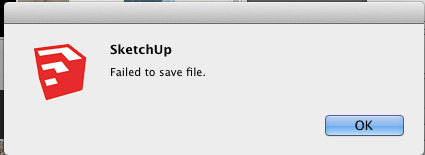
When I try to edit a material as I've done many times with no problem in SU 8 i get a dialog box that says Failed to save file so I save file still get error message. Any ideas maybe a bug.
PS pref/ open app set to my photo editor
I've been using SU 8 Pro and skipped SU 2013 but started using 2014 because I saw big improvements that were worth checking out mainly faster shadows. So my 8 hour time expired but won't let me use a free ver. like 2013 SU Make. Till I can afford to upgrade assuming I can jump from SU 8 to 2014 for the 95.00 upgrade fee {can I ?} wondering why it won't let me use free ver.
Thanks Andrew and Steve I was just curios so I will take your advice, always a good idea when smarter people tell you not to mess with it I've learned.
Thanks wind-borne, any particular reason you say not to? I found a few years ago SU 6 material library which had a whole bunch of materials that I guess they took out of newer ver. the t I actually used in SU8.
Want me to send you some sunshine
Ya I bet was 74 the other day only 50 today.
Thanks I got it now
Thanks Dave but I'm trying to find the same but for 2014
You guys are funny but I still can't locate the material folder where the default materials .skm's are, not in MacHD or user /Application Support I would like to put SCF seamless .skm's and others I've created with the default material .skm's.
I'm wanting to install all the seamless textures I've gottin here at SCF. So do I just make a Materials folder? I looked in MacHD / Application Support and User Application Support, found plugins folder but not much else no folders for Components, Styles , Resources. I skipped 2013 so this may have been covered but when I heard Shadows was faster had to give 2014 a run.
Thanks