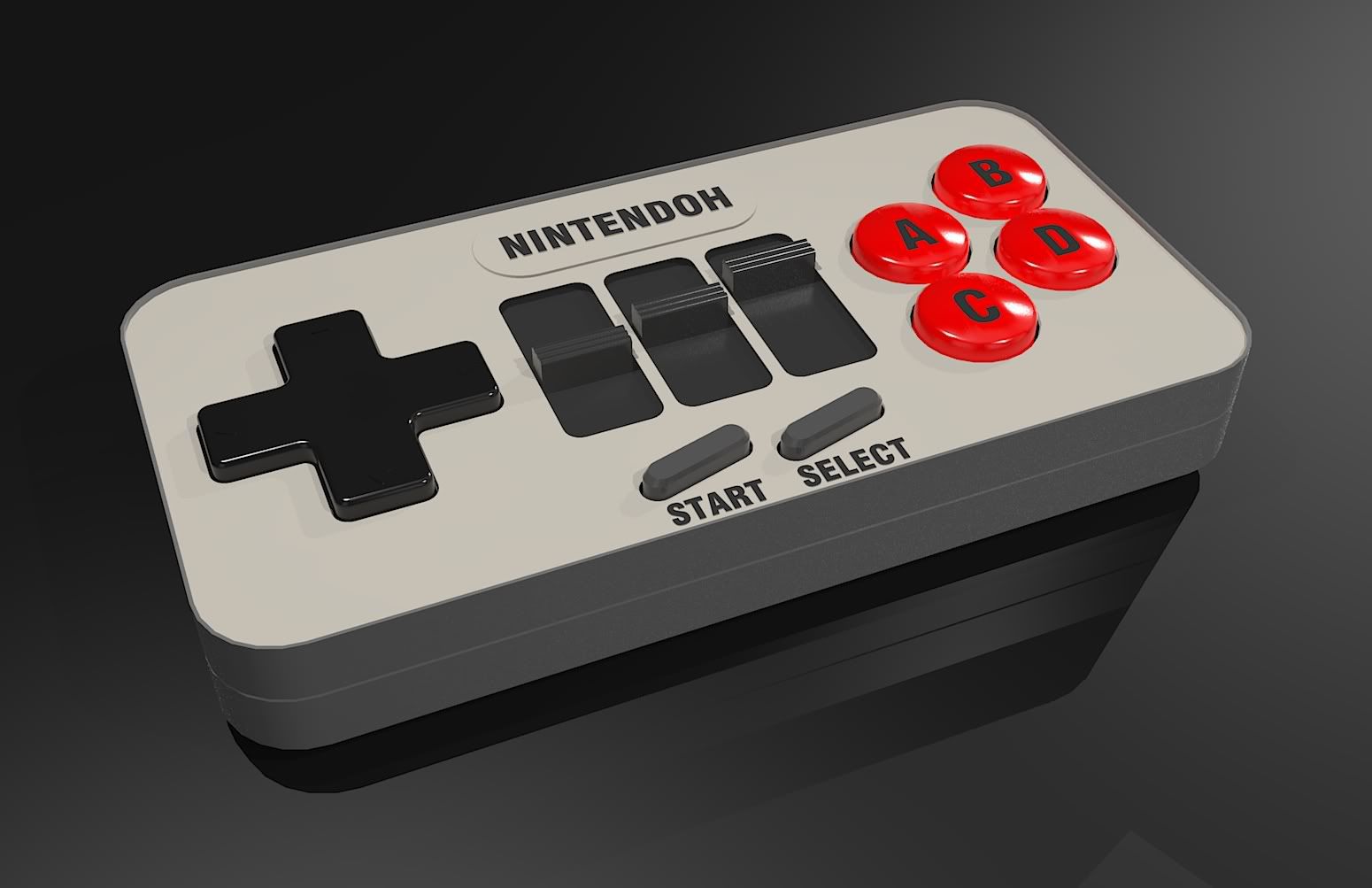
This is the result, after lowering the light value of the omnis, and adding an array of low-light value LEMs:
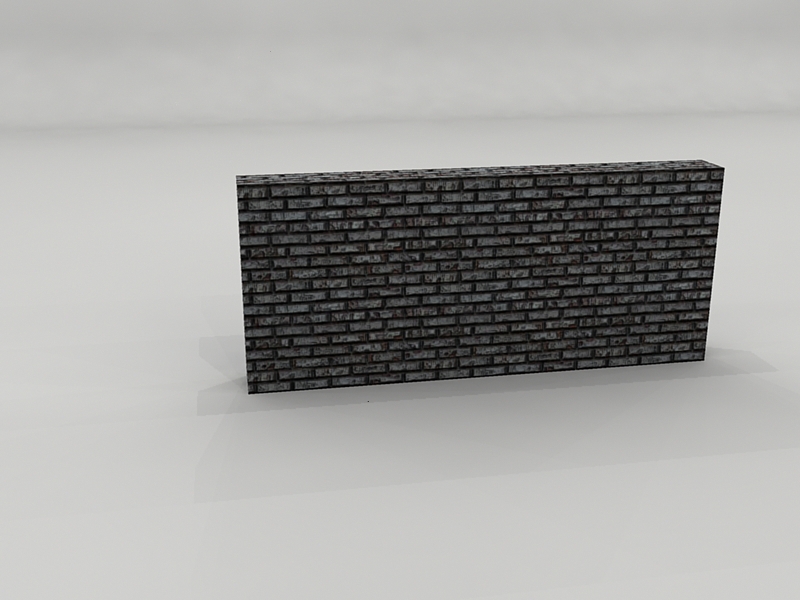
This is the result, after lowering the light value of the omnis, and adding an array of low-light value LEMs:
Also posted this on the Podium forums, but with no real success so far!
Tips and comments are most welcome!
@sir said:
looks wicked - but maybe would be better if you stopped 2 of your lights (assuming total of 3 No.) creating shadows
I used a studio scene posted on the Kerkythea forums. I'm currently experimenting with it. Will post more when I've made progess.
Cheers for the tips!
@click draw said:
Holy crap....Awesome. I guess we don't wanna piss you off...
Cheers..and don't worry 
Sketchup 6 Pro + Kerkythea 2008 @ Photon map High + AA 0.3:
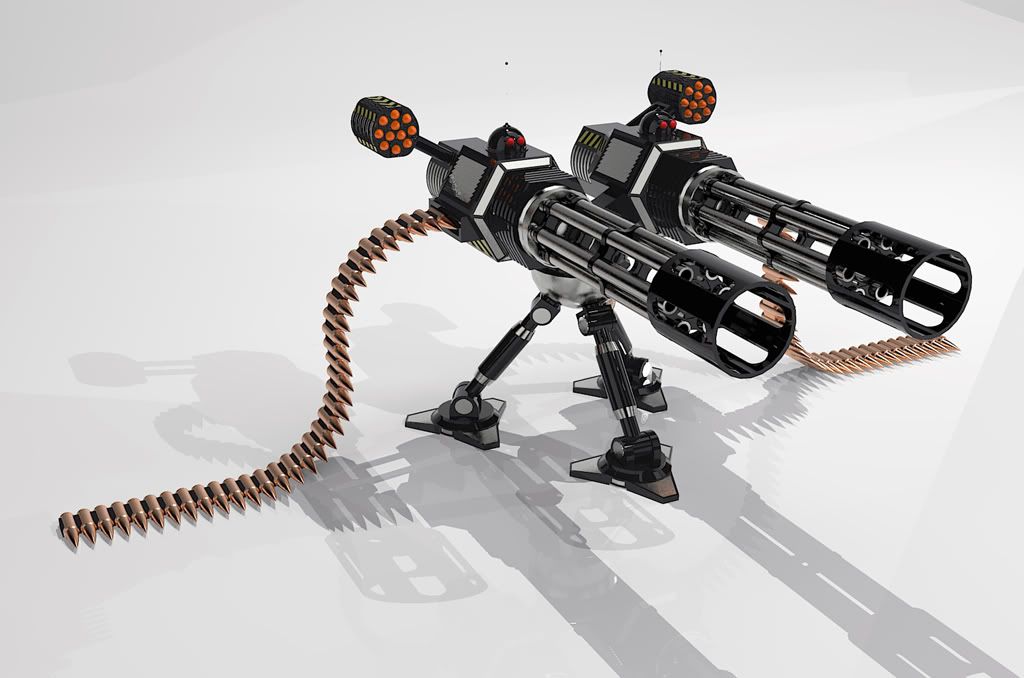
Quick render with Podium 1.6.1:
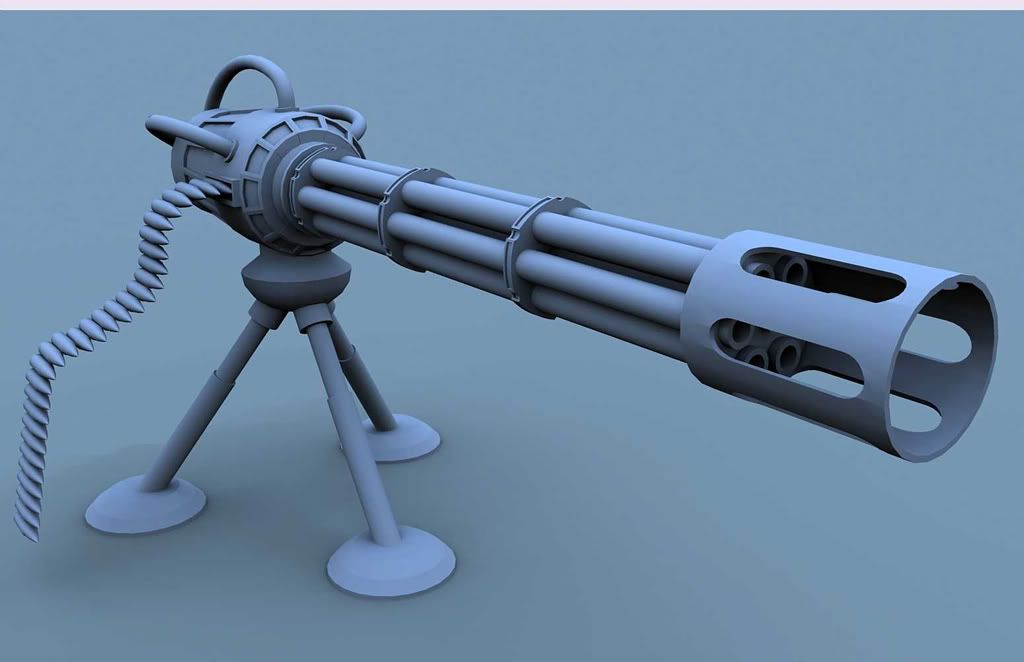
(Model was partly inspired by the Remote Assault Tank made by Danny)
Next step will be adding details
As usual comments and such are most welcome!
@frederik said:
Hi Matsuo,
I'm not sure what render preset you've used for this, but it doesn't look real to me...
It's somehow too CG'ish, which to me suggests that you've used a very low render preset...How long have you been working with KT...??
I think you should try working with a Studio setup...
Please take a look at the Frederik's studio lighting setup (really, Clipi's) thread at the KT Forum... I'm sure you can improve this and take it to the next level...
I've just downloaded version 3 of the scene, from the forums. Will post the result (using a new joypad) after rendering is complete. Cheers for the tips!
Hi there,
I just finished this D-pad, but am unable to fillet the edges (thus creating a nice, rounded look). Any suggestions? I tried the Follow Me tool with the outer upper edge, but without succes! Any suggestions? See attached model for details.
Cheers!
It was intentional, due to possible copyright infringement
Took me about 3 hours in total (including the occasional tweaking):
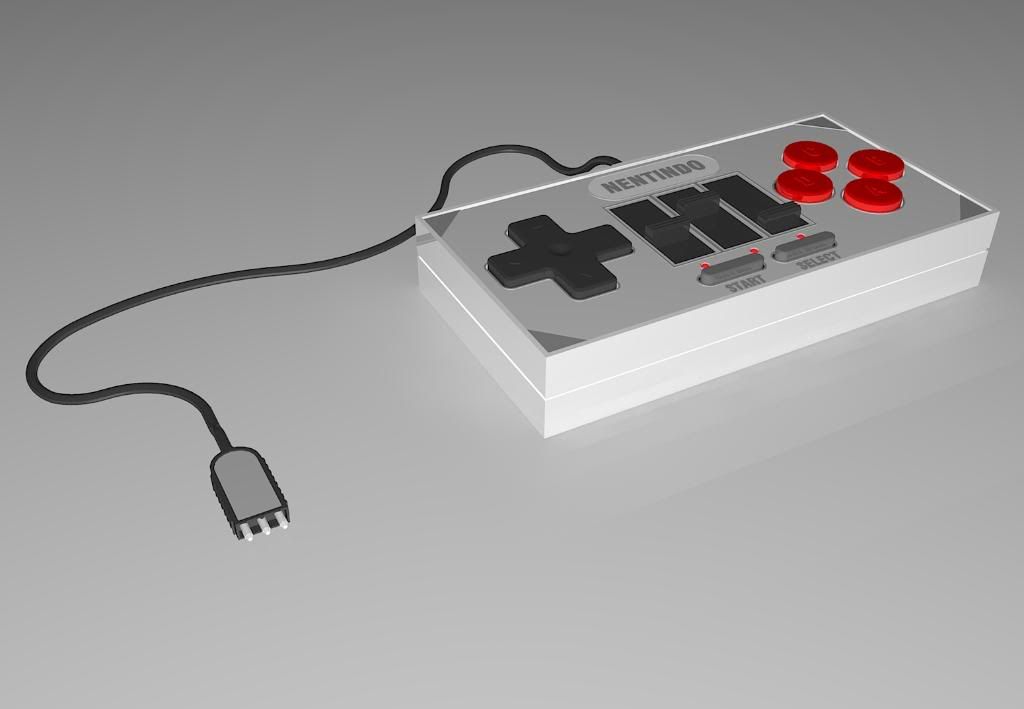
Created in SU 6 Pro and rendered in Kerkythea 2008.
Here's an update:
Lemme see what I can do about it!
edit: It seems my Photobucket account was deleted (all tho I did not request it) 
edit 2: Weird...I can see them now (I'm at work). I'll still upload them to my new account. Sorry for any inconvenience!
These were inspired by Mechwarrior figurines:
**Edit: Images on photobucket not available.
Added original code below if update is needed.
[img]http://img.photobucket.com/albums/v231/SirWato/Renders/polarity_textured001.jpg[/img]

[img]http://img.photobucket.com/albums/v231/SirWato/Renders/chaos_render_perspective.jpg[/img]

[img]http://img.photobucket.com/albums/v231/SirWato/Renders/chaos_test_render3.jpg[/img]

[img]http://img.photobucket.com/albums/v231/SirWato/Renders/polarity_perspective_render2.jpg[/img]

[img]http://img.photobucket.com/albums/v231/SirWato/Renders/polarity_perspective_render.jpg[/img]

[img]http://img.photobucket.com/albums/v231/SirWato/Renders/firespread_texture_perspective_rend.jpg[/img]
Wow! 
That's so friggin' aweomse! Makes me realise I have a long way to go
Cheers!
Wow, that looks really awesome!
I've picked up Vray myself a few days ago, but it's kinda tricky atm
Created for a contest on the Dutch SketchUp forum:

Comments welcome!
I've tried the Copy Along Path plug in, but each time I fail miserably
Can someone help me with a step-by-step tutorial?
Cheers!
Another quick question (one I haven't found a clear answer yet).
I'm looking for a way to make tank tracks. Perhaps there's some sort of array script, which makes it easy to copy a single link along a path.
Thanks in advance!


